Custom ChatGPT-Powered Chatbot: Smarter, Faster, and Better

Neha
Last updated on July 27, 2026
Businesses do not need a development team to build and launch a custom AI chatbot.
A no-code platform like YourGPT can train an AI agent on websites, documents, and help centre content, then deploy it across website chat, WhatsApp, and email.
The best platform should keep setup simple while supporting advanced agent capabilities, multiple channels, and models from providers such as OpenAI, Anthropic, Google, and xAI.
Adding a chatbot trained on a company’s own content used to mean a development sprint, pulling in an engineer, wiring up a model provider’s API, and testing edge cases for weeks before anything went live. A no-code AI chatbot builder skips most of that. A support or marketing team can point the platform at a website, a help center, or a set of documents, set the chatbot’s tone and behavior to match how the business actually talks to customers, and have a trained agent answering real questions the same day.
That accessibility used to come with a tradeoff. Early tools genuinely were built around a single model provider, most often OpenAI’s GPT models, which meant a business picked a chatbot platform and inherited whatever that one model could or couldn’t do. Newer no-code platforms have mostly moved past that, letting a team pick from models across OpenAI, Anthropic, Google, and xAI for the same chatbot, so a change in which model performs best doesn’t mean rebuilding the integration.
This blog walks through what a no-code AI chatbot builder actually does, the setup process end to end, and the specific features worth checking before picking one.
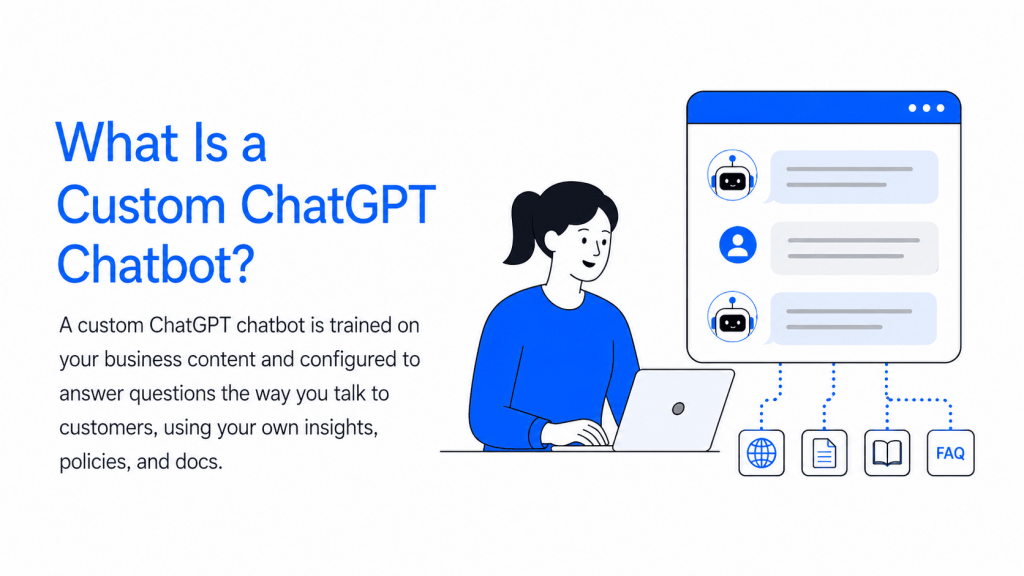
A custom ChatGPT chatbot is a chatbot trained on a specific business’s own content, its website, product docs, or help center, then configured to answer questions the way that business actually talks to customers. It differs from the consumer ChatGPT product at chat.openai.com in one key way: it draws its answers from a company’s own material instead of general training data, so it can accurately describe a specific return policy, product catalog, or account process that a general-purpose model was never trained on.
The name is a bit of a holdover. Early tools in this category ran exclusively on OpenAI’s GPT models, which is where the “ChatGPT chatbot” label came from. Most no-code platforms now support several model providers behind the same chatbot, so the more accurate term today is a custom AI chatbot, with GPT being one available option rather than the only one.
Setting up a custom chatbot involves two separate steps that happen in sequence. Training comes first: the platform ingests a website, help center, product documents, or uploaded files, then breaks that content into smaller sections and indexes them so the chatbot can retrieve the relevant piece when a question comes in. This is what search and AI teams call retrieval-augmented generation, or RAG, though a business setting one up rarely needs the term to use it.
Answering comes second. When a customer asks a question, the chatbot searches its indexed content for the most relevant sections, hands those sections to the underlying model along with the question, and the model writes a reply grounded in that specific material rather than guessing from general training data. This is also why retraining matters: updating a return policy or launching a new product only shows up in the chatbot’s answers after that content gets reindexed.
Five capabilities separate a no-code chatbot builder from a simple FAQ widget bolted onto a website. The differences show up less in what the chatbot says and more in what it’s actually able to do.
A no-code chatbot builder replaces developer setup with a visual dashboard. A team uploads or links content, then sets the chatbot’s tone, personality, and branding directly in that dashboard, welcome messages, colors, avatar, and how formally or casually it responds, without an engineering ticket.
The underlying model isn’t fixed to one provider. A platform with model choice lets a business pick from options across OpenAI, Anthropic, Google, and xAI for the same chatbot, so switching models when a better one launches doesn’t mean rebuilding the setup.
A chatbot built once can deploy across a website widget and WhatsApp, Instagram, Slack, and other messaging channels without a separate integration for each one. Multilingual support means the same chatbot detects and responds in whichever language a customer writes in, covering more than 100 languages, which matters for any business with an audience outside a single country.
Beyond answering questions, a chatbot can capture a visitor’s contact details mid-conversation and pass them to a sales team, or call a connected function to check order status, pull account details, or schedule an appointment instead of just describing what should happen next.
When a conversation needs a person, the chatbot can escalate it to a live agent without losing context, since the full conversation history carries over instead of the customer having to repeat themselves.
Capabilities are what the chatbot can do. Benefits are what a business actually gets from turning those capabilities on.
Features and benefits stay abstract until they show up in an actual conversation. Four scenarios cover most of where a custom chatbot earns its place.
The setup itself is short enough to walk through in four steps, all inside the same dashboard.


A no-code chatbot builder and a custom-built chatbot solve the same basic problem through different tradeoffs.
For most support, sales, and operations use cases, a no-code platform covers the need without the custom build’s time and maintenance cost. The exception is a requirement specific enough that no available no-code feature set actually covers it.
A chatbot connected to real business content and customer conversations needs security practices that hold up under scrutiny, beyond a badge on a pricing page. Look for a platform that states SOC 2 Type II and GDPR compliance clearly across its site, and confirm any additional certification, ISO 27001 is a common one to check, is current rather than assumed from older marketing copy. A Data Processing Agreement should be available for a business handling EU customer data, and it’s worth checking whether the underlying model providers offer zero-data-retention settings, since that determines whether conversation content gets used beyond that one conversation.
A few habits keep a chatbot accurate and safe regardless of which platform runs it:
No. The consumer ChatGPT product at chat.openai.com answers from general training data. A custom chatbot is trained specifically on a business’s own website, documents, and help centre content, and it can run on GPT or other model providers depending on the platform.
Not with a no-code platform. Setup happens through a dashboard by uploading or linking content and configuring the chatbot’s tone and rules, without writing integration code.
On platforms with model choice, yes. A business can pick from providers such as OpenAI, Anthropic, Google, and xAI for the same chatbot rather than being locked into whichever model the platform uses by default.
It does not update automatically the moment a website changes. The training content needs to be reindexed after a policy or product update, either manually through a dashboard button or on a set schedule, before the chatbot’s answers reflect the change.
That depends on the platform’s specific security practices. Check for stated SOC 2 Type II and GDPR compliance, an available Data Processing Agreement, and whether the connected model providers offer zero-data-retention settings before sharing sensitive customer data.
Pricing varies by platform and typically scales with usage, such as the number of chatbots, webpages trained, or messages handled. Checking a vendor’s live pricing page is more reliable than quoting a fixed number because most platforms adjust their tiers over time.
A custom AI chatbot only pays off if it’s trained on the specific content a business’s customers actually ask about, configured with real escalation rules, and checked on the same cadence as everything else on the website. None of that requires a developer anymore, which is the entire point of the no-code shift covered above.
The practical next step is picking one real, narrow task, order status, a specific FAQ category, appointment booking, and testing whether a no-code platform can handle it end to end before committing to a full rollout across every channel at once. A 7-day free trial, no credit card required, is enough time to run exactly that test on a live account instead of a sandbox demo.
Custom development still has a place for genuinely unusual requirements. For most support, sales, and operations use cases, though, the setup time argument alone tends to settle the decision before flexibility or cost ever get factored in.
Real estate growth starts with meaningful conversations. Every buyer, renter, or investor who visits your website is looking for quick answers about properties, pricing, availability, locations, viewing options, or the next step in their journey. YourGPT helps real estate teams turn those moments of interest into qualified leads. With an AI chatbot trained on your […]

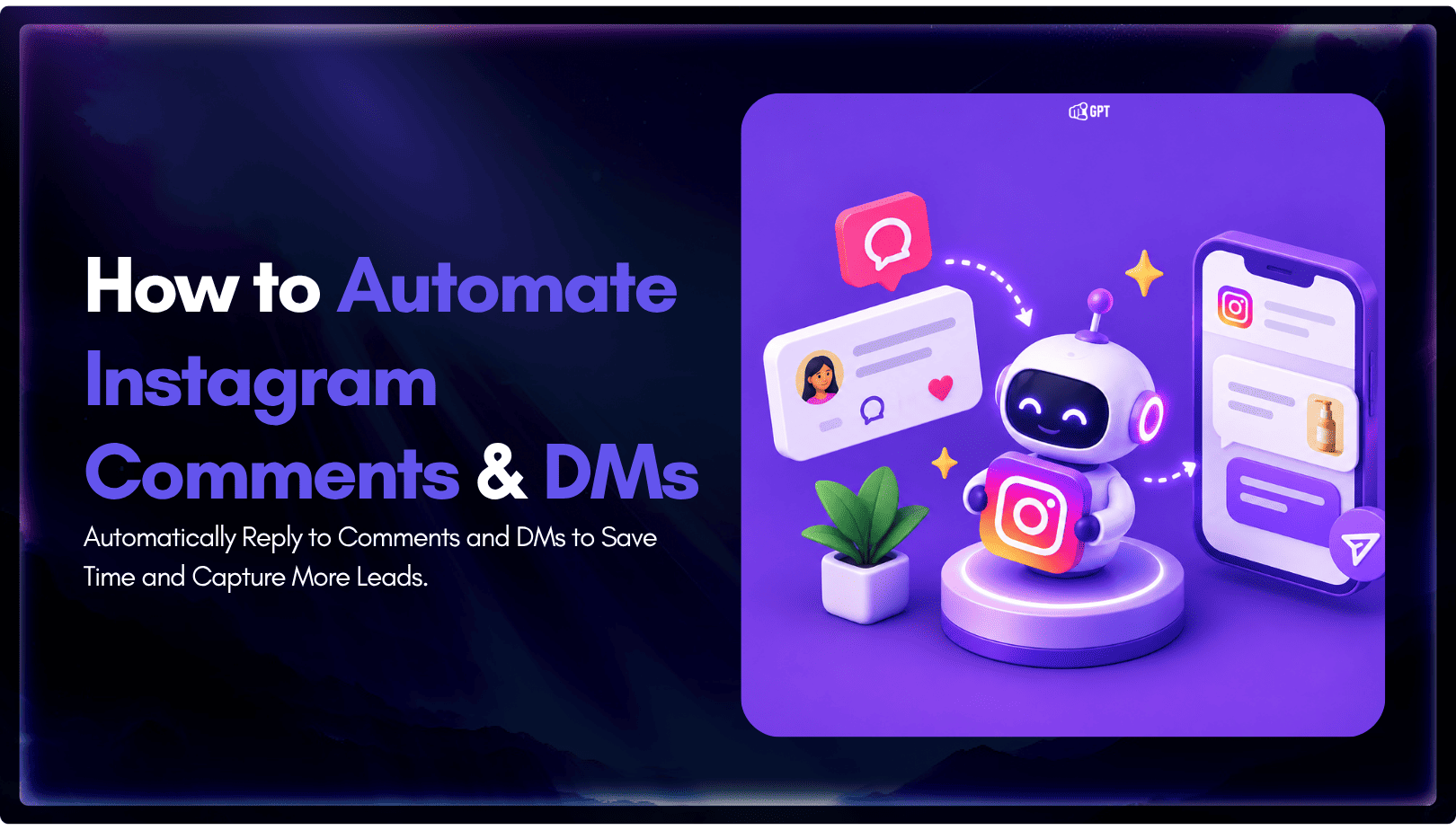
TL;DR Instagram buyers who ask “price?” in a comment expect an answer within minutes. Manual replies usually arrive too late to make the sale. YourGPT AI can connect to your professional account in minutes, reply publicly to selected comments, send detailed answers by DM, and handle follow-up questions using your knowledge base. Meta allows one […]
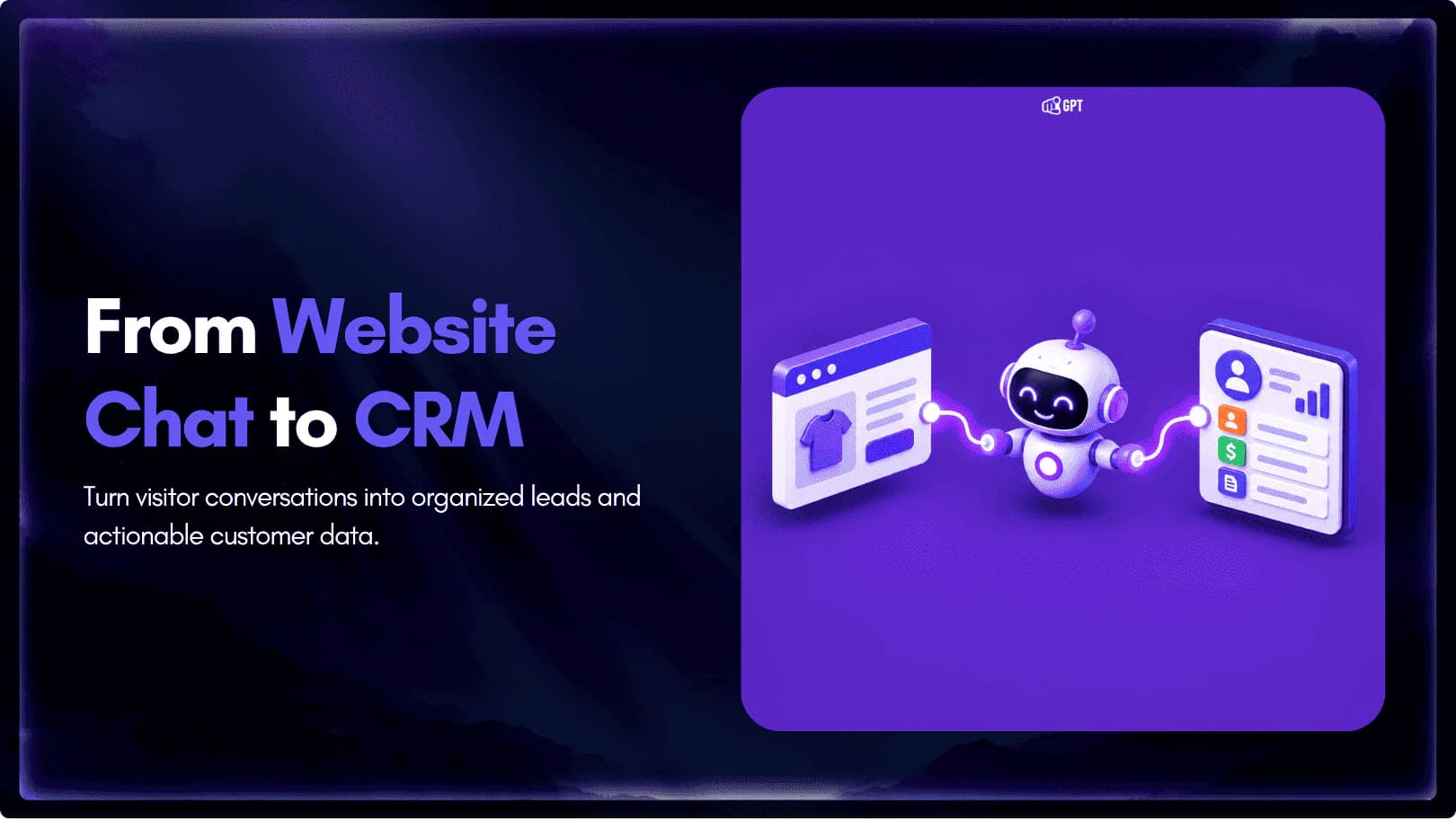
Connect your website AI agent to a CRM with YourGPT. Capture lead details, map contact fields and verify the record your sales team will use.

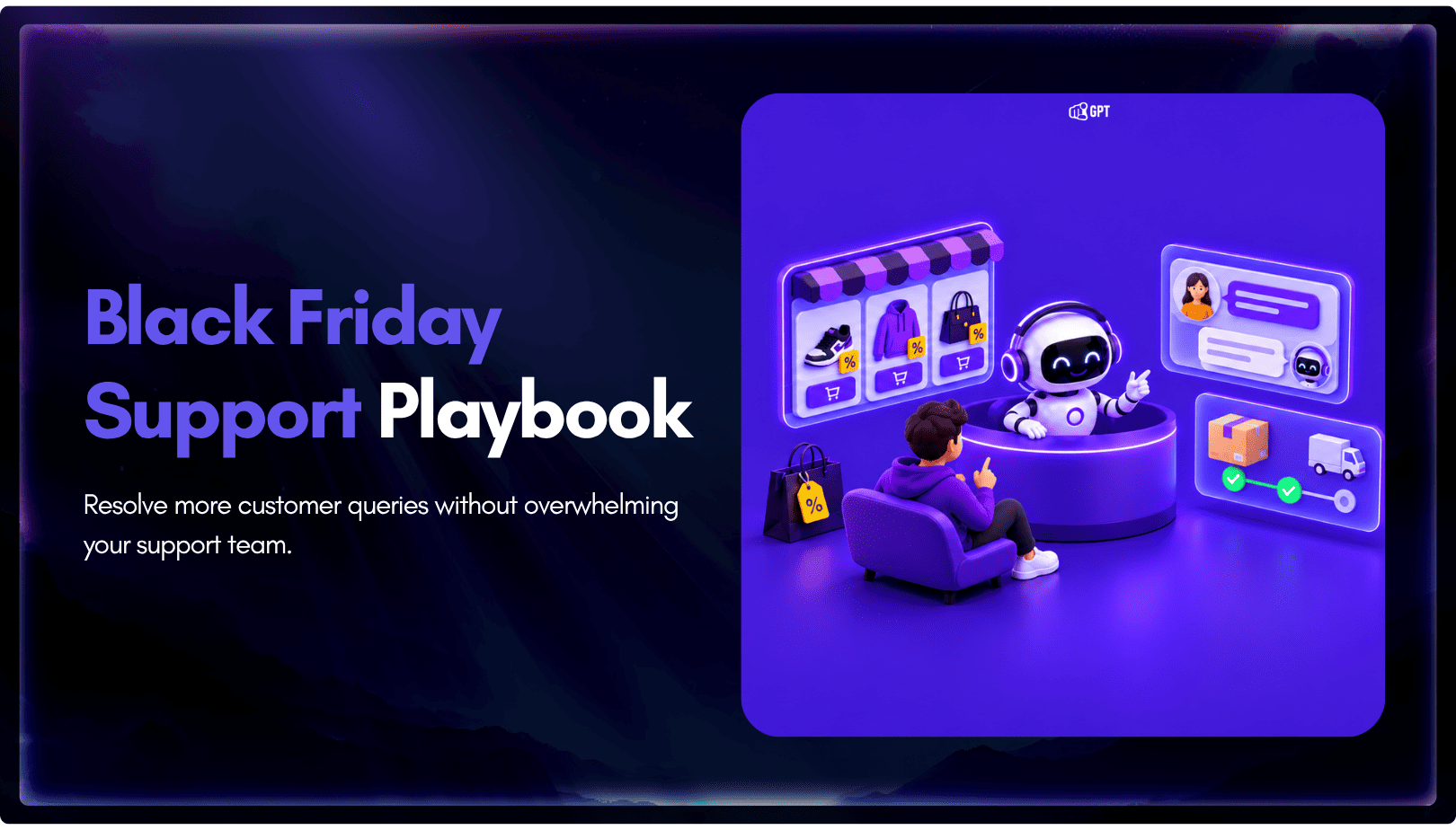
Use YourGPT to help Black Friday shoppers choose products, check orders and understand returns. Prepare your answers and team before the sale.
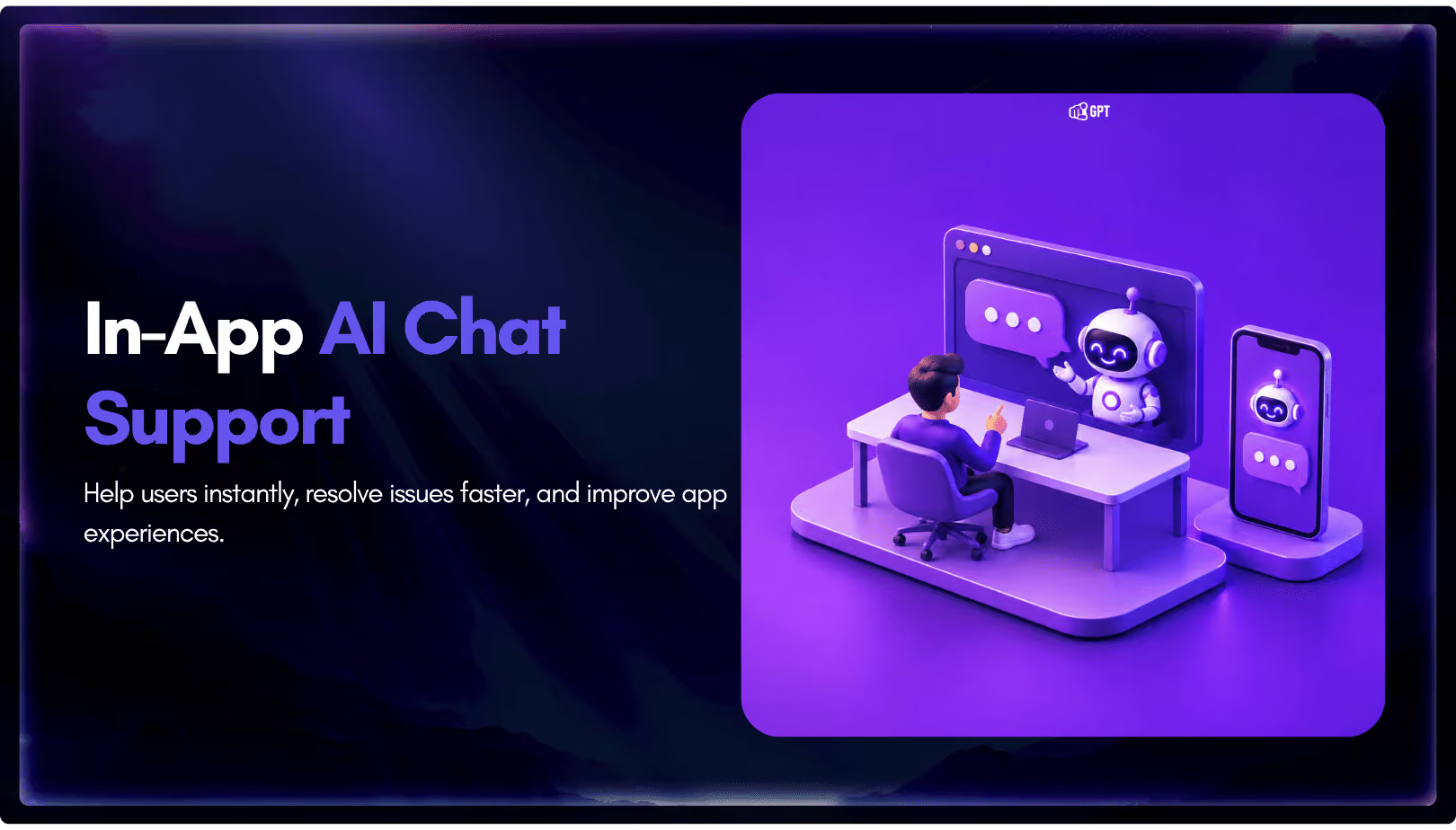
Add in-app chat support to your SaaS or mobile app. Place it on the screens where users stall, pass who they are, and hand hard cases to your team.
Group new-account tickets by onboarding stage, train an AI agent on your docs, and place it in the product where new users get stuck.