ChatGPT vs. YourGPT: Which AI is Right for Your Business?

Neha
Last updated on February 19, 2026
ChatGPT is a general-purpose AI for writing, research, and quick tasks, while YourGPT is a business-focused platform that builds custom AI agents trained on your company’s data. This guide compares their capabilities, security, integrations, and real-world use cases to help businesses choose the right AI for automation and growth.
ChatGPT vs YourGPT which AI assistant genuinely solves your business needs?
The rush to adopt AI is everywhere but many businesses quickly realise a general solution doesn’t always match their specific requirements. You might have experienced this yourself: generic answers, the context is missing, and a lack of real understanding.
In this blog, we will clearly outline the practical differences, helping you confidently choose the right AI assistant tailored to your exact business goals.
ChatGPT is a powerful general-purpose AI assistant by OpenAI. YourGPT is a customizable AI platform built for business-specific automation.
If you want general knowledge quick answers, use ChatGPT.
If you need private, accurate, brand-aligned quick responses, choose YourGPT.

ChatGPT is a conversational AI developed by OpenAI and powered by the GPT-4 model. It’s built to understand natural language and respond intelligently whether you’re asking a simple question or tackling a complex task.
From writing blog posts and translating content to explaining technical concepts or debugging code, ChatGPT is a flexible tool that adapts to a wide range of business needs.
That said, its general-purpose nature comes with a trade-off: ChatGPT doesn’t know your brand, your tone, or your internal data—unless you provide that context every time you use it.

YourGPT is an AI-first, no-code platform built to help businesses create intelligent AI agents. With YourGPT, you are building a Chat GPT that understands how your business works.
Create custom AI agents that:
Upload your FAQs, policy documents, product manuals, CRM entries—even video transcripts. YourGPT takes that content and turns it into AI that truly understands your business and serves your audience with precision.
| Feature | ChatGPT | YourGPT |
|---|---|---|
| Knowledge | Public internet data (static) | Your business data (live and private) |
| Privacy | Data sent to OpenAI servers | Runs on your secure instance, with full data control |
| Use Cases | Content, coding, brainstorming | Customer support, sales automation, internal ops, content creation and more |
| Setup | OpenAI apps | No-code setup, trainable in minutes |
| Tone | General tone, limited brand control | Fully customizable tone |
| Channel Support | Web/app/API | Web, app, API, WhatsApp, Instagram, Slack, Website, Voice, Email, more |
Apart from how they function, the systems themselves differ in how easy they are to set up, change, connect with other tools, and get help:
| Dimension | ChatGPT | YourGPT |
|---|---|---|
| Setup Time | Instant access | ~1 hour to deploy agents |
| Skill Required | None | No-code, drag & drop |
| Customisation | limited to no | Fully customisation |
| Integration | API only | Shopify, WordPress, WhatsApp, Zapier, Slack, API |
| Support | Community/Email | Community, Email, Live chat, dedicated helper |
| Multi-language | 50+ | 100+ |
While ChatGPT is instantly available for wide-ranging use, YourGPT offers a simple setup process designed specifically for businesses to build and use custom AI quickly. The focus is on letting businesses use their own information easily, without needing deep technical skills.

YourGPT goes beyond general AI. It’s trusted by over 10,000 businesses and built for teams that need intelligence grounded in their own content, workflows, and customer experience.
Here’s where the real value shows up:
And more. That’s exactly why businesses prefer YourGPT.
YourGPT is a no-code AI-first platform that allows businesses to build intelligent AI agents and chatbots. It helps automate customer support, sales, internal workflows and more without requiring any coding skills.
ChatGPT is a general-purpose AI assistant, while YourGPT is custom-trained on your business data. YourGPT delivers brand-aligned, context-aware responses, automates workflows, and supports multi-channel deployment including voice, websites, Slack, WhatsApp, and more.
Yes, YourGPT offers a complete no-code interface. You can upload your FAQs, documents, CRM data, and create intelligent AI agents without any programming experience.
Yes, YourGPT supports over 100 languages, enabling businesses to interact with customers across different regions while maintaining brand voice and context.
Yes. YourGPT operates on secure instances where you retain full control over your data. Unlike public AI models, your business data remains private and compliant with security requirements.
YourGPT is ideal for industries like E-commerce, Healthcare, Banking, Real Estate, HR, Travel, Legal, and IT Services. It improves customer support, sales, internal operations, and automates complex workflows across these sectors.
You can set up a basic YourGPT agent in 5 minutes. Advanced deployments with CRM and channel integrations typically take around 1 hour—all without coding.
Yes. YourGPT supports integrations with popular platforms like Shopify, WordPress, HubSpot, Salesforce, WhatsApp, Instagram, Slack, Zendesk, and more through direct connections and APIs.
When choosing between ChatGPT and YourGPT, your business’s specific needs are the most important factor.
For general questions, brainstorming, or trying out AI abilities, ChatGPT is easy to access and powerful. However, when your business needs an AI that is truly integrated with your operations one that understands your private information, uses your brand’s style, works with your systems, and keeps data secure a customizable system like YourGPT is the clear choice.
Investing in a business-specific AI platform like YourGPT allows you to get the most out of AI, better customer experiences, and improved internal efficiency, all grounded on your business specific context. It’s about moving from general intelligence to tailored, actionable intelligence that drives real business results.
It’s about moving from general AI help to smart, focused help that brings real results for your business.
Join thousands of businesses using AI Chatbot to automate support, boost engagement.
No credit card required • Full access • Cancel anytime
Group new-account tickets by onboarding stage, train an AI agent on your docs, and place it in the product where new users get stuck.

AI agents can now find and buy products for shoppers. See what agentic commerce changes for a Shopify store and which support jobs stay yours.

Build a Halloween shopping assistant for Shopify with YourGPT. Set up product recommendations, stock checks, cart actions and human support before launch.

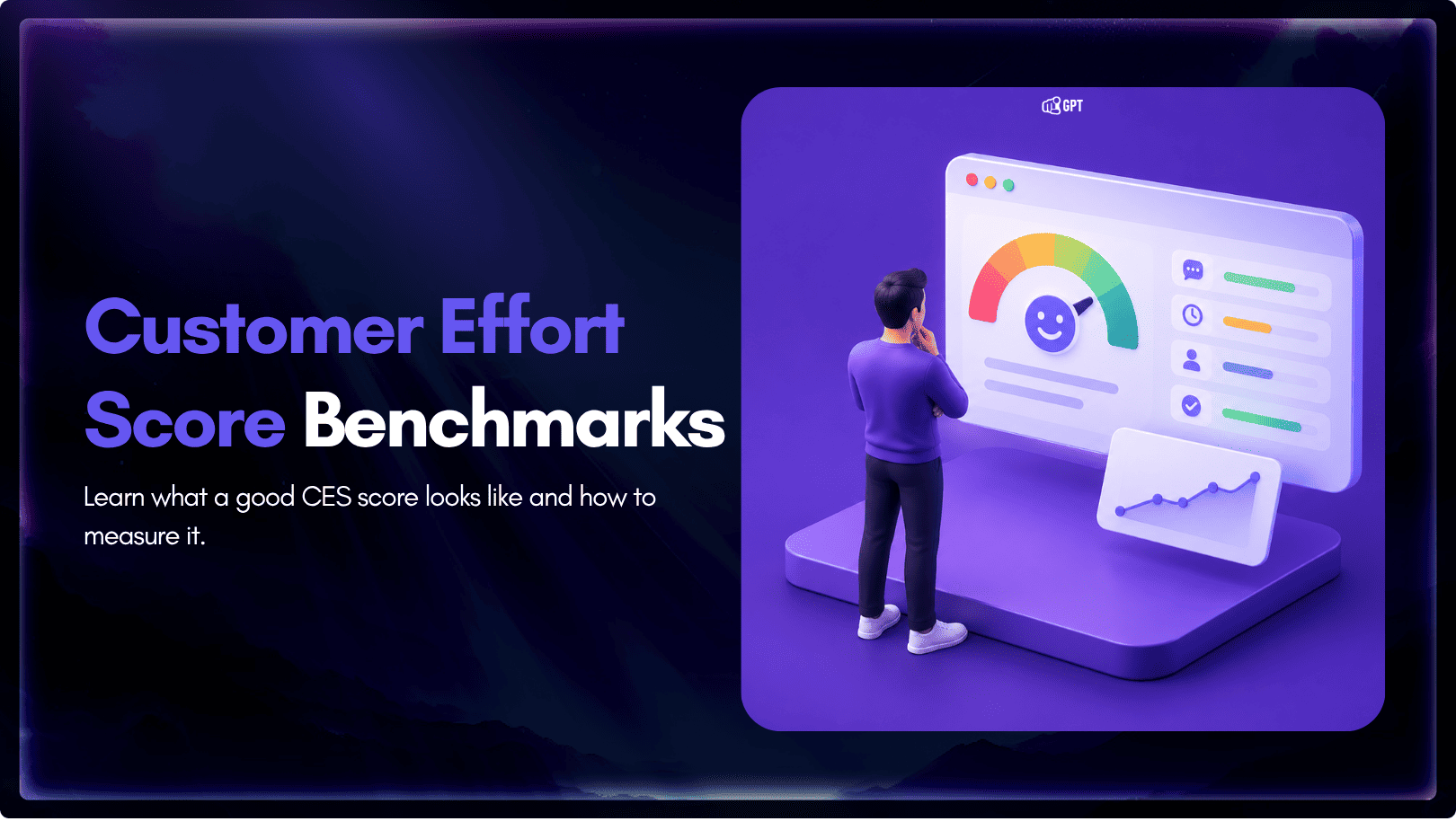
See what a good customer effort score looks like, how to word and calculate CES on each scale, and which support habits raise customer effort.
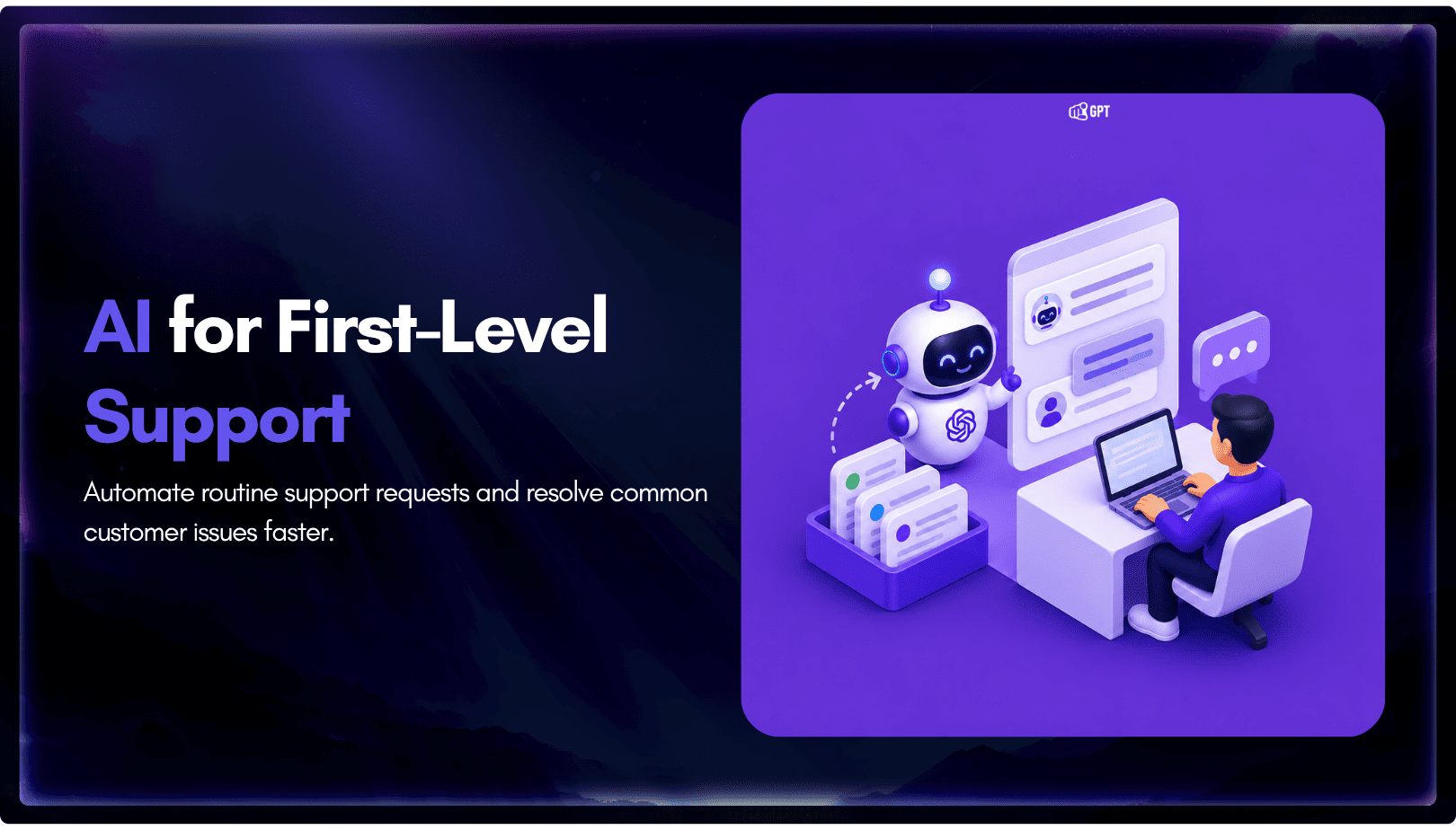
Tier 1 support handles first contact. See how Tiers 0 to 3 differ and what changes when an AI agent becomes your first line.
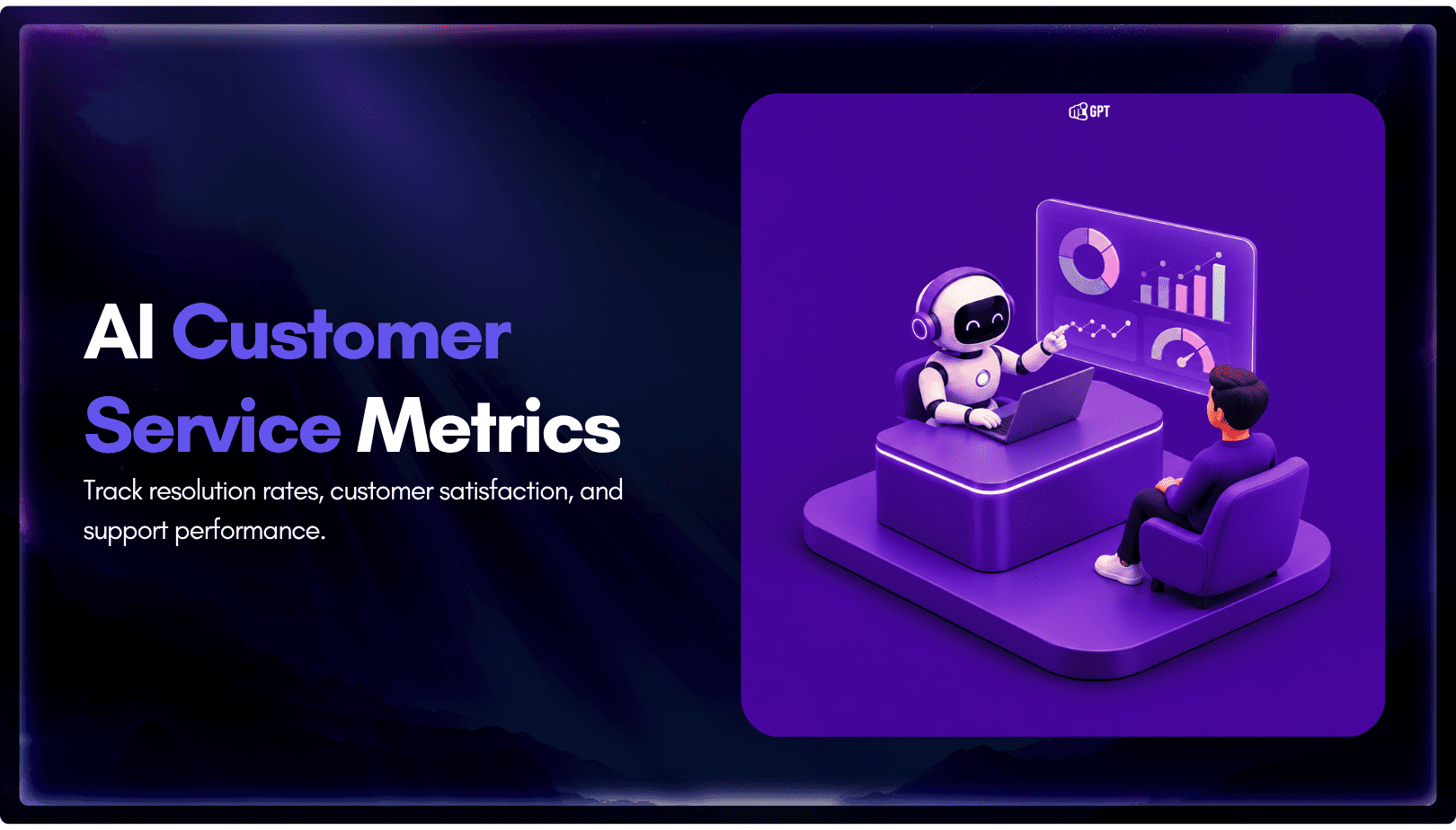
The 12 customer service metrics to track when an AI agent resolves tickets, with a formula for each and a baseline built from your own last month.