Transform Your Business Operations With Pabbly CRM and AI Chatbots (7 Practical Tips)

Neha
Last updated on August 12, 2026

YourGPT Chatbot captures leads from your website, WhatsApp, and Instagram, while Pabbly Connect automatically sends that data to your CRM, spreadsheet, or team chat.
Pabbly Connect is an automation platform, not a CRM. It connects with 2,000+ apps, including HubSpot, Zoho, and Salesforce, helping your existing tools work together without manual data entry.
Setup only requires a webhook and API key, with no coding needed. This guide covers seven practical ways to use the integration beyond basic lead syncing.
Running a business involves managing a lot of different aspects from customer interactions to keeping daily operations on track.
One common challenge many businesses face is finding ways to improve operational efficiency and automating customer service tasks.
One effective solution is integrating AI chatbots into your operations.

This shows the growing importance of integrating chatbot into your business strategy.
Integrating YourGPT AI chatbots with Pabbly CRM offers a powerful solution to these challenges. AI chatbots can streamline routine interactions, while Pabbly CRM enhances customer relationship management and operational workflows.
In this blog, we will discuss highlight key features, and offer Practical tips to help you make the most of these tools.
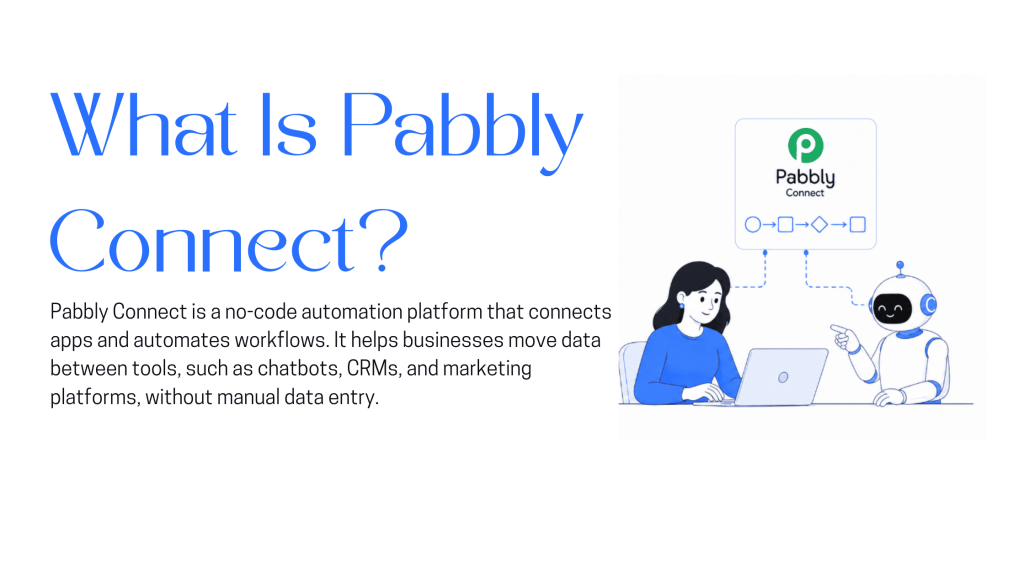
Pabbly Connect is an automation platform. It is not a CRM.
It links over 2,000 apps, including CRMs like Zoho, HubSpot, and Salesforce, so data moves between them without manual entry. The wider Pabbly product suite also includes Pabbly Subscription Billing for recurring payments, Pabbly Form Builder for lead capture forms, and Pabbly Email Marketing for bulk campaigns. Each is sold as its own app.
For a YourGPT setup, Pabbly Connect is the layer in between. It takes a lead your chatbot just captured and pushes it into whichever CRM your sales team already lives in. Pabbly isn’t replacing that CRM. It’s removing the manual export step between your chatbot and it.
Two things make this worth the setup time instead of waiting on a native integration:
YourGPT Chatbot is a no-code AI agent builder for customer support and sales, and three things about it stay constant across every use case in this post:
Self-learning content. Train it once on your site, help center, or documents using Smart Learning, and it answers from that source instead of a static FAQ script.
No-code setup. You’re not writing integration code. Follow the same quick start flow used to launch any chatbot, then point Pabbly Connect at the API key it generates.
Omnichannel coverage. The same chatbot logic runs on your website, WhatsApp, Instagram, Slack, Messenger, and Telegram, so a lead captured on WhatsApp syncs to your CRM the same way one captured on your site does.
Two setup paths exist, depending on what you’re building.
The short version: create a “Catch Webhook” trigger in Pabbly Connect, paste the generated URL into YourGPT Chatbot’s Integration Settings → Webhooks, and select “Contact Created” as the trigger event. The moment a visitor submits your chatbot’s lead form, Pabbly Connect picks up the data. From there, add actions to write it into Google Sheets, post a notification to Discord, or push it into your CRM.
2. For triggering the bot from another app — for example, auto-replying the instant a new Facebook or Instagram Lead Ad comes in — use Pabbly’s dedicated “YourGPT Chatbot” action instead. Generate an API key from Integrations → API Integration, then use it inside Pabbly Connect’s “New Session” and “Send Message” actions to start a conversation and reply automatically, before the visitor ever types a word to your bot directly.
No custom code either way. No developer ticket. Once it’s live, it runs on its own.
The webhook setup above handles one workflow: lead in, CRM updated. Once that’s running, the same connection can carry more of your customer-facing work without adding another tool.
Your chatbot collects a name, email, and phone number during a conversation. Pabbly Connect pushes that into your CRM the moment the conversation ends, the same way it does for a Facebook Lead Ads submission or a Calendly booking. Add a follow-up reminder step, and your sales team gets a task instead of having to remember to check the chat log. For the field-by-field setup, see our full guide on capturing and syncing leads.
Once your CRM data and chatbot are connected both ways, the bot can reference a customer’s purchase history or plan tier instead of asking questions it should already know the answer to. Set an escalation rule so anything the bot can’t resolve routes through AI Helpdesk to a human agent with that context already attached, not a blank ticket.
A single sync (chatbot to CRM) is the starting point, not the ceiling. Pabbly Connect supports multi-step workflows: a new lead can hit your CRM, trigger a welcome email through Mailchimp, and post a Slack alert to your sales channel, all from one chatbot conversation, all without touching a second tool.
Because YourGPT runs the same logic across web, WhatsApp, Instagram, and Slack, you’re not rebuilding this workflow per channel. Connect it once through Pabbly Connect, and a lead captured on WhatsApp lands in the same CRM pipeline as one captured on your pricing page.
Most of this post so far covers reactive automation: a customer asks, the bot answers, the data syncs. Pabbly Connect can also run the other direction. A new subscription in Pabbly Subscription Billing can trigger the chatbot to send a WhatsApp confirmation. A cart abandonment on a WooCommerce store can trigger a follow-up message before the customer forgets your site exists.
Chatbot conversations carry information your forms don’t capture: what a customer actually asked about, not just what they clicked. Route that into your CRM’s custom fields through Pabbly Connect, and you can segment “asked about pricing but didn’t convert” as its own list, separate from “asked a support question.”
Onboarding and post-purchase support are where most chatbot setups stop halfway. Use the same webhook pattern to trigger an onboarding sequence the moment a deal closes in your CRM, and to flag post-purchase questions back to a human agent if the bot’s confidence score comes back low.
The chatbot-to-CRM gap isn’t really a technical problem. It’s a follow-up problem wearing a technical disguise. Every lead your bot captures and nobody acts on is a conversation that already happened, at real cost, and then got thrown away anyway because it never left the chat log. Fixing that costs an API key and a webhook, not a developer sprint.
Don’t judge this by how many of the seven workflows you turn on. Judge it by whether Tip 1 alone, the basic lead-to-CRM sync, changes how fast your team follows up this week. If it does, you’ll know the rest of this list is worth the extra hour it takes to set up.
Join thousands of businesses transforming customer interactions with YourGPT AI
No credit card required • Full access • Limited time offer
The 12 customer service metrics to track when an AI agent resolves tickets, with a formula for each and a baseline built from your own last month.

Calculate cost per ticket with one formula and a free calculator, then compare it with the cost of a conversation an AI agent resolves.

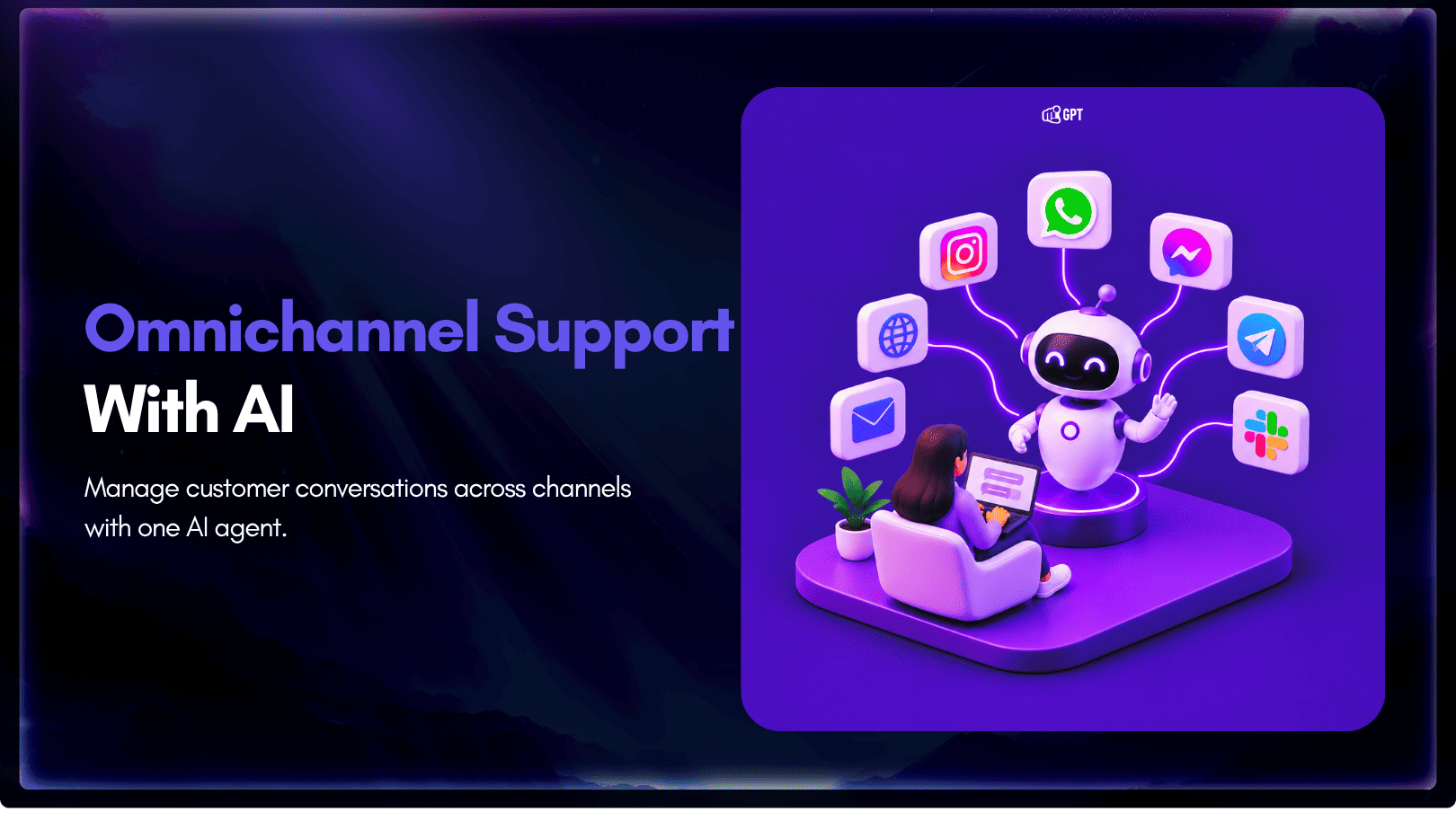
Omnichannel support means every channel answers from the same knowledge. Train one AI agent, pick your first channel, and test that answers match.
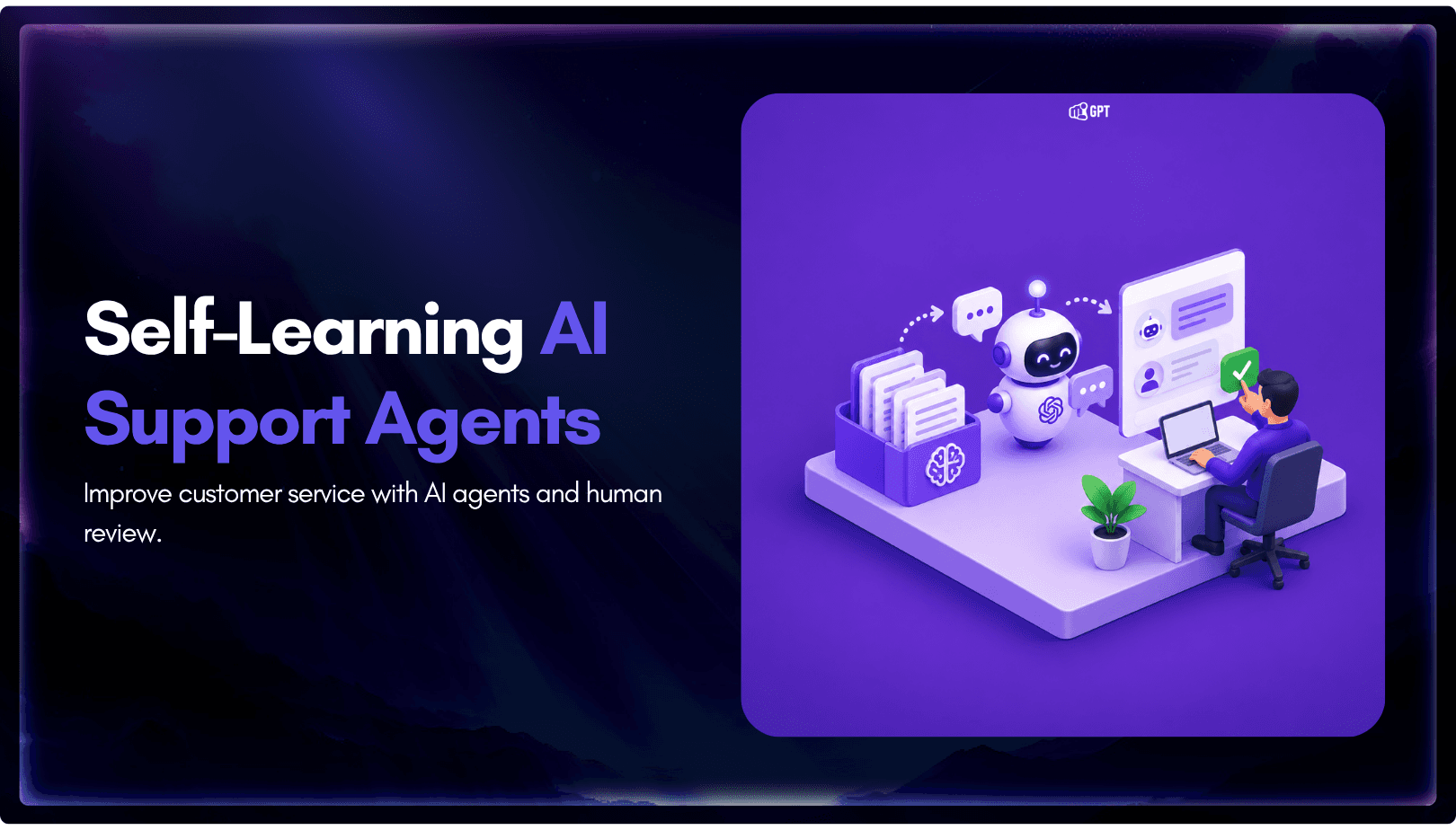
Self-learning AI agents log the questions they miss. Learn how human review turns those gaps into trained answers and how to run the weekly loop.
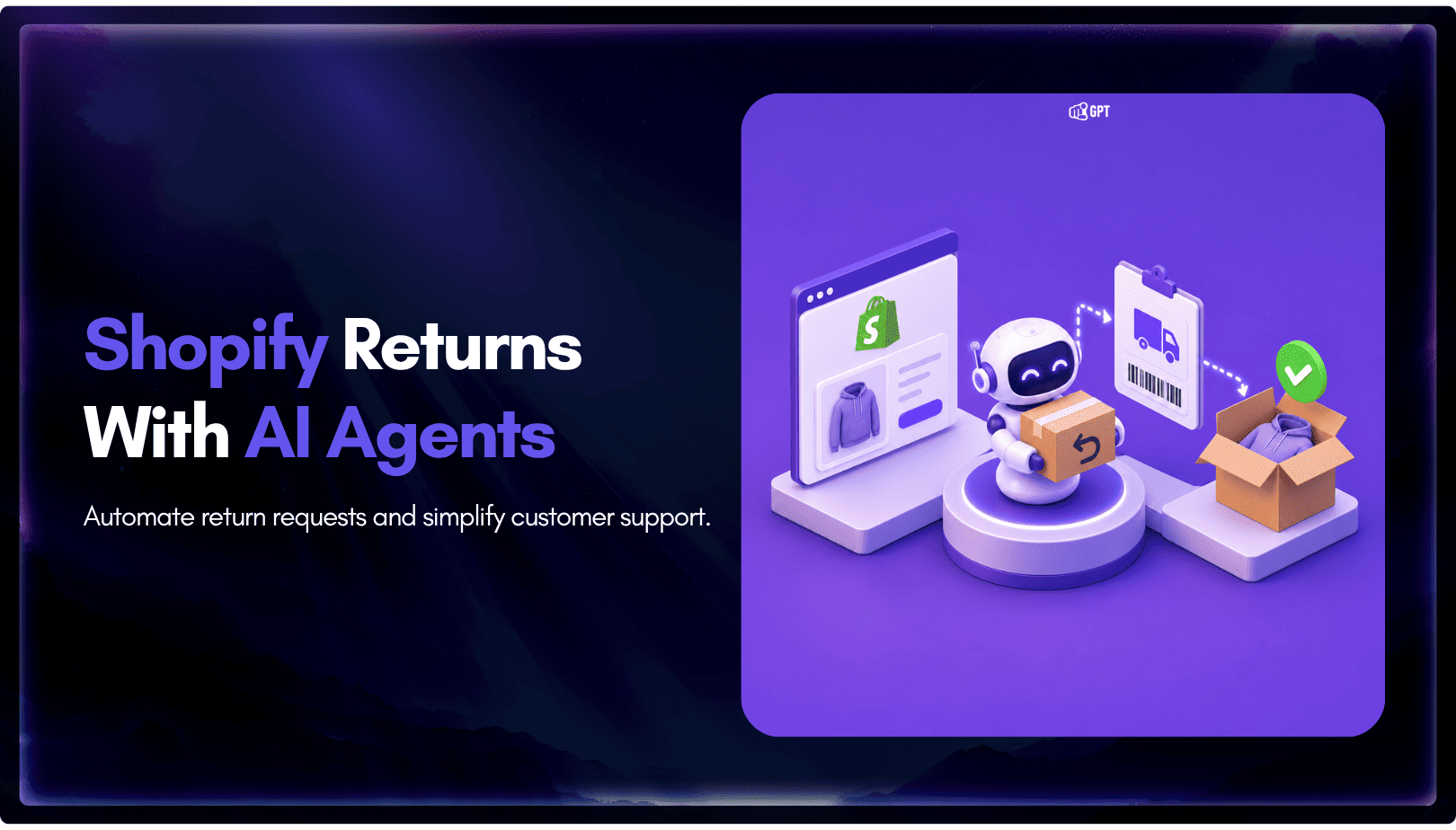
Train an AI agent on your return policy, connect the Shopify template in AI Studio to check real orders, and route exceptions to your team.
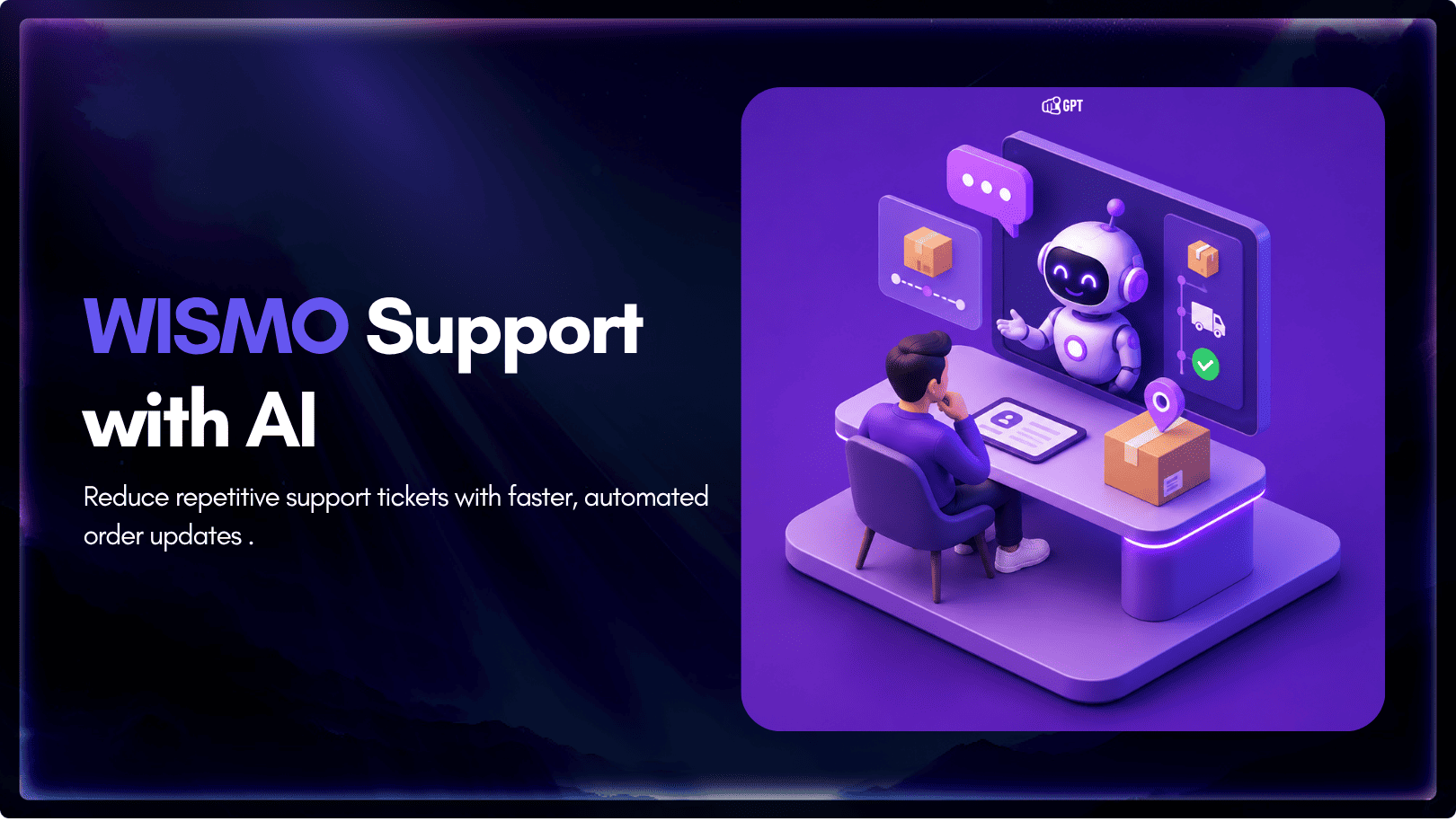
WISMO means Where Is My Order. Measure your WISMO share from last month’s tickets, fix the tracking gaps, and let an agent answer order status.