Reducing Tickets: AI Agent + Ticketing on escalation for your CX

Rohit Joshi
Last updated on August 22, 2026
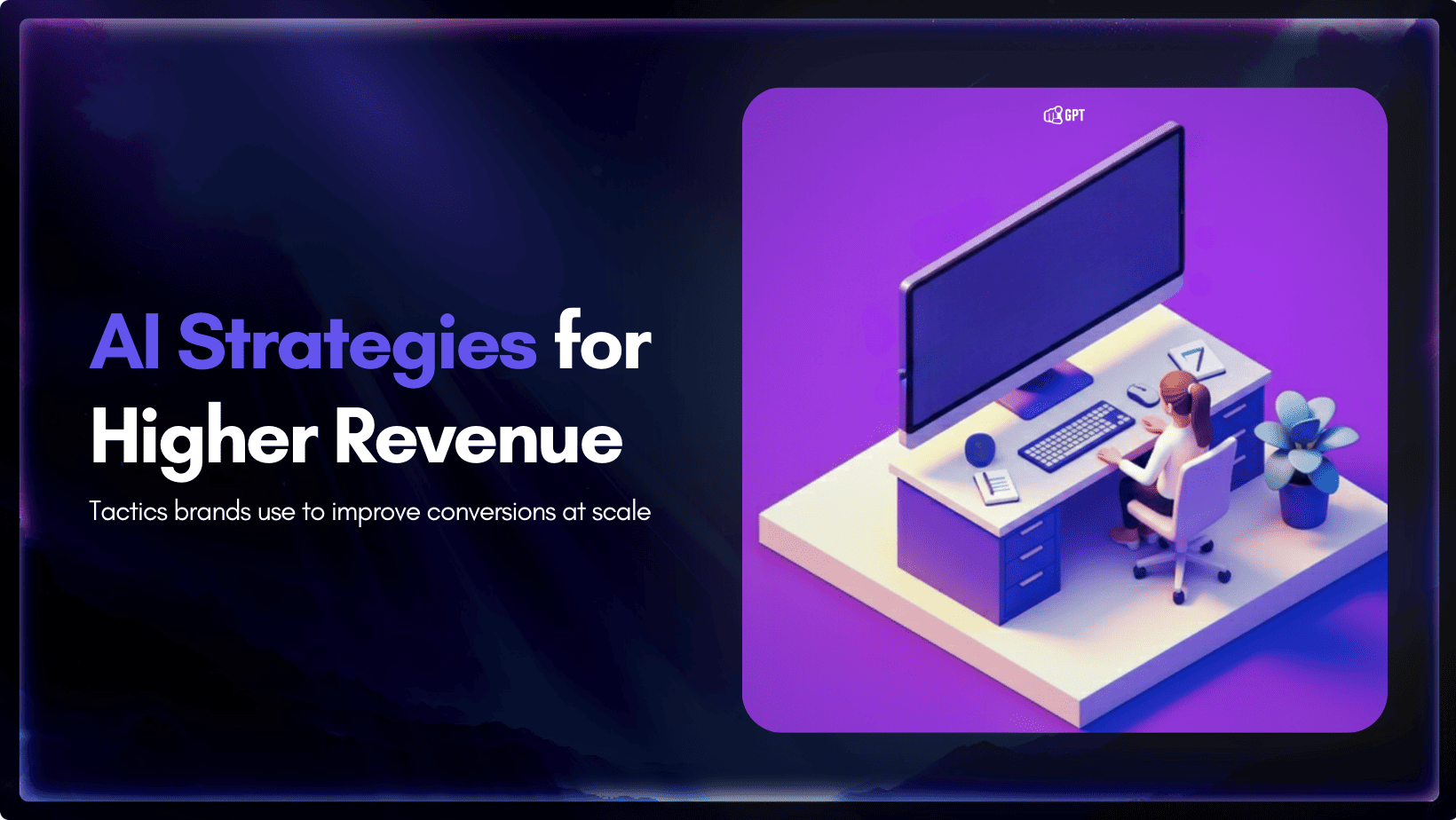
AI agents reduce support ticket volume by resolving customer requests directly instead of sending every issue into a queue.
Ticketing systems still matter for tracking, SLAs, and reporting, but combining them with AI agents removes friction before a ticket is created.
Strong escalation rules are essential. Sentiment, account value, and confidence level should determine when a conversation goes directly to a human.
YourGPT connects with Zendesk, Freshdesk, and Zoho Desk through AI Studio, so escalated tickets can include the full conversation context from the start.
Customer deployments such as Mageplaza show how this AI-first support model can work in real production environments.
Most support teams treat ticket reduction as a routing problem. Sort tickets faster, assign them to the right queue, and volume will supposedly drop on its own. It rarely does. Categorizing a ticket faster does not make the underlying request disappear. It just moves the same work to a different desk sooner. Reducing tickets actually starts before a ticket exists. It takes an AI agent that resolves the request directly, paired with a ticketing system that only steps in for what genuinely needs a human record.
An AI agent reduces support tickets by executing customer requests directly instead of only classifying and routing them. Paired with a ticketing system, the agent resolves deterministic tasks such as order status, refunds, and password resets on its own, escalates complex or high-sentiment cases to a human with full context attached, and only lets a ticket form when a person genuinely needs to handle it.
Legacy ticketing systems already use AI. Most classify incoming requests by topic, assign a priority score, and route the ticket to the right queue. None of that touches the actual workload. The request still needs a human answer, the same categories still repeat week after week, and the queue still grows during a launch, an outage, or a seasonal spike.
Three patterns show up in support teams stuck at this stage:
None of this is wrong exactly. Sorting work faster is not the same as removing work.
A reply-only chatbot drafts an answer and stops there. An AI agent connects to the systems behind that answer, such as the order database, the billing platform, and the identity service, then executes the next step directly. A refund request becomes a completed refund instead of a ticket that says “process refund.” A password reset becomes a completed reset instead of a routed request.
The distinction matters for ticket volume specifically. A resolved request never becomes a ticket. A routed request always does, even when the eventual fix takes thirty seconds. Removing the routing step removes the ticket entirely. The wait time attached to it disappears too. This is the shift covered in more depth in agentic AI in customer experience. The agent checks the system, applies the policy, and closes the loop before the customer has time to get frustrated.
Four patterns account for most of the reduction support teams see once an agent is doing real work instead of just replying.
YourGPT AI Studio maps directly onto this pattern. The API Calling node connects to order, billing, and CRM systems so the agent executes rather than describes. The Capture node gathers missing details before a ticket forms. Multi-source training pulls from the same help center, PDFs, and Notion docs already in use, so the agent answers from approved content instead of guessing.
Automation without limits creates its own problem. A frustrated customer stuck talking to a bot gets more frustrated. Escalation rules are what keep automation useful instead of irritating.
Three conditions should bypass automation immediately:
YourGPT’s human-in-the-loop handoff carries full conversation context into the transfer, so the agent picking up the case does not start over. Studio’s AI Conditions node makes these rules explicit and editable instead of buried in code, so a support lead can adjust the threshold directly.
None of this requires replacing an existing helpdesk. YourGPT integrates with Zendesk, Freshdesk, and Zoho Desk directly, plus CRMs like Salesforce and HubSpot, so tickets that do get created carry the conversation history, the customer’s account data, and whatever the agent already attempted. For teams building a broader picture of how a ticketing system fits into the stack, that context layer is the piece most setups miss.
Real-time sync matters specifically here. Nothing frustrates a customer more than repeating information because the ticketing system and the chat agent are not talking to each other. Syncing ticket status back into the conversation means a customer checking on an existing case gets a live answer instead of a promise to check and follow up.
Mageplaza, which serves more than 119,000 ecommerce clients, connected YourGPT to automate its repetitive support tickets. Response time dropped by half and coverage extended to off-hours without adding headcount, the kind of result that shows up when the agent and the ticketing system share the same data instead of operating as separate tools.
Ticket volume alone is a weak signal. A drop in tickets could mean customers are getting resolved faster, or it could mean they gave up and left. Pair volume with a small set of metrics that show the difference:
YourGPT’s analytics dashboard tracks sentiment, resolution rate, and conversation volume by default, with advanced reporting on higher tiers for teams that need the full breakdown by channel and agent.
Setup does not need an engineering sprint. YourGPT is built as a no-code platform, and the sequence that works best mirrors how support teams already think about their queue:
A seven-day free trial with no credit card required covers enough time to test this against one real ticket category before committing further.
Yes, for deterministic, rule-based tasks such as order tracking, eligible refunds and returns, password resets, and subscription or billing changes. Cases involving ambiguity, high emotion, or policy exceptions can be routed to a human agent with the conversation history attached.
No. YourGPT connects to your existing ticketing system. Integrations with Zendesk, Freshdesk, and Zoho Desk allow the ticketing platform to continue managing tracking, SLAs, and reporting while the AI agent handles resolution and triage upstream.
YourGPT helps reduce ticket volume by combining API Calling for task execution, contextual human handoff, and training from existing help center content, PDFs, and Notion documents. It also offers a seven-day free trial with no credit card required, making it possible to test the approach on a single ticket category first.
YourGPT can use AI Conditions in Studio to apply rules based on factors such as sentiment, confidence, and account value. When a case meets an escalation threshold, it can be handed to a human agent with the full conversation context attached, so the customer does not need to repeat the issue.
Yes. Higher-tier plans can scale AI Credits, webpage and document training limits, team seats, and advanced analytics. Integrations with Zendesk, Freshdesk, Zoho Desk, Salesforce, HubSpot, and 100+ tools through MCP support teams as their automation needs grow.
The gap between a ticketing system and an AI agent is the gap between organizing work and finishing it. Teams that only sort tickets faster keep the same workload, just with better labels. Teams that let an agent execute the routine cases and escalate the rest with full context see the number that actually matters. Fewer tickets need a human in the first place.
Start with one ticket category this week. Pick the highest-volume, lowest-complexity type in the existing queue, connect it to an agent through AI Studio, and set the escalation rule before turning on live traffic. The volume drop that follows measures itself.
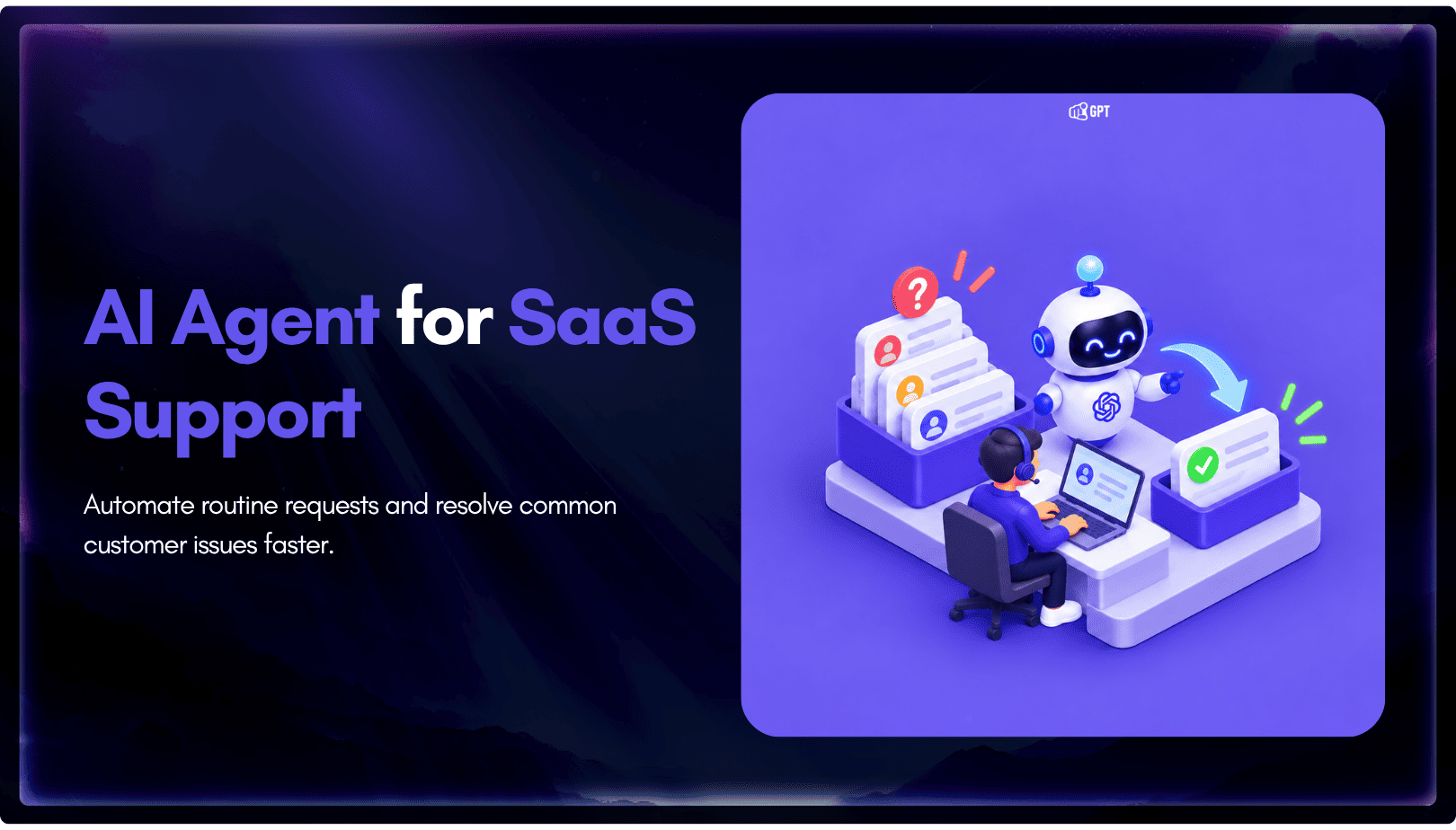
Group new-account tickets by onboarding stage, train an AI agent on your docs, and place it in the product where new users get stuck.


AI agents can now find and buy products for shoppers. See what agentic commerce changes for a Shopify store and which support jobs stay yours.

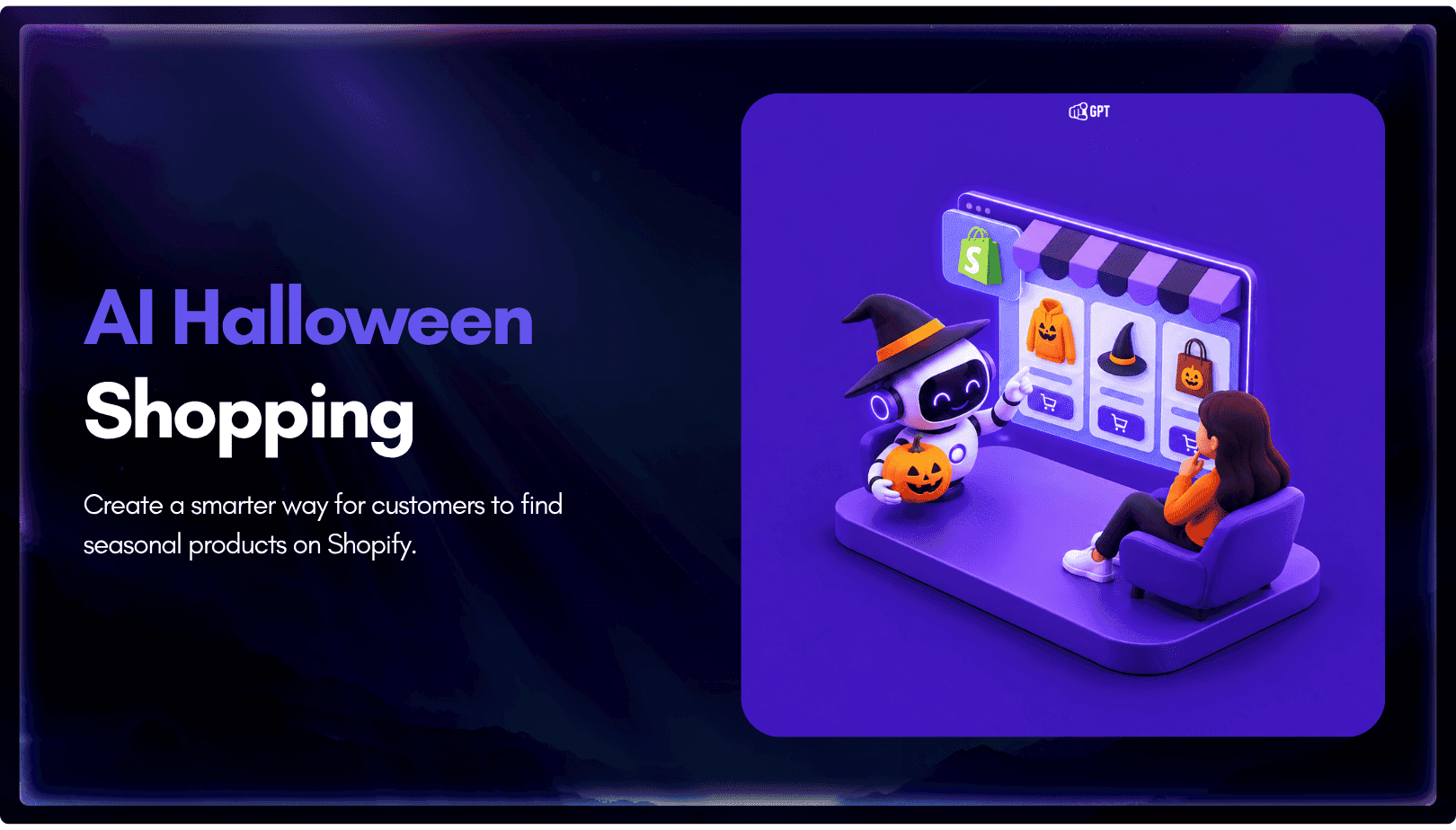
Build a Halloween shopping assistant for Shopify with YourGPT. Set up product recommendations, stock checks, cart actions and human support before launch.

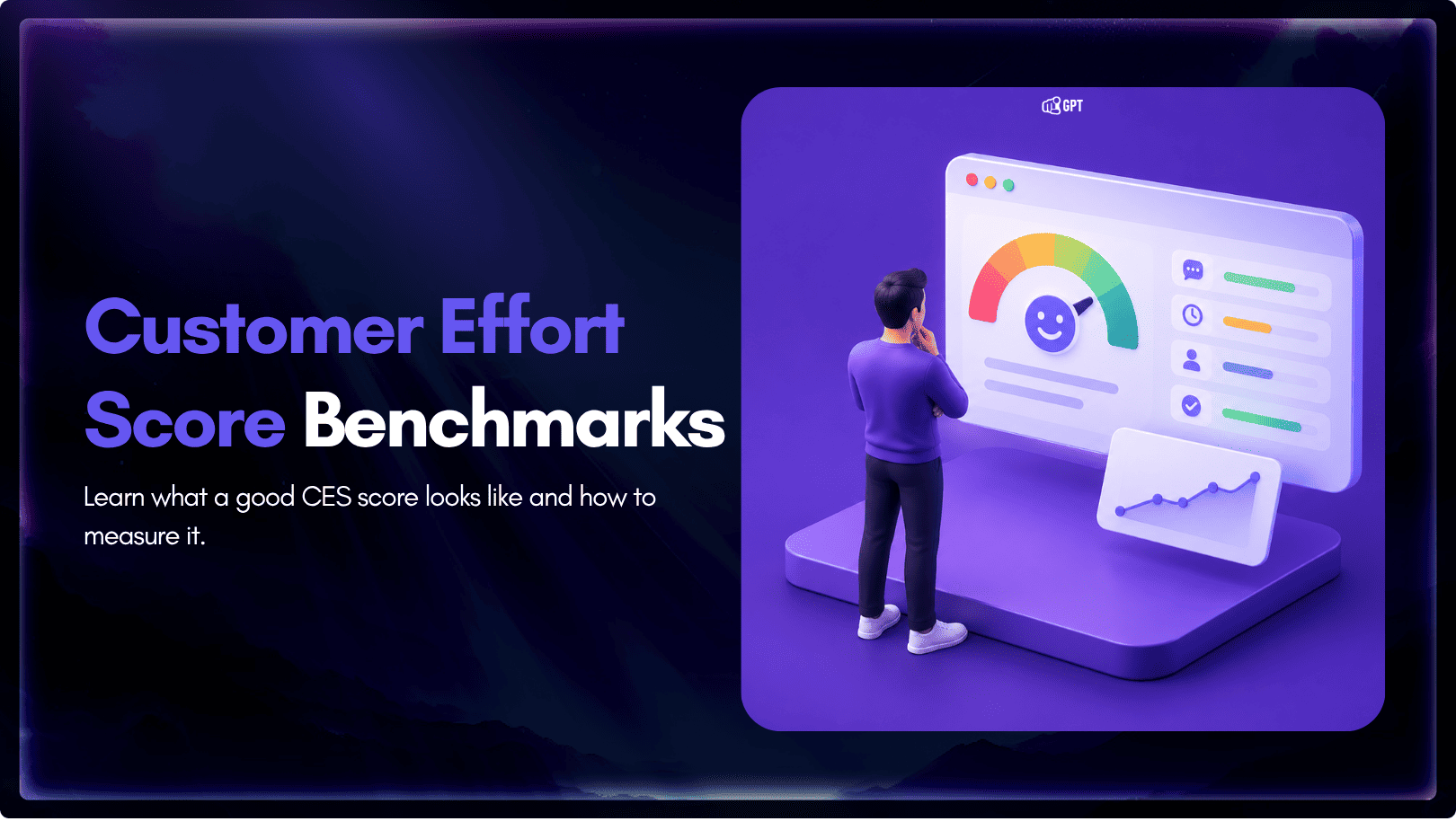
See what a good customer effort score looks like, how to word and calculate CES on each scale, and which support habits raise customer effort.
Tier 1 support handles first contact. See how Tiers 0 to 3 differ and what changes when an AI agent becomes your first line.
The 12 customer service metrics to track when an AI agent resolves tickets, with a formula for each and a baseline built from your own last month.