GPT Chatbot with Function calling that can perform dynamic actions

Neha
Last updated on July 27, 2026
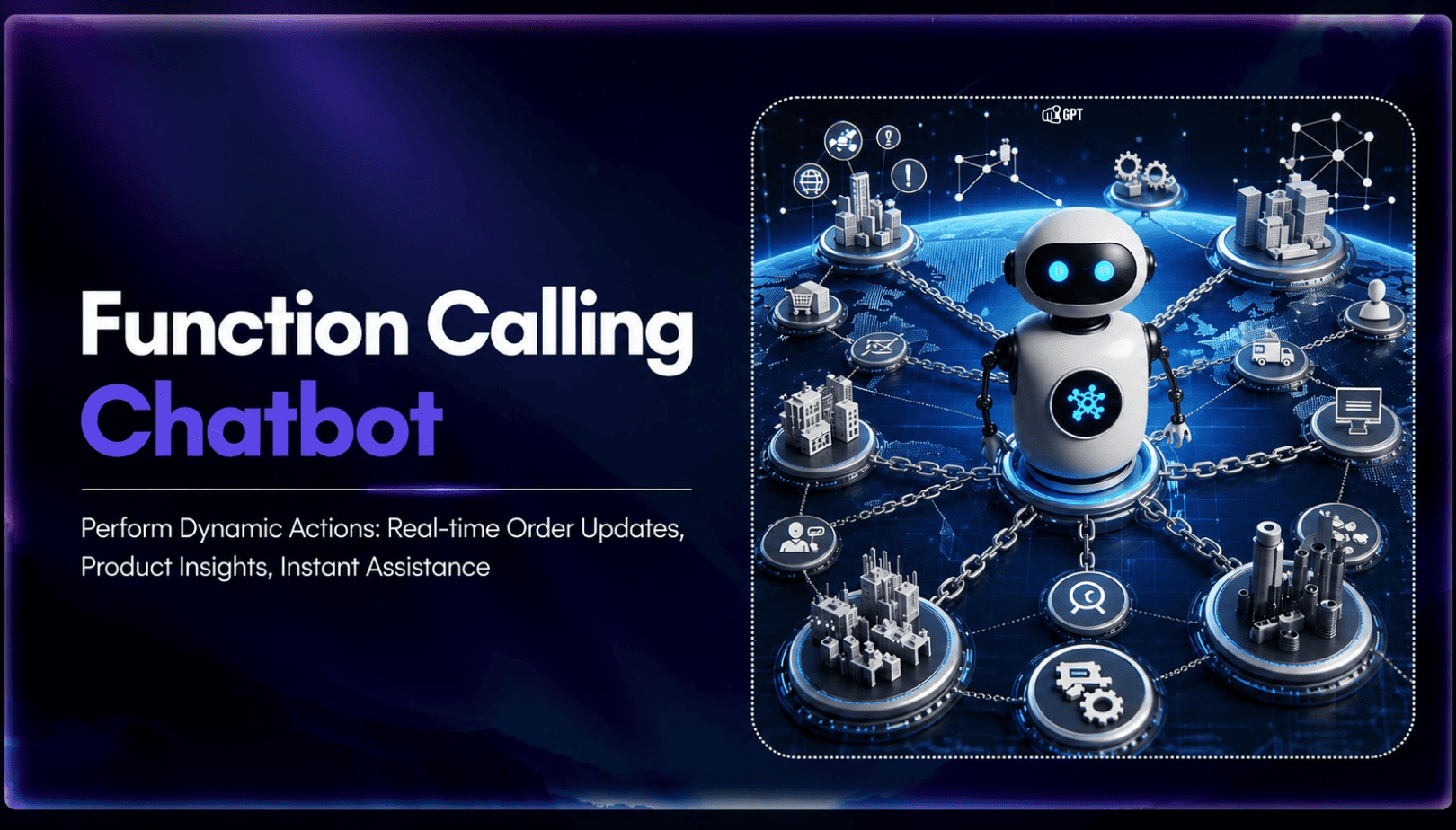
Function calling lets an AI model request a specific tool using structured data, while the application handles its execution.
MCP works one layer above this by providing an open standard for discovering and connecting tools across different providers without rebuilding every integration.
YourGPT AI Studio supports both through its API Calling node and native MCP integration, giving support and sales teams one platform for direct function calls and broader tool connectivity.
Most GPT chatbots stop at the reply. A customer asks where an order stands, and the bot returns a canned answer, or hands the conversation to a human because it has no way to look anything up. Function calling closes that gap. It gives the underlying model a way to request a specific action, then hands the result back so the reply carries real information instead of a guess.
The mechanism itself is straightforward. When a message matches something the model recognizes as an action rather than a question, such as checking an order status or booking a slot on a calendar, the model outputs a structured request naming the function and the parameters it needs. The application runs that function, often through an API call to a CRM, a database, or a payment system, and passes the result back so the model can finish the response in plain language. OpenAI introduced this pattern in 2023, and it remains the foundation most GPT-based chatbots use today to move past scripted replies and into real task completion.
This post walks through how function calling actually works inside a GPT chatbot, the kinds of actions it handles well, and how a platform like YourGPT’s AI Studio builds on it with dedicated nodes for API calls and custom code, so a support or sales agent can look up an order, update a record, or trigger a workflow without a developer wiring a one-off integration for every request.
Function calling means something more specific for an AI chatbot than it does in general programming. A function in code is just a named, reusable block of logic, useful for keeping a program organized, and it has nothing to do with AI on its own. Function calling for a GPT chatbot describes a narrower capability, where the model itself decides when a user’s message needs an outside action rather than a text reply. The model never runs anything on its own. It only decides and asks, leaving the application running the chatbot to handle the real execution.
The flow follows a consistent pattern across providers, whether the underlying model comes from OpenAI, Anthropic, or Google. A developer first defines the available functions as a JSON schema, describing each function’s name, what it does, and the parameters it accepts, such as an order ID formatted as a string. When a customer asks where an order stands, the chatbot sends that message to the model along with the list of available functions. The model reads the request, recognizes the answer requires live data rather than a canned reply, and returns a structured call naming a function such as get_order_status along with the extracted argument. The application runs that function against the real order-management system, retrieves the current status, and passes the result back so the model can write the final answer in plain language.
Inside YourGPT’s AI Studio, this pattern lives in the API Calling node. A workflow builder defines the schema once, points the node at a CRM, database, or payment system, and the agent handles the request-and-execute loop for every conversation that needs it, without a developer writing a one-off integration for each new use case.
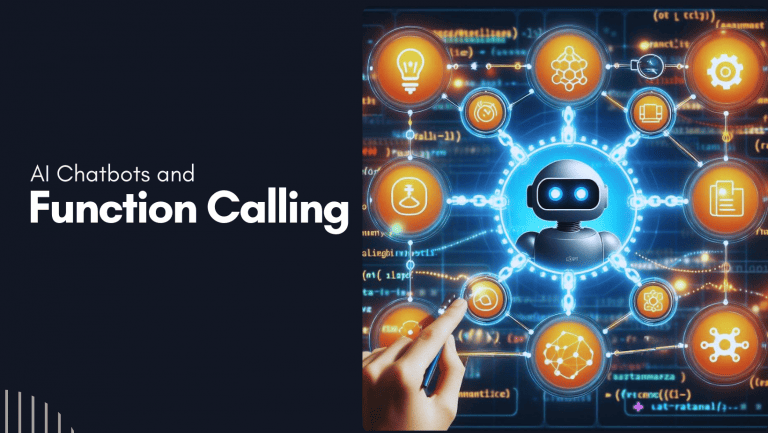
The two versions of a chatbot don’t just differ in tone or personality. They differ in what actually happens after the conversation ends, across four practical areas:
Knowing how function calling works is different from knowing where to point it. The two sections below cover concrete scenarios where teams are already running it, then the underlying reasons it belongs in a chatbot platform’s baseline feature set rather than its list of advanced options.
Four patterns cover most of where this shows up in production today:
Three reasons this matters beyond the use cases above:
The same mechanism looks different depending on what data a business needs pulled. Four examples show how that plays out by industry:
Suggested Reading
No. Function calling is the model’s ability to output a structured request for a specific action. MCP is a separate standard for connecting an agent to many tools without custom integration code for each one. The two work together rather than replacing each other, with function calling handling the individual request and MCP handling how the agent finds and connects to the tool in the first place.
No, despite the name. OpenAI introduced the pattern, but every major provider now supports it, including Anthropic and Google. A platform built for function calling, such as YourGPT’s AI Studio, can typically switch between models from any of these providers without changing the underlying function schema.
It adds some overhead, since every available function consumes tokens on each request and completing an action usually means an extra round trip between the model and the application. In practice, that overhead is minor compared with what it replaces, a human agent spending time on the same manual lookup, so the net effect for a business is typically faster resolution even though the model call itself takes slightly longer.
It depends on the platform. Building function calling from scratch means writing a JSON schema and the integration code by hand. A no-code platform, like YourGPT’s AI Studio, replaces that with a visual API Calling node, so a support or operations team can connect a CRM or database without writing custom code for each new action.
It reflects whatever the connected system shows at the moment the function runs, so it is only as current as that source. If the underlying database or API updates instantly, the chatbot’s answer does too. This is different from a plain text reply, which draws on the model’s training data or static content and can be outdated or simply wrong on anything account-specific.
Yes. A single conversation can trigger multiple function calls in sequence, such as checking inventory before confirming an order or pulling account details before processing a request. This is the pattern most multi-step automation in a platform like AI Studio relies on, rather than a bot limited to one lookup per conversation.
A GPT chatbot that only replies is limited by what it already knows. Function calling removes that ceiling by giving the model a way to request real information and complete real actions, whether that means checking where an order stands, confirming a bank balance, or booking a property showing. The mechanism itself is simple, a structured request out, a real result back, but what it makes possible for a business is the difference between a chatbot that describes and one that actually does something.
For a team evaluating chatbot platforms, the practical test is simple. Pick one real task, such as an order lookup or an appointment booking, and check whether the platform can complete it without a developer building a custom integration first. A platform that needs an outside service or a separate development sprint just to answer that one question is not ready for the kind of production use a built-in API Calling node already supports.
None of this requires starting from scratch. AI Studio already ships with the API Calling node this pattern depends on, which leaves the real decision as picking which tasks are worth automating first rather than whether the capability exists at all.
Use YourGPT to help Black Friday shoppers choose products, check orders and understand returns. Prepare your answers and team before the sale.

Add in-app chat support to your SaaS or mobile app. Place it on the screens where users stall, pass who they are, and hand hard cases to your team.

Group new-account tickets by onboarding stage, train an AI agent on your docs, and place it in the product where new users get stuck.
AI agents can now find and buy products for shoppers. See what agentic commerce changes for a Shopify store and which support jobs stay yours.
Build a Halloween shopping assistant for Shopify with YourGPT. Set up product recommendations, stock checks, cart actions and human support before launch.

See what a good customer effort score looks like, how to word and calculate CES on each scale, and which support habits raise customer effort.