GPT Chatbot for Customer Support: The Practical Guide in 2026

Neha
Last updated on June 30, 2026

GPT chatbots help businesses deliver faster, more consistent customer support by understanding customer intent, retrieving accurate information, automating repetitive tasks, and escalating complex issues to human agents when needed.
When connected to business systems such as helpdesks, CRMs, ecommerce platforms, calendars, and knowledge bases, they can answer customer questions, check order status, create support tickets, schedule appointments, and execute other support workflows.
This guide explains how GPT chatbots work, their benefits, common customer support use cases, limitations, and what businesses should consider before choosing a platform.
Customer support teams handle conversations across websites, live chat, WhatsApp, email, and social platforms while customers expect fast and accurate responses at every step.
This is one of the main reasons businesses are adopting GPT chatbots for customer support and sales.
Unlike traditional rule-based chatbots, GPT-powered assistants understand customer intent, retrieve relevant business information, guide customers through support workflows, and perform actions using connected business systems. They can also recognize when a request requires human judgment and transfer the conversation with the necessary context.
Businesses use GPT chatbots to automate repetitive support requests, answer product questions, assist multilingual customers, qualify leads, reduce response times, and improve support availability across multiple channels.
This blog explains how GPT chatbots work, their key benefits, practical customer support use cases, limitations, and the factors businesses should evaluate before choosing a GPT chatbot platform.
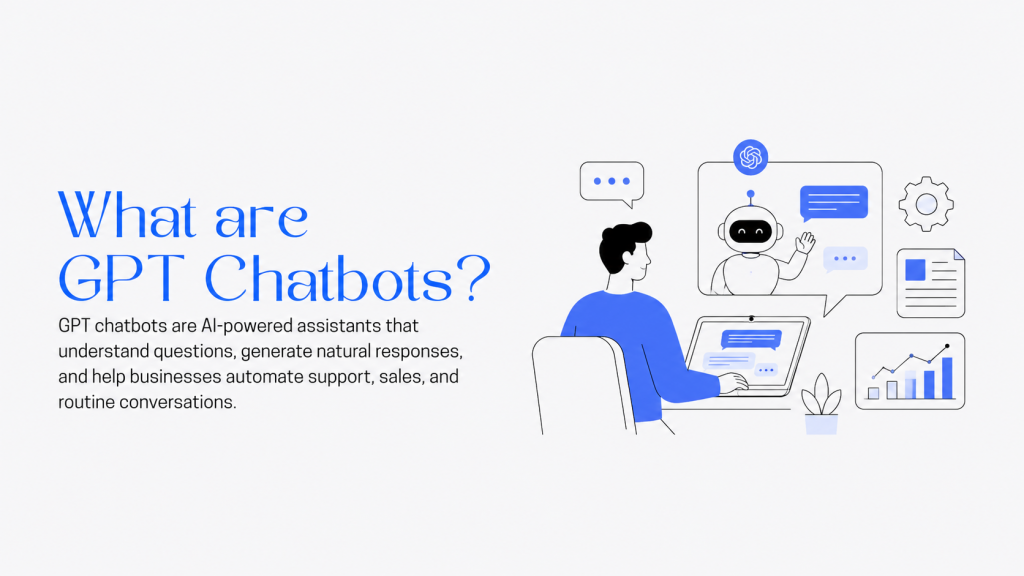
A GPT chatbot is an AI assistant powered by a Large Language Model (LLM) based on the Generative Pre-trained Transformer (GPT) architecture. Unlike traditional chatbots that rely on predefined rules, GPT chatbots understand natural language, interpret user intent, and generate conversational responses.
A GPT chatbot is an AI assistant built on a language model that can understand intent, respond naturally, and interact with the systems your team uses every day. It is more than a support FAQ bot. When connected to your knowledge base, ecommerce platform, CRM, helpdesk, calendar, or internal APIs, it can give accurate answers and take actions to resolve requests. Read more in detail what is GPT chatbot?
A well-designed GPT chatbot typically includes the following capabilities.
A GPT chatbot acts as the first layer of customer support. It understands the customer’s request, retrieves the necessary information, determines the appropriate response, and executes approved workflows when possible. Requests that cannot be resolved automatically are transferred to human agents with the required context.
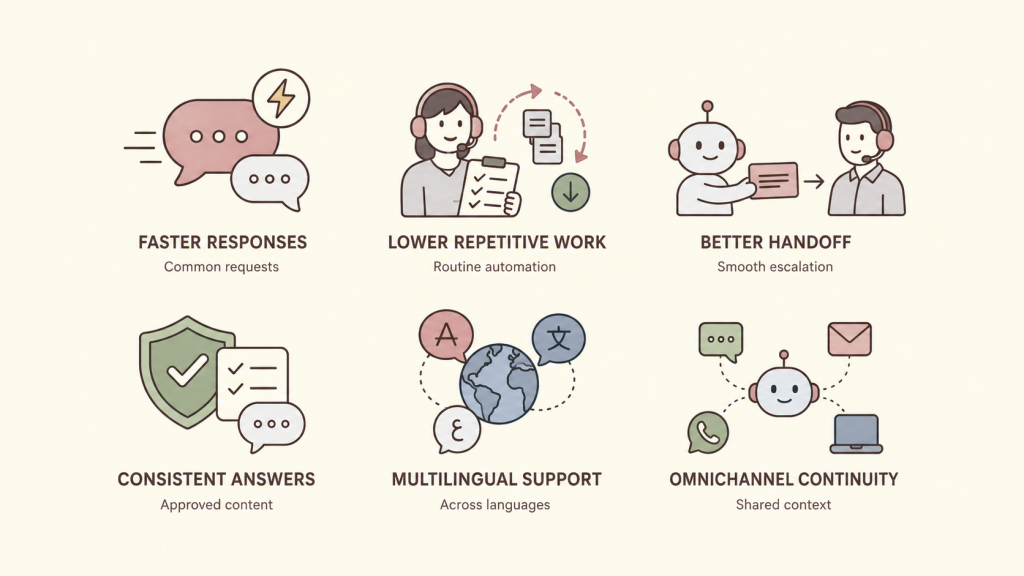
The value of an AI chatbot in customer support is not limited to faster replies. When it is grounded in approved content and connected to the right workflows, it can reduce routine workload, improve answer consistency, and help human agents spend more time on cases that require judgment.
YourGPT brings support automation, agent assistance, and workflow orchestration into one platform, so teams can resolve more conversations without adding complexity to the stack.
Deploying a GPT chatbot requires more than accurate responses. Businesses should also establish clear security controls, operational safeguards, and governance policies to ensure reliable customer support.
Building a customer support chatbot with YourGPT is more than simply enabling AI. The goal is to create an assistant that answers customer questions accurately, follows your support policies, automates routine requests, and seamlessly hands complex issues to your support team when human judgment is required.

Sign up for YourGPT and create your workspace. This is where you’ll configure your chatbot, manage its knowledge, connect business tools, and control how it interacts with customers across different support channels.

Upload the information your support team already relies on to help customers. This typically includes help center articles, FAQs, product documentation, shipping information, return and refund policies, troubleshooting guides, warranty details, and internal support procedures.
Because GPT chatbots generate answers from the knowledge you provide, keeping this content accurate, organized, and up to date is one of the most important steps in the setup process.
Next, define how the chatbot should communicate with customers. Configure its tone of voice, response style, fallback behavior, escalation rules, and AI model settings.
For customer support, the objective is to provide clear, accurate, and policy-compliant responses rather than highly creative conversations. You can also specify when the chatbot should ask follow-up questions or transfer conversations to a human agent.
To move beyond answering FAQs, connect the chatbot to the systems your support team already uses. Depending on your workflow, this may include your CRM, helpdesk, ecommerce platform, calendar, order management system, or internal knowledge base.
These integrations enable the chatbot to perform real support actions, such as checking order status, retrieving customer information, creating or updating tickets, scheduling appointments, or executing other approved workflows directly within the conversation.
Before deployment, test the chatbot using real customer questions collected from previous support conversations. Verify that it answers accurately, follows company policies, requests clarification when necessary, completes connected workflows correctly, and hands conversations to human agents whenever appropriate.
Testing with realistic scenarios helps identify knowledge gaps before customers encounter them.

Once testing is complete, publish the chatbot wherever customers already reach your business. This may include your website, live chat, WhatsApp, Messenger, or other messaging channels.
Deploying the chatbot across existing support channels allows customers to receive instant assistance while reducing repetitive work for your support team.
Customer support continuously evolves as products, policies, and customer expectations change. Review chatbot conversations regularly, identify unanswered questions, update your knowledge base, refine workflows, and monitor key metrics such as resolution rate, escalation rate, and customer satisfaction.
A GPT chatbot for customer support is an AI-powered assistant that understands customer intent, answers questions using your business knowledge, and automates routine support tasks. When connected to tools like your CRM, helpdesk, ecommerce platform, or knowledge base, it can retrieve customer information, create tickets, check order status, and escalate complex issues to human agents.
Traditional chatbots rely on predefined rules and decision trees, which limits their ability to handle unexpected questions. GPT chatbots understand natural language, maintain conversation context, and generate responses based on customer intent. Platforms like YourGPT also connect AI to business systems, allowing the chatbot to perform real support actions instead of only answering FAQs.
Yes. YourGPT integrates with popular business tools, including CRMs, helpdesks, ecommerce platforms, calendars, and knowledge bases. These integrations allow the chatbot to retrieve customer information, automate workflows, and execute approved actions directly within customer conversations.
Yes. A GPT chatbot can automate many routine support tasks, such as checking order status, creating or updating support tickets, scheduling appointments, answering product questions, and routing conversations to the appropriate team. The exact workflows depend on the systems connected to the chatbot.
Yes, provided it is deployed with the right safeguards. Businesses should control what information the chatbot can access, define which actions it is allowed to perform, maintain accurate knowledge sources, and establish clear rules for human escalation. YourGPT also supports permission controls and human handoff to help businesses maintain secure and reliable support operations.
Yes. GPT chatbots can communicate in multiple languages while using the same business knowledge and workflows. This helps businesses deliver consistent customer support across different regions without maintaining separate chatbots for each language.
Building a GPT chatbot with YourGPT typically involves connecting your support knowledge, configuring the chatbot’s behavior, integrating your existing business tools, testing real customer scenarios, and deploying it across your preferred support channels. As your business grows, you can continuously update the knowledge base and refine workflows to improve performance.
GPT chatbots have become an essential part of modern customer support. They help businesses respond faster, automate repetitive work, improve answer consistency, and provide customers with support whenever they need it.
The most effective GPT chatbots combine accurate knowledge, connected business systems, workflow automation, and clear escalation paths. Rather than replacing support teams, they handle routine conversations so human agents can focus on issues that require expertise, empathy, and critical decision-making.
Choosing the right platform is just as important as adopting AI itself. Businesses should look for solutions that deliver accurate responses, integrate with existing systems, support operational workflows, and provide the controls needed for secure and reliable customer support.
With YourGPT, businesses can build AI-powered support agent that answer customer questions, automate routine tasks, execute business workflows, and continuously improve through real customer interactions.
Automate repetitive questions, guide customers faster, and give your team more time to focus on complex support cases.
No credit card required · 7-day full access
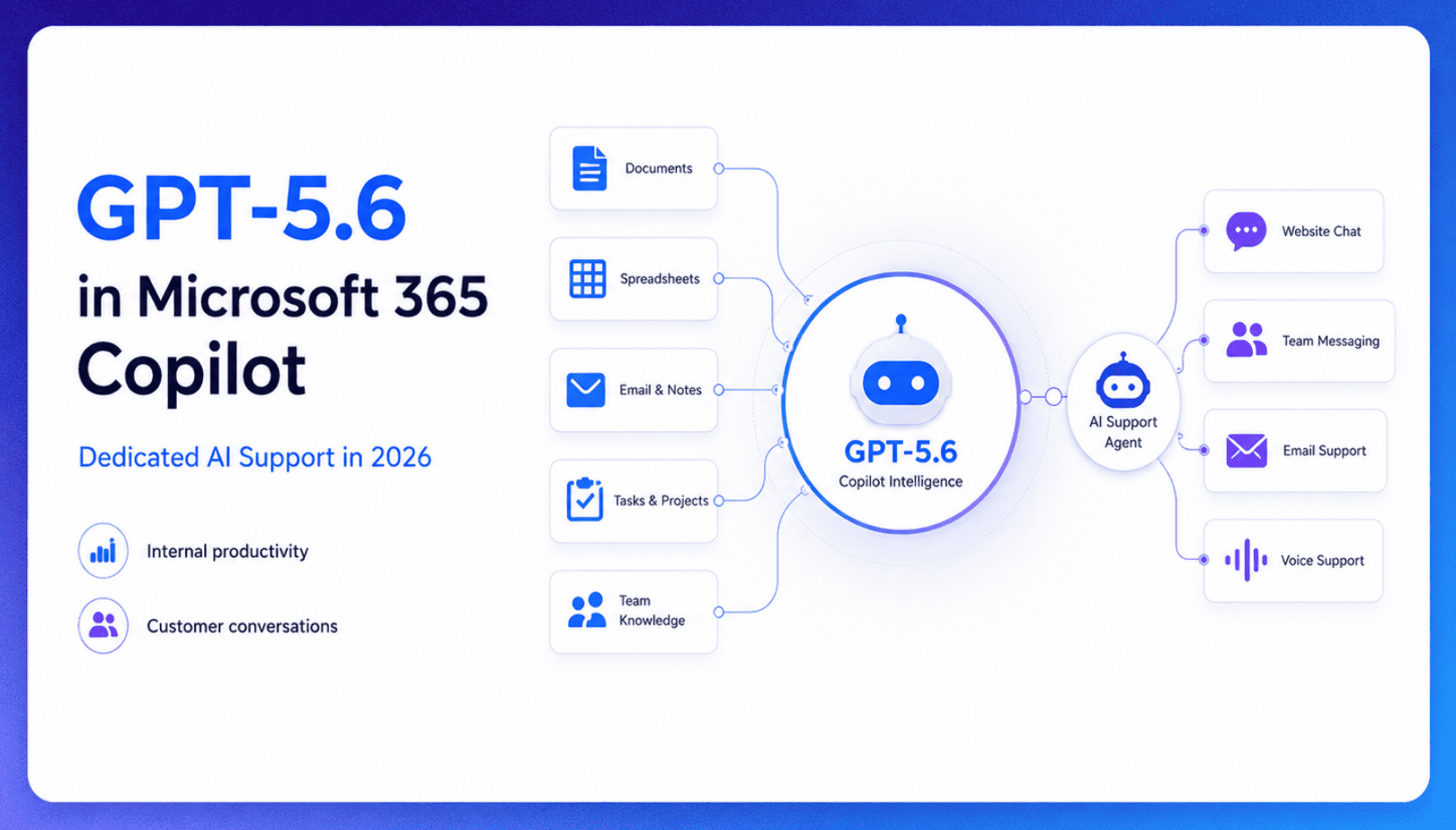
TL;DR Microsoft made GPT-5.6 the preferred model across Word, Excel, PowerPoint, Copilot Chat, and Cowork on July 9, 2026, focusing on internal workplace productivity rather than customer-facing support. Dynamics 365 Service Agent also reached general availability, but it mainly helps human support representatives manage cases within Microsoft’s existing permission structure and requires separate licensing. A […]

TL;DR Cheap frontier models now compete for the same high-volume support workloads, with DeepSeek V4 remaining the lowest-cost option in this comparison. Kimi K2.6 and GLM-5.2 are open-weight and self-hostable, while Qwen 3.7 Plus is proprietary and available only through an API. Claude Haiku 4.5 is the only model here that its developer explicitly recommends […]
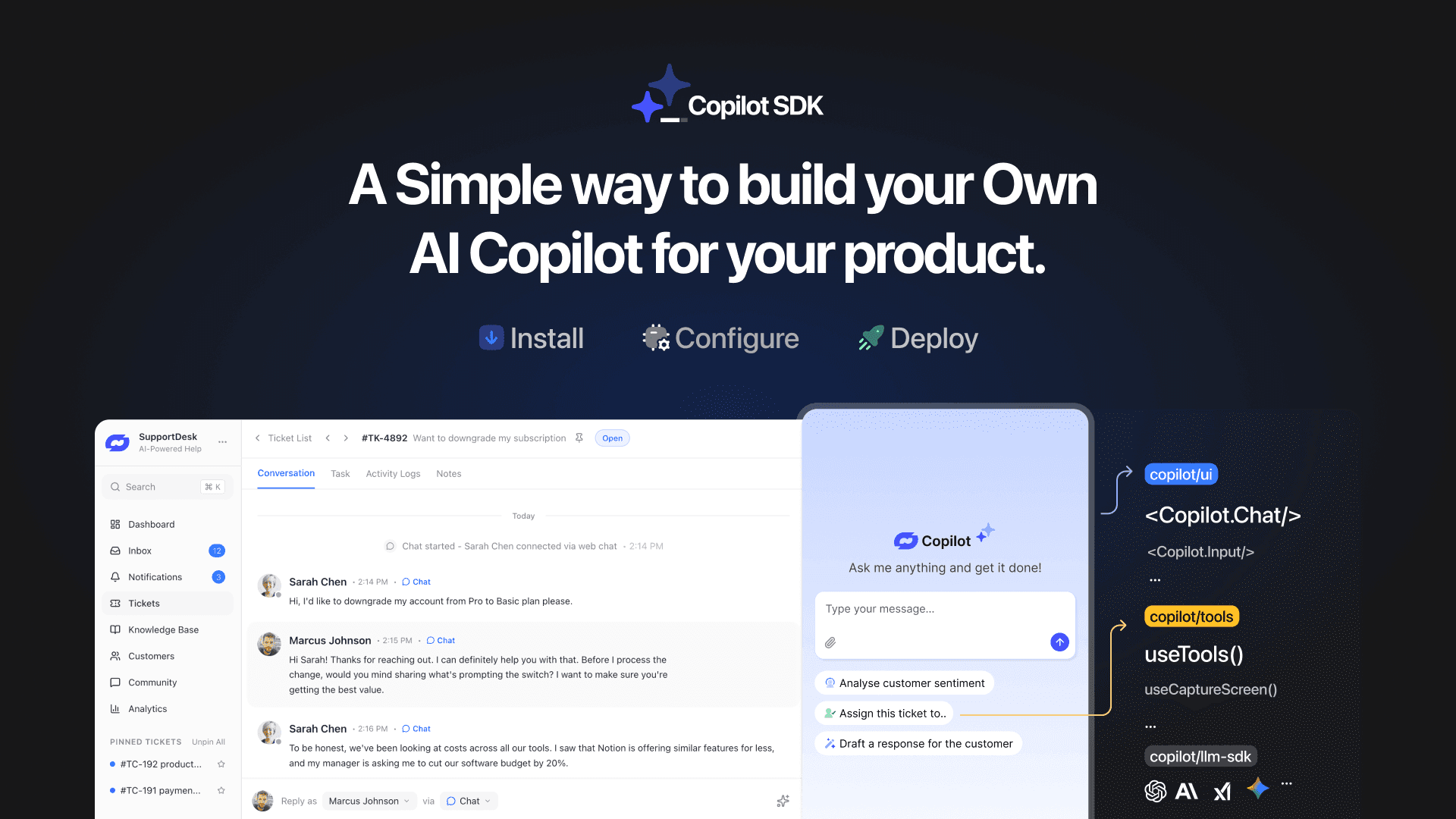
TL;DR YourGPT Copilot SDK is an open-source SDK for building AI agents that understand your application state, user context, and what is happening inside your product. Instead of working like isolated chat widgets, these agents connect directly with your product and can take real actions within existing workflows. This helps teams build contextual AI experiences […]

TL;DR YourGPT 2.0 adds AI Studio for building, testing, and debugging automated workflows. It includes native MCP integration for more than 100 tools, upgraded voice agents, and native SDKs for iOS and Android applications. With shared context across web, WhatsApp, Instagram, Telegram, and mobile, YourGPT turns conversations into real actions across support, sales, and operations. […]

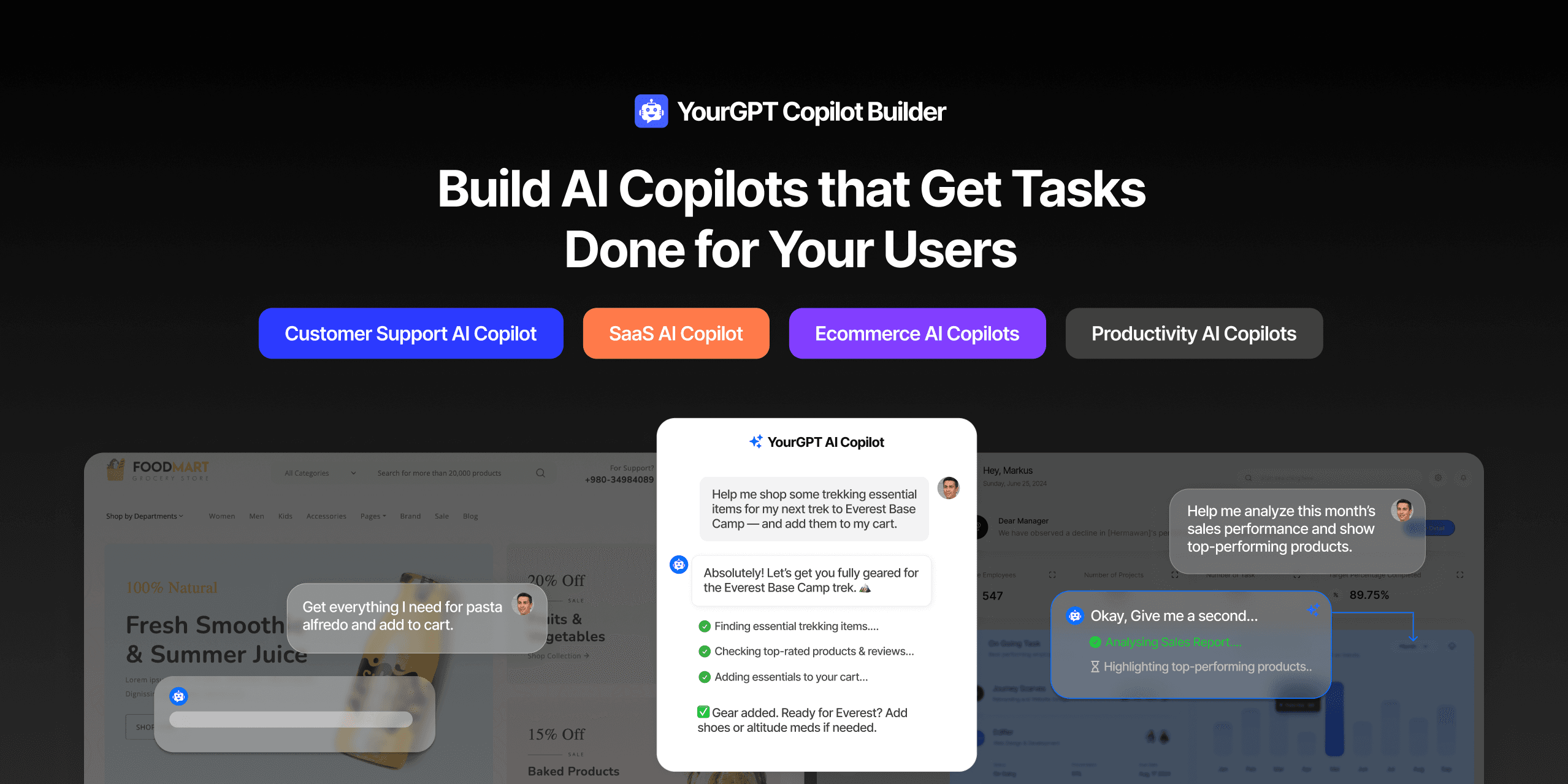
TL;DR Most AI tools provide answers but still leave users to complete the task through search results, settings pages, or checkout flows. AI Copilot Builder closes that gap by executing registered actions directly inside the product instead of only explaining what to do. Search, cart updates, account changes, and multi-step bookings can all happen within […]
TL;DR Building an AI-powered Telegram bot does not require custom development. BotFather provides the Telegram bot token, while a no-code platform like YourGPT handles AI training, free-form conversations, and the Telegram connection. This guide covers the full setup, from creating the bot in BotFather to connecting it with YourGPT and taking it live. Most Telegram […]