
The Chatbot.com Alternative That Takes Real Action
How do YourGPT's AI and features compare to Chatbot.com? Chatbot.com bills per user and meters AI resolutions on top of the seat price. YourGPT is a no-code AI agent platform with a self-learning multi-agent system that takes real action and resolves up to 90% of repeated queries. Use it for support or sales or operations. Everything is compared below.
7-day free trial · No credit card required · Live in under 30 minutes




YourGPT vs Chatbot.com, feature by feature
Chatbot.com ships a mature visual story builder. YourGPT pulls ahead on AI depth, automation, voice, outbound, and channel reach.
Training Data SourcesLimitedFull coverage
Omnichannel DeploymentLimitedFull coverage
Pricing & GovernanceWhat it costs to scale and what each vendor commits to.
The real unit economics
Cost calculator: what you pay at scale
Set your monthly conversation volume and team size. Chatbot.com bills per user and then meters AI resolutions, while YourGPT is a flat plan with AI credits included.

Your setup
Estimate ChatBot.com vs YourGPT at your own volume.
Estimated from 2,000 conversations and 5 team members each month. ChatBot.com & pricing data last verified July 2026.
Estimated cost

ChatBot.com
Essential plan
$24,900/yr
- 5 users × $19 (Essential, 10 AI resolutions included)$1,140
- 1,990 extra resolutions in $49.50/50 packs (≈ $0.99 each)$23,760

YourGPT
Professional plan
$948/yr
- Professional planflat rate: 30M AI credits, up to 5 team members included$948
Save $23,952/yr, 96% less than ChatBot.com.
Start free trialFlat pricing, switch AI models anytime, no per-resolution fees.
- Per-user and per-resolution charges stack; a companion LiveChat subscription is a separate bill.
Chatbot.com = seats times the per-user plan price plus its metered AI resolutions, which auto-refill at $49.50 per 50-resolution pack. YourGPT = the cheapest plan whose AI credits and seats cover your volume, with $7 credit add-on packs and $7 per extra seat beyond the top plan. One conversation is modelled at 5,000 AI credits, which assumes an efficient model; heavier models consume credits faster, so real cost depends on query mix and model. Same calculator and same numbers as the pricing tool.
Reasons teams move from Chatbot.com to YourGPT
Where a scripted story builder reaches its limits, and how an agent platform takes support and sales and operations further.
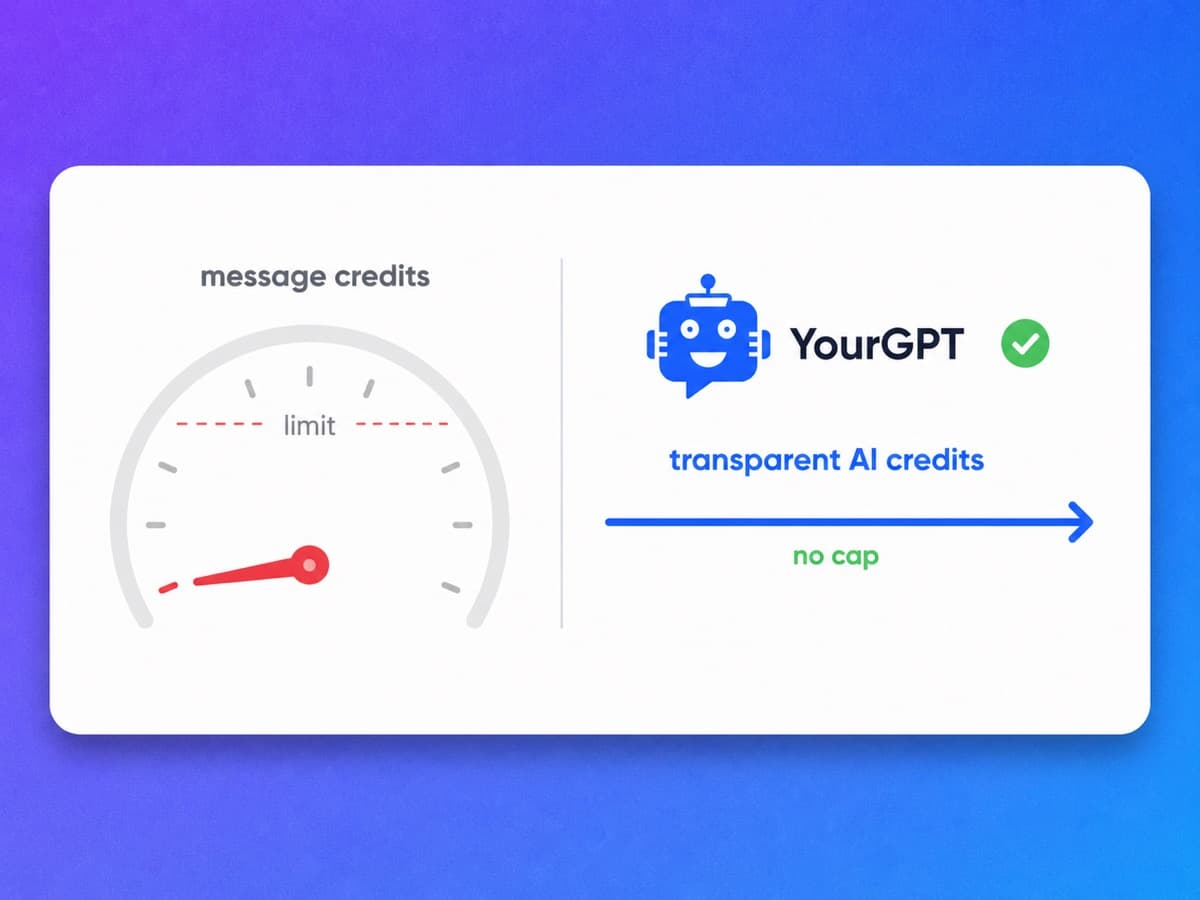
Included AI credits, not a per-resolution meter
Chatbot.com's Essential plan includes 10 AI resolutions a month and Growth includes 200. Past that, resolutions auto-refill at $49.50 for a pack of 50, roughly $0.99 each, so the better the AI gets at handling volume the more the invoice climbs. YourGPT bundles 10M, 30M or 100M AI credits by tier with top-ups at $7 per 2M, which is the pricing shape you want when an agent resolves up to 90% of repeated queries rather than a token slice of them. Figures from chatbot.com/pricing.
No per-resolution meter
Usage draws on included AI credits instead of billing $0.99 a resolution.
Credits by tier
10M, 30M or 100M AI credits a month, with top-ups at $7 for 2M.
Seats included
3, 5 or 20 seats come with the plan, and extra seats are $7 a month each.
Volume is not a penalty
Handing more of the queue to the agent does not change the per-resolution cost.
An agent you can build with real code
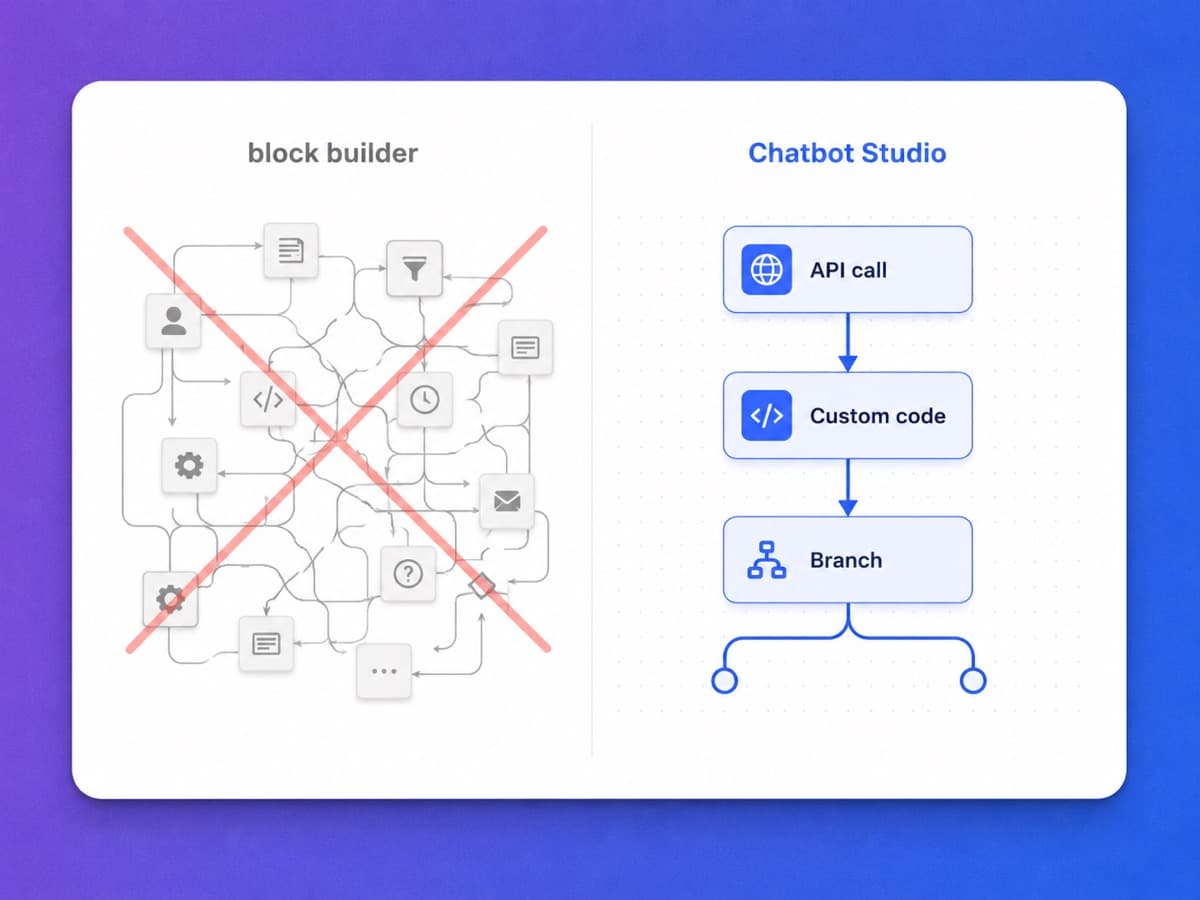
Chatbot.com's Visual Builder is genuinely good at deterministic journeys, with A/B testing on conversation paths and an AI Assist block you can drop into a flow. Every branch is another block, and plan ceilings apply: 3 workflow rules and 300 runs a month on Essential, 10 and 1,000 on Growth. YourGPT's AI Studio is a build surface rather than a canvas of blocks, with visual API calls, custom code execution, branching logic and event or schedule triggers.
Built-in apps
Google Calendar, Sheets, Stripe, Freshdesk, Zoho and Brevo connect from AI Studio with no integration to build.
Call your APIs
Look up an order or update a record live inside the conversation.
Run custom code
Execute your own code for logic a block diagram cannot express.
Event and schedule triggers
Start a conversation on a product event or a set schedule, not only on an inbound message.
Beyond support
The same agent qualifies leads and runs back-office steps, not only replies.
One agent across chat, social and the phone
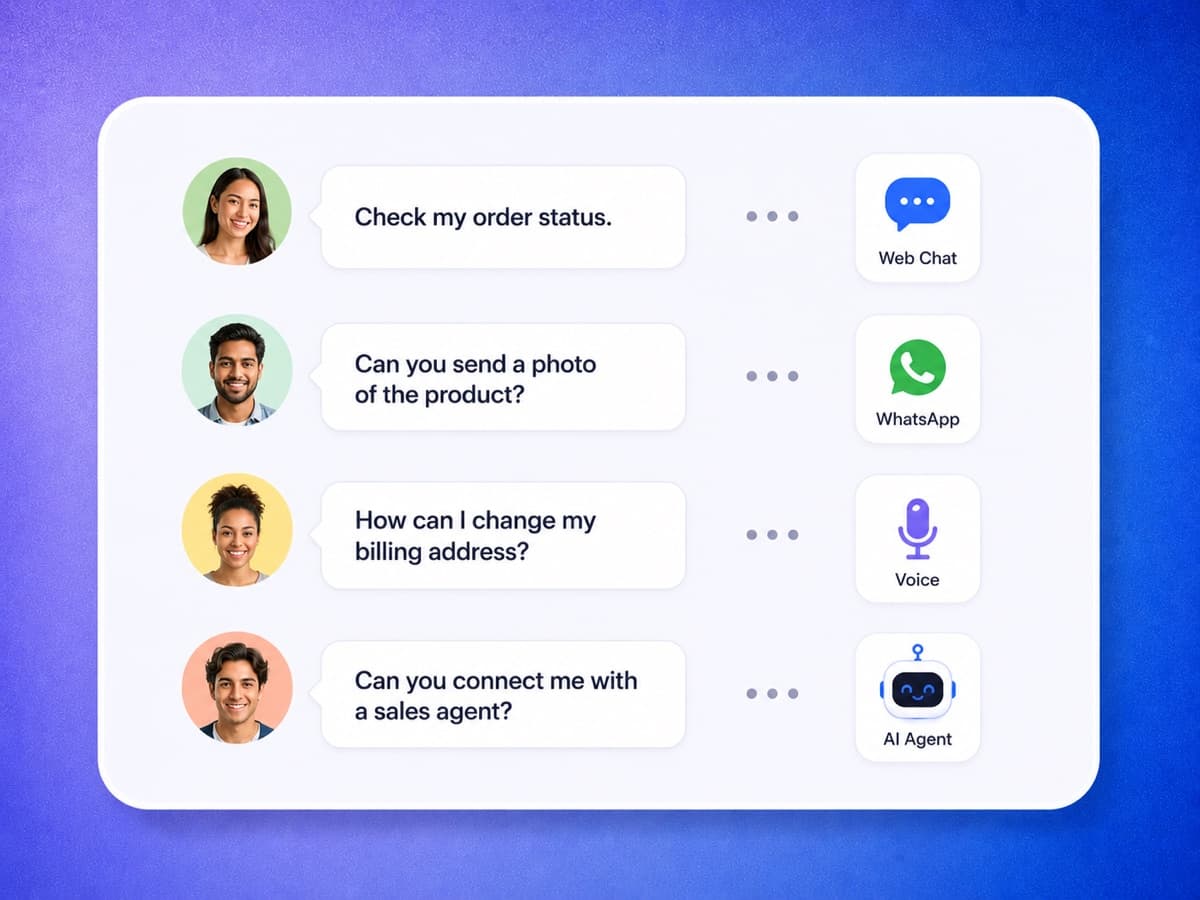
The Channels section of chatbot.com/pricing lists website, in-app, a shareable chat page, Facebook Messenger, Shopify and SMS through your own Twilio account. There is no voice channel on it, and no WhatsApp, Instagram or Telegram either. YourGPT trains once and answers on your website, on WhatsApp, Instagram, Messenger, Telegram, Slack and email, and on the phone through an AI voice agent that takes inbound calls and places outbound ones.
Voice AI
The same agent answers inbound calls and places outbound ones.
Omnichannel Integration
WhatsApp, Instagram, Messenger, Telegram, Slack and email out of the box.
100+ languages
Consistent answers in over 100 languages, against 48 on Chatbot.com.
Live human handoff
Route complex conversations to your team on any channel.
Run any leading model, and switch any time
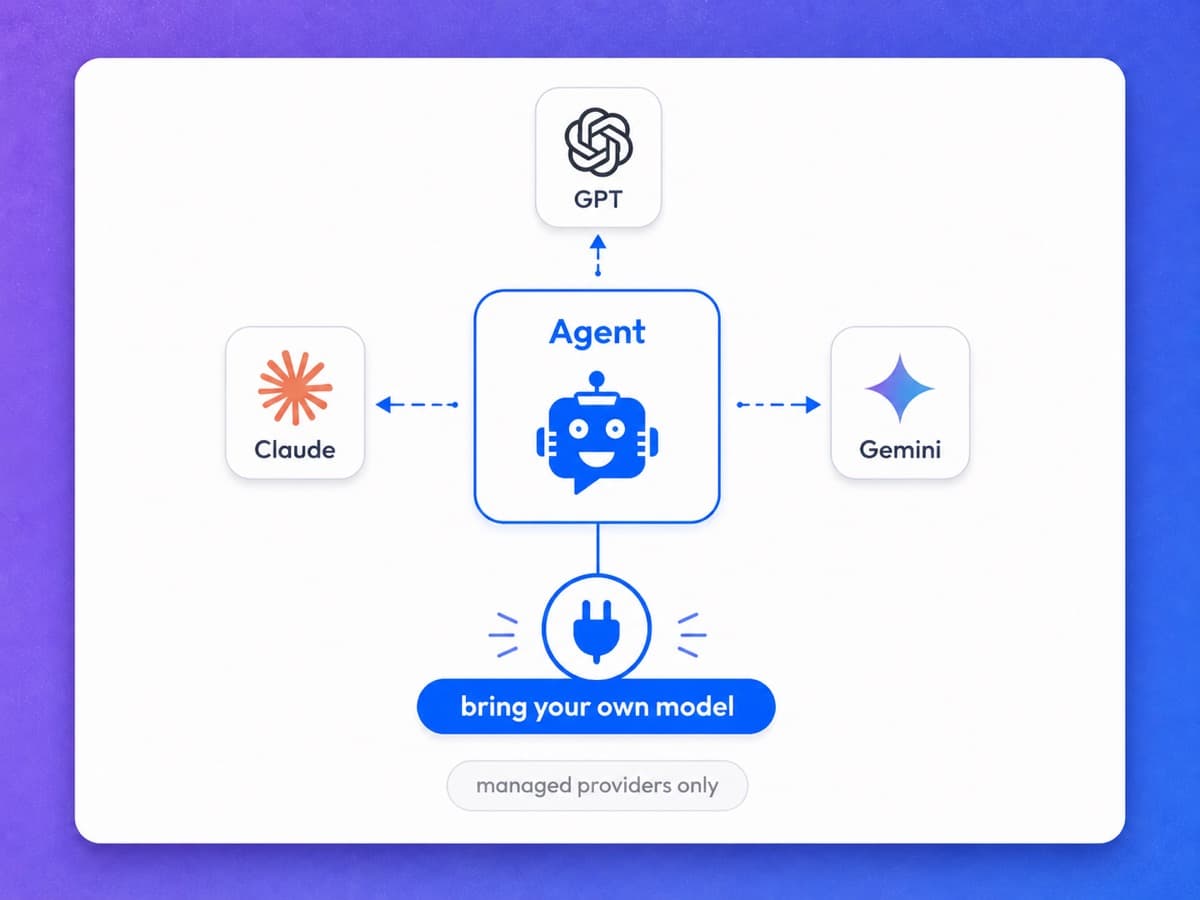
Chatbot.com does not name the model behind its AI Agent on its home page, features page or pricing page, and there is no selector, so you run whatever the platform runs and find out about a change after it happens. YourGPT treats the model as your decision. Pick GPT, Claude, Gemini or another, switch when a cheaper or stronger one ships, and on Enterprise plans connect a model you fine-tuned on your own data.
GPT, Claude, Gemini and more
Choose the model per agent and change it whenever a better one lands.
Switching is a setting
Moving a workload to another model does not mean rebuilding the agent.
Bring your own model
Enterprise plans can connect a model you fine-tuned yourself.
Costs stay visible
See credits consumed and average cost per chat before you commit to a model.
From your content to a live agent the same day
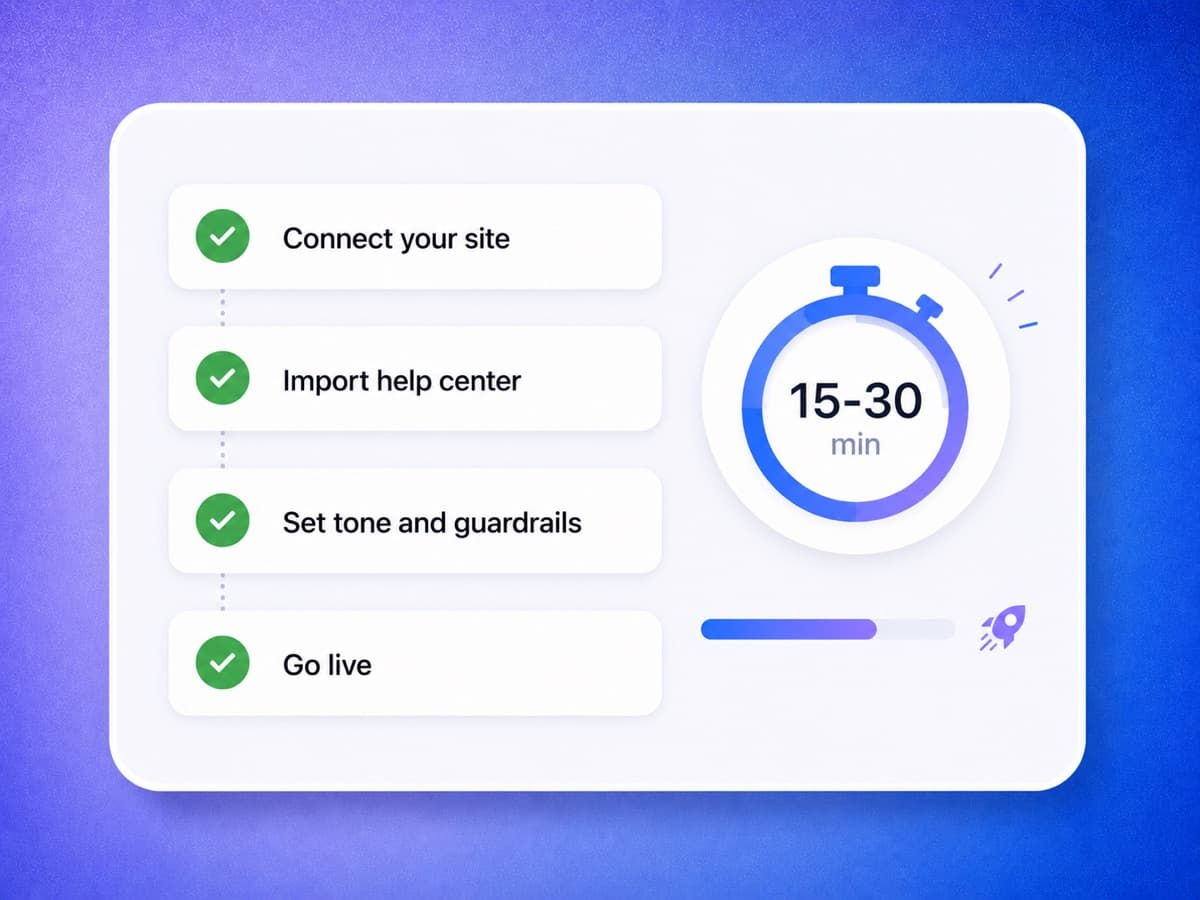
Switching is an afternoon, not a project. Point YourGPT at your site, docs and help center, set your tone and guardrails, connect your channels and go live in under 30 minutes with no developers involved. Because the agent answers from your content rather than a decision tree, there are no scripted flows to rebuild, and you can run it alongside Chatbot.com during the free trial to compare resolution quality on real conversations.
Rich knowledge import
Ingest your site, PDFs, Notion, Google Docs, YouTube, files and APIs.
Tone and guardrails
Set how the agent sounds and what it will not say before it goes live.
No-code setup
Launch a production agent without engineering help, on a 7-day free trial with no credit card.
Run both in parallel
Keep Chatbot.com live while you compare answers, with no downtime.
Where each tool actually wins
Neither tool wins every category. Here is the honest read on which buyer each one fits, based on current pricing and capabilities.
Where Chatbot.com is the better choice
You run a Shopify store and want the AI to sell
Chatbot.com ships a live Shopify catalog the AI reads in real time (products, prices, variants and stock), plus cart recovery campaigns, a checkout chat widget, a live cart preview for agents, and sales reports that link revenue and AOV back to the chat that closed it. All of that is on Essential. YourGPT has no native Shopify commerce layer of that depth; you would wire it up through the API or Zapier yourself.
You already run LiveChat or HelpDesk.com
Chatbot.com is a Text, Inc. product and publishes native LiveChat and HelpDesk.com integrations. If those are already your agent tools, staying inside that ecosystem means one vendor, one bill, and a handoff you do not have to configure.
You want every reply scripted, not generated
The drag-and-drop visual builder is still a first-class part of the product, with A/B testing on conversation paths and an AI Assist block you can drop into a flow rather than hand the whole conversation to. For regulated journeys where a generated answer is a compliance problem, being able to pin most of the flow to fixed branches is a genuine feature.
Your team is small and your chat volume is high
Per-user billing can beat flat pricing when one or two people handle a lot of chat. Chatbot.com Essential is $19 per user per month billed yearly, so a two-person team pays $38 before any resolution top-ups. Figures from chatbot.com/pricing.
Where YourGPT fits better
Your AI volume should not be a line item
Chatbot.com meters AI resolutions: 10 a month on Essential, 200 on Growth, then $49.50 per 50-resolution auto-refill pack. YourGPT includes 10M, 30M or 100M AI credits by tier at $39, $79 and $349 a month billed annually, with top-ups at $7 for 2M. That matters most when the agent is doing the bulk of the work: teams here resolve up to 90% of repeated queries, and on a metered plan every one of those is a billable line. Figures from chatbot.com/pricing and yourgpt.ai/pricing.
You are adding people, not just chats
YourGPT plans include 3, 5 or 20 seats, and extra seats are $7 a month each. Chatbot.com's price scales with every user you add, at $19 or $79 per user per month billed yearly.
Custom, multi-step automation
AI Studio gives you visual API calls, custom code execution, and branching workflows with event and schedule triggers, so the agent takes real action on your systems rather than only replying in the widget.
Sales and outbound, not only inbound support
One self-learning agent covers support and sales and operations. Voice AI takes inbound and outbound calls, proactive agents trigger on events or schedules, and lead qualification hands warm prospects to your sales team.
More channels than chat, Messenger and SMS
The same trained agent answers on WhatsApp, Instagram, Messenger, Telegram, Slack and email, and on the phone through Voice AI, in over 100 languages.
You need the model to be your decision
Switch between GPT, Claude, Gemini and others at any time, and connect a model you fine-tuned on Enterprise plans. Chatbot.com does not publish which model runs its AI Agent or offer a way to change it.
Frequently Asked Questions
Get answers to common questions about switching from Chatbot.com to YourGPT and which platform fits your team.
Why should I choose YourGPT over Chatbot.com?
What is the best Chatbot.com alternative?
What is Chatbot.com?
How does Chatbot.com pricing work?
What happens when Chatbot.com's AI resolutions run out?
Does Chatbot.com support WhatsApp and Instagram?
Don't see the answer you're looking for ?
Get started with YourGPT AI today.
Migrating to YourGPT is easy. Import your knowledge base in minutes and put a self-learning AI agent to work across chat and voice on one flat plan.
No credit card · 7-day free trial · Migrate from Chatbot.com in minutes
