
A Smarter Alternative to LiveChat and ChatBot.com
How do YourGPT's AI and features compare to LiveChat? LiveChat sells seats for human agents, and its autonomous AI resolutions are metered on a sibling product, ChatBot.com. YourGPT is a no-code AI agent platform with a self-learning multi-agent system that takes real action and resolves up to 90% of repeated queries. Use it for support or sales or operations. Everything is compared below.
7-day free trial · No credit card required · Live in under 30 minutes




YourGPT vs LiveChat, feature by feature
LiveChat is a mature live-chat product with a polished agent workspace. YourGPT pulls ahead on AI depth, automation, voice, outbound, and cost as volume grows.
Training Data SourcesCapped by planFull coverage
Omnichannel DeploymentStrongFull coverage
Setup, Pricing & SecurityWhat it takes to launch and what it costs to scale.
The real unit economics
Cost calculator: what you pay at scale
Set your team size. LiveChat bills purely per seat with its AI features included, so conversation volume does not change its price — while YourGPT is a flat plan with AI credits included.

Your setup
Estimate LiveChat vs YourGPT at your own volume.
Estimated from 2,000 conversations and 5 team members each month. LiveChat & pricing data last verified July 2026.
Estimated cost
LiveChat
Team plan
$2,940/yr
- 5 seats × $49/mo (Team)$2,940

YourGPT
Professional plan
$948/yr
- Professional planflat rate: 30M AI credits, up to 5 team members included$948
Save $1,992/yr, 68% less than LiveChat.
Start free trialFlat pricing, switch AI models anytime, no per-resolution fees.
- LiveChat bills per seat only, so conversation volume does not change this figure — the cost moves when the team grows.
- Reply Suggestions read from 10 knowledge sources on Team (3 on Starter), which caps how much the AI can actually answer.
- Starter is $19/seat and Business $79/seat, so the seat line moves ±60% with the tier.
- ChatBot.com, the automation product, is a separate subscription from about $52/mo billed annually.
LiveChat = seats times the Team rate ($49 annual, $59 monthly); Starter is $19 a seat and Business $79, which moves that line by roughly 60% either way. Conversation volume genuinely does not affect the LiveChat figure, because it has no AI usage meter. The practical ceiling is knowledge sources instead: Reply Suggestions read from 3 on Starter and 10 on Team and Business. ChatBot.com, the automation product, is a separate subscription from about $52/mo annually and is not included here. YourGPT = the cheapest plan whose AI credits and seats cover your volume, topped up with $7 credit packs. One conversation is modelled at 5,000 AI credits, which assumes an efficient model. Same calculator and same numbers as the pricing tool.
Reasons teams move from LiveChat to YourGPT
Where a seat-based live-chat workspace reaches its limits, and how an agent platform takes support and sales and operations further.
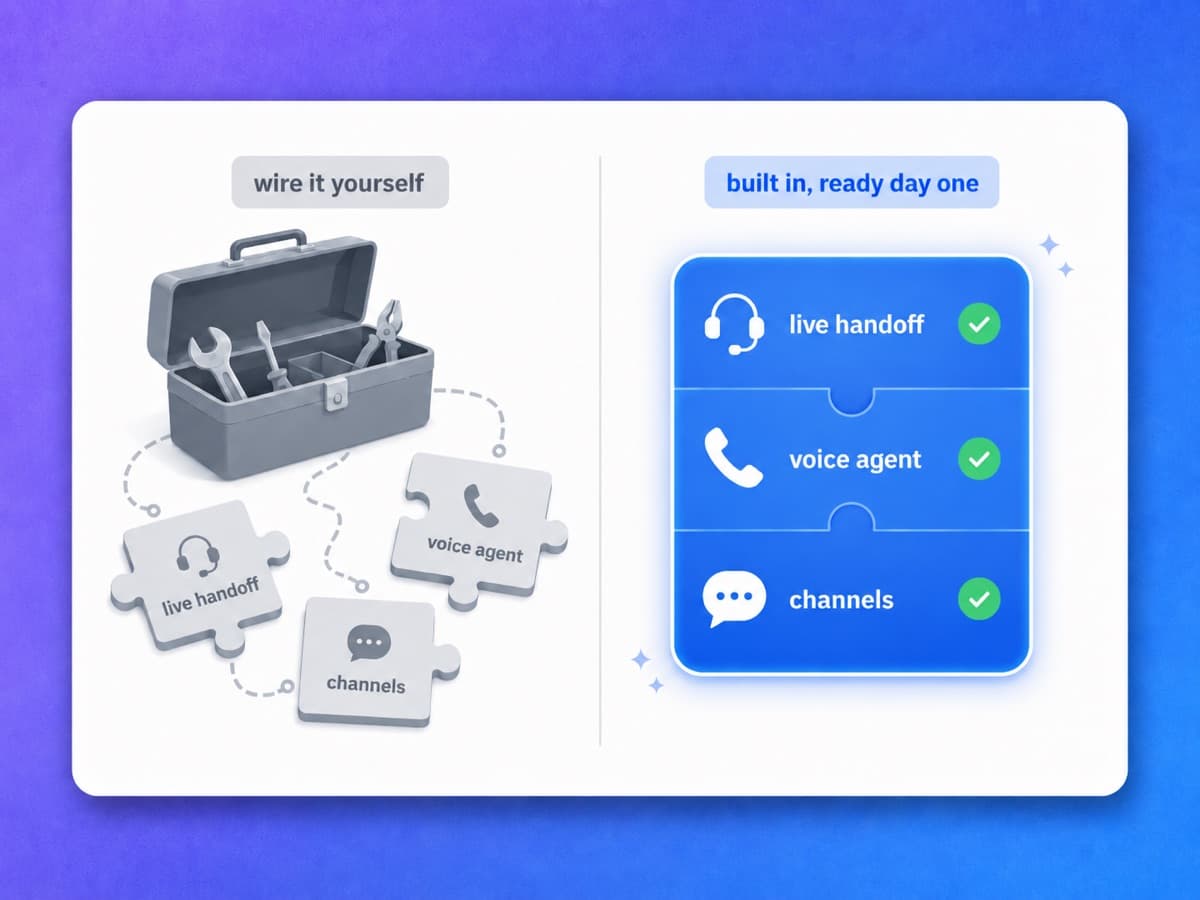
Resolution, handoff and voice in a single plan
LiveChat sells agent seats, and its plans ship AI that helps the human answer: Copilot, reply suggestions, text enhancement and chat summaries. The autonomous AI Agent that resolves without a person is priced on ChatBot.com, a separate purchase at $19 and $79 per user per month billed annually, metered at 10 resolutions a month on Essential and 200 on Growth. YourGPT is one product, so the pieces you would otherwise buy and wire together arrive connected.
One purchase, not two
Autonomous resolutions sit on ChatBot.com plans, priced and metered separately from LiveChat seats. Figures from livechat.com/pricing and chatbot.com/pricing.
Live handoff included
Escalation to a human is part of the same agent, with the conversation and customer context attached.
Voice in the same plan
The AI voice agent is not a second product to license and connect.
Flat, not per seat
$39 a month with 3 seats included, 5 on Professional and 20 on Advanced, extra seats at $7.
An agent you can shape inside the product
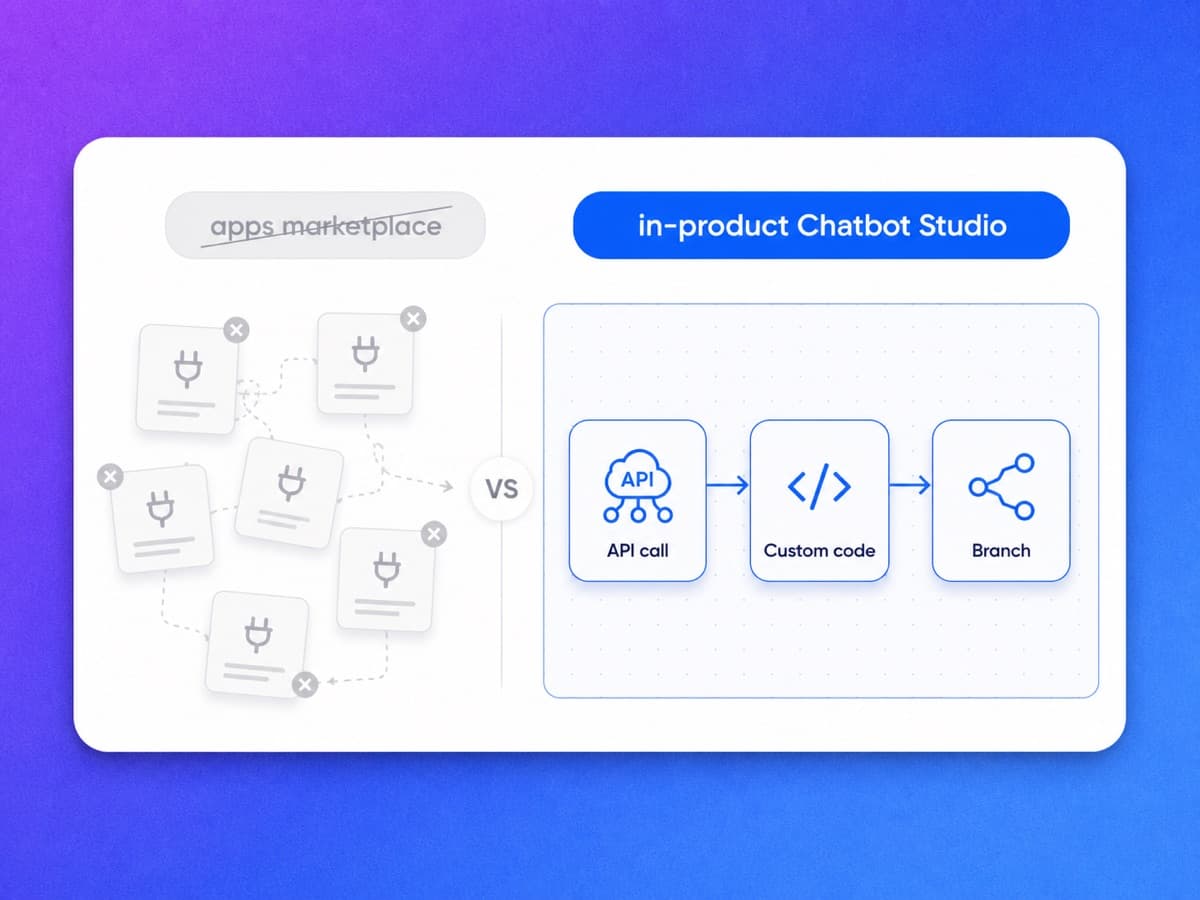
The LiveChat Marketplace catalogues apps across analytics, CRM, e-commerce, help desk and email marketing, and its developer platform is documented well enough to build your own. That behaviour lives in the apps you install. YourGPT's AI Studio runs API calls, custom code and branching flows as agent actions inside the product, so the agent updates the order rather than passing data to an app that does.
Built-in apps
Google Calendar, Sheets, Stripe, Freshdesk, Zoho and Brevo connect from AI Studio with no integration to build.
Visual API calls
Look up an order, update a record or trigger a backend action mid-conversation.
Custom code and branching
Run your own code and multi-step logic as part of what the agent does.
Event and schedule triggers
Start a conversation on a product event or a schedule, not only when a customer writes in.
Where LiveChat still wins
If you want a browsable connector catalogue, its Marketplace beats routing through Zapier, Make.com, Pabbly or our API.
An agent that closes the conversation
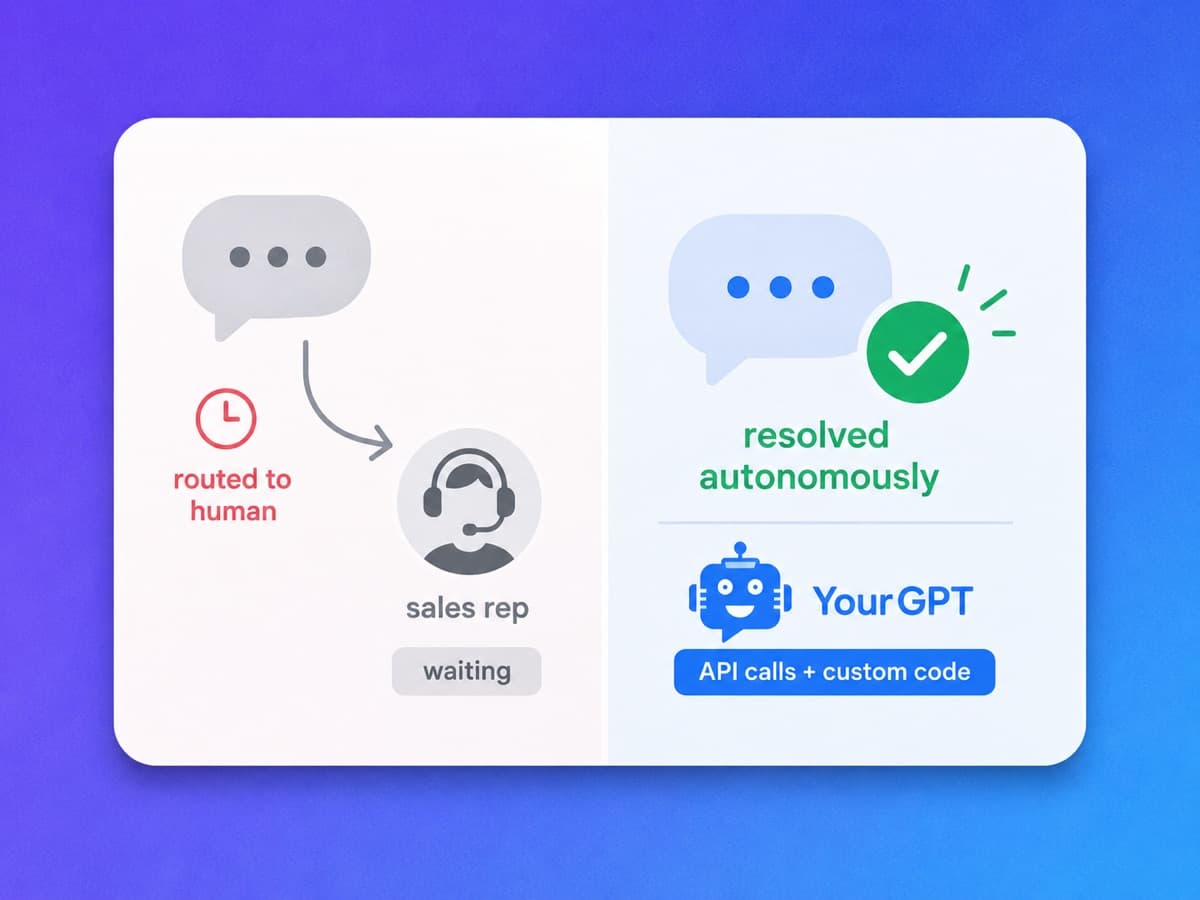
LiveChat's in-plan AI makes the person on shift faster: it drafts the reply, cleans up the wording, suggests the tag and summarises the chat. Someone still has to be there. YourGPT puts the agent in front of the queue instead, closing up to 90% of repeated queries end to end with API calls and custom code, and escalating with the full conversation only when a person is genuinely needed.
Answered without a queue
Customers get a resolution when nobody is on shift, not a position in line.
Escalation with context
When a human is needed, they open the chat already knowing what happened.
Actions, not just answers
API calls and custom code let the agent finish the task the reply would only describe.
Self-learning
The agent flags what it could not answer so you can close the knowledge gap.
One agent across every channel and live calls
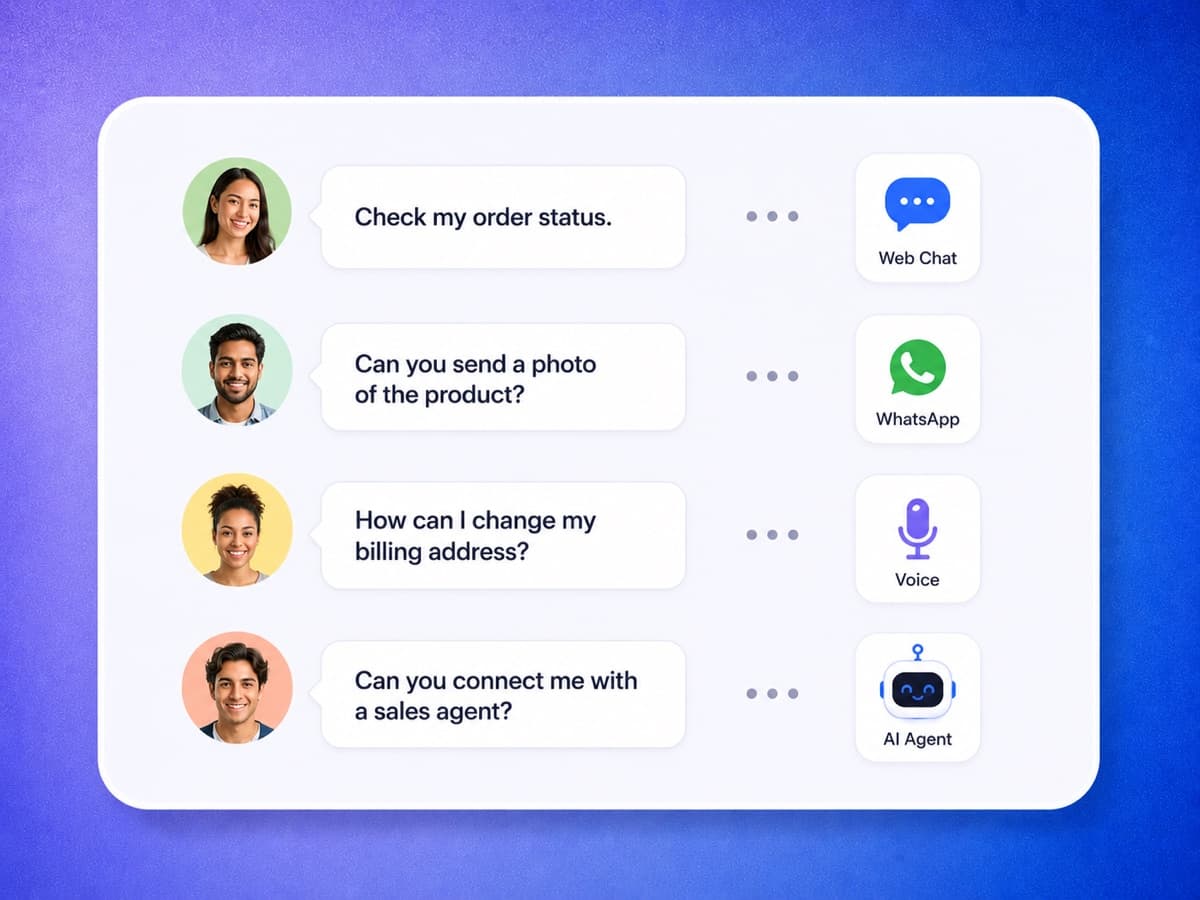
LiveChat's channel list is genuinely wide: web widget, Messenger, Instagram, WhatsApp, Apple Messages for Business, SMS and email, plus in-chat voice, video and screen sharing for your team. On SMS and Apple Messages for Business it reaches further than we do, and if either is a requirement it wins outright. What YourGPT adds is an AI voice agent that answers inbound calls and places outbound ones, plus Telegram and Slack, in over 100 languages.
Omnichannel Integration
Website chat, WhatsApp, Instagram, Messenger, Telegram, Slack and email from one agent.
AI voice, inbound and outbound
The agent takes the call and makes it, rather than a call button a human picks up.
100+ languages
Consistent answers across languages with no separate setup per locale.
Where LiveChat reaches further
SMS, Apple Messages for Business and agent screen sharing are theirs, not ours.
From signup to a working agent in minutes
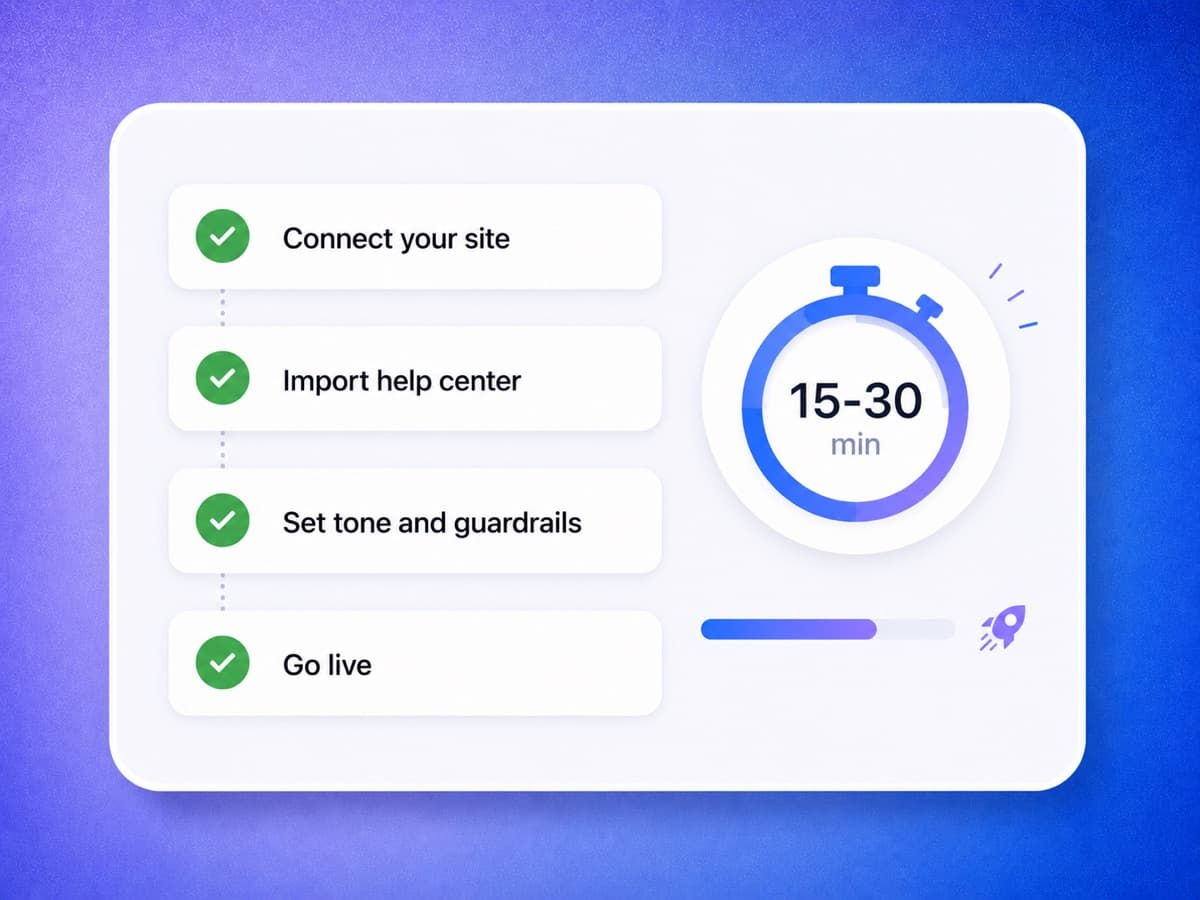
There is no second product to buy and connect before the agent can resolve anything. Point YourGPT at your site and help centre, set your tone and guardrails, connect your channels and go live. Your existing content does the training, so there is no developer and no migration project between deciding and shipping.
Rich knowledge import
Ingest your site, PDFs, docs, files and APIs rather than typing rules by hand.
Guardrails before launch
Set the tone and the limits, then let the agent take the queue.
No-code setup
Live in under 30 minutes without engineering time.
7-day free trial
Build and test the agent free, no credit card. LiveChat's own trial runs 14 days.
Where each tool actually wins
Neither tool wins every category. Here is the honest read on which buyer each one fits, based on current pricing and capabilities.
Where LiveChat is the better choice
You need SMS, Apple Messages for Business, or in-chat video
LiveChat's feature list covers the web widget, Messenger, Instagram, WhatsApp, Apple Messages for Business, SMS and email, plus in-chat voice, video and screen sharing between an agent and a visitor. YourGPT does not do SMS, Apple Messages for Business or agent screen sharing. If any of those is a requirement, LiveChat wins outright.
Your agents want a desktop app, not a browser tab
LiveChat ships native apps for Mac and Windows alongside iOS, Android and the web app. If your team lives in the agent console all day and wants it as a real desktop application with a mature canned-response, routing and reporting stack behind it, that is a decade of polish YourGPT has not spent.
A long list of off-the-shelf connectors
The LiveChat Marketplace catalogues apps across analytics, CRM, e-commerce, help desk, email marketing and more, with a documented developer platform for building your own. YourGPT connects through Zapier, Make.com, Pabbly and its API, which is flexible but is not a browsable app catalogue.
A longer look before you pay
LiveChat's trial runs 14 days with no credit card. YourGPT's is 7. Neither has a free-forever tier.
Where YourGPT fits better
You want conversations resolved, not just answered faster
LiveChat's in-plan AI speeds the human up: Copilot, reply suggestions, text enhancement, chat summaries. Metered autonomous resolutions live on ChatBot.com, a separate purchase. YourGPT's agent closes the repeat questions itself and escalates with context only when a person is needed.
You are not billing per seat
LiveChat is priced per agent seat, from $19 per agent per month billed annually. YourGPT is a flat plan from $39 per month with 3 seats included, 5 on Professional and 20 on Advanced, extra seats at $7 each. Figures from livechat.com/pricing.
The agent has to take real action
AI Studio gives you visual API calls, custom code, multi-step flows, and event or schedule triggers, so the agent updates the order rather than describing how to update it.
You want to choose the model
GPT, Claude, Gemini and others, switchable at any time, with fine-tuned models available on Enterprise. LiveChat does not publish a model choice.
Voice, and outbound as well as inbound
LiveChat's voice is an agent-to-visitor call inside the chat. YourGPT's AI voice agent answers inbound calls and places outbound ones, so support, sales follow-up and operations run from the same agent.
Frequently Asked Questions
Get answers to common questions about switching from LiveChat to YourGPT and which platform fits your team.
Why should I choose YourGPT over LiveChat?
What is the best LiveChat alternative?
What is LiveChat and what does it do?
How does LiveChat pricing compare to YourGPT?
Do I need ChatBot.com as well as LiveChat to get AI resolutions?
Is LiveChat free?
Don't see the answer you're looking for ?
Get started with YourGPT AI today.
Migrating to YourGPT is easy. Import your knowledge base in minutes and put a self-learning AI agent to work across chat and voice on one flat plan.
No credit card · 7-day free trial · Migrate from LiveChat in minutes