“AI Chatbot API and Code Execution: How to Add Live Data”

Neha
Last updated on September 2, 2026
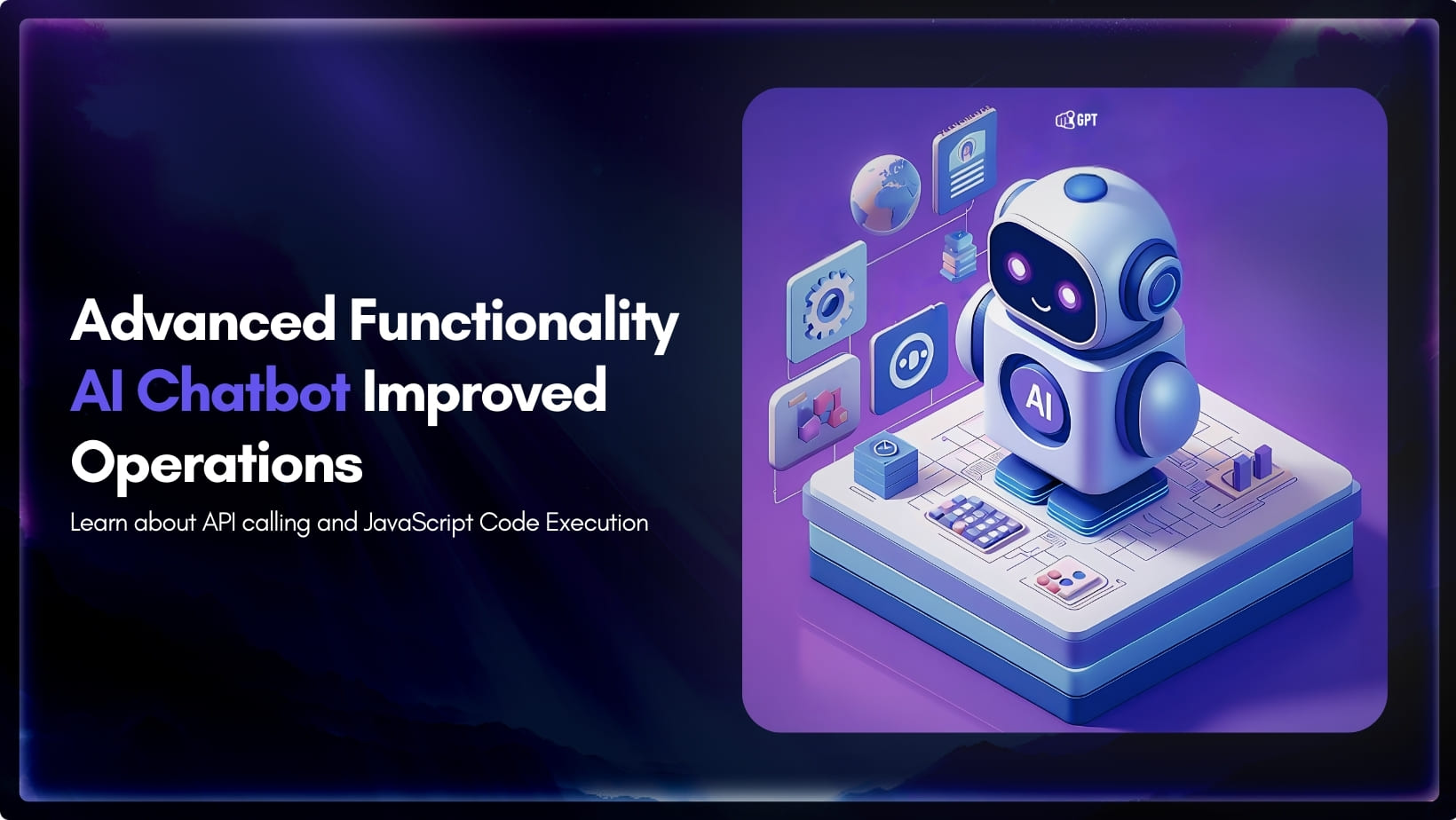
An AI chatbot API call is an HTTP request the agent sends during the chat to read or write data that lives outside the knowledge base. Code execution runs JavaScript or Python when that work needs logic, data shaping, or more than one request. In YourGPT, use API Call or Code Execution in AI Studio when you know the step, or an API Function or Code Function under Automation → Functions when the model should pick the tool from the message.
A customer asks whether anyone has picked up their ticket. Someone has. An engineer reassigned it and added a note while the customer was still typing. Your trained page still says the team replies within one business day, so the agent quotes the policy while the answer sits in your helpdesk.
The customer did not ask for the policy. They asked about their ticket.
That gap between what you published and what is true right now is what API calling and code execution close.
Train the agent on your own content before you add a live call. The trained page handles the questions that do not change. The call handles the ones that changed since you published.
An API call in an AI chatbot is an HTTP request the agent sends during the conversation to read or write data that lives outside the knowledge base. Code execution is a script that runs in that same conversation when one form-based request is not enough.
In YourGPT, that live work sits in one of two places: a fixed AI Studio workflow, or a Function the model can call on its own.
AI Studio is the advanced system for teams that want full control. You design the workflow step by step, and one setup can run multiple agents. Drop API Call or Code Execution on the exact step where the live work happens. The page on building a support agent in AI Studio covers the canvas, scenarios, and the publish step.
Functions sit under Automation → Functions in the dashboard. The model reads the message, extracts the parameters you defined, and calls the tool when it matches. Functions earn their keep when a question can arrive at any turn, in any wording.
| Surface | Where you build it | What it does | Use it when |
|---|---|---|---|
| API Call | AI Studio → Advance | One HTTP request. You set the URL, headers, and query parameters, then store the response. | The workflow already has the value, and you need one lookup or write. |
| Code Execution | AI Studio → Advance | JavaScript or Python in the workflow. It can calculate, shape data, call APIs, and return a path name. | You need an if statement, more than one request, or a custom branch. |
| API Function | Automation → Functions | The model fills {{TOOL_PARAMS.name}} and sends the HTTP request. | The user might ask at any turn, and you can describe the call in a form. |
| Code Function | Automation → Functions | The model fills TOOL_PARAMS.name, and your JavaScript or Python must return a result. | The user might ask at any turn, and the work needs code. |
| System Functions | Automation → Functions | Prebuilt tools. Web Search reads the public web. Check with Team asks a teammate inside the chat. | The fact is public news or a stock quote, or the agent needs a human answer without a transfer. |
| MCP Servers | Automation → Functions | Connects an external tool over the Model Context Protocol, and the agent gains that server’s tools. | You already run an MCP server, or the tool you need is published as one. |
If you can fill the URL, headers, and Capture to fields, use API Call. If you need an if statement, use Code Execution.
One documented limit pushes work back to AI Studio. The Functions docs note that long sequences needing input across multiple messages may not work, and that customization is limited. A job that collects three answers in a fixed order belongs on a drawn path.
For a single request in an existing workflow, start with API Call.
Open the workflow in AI Studio. If the API needs a value the workflow has not captured yet, create it under Model → Variables and collect it with a Listen step. On the canvas, open Advance and drag API Call onto the step after that collection. The Code Execution help article labels this menu Advanced Tools.
The API Calling docs list the fields you fill:
The docs demonstrate these fields with a weather call, and it makes a good first test because it needs exactly one parameter. Collect the city as the City entity and pass it as {{FLOW.City}}.
https://api.weatherapi.com/v1/current.json?q={{FLOW.City}}Add a header whose key is key and whose value is your WeatherAPI key. The header name comes from WeatherAPI, not YourGPT, so check your own vendor’s docs when you swap APIs. Run Test Request. If the JSON looks right, store it with Capture to, then read the stored field in a Message node as {{FLOW.variable_name}}.

The same five fields connect to your own system. Back to the ticket question: a lookup is an endpoint like https://api.yourcompany.com/tickets/{{FLOW.ticket_id}} with an Authorization: Bearer header and a Capture to variable such as ticket. The Message node then reads ticket.status and ticket.owner, and the agent answers about their ticket instead of the policy.
If your live question is a Shopify cart, order, or return, skip the custom endpoint. The storefront setup is documented on the Shopify order status chatbot page.
One note on the weather call: it is the documented first test, not the production pattern. When the fact is public, such as weather or a stock quote, Web Search is the simpler tool. Your own API Call earns its place when the record lives in your system.
If the next step needs math on that payload, or a second request, leave API Call and open Code Execution.
Code Execution is the Advance node that runs a script inside the workflow. The official docs and help center both state that the node supports JavaScript and Python.
Drag Code Execution onto the canvas, or into the block where the logic belongs. Open the node, pick the language, then click Edit Code.

The editor has syntax highlighting and can generate a draft script with AI. Describe what the script should do, review the generated code, then accept or reject it before saving the node.
The help center lists libraries you can use without manual installation:
axios, node-fetch, moment-timezonerequests, pytzThe script can read and write the chatbot’s variables. The help center names FLOW, SESSION, and CONTACT, and the variables reference also documents VISITOR. Use {{FLOW.variable_name}} in node fields. In the script itself, assign to the object directly, as in FLOW.last_response.
One variable type deserves its own mention. Store API keys in config variables, which the Code Execution docs show as CONFIG.WEATHER_API_KEY, not as a key pasted into the editor.
const city = FLOW.City;
if (!city) {
  return "error";
}

const apiUrl = `https://api.weatherapi.com/v1/current.json?q=${city}`;
const response = await fetch(apiUrl, {
  headers: { key: CONFIG.WEATHER_API_KEY }
});

if (!response.ok) {
  return "error";
}

FLOW.last_response = await response.json();
return "found";
Click execute. Read the output Console. Use console.log() in JavaScript or print() in Python while you debug. The Code Execution docs walk through the same weather example in JavaScript and note Python as the second language.

The script also decides where the workflow goes next, because the return values are path names. The help center’s example returns pokemonsFound on success and error on failure, then maps each string to a different branch. Use names that match your job, such as found and error. One script can return more than two paths, so a branch for a reassigned ticket and a branch for an unassigned one can say different things.
Keep the script short and leave the spoken reply to a Message node. A drawn path only fires where you put it. When the same question can arrive at any turn, the tool belongs in Functions.
Open the dashboard and go to Automation → Functions. The Functions docs list four types: System Functions, Code Functions, API Functions, and MCP Servers.
An API Function is the form-based HTTP tool. Set the name, description, method, and endpoint. Then define what the model should extract: under AI Parameters (JSON), give each parameter a name, type, and description, and check the Generated Schema panel. Put {{TOOL_PARAMS.city}} in the URL, the JSON body, or a header, and click Test API.
A Code Function is the script version. Name it with lowercase letters, numbers, underscores, or hyphens, pick JavaScript or Python, and add each parameter with Add Parameter. Read values as TOOL_PARAMS.city with no curly braces.
The function must return a result. If you skip the return, the agent has nothing to say from that tool.
Studio nodes fire when the workflow reaches them. Functions fire when the model decides the tool matches the message.
The model reads the function name and description when it decides whether the tool matches, so write the description for the question the tool should answer. Enable the function, and guide it in the base prompt when it should stay narrow. The Functions docs use this kind of instruction: use Web Search for stock-price questions, and do not use it for anything else.
Functions can also work together in one answer. For a question like weather and current time for a city, the model can call one function for the weather and another for the time, then answer from both results.
If you do not want to build anything, System Functions are prebuilt. Web Search covers public web facts. Check with Team asks a teammate inside the chat when the agent needs a human answer, and the visitor stays in the conversation while the team replies.
The last type is MCP Servers. Model Context Protocol is an open standard that lets your agent call external tools and services, from local data to Google Maps to a keywords tool. Add the server details under Automation → Functions → MCP Servers, and the agent gains that server’s tools the same way it gains a function. Run the server on your own infrastructure when the data should stay with you.
A successful request is not yet a reply. Something still has to read the payload and say it in the chat, so map the result before you publish.
On API Call, Capture to holds the payload for the next node. On Code Execution, the returned path name picks the branch. On a Function, the returned value goes back to the model so it can write the answer.
Then split the path:
error.
That last step keeps agentic AI in customer experience from inventing a status when the API returns nothing. A customer waiting on a ticket would rather hear “let me check with the team” than a made-up update.
Keep state in the documented variables, not in the prompt. Write the payload into FLOW, then read that same field in the Message node.
A 200 without a next path is a dead end.
Once the happy path shows the record and the error path speaks, test the node, then test the chat.
Test the request in its node, then confirm the final reply in the chat.
In API Call, use Test Request. In Code Execution, use execute and the output Console. In an API Function, use Test API. Fix headers and parameters here, before a customer sees a stack trace.
Then open Emulator in the AI Studio toolbar. Ask the same question a real ticket would ask, worded the way a customer words it. Confirm the entity or tool parameter was filled, the payload landed in the variable, and the error branch triggered when you sent an invalid ID.
Save the workflow. Publish it when the Emulator reply matches the record. After it is live, watch the chats that still miss in chatbot analytics. A failed call is usually a header, a missing variable, or a path you never mapped, not a model problem.
When misses repeat, add the missing page in Training or the missing field in the request. That weekly pass keeps customer support automation honest.
Yes. Connect the chatbot to an external API or use Code Execution to fetch and process current data at runtime. This lets the agent work with information that changes after its training data was created.
API Call is useful when you already have an endpoint that returns the data you need. Code Execution is better when the agent needs to transform data, perform calculations, combine multiple values, or run custom logic before responding.
Yes. An agent can use chained execution when answering a request requires multiple pieces of live information. For example, it can retrieve data from one function, use another function to obtain additional information, and then combine both results in its final response.
Put the key in a header on API Call, or store it in a config variable and read it as CONFIG.YOUR_KEY inside Code Execution. Do not paste the key into the prompt or into a Message node.
Functions give an AI agent autonomous access to actions and tools. The agent can decide when a function is relevant, call it during a conversation, and use the result to continue solving the user’s request. AI Studio is for building structured workflows where you define the steps, conditions, inputs, and actions yourself. Use Functions when the agent needs the freedom to decide what action is required; use AI Studio when the process needs predictable and requires controlled execution.
No. The code runs within YourGPT. You only need an external service when the code needs to access data or functionality that lives outside the platform, such as your own database or third-party API.
The trained page still does its job. It answers the policy questions and the product questions, the ones that do not change between publishes. What changed is everything else: the ticket that just changed owner, the payment that just failed, the stock level that just hit zero.
You do not need to wire every system on day one. Pick the one question your team answers most often that needs live data. Build it with API Call if it is one request, Code Execution if it needs logic, a Function if it can arrive at any turn. Test it in the node, prove it in the Emulator, publish it.
Then watch the chats. The next miss tells you which call to add second.
Add one API Call or Code Execution node in AI Studio, or create a Function under Automation. Test it, publish it, and the next answer carries the field from your system instead of a stale page.
TL;DR B2B customer service means supporting multiple people within the same account, including end users, admins, finance or procurement contacts, and executive sponsors, each with a different definition of a resolved ticket. Traditional support bots handle one conversation at a time and often lose account context when requests move between contacts, channels, or teams, forcing […]


TL;DR A vector embedding is a list of numbers that represents meaning, placing similar concepts closer together in a mathematical space. AI chatbots use embeddings to match questions by meaning rather than exact wording, which is a core part of retrieval-augmented generation (RAG). Anthropic recommends Voyage AI for embeddings, while OpenAI, Google, and Cohere provide […]

TL;DR An FAQ chatbot answers repetitive questions by matching user queries with a knowledge base and returning grounded responses using rules, AI retrieval, or both. Modern FAQ chatbots use confidence checks to deliver instant answers for strong matches and fall back to broader retrieval or human handoff when confidence is low. Rule-based bots work well […]
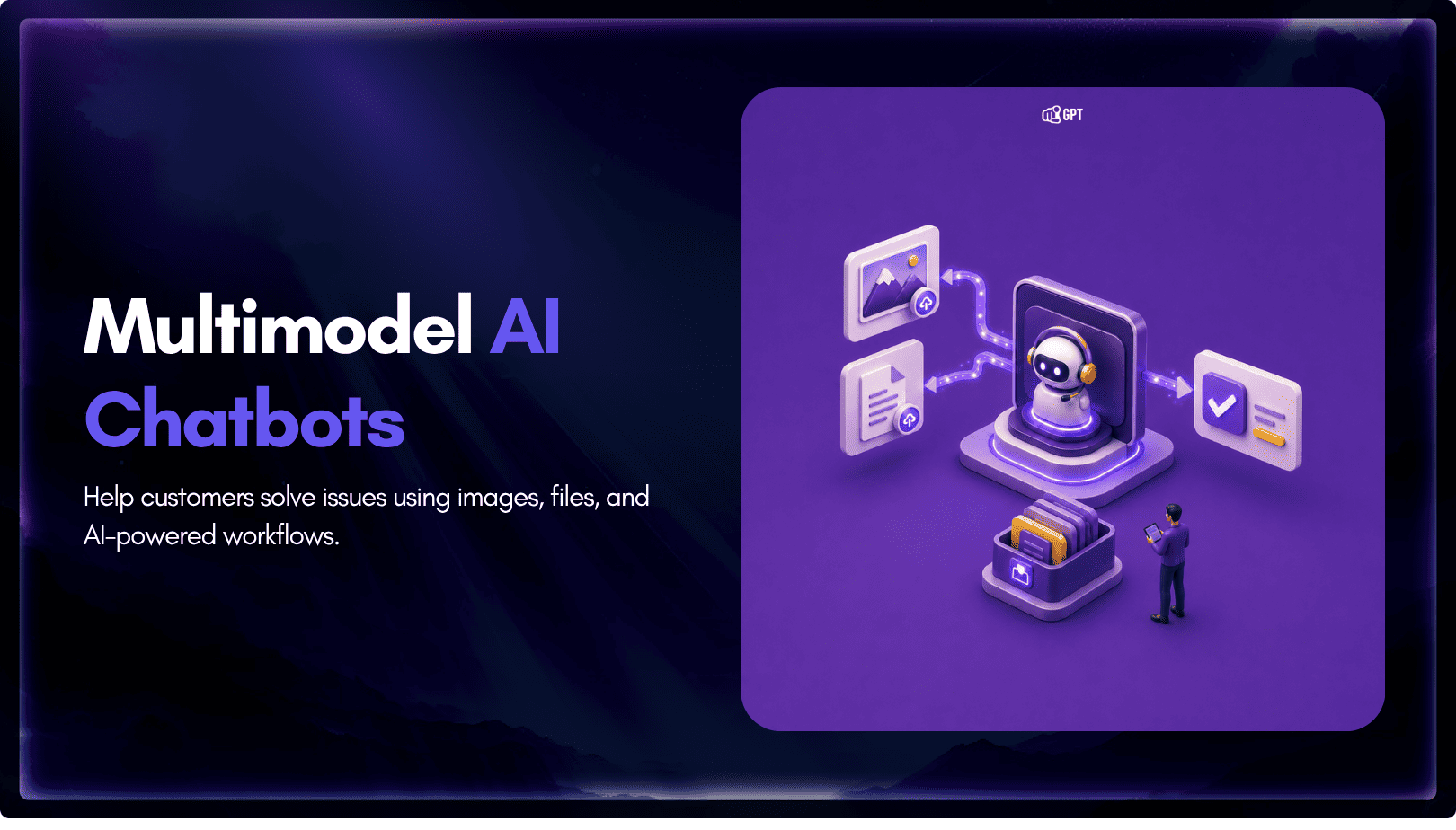
TL;DR Multimodal chatbots let customers share photos, screenshots, documents, video, or audio directly in a conversation, giving AI more context than text alone. YourGPT’s Attachment Capture node in AI Studio can collect these files mid-conversation, while vision-capable AI models can analyze and understand their contents. Key use cases include ecommerce returns, insurance and warranty claims, […]
A customer asks where their order is. A traditional bot pastes a tracking link and calls it done. An agentic system checks the carrier API, sees the shipment stuck at a depot, applies a credit under the delay policy, updates the CRM, and messages the customer before they’ve had time to get annoyed. Same question. […]
TL;DR A ticketing system converts requests that arrive by email, chat, phone, or web form into trackable records with an owner, a status, and a priority level. Centralizing requests this way cuts response delays, gives support teams visibility into backlogs, and creates a record useful for reporting and audits. Options range from lightweight help desk […]