How to Add an GPT AI Chatbot to Your Adalo App Without Coding

Rohit Joshi
Last updated on July 30, 2026
Adding an AI chatbot to an Adalo app involves embedding a widget script through Adalo’s Custom Actions or Webview component, as Adalo does not offer a dedicated chatbot marketplace integration.
YourGPT trains the assistant using uploaded documents and FAQs, then generates the widget code required for the embed while providing controls for setup, branding, and ongoing retraining.
The finished chatbot runs directly inside the Adalo app without requiring custom development from the app builder.
Adalo apps are built for speed, drag-and-drop screens that turn into a working product in days. What they don’t handle on their own is a question that arrives at 2 AM, or a lead that goes cold while nobody’s watching the inbox. That gap costs conversions long before a support team ever gets pulled in.
A no-code AI chatbot closes it. YourGPT trains an assistant on existing documents, FAQs, and product details, then hands back a widget script ready to drop into an Adalo app. No developer gets pulled in, and no existing screen or flow needs rebuilding.
The result runs inside the app the way a support team would, answering routine questions immediately and escalating anything it can’t resolve. An app builder without the budget for round-the-clock staffing gets that coverage anyway.
Adding an AI chatbot to your Adalo app can transform user experience and business operations in several important ways:
These benefits together make AI chatbots a powerful addition to any Adalo app, improving customer satisfaction, streamlining operations, and preparing your business for future growth.
Understanding who will gain the most from integrating YourGPT with Adalo helps you focus your efforts and get better results. The chatbot suits a wide range of users, including:
By knowing who benefits most, you can tailor the chatbot’s setup, training data, and conversation flows to deliver the most value to your specific users.
YourGPT provide a wide range of powerful features that are designed to make AI chatbot integration with your Adalo app simple and more effective:
With these functionalities, your Adalo app can have a powerful AI assistant that improves user experience and operational effectiveness.
Adding YourGPT chatbot to your Adalo app is quick and requires no coding. Follow these simple steps to get your AI assistant up and running:
Step 1: Create Your YourGPT Account

Sign up on YourGPT to access the chatbot builder dashboard. Registration is straightforward and fast, giving you immediate access to all features.
Step 2: Train the AI
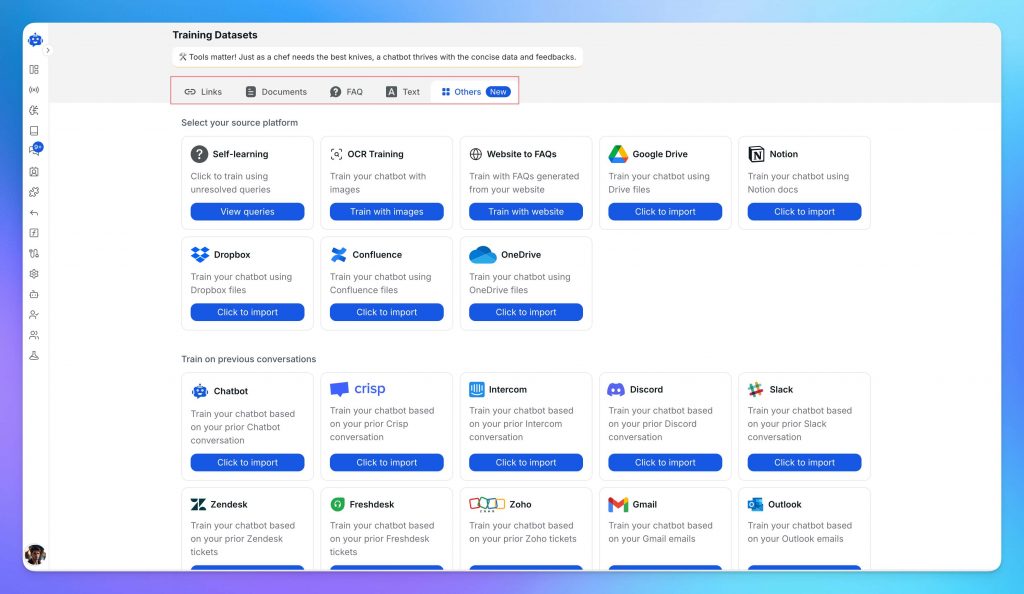
To make your chatbot smarter and more relevant, to train with documents like website pages, FAQs, or product details in the training dashboard. YourGPT supports PDFs, Word docs, CSVs, and more. This step ensures your chatbot answers questions with accurate, customised information.
Step 3 : Customise Your Chatbot
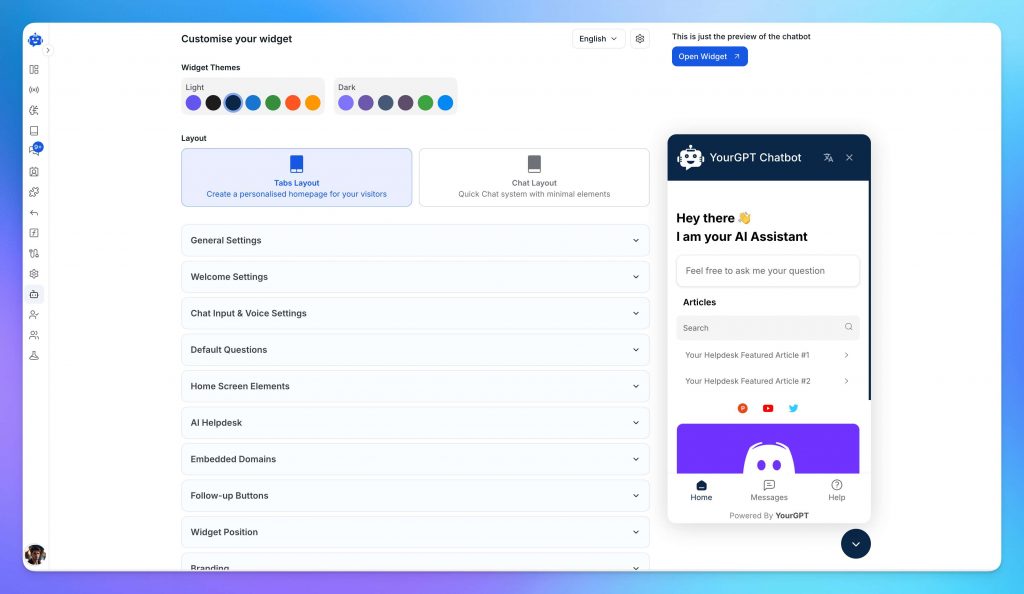
Define your chatbot’s tone and style to match your brand. Choose the latest GPT model balancing response quality and speed.
Step 4 : Get the Widget Embed Code
In the YourGPT dashboard, go to the Integration section and copy the chatbot widget embed code. This code allows you to add the chatbot directly into your Adalo app.
Step 5 : Add the Chatbot Widget to Your Adalo App :

This simple integration process allows anyone to add powerful AI assistance to their Adalo app without technical barriers.
Integrating YourGPT chatbot into your Adalo app unlocks multiple practical benefits across industries and app types. Here are some of the most common ways businesses use it:
These use cases show how YourGPT may enhances the functionality and value of Adalo apps by automating user interactions and supporting business growth.
To get the most out of YourGPT chatbot in your Adalo app, consider these best practices:
Following these tips will help your chatbot deliver a better user experience, improve satisfaction, and support your business goals effectively.
Integrating YourGPT chatbot with your Adalo app brings smart, AI-powered support directly to your users without the need for coding. You can create a custom AI chatbot with no code to provide a unique user experience without diving into complex coding.
This no-code solution enhances user engagement, reduces support workload, and scales effortlessly as your app grows. By following the simple steps in this guide, you can build a personalised chatbot that understands your business and serves your users 24/7, in multiple languages if needed.
Ready to add a powerful AI assistant to your Adalo app? Explore YourGPT chatbot today and start your free trial. See how easy it is to improve user satisfaction and streamline support with AI.
For more detailed tutorials and tips, visit our YourGPT Blog and join our community of app creators building smarter, more engaging apps every day.
Boost user engagement and support with YourGPT’s easy no-code chatbot for Adalo.
No credit card required • Full access • Limited time offer
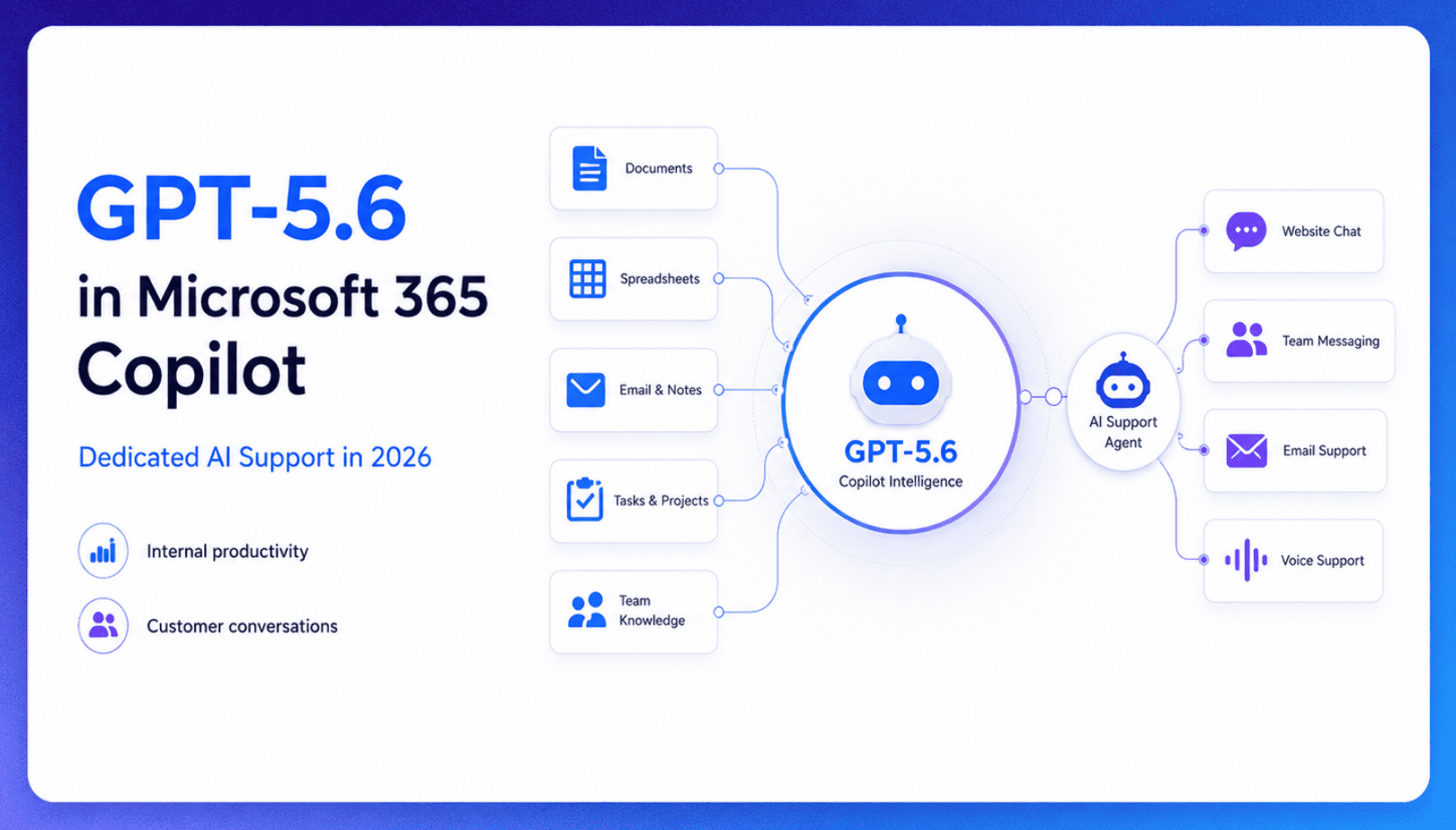
TL;DR Microsoft made GPT-5.6 the preferred model across Word, Excel, PowerPoint, Copilot Chat, and Cowork on July 9, 2026, focusing on internal workplace productivity rather than customer-facing support. Dynamics 365 Service Agent also reached general availability, but it mainly helps human support representatives manage cases within Microsoft’s existing permission structure and requires separate licensing. A […]

TL;DR Cheap frontier models now compete for the same high-volume support workloads, with DeepSeek V4 remaining the lowest-cost option in this comparison. Kimi K2.6 and GLM-5.2 are open-weight and self-hostable, while Qwen 3.7 Plus is proprietary and available only through an API. Claude Haiku 4.5 is the only model here that its developer explicitly recommends […]
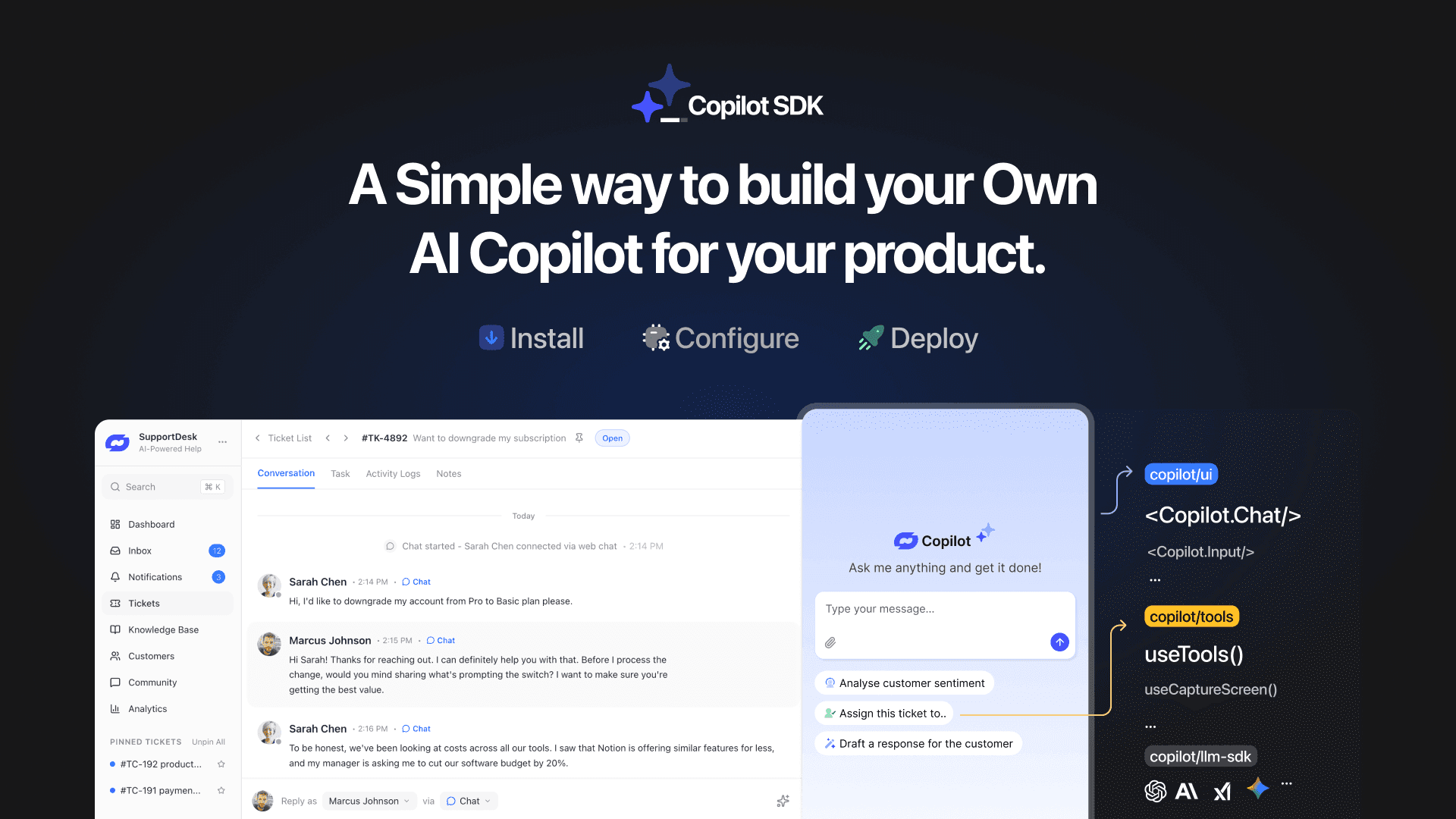
TL;DR YourGPT Copilot SDK is an open-source SDK for building AI agents that understand your application state, user context, and what is happening inside your product. Instead of working like isolated chat widgets, these agents connect directly with your product and can take real actions within existing workflows. This helps teams build contextual AI experiences […]

TL;DR YourGPT 2.0 adds AI Studio for building, testing, and debugging automated workflows. It includes native MCP integration for more than 100 tools, upgraded voice agents, and native SDKs for iOS and Android applications. With shared context across web, WhatsApp, Instagram, Telegram, and mobile, YourGPT turns conversations into real actions across support, sales, and operations. […]
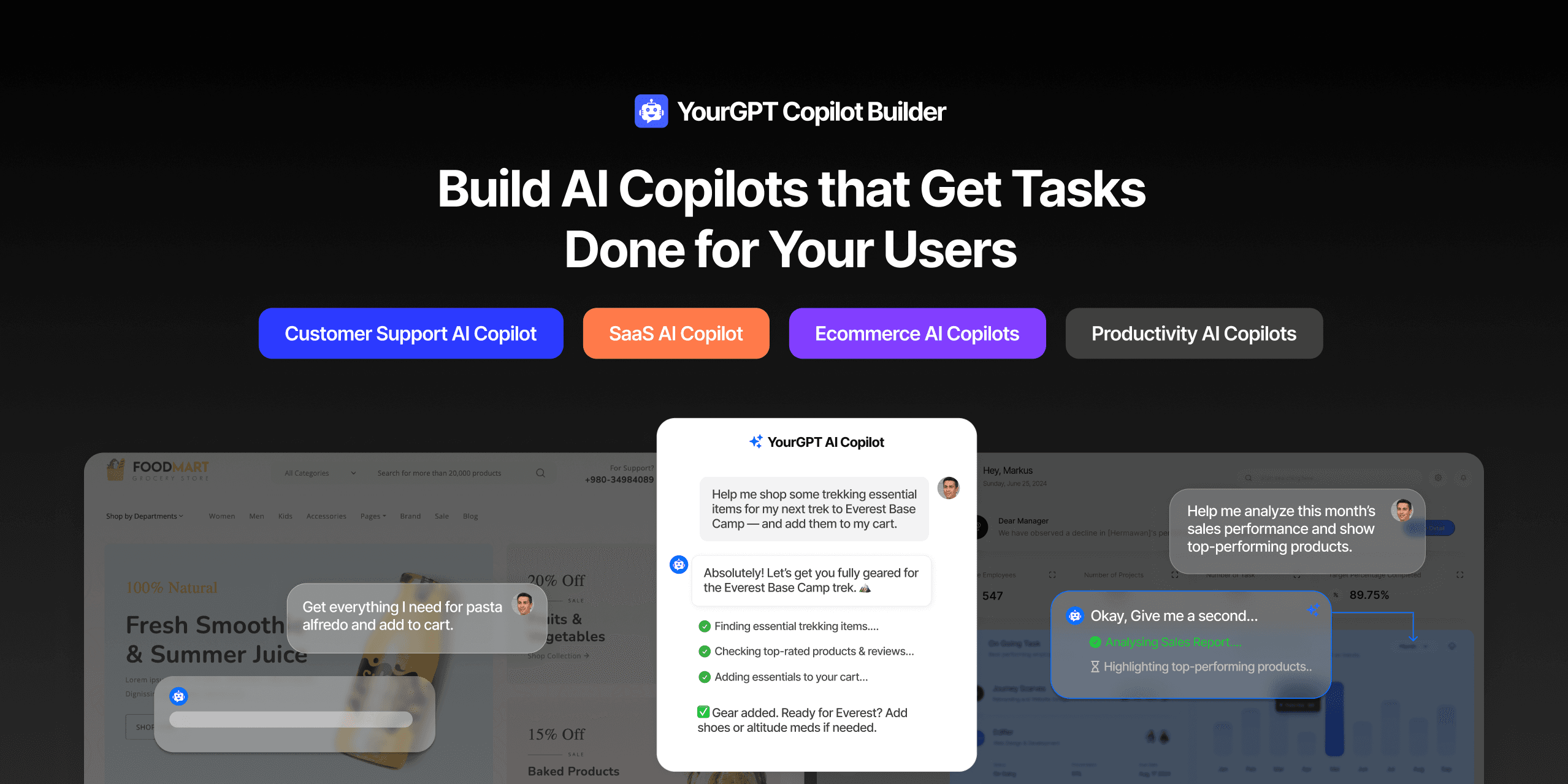
TL;DR Most AI tools provide answers but still leave users to complete the task through search results, settings pages, or checkout flows. AI Copilot Builder closes that gap by executing registered actions directly inside the product instead of only explaining what to do. Search, cart updates, account changes, and multi-step bookings can all happen within […]
TL;DR Building an AI-powered Telegram bot does not require custom development. BotFather provides the Telegram bot token, while a no-code platform like YourGPT handles AI training, free-form conversations, and the Telegram connection. This guide covers the full setup, from creating the bot in BotFather to connecting it with YourGPT and taking it live. Most Telegram […]
