A Better Start to 2026

Rajni
January 1, 2026
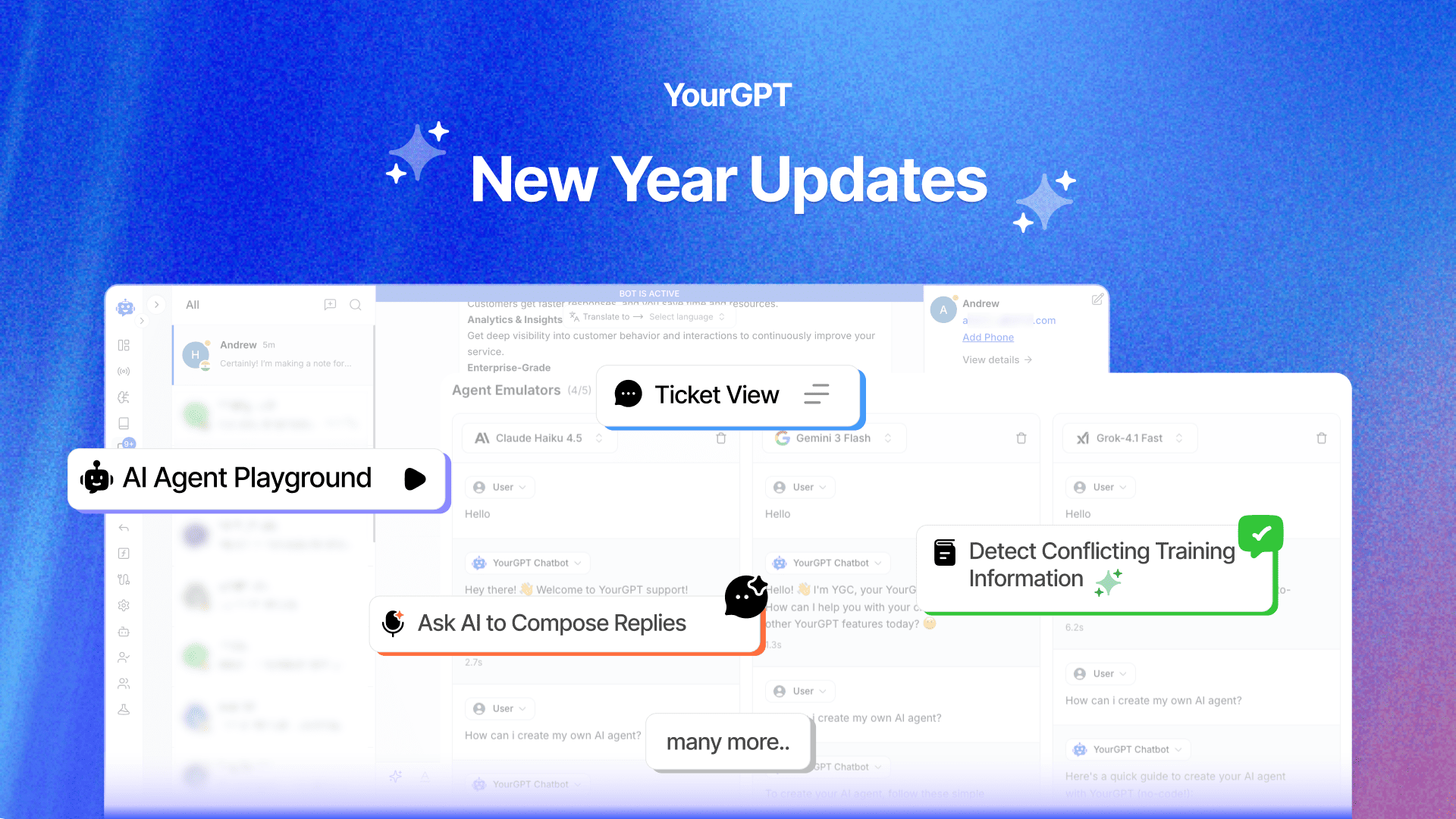
Happy New Year!
We hope 2026 brings you closer to everything you’re working toward.
Throughout 2025, you’ve seen the platform evolve. We shipped the AI Copilot Builder so your AI could execute actions on both frontend and backend, not just answer questions. We added AI assistance inside Studio to help you generate workflows without starting from scratch. We added support for external MCP servers. We improved the contacts module, launched phone call agents, and gave you ways to automate multi-step tasks that previously required manual work.
The platform improved based on your feedback and your experience. We’re continuing to make that experience better and help your organisation get the most from AI in customer support, sales and workflow automation.
Some of the most common feedback we heard: comparing AI models took too long when testing them separately. Training data conflicts only surfaced after customers pointed out inconsistent answers. Managing conversations can be faster without keeping too many screens open at once.
These were real problems affecting your daily work. We saw them in your messages.
So we spent the time building for you. Real updates for the friction points you told us about.
Here’s what we’re shipping to start your year to start.

You build an AI agent. You pick a model. It works fine. Then someone suggests trying a different model to see if responses improve. Now you’re rebuilding the same agent twice just to compare outputs.
The Agent Playground fixes this.
Test your AI agent across multiple models at the same time. Set your persona, temperature, memory, and tools once. The playground runs identical queries through each model and shows you the responses side by side.
You see exactly how Claude Sonnet 4.5 handles a customer complaint compared to GPT-5.2. You spot which model understands your specific use case better. You make an informed decision instead of guessing based on one conversation.
This matters when you’re deploying agents that handle real customer conversations. The difference between a model that understands “I need a refund” versus one that understands “this didn’t work like I expected” shows up immediately in your support metrics.
One e-commerce company tested three models on their return policy questions. Model A was faster but gave generic answers. Model B understood nuance but sometimes added unnecessary detail. Model C hit the balance they needed. They found this in 20 minutes instead of three days of testing.
The playground saves you from deploying the wrong model and having to rebuild later.
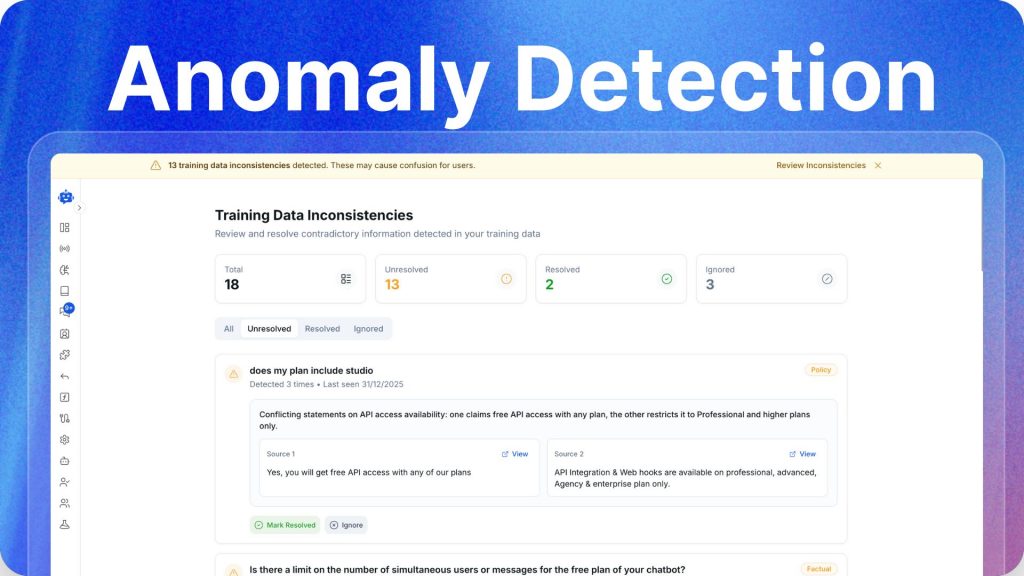
Your knowledge base grows over time. You add new policies. Update product information. Import data from different teams. Eventually, you have conflicting information sitting in different sources, and your AI starts giving inconsistent answers.
A customer asks about your return window. Your FAQ says 30 days. Your recent policy update says 14 days for sale items. Your AI pulls from both sources and gives different answers to different customers.
Training Data Anomaly Detection spots these conflicts automatically.
It scans all your training sources and flags where information doesn’t align. You see the conflicting sources side by side. You review the discrepancy, decide which source is correct, and resolve it before customers get mixed answers.
This gives you confidence that your AI is working from accurate, consistent information.
A B2B SaaS company found 23 conflicts across their documentation when they first ran the detection. Their support team had been manually fixing these inconsistencies one ticket at a time. Now they catch conflicts during the update process instead of during customer conversations.
The feature runs continuously. As you add new training data, it checks for conflicts with existing sources. You address anomalies early instead of discovering them through support tickets.
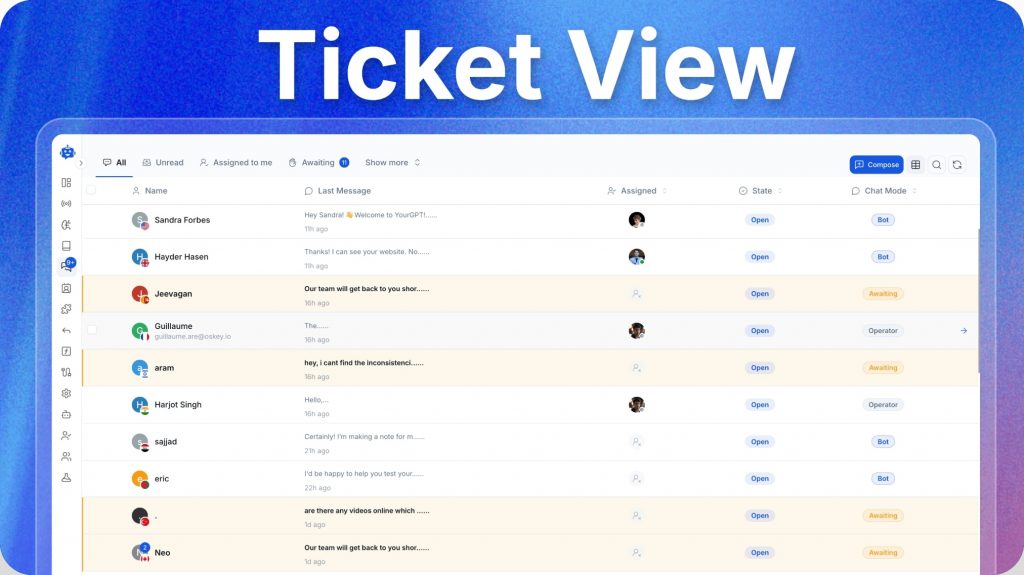
Your conversations live in different places. Some are handled by AI. Some get escalated to human agents. You’re switching between tabs trying to figure out who’s handling what and what the current status is.
The Unified Ticket View consolidates everything.
You see every conversation in one place. The dashboard shows you ticket assignment, current status, last activity, and whether a bot or human is handling it. You know immediately what needs attention and who’s responsible.
This matters when ticket volume spikes or when complex issues need hand-offs between AI and human agents. Your team can see the full context of any conversation without hunting through multiple systems.
The view updates in real time. When an AI agent escalates a conversation to a human, the status changes immediately. Your team sees it, assigns it, and responds without delay.
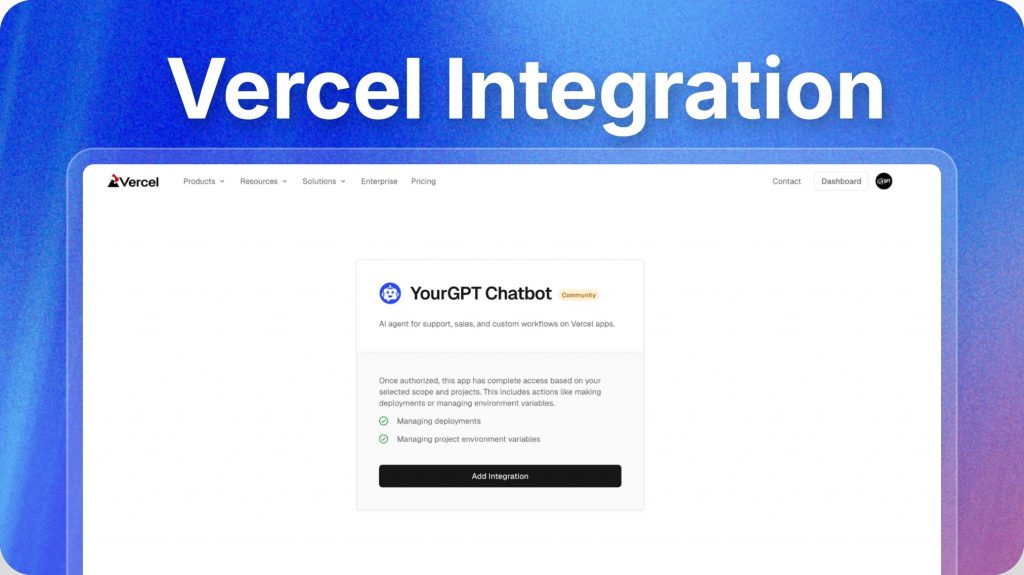
You’re already using Vercel for your projects. Your team knows the workflow. Your deployment pipeline is set up. Then you need to add AI agents, and suddenly you’re managing a completely separate platform.
The Vercel Integration brings AI agent management into your existing Vercel workflow.
Deploy AI agents directly within your Vercel projects. Control deployments, adjust environment variables, and oversee project settings without leaving the platform. Your AI agents follow the same deployment process as the rest of your code.
This eliminates the context switching between platforms. Your development team maintains consistent deployments across all projects. You track updates in one place instead of juggling multiple dashboards.
For teams shipping features fast, this integration saves hours per week. One development team reduced their deployment time for AI updates from 45 minutes to 8 minutes by handling everything through Vercel.
The integration is secure and built-in. You don’t need to set up custom connections or manage API keys across platforms. It just works within your existing Vercel setup.
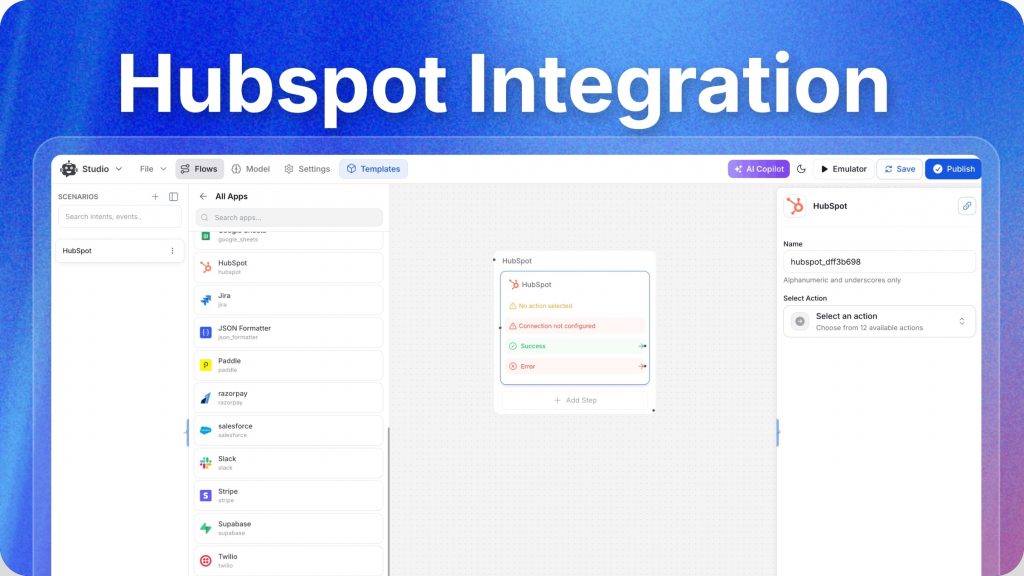
Your sales team uses HubSpot. Your AI agent uses YourGPT. They don’t share information, so your AI responds to customers without knowing they’re an existing client, what they’ve purchased, or what conversations have already happened.
The HubSpot Integration syncs that context.
Your AI agents access conversations, contacts, and customer data directly from HubSpot. When a customer asks a question, the AI can see their purchase history, previous support tickets, and account status. It provides responses that reflect actual customer information instead of generic answers.
This helps both sales and support teams. A lead asks about pricing. Your AI knows they’re already in HubSpot as a qualified lead and can reference their specific use case. A customer asks about their subscription. Your AI pulls their current plan details and responds accurately.
The sync works both ways. Conversations from your AI get logged in HubSpot. Your team sees the complete customer journey without manual data entry.
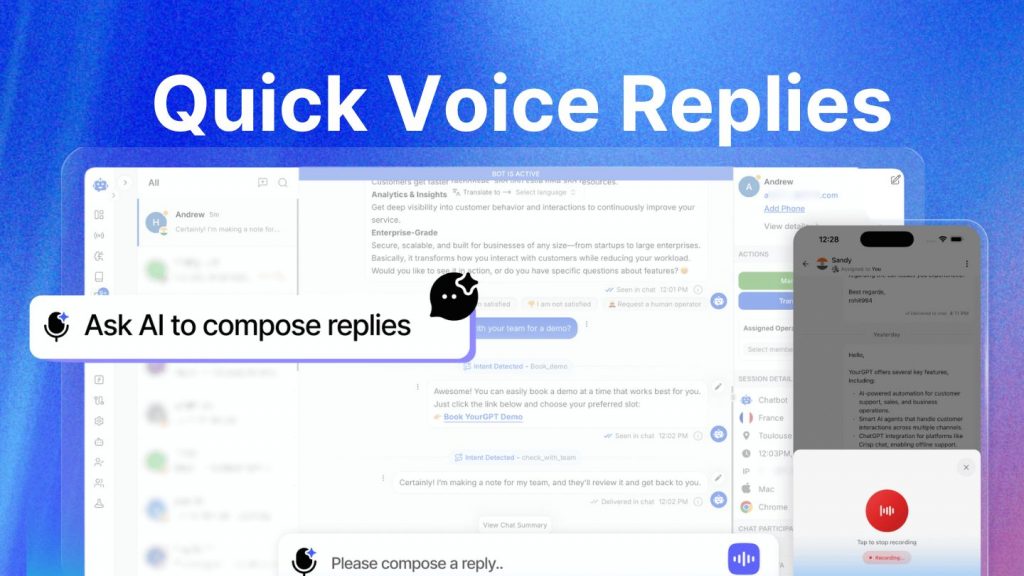
Typing repeated replies is slow and frustrating. Your thumbs can’t keep up with your thoughts. You can respond faster by speaking.
Voice Replies lets you respond at the speed of thought on mobile and web. Speak naturally to compose and send replies instantly.
This makes routine interactions faster. When you’re reviewing support conversations on the go, quickly, you can tell the AI what to answer without pressing buttons.
Voice input saves time when you’re multitasking or working hands-free.
These updates are just the beginning.
We’re not slowing down in 2026. Our focus is on quality and making everything easier so you can spend less time managing tools and more time on work that matters. Every feature we ship will be built to reduce complexity and help you achieve more.
Your feedback drives what we build next. When you tell us what can be imrpoved or what’s missing, we listen and we act on it. That’s how these updates came to exist, and that’s how the next ones will too.
If you need help getting started with any of these features, join our Discord community at https://discord.com/invite/z8PBs5ckcd. Ask questions, share what you’re building, request features you need, get help from technical team or tell us what we should fix next. We’re there to help.
And we have something big coming soon. We’ll share more details when it’s ready. All six updates are live in your dashboard now. Log in and start using them.
We’re committed to helping you succeed with AI. Let’s make 2026 REMARKABLE.
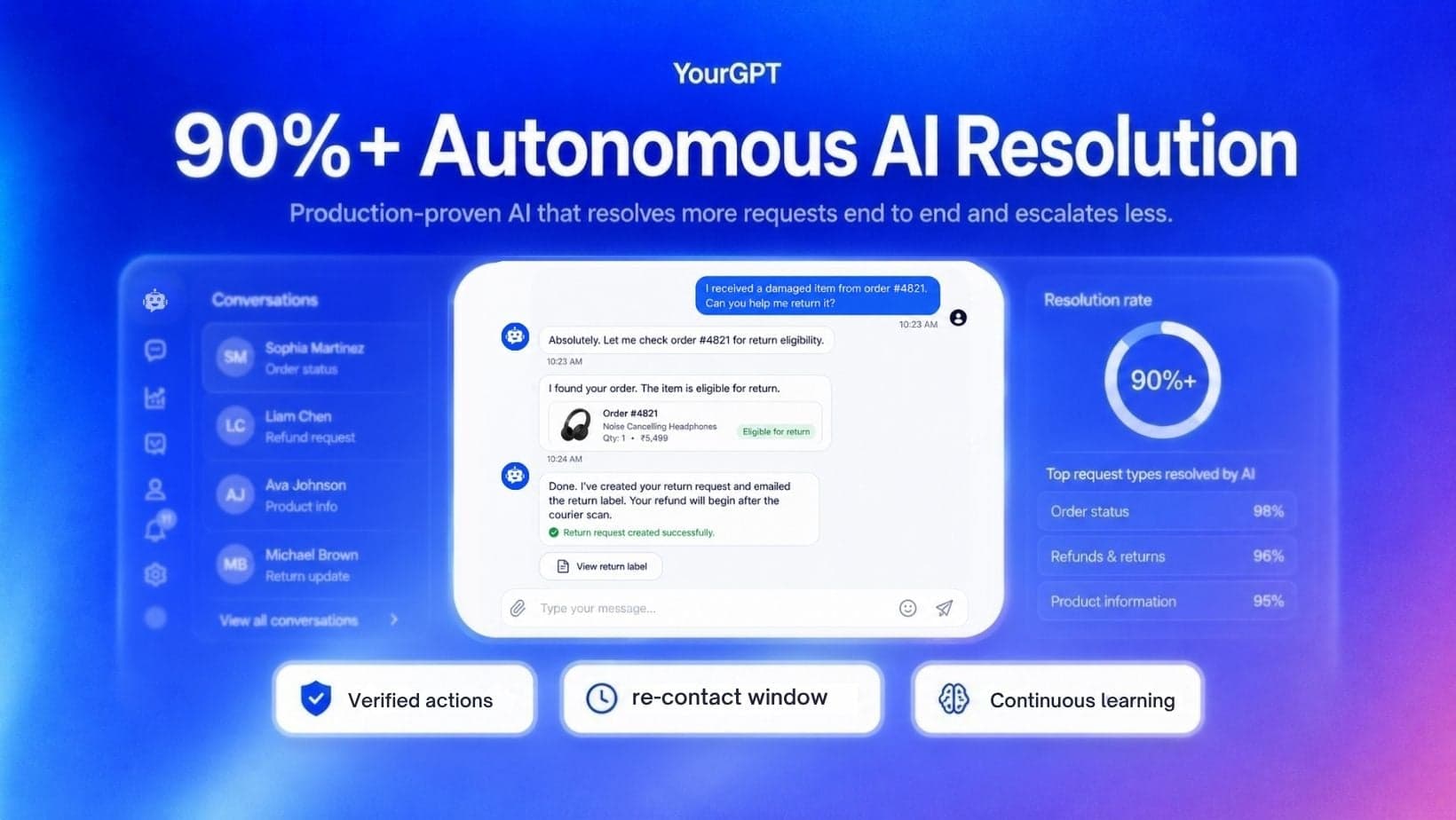
YourGPT has progressed from production deployments reaching around 80% AI resolution to 90%+ on eligible repeated requests in maintained deployments. Here is what changed, how we measure resolution, and how we apply that work with organizations that want to raise their own rates.
TL;DR Claude Fable 5 launched on June 9, 2026, was pulled offline three days later under a US export control order, and returned on July 1 after the order was lifted. For support teams, Fable 5 is best suited for long-horizon tickets across billing, CRM, shipping, and documents not basic FAQ deflection. Its biggest support […]

At YourGPT, we’ve always believed businesses need one platform for customer support, sales, and engagement. These are not separate parts of the customer journey. They shape how businesses communicate, build relationships, and move conversations forward. That belief continues to guide how we evolve YourGPT, building toward a more connected way for teams to manage communication, […]
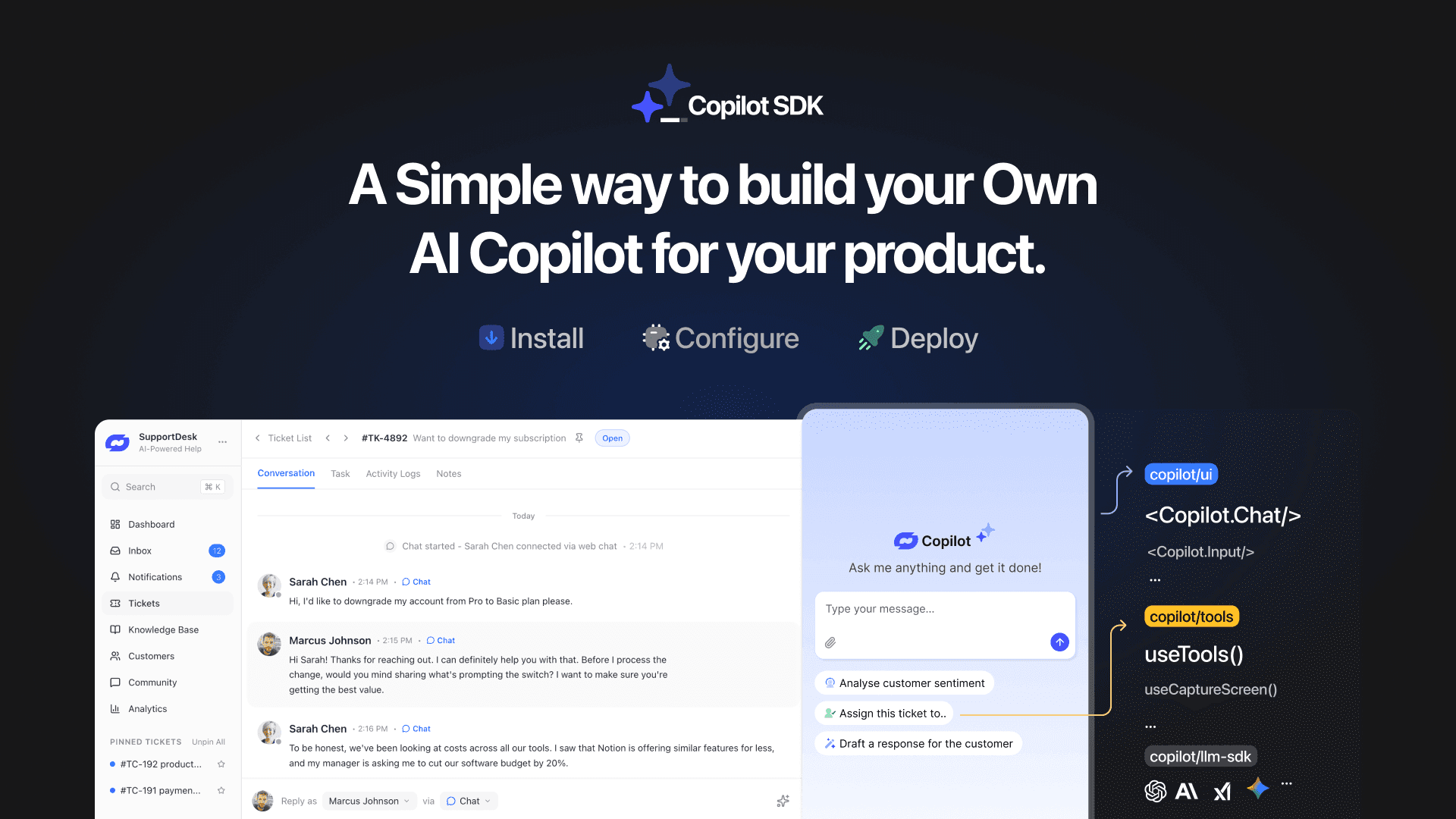
TL;DR YourGPT Copilot SDK is an open-source SDK for building AI agents that understand your application state, user context, and what is happening inside your product. Instead of working like isolated chat widgets, these agents connect directly with your product and can take real actions within existing workflows. This helps teams build contextual AI experiences […]
Grok 4 is xAI’s most advanced large language model, representing a step change from Grok 3. With a 130K+ context window, built-in coding support, and multimodal capabilities, Grok 4 is designed for users who demand both reasoning and performance. If you’re wondering what Grok 4 offers, how it differs from previous versions, and how you […]
OpenAI officially launched GPT-5 on August 7, 2025 during a livestream event, marking one of the most significant AI releases since GPT-4. This unified system combines advanced reasoning capabilities with multimodal processing and introduces a companion family of open-weight models called GPT-OSS. If you are evaluating GPT-5 for your business, comparing it to GPT-4.1, or […]
