Introducing Copilot SDK: Production-Ready AI Copilots for Any App

Rajni
Last updated on August 22, 2026
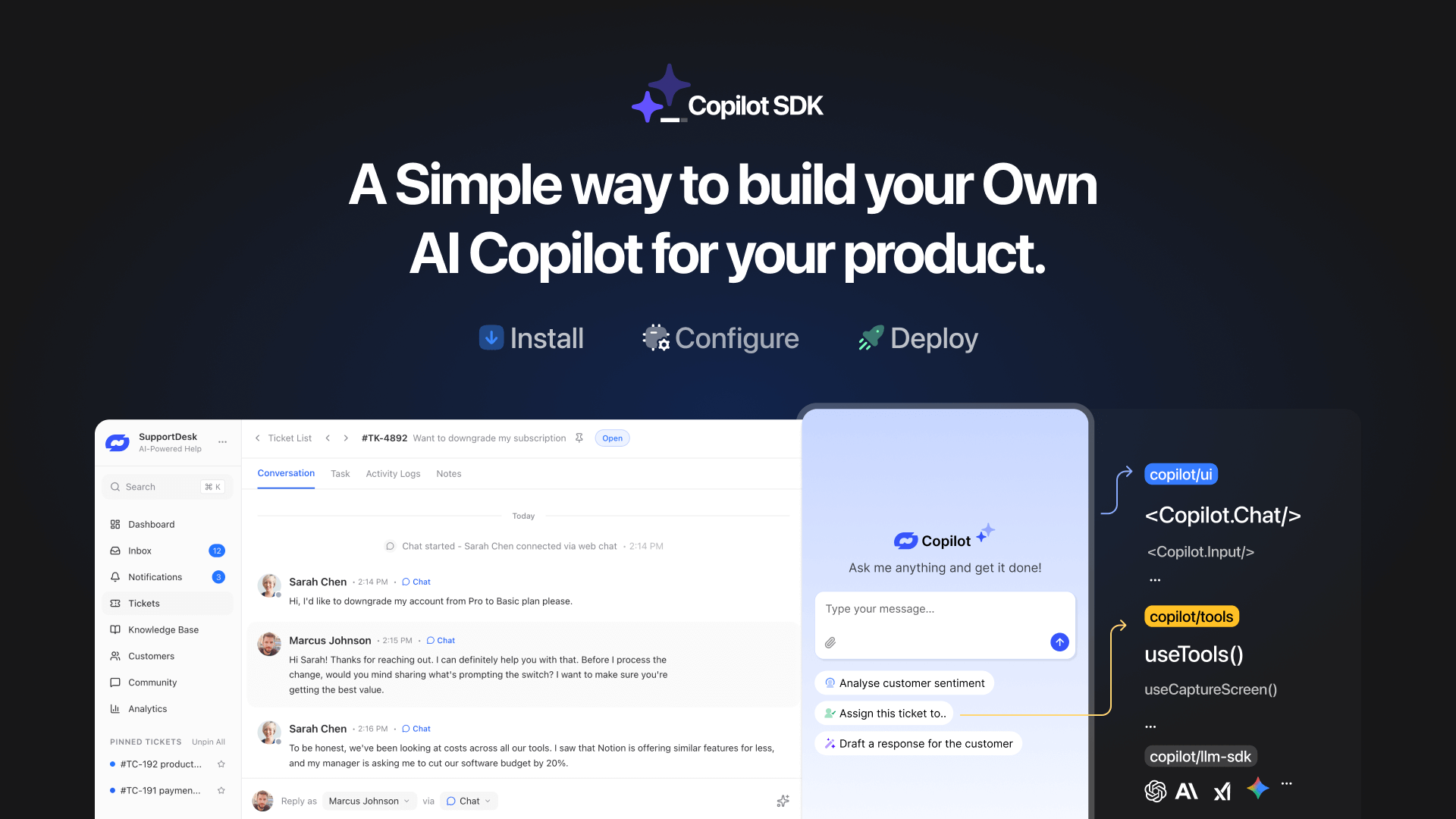
YourGPT Copilot SDK is an open-source SDK for building AI agents that understand your application state, user context, and what is happening inside your product.
Instead of working like isolated chat widgets, these agents connect directly with your product and can take real actions within existing workflows.
This helps teams build contextual AI experiences that can guide users, execute tasks, and interact with product functionality rather than only answering questions.
Over the past year, we’ve seen SaaS products rapidly adopt AI chatbots. They answer questions, guide users, and reduce some support load. While that’s a great start, it’s no longer enough.
People do not come to chat to a software. They come to get things done.
Answers are helpful. Actions are transformative.
We have always believed that the best customer experience does not come from talking to an AI. It comes from an AI that actually does the work.
That belief is why we built the YourGPT Copilot Builder.
It allows teams to build and deploy copilots quickly inside YourGPT, making it a strong fit for business and operational use cases that need speed, reliability and centralized management.
But SaaS products have different needs.
SaaS teams need copilots that understand internal state, permissions, users context, and product logic. They need copilots that can help update data, and act as a native part of the product experience.
That is why we are launching the YourGPT Copilot SDK. An open-source SDK for developers and SaaS teams who want to go beyond conversational AI and build copilots that take action.
Not copilots that sit on the side or ask users to explain context. Copilots that live inside the product, understand product and user context, and act at the moment help is needed.
This is not about adding AI as a feature. It is about redesigning how your product works. Once you see it this way, there is no going back.
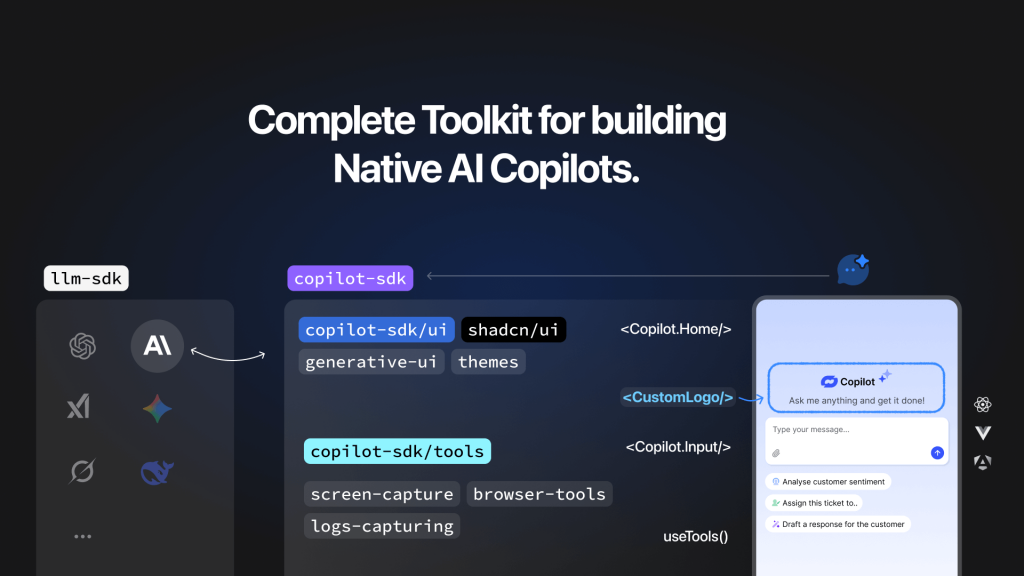
Copilot SDK is an open-source SDK for building production-grade AI agents inside applications.
It is designed for teams who want AI to be a part of product. The SDK gives copilot access to application state, structured context, and controlled actions, so they can operate safely inside the product instead of working in isolation. Rather than assembling streaming interfaces, model APIs, tool execution, and context handling from scratch, Copilot SDK provides a production-ready architecture teams can build on.
With Copilot SDK, AI agents become native parts of the product experience. They can execute custom functions, reason across multiple steps, and coordinate complex product workflows. It can also render interactive UI components, making help feel native and actionable rather than conversational.
The SDK is open source, self hosted, and provider agnostic. Teams connect it to their own infrastructure, choose their preferred LLMs, and retain full control over security, data flow, and execution. There are no black-box abstractions that limit how the product evolves.
This changes the role of AI in software. Instead of telling users what to do, the copilot does the work for them or walks them through it in context.
These are two different layers, designed for different needs.
The YourGPT Copilot Widget is built for speed and accessibility. It is low-code friendly and works well for business platforms, where fast setup and centralized management is requried.
Copilot SDK is built for developers. It is designed for deep frontend and backend integration, where AI needs to behave like a native part of the product and interact directly with product logic, state, and permissions.
Copilot SDK is built for teams that want AI to be a core part of their product experience.
It is a strong fit for SaaS startups, developer-first products, and teams building modern web applications who want AI to act, not just respond. If your users expect AI to complete tasks, guide workflows, and reduce manual effort inside the product, this SDK is designed for that purpose.
Copilot SDK helps simplify complex products by letting AI handle work where users need it most, directly in the flow of the application.
The primary obstacle to successful AI implementation is is the engineering complexity of building stable, maintainable systems. Organizations consistently encounter four fundamental integration problems that determine whether AI capabilities can be reliably delivered to users.
These problems are not unique to any one product. Most teams spend a significant amount of time solving the same integration concerns before they can focus on how AI should actually support their users.
Copilot SDK address these recurring integration concerns directly, without imposing assumptions about how an application should behave.
On the frontend, the SDK provides components that handle response streaming, rendering, and error states in a consistent way. This removes the need to reimplement the same interaction patterns for every project, while still allowing teams to control layout and presentation.
On the backend, Copilot SDK introduces a unified interface for working with different model providers. Provider-specific differences in streaming, error handling, and request structure are handled within the SDK. Application code interacts with a stable interface, which makes provider changes or upgrades easier to manage over time.
For application context, the SDK allows state to be registered directly from the parts of the app that already own that data. Context is attached to the AI runtime automatically, instead of being manually constructed for each request. This keeps context logic closer to the source of truth and reduces duplication.
Copilot SDK also defines clear boundaries for how the AI interacts with application logic. Tool execution follows explicit contracts, with structured inputs and predictable outputs. This makes it easier to reason about how AI-driven interactions affect the rest of the system.
All of this runs on infrastructure owned by the team using the SDK. Requests flow through the application’s backend, and model providers are accessed directly. There is no intermediary service and no requirement to hand off control over data or execution.
By handling these foundational concerns, Copilot SDK lets teams spend their time on product-specific decisions instead of rebuilding the same integration layer for every AI feature.
Once you decide to use the Copilot SDK, the next step is to get it up and running in your product. The goal is not just to show chat bubbles, but to embed a copilot that reliably streams responses, fits into your app’s lifecycle, and provides a foundation for further extension.
Start by adding the SDK packages that provide the runtime and model integration utilities. At a minimum, you will need the Copilot SDK and the LLM SDK for model access.
npm install @yourgpt/copilot-sdk @yourgpt/llm-sdk zodYou will use @yourgpt/copilot-sdk for the copilot runtime and interface, @yourgpt/llm-sdk for connecting to the model provider, and zod for safe input validation when defining tools if you choose to add them later.
Wrap your application with the Copilot provider at the root of your component tree. The provider sets up the runtime so child components can communicate with the copilot backend.
// app/providers.tsx
'use client';

import { CopilotProvider } from '@yourgpt/copilot-sdk/react';

export function Providers({ children }: { children: React.ReactNode }) {
  return (
    <CopilotProvider runtimeUrl="/api/chat">
      {children}
    </CopilotProvider>
  );
}The runtimeUrl should point to your backend route that will act as the bridge to the model provider.
Place the copilot interface where users will interact with it. The SDK provides a pre-built component that handles streaming, rendering, and interaction UI.
// app/page.tsx
import { CopilotChat } from '@yourgpt/copilot-sdk/react';

export default function SupportPage() {
  return (
    <div className="container mx-auto p-4">
      <div className="h-[600px]">
        <CopilotChat
          title="Support Assistant"
          placeholder="Ask about orders, shipping, returns..."
          suggestions={[
            "Where's my order?",
            "Start a return",
            "Check product availability"
          ]}
          className="h-full rounded-xl border"
        />
      </div>
    </div>
  );
}You now have a functional chat interface. It streams responses in real-time, renders markdown, handles errors gracefully, and shows loading states during processing.
The backend route receives messages from the frontend and forwards them to your model provider using the LLM SDK. A simple streaming implementation enables low-latency responses.
// app/api/chat/route.ts
import { streamText } from '@yourgpt/llm-sdk';
import { openai } from '@yourgpt/llm-sdk/openai';

export async function POST(req: Request) {
  const { messages } = await req.json();

  const result = await streamText({
    model: openai('gpt-5.2'),
    system: `
      You are a helpful support copilot.
      Provide accurate, direct answers based on the app context and requests.
    `,
    messages,
  });

  return result.toTextStreamResponse();
}
Add your OpenAI API key to .env.local:
OPENAI_API_KEY=sk-...Sending the model responses as a stream back to the frontend keeps the UI responsive without waiting for complete text generation.
At this stage, you should have:
This baseline ensures the copilot is integrated into the product and can communicate with an LLM provider, with minimal infrastructure code in your application outside of the provider and route configuration.
A copilot becomes more useful when it can do more than respond with text. Tools are how you give it controlled capabilities inside your app. You decide what the copilot can access, what it can run, and what it can return.
Copilot SDK supports tools in a few forms:
All tools follow a defined contract. Inputs are validated, execution is explicit, and outputs are structured. This keeps behavior predictable and prevents the copilot from acting outside the boundaries you set.
Once tools are registered, the copilot can call them as part of a response, including in multiple steps when a request cannot be handled in a single action.
Teams use Copilot SDK to build AI capabilities that operate directly within product interfaces, with full access to application state and execution context. These implementations go beyond conversational assistance to enable contextual intervention and autonomous problem resolution.
The examples below represent common examples, but the potential applications are limited only by product requirements and team creativity.
AI copilots embedded in operational interfaces can diagnose and resolve system issues without user explanation. A billing dashboard copilot observes subscription state, console logs, and error messages in real time. When a payment fails to load, it identifies the root cause from system state, proposes a corrective action, and executes the fix with user approval. The copilot operates on live product state rather than static documentation or user-provided descriptions.
Banking copilots access complete financial context across accounts, investments, credit cards, and upcoming obligations. Rather than generating text summaries, these implementations render interactive UI components: balance charts, bill timelines, and financial health scores computed from current data. The interface updates automatically as account state changes, maintaining consistency between AI outputs and source data.
Support copilots analyze active ticket context including conversation history, account usage patterns, subscription details, sentiment indicators, and renewal timing. They surface churn risk scores, identify applicable retention offers, and generate customer-appropriate responses. These interventions occur within the support interface, using real-time customer data rather than historical snapshots or manual context assembly.
Travel planning copilots build itineraries while observing user preferences, budget constraints, and booking state as interactions progress. The copilot annotates locations directly on an interactive map in real time, showing reasoning and options as the itinerary develops. Context updates automatically as users modify preferences or booking parameters, maintaining consistency between AI recommendations, map annotations, and current planning state.
These use cases share foundational requirements that Copilot SDK addresses directly:
Teams implement these capabilities without building separate AI infrastructure. The copilot becomes an extension of the product itself, with direct access to the same state and operations available to other application components. You can also Try the interactive playground: https://copilot-sdk.yourgpt.ai/playground
Before adding an AI copilot, it helps to decide whether AI should simply answer questions or actively participate in how your product works. Copilot SDK is built for the second case. It fits when AI needs to operate with the same awareness and constraints as the rest of your application.
Copilot SDK is an open-source SDK for building production-grade AI copilots inside digital applications.
It is designed for teams that want AI to participate in product workflows, understand application state, respect permissions, and take safe actions within defined boundaries. Instead of wiring together streaming UI, model APIs, context handling, and tool execution from scratch, Copilot SDK provides a production-oriented foundation you can integrate into your existing architecture.
The SDK is self-hosted and provider-agnostic. You keep control over data flow, security policies, and execution boundaries. The result is an AI copilot that feels native to your product because it is grounded in real state and real workflows rather than generic chat.
Yes. The Copilot SDK components support custom styles, themes, and layout control. If you need deeper customization, you can build your own interface using the provided hooks. These hooks expose the full copilot state and actions, so you are not locked into a predefined UI.
The SDK handles streaming, state, and error handling in the background, while you decide how the interface looks and behaves.
All data stays within your infrastructure. The Copilot SDK does not proxy or store your data.
You decide what application state is shared with the copilot, what data is sent to the model, and what should be filtered or excluded.
Any security measures such as redaction, encryption, or audit logging are implemented in your backend, using the same practices you already follow for other parts of your system.
Rate limiting is implemented at your API layer. The SDK does not enforce limits because different products have different requirements.
This gives you full control over per-user limits, per-endpoint limits, model-specific throttling, and fallback behavior when limits are reached.
The copilot simply respects whatever policies your backend enforces.
Yes. The SDK is designed for production environments.
It includes structured error handling, predictable streaming behavior, and clear separation between frontend and backend concerns. Teams run it in live products where reliability and stability matter.
As with any infrastructure component, production readiness depends on how you deploy and monitor it, but the SDK itself does not assume a prototype-only setup.
Copilot SDK is open source under the MIT license. You can extend or modify it to fit your needs.
Teams commonly add custom tools, extend context handling, build additional UI layers, and integrate with internal systems.
If you want to contribute improvements back, pull requests are welcome and reviewed openly. The roadmap is shaped by real usage rather than fixed promises.
Copilot SDK keeps model providers behind a stable interface. The rest of your application does not depend on provider-specific behavior.
Switching providers does not require changes to frontend code, UI components, tool definitions, or context registration. Only the backend configuration changes.
Keeping provider choice separate from application logic allows teams to make operational decisions without product rewrites.
This helps with cost control when pricing changes, performance tuning based on real user traffic, capability matching for different input types or workloads, and operational resilience if a provider has downtime or policy changes.
From the user’s perspective, nothing changes. The interface stays the same, tools continue to work, and behavior remains consistent. Provider selection becomes an internal decision rather than a product-level concern.
The YourGPT Copilot SDK is available today, fully open source.
We’re launching first with our community on Discord, Twitter, and Newsletter. we can’t wait to see what you build. We’re starting with React and JavaScript, with plans to expand to more frameworks like Vue in the near future.
We believe the next generation of SaaS will be different. Our vision is simple: Superior customer experience comes from actions, not just conversations.
A copilot should behave like a native part of the product, not something added on top. When AI understands product state, user context, and business rules, changes to the product do not break the copilot. It evolves alongside the product.
Copilot SDK provides a stable foundation so teams do not have to rebuild core AI infrastructure for every use case. Engineering effort stays focused on how AI fits into real product workflows. The SDK is open source and self hosted, teams stay in control of deployment, data flow, and behavior. The copilot evolves alongside the product instead of requiring repeated rewo
If your goal is to integrate AI directly into your product architecture, Copilot SDK gives you the foundation to do it without rebuilding the same infrastructure from scratch.
Read the quickstart guide: https://copilot-sdk.yourgpt.ai/docs/quickstart
Star the repo: https://github.com/YourGPT/copilot-sdk
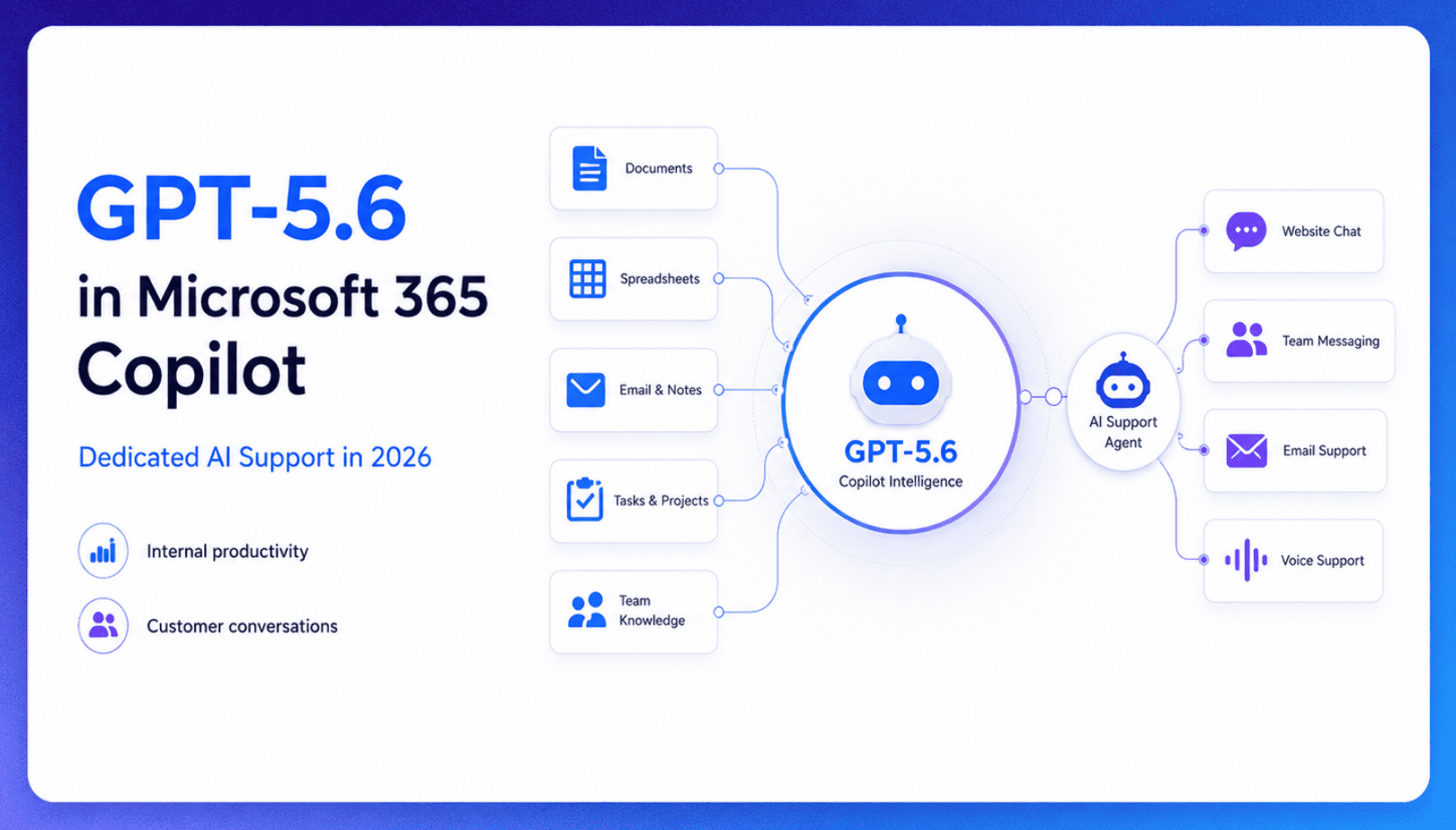
TL;DR Microsoft made GPT-5.6 the preferred model across Word, Excel, PowerPoint, Copilot Chat, and Cowork on July 9, 2026, focusing on internal workplace productivity rather than customer-facing support. Dynamics 365 Service Agent also reached general availability, but it mainly helps human support representatives manage cases within Microsoft’s existing permission structure and requires separate licensing. A […]

TL;DR Cheap frontier models now compete for the same high-volume support workloads, with DeepSeek V4 remaining the lowest-cost option in this comparison. Kimi K2.6 and GLM-5.2 are open-weight and self-hostable, while Qwen 3.7 Plus is proprietary and available only through an API. Claude Haiku 4.5 is the only model here that its developer explicitly recommends […]
TL;DR YourGPT 2.0 adds AI Studio for building, testing, and debugging automated workflows. It includes native MCP integration for more than 100 tools, upgraded voice agents, and native SDKs for iOS and Android applications. With shared context across web, WhatsApp, Instagram, Telegram, and mobile, YourGPT turns conversations into real actions across support, sales, and operations. […]

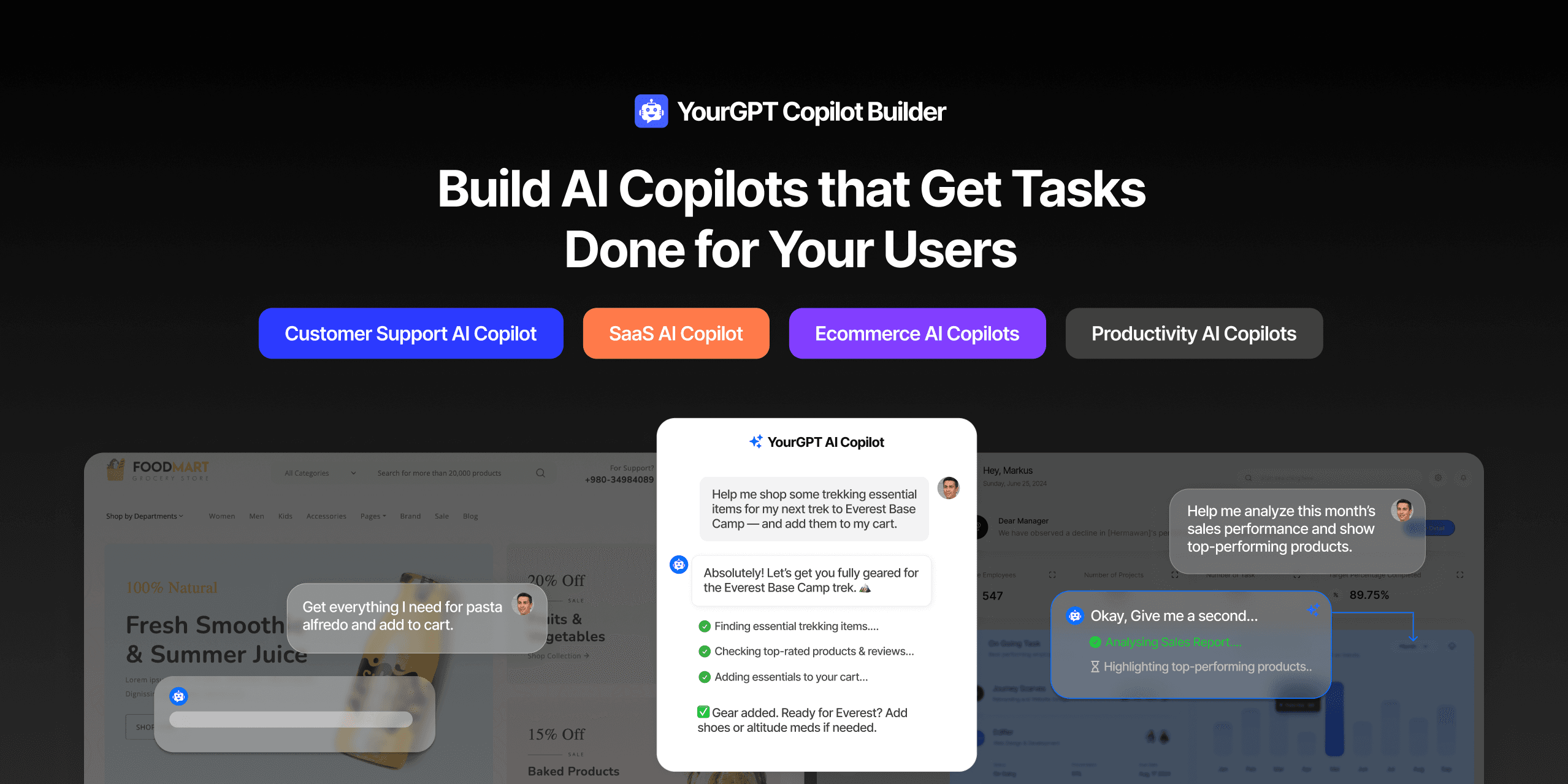
TL;DR Most AI tools provide answers but still leave users to complete the task through search results, settings pages, or checkout flows. AI Copilot Builder closes that gap by executing registered actions directly inside the product instead of only explaining what to do. Search, cart updates, account changes, and multi-step bookings can all happen within […]
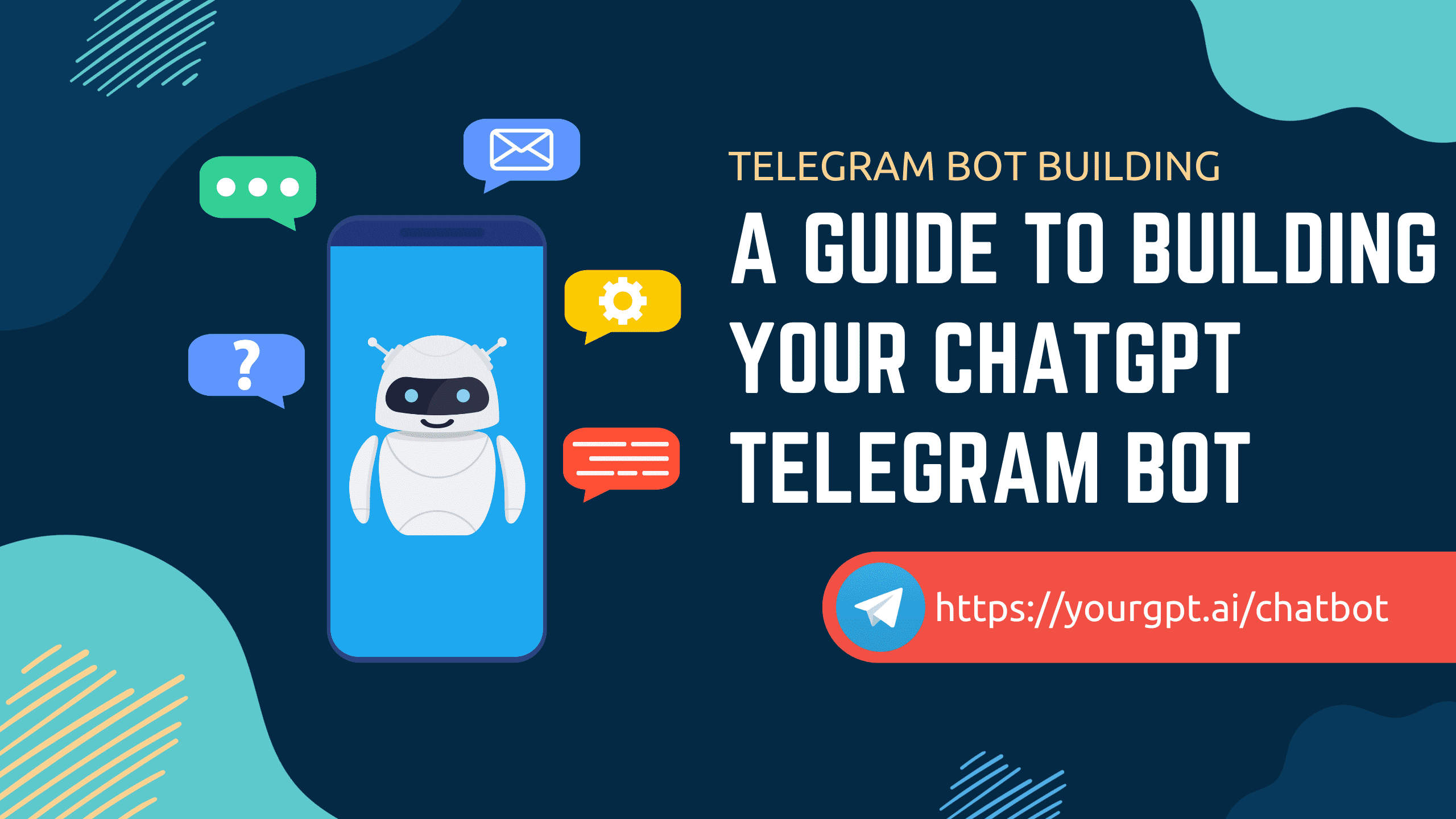
TL;DR Building an AI-powered Telegram bot does not require custom development. BotFather provides the Telegram bot token, while a no-code platform like YourGPT handles AI training, free-form conversations, and the Telegram connection. This guide covers the full setup, from creating the bot in BotFather to connecting it with YourGPT and taking it live. Most Telegram […]

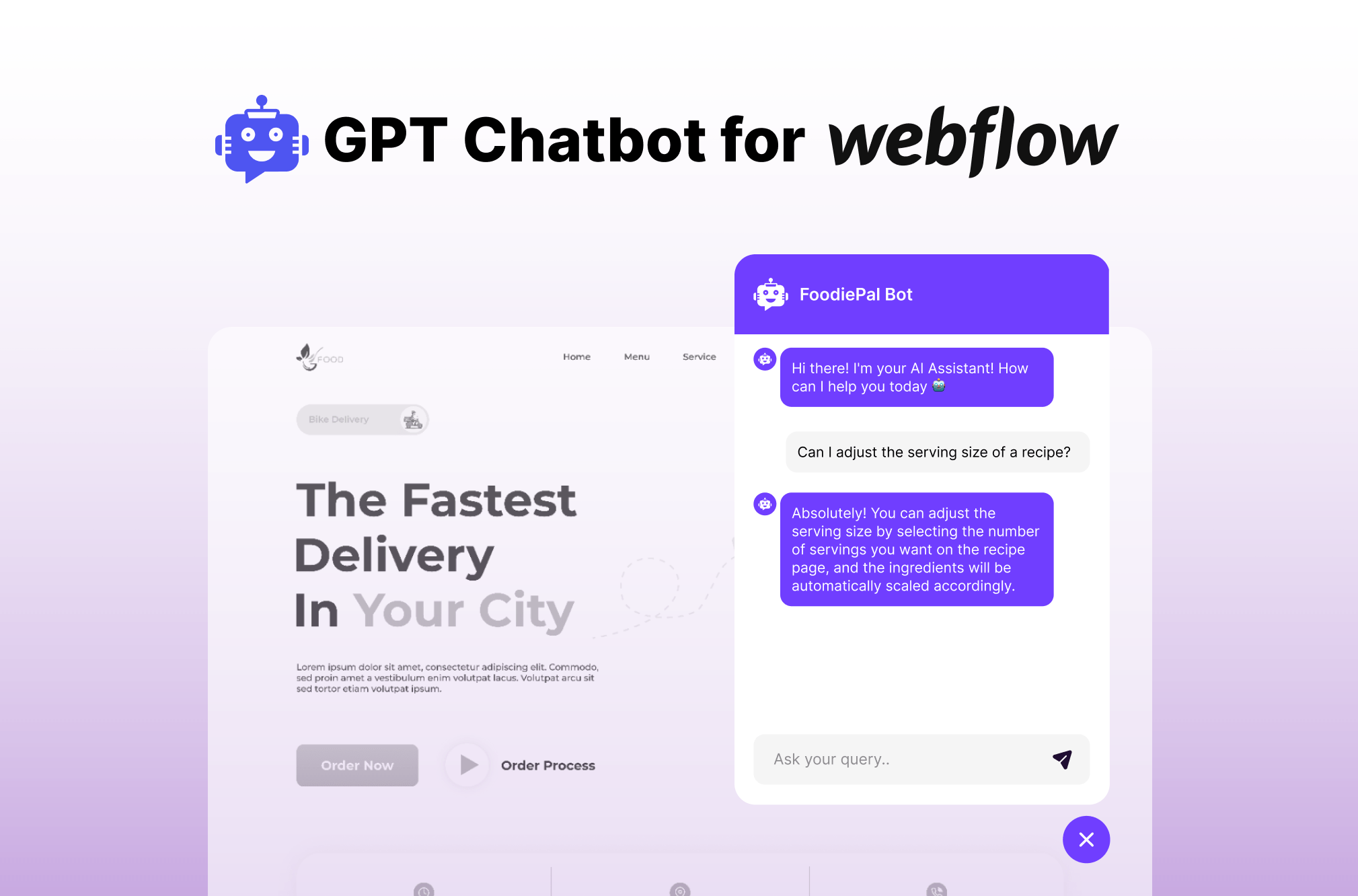
TL;DR Installing an AI chatbot on a Webflow site no longer requires custom code. YourGPT connects through the Webflow Marketplace, trains on your business data, supports multiple languages, and transfers conversations to a human when needed. This guide covers how to install, train, and customize your YourGPT chatbot after adding it to your Webflow site. […]