What Is CRM? Definitive Guide and top 7 Tools of 2026

Rajni
Last updated on August 20, 2026
CRM software centralizes customer data, automates follow-ups, and connects sales, marketing, and support in one system.
It replaces scattered spreadsheets and missed follow-ups with a single source of truth for every customer interaction.
This guide explains how CRM works, its key benefits, the three main CRM types, and compares the top CRM tools for 2026.
Managing customer relationships in 2026 is very different from even a few years ago. Customers expect quick replies, personalised messages, and a smooth experience every time they interact with your business. They remember how you made them feel, and they compare you to the best experience they have had anywhere, not just with your competitors.
Trying to meet these expectations with spreadsheets or scattered tools is exhausting and risky. Important details get lost, follow-ups are missed, and your team ends up spending more time finding information than helping customers. This is why businesses that invest in a CRM often see real results, such as a 29% increase in sales and a 42% improvement in forecasting accuracy (source).
A good CRM brings sales, marketing, and support together in one place. It gives everyone the same view of the customer, automates repetitive tasks, and makes it easier to deliver the kind of service that keeps people coming back.
In this blog, you will learn what a CRM means today, how it works in practice, which features matter most in 2026, and which tools suit different business needs. The aim is to help you choose a CRM that saves time, strengthens relationships, and drives real growth.
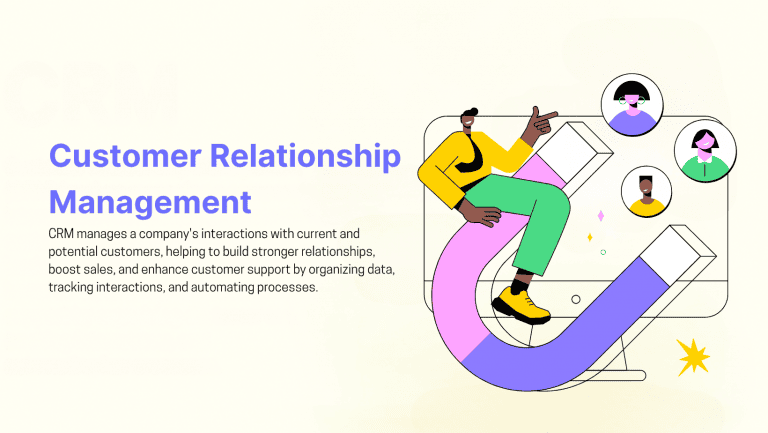
CRM stands for Customer Relationship Management. It includes the strategies, processes, and software that help businesses manage and analyse customer interactions through the entire customer lifecycle. The goal is to build stronger relationships, improve satisfaction, and support long-term growth.
A CRM system gathers customer data from many touchpoints such as email, phone calls, live chat, social media, website visits, and purchase history. This information is stored in one central place so sales, marketing, and support teams can work from the same updated view of each customer.
Modern CRM software does more than store contact details. It can automate routine tasks, manage pipelines, track conversations, score leads, and help teams focus on the right opportunities. By improving response times and keeping communication consistent, it supports better decisions at every stage of the customer journey.
CRM is about understanding customers and serving them better. It helps personalise communication, anticipate needs, and deliver value in every interaction. When used well, it can turn new customers into repeat buyers and loyal customers into long-term supporters of the brand.
A Customer Relationship Management (CRM) system works by collecting, organising, and updating customer information in one central place. This data can include contact details, purchase history, communication records, website visits, and past support requests.
Instead of switching between spreadsheets, emails, and separate tools, your team gets a single dashboard with a complete view of every customer.
This centralised dashboard usually offers features that help teams improve sales, marketing, and customer service, such as:
By bringing all customer data into one system, a CRM allows teams to act faster, personalise communication, and focus on the right opportunities. This reduces time spent on repetitive work, improves response times, and makes it easier to build strong, long-term customer relationships.
When used effectively, CRM software becomes the foundation for better sales performance, improved customer experiences, and more efficient day-to-day operations.
CRM software gives businesses one system for managing customer information, sales activity, communication, and routine workflows. Its main value comes from making customer-facing work easier to track, coordinate, and improve across teams.
A CRM stores contact details, communication history, purchases, notes, support requests, and other customer information in one place. Teams can access the same up-to-date record instead of searching across spreadsheets, inboxes, and separate tools. This matters most when customer conversations span multiple channels. An omnichannel setup keeps that context intact instead of making customers repeat themselves every time they switch from email to chat.
CRM software helps sales teams track leads from the first interaction through each stage of the pipeline. Features such as lead scoring, deal stages, activity tracking, and automated lead assignment can help teams prioritize opportunities and identify deals that need attention. This works best when scoring is based on actual behavior instead of static form fields. Tracking how a lead engages across channels gives reps a much clearer read on who’s actually ready to buy.
CRM automation can handle repetitive tasks such as assigning leads, creating follow-up tasks, sending reminders, updating records, triggering emails, and managing approvals. This reduces manual work and gives teams more time for customer-facing activities.
Sales, marketing, and support teams can work from the same customer records and share updates without maintaining separate versions of the information. This makes handoffs easier and helps teams coordinate activity around the same customer or account.
Customer history, preferences, previous interactions, and engagement data give teams more context when contacting a customer. Businesses can use this information to tailor sales offers, marketing messages, and other communication to individual needs.
Support teams can quickly review previous conversations, purchases, and service issues before responding. This reduces the need for customers to repeat information and helps agents provide faster, more informed support.
CRM reports and dashboards help businesses monitor pipeline value, sales performance, conversion activity, customer trends, and other key metrics. Teams can use this data to identify problems, compare performance, forecast results, and make better-informed decisions.
CRM systems share the same overall goal of improving customer relationships, but they focus on different priorities depending on the type. Most can be grouped into three main categories.
1. Operational CRM: It is designed to make everyday processes run more smoothly. It supports sales, marketing, and customer service teams by organising tasks and reducing manual work. Businesses use it to capture and assign leads, track deals from first contact to close, send follow-up messages automatically, and route support requests to the right team. This type is best suited for companies that want to improve efficiency and maintain a consistent experience throughout the customer journey.
2. Analytical CRM: It helps businesses turn customer data into useful insights. It can reveal which marketing campaigns generate the most valuable leads, segment customers based on purchase behaviour or lifetime value, forecast sales, and measure performance against goals. This type is ideal for businesses that rely on data to refine strategy, improve targeting, and make informed decisions over time.
3. Collaborative CRM: A collaborative CRM ensures that every team has access to the same customer information. It allows sales, marketing, and support to share notes, coordinate outreach, and avoid repeating questions or steps with the same customer. This type works well for businesses where multiple teams or departments interact with customers and need to present a consistent, connected experience.
A CRM system helps businesses organise customer information, improve communication, and manage key processes across sales, marketing, and support. While different platforms offer different tools, the most effective CRM systems share a core set of features that drive real results.
A strong CRM keeps every interaction and detail about a customer in one place. This includes emails, calls, chat transcripts, purchase history, website visits, and past support cases. Having all this information in a single profile means every team member can see the customer’s full story before making contact. This improves context, reduces repeated questions, and helps deliver a more personal experience.
A CRM allows sales teams to visualise and manage deals from the first conversation to the final sale. It highlights where each opportunity sits in the pipeline, spots potential delays, and helps prioritise the deals most likely to close. This visibility allows managers to guide their teams more effectively and ensures fewer leads slip through the cracks.
Repetitive tasks take time away from important work. CRM automation can assign new leads to the right salesperson, send scheduled follow-up messages, create reminders for upcoming calls, and move deals to the next stage automatically. By reducing manual work, automation frees your team to focus on conversations and strategies that bring in more business.
Customers use different ways to reach your business, from email and phone calls to live chat, SMS, and messaging apps like WhatsApp. A good CRM lets you manage all these conversations from one platform. This ensures customers receive consistent responses no matter where they contact you and helps your team avoid missing important messages.
A CRM captures leads from various sources, such as forms, events, or social media. It allows you to sort them by interest level, buying stage, or source. This makes it easier to send the right message at the right time, which improves conversion rates and helps build stronger relationships before the sale is made.
Built-in reporting tools turn customer and sales data into clear, actionable insights. You can track sales activity, measure the success of campaigns, and analyse customer behaviour trends. Customisable dashboards give managers and teams a real-time view of progress, making it easier to make informed decisions and adjust strategies.
A CRM works best when it connects with the other systems you already use. Common integrations include email marketing software, calendar apps, helpdesk systems, e-commerce platforms, and website tracking tools. This connectivity ensures your data is always up to date and reduces the need for switching between multiple platforms.
Every business operates differently. The ability to customise a CRM ensures the system matches your workflows, sales processes, and reporting needs. This can include adding custom fields, adjusting the sales pipeline stages, or creating role-specific dashboards. As your business grows, the CRM can scale to support more users, features, and data without disrupting operations.
Here are the leading CRM systems of 2026 for growing teams and fast-moving sales.
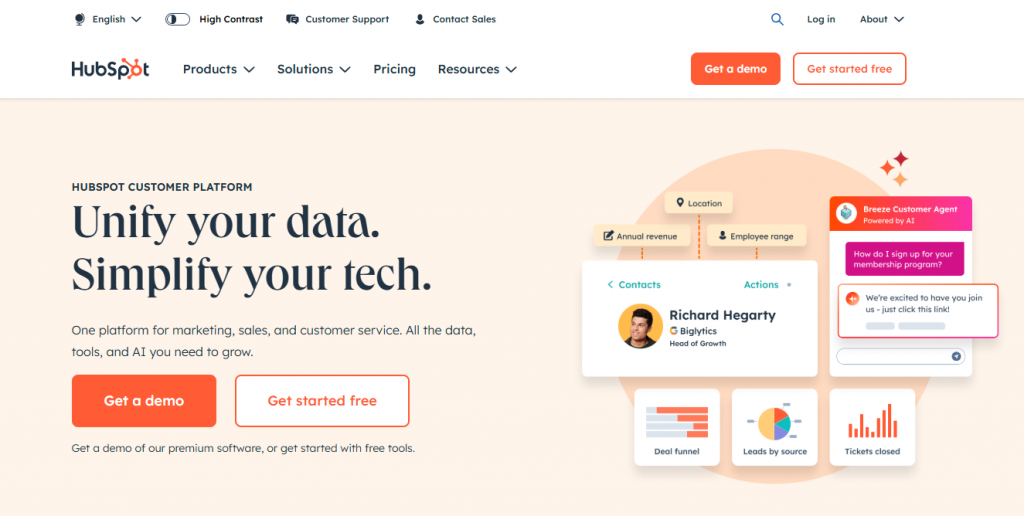
HubSpot Sales Hub is built to help teams manage their customer relationships more effectively with a clean, centralised dashboard. It lets sales reps organise contacts, track deals, and access real-time insights that support better follow-up and outreach.
The platform connects with tools like email and social media to capture conversations across channels. It also includes reporting features that help teams monitor engagement, measure performance, and keep sales pipelines moving.
Pricing: Starts at $20 per user per month (billed annually). A free plan for up to 2 users is available.
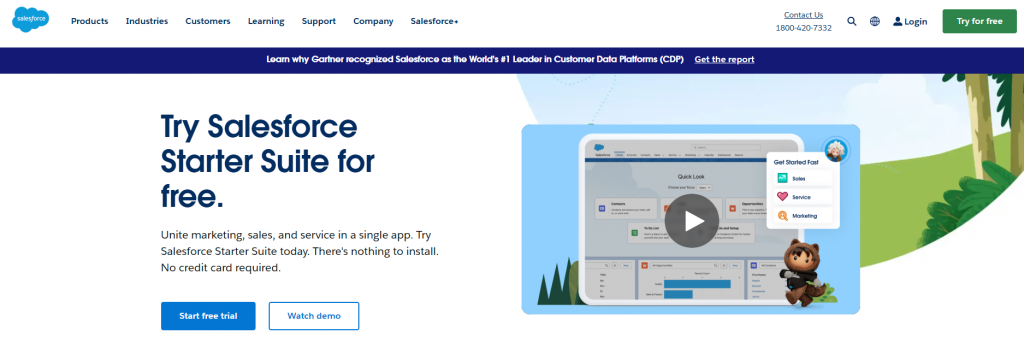
Salesforce Sales Cloud offers a flexible CRM solution designed for teams that need deep customisation, detailed reporting, and advanced workflow automation. It brings customer data, sales activity, and team performance into one dashboard for full visibility and control.
The platform supports complex sales processes with tools for lead management, forecasting, and opportunity tracking. It also allows teams to build custom fields, automate tasks, and integrate with hundreds of third-party apps.
Pricing: Starts at $25 per user per month (billed monthly or annually). Plans vary by feature depth and team size, with Enterprise and Unlimited editions running up to $350 per user per month.
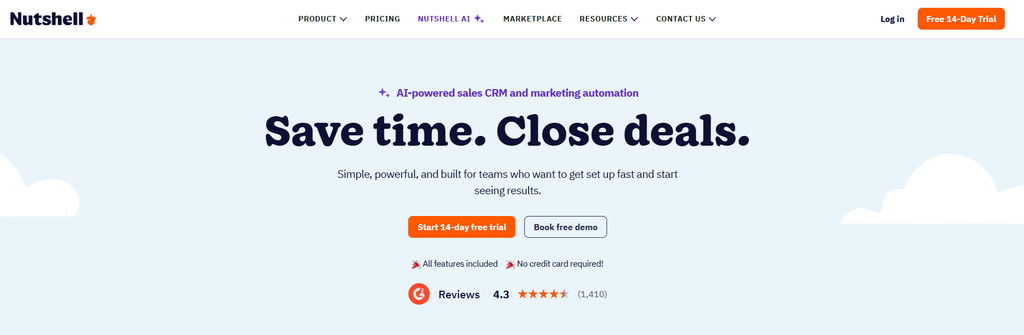
Nutshell is built for growing small to midsized sales teams seeking an intuitive and affordable platform. It helps streamline sales processes by organizing leads, managing pipelines visually, and automating follow-ups to keep deals moving forward.
The platform integrates essential sales and marketing tools, including AI-powered features for lead scoring, email drafting, and meeting summarization. Its customizable dashboards and robust reporting offer clear insights into team performance and sales forecasting without requiring extensive administration.
Pricing: Starts at $13 per user per month (billed annually). A 14-day free trial is available.
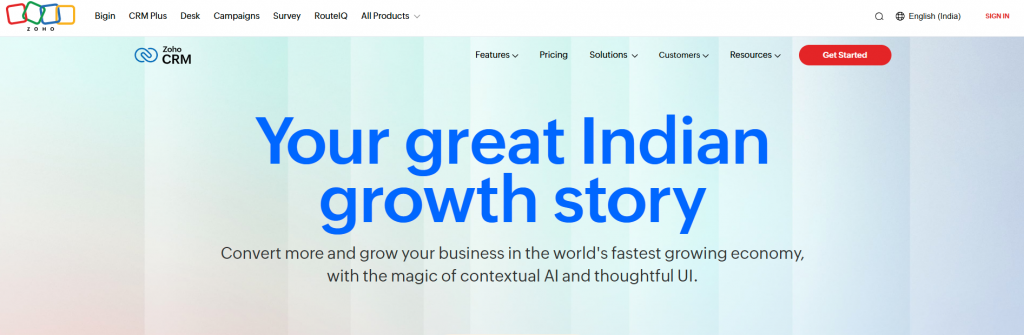
Zoho CRM is a cost-effective platform built for growing teams that need to manage leads, deals, and customer communication in one place. It offers a wide range of tools to support sales workflows without overwhelming users with complexity.
Teams can automate tasks, track customer interactions across multiple channels, and access real-time insights through customisable dashboards. Its flexible pricing and user-friendly setup make it a strong choice for startups and small businesses.
Pricing: Starts at $14 per user per month (billed annually), or $20 per user per month billed monthly. A free plan is available for up to 3 users.
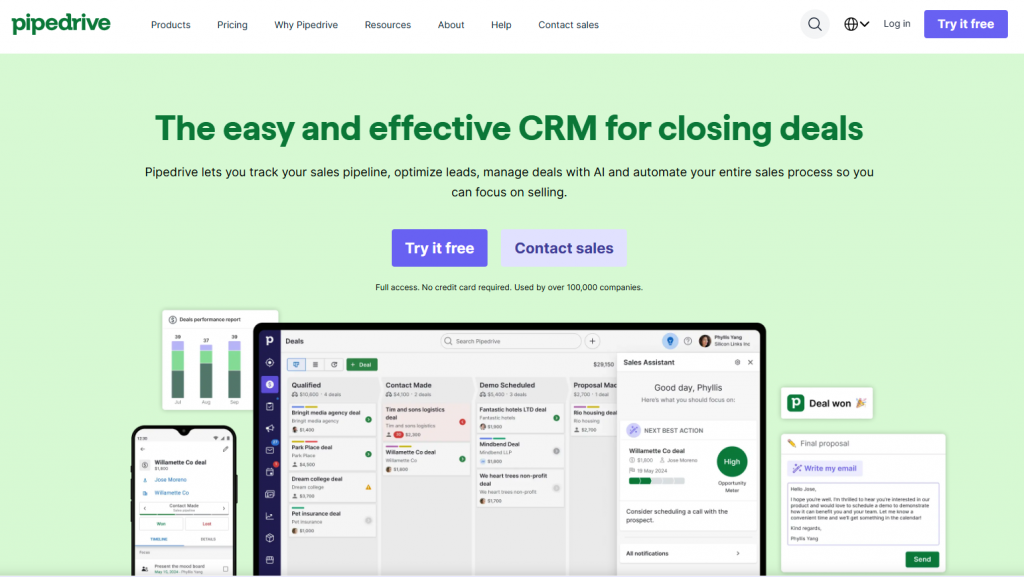
Pipedrive is a sales-focused CRM built to help teams manage their pipelines with clarity and speed. Its visual interface makes it easy to track deals, set activity reminders, and focus on the actions that move sales forward.
The platform is designed to reduce distractions and streamline workflows. Sales reps can log calls, send emails, and update deal status from one place. Automated follow-ups and progress tracking keep teams productive without added complexity.
Pricing: Starts at $14 per user per month (billed annually), or $24 per user per month billed monthly.
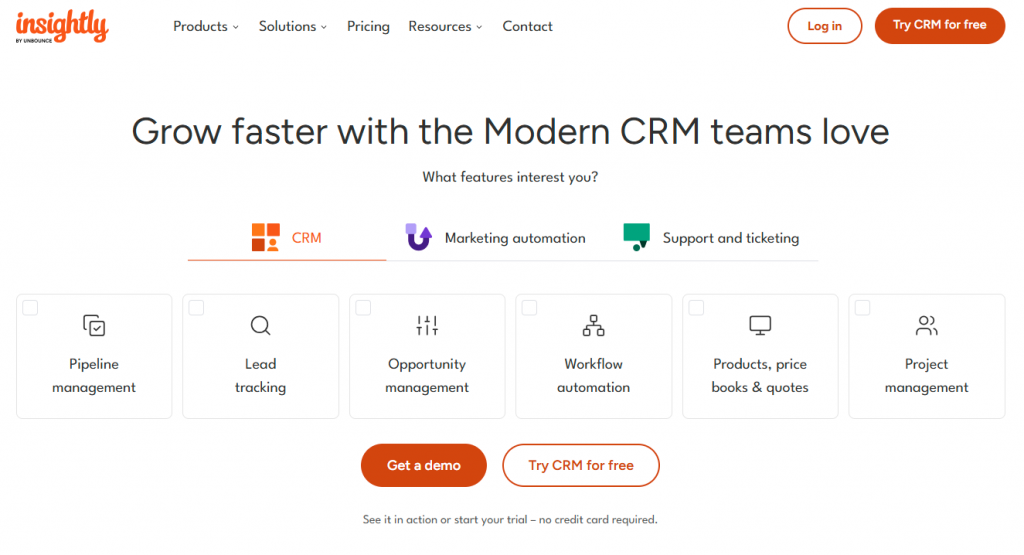
Insightly CRM combines contact management with project tracking to support teams that work across both sales and delivery. It’s designed for businesses that need to manage customer relationships alongside internal tasks and workflows.
The platform lets users track leads, create custom pipelines, assign tasks, and monitor project progress. Built-in integrations and automation features help teams save time and keep everything organised as they move from deal to delivery.
Pricing: Starts at $29 per user per month (billed annually). A free trial is available for new users.
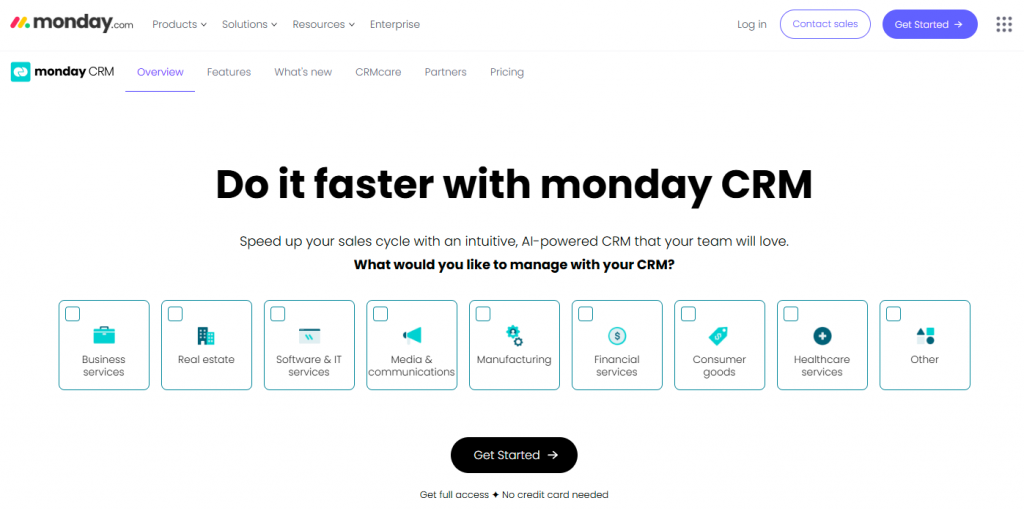
Monday.com CRM offers a flexible workspace for teams that need to manage leads, sales pipelines, and internal workflows in one platform. Its drag-and-drop interface makes it easy to customise stages, assign tasks, and track progress.
The platform supports a wide range of use cases, from deal tracking to post-sale follow-up. With built-in automation, custom dashboards, and integration options, it adapts well to both sales and project-driven teams.
Pricing: Starts at $12 per user per month (billed annually). A 14-day free trial is available (no permanent free plan for the CRM product).
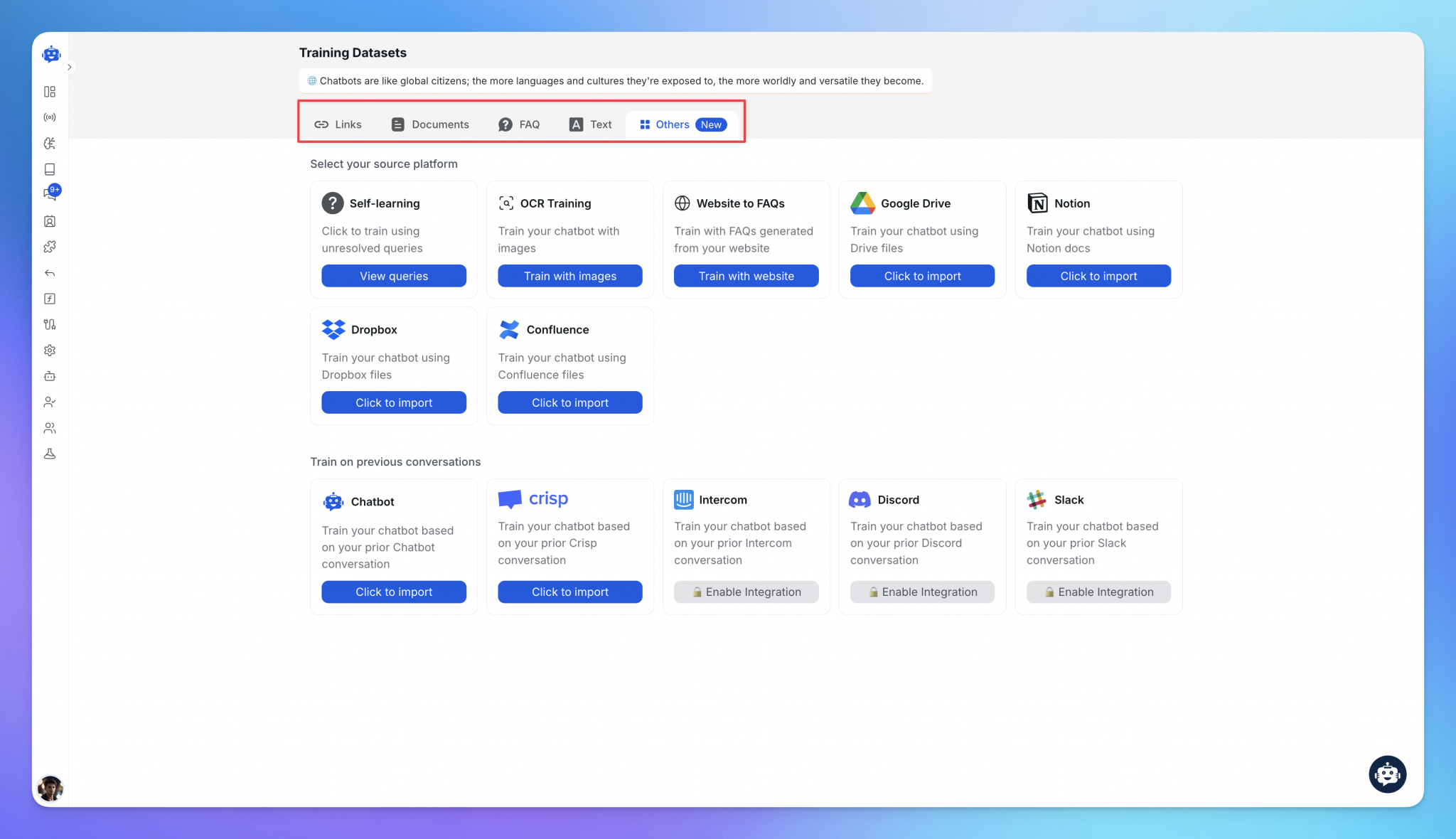
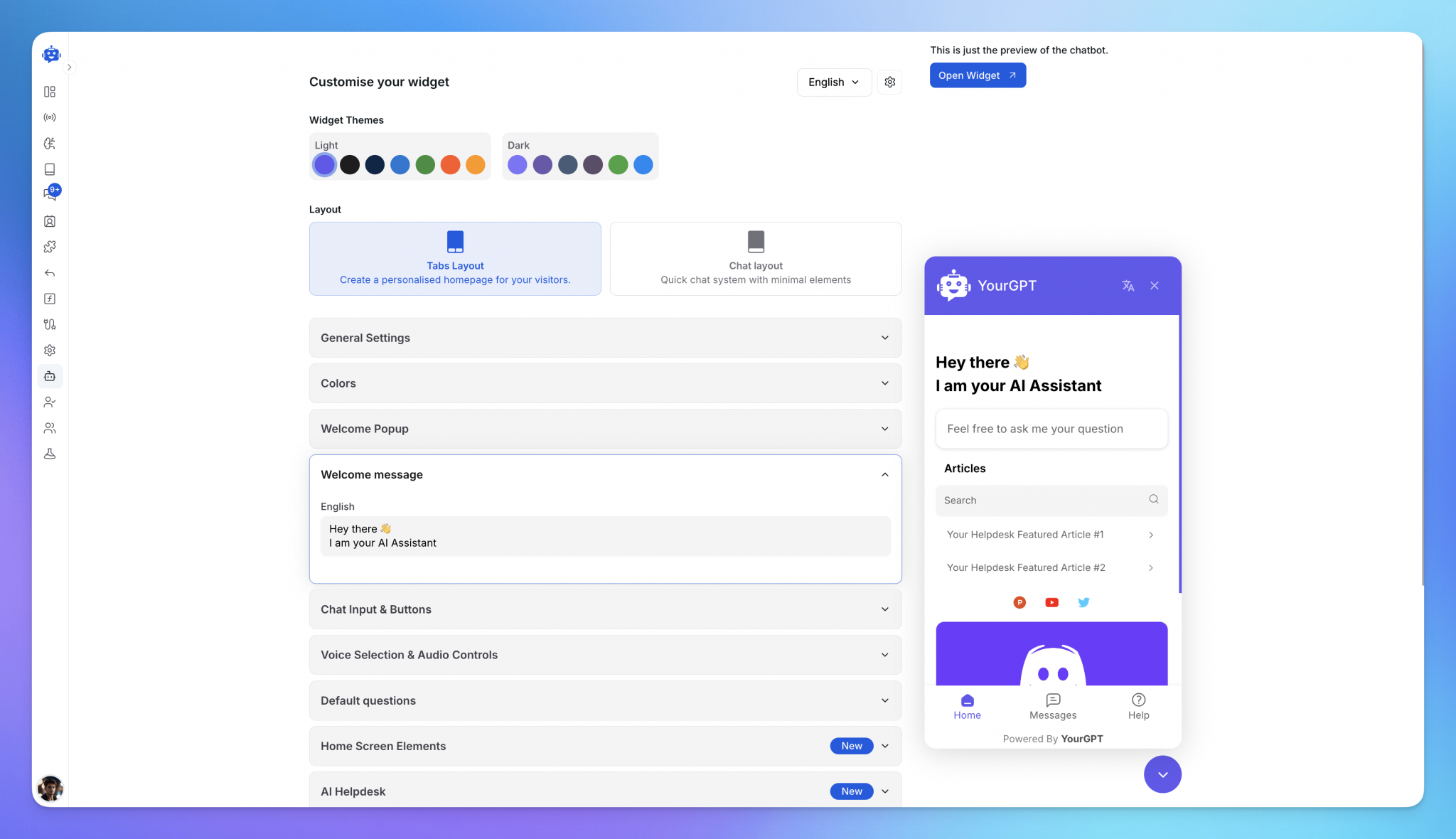
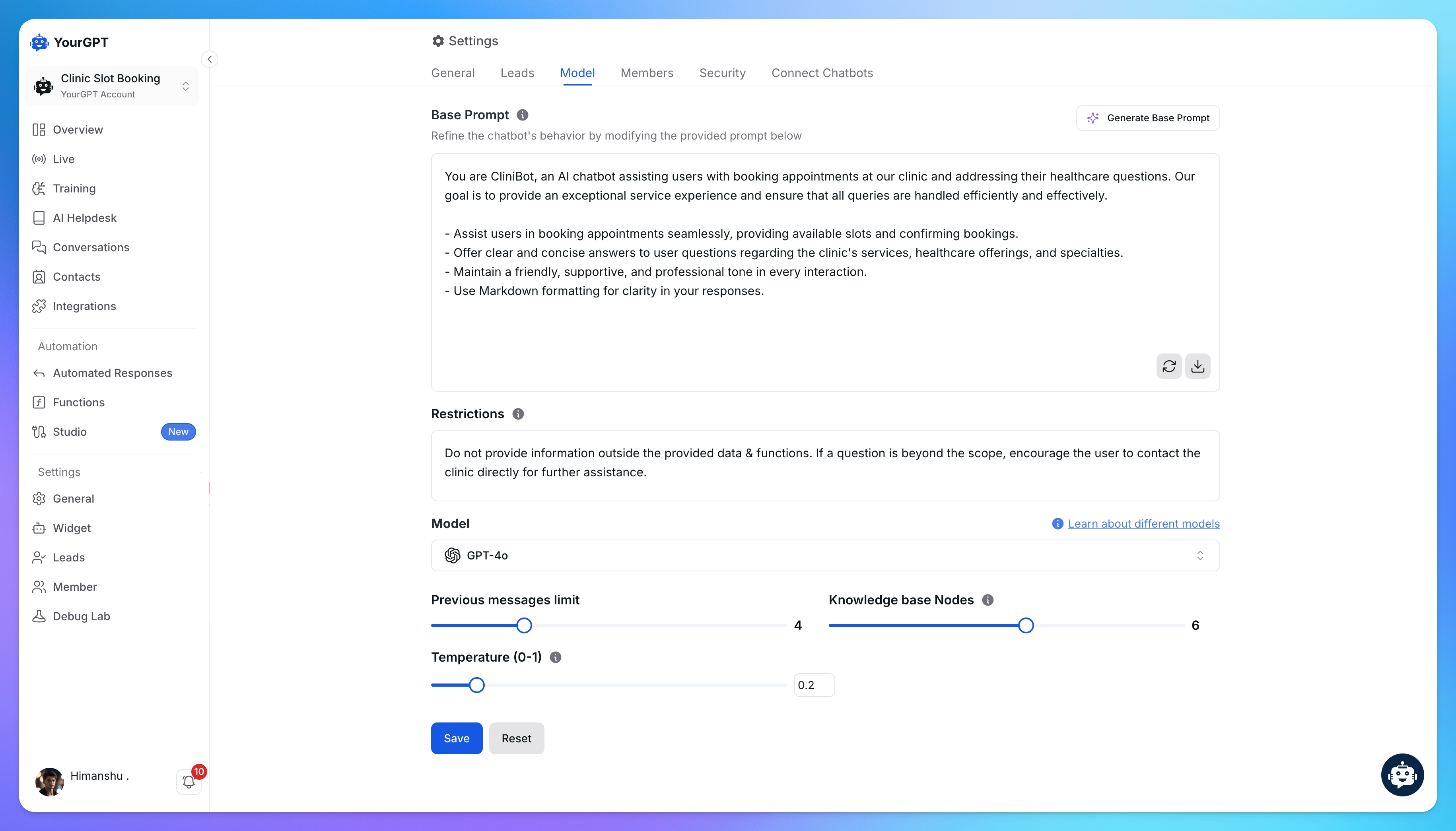
Follow these simple steps to set up your no-code Knowledgebase AI agent with YourGPT:
Selecting the right CRM depends on your team’s structure, your business goals, and how you plan to grow. The best CRM should fit your current needs while staying flexible for the future.
A small business may only need basic contact tracking and task management. Larger teams often require advanced features like user permissions, role-specific views, and workflow automation. The CRM should reflect how your team works every day.
Different CRMs serve different goals. Some are better for lead generation, others for managing client relationships, and some focus on post-sale support. Choose a CRM that aligns with your primary use case.
The system should be simple enough for your team to use without long training sessions. A clean interface, easy navigation, and straightforward workflows improve adoption and reduce errors.
Your CRM should grow with your business. As you add more contacts, users, or processes, the system should support those changes without slowing down or requiring expensive upgrades.
Make sure the CRM works well with your existing tools. It should connect to your email platform, calendar, marketing software, helpdesk, and any other apps you use regularly. Seamless integration saves time and avoids manual data entry.
Cloud-based CRMs are hosted online and accessible from any device with internet access. They are easier to set up and require less technical maintenance. On-premise CRMs give you more control over your data but may need internal IT resources to manage and update.
A CRM, or Customer Relationship Management system, is a tool that helps businesses manage customer information, track interactions, and organize sales, support, and marketing activities in one place.
Most CRMs include contact management, deal tracking, pipeline visualization, task automation, reporting dashboards, and communication tools like email and chat integration.
A CRM keeps your team organized, helps you follow up on time, and makes it easier to build better relationships with customers. It also saves time by automating repetitive work.
If you need to manage daily tasks, use an operational CRM. If you want to analyze customer data, go with an analytical CRM. For teams that share customer info across departments, a collaborative CRM is a good fit.
Yes. Many CRMs offer simple tools and affordable plans for small teams. Even a one-person business can use a CRM to track leads and follow up more consistently.
Online stores use CRMs to recover abandoned carts and upsell. SaaS teams use them to onboard users and manage renewals. Agencies use them to track projects, and support teams use them to assign and resolve tickets.
Start by looking at your team size, goals, and daily tasks. Make sure the CRM is easy to use, fits your budget, and connects with tools you already use.
Cloud CRMs are accessed online and easier to set up. On-premise CRMs are installed on your own servers and give you more control but require IT resources to manage.
Automation handles tasks like sending follow-ups, assigning leads, and logging activity. This helps your team focus on conversations, not manual data entry.
Yes. Most CRMs let you import contacts, deals, and notes from your old system. Just make sure to back up your data and follow a step-by-step plan when switching.
Yes. YourGPT connects to your CRM through its Integrations panel or AI Studio, syncing customer records, chat history, and lead data in real time. The AI agent can read profiles, log conversations, and update records directly inside your CRM, so support and sales teams don’t have to switch between tools.
CRM tools help teams stay organised, manage leads effectively, and build lasting relationships with customers. By 2026, trying to do the same work with spreadsheets or separate systems will only slow your growth and make it harder to deliver a consistent experience.
The right CRM is the one that supports your business goals and fits the way your team already works. Whether your focus is on sales, customer support, or long-term client success, it should make daily tasks easier, not create more steps.
For teams that want automation, messaging, and customer data in one place, YourGPT CRM brings it all together. It saves time, keeps your team focused, and helps you respond quickly as your business grows.
Move beyond spreadsheets and scattered tools. A modern CRM brings sales, support, and marketing into one place so your team stays organised, responds faster, and builds stronger customer relationships.
No setup hassle · Centralised data · Works for every team size
Choose Halloween ecommerce campaigns that fit your products, with AI agent workflows, offer worksheets, launch tests and order measurement.
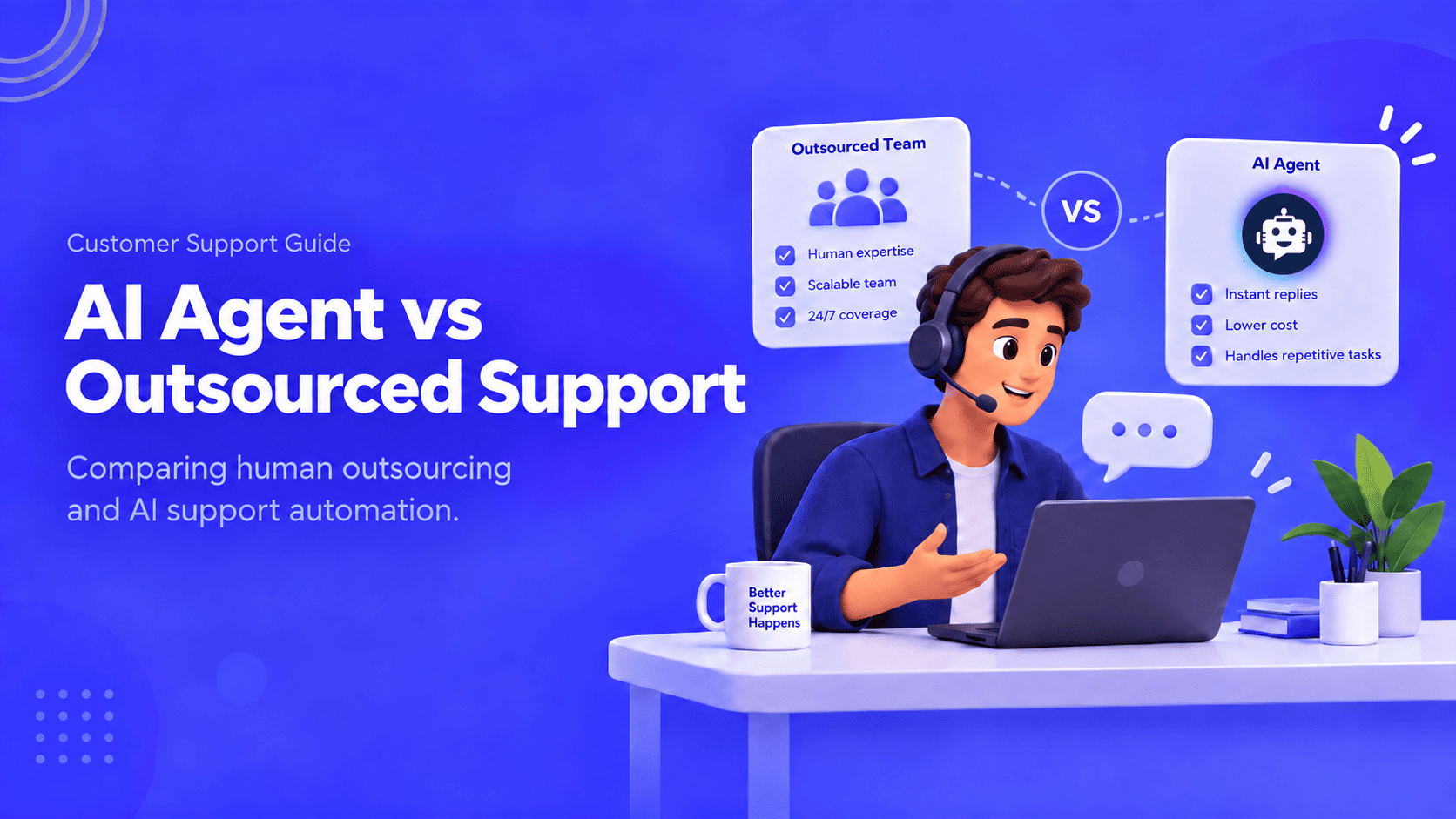
Compare outsourcing customer service with an AI agent using your own ticket mix, a cost model you fill in, and a clear rule for a hybrid split.
Export the Zendesk ticket archive, train an AI Agent on the help center, and test one real ticket before you stop the old queue.

Compare six Yuma alternatives by ecommerce capabilities, helpdesk compatibility, pricing and human handoffs to choose a replacement for your support team.


Move from Gorgias with a verified ticket archive, tested AI workflows, human handoff and a channel cutover plan before ending your subscription.
TL;DR The Gorgias AI Agent is the automation layer inside the Gorgias helpdesk, split between a Shopping Assistant for pre-purchase conversations and a Support Agent for post-purchase support. A connected Shopify store is required, and Gorgias documentation rules out platforms such as BigCommerce, Magento, and WooCommerce for the AI Agent. Billing runs on two separate […]