10 Best AI Answering Services for Small Businesses (2026)

Rajni
November 25, 2026
Compare ten AI answering services by pricing and what they can do on a call. Check which plans take messages, book appointments directly, or transfer callers to your team.
Use your call volume, minutes, and unique callers to estimate monthly costs, including add-ons and overages. Check what any free allowance covers and test what happens when a transfer goes unanswered.
A customer calls a repair business and asks, “Can you send someone to fix a leaking pipe?” The AI takes their number and promises a callback. The business has a message. The customer still doesn’t know whether someone can help.
For an owner working on another job, a message with the address and a clear description may be enough to follow up. For a business that handles urgent requests, the answering service needs to try the right person and explain what happens if nobody picks up. A caller who wants to move an existing appointment needs a different path again.
The difference shows up for staff as well. A transcript tells them what the caller said. A useful handoff tells them what the caller needs, what the AI already did, and what still needs a decision. That’s what lets someone pick up the case without starting the conversation over.
This guide compares ten AI answering services for small businesses in 2026. It explains where each option fits, what your team needs to set up, and which limitations matter before you put it on your business line.
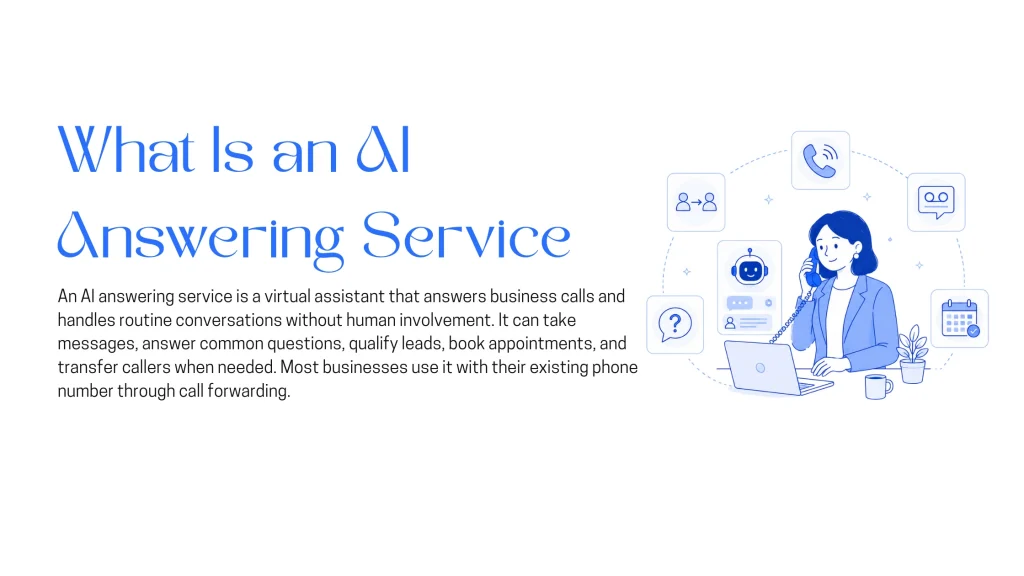
An AI answering service picks up incoming calls and follows the instructions you set. It can answer every call or step in when staff are busy or the office is closed. Depending on the provider, you can forward calls from your existing number or use a business phone system with AI answering built in.
A basic setup collects the caller’s name, reason for calling, and callback number. A more capable setup can answer common questions or transfer the caller to a staff member. YourGPT’s guide to AI phone transfers and callback workflows explains what to configure when a call needs a person and nobody is available to pick up.
Vendors may call either setup an AI receptionist. Check what the service can finish during the call. An agent with direct booking can reserve a slot in your calendar. An agent that sends a booking link leaves the caller to choose a time.
The value depends on where calls get stuck today. If staff spend most of their callback time figuring out what people need, better intake may be the first improvement worth paying for.
This comparison focuses on incoming business calls. For outbound sales, our AI cold-calling software comparison covers tools built for dialing and outreach. Our AI voice agent platforms guide covers platforms for building more customized voice workflows.
We reviewed vendor documentation and published pricing across seven criteria:
Where vendors publish rates, we use those figures and note the billing term. Where pricing requires a quote or a policy is unclear, we flag it so you know what to confirm before signing up.
| Platform | Best For |
|---|---|
| YourGPT | Inbound phone answering alongside website chat, WhatsApp, and email support |
| Intercom Fin Voice | Support teams that need AI phone workflows and human handoff |
| NextPhone | High or unpredictable call volume on a flat-rate plan |
| Aira | Small teams that want to budget by the number of calls answered |
| Goodcall | Businesses with repeat callers that prefer billing by unique customer |
| Rosie AI | Local service businesses that need bilingual answering and want the option to add direct booking |
| Dialzara | Teams that prefer minute-based plans with published overage rates |
| Allo | Businesses choosing a new phone system with an optional paid AI receptionist |
| Smith.ai | Low-volume businesses testing AI answering with 25 free calls per month |
| Quo Sona | Teams adding AI answering to their existing Quo phone and texting setup |
Each entry below follows the same format: what the tool does, its strongest features, where it falls short, and current pricing pulled from the vendor’s own site. Rankings run roughly by how well each tool balances price, features, and setup effort for a small business.
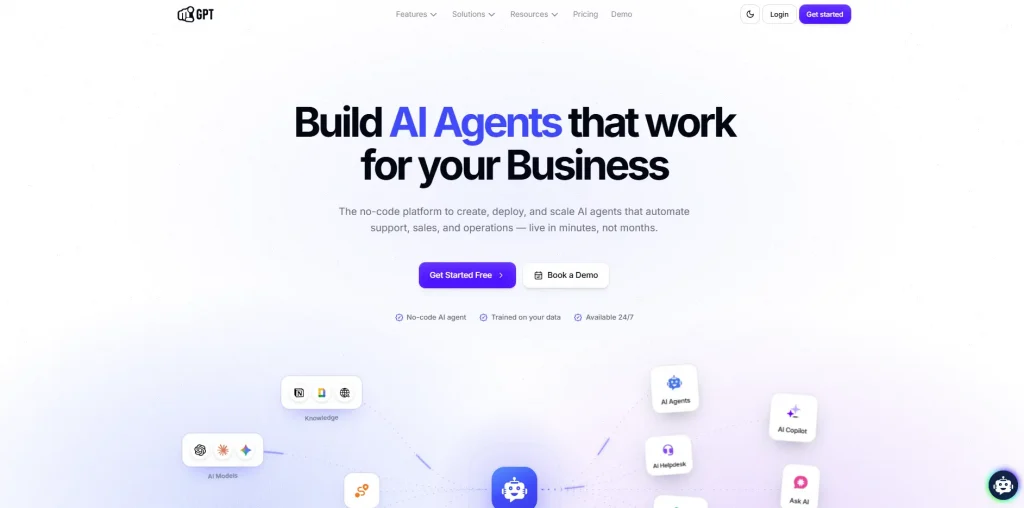
YourGPT is a no-code AI agent platform for customer service, sales, and operations. For small businesses, its PhoneAI voice agent adds inbound phone answering to the same platform your team uses for website chat, WhatsApp, and email. Connect Twilio to receive calls, then use approved service information, policies, and FAQs to guide what the agent says. It can answer routine questions, collect caller details, and transfer calls that need a person.
YourGPT reports 90%+ AI resolution on eligible, repeat support requests in maintained deployments. The figure applies to the requests covered by YourGPT’s resolution methodology. To evaluate voice performance, test whether callers get an accurate answer, whether configured actions succeed, and what happens when a transfer goes unanswered.
The YourGPT pricing page lists platform subscription rates. Check your plan’s voice terms and applicable Twilio charges to estimate the total cost of phone answering.
Best for small businesses that want to add inbound phone answering to the customer support they already manage through chat or messaging.
Fin is Intercom’s AI customer service agent. For small businesses that already manage support in Intercom, Fin by Intercom can bring the same help content and support procedures to incoming phone calls. A caller who asks about a return can get an answer based on the published policy. A caller asking about a specific order may need a live lookup, which depends on the systems you’ve connected and the actions you’ve configured.
Fin can also follow a defined procedure when a call requires more than one step. For example, it can gather the details needed for a billing inquiry, check the relevant record through a configured integration, and route the call to a support team if a person needs to make the decision.
Best for small businesses already using Intercom that want to add inbound AI answering to their existing customer support workflow.
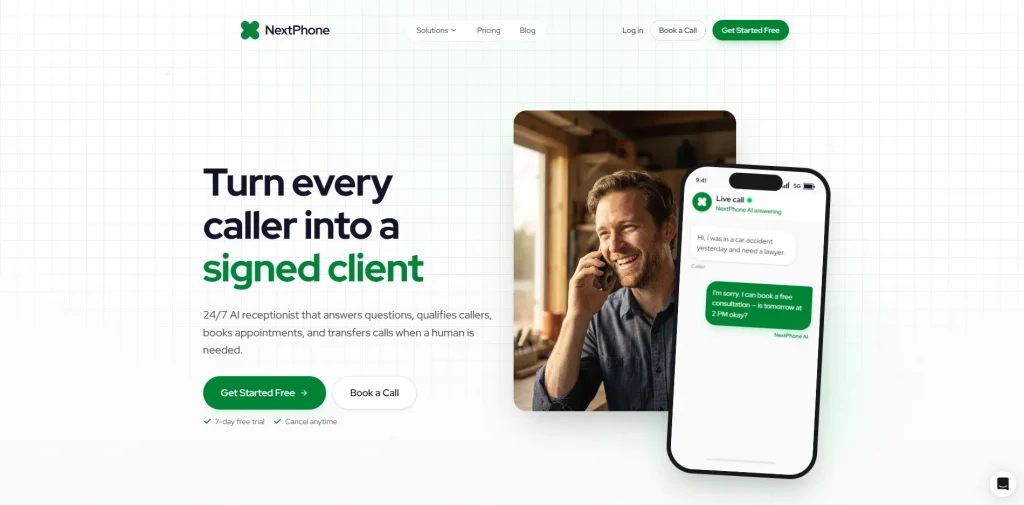
NextPhone now runs three tiers (Pro, Growth, and Scale) that all share the same flat-rate, unlimited-call billing, no per-minute meter and no per-call charge on any of them, with the price difference tracking integration depth and support level rather than call volume. That billing model makes it one of the more predictable options on this list for a business with genuinely high or unpredictable call volume, since a slow month and a busy month cost the same regardless of tier.
The tool leans toward service and trade businesses specifically, with emergency-keyword detection built into the call-handling logic. It answers around the clock, and signup runs through a 7-day free trial with no setup fee or long-term contract.
Best for businesses with high or unpredictable call volume that want one number they never have to think about again.
Aira charges per call instead of per minute. Every feature, including 74 supported languages, appointment booking, and CRM integrations, ships on every plan. Nothing is gated to a higher tier. That combination makes it one of the more predictable entry points in this list for a business trying to estimate its real monthly cost before signing up. There is no setup fee, and overage is billed per call, with the rate improving at higher tiers instead of staying flat.
It offers straightforward per-call pricing, with a set number of included calls and a published rate for any extras. Start with your typical monthly call volume, then check which tier covers the features you need. Premium adds inbound SMS, while Pro and Scale support both inbound and outbound SMS.
Best for small businesses that want every feature available from the cheapest plan and predictable per-call math instead of a per-minute meter.
Goodcall bills by unique customer served each month. Minutes and calls don’t factor in at all, and unlimited call minutes and AI tokens come included on every plan. A caller who phones five times in a month only counts once, which rewards a business with a base of repeat callers over one driving a constant stream of new numbers.
The platform is built around configurable “forms” and “logic flows” that structure lead capture and call routing without requiring custom development. Multiple agents can run under a single account, which suits multi-location businesses managing more than one number. Every tier includes a 15 percent discount for annual billing, and the entry Starter plan covers 100 unique customers a month before overage kicks in.
Best for businesses with a steady base of repeat callers who want predictable billing that doesn’t punish long conversations.
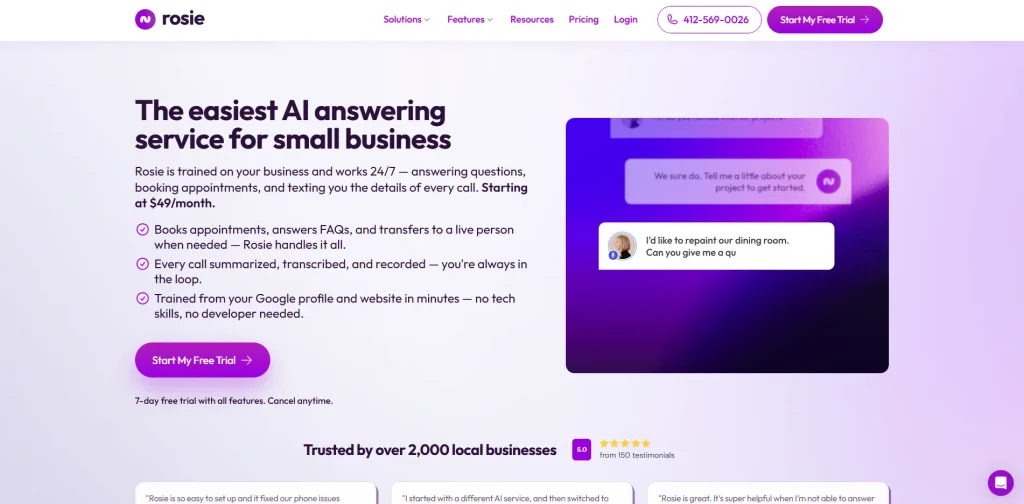
Rosie is built specifically for home-service and trade businesses (plumbers, HVAC, electricians, contractors), with flat per-minute tiers and bilingual English and Spanish support included on every plan by default. The entry tier only takes messages, though. Real appointment booking and live call transfer require the Scale plan and up. The agent trains itself automatically from a business’s Google Business Profile and website, which shortens setup for a business without a formal FAQ document.
Native iOS and Android apps let an owner review calls and adjust settings from a phone rather than a desktop dashboard. The vendor reports serving more than 2,000 businesses and handling over 3.1 million calls, per its own published figures.
Best for home-service and trade businesses that want bilingual answering out of the box and are willing to start on the Scale tier to get real booking and transfer functionality.
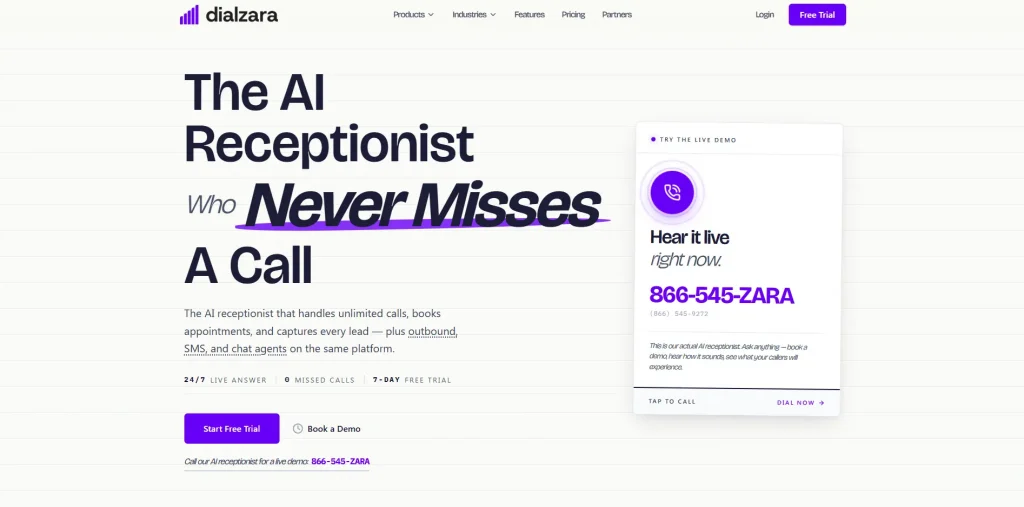
Dialzara publishes a straightforward four-tier, per-minute pricing card with declining overage rates at higher tiers, and pairs every paid plan with a one-on-one onboarding call where a Dialzara specialist configures the agent around the business’s existing workflow. The base plan starts at $29 a month for 60 minutes, with three higher tiers scaling up to 1,000 minutes on the Elite plan.
Outbound calling, AI-driven SMS, and a website chatbot are all available as separately priced add-ons rather than bundled into the core price. Every tier includes a 7-day free trial and no setup fee, and the platform supports more than 10 languages. The white-glove onboarding call is the clearest differentiator against competitors that leave setup entirely self-serve.
Best for small businesses that want hands-on setup help included in the price rather than a fully self-serve signup.
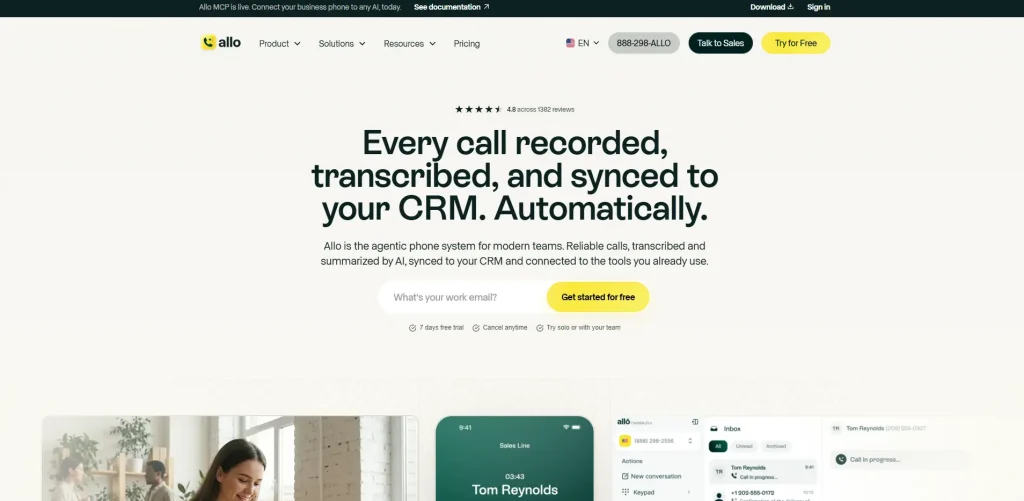
Allo is a full business phone system with an AI answering layer built into every paid plan. Pricing runs per user instead of per call or per minute. Unlike a stand-alone answering tool, Allo replaces the phone system itself, including the business number, so it fits a business ready to switch phone providers rather than bolt an AI layer onto an existing line.
The AI Receptionist, call transcription, AI summaries, and CRM sync are bundled into every paid tier at no extra charge, rather than sold as upgrades. A business can port its existing number for free or claim a new dedicated one, and unlimited national calling is included on every plan. There is no setup fee and no long-term contract, with a 7-day free trial to test the switch before committing.
Best for a business ready to replace its phone system entirely and wants AI answering bundled in rather than layered on top of an existing line.
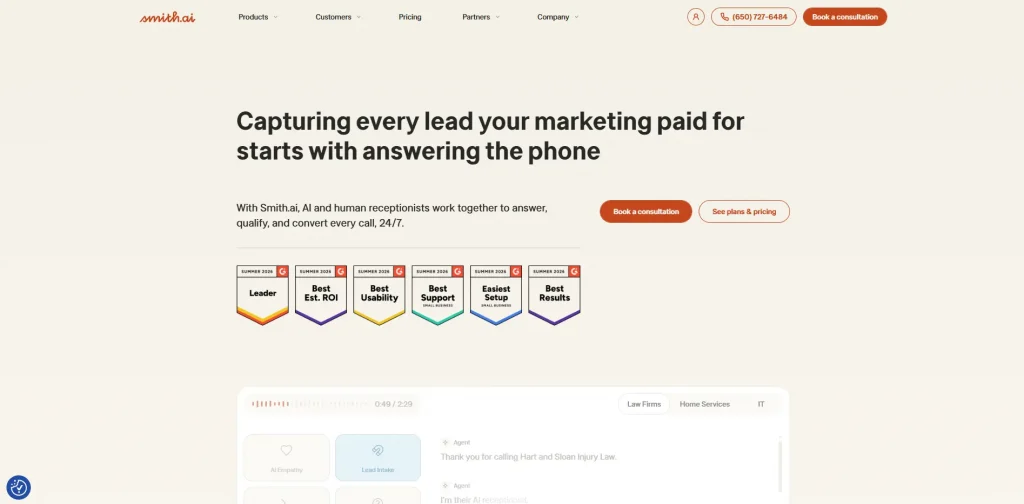
Smith.ai’s AI Receptionist has a Free plan that includes 25 answered calls per month, with a $3 charge for each additional call. It gives small businesses with light call volume a way to try AI answering without a monthly subscription.
Paid plans offer optional handoff to a live receptionist for calls that need a person. Smith.ai also filters known spam and robocalls, and its Clio integration makes it worth considering for law firms that want to connect phone intake with their existing tools.
Best for a very-low-volume solo business that wants to test AI answering at zero cost, or a business that specifically wants human backup available for complex calls.
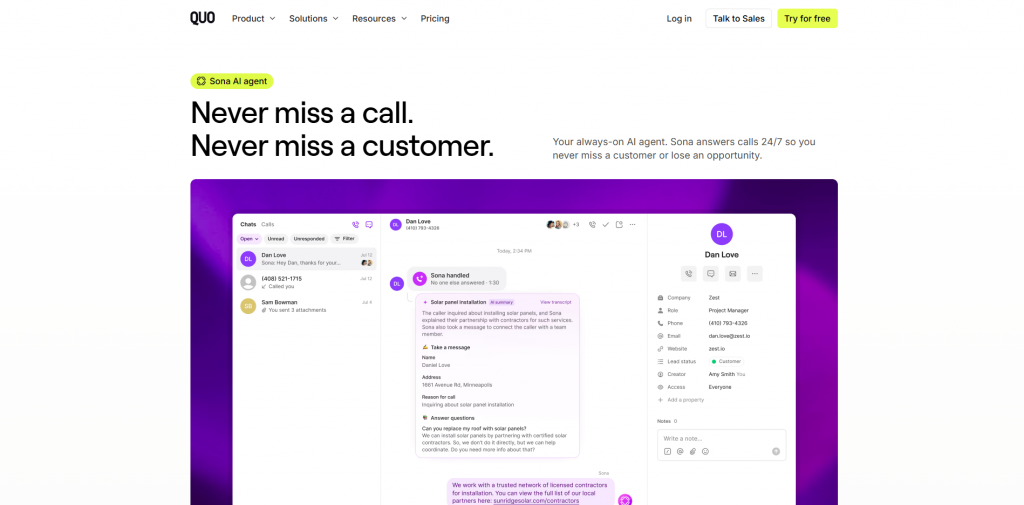
Sona is the AI answering agent built into Quo (formerly OpenPhone), a business phone and texting platform. It isn’t sold as a stand-alone answering service. Every Quo plan includes 1,000 free automation credits a month, worth about 10 AI-answered calls, before a separate Sona credit tier gets added on top of the base phone subscription. Sona answers calls 24/7, pulls answers from a business’s own knowledge base, takes messages, sends booking links, and can transfer to a human teammate.
All of it lives inside the same inbox that already handles Quo’s calls and texts. Quo itself bills per user instead of per call, so the real monthly cost combines a Quo seat with whatever Sona credit tier a business’s call volume requires. Sona also gets its own 7-day free trial with unlimited use for paid Quo subscribers, separate from Quo’s own trial on the base phone plan.
Best for a business that wants AI call answering built into the same phone system it already uses for calls and texts, rather than as a dedicated stand-alone tool.
| Platform | Core Strength | Where It May Fall Short | Main Difference | Pricing Model | Core Focus |
|---|---|---|---|---|---|
| YourGPT | Phone, website chat, WhatsApp, and email in one platform | Twilio setup and call routing need configuration and testing | The phone agent can reuse the same business knowledge as the chat agent | Platform subscription plus applicable voice and telephony costs | AI customer support across channels |
| Intercom Fin | Answers inbound calls and follows configured support procedures | Phone answering requires a quote, and connected actions need setup | Fin can check connected systems and follow a multi-step procedure during a call | Quote-based phone answering, with separate phone usage charges where applicable | AI answering within an existing help desk |
| NextPhone | Appointment booking and call transfers on the Pro plan | The starting fee can be expensive for a business that receives few calls | Unlimited inbound calls across its published flat-rate tiers | Flat monthly subscription by tier | Trade and service-business answering |
| Aira | Published call allowances and overage rates | Short calls count toward the allowance, and SMS capabilities vary by tier | Starter includes 30 calls, and the extra-call rate falls on higher tiers | Monthly call allowance plus per-call overage | Inbound reception and caller intake |
| Goodcall | Configurable intake and call routing | A surge in new callers can use up the allowance quickly | Repeat calls from the same customer count once toward the monthly allowance | Monthly unique-customer allowance plus overage | Lead capture and call routing |
| Rosie AI | Bilingual answering for local service businesses | Direct calendar booking and live transfers require Scale or above | Professional can text a booking link, while Scale can book during the call | Tiered monthly plans with included minutes | Local service and trade-business answering |
| Dialzara | Published minute allowances and overage rates | Long calls can use up the included minutes quickly | Business Lite starts with a 60-minute bundle for $29/month | Monthly minute allowance plus per-minute overage | Dedicated AI phone answering |
| Allo | Business numbers, calling, and number porting in one system | Teams keeping their current phone provider may prefer a forwarding-based service | The AI receptionist is priced separately at $45/month per agent | Per-user phone subscription plus receptionist add-on | Business phone system with optional AI answering |
| Smith.ai | Live appointment scheduling and human backup options, depending on the plan | Additional calls on the Free plan cost $3 each | The Free plan includes 25 answered calls each month | Free or paid monthly call allowance plus per-call overage | AI reception with human backup options |
| Quo Sona | AI answering in the same inbox as Quo calls and texts | The included allowance covers about 10 AI-answered calls per month | Sona is available as an add-on across Quo’s phone plans | Quo subscription plus call credits or a paid Sona tier | AI answering within a business phone system |
Pick one call your team gets often and one that needs staff attention. Use both in a trial. The first shows what the service can complete on its own. The second shows what happens when the caller needs a person.
Compare the plans on the calls they can complete and the follow-up work they leave for staff. A lower monthly price can lose its advantage if your team still has to call back for the same missing details.
Smith.ai has the lowest starting price among the ten services in this guide. Its Free plan includes 25 answered calls per month, with a $3 charge for each additional call. Aira Starter costs $24.95 month-to-month and includes 30 calls. Compare the plans using your typical call volume and the features you need.
Yes. YourGPT’s Phone AI agent connects through Twilio to answer incoming calls, respond using approved business information, and transfer callers to a designated number. Teams can manage phone answering alongside website chat, WhatsApp, and email support.
Many do. Rosie AI, for example, offers English and Spanish answering. Confirm that your chosen plan supports the languages your callers use over the phone, then test a real call in each language before launch.
Yes, when the plan supports direct booking and connects to your scheduler. Rosie AI’s Professional plan can text a booking link, and direct booking starts on Scale. During a trial, book an appointment by phone and check that it appears in the calendar your team uses.
An AI answering service can handle routine calls such as business-hours questions, message taking, and standard bookings. Keep a route to staff for complaints, sensitive requests, and decisions that need approval. Test what callers hear when a transfer goes unanswered.
You can often keep your business number. Some services accept forwarded calls from your current line, while business phone systems such as Allo support porting an existing number. Ask your provider whether you can forward only missed or after-hours calls if you want staff to answer first.
YourGPT’s Essential platform subscription starts at $39 per month billed annually or $59 month-to-month. To estimate the full cost of phone answering, confirm which plan covers your voice setup and include applicable Twilio number and call charges.
Some providers charge for each extra call or minute. Others let you cap usage, which can change where the next call goes. Ask what the caller hears after you reach the limit and whether your team can choose a fallback such as voicemail or call forwarding.
A full voicemail inbox and a queue of incomplete AI call summaries can leave your team with the same morning workload. Try your shortlisted service on one line and see what’s waiting for staff the next day. Can they return calls with the details already in hand? Are confirmed appointments already in the calendar?
Use that trial to decide what’s worth paying for. Compare the cost in a normal month and a busy one, including any upgrade needed for booking or transfers. For teams that already handle support in chat or WhatsApp, the AI agents playbook for small businesses can help you decide where phone answering fits.
Give callers answers to common questions, capture details for a callback, and route calls that need your team with a YourGPT AI voice agent.
Nine AI customer service tools for supplement, skincare and telehealth brands, with a HIPAA ledger, a worked monthly cost and a 12-ticket trial.

What Fin really costs in 2026: which conversations bill, worked bills for small and large teams, add-ons, the questions to ask sales, and how to cap spend.
Compare published AI rates, separate the five billing meters, and calculate the true cost per resolution for your support queue.
A comparison of 10 AI customer support tools for electronics retailers, with findings from live store chats and a 10-ticket trial plan.
Model the cost of Zendesk AI agents with your ticket volume, then test order lookups, handoffs, and billing against your own support queue.
TL;DR Agentforce is Salesforce’s AI agent platform, built into its Sales, Service, and Field Service clouds, letting agents read and write live CRM records and execute multi-step tasks instead of only replying with text. Pricing splits into three parallel models built for different use cases, and picking the wrong one for a given deployment can […]