8 Salesforce Alternatives in 2026

Rajni
October 28, 2026
Salesforce offers powerful CRM capabilities, but implementation and ongoing management can increase costs for smaller teams. Pipedrive and Nutshell simplify pipeline management, while HubSpot and Zoho CRM offer broader automation. Freshsales, monday CRM and Copper suit specific workflows. For customer support and lead qualification, YourGPT Chatbot works alongside your CRM, starting at $39/month billed annually. Compare costs, integrations and business needs before switching.
Most small teams do not consider leaving Salesforce because it lacks features. They consider leaving when managing the CRM starts taking more time, money and effort than their sales process requires.
A simple pipeline may involve custom fields, permissions, workflow rules and integrations that someone must maintain. As requirements grow, the subscription price becomes only one part of the cost.
Salesforce has options for smaller businesses, including Free Suite, Starter Suite and Pro Suite. Its more advanced editions support complex sales processes, forecasting, automation and enterprise administration. The question is whether your team needs that level of customization.
Some businesses need a simpler CRM. Others need better lead management, easier reporting or stronger integration with their existing tools. And some do not need to replace Salesforce at all; they need to automate the customer conversations happening around it.
This guide compares eight Salesforce alternatives in 2026, including seven CRM platforms and YourGPT, an AI agent platform that can work with an existing CRM. We cover their capabilities, pricing, limitations and the teams they suit best.
Salesforce earns its reputation at the scale it was built for. The friction shows up once a small team is paying for that scale without needing most of it.
None of this makes Salesforce a bad product. It makes it a product built for a different customer than a lean team.
| Platform | Best For |
|---|---|
| YourGPT Chatbot | Teams wanting AI agents for lead capture, qualification and CRM integration |
| HubSpot CRM | Teams that want to start free and add marketing later |
| Pipedrive | Sales teams focused on simple pipeline management |
| Zoho CRM | Budget-conscious teams needing advanced automation |
| Freshsales | Teams wanting built-in calling and Freshworks integration |
| monday CRM | Teams already managing work on monday.com |
| Copper | Google Workspace teams wanting automatic activity capture |
| Nutshell | Teams that value unlimited contacts and live support |
We compared the platforms based on their published capabilities, pricing structures, usability, automation options, integrations and suitability for small and growing teams.
We also considered the limitations buyers should know before choosing, including feature restrictions, paid add-ons and migration requirements.
This is a documentation-based comparison supported by vendor information, not a controlled hands-on benchmark of all eight products. Pricing reflects publicly listed plans reviewed in October 2026 and may vary by region or billing cycle.
Each platform below takes a different approach to replacing Salesforce, from pure pipeline tools to full marketing-and-sales suites. Pricing, features, and the team each one fits best are broken out under every entry, along with where it falls short.
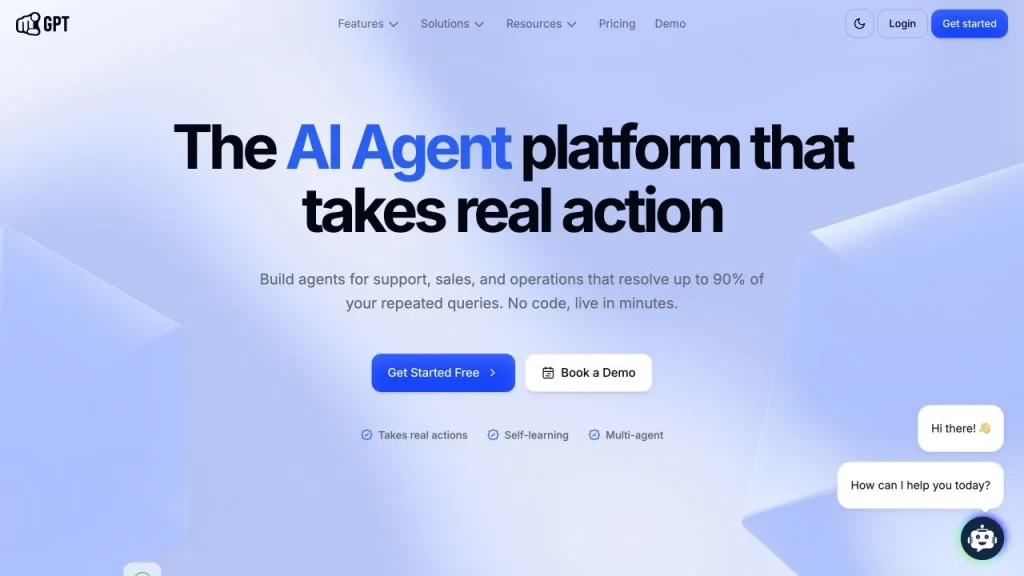
YourGPT is an AI agent platform for customer support, sales and operations. You train agents on your website, documents and past conversations, then deploy them on your site and on channels such as WhatsApp, Instagram, email and Slack. It overlaps with the Service Cloud side of Salesforce, answering questions and qualifying leads, and it connects to Salesforce Sales Cloud and Service Cloud instead of replacing a deal pipeline. For the mechanics, see YourGPT’s guides to building an AI helpdesk, AI support agents, omnichannel setups and AI lead generation.
(YourGPT pricing page, per workspace per month, billed annually, with month-to-month in brackets)
Teams whose bottleneck is repetitive support questions and lead capture rather than deal tracking, and teams that want to keep Salesforce or another CRM while cutting the conversation workload around it.
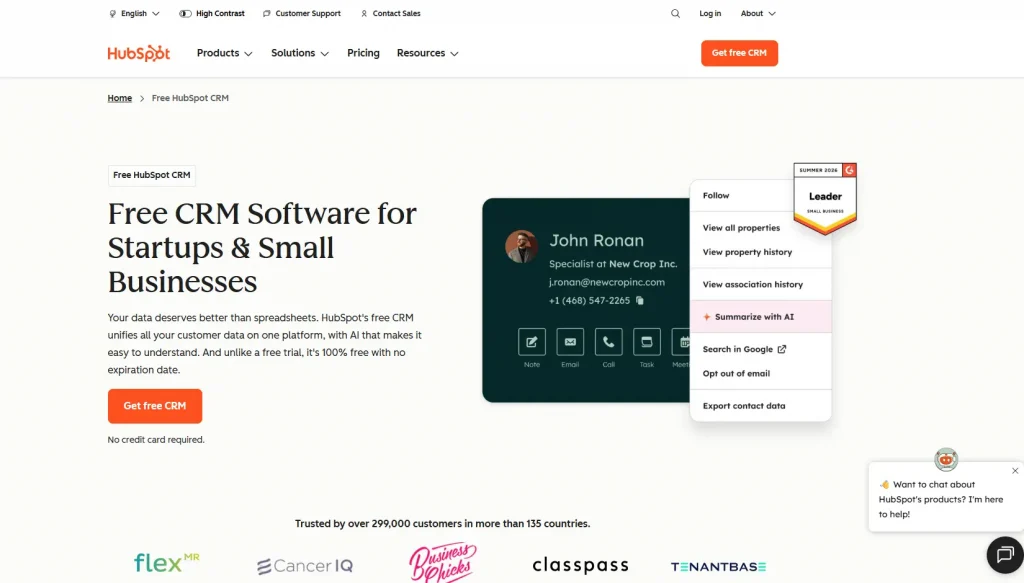
HubSpot CRM is built around a central contact record that ties sales, marketing, and service data together in one place. Contact records, deal pipelines, email tracking, and meeting scheduling form the core of the product, backed by a large library of app integrations. For a lean team, the appeal is a low barrier to entry paired with a clear growth path. Pipeline tracking comes first, with automation, sequences, and forecasting layered in as sales processes mature. HubSpot’s broader ecosystem, spanning Marketing Hub and Service Hub, means the same contact record can extend beyond sales later without switching platforms.
Teams that want to start free and add marketing automation later, though the price jump to Professional is steep for sales features alone.
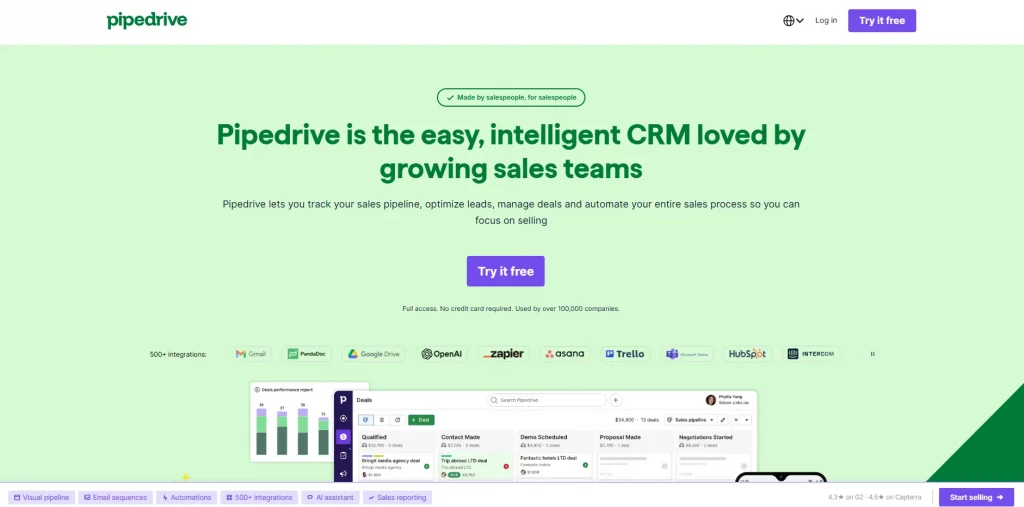
Pipedrive was built by former sales reps who wanted a CRM that didn’t fight the sales process, and that focus still shows in how the product is laid out. The interface centers on a visual, drag-and-drop pipeline rather than a dense dashboard full of options, so a new user can find their way around without a tutorial. Contact and deal tracking sit at the core, backed by 500-plus native integrations covering most of the tools a sales team already relies on. Email sync, lead generation tools, and AI-assisted email get layered in as a team’s needs grow. Reporting scales up too, letting a team generate reports from natural-language prompts instead of building dashboards by hand.
Sales-only teams that want pipeline movement done well, nothing else bundled in, and don’t mind watching the add-on costs.
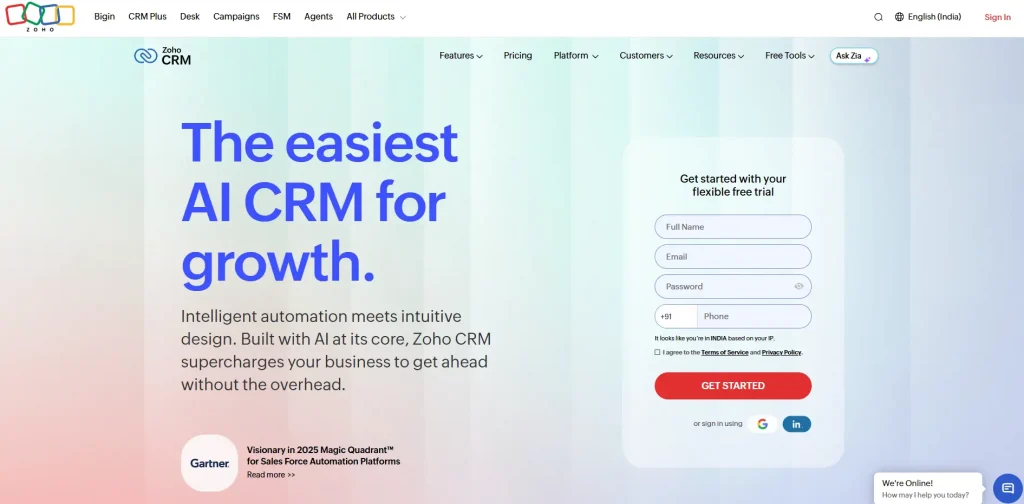
Zoho CRM’s pitch has always been feature depth, backed by deep integration with the wider Zoho suite. Teams already using other Zoho products, like Books, Desk, or Campaigns, get the most value, since data flows between them without extra integration work. The core product covers lead and deal management, contact tracking, and basic reporting, the fundamentals most sales teams need on day one. The trade-off is a steeper learning curve than Pipedrive or Nutshell, since Zoho’s interface carries more configuration surface area than either one. Workflow automation, Zia AI assistance, and custom modules get added in as a team grows into deeper customization. Blueprint process automation in particular lets a team encode multi-step workflows without writing code.
Budget-conscious teams that want the most automation per dollar, if they’re willing to spend a bit more time on setup.
Freshsales, part of Freshworks, leans on built-in phone and email tooling that many CRMs treat as a separate add-on. Contact and deal management sit at the core, with Freddy AI layered in for lead scoring and forecasting as needs grow. A visual deal timeline shows every touchpoint per contact automatically, so nobody has to log activity by hand. Teams already running Freshdesk for support get the cleanest cross-tool data sync, since both products share the same underlying platform. Multiple pipelines and sales sequences round out the feature set as a sales process matures. The product leans toward teams that want calling built in rather than stitched together from a separate tool.
Teams that want built-in calling and a Freshworks-native support stack, instead of stitching together separate tools.
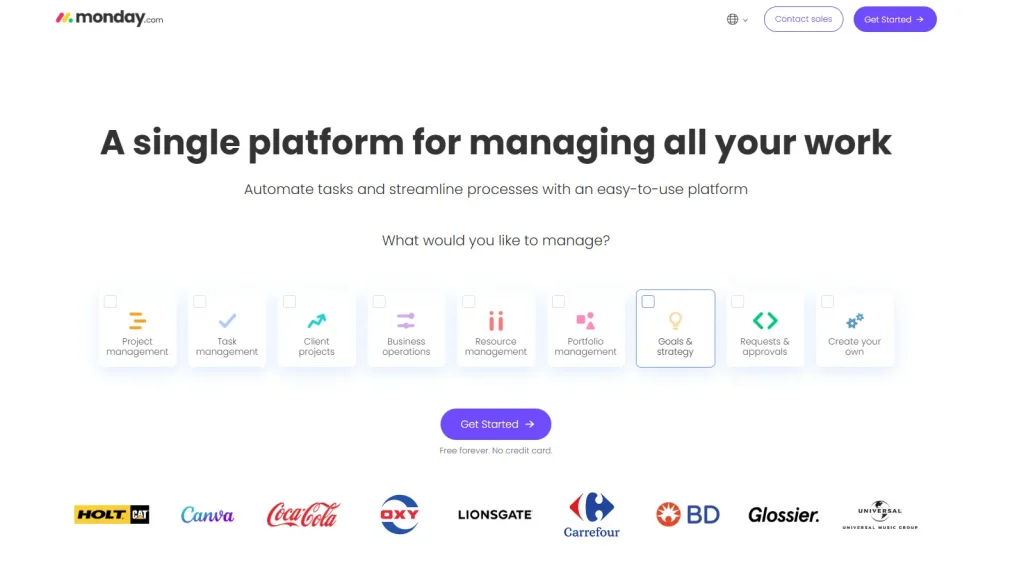
monday CRM runs on monday.com’s underlying Work OS, which means teams already using monday for project or task management get a CRM that shares the same boards, views, and automations they already know. That familiarity is the main draw, more than any single CRM-specific feature. Two-way email sync, AI email drafting, and visual pipeline customization sit alongside the shared workspace, so sales data lives in the same system as everything else the team already tracks. There’s no rigid object model to fight, deals can be customized the same way any other monday board can. Templates extend beyond sales too, covering dozens of other use cases if a team wants one tool for more than just the pipeline.
Teams already running their operations on monday.com boards who want CRM data living in the same visual system.
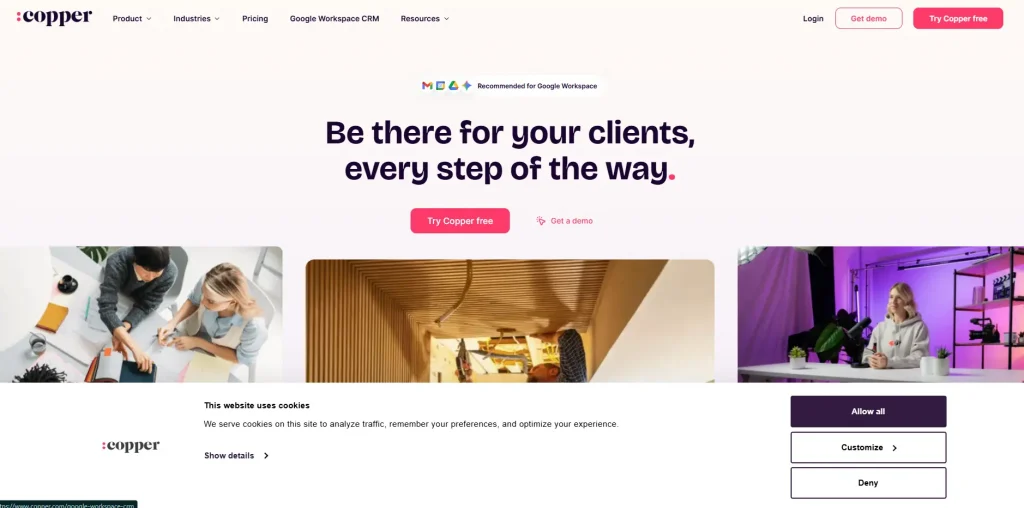
Copper’s entire pitch comes down to living inside Gmail. For a team that already runs on Google Workspace, that’s a genuine setup-time advantage. Contacts, calendar events, and email threads populate the CRM automatically, without a manual import step or a browser tab switch. A Chrome extension sidebar surfaces CRM data without ever leaving the inbox. Contact enrichment fills in phone numbers, social profiles, and company details automatically, cutting down on manual data entry. Deal tracking, workflow automation, and bulk email get layered in as a team’s sales process matures.
Google Workspace teams that want deal tracking to happen automatically as email and calendar activity occurs, without manual logging.
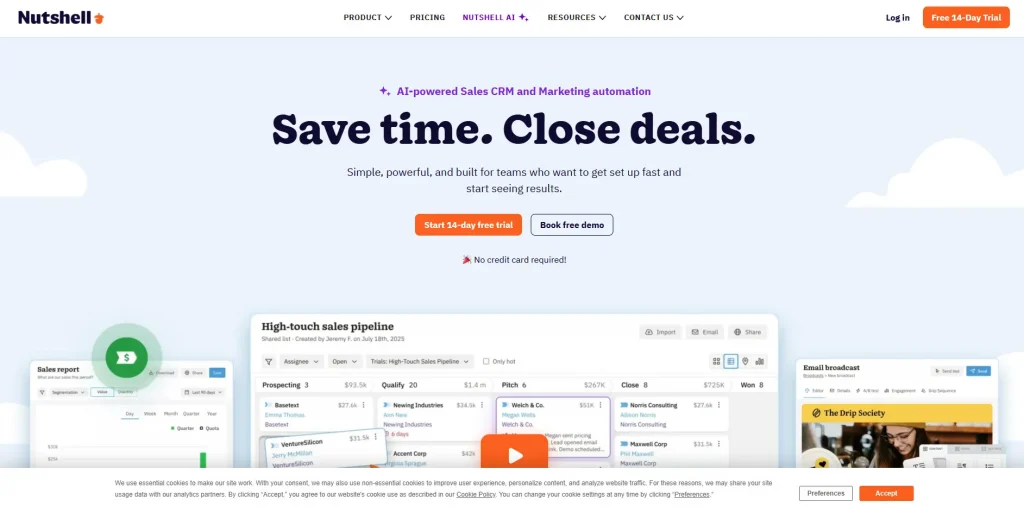
Nutshell’s positioning is the most explicitly “no admin needed” of anything on this list. Every plan, including the cheapest one, includes unlimited contacts and unlimited data storage, so the system doesn’t get more complicated just because the contact list does. Free live human support and free data migration come standard across the board too, unusual in a market where support is often gated behind the top plan. A server connects CRM data directly to tools like ChatGPT and Claude, unusual for a CRM built around this level of simplicity. Multiple pipelines, sales automation, and AI call transcription get added in as a team’s needs grow. Reporting stays lighter than some competitors, a trade-off for a product built around ease rather than depth.
Teams that want low admin overhead and value getting a real person on the phone when something breaks.
| Platform | Best For | Key Modules | Main Strength | Sales Use Case | Best Choice For |
|---|---|---|---|---|---|
| YourGPT Chatbot | AI-powered sales and customer conversations | AI Agents, Lead Capture, AI Helpdesk, Live Chat, CRM Integrations | Custom AI agents that handle conversations and connect with business workflows | Lead qualification, customer enquiries, CRM data capture and follow-ups | Teams wanting AI automation alongside their existing CRM |
| HubSpot CRM | Growing sales and marketing teams | Smart CRM, Sales Hub, Marketing Hub, Service Hub | Unified customer records across sales and marketing | Contact tracking, lead nurturing, pipeline management and email campaigns | Teams starting with a CRM and expanding into marketing |
| Pipedrive | Pipeline-focused sales teams | Pipeline Management, Lead Management, Sales Automation, Reporting | Visual deal tracking and simple sales workflows | Tracking deals, scheduling follow-ups and monitoring sales activity | Sales teams needing straightforward pipeline management |
| Zoho CRM | Budget-conscious teams needing automation | Sales Automation, Workflow Management, Analytics, Zia AI | Customizable workflows and broad CRM capabilities | Lead scoring, sales forecasting, automated tasks and reporting | Teams wanting flexible CRM automation |
| Freshsales | Sales teams needing built-in communication tools | Contact Management, Deal Management, Built-in Calling, Sales Sequences | Sales communication and contact tracking in one CRM | Managing calls, tracking leads and automating sales outreach | Teams wanting CRM and calling tools together |
| monday CRM | Teams already using monday.com | Lead Management, Deal Tracking, Workflow Automation, Reporting | Customizable boards for sales and team workflows | Managing pipelines, assigning tasks and tracking sales progress | Teams combining sales and project management |
| Copper | Google Workspace teams | Contact Management, Pipeline Tracking, Google Workspace Integration, Task Automation | CRM workflows closely connected with Gmail and Google tools | Tracking email interactions, managing contacts and organizing deals | Businesses managing sales through Google Workspace |
| Nutshell | Small and growing sales teams | Contact Management, Pipeline Management, Email Marketing, Reporting | Simple CRM with sales and email marketing tools | Managing leads, tracking opportunities and running email campaigns | Small teams wanting an easy-to-manage sales CRM |
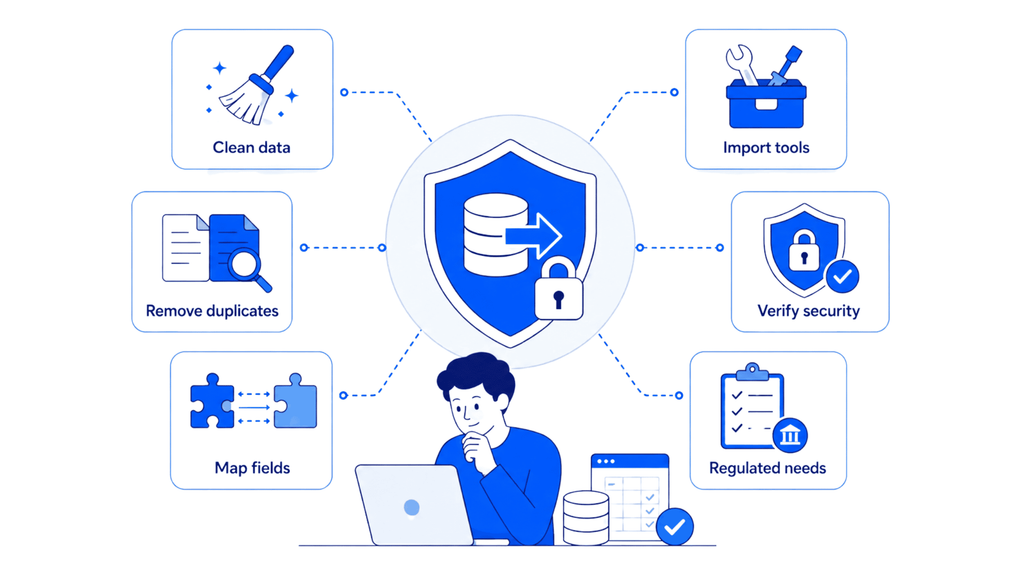
Moving away from Salesforce involves more than exporting contacts.
Customer records, deals, notes, custom fields and relationships between objects may all need to be transferred. If the source data contains duplicate contacts or inconsistent pipeline stages, importing it into another CRM will not solve those problems.
Before migrating:
A straightforward migration may require little technical work. More complicated Salesforce configurations can need specialist assistance, particularly when custom objects and external integrations are involved.
For regulated information, review the vendor’s current security documentation and contractual terms rather than relying only on a certification logo.
The best Salesforce alternative depends on your team’s needs, existing tools and budget. Instead of comparing long feature lists, focus on what your current CRM is missing and what your team actually uses.
If customer enquiries and support volume are bigger challenges than pipeline management, a dedicated AI Helpdesk may be more useful than switching CRMs. The goal is to solve the problem slowing your team down, not introduce another platform that adds unnecessary work.
Freshsales and Nutshell offer entry plans under $15 per user per month on annual billing, while Zoho CRM is another affordable option. For teams of three or fewer, Zoho CRM and Freshsales also offer free plans with limited capabilities.
Yes. HubSpot CRM offers a free plan, while Zoho CRM and Freshsales provide free access for up to three users. These options support basic contact and pipeline management, although advanced automation, reporting, and integrations generally require paid plans.
A CRM migration may not be necessary. An AI support platform like YourGPT Chatbot can automate customer conversations, answer common questions, and connect with existing CRM workflows. This helps teams manage support volume without replacing their CRM.
Most CRM alternatives provide CSV imports, migration tools, or assisted migration options. However, custom fields, workflows, and historical records may need additional work. Clean duplicate contacts, review deal stages, and back up your Salesforce data before migrating to reduce the risk of missing information.
Yes. Copper is designed specifically for Google Workspace, with Gmail, Calendar, and contact integrations. HubSpot, Pipedrive, Zoho CRM, Freshsales, and Nutshell also support Gmail connections through native integrations or third-party tools. Available synchronization features depend on the plan.
A basic CRM pipeline can often be configured within a day, but a complete migration may take several days or weeks. The timeline depends on your data volume, custom fields, integrations, and automation requirements. Teams with complex Salesforce setups should allow additional time for testing and employee training.
Yes. Salesforce may be worth the higher cost if your business expects rapid growth, needs advanced territory management, or depends on specific AppExchange integrations. For smaller teams with straightforward sales processes, alternatives such as Pipedrive, Zoho CRM, or Nutshell may be easier to manage.
No. Most alternatives in this guide allow non-technical users to create pipelines, manage contacts, and configure basic workflows. Advanced integrations, complex migrations, and custom automation may still require technical assistance, but everyday CRM setup generally does not need a certified administrator.
Salesforce remains a strong option for businesses that need extensive customization, advanced sales processes and a connected enterprise platform. But those capabilities are not necessary for every team.
Pipedrive and Nutshell suit straightforward sales management. HubSpot and Zoho CRM offer room for broader automation. Freshsales brings communication tools into the CRM, while monday CRM and Copper fit teams working in particular software environments.
If Salesforce is working as your sales system but customer conversations are taking too much time, replacing it may create more work than it solves. A platform like YourGPT can add AI-powered support and lead qualification while your CRM continues managing customer records and deals.
Start by identifying the problem, test two or three suitable tools with real data, and choose the one that reduces work without creating unnecessary complexity.
Let YourGPT AI agents handle customer enquiries, qualify leads, and connect with your existing CRM.

TL;DR Yellow.ai has spent a decade building an enterprise conversational AI platform out of Bangalore, and in 2026 it is asking Wall Street to value it at half a billion dollars while cutting a third of its staff and rebuilding its core product around a new “agentic interface” called Nexus. Both moves showed up in […]


Prepare a replacement support agent, test real requests and human handoff, then switch the storefront while keeping ownership of unfinished conversations.

The reader can shortlist one or two platforms by primary job, existing stack, action depth, handoff, governance, and billing unit.

A practical breakdown of Gorgias Helpdesk and AI Agent pricing, including what counts toward each allowance, how to compare plans and how to budget with your own volumes.
Choose Halloween ecommerce campaigns that fit your products, with AI agent workflows, offer worksheets, launch tests and order measurement.

Compare outsourcing customer service with an AI agent using your own ticket mix, a cost model you fill in, and a clear rule for a hybrid split.