7 Essential Chatbot Analytics to Track [in 2026]

Neha
Last updated on September 21, 2026
![7 Essential Chatbot Analytics to Track [in 2026]](https://s3.us-east-2.amazonaws.com/assets.yourgpt.ai/content/uploads/2024/09/24115623/Analytics-1.jpg)
The post does not fully deliver on its promise of covering seven metrics, since the seventh item is a CTA rather than an actual metric.
The content remains fairly thin, with limited benchmarks or real-world examples, several grammar issues, and no clear conflict-of-interest disclosure around the platform mention.
The “in 2026” positioning also feels unsupported because the article does not include meaningful 2026-specific data, trends, benchmarks, or changes.
Most businesses running a chatbot can say how many conversations it had last month. Far fewer can say whether those conversations actually solved anything.
That gap matters. A high conversation count tells you the bot is getting used. It doesn’t tell you whether users found what they needed, gave up halfway through, or got escalated to a human because the bot couldn’t help.
For support and product teams managing a live chatbot, that distinction decides whether the bot is genuinely saving time or quietly frustrating customers. Take a bank chatbot handling balance checks and savings account setup. Strong usage numbers mean little if customers keep getting stuck on the same two questions.
The metrics below separate a chatbot that’s running from one that’s actually performing, and show how to turn those numbers into fixes.
Chatbot analytics help us see how well our chatbots are doing. You can look at things like how many people talk to the bot, if conversations flow smoothly, whether customers are happy, and if the bot actually helps solve problems. Basically, these analytics tell us if our chatbot is doing its job or if we need to make some tweaks.
For Example, A bank using a chatbot can track how often the bot successfully helps customers check their balance or set up a savings account. If customers easily get what they need, it shows the bot is working well. But if customers get stuck, the bank knows improvements are needed. These insights help the bank make online banking smoother and improve customer satisfaction. Similarly you can apply this to your business.

Monitoring your chatbot’s performance is essential for various reasons.
First, it helps you find out if your bot is answering questions effectively. If users frequently ask the same questions and don’t get good responses, it is a sign that improvements are needed.
Second, you want to know how satisfied users are with their interactions. Are they happy with the information they receive? Gathering this feedback can guide you in making necessary changes.
Third, knowing how often your chatbot can resolve issues on its own is important. The goal is to handle as many inquiries as possible without needing to pass them on to a human. If many conversations require human help, that can lead to delays and frustration.
Finally, using analytics helps you make informed decisions to improve your chatbot’s performance. This could mean increasing sales, enhancing user experience, or making operations more efficient.
Chatbot analytics provide all these insights that help you ensure your chatbot is truly helpful and meets user needs.
With YourGPT AI Chatbot, you have access to in-depth analytics that can provide a clear picture of how your AI bot is performing.

This section covers three numbers that together show how much people are using your bot, and how hard they’re working to get an answer: total conversations, total queries, and total visitors.
This metric tells you how many interactions your chatbot has handled within a given period, such as a month.
A rising number of conversations can be a good sign that more users are engaging with your bot. But, it’s not just the volume that matters—understanding who these users are and why they are interacting is just as important.

This data provides the foundation for understanding overall engagement, but you need to combine it with other metrics to see the full picture.
This goes beyond counting conversations. Queries represent the total number of questions or requests submitted during those interactions.
A single conversation might involve multiple queries, which shows the complexity of user needs.
Why It Matters:
If your bot handles a lot of queries per conversation, it could indicate that users aren’t getting the information they need on the first try. This might signal the need for better training of the chatbot or more concise response patterns.
This metric helps you understand the reach of your chatbot. It tracks how many unique users interacted with your chatbot within a specific period. Are new visitors coming to your site? Or is the same group of users returning repeatedly?
Knowing your audience can help you tailor the chatbot’s responses better.
Numbers tell you what happened, but feedback tells you how users felt about it. This section looks at how ratings reveal where the experience is breaking down.
User feedback is a crucial indicator of your chatbot’s effectiveness. Most platforms, including YourGPT AI Chatbot, allow users to rate their experience after interacting with the bot.

If negative feedback is high, it’s important to dig into why users aren’t satisfied. Is it the bot’s inability to answer certain questions? A confusing interface? Feedback is valuable for prioritizing improvements.
Understanding where your users are interacting with your chatbot gives insight into which platforms are most effective for engagement. YourGPT AI Chatbot can operate across multiple channels whether it’s through your website, social media, or messaging apps.

Monitoring which channels are performing best allows you to focus your chatbot optimization efforts.
Sometimes, chatbots can’t handle all the queries, leading to human escalations. While minimizing these escalations is a goal, the rate of handoffs can tell you a lot about where your bot needs improvement.
Human Escalations:
A high handoff rate suggests your bot is encountering situations it cannot manage effectively. This could be due to complex queries or limited training.
User sentiment gives you a direct window into how your chatbot is perceived. Using sentiment analysis, you can track whether the conversations are mostly positive, negative, or neutral.

Tracking these trends helps you measure customer satisfaction and adjust the bot’s responses or tone to improve the overall experience.
Intents represent the purpose behind a user’s message. In chatbot analytics, identifying the most triggered intents can help you optimize the chatbot for efficiency.

This data allows you to prioritize which intents need improvement. For example, if FAQ has the highest number of hits but also receives low user satisfaction, it might be time to rewrite those responses.
Looking at conversation trends by month gives you a long-term view of chatbot performance.

By analyzing trends, you can identify seasonal peaks or declines in chatbot usage. This is especially useful for industries with high variability in customer interactions, such as retail during the holiday season.
Once you have collected and analyzed your chatbot’s data, the next step is to make informed decisions. Here’s how you can use your findings:

Chatbot analytics isn’t just about numbers—it’s about taking action to improve both user experience and business outcomes.
A conversation is one full interaction session with a user. A query is a single question or request inside that session. One conversation often contains several queries, so tracking both shows you not just how many people are talking to your bot, but how much work each conversation actually takes.
There’s no single universal number since it depends on your industry and how complex your queries are, but a rising handoff rate over time is usually the clearer signal than the raw percentage itself. If handoffs are climbing month over month for the same type of question, that points to a training gap rather than query complexity.
Weekly checks catch sudden drops in satisfaction or spikes in handoffs early. A deeper monthly review is better for spotting trends like seasonal usage changes or intents that consistently underperform.
Most modern chatbot platforms, including YourGPT, include built-in feedback ratings and sentiment tracking in their dashboard, so a separate analytics tool usually isn’t necessary unless you need to combine chatbot data with other customer support metrics.
This usually means each user is asking multiple follow-up questions before getting a useful answer. It’s worth reviewing your top intents to see if a specific topic is causing users to rephrase or ask again.
Yes, most analytics dashboards let you filter by channel. This matters because user behavior and expectations often differ by channel, so a handoff rate that looks fine overall might be hiding a problem on one specific platform.
Start with the intents tied to that negative feedback rather than the feedback numbers alone. Negative ratings without context just tell you something’s wrong, while checking which questions triggered them tells you what to actually fix.
If you’re running a chatbot Without data, you won’t know whether your bot is adding value to the business or frustrating users.
If you are using YourGPT AI Chatbot, tracking analytics is simple and clear. Go to the dashboard and check all the advance Analytics.
By measuring important metrics like total conversations, feedback, top intents, and sentiment, you can optimize your chatbot for success.
The data lets you tweak your bot to not only handle more queries efficiently, also ensure it delivers a great user experience.
In the end, chatbot analytics is your roadmap to making data-driven improvements that ensure your chatbot isn’t just working—it’s working smart.
Join thousands of businesses transforming customer interactions with YourGPT Chatbot
No credit card required • 7 days access • Limited time offer
Tier 1 support handles first contact. See how Tiers 0 to 3 differ and what changes when an AI agent becomes your first line.

The 12 customer service metrics to track when an AI agent resolves tickets, with a formula for each and a baseline built from your own last month.

Calculate cost per ticket with one formula and a free calculator, then compare it with the cost of a conversation an AI agent resolves.
Omnichannel support means every channel answers from the same knowledge. Train one AI agent, pick your first channel, and test that answers match.
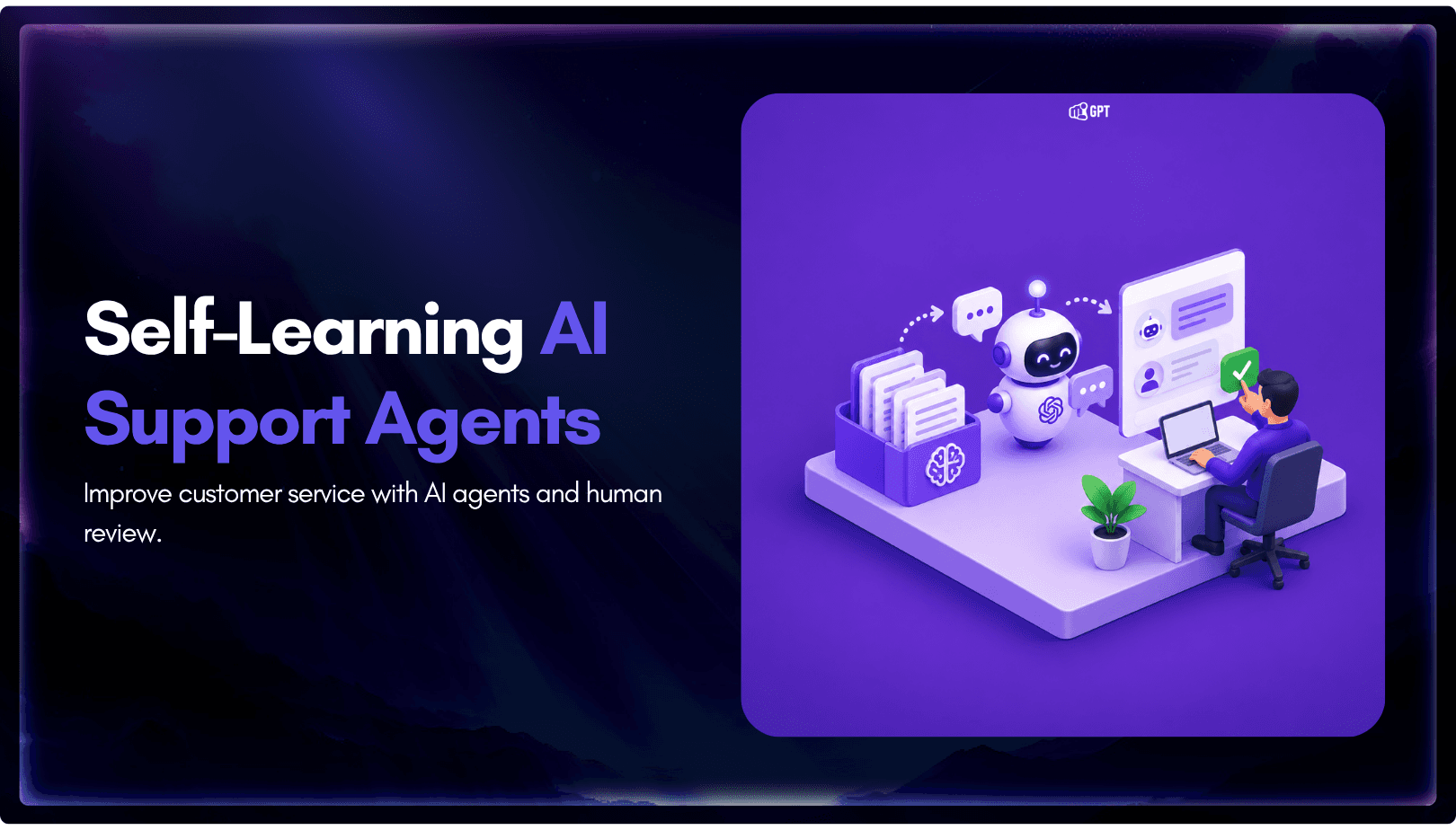
Self-learning AI agents log the questions they miss. Learn how human review turns those gaps into trained answers and how to run the weekly loop.
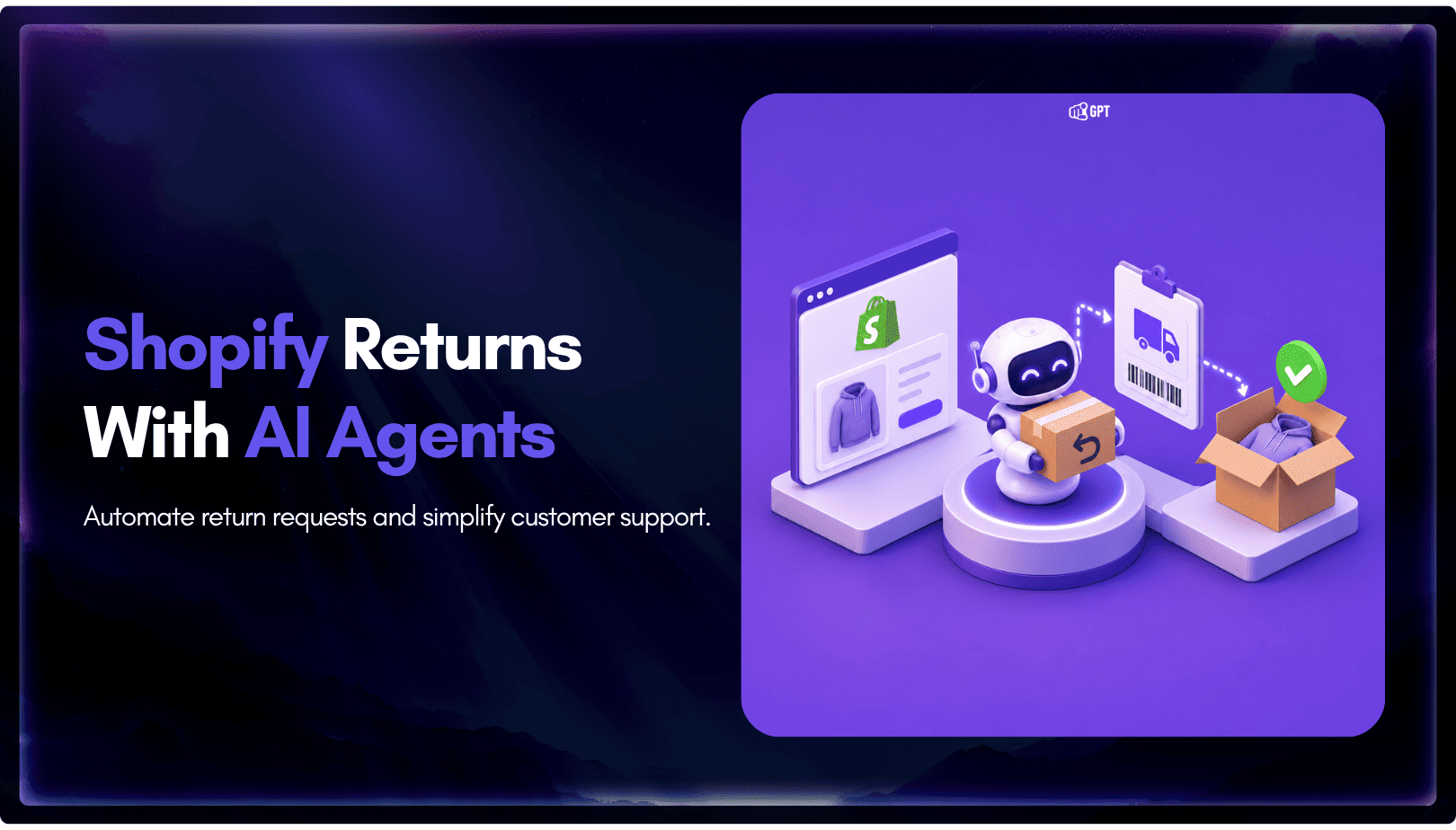
Train an AI agent on your return policy, connect the Shopify template in AI Studio to check real orders, and route exceptions to your team.