What is YourGPT AI Copilot Builder?

Rohit Joshi
Last updated on August 4, 2026
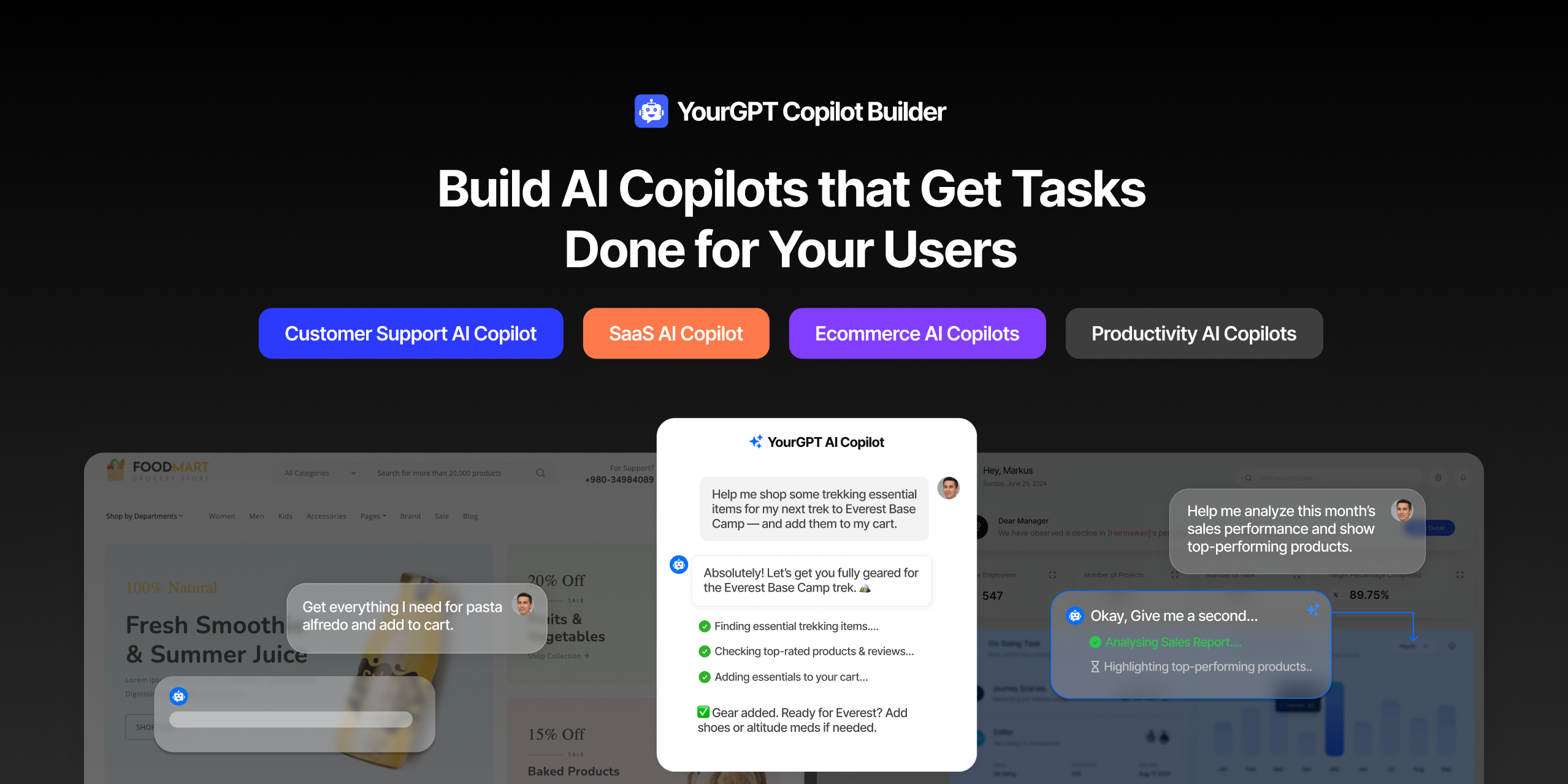
Most AI tools provide answers but still leave users to complete the task through search results, settings pages, or checkout flows.
AI Copilot Builder closes that gap by executing registered actions directly inside the product instead of only explaining what to do.
Search, cart updates, account changes, and multi-step bookings can all happen within one conversation, reducing manual steps for the user.
A chatbot can find the right product, then leave a customer to click it into the cart and finish checkout alone. It can pull up the exact account setting someone needs, then stop and explain how to change it by hand.
The same limit shows up with bookings and data lookups. An agent can confirm an appointment slot is open, then hand the calendar entry back to the person to finish. It can surface the exact number from a database, then leave running the actual query as a separate step.
The limitation was never understanding the request. It’s the gap between conversation and action inside the product itself.
YourGPT AI Copilot Builder closes that gap. The AI executes the task directly inside the product: completing a purchase, updating a record, or finishing a booking on its own.
YourGPT AI Copilot brings an Action Oriented AI Agent into your product that focuses on getting things done. It understands what the user needs and moves each step forward with precision.
A regular chatbot can answer questions and show search results, but the user still has to sort through options, choose a product, add it to the cart, and finish checkout on their own.
With a Copilot Builder using YourGPT, the entire process is automated. When the user makes a request, the AI not only searches your catalog and presents the best matches, but also adds the selected item to the cart and guides them through the checkout process. It’s one seamless conversation from start to finish.
This works smoothly into e-commerce platforms, SaaS dashboards, booking systems, customer portals, and internal workflows across your product. Your copilot can:
Everything depends on the actions you define.
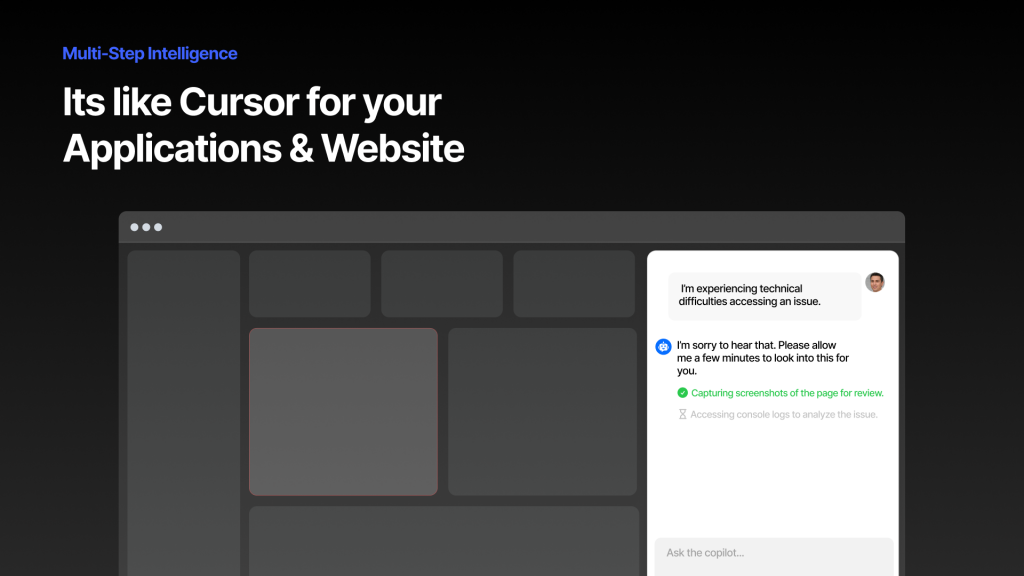
You define the actions the copilot can perform in your product. These actions connect to your existing systems such as your website, your app, and your backend services.
When a user starts a conversation, this happens:
1. Understanding the Request : When someone says “I need running shoes for a marathon,” the copilot identifies this as a product search with specific intent. It supports text, voice, and images. A user can type their request, speak it, or send a photo.
2. Planning the Actions : The copilot maps out the next steps: search the catalog, apply relevant filters, present the best matches, then wait for the user to choose before adding the item to the cart. It completes this within seconds.
3. Executing Tasks : The copilot carries out the required actions and passes data between them. It queries your database, narrows results based on the criteria, shows options to the user, and when they choose one, adds it to the cart without requiring multiple clicks through pages.
4. Confirmations : The copilot knows which actions are safe to run automatically (like searching or showing information) and which ones need approval first. It only interrupts when necessary.
Throughout this process, the copilot maintains context. It keeps track of what was discussed, which actions it performed, and what the user wants to accomplish.
The use case for your copilot depends on the actions you define. Here are common use cases showing what’s possible:
Your copilot can answer questions and instantly take users to the exact page or section they need. Instead of explaining where to find something, it opens the right page automatically.
What this looks like:
Your copilot can handle entire purchase flows. From product discovery to cart management to checkout, it executes each step based on what the user wants.
The user describes what they want to build, the copilot understand the intent and then searches the catalog to surface the most relevant options, adds the items the customer chooses directly into the cart, and finally completes the checkout once the customer confirms the order.
Instead of users clicking through project boards and forms, your copilot updates tasks, changes statuses, and manages workflows based on natural language requests.
The copilot becomes your team’s task manager, handling administrative work automatically.
Your copilot can plan trips, recommend destinations, search availability, and handle bookings. It processes complex requests with multiple requirements.
Example interaction:
Multi-step planning that would normally require navigating multiple pages happens in one conversation.
These are common use cases. Your copilot’s capabilities depend on the actions you define for your specific product and business needs.
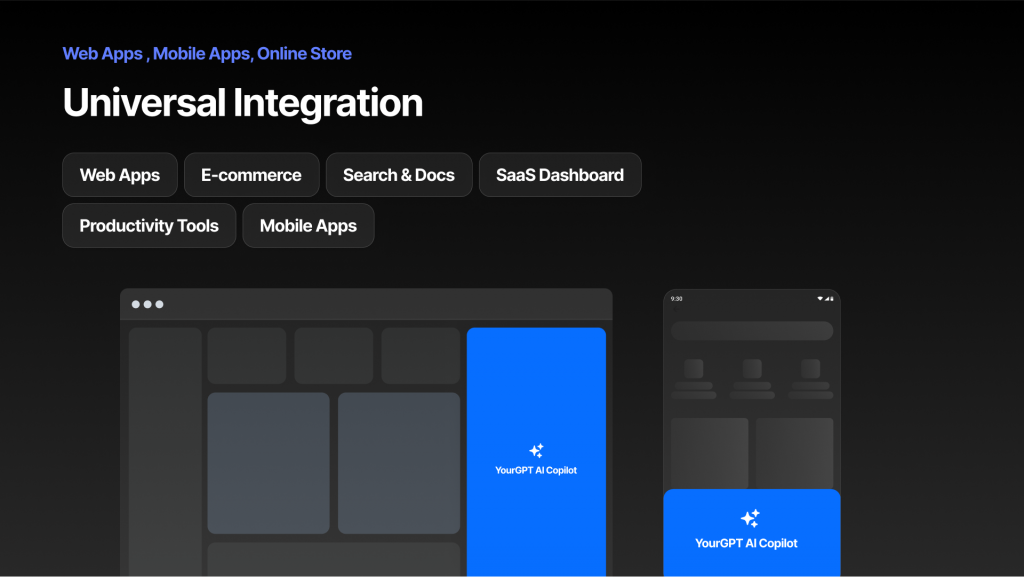
To integrate YourGPT AI Copilot Builder into your product using our SDK (currently available for JavaScript, React, and more).
You’re not adding a chatbot. You’re embedding a intelligent copilot inside your product that knows your product and executes tasks the way you define them. It’s built into your product, working with your existing infrastructure.
Setting up a copilot involves three main steps: registering actions, integrating the SDK, and defining what happens when those actions run.
In your YourGPT dashboard (Widget Section → AI Copilot Actions), register each action your copilot can perform:
{
  "actionId": "addToCart",
  "description": "When the user asks to add an item to the cart",
  "parameters": ["productId", "quantity"]
}This tells the AI when to use this action. The parameters define what data it needs.
You add YourGPT powered Copilot to your product using our JavaScript or React SDK. The integration is minimal:
import { YourGPT } from "@yourgpt/widget-web-sdk";

await YourGPT.init({ widgetId: "your-widget-id" });Register what happens when each action gets called:
const copilot = YourGPT.getInstance();

copilot.registerAIAction("addToCart", async (data, helpers) => {
  const { productId, quantity } = data;

  // Your code to add items to cart
  await addItemToCart(productId, quantity);

  helpers.respond("Added to cart!");
});For actions that modify data or process transactions, add confirmations:
copilot.registerAIAction("processPayment", async (data, helpers) => {
  const confirmed = await helpers.confirm({
    title: "Process Payment",
    description: `Charge $${data.amount} to your card?`
  });

  if (confirmed) {
    await processPayment(data);
    helpers.respond("Payment processed successfully.");
  }
});Once integrated, open your product and test the copilot by making requests. Monitor all executed actions in your dashboard’s Conversations tab.
Need help getting started? Check out our AI Copilot SDK Guide or join our Discord community for support
It works alongside the existing chat widget. A standard chatbot answers questions and displays results, while Copilot Builder adds the ability to complete the requested task using the same underlying widget and account.
The SDK currently supports JavaScript and React, with additional framework support planned. Integration involves initializing the SDK with a widget ID and registering the actions the copilot needs to perform.
Yes. Safe actions, such as searching or displaying information, can run automatically. Sensitive actions, such as processing a payment or modifying a record, can be marked as requiring approval.
The copilot interrupts the conversation for confirmation only when an action has been marked as sensitive.
Yes. A request can arrive as typed text, spoken voice, or an uploaded image. The copilot processes each input type when identifying intent and planning the next action.
Yes. A developer needs to register each action in the dashboard, add the SDK to the product with a few lines of code, and write the handler that runs when an action is triggered.
It is not a no-code setup like the base chat widget.
AI Studio is a no-code, drag-and-drop builder for creating conversation and automation logic inside the chat agent.
Copilot Builder is an SDK-based layer that lets the same AI take actions inside a company’s product, such as a dashboard or checkout flow, after a developer defines and registers those actions.
Remember the gap we started with? AI that answers but doesn’t act. YourGPT AI Copilot Builder closes that gap.
Support teams spend hours walking users through processes an AI agent should handle automatically. Sales are lost because checkout takes too many steps. Onboarding stretches for weeks because features require training to use.
These aren’t user problems. They’re product design problems that traditional interfaces can’t solve. Adding more buttons, clearer labels, or better documentation still requires users to figure out where to click and what to do next.
YourGPT AI Copilot Builder solves this differently. When your product can execute tasks through conversation, complexity stops being a barrier. New users complete advanced workflows on day one. Support volume drops because the copilot handles what previously required human intervention. Revenue increases because completing a purchase becomes as simple as saying what you want.
The products that win in the next five years won’t be the ones with the most features. They’ll be the ones where users can actually use those features without needing to learn how.
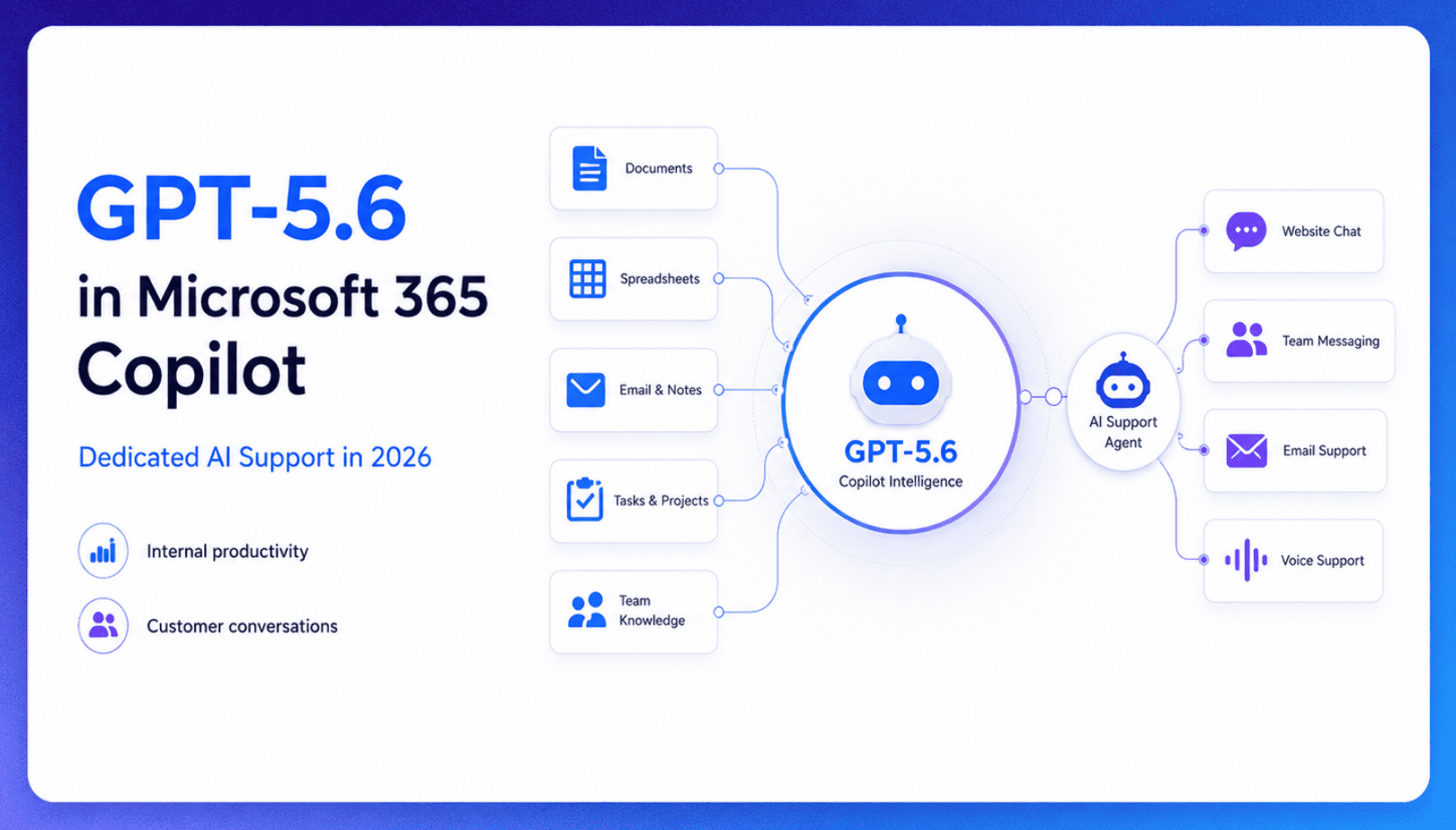
TL;DR Microsoft made GPT-5.6 the preferred model across Word, Excel, PowerPoint, Copilot Chat, and Cowork on July 9, 2026, focusing on internal workplace productivity rather than customer-facing support. Dynamics 365 Service Agent also reached general availability, but it mainly helps human support representatives manage cases within Microsoft’s existing permission structure and requires separate licensing. A […]

TL;DR Cheap frontier models now compete for the same high-volume support workloads, with DeepSeek V4 remaining the lowest-cost option in this comparison. Kimi K2.6 and GLM-5.2 are open-weight and self-hostable, while Qwen 3.7 Plus is proprietary and available only through an API. Claude Haiku 4.5 is the only model here that its developer explicitly recommends […]
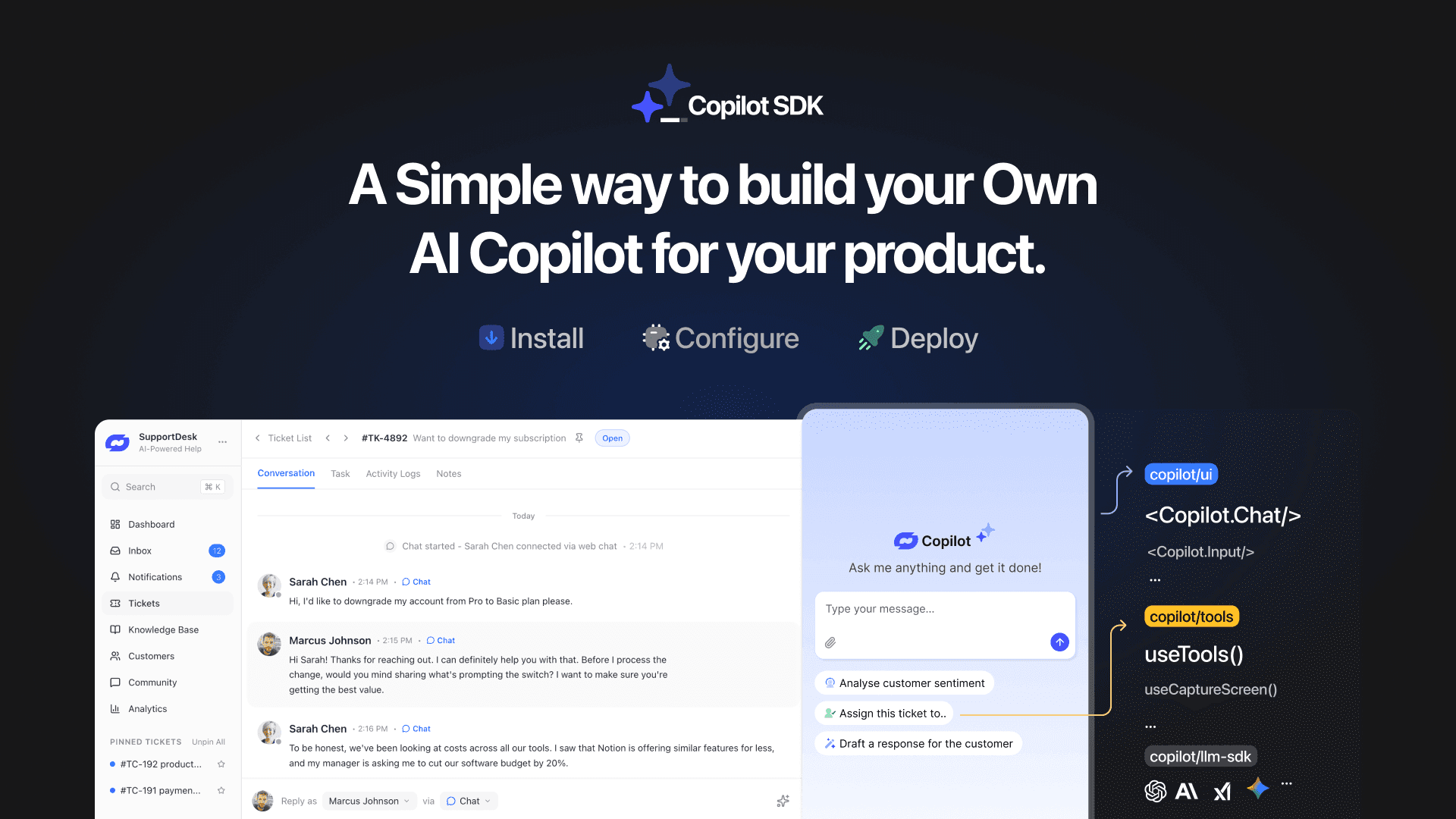
TL;DR YourGPT Copilot SDK is an open-source SDK for building AI agents that understand your application state, user context, and what is happening inside your product. Instead of working like isolated chat widgets, these agents connect directly with your product and can take real actions within existing workflows. This helps teams build contextual AI experiences […]


TL;DR YourGPT 2.0 adds AI Studio for building, testing, and debugging automated workflows. It includes native MCP integration for more than 100 tools, upgraded voice agents, and native SDKs for iOS and Android applications. With shared context across web, WhatsApp, Instagram, Telegram, and mobile, YourGPT turns conversations into real actions across support, sales, and operations. […]
TL;DR Building an AI-powered Telegram bot does not require custom development. BotFather provides the Telegram bot token, while a no-code platform like YourGPT handles AI training, free-form conversations, and the Telegram connection. This guide covers the full setup, from creating the bot in BotFather to connecting it with YourGPT and taking it live. Most Telegram […]

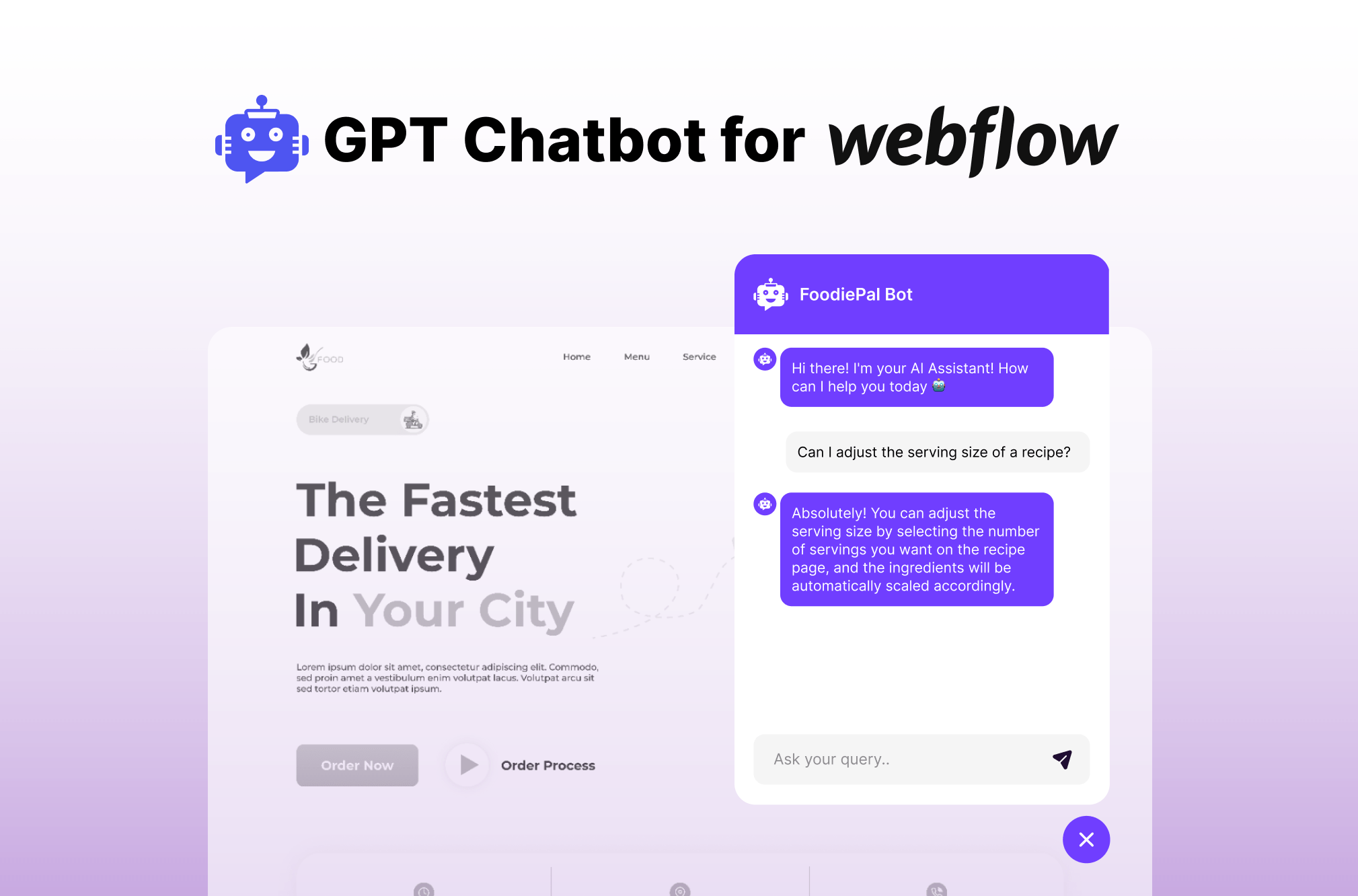
TL;DR Installing an AI chatbot on a Webflow site no longer requires custom code. YourGPT connects through the Webflow Marketplace, trains on your business data, supports multiple languages, and transfers conversations to a human when needed. This guide covers how to install, train, and customize your YourGPT chatbot after adding it to your Webflow site. […]