Engage Your Audience in a New Way with YourGPT Campaigns

Rajni
Last updated on April 4, 2026
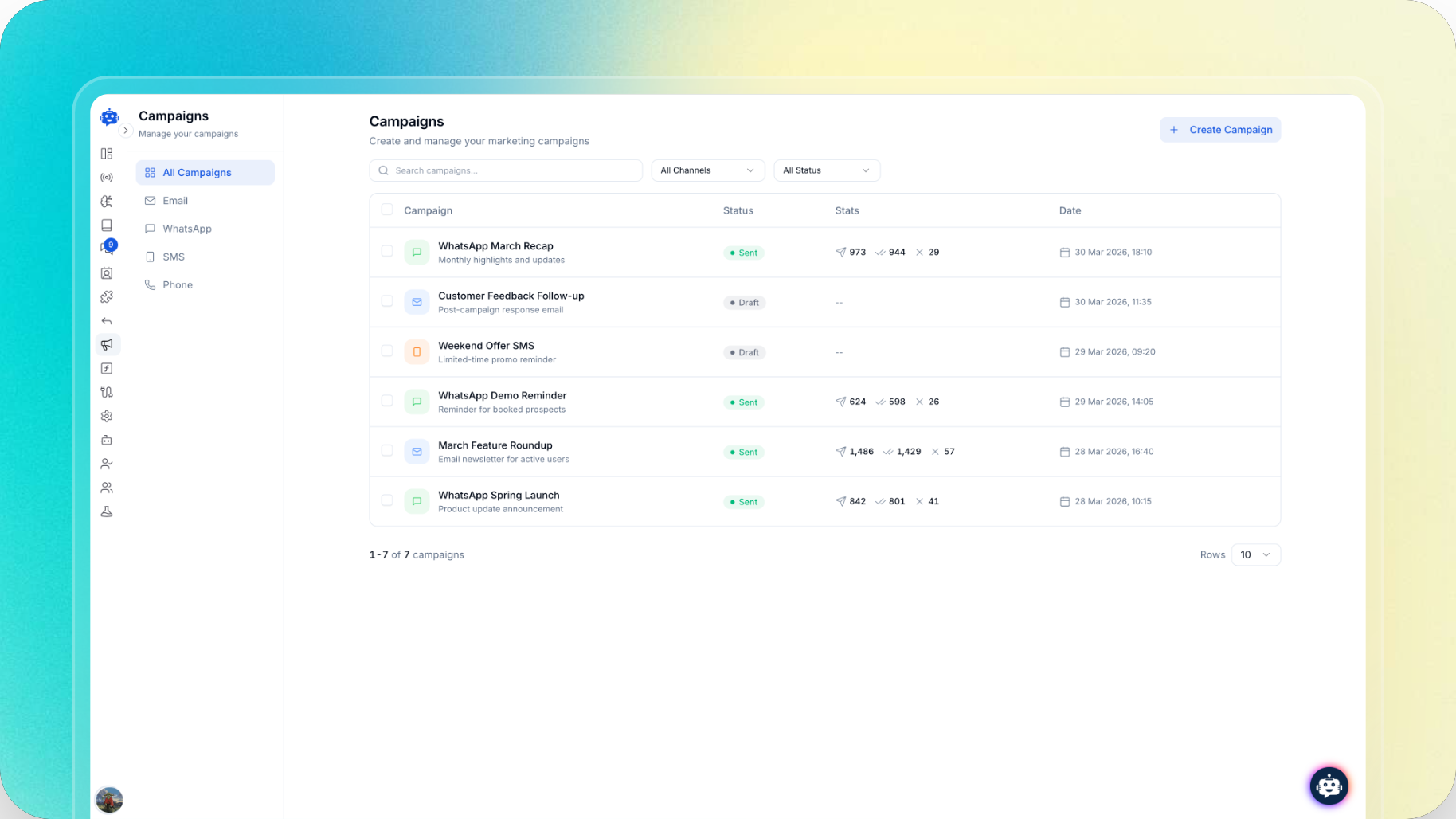
At YourGPT, we’ve always believed businesses need one platform for customer support, sales, and engagement. These are not separate parts of the customer journey. They shape how businesses communicate, build relationships, and move conversations forward.
That belief continues to guide how we evolve YourGPT, building toward a more connected way for teams to manage communication, context, and customer interactions in one place.
Today, we are taking another step in that direction with the launch of YourGPT Campaigns.
YourGPT Campaigns gives businesses a way to initiate outreach across Email, WhatsApp, SMS, and AI phone agents from one platform.
Sending the first message is only part of the process. Campaigns also helps teams manage replies and continue the conversation.
When a contact responds, AI can continue the conversation using the full context of the original campaign and the interactions that follow. That means businesses can start outreach, handle replies, and keep the conversation moving toward the campaign objective from the same platform.
This is what makes YourGPT Campaigns different. It helps cover the full outreach loop, from initiating the conversation to managing the engagement that follows across channels.
Campaigns is designed for moments when your team wants to reach a specific audience with a clear message and a defined purpose. It helps you start outreach across channels and manage the conversations that follow in the same place.
Common use cases include:
With the right audience, message, and objective in place, Campaigns becomes a practical way to start meaningful outreach and carry the conversation forward from inside YourGPT.
Campaigns can be created and managed directly from inside your YourGPT AI agent project dashboard.
To get started, open your project and go to Campaigns from the sidebar.
From there, create a new campaign and choose the channel you want to use: Email, WhatsApp, SMS, or AI phone agents.
Before you begin, it helps to have a few things ready:
Start by creating a new campaign and selecting the channel you want to use. This is where you define whether the campaign will go through Email, WhatsApp, SMS, or AI phone agents.
Before moving forward, make sure the selected channel is already configured inside your project.
Choose the audience you want to send to. This might be a contact list, a filtered segment, or another defined group.
A clear audience helps ensure the campaign is aligned with the message, objective, and business context behind it.
Once the audience is selected, add the campaign objective and the rest of the campaign details. Then create the message itself.
For email campaigns, this includes creating the template. For other channels, the message should match the format and intent of that channel.
Once the campaign is ready, send it from inside the product and monitor it from the same place.
Drafts, sent campaigns, delivery status, and campaign visibility remain available inside the Campaigns area, so your team can continue managing outreach after launch.
Campaigns gives businesses a way to start outreach inside YourGPT and keep the conversation moving when contacts respond.
By keeping the campaign, the reply, and the engagement that follows connected in one platform, teams can manage the full outreach loop more effectively across channels.
YourGPT Campaigns is now live for Advanced and Professional users inside their AI agent projects.
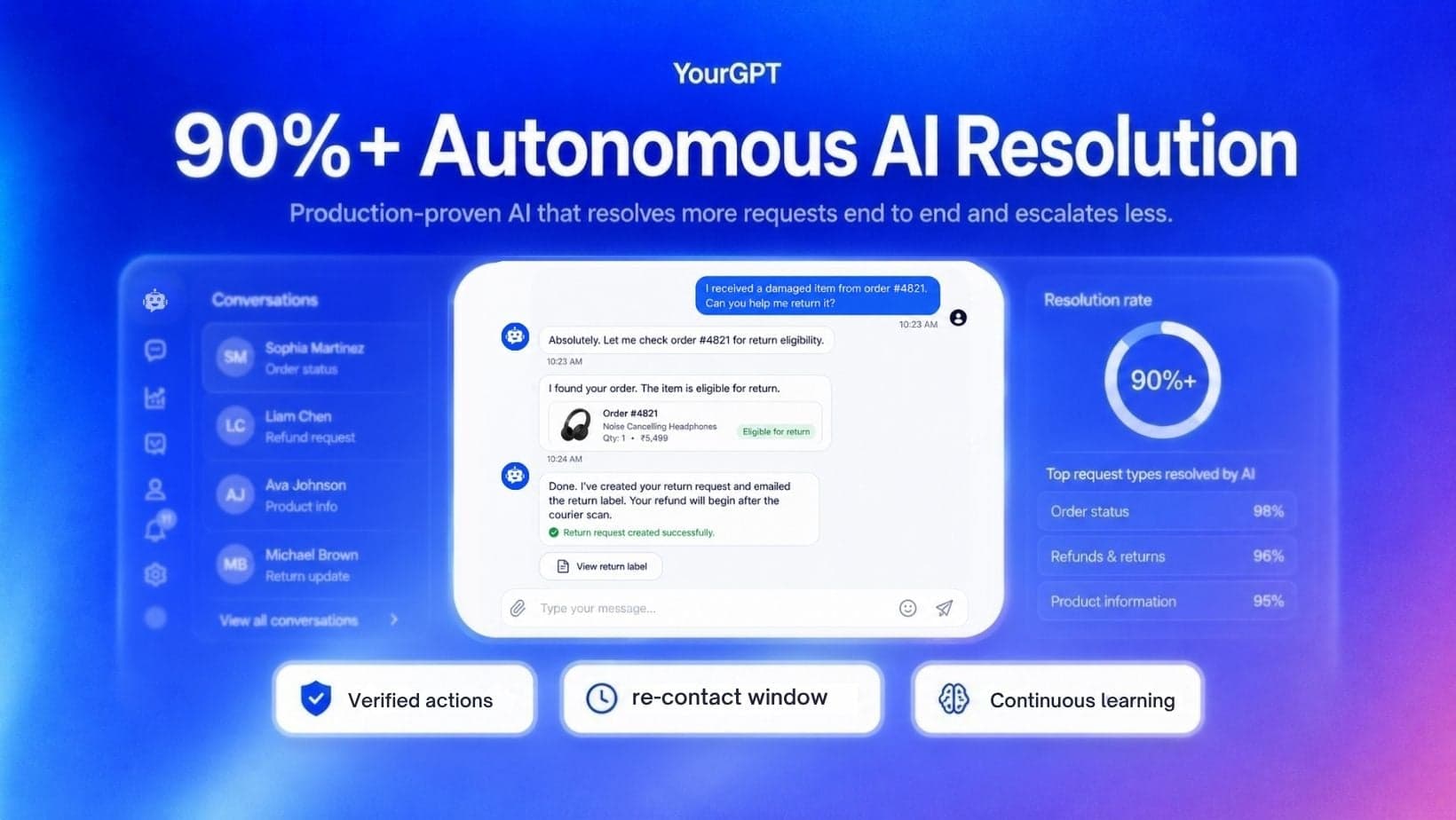
YourGPT has progressed from production deployments reaching around 80% AI resolution to 90%+ on eligible repeated requests in maintained deployments. Here is what changed, how we measure resolution, and how we apply that work with organizations that want to raise their own rates.
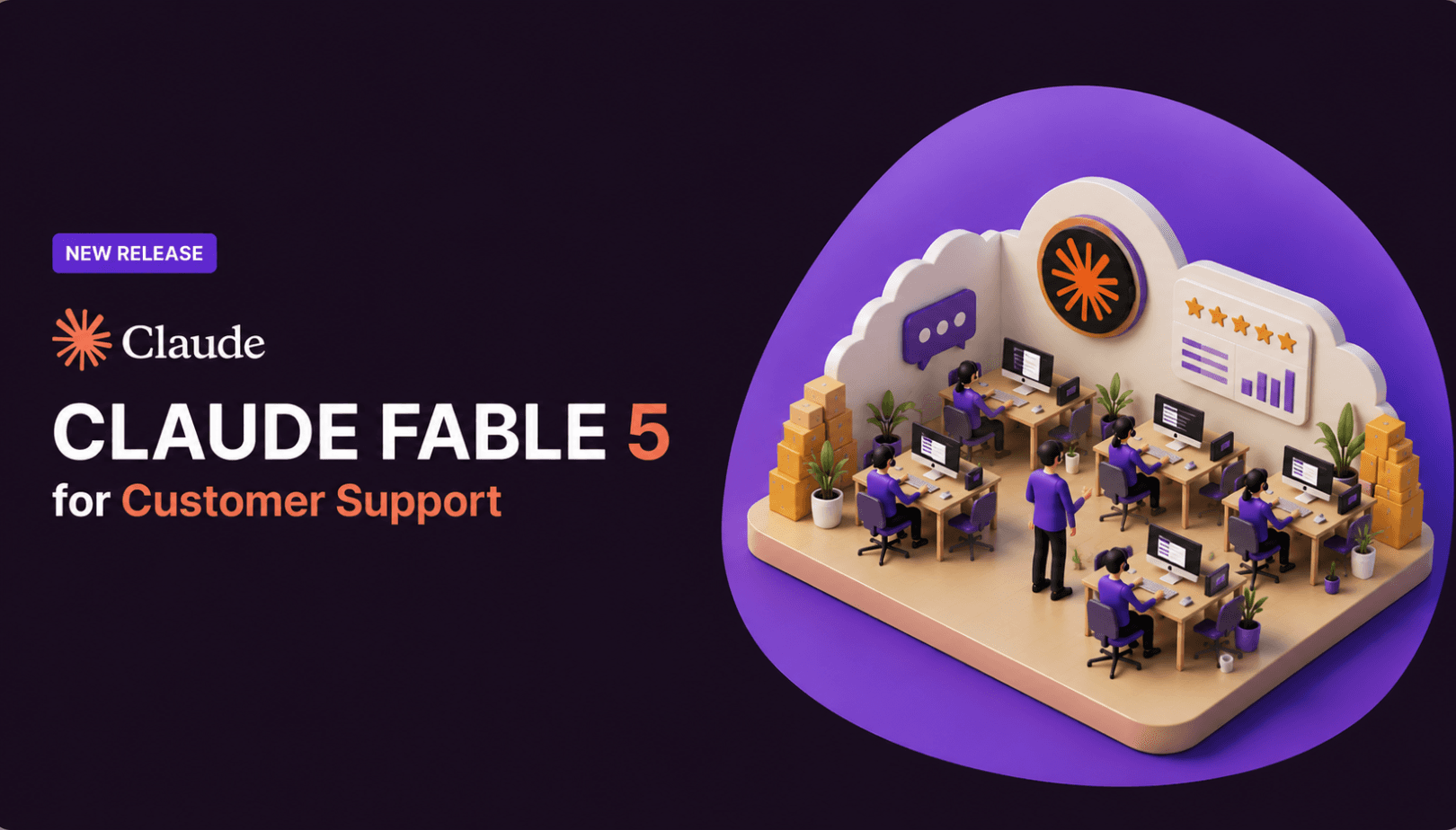
TL;DR Claude Fable 5 launched on June 9, 2026, was pulled offline three days later under a US export control order, and returned on July 1 after the order was lifted. For support teams, Fable 5 is best suited for long-horizon tickets across billing, CRM, shipping, and documents not basic FAQ deflection. Its biggest support […]
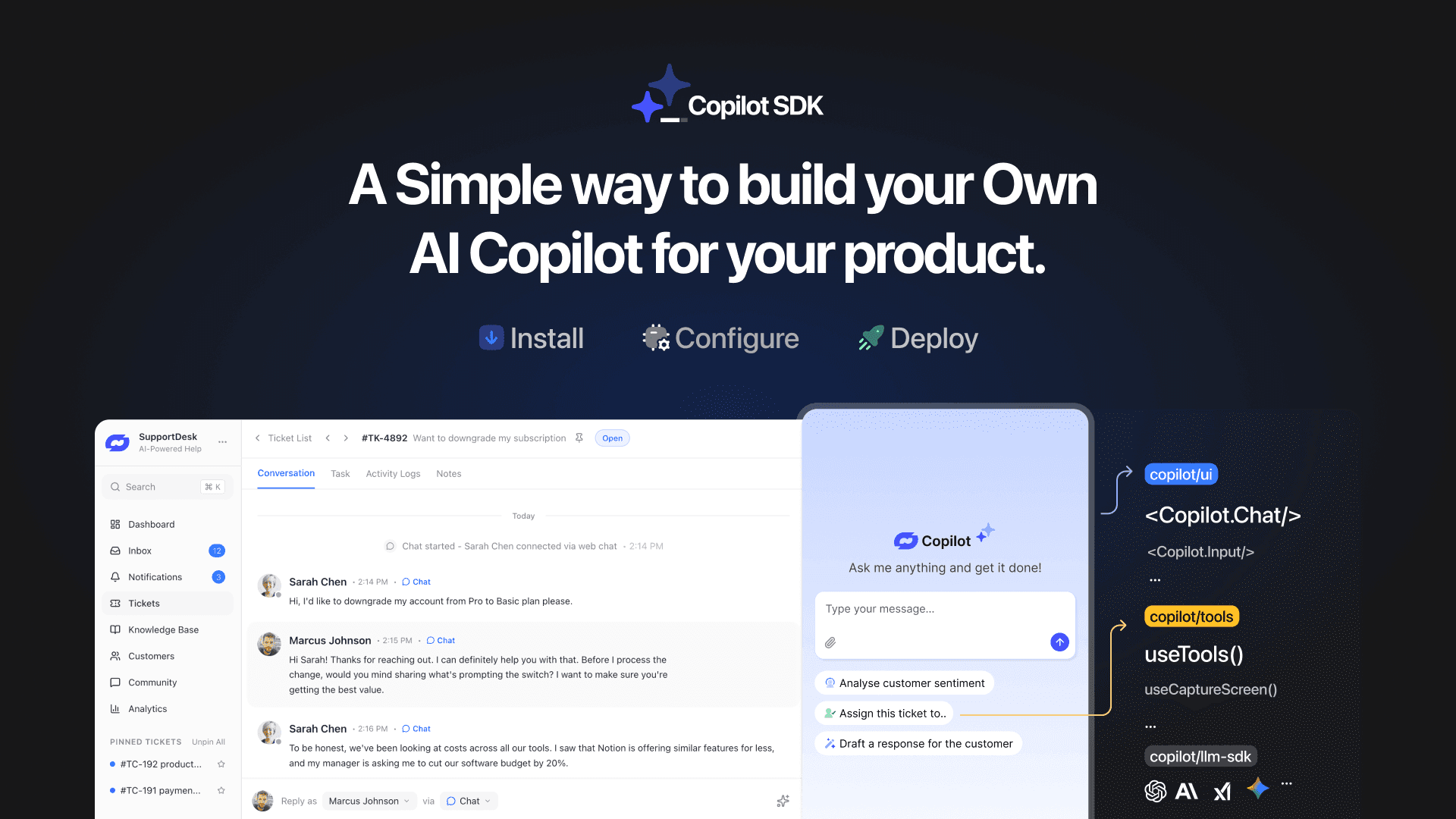
TL;DR YourGPT Copilot SDK is an open-source SDK for building AI agents that understand your application state, user context, and what is happening inside your product. Instead of working like isolated chat widgets, these agents connect directly with your product and can take real actions within existing workflows. This helps teams build contextual AI experiences […]

Happy New Year! We hope 2026 brings you closer to everything you’re working toward. Throughout 2025, you’ve seen the platform evolve. We shipped the AI Copilot Builder so your AI could execute actions on both frontend and backend, not just answer questions. We added AI assistance inside Studio to help you generate workflows without starting […]
Grok 4 is xAI’s most advanced large language model, representing a step change from Grok 3. With a 130K+ context window, built-in coding support, and multimodal capabilities, Grok 4 is designed for users who demand both reasoning and performance. If you’re wondering what Grok 4 offers, how it differs from previous versions, and how you […]
OpenAI officially launched GPT-5 on August 7, 2025 during a livestream event, marking one of the most significant AI releases since GPT-4. This unified system combines advanced reasoning capabilities with multimodal processing and introduces a companion family of open-weight models called GPT-OSS. If you are evaluating GPT-5 for your business, comparing it to GPT-4.1, or […]
