12 Best Shopify AI Chatbots for 2026 (Compared with Pros & Cons)

Rajni
Last updated on October 22, 2026
The right Shopify AI chatbot depends on the support your store needs and the tools you already use. YourGPT combines support answers, product guidance and custom workflows; Gorgias and Zendesk suit helpdesk-led teams; ManyChat focuses on social messaging; and Gobot and Octane AI offer shopping quizzes. Compare the smallest suitable plan, included AI allowance and full cost at ordinary and peak demand.
Shopify store owners handle product questions, delivery updates, returns, and messages across several channels. Those requests can look similar in a chat window but require different information and permissions behind it.
Explaining a return policy requires approved content. Checking a customer’s shipment requires a connected order lookup. Issuing a refund requires an enabled action and the store’s eligibility rules. A tool that answers the first request may still leave your team doing the other two.
This comparison covers 12 options across support, social messaging, and product discovery, so you can choose the category before paying for features you will not use. Compare how each platform completes your actual support work.
Use the table to compare entry costs and the work each connection supports. A Shopify connection can mean content sync, live data access, an agent sidebar, or an executable action; those are separate capabilities.
We build YourGPT, which is included here alongside other options. This comparison draws on published features, pricing and app listings rather than hands-on performance tests.
Prices are in USD per month; annual billing is marked. AI usage may cost extra.
| Platform | Useful for | Shopify support | Price and allowance |
|---|---|---|---|
| 1. YourGPT | AI support and product guidance across connected channels | Native Shopify integration for product search, order tracking and storefront cart actions | Essential $59/month or $39/month billed annually; 10 million AI Credits. Professional: $129/month or $79/month billed annually; 30 million credits. 7 day Trial available. |
| 2. Tidio | Live chat with Lyro AI and rule-based Flows | Lyro order lookup; human order edits are a separate capability | Starter $24.17/month billed annually. Includes 50 one-off Lyro conversations; recurring AI costs extra. 7 day trial; separate helpdesk and Flows limits. |
| 3. Flyweight Chatbot | Brand-voice product guidance | Nightly content refresh; live order tracking listed separately | Free to install; paid AI Unlimited by quote. Catalog, workflows, integrations and support determine the scope and price. |
| 4. ManyChat | Social campaigns and direct-message automation | Store lookups and actions require a configured connection | Free for 25 active contacts/month. Pro AI starts at $29/month billed annually: 2,500 contacts, then overages. Free and Essential exclude Pro AI. |
| 5. AeroChat | Shopify-connected inbox for customer messages | Product and policy sync plus order lookup; validate each write action | Free for 100 AI responses/month and 250 products. Starter $49/month: 500 responses, unlimited products. Seven-day trial; higher features need higher plans. |
| 6. Zendesk AI | Teams extending a Zendesk helpdesk | Shopify agent sidebar; customer-facing actions configured separately | Suite Team $55/agent/month billed annually. Automated-resolution usage and optional Copilot can add costs. |
| 7. Gorgias | Ecommerce helpdesk and permitted order changes | Configured AI order actions; check fulfillment-system propagation | Helpdesk from $10/month for 50 tickets. AI Agent is billed separately. Seven-day trial. |
| 8. Gobot | Guided shopping quizzes and preference data | Quiz recommendations and listed support integrations; confirm order actions | First 5,000 engagements free, then quoted terms. This is an initial allowance, not a stated monthly quota. |
| 9. Octane AI | Product quizzes and preference-led marketing | Product discovery; evaluate post-purchase support separately | Basic $50/month with 400 credits and two quizzes; 14-day trial. Quiz starts and AI tasks share the allowance. |
| 10. Botsify | Managed multichannel automation | Confirm the Shopify actions and permissions in the implementation scope | Managed agent $149/month with 30,000 message credits and 60 voice minutes. Overages, external model costs and channel charges need checking. |
| 11. LivePerson | Enterprise support spanning several systems | Integration Hub and custom workflows need implementation | Bronze, Silver and Gold by quote. Agree AI-token and messaging allowances plus gateway, phone-number and messaging charges. |
| 12. HelpJet | Product and policy answers from existing content | Embedded content-trained chat; verify live order capabilities | Free for 100 replies/month. Pro $29/month includes 1,000 replies; each extra 1,000 costs $30. Replies, not conversations, consume the allowance. |
Shopify Inbox is a limited option for basic storefront chat and FAQs. Stores that need broader automation should evaluate live order access, permitted actions and human escalation separately.
Some tools bring AI into your existing helpdesk. Others focus on storefront support, social messaging or product discovery. The differences matter more than the number of features on the pricing page.
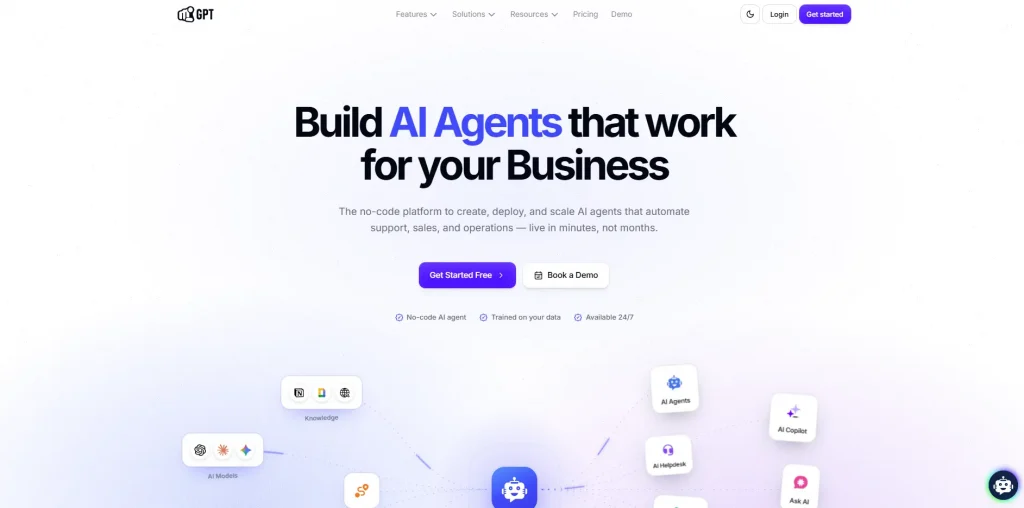
YourGPT is a no-code AI Agent platform for customer support, sales, and operations. For Shopify teams, it combines answers from help content with product guidance and actions connected to the store, so the same conversation can help a customer understand a policy or choose a product.
Its omnichannel support connects the same trained agent to your website, WhatsApp, Instagram and other channels. Teams can begin with their existing support content, then add shopping assistance and connected workflows as their needs grow.
YourGPT agents can resolve up to 90% of repeated queries. Your store’s results depend on the support requests you receive, the content the agent can use and the actions you connect.
Customers can request a person through the Request Human button. Teams can also configure keyword escalation for requests the agent cannot finish. Routine requests can stay with the agent while exceptions reach the team for judgment or further action.
Plans start at $59 monthly or $39 per month billed annually. Professional costs $129 monthly or $79 per month billed annually and includes 30 million AI Credits. Plans include AI Credits; model choice and workload affect consumption.

Tidio combines live chat and AI support for teams that want staff and automation to share a customer-service workspace. Its three parts serve different jobs: the helpdesk handles human conversations, Lyro answers with AI, and Flows runs rule-based automations.
For Shopify, that distinction matters. A human operator editing an order in the inbox and Lyro looking up an order automatically are separate capabilities.
Tidio’s pricing calculator separates these usage categories. Starter and Growth list 50 one-off Lyro conversations; recurring AI volume requires the relevant Lyro package or plan. A seven-day trial is available.
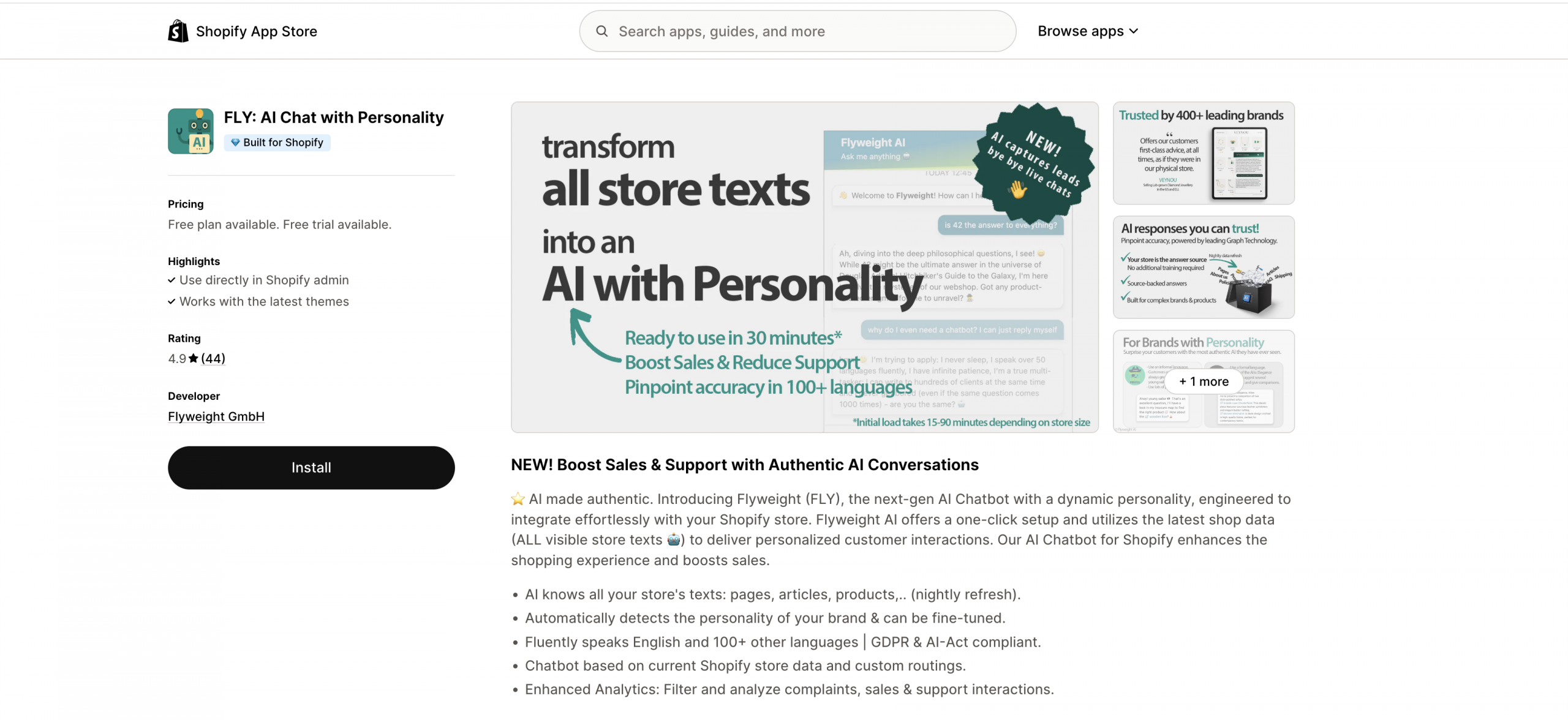
The platform builds a knowledge graph from products, pages, articles and policies. That connects store information for product guidance, while order tracking uses an order lookup rather than an answer copied from a policy page.
The app is free to install, with additional charges. The live AI Unlimited pricing page requests a tailored quote based on catalog, workflows, integrations and support. Confirm the agreed usage scope and third-party costs in that quote.
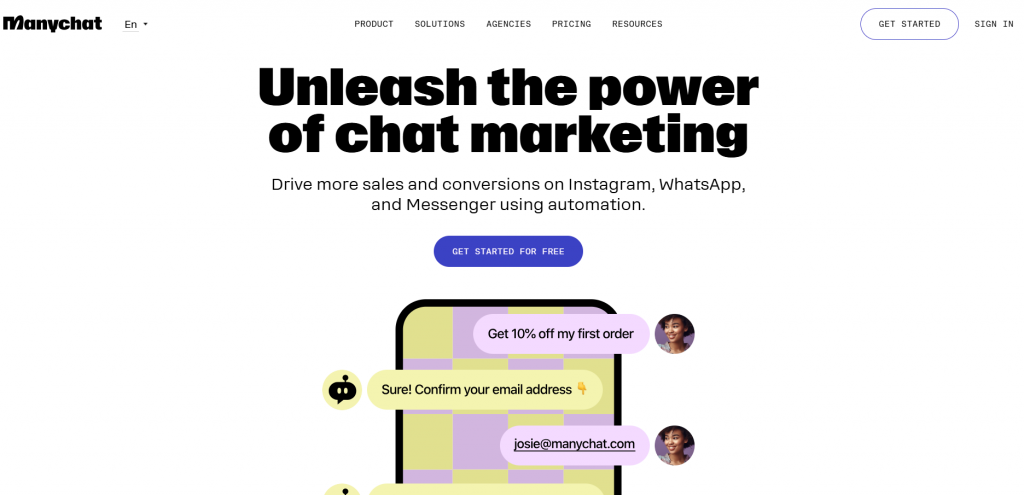
ManyChat suits Shopify brands whose immediate need is social messaging and conversational marketing. It helps turn comments, story replies and direct messages into configured conversations that share product links or collect contact details.
Its visual builder and audience segmentation are useful for campaigns. Shopify order tracking and refunds take more setup than sending a product link: the automation needs a store connection, customer verification and the right actions.
For a direct comparison of social messaging and a broader AI agent, see YourGPT vs Manychat.
The Manychat Free allowance includes 25 active contacts monthly, two eligible channels and four live automations. WhatsApp, SMS and email are excluded.
On current paid plans, Essential starts at $14/month billed annually for 250 active contacts. Pro starts at $29/month billed annually for 2,500 and adds AI-powered conversations. Extra active contacts and channel usage can increase the bill.

AeroChat suits Shopify brands that want to automate customer support and product discovery across multiple messaging channels. It connects directly to Shopify, syncing product details, inventory, and orders to answer customer questions and recommend relevant products.
Its AI can handle common questions without scripted conversation flows, while custom instructions and workflows help merchants adapt responses to their processes. Order tracking works through connected Shopify data with customer verification, although more complex actions may require additional configuration.
Choose AeroChat when you want a Shopify-connected inbox across messaging channels. If refunds or cancellations are essential, include those tasks in your trial.

Zendesk AI brings automation to customer support teams by combining AI tools with its established helpdesk system. It deserves consideration when your team already relies on Zendesk ticketing, knowledge and routing. If you are replacing the helpdesk itself, compare the Zendesk alternatives before adding AI.
Two products do different jobs: AI agents converse with customers and can execute authorized actions; Copilot assists human agents. A suggested reply and an autonomously resolved request should be evaluated separately.
Choose Zendesk AI when you want to extend an established helpdesk. Price the agent seats, expected AI resolutions and assistance features together before comparing it with a standalone Shopify tool.

Gorgias is built for e-commerce brands using Shopify, offering store data inside customer conversations. Its shared inbox supports human agents, while AI Agent can also complete configured order actions.
Alongside controls for human agents, Gorgias offers configured AI actions for Shopify orders. Our Gorgias alternatives comparison covers other approaches if you want AI support alongside an existing helpdesk.
Choose Gorgias when you need Shopify order actions and a helpdesk together. Test your warehouse connection as well as Shopify, and budget for both ticket volume and completed AI conversations.

Gobot focuses on interactive customer engagement, helping online stores guide visitors to suitable products. Its shopping quizzes ask about preferences and use the answers to recommend products, making it relevant when shoppers need help choosing.
Its Shopify listing describes collecting opt-ins and passing quiz answers to Klaviyo. Stores can use those preferences for both the immediate recommendation and follow-up campaigns.
Choose Gobot when your priority is guided product selection and reusable preference data. Before using it as a support replacement, confirm the current support package, channel coverage and human escalation behavior.

Octane AI is built for e-commerce brands that want to collect customer preferences and tailor product recommendations. It enables brands to create interactive quizzes, collect zero-party data, and segment customers for more targeted marketing. Zero-party data means preferences shoppers choose to share, such as their skin type or product goals.
Use Octane AI for product discovery and preference-led marketing. A quiz can narrow a catalog to relevant options and pass answers to marketing tools. Its Shopify app listing focuses on quizzes, funnels, product recommendations, and integrations such as Klaviyo, Postscript, and Attentive. Keep a separate support workflow for order problems unless you verify an additional integration that completes them.
Octane Basic starts at $50 per month with 400 credits. Each quiz start uses one credit, and AI tasks consume additional fractional credits. Estimate quiz starts and AI usage together when comparing plans.
Choose it for: Personalized product quizzes and preference collection when guided selling is the main requirement.

Botsify offers managed implementation alongside its no-code chatbot platform. Teams can deploy on websites, WhatsApp, Facebook Messenger, Instagram, Telegram and SMS. Its managed agent service and agency platform serve different needs, so establish which service you are evaluating.
Botsify’s Shopify connection uses Agentic Skills and native connections. Agree on the tasks you want built, such as checking an order or changing an eligible shipping address, and include them in the implementation scope.
Choose it for: Multichannel automation when you want implementation help and can validate the Shopify actions before committing.

LivePerson connects messaging, customer data and agent workspaces for enterprises with established service operations. It suits teams that need routing and handoffs across CRM, knowledge and contact-center systems.
Shopify workflows need a defined integration path. LivePerson’s Integration Hub includes Workato recipes for abandoned-cart messages and Shopify order-status updates. It also provides Functions for custom behavior and CRM connections. Those capabilities make it worth evaluating when Shopify is one system in a larger service operation.
LivePerson offers Bronze, Silver, and Gold packages by quote
Choose it for: An established support organization that can assign owners to integration, routing, testing, and ongoing operation.
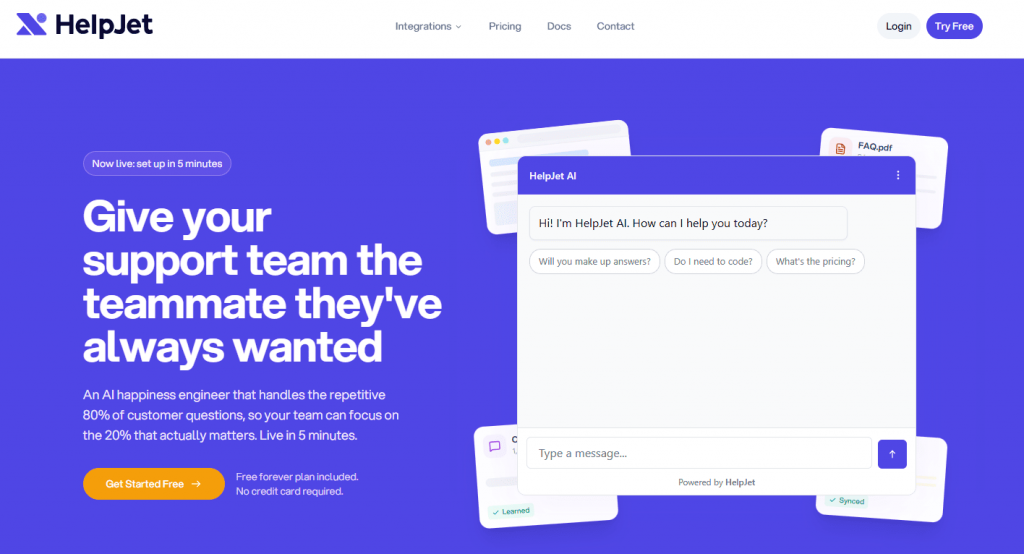
The HelpJet Shopify chatbot is designed to automate common pre- and post-sale questions without complex chatbot flow building. It learns from your product pages, help docs, shipping information, and return policies, then uses that content to answer questions on your store.
You can add HelpJet to a Shopify theme with an embed script and train it on your existing content. If you need live order tracking or order changes, confirm that it can connect to the Shopify data those tasks require.
HelpJet Free includes 100 monthly replies
Choose it for: A store whose immediate need is answering product and policy questions from existing content.
Separate launch requirements from capabilities you might add later. Use these ten criteria to rule out tools that cannot handle an essential part of your workload.
Ask which data the connection reads and when it updates. A storefront widget needs a separate connection to read private order records.
A return-policy answer, a return request, and a completed refund should appear as different capabilities in a demonstration.
A quick widget installation can be useful, but it does not measure the work needed to launch reliable support. Budget separately for content preparation, store connection, permitted actions, and testing.
Use your current help content and product pages to judge answer quality. The agent should follow the store’s wording and acknowledge missing information rather than invent a policy exception.
Choose channels from your support history, not a vendor’s logo strip. A platform may collect messages from a channel without offering the same autonomous actions there.
Measure useful automation against your own ticket mix. A conversation that closes because the customer gives up is not evidence that the issue was resolved.
When comparing AI resolution rates, separate fully autonomous completion, AI completion with human assistance, and completion by a person. If a person supplies context or approval but the agent finishes the request, record an assisted AI resolution. If the person takes over and finishes it, record a human resolution.
Reporting should explain where work was completed and where customers still needed help. Use conversation analytics to identify the requests worth improving first.
Keep the widget consistent with your store, but test usability before choosing an avatar or greeting. A readable mobile conversation matters more than decorative customization.
Inspect the permissions the integration requests and the data it actually uses. Vendor certifications do not replace a review of your store’s settings and responsibilities.
Estimate usage for an ordinary month and for a promotion or delivery incident. Volume limits and handoff queues matter even when the AI continues answering.
Use the requirements that survive these checks to narrow the options for your store type.
Not every Shopify store runs the same way or needs the same kind of support. A digital product business has different questions from a fashion brand or an electronics store, while the existing helpdesk and staffing decide how a new tool will fit.
| Store type | Primary support need | Capabilities to evaluate |
|---|---|---|
| Multi-category and general stores | Product lookup and consistent answers across a broad catalog | Variant-level product information, update frequency, order lookup, and the channels customers use |
| High-volume and dropshipping stores | Shipment questions and urgent order exceptions | Current fulfillment data, split-shipment handling, helpdesk ownership, and peak usage cost |
| Custom products and tech stores | Guidance before purchase | Product attributes, compatibility evidence, quizzes or guided recommendations, and a specialist handoff |
| Digital products and services | Access questions and onboarding | Help content, account verification, supported languages, and a route for delivery or access failures |
| Campaign and offer-driven stores | Social enquiries and follow-up | Messaging permissions, audience segments, campaign triggers, and promotion eligibility |
| Scaling D2C and B2C brands | Support that fits an existing team and stack | Helpdesk integration, assignment rules, connected actions, and reporting across stores or channels |
If your team already uses a helpdesk, decide whether you need to replace it or add AI to one part of the customer journey. Replacing the chat widget alone does not move email queues, saved replies, reporting, or escalation ownership.
The connection behind each use case determines what can actually happen. A useful automation has a verified answer or completed action and a clear route when it cannot finish.
Select recent resolved tickets across your common requests and the exceptions that consume staff time. Remove personal details you do not need, retain the approved resolution, and attach the current product or policy page that supports it.
Give each shortlisted vendor the same requests and expected outcomes. Include both the supported case and the condition that should stop an action; record what the system did rather than accepting a polished demonstration.
The same shipping-address request can require different work in each platform:
Before allowing a change, verify customer identity and order eligibility, then check that the new address reaches the fulfillment system.
| Use your own example of | Evidence to retain | Acceptance check |
|---|---|---|
| Product or variant question | Live product page and current variant details | Answer identifies the correct variant and does not recommend unavailable stock |
| Shipment request | Resolved ticket and authorized test order | Lookup shows the right order and distinguishes split shipments or missing tracking |
| Order change | Allowed request and fulfillment boundary | Change is verified in the target system or stops with a useful handoff |
| Return at a policy boundary | Current return policy and approved resolution | Eligibility follows the rule and an exception reaches the correct team |
| Unavailable lookup | A test account with the connection unavailable | Response acknowledges the missing result and preserves the request for follow-up |
| Request for a person | A previously escalated ticket | Human receives the conversation, reason, attempted action, and relevant context |
For each request, record whether the answer was correct, the action succeeded and a person had to help. Keep the source, any handoff context and the staff time needed, then classify the outcome as autonomous, AI-assisted, human-completed or unresolved. A confident reply still counts as a failed action if the order did not change.
A correct handoff can protect the customer and still leave work for your team. Count it separately from autonomous completion. Start with requests the tool handles correctly, review reopened cases and estimate costs for the work you can actually automate.
The subscription price is only one part of the bill. Keep seats, tickets, AI replies, resolutions, credits, and quiz engagements in their original units; they do not measure the same work.
Use the billing model in each review to collect these inputs from the vendor:
Build the estimate from each product’s billable events. Some products charge more than one event within the same request, so obtain a written estimate for your actual mix of human and automated work.
Suppose your store receives 1,000 customer requests in an ordinary month and 3,000 in a peak month, with three bot replies per request. Using the month-to-month plans above, the software costs would look like this. These plans cover different jobs, so compare capabilities as well as price.
| Plan | Ordinary month | Peak month | Condition behind the calculation |
|---|---|---|---|
| HelpJet Pro | 3,000 replies: $29 + two $30 packs = $89 | 9,000 replies: $29 + eight $30 packs = $269 | Includes 1,000 monthly replies. Assumes no previously purchased credits and no extra bots or branding add-on. |
| YourGPT Professional | $129 base with 30 million AI Credits. Add credits if the measured workload exceeds that allowance. | $129 base with the same 30 million credits. More requests can require additional credits. | Measure credits on representative conversations with the model, context and actions you will use; replies are not a fixed credit unit. |
With YourGPT, 30 million included credits gives you an average budget of 30,000 credits per request at 1,000 requests, or 10,000 at 3,000. Your actual usage depends on the model and the work involved, so measure it with representative conversations before estimating overages. Other conversations using the same allowance reduce what remains for this workload.
The table estimates the listed software charges only. Add taxes, channel fees, implementation and remaining human work where applicable. Repeat the estimate for a delivery incident, when follow-up replies and escalations can increase even if order volume stays flat.
Divide the full operating cost by the number of requests correctly completed. A lower subscription price can leave you paying more in staff time if your team still has to finish the requests.
Suppose you review 100 requests: the agent completes 60 on its own and 15 with help, a person completes 20 and five remain unresolved. The autonomous completion rate is 60%. Dropping the unresolved requests from the calculation makes it look like 63.2%, even though no additional request was completed.
Compare vendors using the same mix of requests over the same period. A handoff may be the right response to a policy exception, but requests finished by your team should not count as fully automated.
The right Shopify AI tool depends on the specific problem you want to solve. Some platforms manage support, sales, and operations together, while others focus on helpdesk management, product discovery, social marketing, or enterprise customer engagement.
Start with your main priority and compare the tools within that category.
YourGPT is suitable for Shopify stores that want to manage customer support, product discovery, and shopping assistance through AI agents.
These tools are worth considering when your main goal is to answer customer questions through website chat without building a complete support operation.
Compare how each tool accesses your store information, handles unanswered questions, and transfers conversations to human agents.
These platforms suit Shopify businesses that need a centralized system for managing customer conversations, support tickets, and agent workflows.
Evaluate ticket management, staff collaboration, reporting, agent seats, and AI usage costs before choosing.
ManyChat is a good option for Shopify brands focused on converting social engagement into customer conversations.
Choose ManyChat when social engagement and lead generation are your priorities rather than full Shopify customer support.
These tools focus on helping shoppers find suitable products, although they use different approaches.
Compare whether your customers would benefit more from open-ended product conversations or structured shopping quizzes.
Botsify is worth exploring when your business needs help setting up and maintaining chatbot workflows across different channels.
Before choosing Botsify, clarify which Shopify tasks require custom integration and what implementation support is included.
LivePerson is designed for larger businesses managing customer engagement across messaging channels and contact-center systems.
Evaluate integration requirements, implementation complexity, enterprise pricing, and ongoing maintenance before committing.
Your choice should reflect your most important business requirement:
Some stores may need tools from more than one category. For example, ManyChat can manage Instagram campaigns while a dedicated AI support agent handles customer questions after purchase.
Start with one clear business problem, evaluate the tools that solve it, and add another platform only when it provides a capability your existing setup lacks.
It can affect performance, even when the script loads asynchronously. Test the same product page before and after installing the widget on a duplicate theme, using comparable mobile conditions. Check loading, interaction, and layout movement as well as the appearance of the chat button. Use the result from your own theme rather than assuming a vendor benchmark covers your storefront.
It depends on the enabled action and the request’s eligibility. A return-policy answer or a refund button in a human agent’s sidebar does not establish autonomous refund processing. Ask the vendor to demonstrate an allowed request and a request that must stop or escalate. Verify the payment and order result in the connected systems before enabling the action for customers.
Behavior depends on the platform’s usage limits, connected APIs, and your escalation capacity. Ask what happens when an allowance or request limit is reached: continued service with overages, throttling, or a pause. Staff the human queue for time-sensitive exceptions and monitor failed lookups as well as response speed. A fast reply does not mean a requested order change succeeded.
You do not need to edit every answer manually if the source has a working refresh method. In YourGPT, Shopify product webhooks keep product training current after catalog changes. Shipping and return policies need their own source refresh or retraining schedule. Check those settings separately, then verify the updated price, availability or policy in a conversation before relying on the answer.
Yes, when the integration supports the workflow you need. YourGPT offers connectors for tools such as Crisp and Intercom, alongside automation services that can connect other systems. Specify whether your setup creates a ticket, transfers a conversation or sends a notification. Confirm who owns the request after escalation and what context reaches the helpdesk. Keep the existing queue until you have verified the handoff with a real resolved ticket.
Start with recent customer conversations and identify the work you expect the tool to complete. With YourGPT, you can train an agent on your product and policy pages, then check its answers against those sources. Test any required order lookup or action separately. Compare the smallest suitable plan, AI usage and channel charges against the staff time saved on correctly handled requests.
Some platforms combine product discovery and connected support, but a dedicated quiz and a conversational shopping agent are different experiences. A quiz can collect structured preferences and feed marketing segments; post-purchase support needs customer identification, current order data, and applicable actions. Check both journeys independently. A product recommendation demonstration does not prove that the same setup can manage a return.
Choose your Shopify AI tool around the requests that take up your team’s time. Delivery questions need reliable order data, while product recommendations need accurate catalog information. If you also need to replace your helpdesk, compare Gorgias and Zendesk on queues, ticket ownership and reporting.
YourGPT suits stores that want support answers, product guidance and connected workflows in one AI agent. Its native Shopify integration supports product guidance, order tracking and storefront cart actions. Custom API actions can extend the setup for other tasks. Order changes still need the right permissions, store rules and a route to a person when a request falls outside those rules.
Before committing, give your shortlisted tools the same real customer requests. Check whether they answer correctly, complete the required action and pass useful context to your team when they need help. For an order change, check the result in the system handling fulfillment as well as Shopify. Compare the full cost at normal and peak volume, including AI usage and the work people still have to finish.
The final choice should be a setup your team can maintain as products, policies and order processes change. Assign someone to review unanswered questions and failed actions so the agent keeps reducing work after launch.
Connect your store, train the agent, and compare its responses with your resolved customer requests.

The reader can shortlist one or two platforms by primary job, existing stack, action depth, handoff, governance, and billing unit.

A practical breakdown of Gorgias Helpdesk and AI Agent pricing, including what counts toward each allowance, how to compare plans and how to budget with your own volumes.
Choose Halloween ecommerce campaigns that fit your products, with AI agent workflows, offer worksheets, launch tests and order measurement.
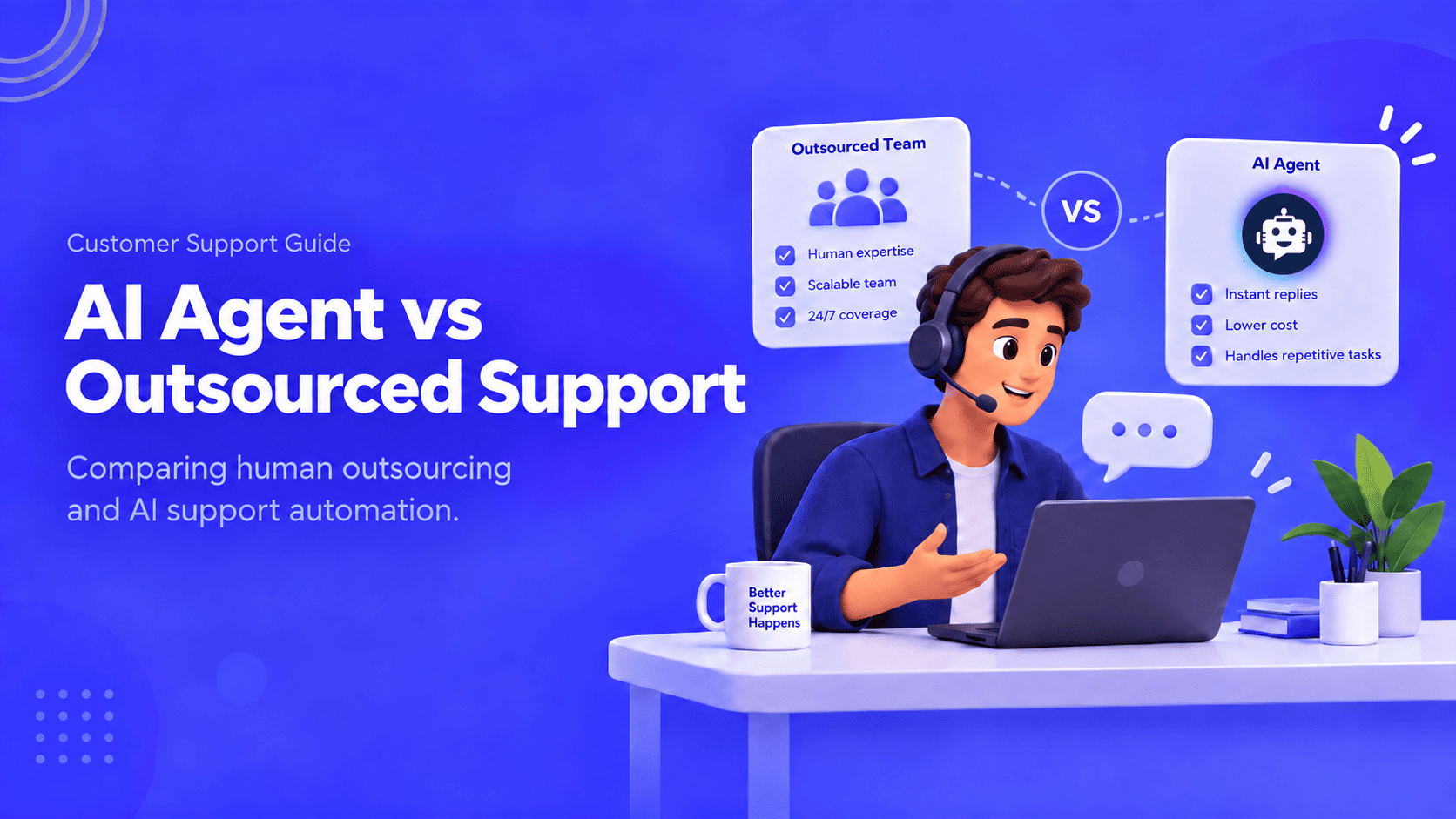
Compare outsourcing customer service with an AI agent using your own ticket mix, a cost model you fill in, and a clear rule for a hybrid split.

Export the Zendesk ticket archive, train an AI Agent on the help center, and test one real ticket before you stop the old queue.


Compare six Yuma alternatives by ecommerce capabilities, helpdesk compatibility, pricing and human handoffs to choose a replacement for your support team.
