Customer Journey Maps Made Easy with Examples and Templates

Rajni
Last updated on August 6, 2026
A customer journey map shows what customers actually do across five stages, from discovering your brand to becoming loyal, repeat buyers, instead of the ideal path shown by a sales funnel.
It helps uncover friction points like confusing checkout flows, slow responses, poor follow-ups, or missed handoffs, so teams can improve the moments that directly impact conversions and retention.
This guide explains the five customer journey stages, different journey map types, key components, a 7-step process to build one, and real-world examples from e-commerce, SaaS, and B2B businesses.
Every business talks about improving customer experience, but many struggle to understand what that experience actually looks like from the customer’s side. This is where a customer journey map becomes essential.
It is a practical way to see how people discover your brand, evaluate their options, make a purchase, and decide whether to come back or recommend you to others.
Recent research reveals that 73% of consumers expect seamless journeys across all channels and devices. In other words, a strong product alone is not enough. You need to know what customers go through at every step so you can meet their expectations and remove friction along the way.
In this blog, we will break down customer journey maps into simple, actionable parts. You will see what they are, why they matter, the main stages to include, and how to build your own.
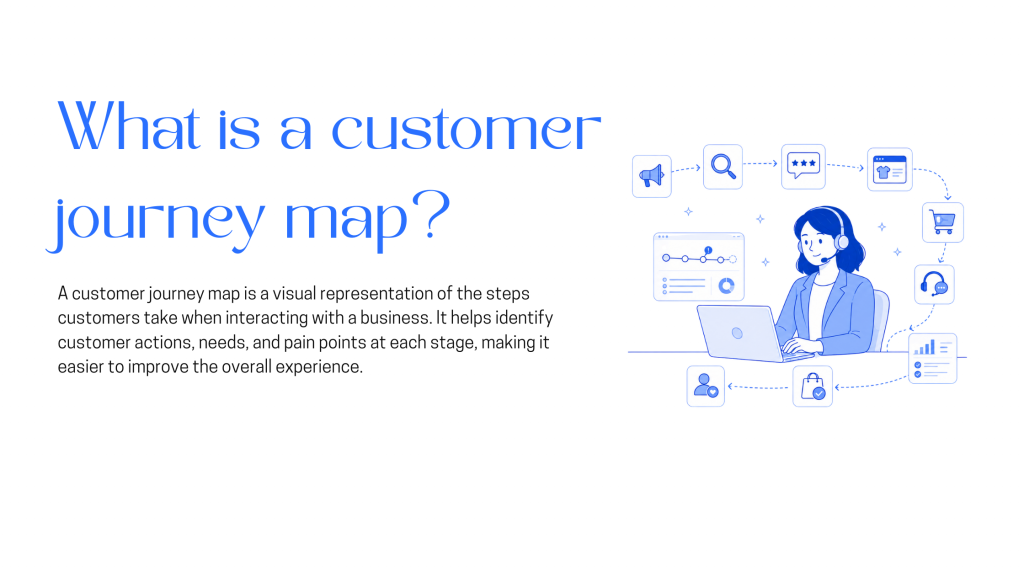
A customer journey map shows every step someone takes when dealing with your business. It starts when they first hear about you and continues through to repeat purchases. For each step, you document what they’re doing, what questions they’re asking, and where things get difficult.
People often confuse journey maps with sales funnels, but they’re not the same thing. A funnel shows the path you’ve designed someone lands on your homepage, clicks through to a product, adds it to cart, and checks out. That’s the clean version. A journey map shows what actually happens. Someone sees your ad, ignores it, finds you again three weeks later through Google, reads reviews on another site, starts checkout but leaves, emails your support team, then finally buys after seeing a retargeting ad.
That messy reality is exactly what you need to see. If you’re only looking at your funnel, you miss the parts where people get stuck or confused. Once you know that most people abandon checkout because shipping costs show up too late, or that your confirmation emails take six hours to arrive, you can fix those specific problems instead of guessing what’s wrong.
Customer journey maps show you what actually happens when people interact with your business. Instead of guessing where things break down, you see the exact moments where customers pause, get confused, or leave.
People rarely move in straight lines. Someone visits your site, reads an email three days later, clicks a social ad, then contacts support. Mapping these interactions reveals which touchpoints move people forward and which create dead ends. You stop looking at isolated metrics and start seeing connected patterns.
When you lay out the full path, problems become visible. A form that asks for information too early. A confirmation that arrives hours late. A return policy buried four clicks deep. These friction points hide in your analytics the map shows you exactly where and why people abandon the process.
Marketing, sales, product, and support each see part of the picture. A shared map puts everyone in the same conversation. Teams stop arguing over assumptions and start solving the actual obstacles customers face. Handoffs get smoother when everyone understands what comes before and after their work.
Not every problem deserves equal attention. A slow loading page early on might cost you 5% of traffic. A broken checkout flow might cost you 40% of buyers. Journey maps help you spot which fixes will have the biggest impact, so you’re not wasting time optimizing things that barely affect outcomes.
Generic messaging doesn’t work because people need different things at different moments. Someone just discovering you needs clarity on what you offer. Someone comparing options needs proof you’re better than alternatives. Someone who just bought needs confidence they made the right choice. When you know where someone is, you can give them exactly what moves them forward.
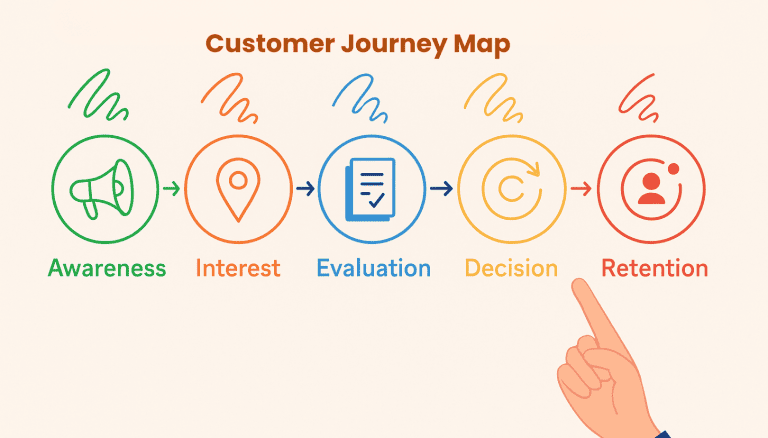
Customer journey maps show you what happens at each stage from when someone first hears about you (Awareness) to when they become a repeat customer (Retention). Instead of guessing where people get stuck, you see exactly which transitions cause problems.
1. Awareness Stage
This is where people first encounter your brand through ads, search results, social media, or referrals. At this stage, you need to understand:
Most businesses assume awareness means “getting traffic.” The map shows you which awareness sources lead to customers and which just create noise.
2. Interest Stage
People start exploring what you offer reading product pages, watching demos, comparing features, checking pricing. Here’s what matters:
You’ll often find that prospects need specific information you buried three clicks deep, or they’re asking questions your sales team answers 50 times a week that aren’t documented anywhere.
3. Evaluation Stage
Prospects compare you against alternatives, read reviews, request demos, or start trials. This stage reveals:
The evaluation stage often stretches longer than expected because prospects can’t find specific answers about security, integrations, or implementation time.
4. Decision Stage
Someone’s ready to buy but hits final friction points—pricing questions, contract terms, setup complexity, or approval processes. Track:
Small issues here cost you deals. A confusing pricing page, an 8-page contract, or unclear onboarding steps can lose customers who already decided to buy.
5. Retention Stage
After purchase, the journey continues. Poor onboarding, slow support, or feature confusion determines whether people stay or churn. Monitor:
Most churn happens because customers don’t understand how to use what they paid for, not because the product lacks features. The retention stage tells you exactly where people get stuck.
Using the Complete Map
When you map all five stages together, patterns emerge. Marketing might drive awareness, but the content people find during interest doesn’t answer their evaluation questions. Sales closes deals, but onboarding drops people before they see value. Each team solves their piece without seeing how it connects—or breaks—the full experience.
A complete journey map shows you which transitions between stages create the most friction, where prospects fall through gaps between teams, and which small fixes would have the biggest impact on conversion and retention.
A customer journey map is not one-size-fits-all. Depending on what you want to achieve, there are different formats that highlight different aspects of the customer experience. Choosing the right type helps you focus on the insights that matter most to your business.
This map captures what customers experience today. It shows their actions, thoughts, and challenges at each step. It is especially useful for spotting friction, identifying where customers drop off, and prioritizing quick improvements.
A future state map illustrates the experience you want customers to have in the long run. It helps teams imagine what the ideal journey should look like and guides strategic planning or redesign projects.
This format expands beyond your brand to explore a customer’s full daily routine. It highlights how your product or service fits into their life, what influences their decisions, and when they are most open to engagement. It is particularly valuable for content planning and understanding customer context.
A service blueprint maps both the customer journey and the internal processes that support it. It shows which teams, systems, and resources are involved at each stage. This helps you uncover operational gaps and align departments to deliver a consistent experience.
An empathy map focuses on the customer’s mindset. It breaks down what they say, think, feel, and do while moving through the journey. This type of map works well alongside buyer personas and helps teams design experiences that resonate emotionally with customers.
Each format serves a different purpose. By selecting the right approach, you can uncover valuable insights, align your teams, and make targeted improvements that have a direct impact on customer satisfaction and loyalty.
Journey maps break down into several key pieces. Each one helps you see a different angle: who you’re mapping for, what they’re doing, where they interact with you, and what’s getting in their way. Together, these components turn abstract customer behavior into something you can actually work with.
This defines whose journey you’re mapping. You’re not trying to represent every type of customer in one map. That gets messy fast. Instead, pick one persona or customer type. Maybe it’s a small business owner evaluating project management tools, or a parent looking for online tutoring services. A focused profile keeps the map realistic instead of generic.
These are the major phases someone moves through. Companies label them differently. Some use awareness, consideration, purchase, retention, and advocacy. Others break it into discovery, evaluation, onboarding, active use, and renewal. The exact names matter less than having a structure that matches how your customers actually progress through their experience with you.
What are people actually doing at each stage? Early on, they might be searching Google, reading reviews, or watching demo videos. Later, they’re comparing pricing, testing your product, or asking specific questions to your sales team. These actions show intent. If someone is reading your documentation before they’ve signed up, that tells you something different than someone who starts a trial without looking at any help content.
Touchpoints are every place customers interact with your business. Your website, a chatbot conversation, an email sequence, a phone call with support, your mobile app, social media posts, even review sites you don’t control. Listing these out often surprises teams. The number of touchpoints usually exceeds what anyone guessed, and gaps become obvious when you see them mapped together.
This captures the internal experience. Someone might feel optimistic when they first discover your product, then anxious when comparing prices, frustrated if setup takes longer than expected, and relieved once they get their first result. You’re not making this up. It comes from customer interviews, support tickets, and feedback. Emotions reveal whether each stage feels smooth or stressful.
Pain points are the specific moments where things break down. Your checkout form times out. Confirmation emails take three hours to arrive. Your knowledge base doesn’t cover the most common setup question. Pricing information isn’t visible until someone creates an account. Some pain points are obvious from support volume, others only surface when you map the full journey and realize customers hit the same obstacle repeatedly.
Once you’ve identified pain points, opportunities become clear. If people abandon your pricing page, maybe you need comparison charts that answer their questions up front. If onboarding takes too long, perhaps you can offer a faster setup path for common use cases. Opportunities turn the map from analysis into action. They’re the specific improvements that would reduce friction at high-impact moments.
Mark which team owns each part of the journey. Marketing handles early awareness. Sales or product manages evaluation and decision. Product teams control onboarding and feature adoption. Support and customer success maintain retention. When everyone knows who’s responsible for what, the map doesn’t just sit in a slide deck. Teams can actually fix the problems it reveals.
You do not need a complex template to start mapping the customer journey. What matters most is clarity and focusing on the customer’s actual experience. Follow these steps to build a map from the ground up.
Identify one customer profile you want to study. This might be a first-time visitor, a repeat buyer, or a loyal client. Define the goal you want to track, such as booking a demo, making a purchase, or renewing a subscription. A clear focus makes the map more useful.
Divide the experience into clear steps that reflect how customers move forward. Most businesses use five stages: awareness, consideration, decision making, retention, and advocacy. You can adjust these stages to fit your own process.
At every stage, write down what the customer is doing and where they connect with your brand. This could include visiting your website, reading reviews, chatting with support, opening an email, or checking out. These touchpoints show where the experience truly happens.
Think about the customer’s mindset at each step. They may be curious, uncertain, frustrated, or excited. Adding these emotional insights helps you understand the human side of the journey and shows you where customers might need extra guidance.
Look for areas where customers tend to struggle or drop off. Common examples include unclear pricing, complicated forms, or long response times. These are the points that need your immediate attention.
For each challenge, consider what would make the process easier, faster, or clearer. Automated support, simpler navigation, or helpful content can often reduce friction and create a smoother path forward.
Decide what needs to change, who will take ownership, and how success will be measured. Keep your journey map updated as you learn more, so it continues to reflect how customers interact with your business.
When you approach the process step by step, you move past assumptions and start creating a practical guide that improves customer experiences and builds stronger loyalty over time.
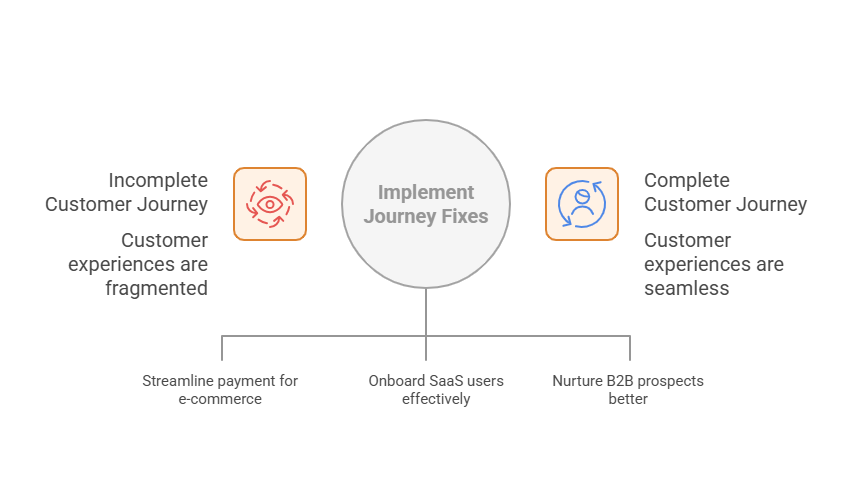
Journey maps make the most sense when you stop thinking in diagrams and look at what actually happens in day-to-day customer behavior. Most problems are not dramatic. They show up in small, almost quiet moments that teams overlook until someone finally lays the whole path out.
Think about a regular shopper. Not someone hunting for a deal. Just a person winding down, thumbing through their phone. Something catches their eye, so they tap the ad and end up on your site. They poke around a bit. A few photos. A couple of reviews. Maybe they even compare two similar items.
Eventually, an item goes into the cart. That is usually the peak of motivation.
Then comes the checkout page, and everything slows down.
Sometimes the form feels longer than it should. Sometimes the shipping jumps in late and changes the total. Sometimes the design is simply too “busy.” These small hiccups are enough to make people stop for a second, think about it, and quietly back out.
When you map this journey visually, the hesitation stands out immediately. The drop happens at the exact same moment for most shoppers. Teams often assume they have a marketing problem or a product problem, but the real issue is the process around paying. A simplified checkout usually does more for conversions than rewriting the product descriptions.
SaaS journeys are interesting because the excitement at signup is usually high. Someone is curious enough to create an account, confirm their email and log in. But the first screen they see after logging in can make or break the whole trial.
Picture a dashboard with a lot of things happening and no hint of where to begin. New users often stare at a screen like this for a few seconds, click around once or twice, and then close the tab. They rarely come back and they almost never tell you why.
When you lay out the journey step by step, the drop is hard to miss.
The user hits “dashboard” and momentum disappears. This is a common pattern: the product is fine, but there is no guided start. People need a first step that feels obvious. Something simple. A small checklist. A quick highlight of what matters. Or even a friendly line that says “Start here.” That tiny nudge often turns confusion into progress.
B2B journeys have more layers, but the weak spots are surprisingly similar once you break them down.
A potential customer downloads a whitepaper. They read a couple of your follow-up emails. At some point, they decide to book a call. The call goes well, questions get answered, and the deal moves forward. Everyone is happy.
Then the contract gets signed, and the tone shifts.
The new customer expects a next step. A small welcome note. A kickoff call. Something. Instead, they get silence. The handoff between sales and onboarding is vague, and the customer starts to wonder if they are supposed to chase someone for support.
Putting this journey on paper makes the gap obvious. Everything before the sale is well-coordinated. Everything after the sale is unstructured. The fix is usually simple. A welcome sequence, a named contact person and one clear instruction about what happens next. These small touches often set the tone for the entire relationship.
A first draft for one persona usually takes two to four hours using existing support tickets, sales call notes, and analytics data. Full validation with customer interviews or surveys can add another one to two weeks depending on team availability.
No single department should own it alone. Marketing typically leads the awareness and interest stages, product owns onboarding and active use, and customer success tracks retention. A shared map with clear stage ownership keeps every team accountable for their part.
A sales funnel shows the path a company designs, like a homepage visit that leads to a product page, a cart, and checkout. A journey map shows what customers actually do, including the ignored ads, abandoned carts, and support emails that never appear in a funnel report.
Start with assumptions from support tickets, sales call notes, and internal team knowledge, then refine the map after collecting a few weeks of real behavior data. An imperfect first map beats no map at all, since even a rough draft usually reveals obvious friction points.
Rank pain points by how many customers hit them and how much revenue or retention that drop-off costs. A checkout timeout affecting 40% of buyers deserves attention long before a slow-loading page that costs 5% of traffic.
Support platforms with built-in analytics remove the need to wait for a quarterly survey. YourGPT’s dashboard tracks sentiment, resolution rate, and conversation volume in real time, so friction at the interest or retention stage shows up in a chat log instead of a churn report three months later.
Review the map every three to six months, or immediately after a new feature launch, pricing change, or major campaign. A map built on data from a year ago will point to problems that no longer exist and miss the ones that do.
Automated responses will not fix a confusing product on their own, but they close the immediate gap when a new customer hits a question in the first 30 days and cannot find an answer. YourGPT can route common setup questions to an AI agent immediately and hand off anything complex to a human with full context preserved, cutting the silent gap between signup and first value.
Customer journey maps show the real experiences your customers have with your business, not just what your team imagines. They highlight what motivates people to engage and where they often drop off, giving you a clear view of the moments that matter most.
These insights only make a difference when you put them into action. A platform like YourGPT helps you apply what you learn in real time by automating support, responding faster at key moments, and ensuring customers feel heard and supported throughout their journey.
The best way to begin is by mapping a single journey and addressing the challenges your customers face at each stage. When you focus on real problems and use the right tools to solve them, you create experiences that strengthen trust, increase loyalty, and contribute directly to long-term growth.
Already mapped the customer journey? Now connect it to YourGPT and automate support based on real customer behavior. Build helpful AI agents that respond, guide, and improve the experience instantly.
No credit card required • 7 days access

Use YourGPT to help Black Friday shoppers choose products, check orders and understand returns. Prepare your answers and team before the sale.

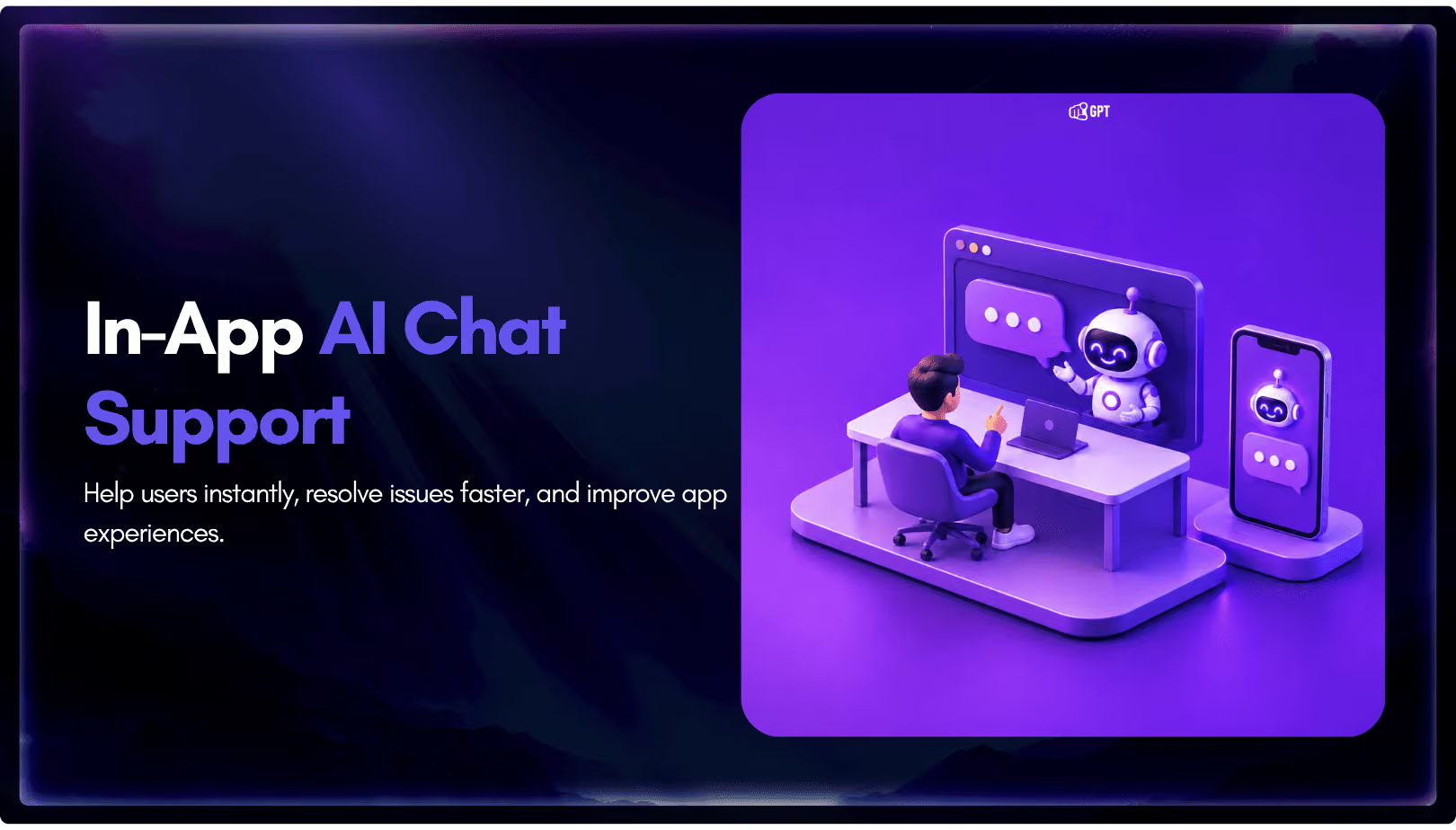
Add in-app chat support to your SaaS or mobile app. Place it on the screens where users stall, pass who they are, and hand hard cases to your team.
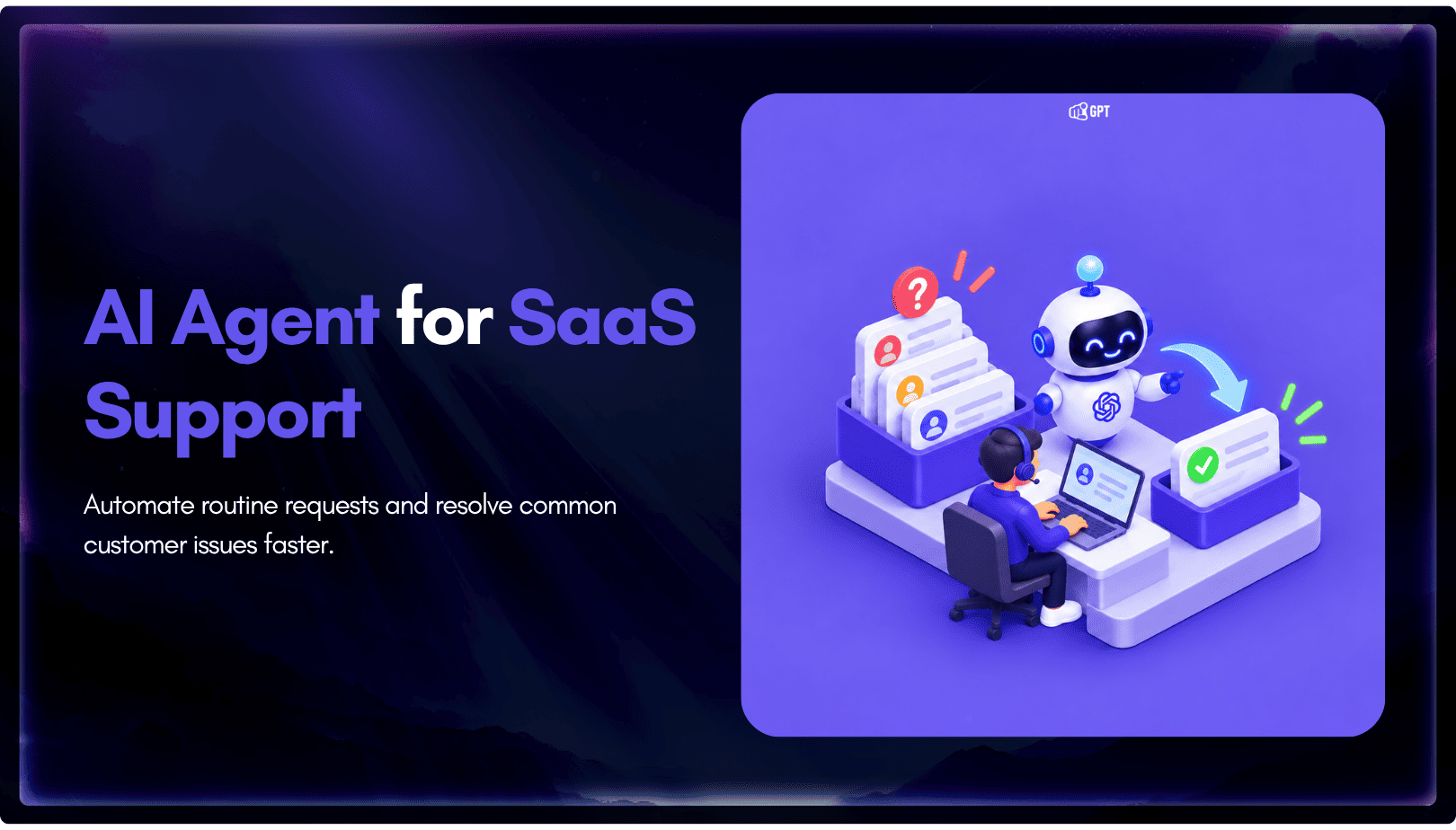
Group new-account tickets by onboarding stage, train an AI agent on your docs, and place it in the product where new users get stuck.

AI agents can now find and buy products for shoppers. See what agentic commerce changes for a Shopify store and which support jobs stay yours.

Build a Halloween shopping assistant for Shopify with YourGPT. Set up product recommendations, stock checks, cart actions and human support before launch.

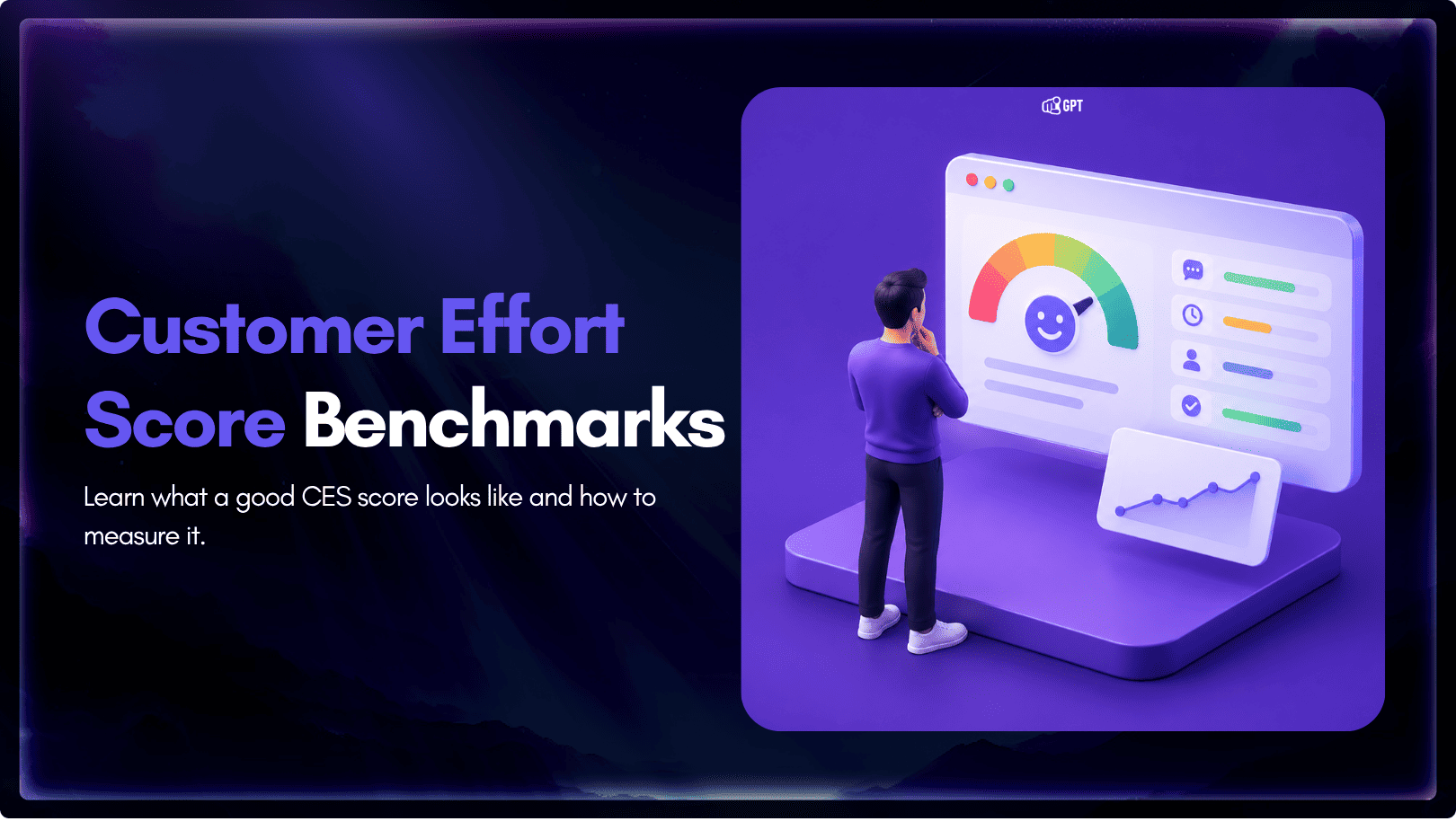
See what a good customer effort score looks like, how to word and calculate CES on each scale, and which support habits raise customer effort.