From Chatbot to Workflow Partner: How AI Actually Transforms Support

Rajni
Last updated on February 11, 2026
Say “AI” and most people still think ChatGPT. A chat interface where you type a question and get an answer back. Fast, helpful, sometimes impressive.
Three years after ChatGPT went viral, surveys show that’s still how most people think about AI. For many, ChatGPT isn’t just an example of AI. It is AI. The entire category collapsed into one chat window.
It makes sense because many teams had their first AI experience with a chatbot pop-up on a website. The familiar questions and answers sessions.
However, that’s just a drop in the bucket of what AI can do.
AI has grown beyond just being a conversational layer into a complete workflow partner that can spot patterns, route work, draft updates, and make decisions at scale.
Understanding this shift effectively improves how you implement AI for growth and support scalability.
In this article, we’ll break down how AI can become your strategic customer support assistant and the benefits.
AI isn’t a single technology. It’s an ecosystem of capabilities that work together to transform how businesses operate. The chatbot is just the most visible layer. Beneath it sits infrastructure that fundamentally changes what’s possible:
These capabilities compound. When deployed as integrated workflow partners rather than isolated tools, they don’t just make teams faster. They make teams fundamentally more effective. Research from the National Bureau of Economic Research shows this impact quantitatively: professionals using generative AI for content drafting and revision show productivity gains of 14%. And that’s measuring a single use case in isolation, not the multiplier effect of combining capabilities across an entire support operation.
The question isn’t whether AI can improve efficiency. The data already proves it can. The question is whether your organization will deploy it strategically as a workflow partner or incrementally as a collection of disconnected tools.
The singular perspective that sees AI as an “Ask and Respond” tool stems from how traditional Chatbots operated. However, traditional Chatbots are not the same as AI-powered chatbots and agents.
Traditional chatbots follow rules. Someone defines intents, maps responses, and hopes users stay within those lanes.
AI-powered chatbots work differently. They reason over context, remember what has already happened, and take action across multiple systems.
The conversation keeps moving because the AI-bot is doing work, not just talking.
For instance, say you sell customized apparel. Each order you receive moves through multiple steps: design approval, production, quality checks, fulfillment, and delivery. When a customer asks about their order, the answer is never just a single data point. It depends on where the order is in that chain and whether anything has changed along the way.
A traditional chatbot can only respond with static information. On the other hand, an AI-powered chatbot pulls the order, checks its current production stage, looks for recent updates or exceptions, adjusts delivery timelines as needed, and automatically updates the ticket. The response stays accurate because it is tied to the actual workflow, not a canned reply.
That shift changes how support teams operate. Instead of these smart bots acting as a speed bump before a human steps in, they become active teammates.
In turn, resolution times drop, handoffs feel natural, and customers stop experiencing that awkward pause where everything suddenly slows down after the bot says, “I’ll connect you to an agent.”
Think of AI as a teammate working alongside your support team, not just a chat window. It monitors tickets, activity logs, and CRMs, then helps organize what needs to happen next—who should handle it, in what order, and with the full picture in front of them.
What that looks like in practice:
Integration makes the difference. AI becomes functionally useful when it integrates with the systems your support team already uses.
Once connected, AI can pull context, apply rules, and act rather than wait. These integrations also facilitate seamless task automation, like ticketing.
Ticketing automation enables your AI to create, route, update, and close tickets, kick off workflows, and share status updates across the team.
According to McKinsey research, this automation can heavy-lift 60-70% of the activities that consume your support team’s time. This enables your professionals to focus on what matters while AI handles the monotonous tasks.
AI is not just another brilliant tech tool in the stack. It handles a ton of support tasks for your team to help them achieve:
When a new request hits your queue, AI does the sorting first. It reads the customer’s request, pulls their account context, checks for urgency signals, and attaches the full thread so your agent doesn’t have to start from scratch.
Next, it routes the ticket to the right team or specialist based on intent and priority, then passes along the exact details that are often lost during handoffs. This reduces time to first response by up to 37% and fewer repeat questions, because your team starts with clarity and moves straight into solving.
AI checks policy rules, flags risk, and surfaces the customer history that actually matters for this specific case. Then it suggests the next best action and explains the reason, so your agent does not have to rely on memory or gut instinct when the issue is sensitive.
In telemedicine, the implications are far-reaching. For instance, a patient visits a telehealth platform for online consultation. Interacts with an AI support agent that collects all necessary info, including health details, extracts insights, and sends a detailed summary to the professional available. This streamlines the workflow and ensures the specialist can make accurate decisions based on refined data.
Your team loses time to the invisible work. Someone updates statuses, chases internal replies, posts the same update twice, tells customers where and why an order is stuck, and nudges another team just to keep a ticket moving.
AI handles the coordination by updating fields, triggering handoffs, and posting internal notes automatically as a ticket progresses. It can even keep your customers informed by sending an update the moment their order moves from your warehouse’s vertical lift module into the sorting and packaging unit for delivery.
This ensures your agents stay focused on the person behind the order rather than on managing software and tools.
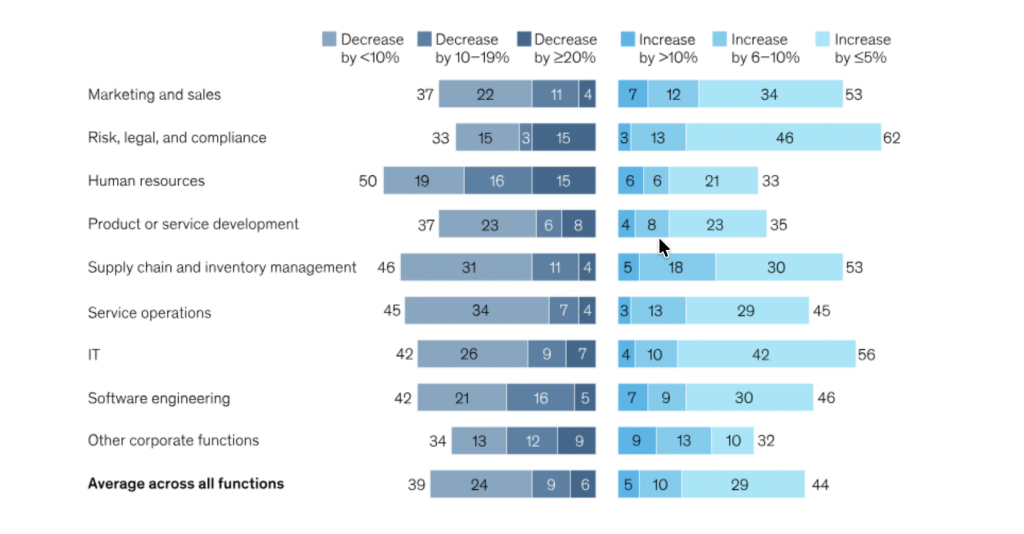
Efficiency also cuts across cost. Adopting AI reduces your cost by about 35%.
Volume spikes usually break the process first, not people. The queue gets noisy, urgent tickets get buried, and everyone starts firefighting. With an automated layer, AI can re-rank tickets as new signals arrive, shift work across queues, and escalate the right issues based on impact and time risk.
While it is doing that, it logs every step in a structured way, so you can later see where delays occur, which issues recur, and which product gaps keep generating tickets. This approach turns support into a steady stream of insight you can act on.
Across industries like SaaS, banking, e-commerce, and telecommunications, businesses are integrating AI as true workflow partners that manage complete customer journeys. YourGPT customers demonstrate this transformation across diverse industries:
Industry: Banking & Financial Services
Challenge: High inquiry volumes, need for 24/7 support across time zones, scattered knowledge systems
The AI Workflow Partner Approach:
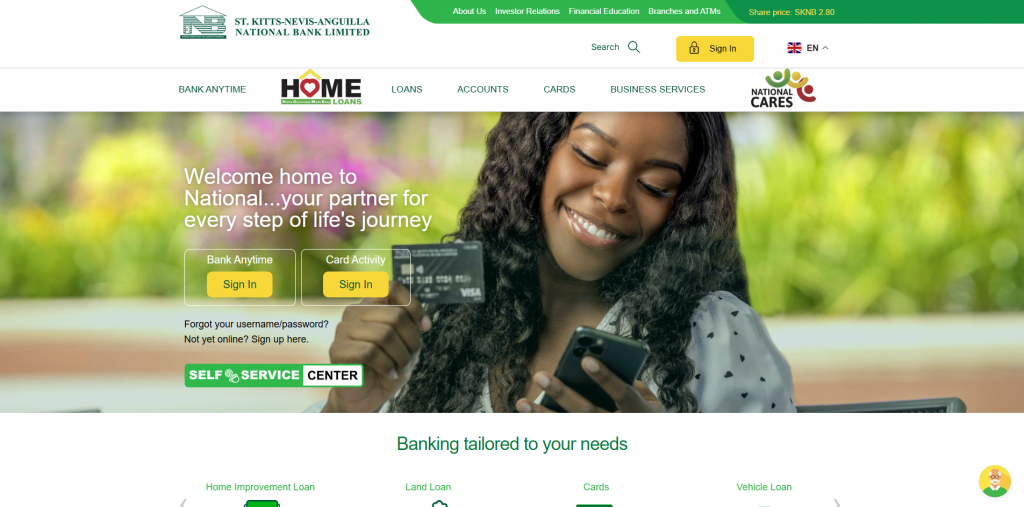
SKNANB’s AI assistant handles the complete customer service lifecycle across all banking channels—from account inquiries to transaction support. Trained on the bank’s specific products, services, and procedures, the AI navigates complex financial questions while maintaining strict regulatory compliance. The system provides instant, accurate responses 24/7, seamlessly integrating across multiple customer service channels.
The Business Impact:
Industry: Education Technology
Challenge: Scaling personalized coaching support for thousands of users across 100+ countries
The AI Workflow Partner in Action:
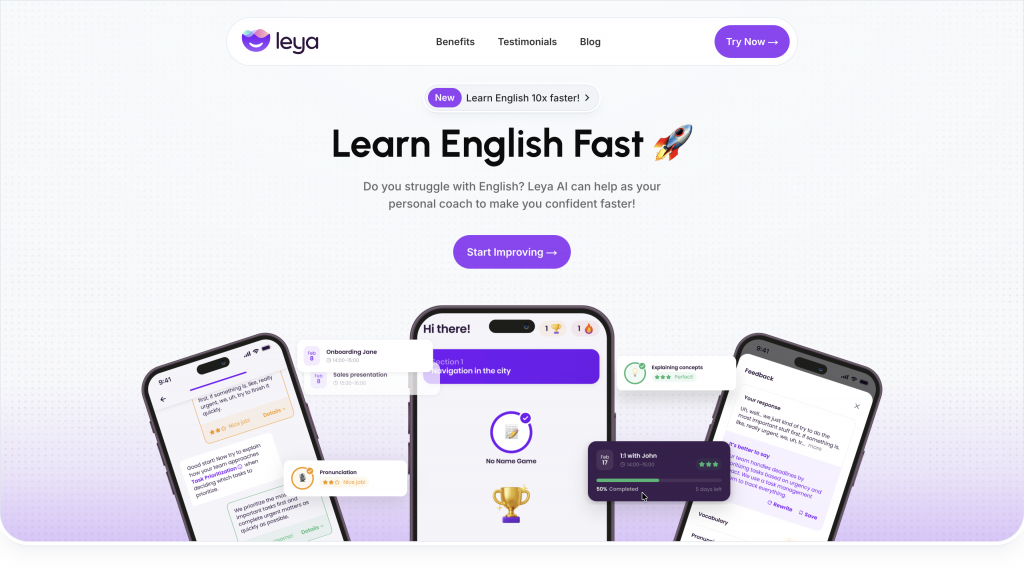
Leya AI deployed YourGPT to automate their entire customer support infrastructure for an AI-powered English learning platform. The AI handles student inquiries about lesson plans, pronunciation feedback, technical troubleshooting, and subscription management—creating a seamless support experience that mirrors their educational AI. The system processes questions in multiple languages, provides instant responses to common queries, and escalates complex pedagogical questions to human coaches with full conversation context.
Measurable Business Impact:
Want to achieve the same results? Build a custom AI agent for your support team using YourGPT today.
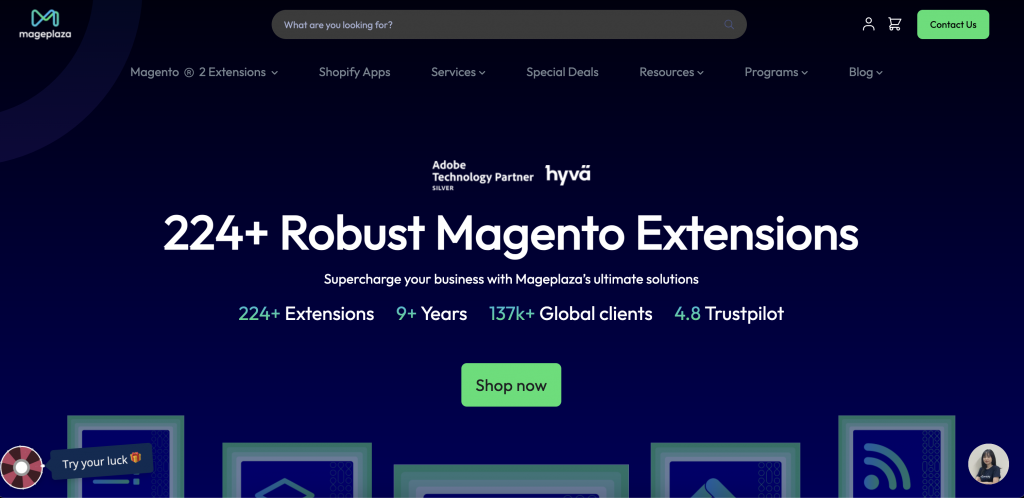
Industry: E-commerce Technology (Magento Extensions)
Challenge: Supporting 119,000 clients across 176 countries with complex technical questions
The AI Workflow Partner Approach:
Mageplaza’s AI handles the entire support ticket lifecycle—from initial technical troubleshooting to setup guidance. The system automatically manages routine inquiries about extension installation, configuration, and compatibility issues, while intelligently routing complex cases to human specialists. With 24/7 availability and customizable responses tailored to Mageplaza’s specific products, the AI became operational in just one day.
The Business Impact:
Want to achieve the same results? Build a custom AI agent for your support team using YourGPT today.
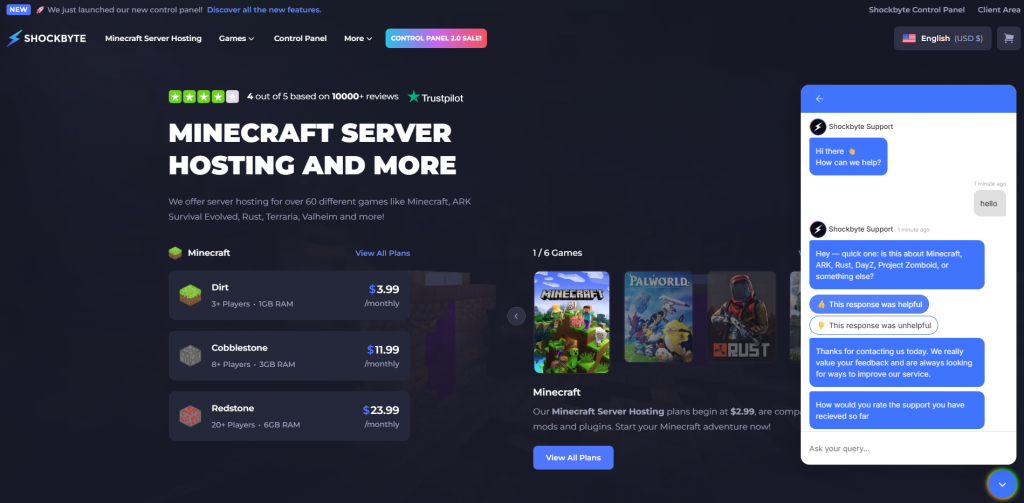
Industry: Gaming & Hosting Services
Challenge: High volume of repetitive questions about server setup, billing, and mod installation
The AI Workflow Partner Approach:
Shockbyte deployed YourGPT to automate responses to common server, billing, and modding questions that traditionally consumed significant support team bandwidth. The AI provides instant answers to installation guides, server management queries, and troubleshooting steps, ensuring gamers get immediate help without waiting in queues.
The Business Impact:
Reps, freed from manual data entry and basic troubleshooting, could pivot their focus to proactive sales and customer relationship management.
The path isn’t always smooth. Integration complexity across essential legacy systems, such as ERPs, CRMs, contract management platforms for financial compliance, and others, can prolong the transition. Resistance to change and fear about job impact slow adoption.
Data quality and privacy concerns, as well as regulatory requirements, add layers of review. Model drift and reliability under real-world conditions require ongoing attention
To manage this:
When it comes to solving integration complexities, we reached out to Ken Chartrand, CEO of Encore Business Solutions, who has spent years helping organizations connect ERPs, CRMs, and operational systems without disrupting daily work.
He says, “AI only becomes useful when it can move cleanly across the systems that already run the business. The way to get there is to align your ERP and CRM around shared processes like order handling, customer records, approvals, and fulfillment, then standardize how data flows through those steps. Once the process is unified, AI has something reliable to work with instead of stitching together disconnected systems.”
Additionally, track precision and recall for recommendations, override rates, latency, and downstream outcomes. Adjust prompts, rules, and training data using real-world feedback. AI systems need tuning, not just deployment.
If AI is only answering questions, you’re using 10% of what it can do. The real value comes when AI anticipates problems, handles complete workflows, and gives your team the context they need to make better decisions faster.
That’s what separates a chatbot from a workflow partner.
Success starts with your team, not your tech stack. Address the fear of replacement directly and show your support staff how AI handles the repetitive work they don’t want to do anyway. Create a transition plan together. Define what AI owns and what humans own. Set clear metrics for what success looks like.
Deploy gradually. Start with high-volume, straightforward workflows where AI can prove its value in weeks, not months. Slowly integrate features, so your team can adapt. Iterate changes and remove blockers between AI-human collaboration. As your team sees results and builds confidence, expand to more complex use cases. Establish governance early so you can monitor performance, catch issues fast, and adjust without disrupting operations.
The businesses seeing 50-85% efficiency gains didn’t flip a switch and hope for the best. They treated AI integration as a strategic shift with defined phases, ongoing training, and continuous improvement.
Your competitors are already making this transition. The only question is whether you’ll lead it or spend the next year catching up.
TL;DR Restaurant AI agents help reduce staffing pressure by handling reservations, food orders, and customer inquiries around the clock without increasing headcount. Unlike basic chatbots, they integrate with booking systems, POS platforms, and messaging channels to automate reservations, order processing, and routine customer support. The biggest benefits include automated reservation management, order intake across phone, […]
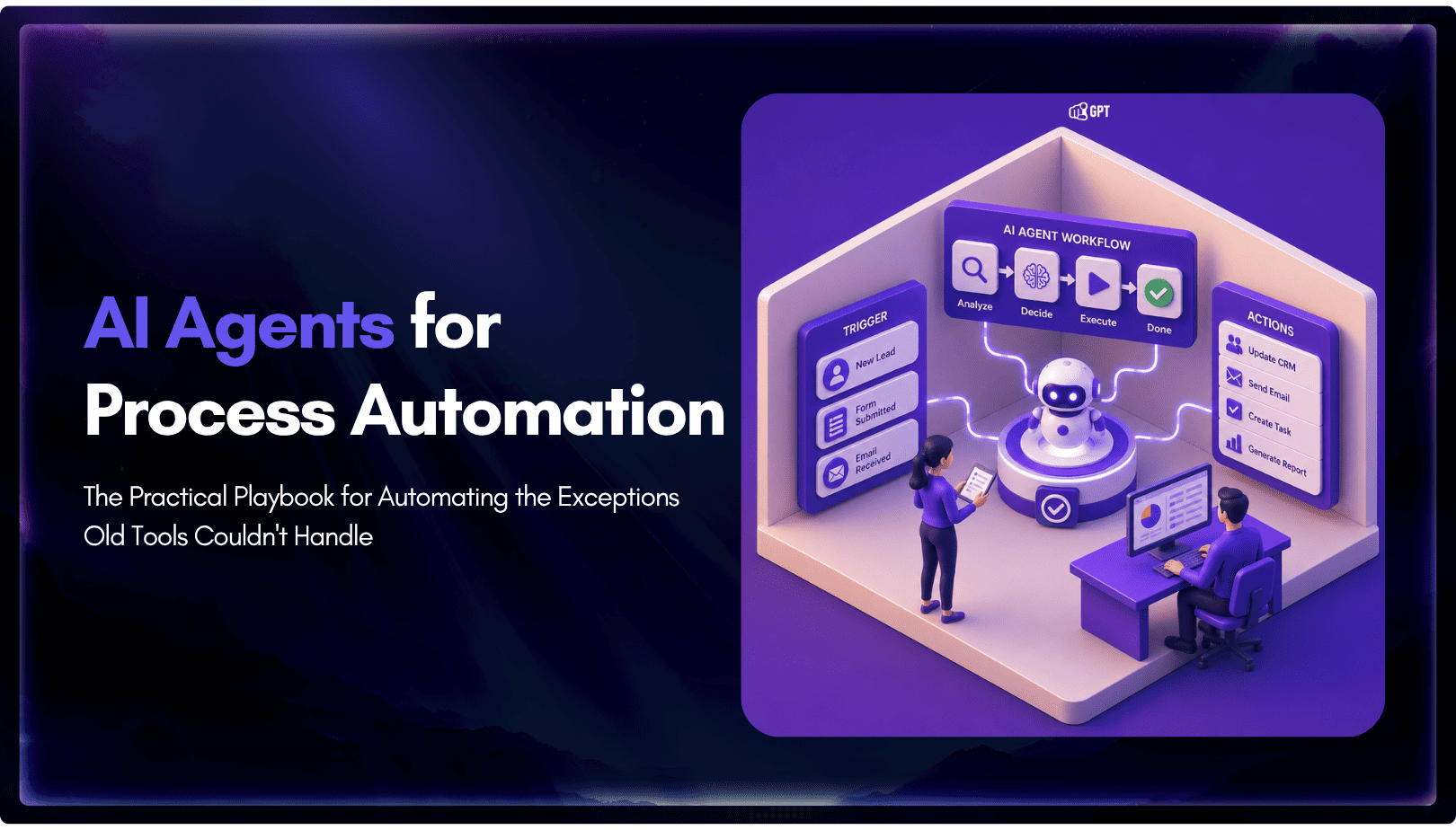
TL;DR Business process automation with AI agents lets software plan multi-step work, call tools, and handle exceptions instead of following fixed scripts like traditional RPA. AI agents can adapt when a process changes, but that flexibility also requires clear permission boundaries, reliable data, and human oversight for consequential actions. Start with one repetitive process, document […]

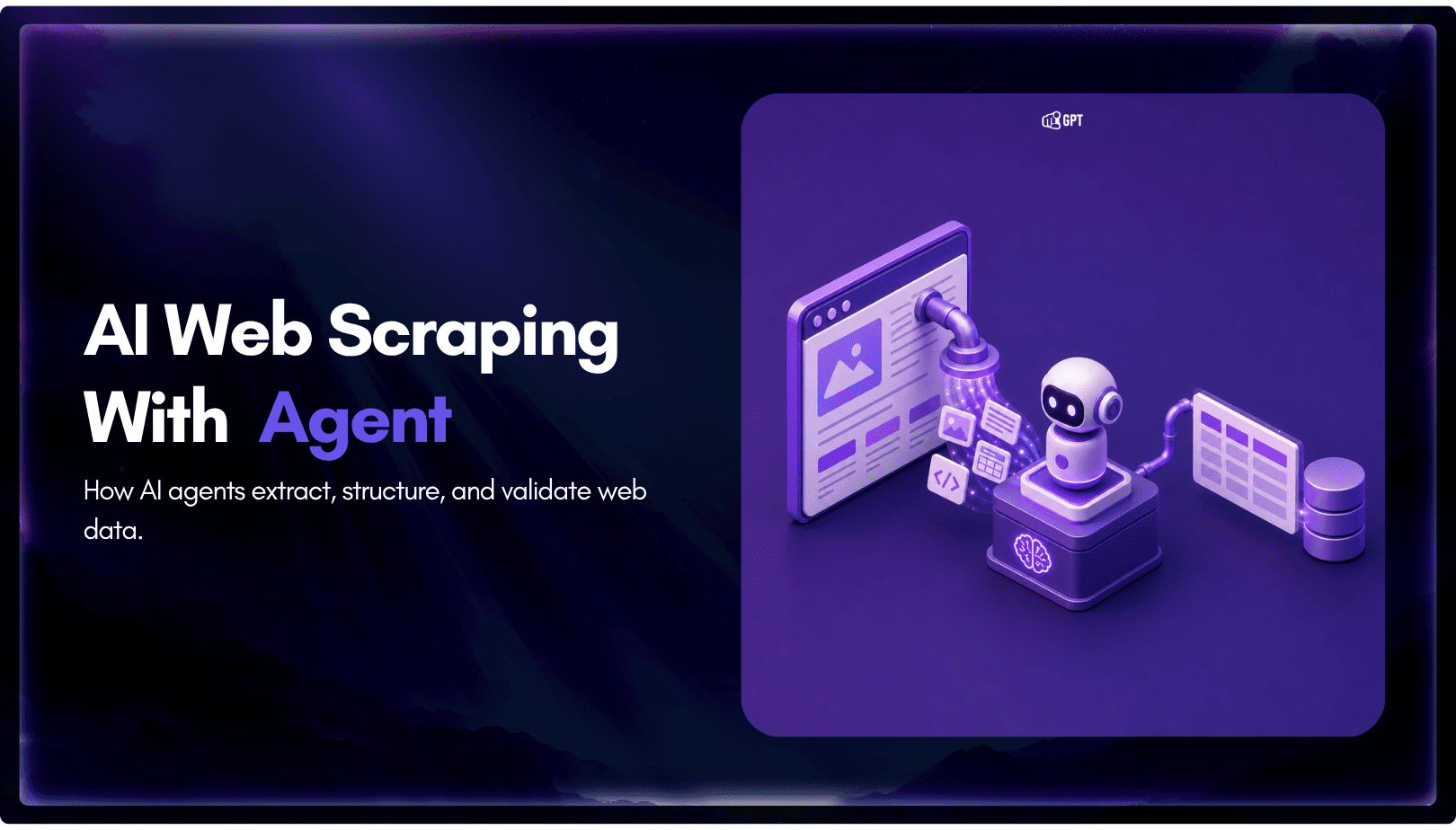
TL;DR AI web scraping replaces hardcoded selectors with an agent that reads a page, decides what matters, and returns structured output, even after the layout changes. Script-based scraping is being layered with agent-based extraction. Scripts still fetch the page. The model decides what to keep. A fetch layer renders the page, a conversion step strips […]
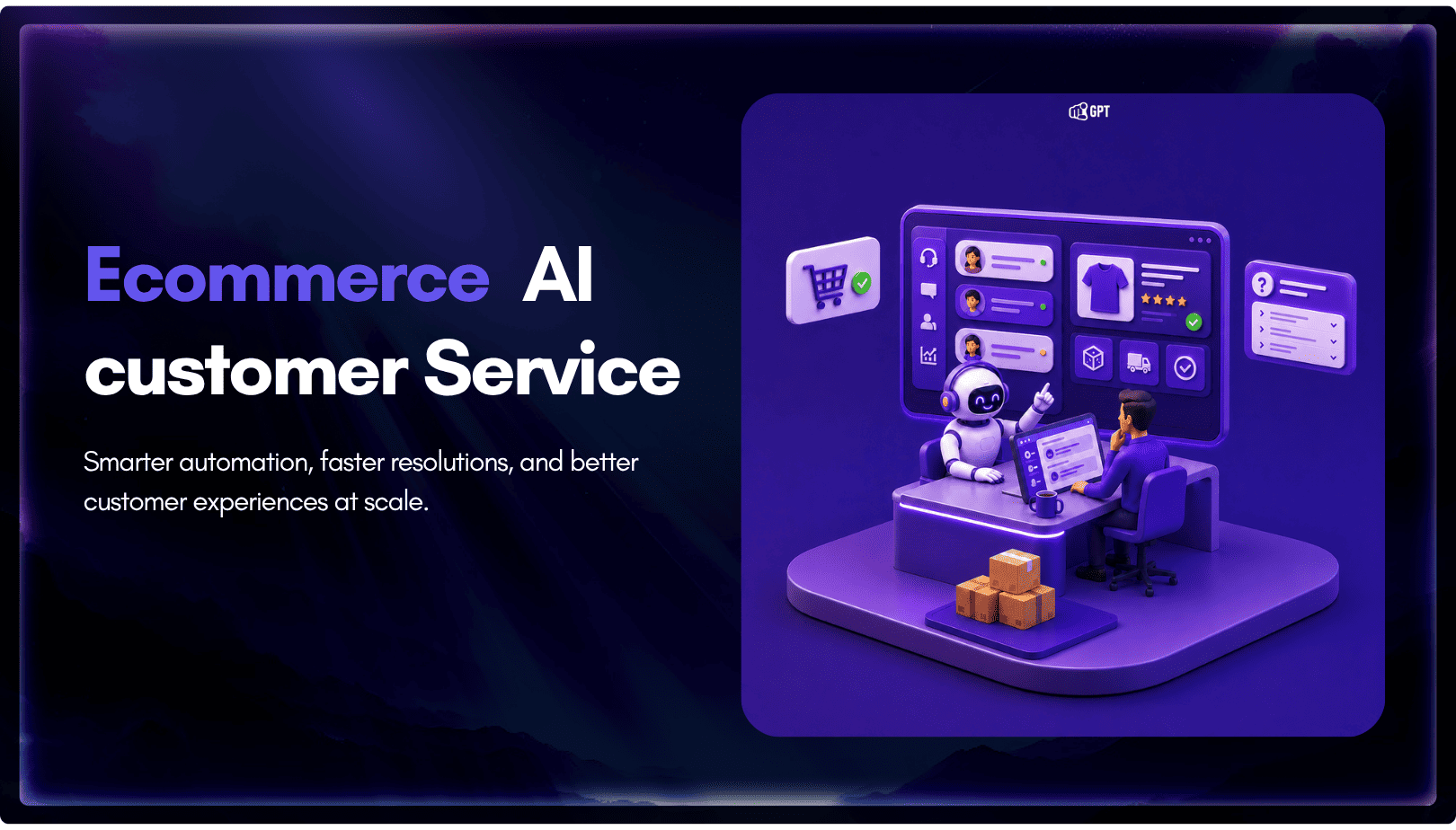
TL;DR The Shift: Support bots used to answer questions. In 2026, AI agents resolve them by reading live order and carrier data, then taking direct action. They can issue refunds, update addresses, and close WISMO tickets without human involvement. The Stakes: WISMO and refund requests already account for a large share of a typical support […]
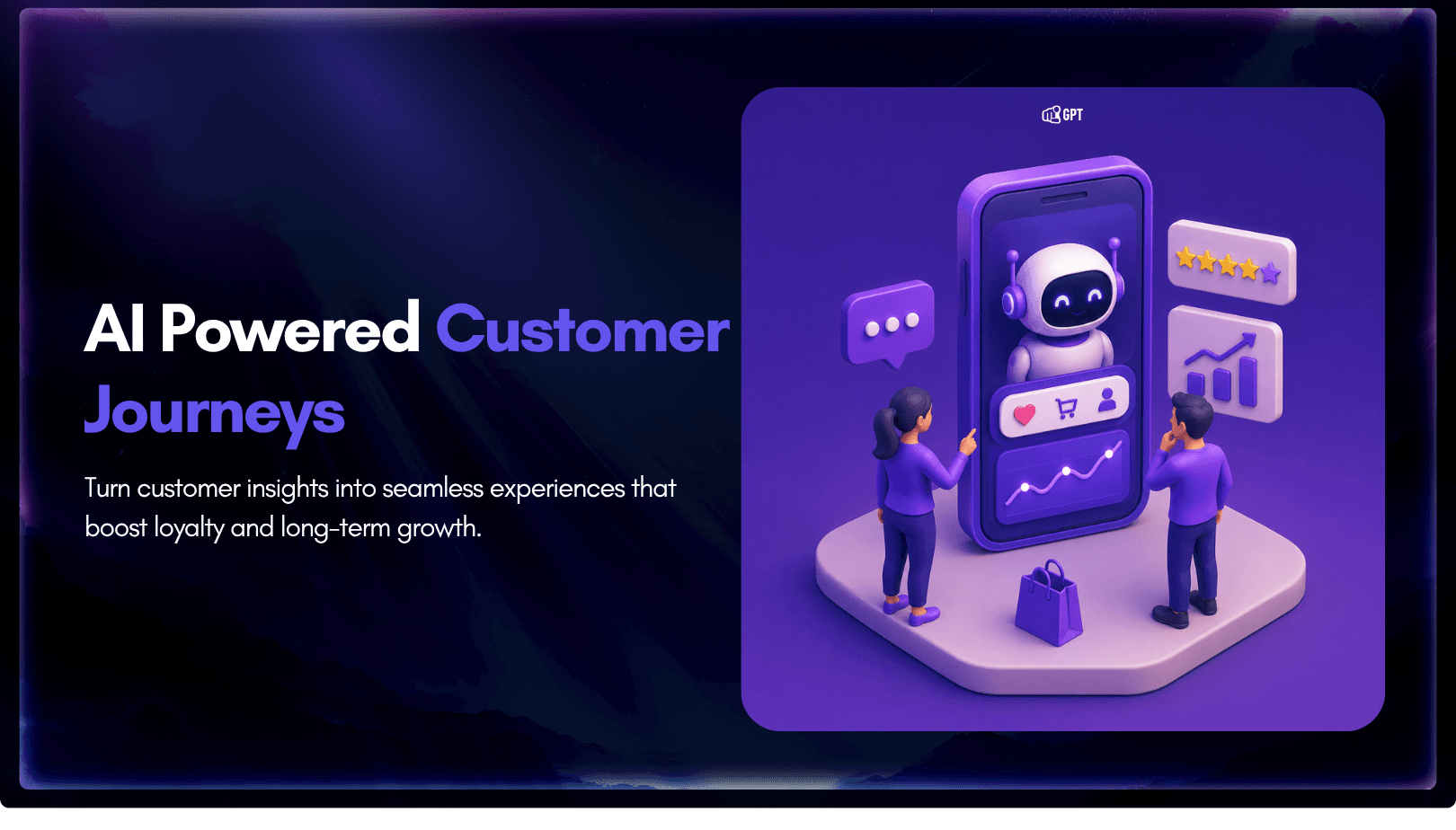
TL;DR A customer experience strategy is a documented plan for how people, process, and technology work together across every customer touchpoint, not just a support-team initiative. Strong CX optimization can drive 5 to 10 percent revenue growth and reduce costs by 15 to 25 percent within two to three years, making it an executive-level priority. […]
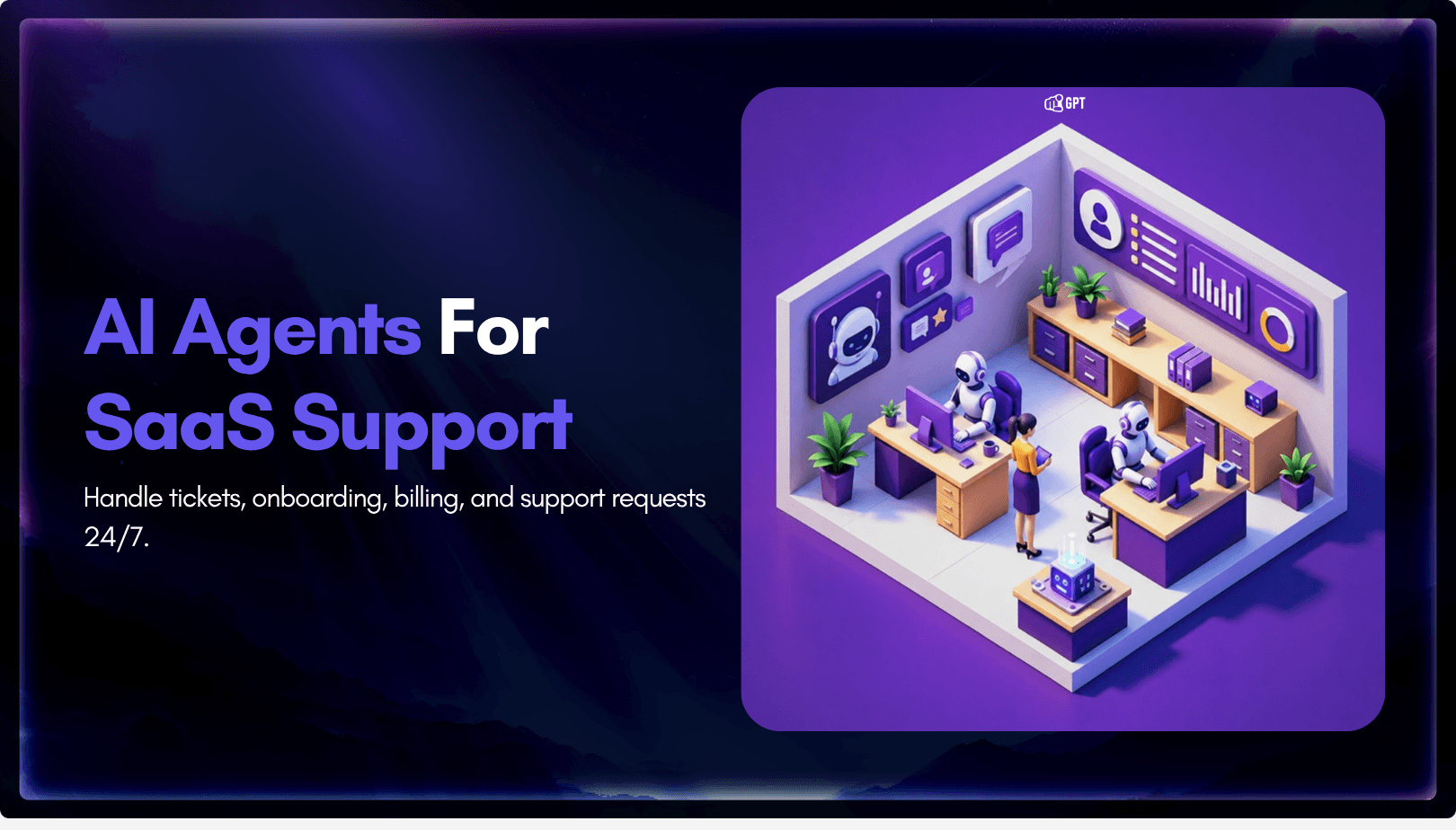
SaaS companies usually do not hit support overload because the product is failing. They hit it because the product is working. More users mean more onboarding questions, more billing confusion, more integration issues, more feature requests, more account-access problems, and more tickets arriving outside business hours. A small support team that could manage 500 customers […]