What is a Knowledge Base? Definition, Types, Features, and Examples (2026 Guide)

Rajni
Last updated on March 30, 2026
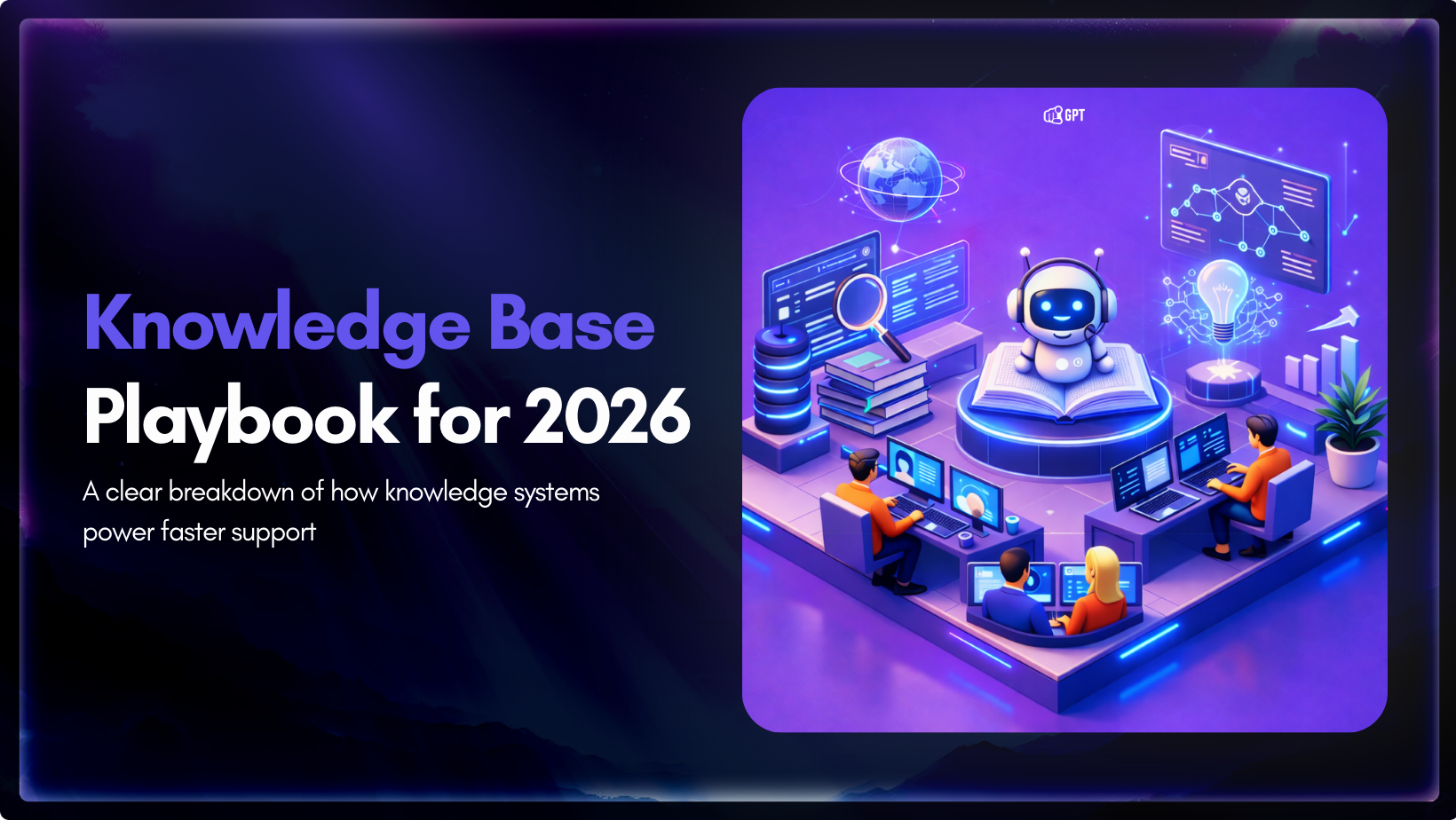
Access to clear, accurate information now sits at the center of customer experience and internal operations. People search first when setting up products, reviewing policies, or resolving issues, making structured knowledge essential for fast, consistent answers.
A knowledge base organizes repeatable information such as guides, workflows, documentation, and policies into a searchable system that supports self-service and operational alignment. It also plays a central role in modern AI support by providing verified sources that keep automated responses accurate and consistent.
Adoption continues to grow across industries. The global knowledge base software market increased from USD 11.67 billion in 2024 to USD 12.83 billion in 2025 and is projected to reach USD 21.94 billion by 2030 as organizations invest in scalable support, productivity, and AI-driven service.
This blog covers what a knowledge base is, the main types used by modern teams, the features that create measurable impact, and practical examples to help you build a system that scales effectively in 2026.
A knowledge base is a centralized digital system that houses structured information about a company’s products, services, and processes. It serves as the Single Source of Truth (SSOT) for both humans and AI.
Rather than allowing vital information to remain trapped in scattered emails, chat threads, or disconnected local drives, a high-performing knowledge base consolidates these resources into a searchable, accessible format. This structure is essential for maintaining operational consistency and enabling effective self-service.
To provide genuine value, a knowledge base must move beyond simple text files and include diverse content types such as:
This information is typically organized through a rigorous system of categories, metadata tags, and internal cross-links. This ensures that even as the volume of data grows, the discoverability of a specific answer remains high.
The real difference between a traditional knowledge base and an AI powered system is not visual. It is structural. It comes down to how information is retrieved.
Most legacy systems rely on keyword indexing. They scan for exact word matches between a user’s query and stored documents. This approach assumes users will search using the same terminology as the person who wrote the documentation.
When that assumption fails, so does search accuracy. A user experiencing an authentication problem may not use the exact phrase written in the article title. Even though the solution exists, the system may not retrieve it because the wording does not align.
This leads to predictable friction. Users try multiple variations of the same query, browse folders manually, or abandon self service entirely. Support teams then handle issues that documentation already covers.
The system retrieves strings. It does not interpret intent.
AI driven systems use semantic search. Instead of relying only on literal word matching, they convert both queries and documents into numerical representations that capture meaning. The system then retrieves content based on conceptual similarity rather than exact phrasing.
As a result, different ways of describing the same issue can surface the correct resolution even when the words differ. The focus shifts from matching vocabulary to understanding context.
Modern systems typically support:
AI does not replace documentation. It changes how documentation is accessed, evaluated, and improved.
Instead of requiring users to learn internal naming conventions, the system handles variation in how people naturally ask questions. Rather than relying on rigid folder hierarchies, it retrieves answers based on meaning and observed search behavior.
In practice, organizations often see higher self service resolution for common issues and fewer repetitive tickets tied to discoverability gaps. Search logs also become a signal for improving documentation quality.
This shift reflects a change in retrieval logic. That architectural change is what distinguishes modern knowledge systems from traditional search based portals.
Organizations today utilize three primary structures to manage their intellectual property:
An internal knowledge base is the “brain” of your company. It exists to solve the “tribal knowledge” problem, the dangerous reality where critical processes live only in the heads of senior employees.
Rather than pinging a colleague on Slack, employees use this hub to find:
It turns individual expertise into a scalable company asset, slashing the time it takes for new hires to reach full productivity.
Your external knowledge base is often the first “representative” a customer meets. In an era where 70% of users expect a company’s website to include a self-service application, this pillar is your primary tool for customer retention.
It moves beyond simple FAQs to provide:
It transforms support from a cost center into a value driver by enabling customers to find success on their own terms.
The hybrid model is the most sophisticated architecture, used by teams who want to avoid the double-work of maintaining two separate systems. It utilizes a single platform but applies granular, role-based access.
The strategic advantages are significant:
It eliminates data silos and ensures that your internal source of truth and your external brand presence remain fully aligned and consistent at all times.
The efficacy of a knowledge base in 2026 is measured by its retrieval quality and its ability to act as a knowledge runtime for both humans and AI agents. Modern systems have moved beyond being simple document repositories; they are now active participants in the support workflow, providing grounded, verifiable intelligence.
The following features define high-performing systems that reduce “information debt” and ensure operational accuracy.
Users rarely search using the exact terminology your internal team uses. A strong knowledge base bridges that gap.
It understands that someone asking to “reset credentials” is likely dealing with the same issue as someone who says they forgot their password. It tolerates typos. It does not fail just because a product name was slightly misspelled.
It should also search across everything connected to it. Public documentation, internal wikis, PDFs, and technical guides should all be included. Users should not have to guess where the answer lives.
If you plan to power a chatbot or AI agents, Retrieval Augmented Generation is essential. This architecture allows the AI to retrieve relevant content before generating an answer.
That requires a few foundational capabilities. Long documents need to be broken into smaller sections so the AI can retrieve the right portion instead of an entire article. Content must be converted into vector representations so the system can evaluate meaning, not just keywords. And responses should be grounded in specific source documents to reduce hallucinations and support compliance requirements.
Without this layer, AI responses quickly become unreliable.
Company knowledge does not live in one clean system. It exists in PDFs, slide decks, websites, internal docs, and scattered files.
A modern knowledge base should be able to parse a PDF manual into searchable text, sync with your website so updates are reflected automatically, and support richer formats such as videos, interactive tables, or decision trees. Complex problems are not always solved with plain text alone.
Static document libraries give you no visibility into what is missing. A proper knowledge base generates data.
If users search for something and receive no results, that signal should be tracked. Those “zero result” queries are a direct roadmap for what needs to be written next.
The system should also flag outdated content. If a pricing policy has not been reviewed in a year, someone should be notified before inaccurate information reaches customers.
Knowledge loses value when it requires context switching. Support agents should not need to open another tab to find answers.
Relevant articles should surface directly inside CRM and helpdesk tools such as Salesforce, Zendesk, or Intercom. Internal teams should be able to query the knowledge base from Slack or Teams without leaving their conversation flow.
Information should move to where work happens, not the other way around.
In most organizations, not all knowledge is meant for everyone.
A robust system allows role based access control so certain sections of a document can remain internal while others are public. It should also maintain version history, enabling teams to roll back changes and maintain an audit trail for compliance.
For global companies, translation alone is insufficient.
Policies often differ by region. A refund policy in the EU may not match one in the US. The system should manage regional variants as distinct versions, not just translated copies.
It should also support cross language search, allowing someone to search in Spanish and retrieve the correct technical documentation even if the original was written in English.
Watch the full visual walkthrough above setting up AI helpdesk.
Building a modern knowledge base in 2026 isn’t about manually typing out hundreds of articles from scratch. It’s about curation and ingestion. With AI-powered platforms like YourGPT, the goal is to centralize your existing fragmented business data and transform it into a retrieval-ready system.
Here is the practical workflow to go from “scattered docs” to “intelligent system.”
Think of a workspace as a boundary for intelligence. You do not want HR policies mixing with customer troubleshooting guides.
Create a dedicated project inside YourGPT for each major function. This ensures that when a customer asks a question, the AI searches only within that verified knowledge container. Clear boundaries prevent irrelevant answers and reduce the risk of internal information leaking into public responses.
Most teams already have documentation. It is just scattered across PDFs, Google Docs, websites, and internal threads.
Instead of rewriting everything, sync it. Upload manuals, connect your FAQ URLs, and import internal SOPs. YourGPT automatically parses these formats, removes formatting noise like headers and footers, and converts the content into machine readable chunks optimized for retrieval.
The goal is not to recreate knowledge. It is to structure it for intelligent access.
AI can understand meaning, but it does not understand your internal rules unless you define them.
Group content into broad functional categories such as Billing, Onboarding, or Technical Support. Then apply lightweight metadata tags like Public or Internal Only.
This minimal structure creates guardrails. It prevents public users from receiving internal documentation and ensures the AI respects access boundaries. In practice, flat tagged systems perform better than deeply nested folders.
Before going live, validate how the system retrieves information.
Use the preview or playground environment to ask real, natural language questions. Then inspect the citations. The AI should reference the correct source documents and provide precise answers.
If responses are vague, refine the source content rather than over tuning prompts. Clear documentation leads to better grounded answers. This is how you improve performance without touching code.
Do not rely only on reactive search. Anticipate the next question.
If someone asks about installation, surface related guides such as system requirements or configuration steps automatically. This reduces repetitive follow ups and improves resolution speed.
Well configured suggestion flows often eliminate multiple support exchanges.
No AI system resolves every edge case. Plan for that.
Set clear escalation rules. If the AI cannot find a high confidence answer within the knowledge base, it should transfer the conversation to a human agent.
Ensure full conversation history is passed along. Users should never need to repeat context. A smooth handoff builds trust and prevents frustration.
Knowledge should not live in a single interface.
Deploy the YourGPT widget on your website, embed search within your product, and integrate the assistant into internal Slack or Teams. Maintain one centralized knowledge base, but distribute answers across every customer and internal touchpoint.
Build once. Deliver everywhere.
A static document library gives you no signal. An AI driven system generates insight.
Monitor queries that return no results. These gaps indicate exactly what needs to be written next. Review negative feedback on responses and trace it back to the source content. Is it outdated? Too technical? Missing edge cases?
Knowledge management is iterative. As documentation improves, retrieval improves. As retrieval improves, resolution rates increase. The system becomes stronger with use.
Most companies think of documentation as something you clean up when there is time. In reality, it shapes how your entire organization operates.
Every AI agent, search experience, and automation workflow runs on top of your knowledge. If that foundation is scattered or outdated, the results will reflect it. Strong models cannot compensate for weak source material. Clear, structured knowledge is what makes AI reliable in practice and help reduce the risk of hallucinations.
When documentation is treated seriously, it becomes more than a collection of articles. It becomes the shared reference point for how decisions are made, how customers are supported, and how teams stay aligned. It reduces ambiguity. It exposes gaps. It forces clarity.
As management thinker Peter Drucker put it, “What gets measured gets managed.” The same applies to knowledge. When it is structured, reviewed, and improved over time, it becomes an asset. When it is ignored, it becomes risk.
Build your knowledge base with intention. Not as an archive, but as the intelligence layer your company will depend on for years to come.

Use YourGPT to help Black Friday shoppers choose products, check orders and understand returns. Prepare your answers and team before the sale.

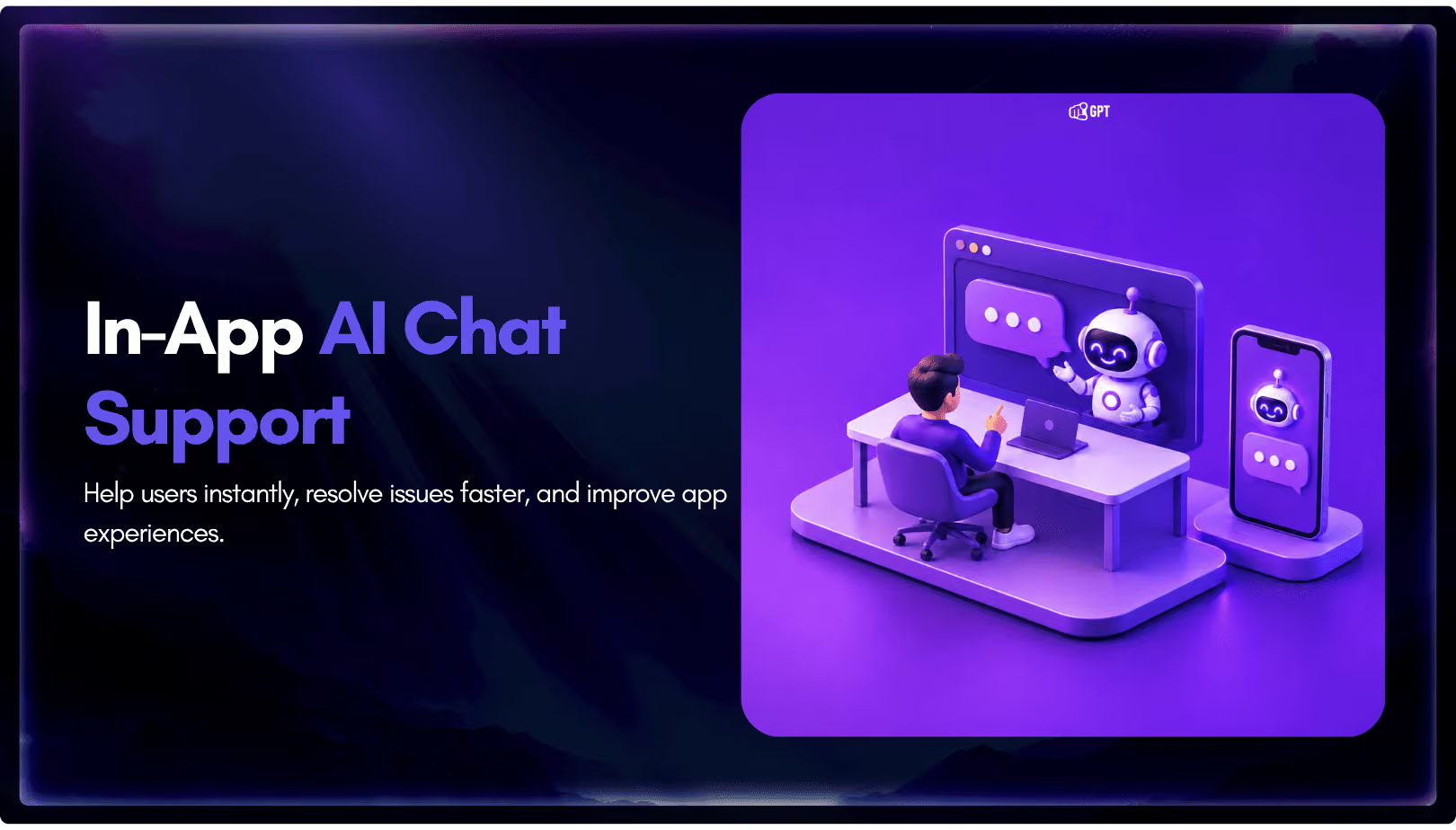
Add in-app chat support to your SaaS or mobile app. Place it on the screens where users stall, pass who they are, and hand hard cases to your team.
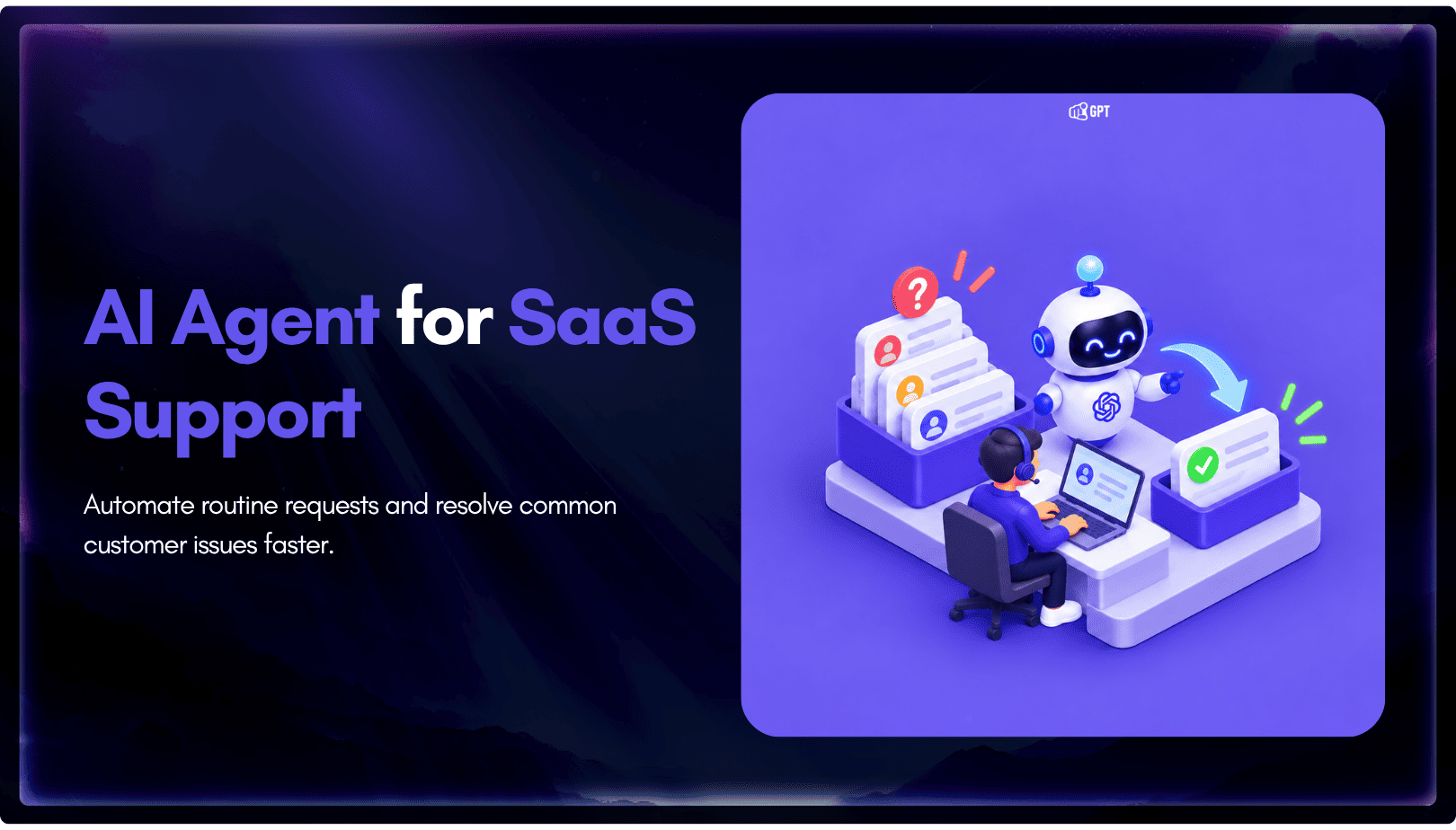
Group new-account tickets by onboarding stage, train an AI agent on your docs, and place it in the product where new users get stuck.

AI agents can now find and buy products for shoppers. See what agentic commerce changes for a Shopify store and which support jobs stay yours.
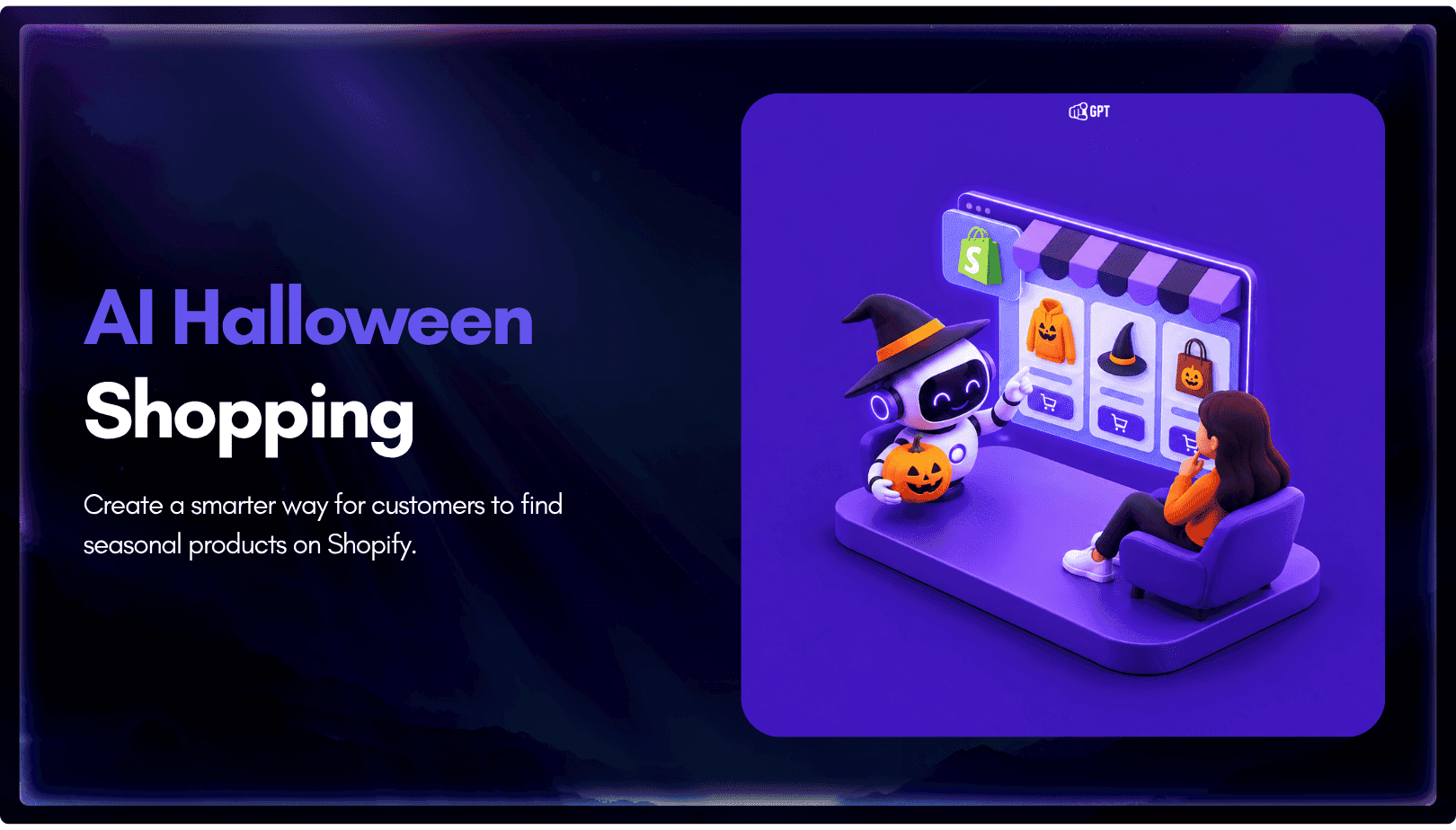
Build a Halloween shopping assistant for Shopify with YourGPT. Set up product recommendations, stock checks, cart actions and human support before launch.

See what a good customer effort score looks like, how to word and calculate CES on each scale, and which support habits raise customer effort.