How to Automate Shopify Returns With an AI Agent

Shreya
October 6, 2026
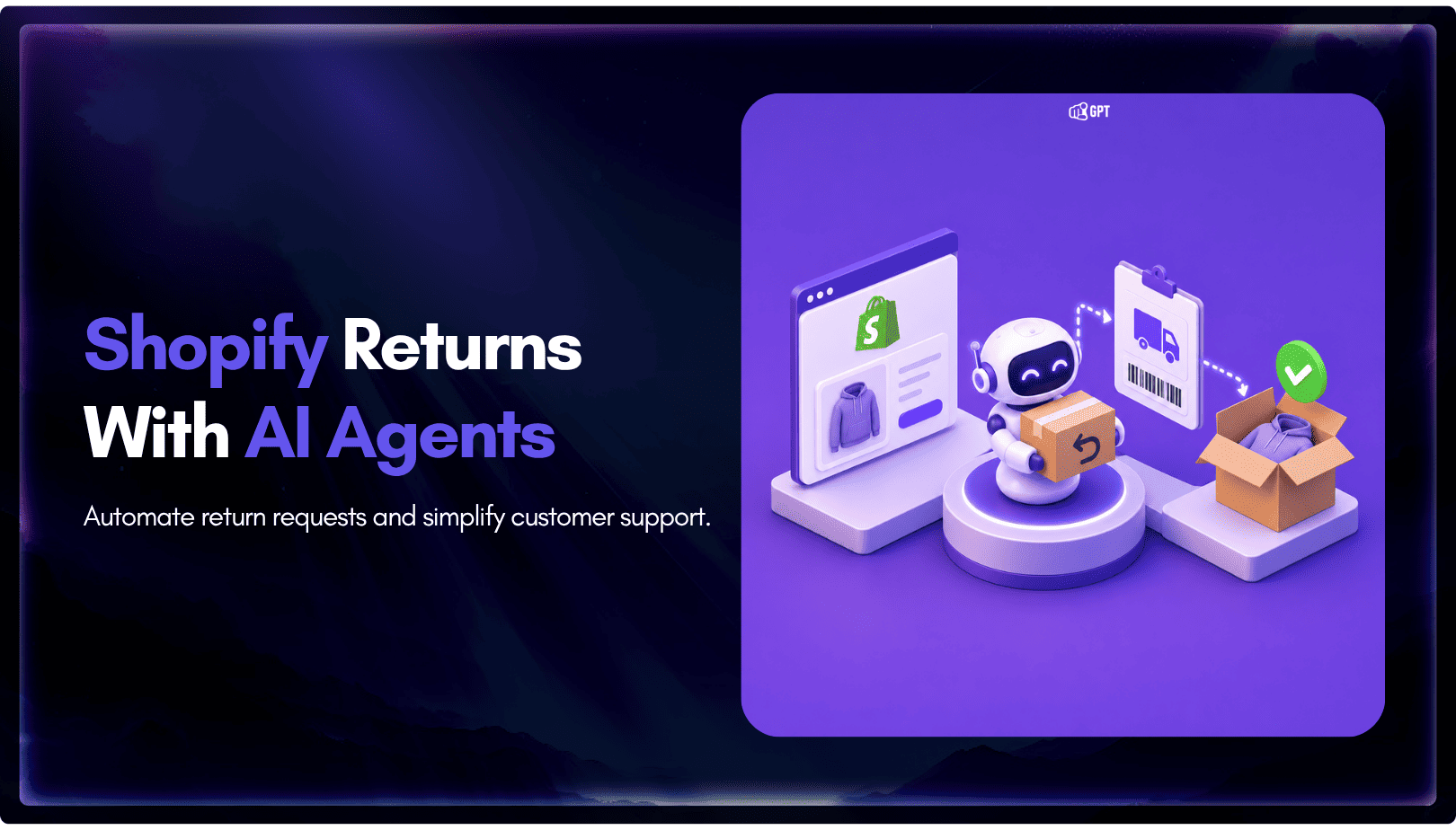
Train a YourGPT agent on your public return and shipping policy pages, then import the Shopify template in AI Studio and add SHOPIFY_TOKEN and SHOPIFY_ENDPOINT so it can read the customer’s order. Out of the box, its Return Order scenario tells the customer what can be returned and quotes your policy, and it creates the return in Shopify only after you connect the Create Return step. Damaged items, fraud signals and exceptions go to a person through Escalate to Human.
Every return question needs two facts before anyone can answer it. The first is the rule, such as the return window and the items it excludes. The second is the order itself, with its delivery date and what was in the box. Right now someone on your team holds the rule in their head, opens the order in Shopify admin, and matches the two in a reply.
An agent has to make the same match, and it fails in predictable ways when half the input is missing. Trained only on the policy page, it can recite the window but cannot tell this customer whether they are inside it. Connected only to the order, it can see the delivery date but has no rule to apply. When the policy page is vague about final-sale items, the agent is vague too, because it quotes what the page says.
The steps below set up both halves in the order the product expects. You tighten the policy wording and train the agent on it first. Then you connect the Shopify template, decide which returns stay with a person, and test against orders your store has already shipped. If the agent is not on your storefront yet, add it to your Shopify theme first, since every step here builds on a trained agent.
The policy page is the agent’s rulebook, so fix the wording before you train anything. The agent can only be as specific as the sentence it quotes. A line like “items can be returned within a reasonable time” gives the customer nothing to act on, and the agent will repeat it faithfully.
Check that your public return policy states each rule below in a sentence a customer could apply to their own order.
| Rule | What the page should state | Customer question it answers |
|---|---|---|
| Return window | The number of days and the start point, either the order date or the delivery date | “Can I still return this?” |
| Item condition | Unworn, unwashed, tags attached or original packaging, whichever apply | “I opened it. Can I still send it back?” |
| Final sale | Which items or collections cannot be returned, and how a shopper can tell before buying | “It was on sale. Does that count?” |
| Exchanges | Whether you offer them, for what (size or color), and whether the same window applies | “Can I swap this for a larger size?” |
| Return shipping | Who pays for it and whether you provide a label | “Do I pay to send it back?” |
| Refund method | Original payment or store credit, and when the refund is issued | “When do I get my money back?” |
| Damaged or wrong item | That these follow a separate route with a person, and what details to send | “It arrived broken.” |
| How to start | The first thing the customer does to begin a return | “How do I start a return?” |
The window needs the most care. Written as a bare number of days, it can land on two different dates, one counted from the order and one from delivery. Customers read it in their own favor. Name the start point in the same sentence as the number.
Keep the return policy and the shipping page on stable public URLs. Temporary rules, such as an extended window after a holiday sale, belong on the page too, because the agent answers from what is published and nothing else. Once the wording holds up against the table, the pages are ready to train.
Open your agent in YourGPT and go to Training. There are two ways to add a web page as a source, and both read the page the way a visitor would.
If a link will not train, open it in a private browser window. A page behind a password or a login cannot be read, so the policy has to be public.
Some return answers live only in your team’s heads. “Can I return a gift without the receipt?” is a typical one. Add those answers under FAQs & Text so the agent gives the same reply your team would.
The usual rules for training an agent on your own data apply here, and the one that matters most is keeping a single version of each rule. If an FAQ says 14 days and the page says 30, the customer can get either answer.
Before you leave Training, ask the agent one real return question from last month’s tickets. The reply should quote your policy page in your own wording. Trained on policy, the agent can now explain the rules to anyone, but it still cannot see a specific order.
Reading an order means calling Shopify, and that work runs in AI Studio, where you build workflows that connect the agent to other systems. The template you need is called Connect Your Shopify Store with an AI Chatbot, and its scenarios arrive already built.
The template carries six scenarios. Only two of them touch order data, and the table shows what each one needs from Shopify.
| Scenario | Runs when | Shopify access it uses |
|---|---|---|
| Search Product | The visitor is looking for a product | Products, read |
| Product Details | The visitor asks about price, variants or availability | Products, read |
| Add to Cart | The visitor wants a product in the cart | None, it returns a link |
| View Cart | The visitor asks what is in the cart | None, it returns a link |
| Order Status | The visitor wants to know where an order is | Orders, read |
| Return Order | The visitor wants to return an order | Orders, read. Returns, read and write, once Create Return is connected |
Return Order is the scenario this guide depends on, and its default behavior is narrower than the name suggests. Out of the box, Return Order tells the customer what can be returned and quotes your policy from the knowledge base. It creates a return in Shopify only after you connect the Create Return step. You can launch the answering half first and add return creation once you trust it.
None of the scenarios can read anything yet, because the template has no way to sign in to your store.
The template signs in to your store with two values, entered as two separate config variables in AI Studio.
| Config variable | What it holds | Where it comes from |
|---|---|---|
SHOPIFY_TOKEN | The Shopify Admin API access token | Shopify issues it when you create and install a custom app for your store |
SHOPIFY_ENDPOINT | Your store domain in the form your-store.myshopify.com | Your Shopify store address |
Use the myshopify.com form of the domain for the endpoint, even if customers shop on a custom domain.
When you set up the custom app’s Admin API scopes in Shopify, the template asks for these:
Add to Cart and View Cart hand the customer a link, so they need no extra permission. Save the app, install it, and copy the Admin API access token into SHOPIFY_TOKEN.
Shopify shows the token only once, and it opens your order data. Keep it in the AI Studio config variable and never in your theme code. If it is ever exposed, generate a new one and replace the value.
If Order Status returns nothing for an order you can see in Shopify admin, check the endpoint first. It should hold the myshopify.com domain, and the two values should not have landed in each other’s field.
Connecting Create Return moves the agent from explaining your policy to acting on it, so treat it as its own decision. A wrong eligibility answer costs a follow-up message. A wrong return is a record in Shopify that your warehouse will act on.
Before you connect it, check two things in the scenario. First, the agent should confirm the customer owns the order. One way is to match the email on the order as well as the number, since an order number alone is easy to guess. Second, it should create a return only for items your policy allows.
The template’s scopes cover returns and leave refunds out, so the refund stays a step your team completes in Shopify. Running the answering half first gives you real transcripts to read before the agent writes anything to your store. That review step is human-in-the-loop design applied to one workflow, and it sets up the next question of which returns never reach the automated path.
The agent can apply a written rule. It should not decide who absorbs the cost when the rule does not fit. The agent applies the policy, and a person approves the exception. Your team chooses the triggers, and these are common starting points:
In AI Studio, add Escalate to Human from Actions at the point where the agent should stop replying. Assign Member routes the conversation to a teammate but does not pause the agent, so the customer could get replies from both at once. Have the scenario collect the order number and a short description of the problem before the handoff, so the teammate can open the order straight away. The customer then gets a clean escalation and does not have to repeat the story.
AI Studio is one of three ways to set up human handoff. The Request Human button sits in Widget Settings under Follow-up Actions. Quick Replies match a phrase such as damaged and can escalate the chat. AI Studio handles routing built on intents or Unable to Answer events.
For return exceptions, AI Studio is the natural home because the Return Order scenario already runs there. If your team works returns from a queue, decide where the handed-off chat lands before launch. A ticketing system keeps the exception visible until someone closes it. With the handoff routes in place, the whole path is ready to test against orders that already happened.
A made-up order has no real delivery date, so it cannot test a return window. Pull a handful of real orders from Shopify admin instead, each one chosen to hit a specific rule on your policy page.
| Order you pick | What to ask | What the reply should do |
|---|---|---|
| Delivered inside the window | “I want to return my order” with its real number | Confirm it can be returned and quote the window and first step |
| Delivered outside the window | The same request | Say it is outside the window and quote the rule without offering an exception |
| Contains a final-sale item | A request to return that item | Name the item that cannot be returned and cite the final-sale rule |
| Last month’s damaged-item ticket | The customer’s own first message | Hand the chat to a person |
Each failure points to one earlier step. A generic reply that never mentions your policy means the policy link did not train. A reply that quotes the policy but gets the window wrong usually means the page never states the start point. An order the agent cannot find points back to the config variables.
Once every reply matches both the admin and the page, the setup is ready for live customers.
Click Publish in AI Studio, and the template’s scenarios start running in live conversations. The order half stays current by itself, because each scenario reads Shopify when the customer asks.
The policy half does not. Product webhooks keep your catalog current, but a policy link changes only when it is retrained. When you edit the return window or the final-sale list, retrain the link that day. The link settings also include a Retraining Period that refreshes the page on a schedule, and you can skip retraining if you prefer to refresh it by hand.
Read what the agent missed each week. Questions it could not answer collect under Training → Others → Self-Learning, and a team member corrects each answer before it trains. A cluster of misses about one rule usually means the policy page needs a clearer sentence rather than another FAQ.
Then watch two numbers on return conversations: how many the agent answered without a handoff, and CSAT on the ones it did answer. When set up correctly and maintained, YourGPT agents resolve up to 90% of repeated queries, and return questions are one of the ecommerce examples, subject to the capabilities you enable. Before you set a target of your own, read what a good AI resolution rate looks like for Shopify. The questions below cover the edge cases that come up after launch.
No, because the Shopify template in AI Studio asks for Products, Orders and Returns scopes, and none of them covers refunds. With Create Return connected, the agent can open a return record for an eligible order. Your team still issues the refund in Shopify admin once the item comes back. State the refund timing on your policy page so the agent can answer “when do I get my money back” without promising a date it cannot see.
It can explain your exchange rules, but the template has no exchange scenario. The agent answers from the exchange section of your trained policy page, so write down whether exchanges follow the return window and which variants qualify. If your team creates exchanges by hand, add exchange requests to your Escalate to Human triggers so the customer reaches a person with the order number already collected.
The Return Order scenario looks up a specific order, so without a number it can only answer general policy questions. Tell customers on the policy page where to find the number, such as the order confirmation email. When a customer cannot find the number at all, route the chat to a person, who can search Shopify admin by name or email.
Yes for the policy answers, because you connect the same trained agent to each channel from Integrations and every channel answers from the same training sources. Each channel still needs its own connection step. Run the Emulator test first. Then send one real return question through each new channel, leaving out the order number, and check that the agent asks for it.
No, grant only the scopes the connected scenarios use: Products read, Orders read, and Returns read and write once Create Return is connected. The token opens your order data, so every extra scope widens what a leaked token could reach. When you add a scenario later, update the custom app’s scopes in Shopify and install the change. If Shopify issues a new token, replace the value in SHOPIFY_TOKEN.
Return questions used to need a person to hold the policy and the order side by side. The policy now lives on a page written tightly enough to quote, and the agent reads each order through the Shopify template when the customer asks.
Eligible returns get a direct answer from your own rules, and Create Return can open the record once you trust the replies. Damaged items and exceptions still reach a teammate with the order number already in hand. The rest of the maintenance is keeping the policy page and its trained copy in step.
Train your policy pages, import the Shopify template in AI Studio, then test one real order.
TL;DR Instagram buyers who ask “price?” in a comment expect an answer within minutes. Manual replies usually arrive too late to make the sale. YourGPT AI can connect to your professional account in minutes, reply publicly to selected comments, send detailed answers by DM, and handle follow-up questions using your knowledge base. Meta allows one […]

Connect your website AI agent to a CRM with YourGPT. Capture lead details, map contact fields and verify the record your sales team will use.
Use YourGPT to help Black Friday shoppers choose products, check orders and understand returns. Prepare your answers and team before the sale.
Add in-app chat support to your SaaS or mobile app. Place it on the screens where users stall, pass who they are, and hand hard cases to your team.
Group new-account tickets by onboarding stage, train an AI agent on your docs, and place it in the product where new users get stuck.
AI agents can now find and buy products for shoppers. See what agentic commerce changes for a Shopify store and which support jobs stay yours.