6 Practical Ways to Reduce Repetitive Support Questions

Shreya
Last updated on November 10, 2026

To reduce repetitive support questions, match each fix to the reason customers ask. Write missing answers, surface existing help, send verified status updates, let AI handle approved requests, complete support replies, or fix the product step itself. Check whether customers finish the task as well as whether fewer people contact support.
Two customers ask “Where’s my export?” One export is still queued. The other is ready, but the customer can’t open the link. One customer needs a status update, and the other needs access to the file.
Review recent contacts about one task across the channels customers use. When someone follows up, open the original conversation and check whether both messages refer to the same request.
Count three messages about the same export as one case with follow-ups. Keep three customers blocked at the same step as three cases. That tells you whether the queue is growing because more customers are getting stuck or because existing cases are going unfinished.
If different customers keep asking a question and the team gives different answers, compare those replies against the current policy or product behavior. Write one shared answer with the result first, the conditions that change it, and the steps customers can actually take.
In an example reporting product, workspace owners and admins can export a usage report as CSV. The answer tells them to open the report, choose a date range, and select CSV. It also tells viewers who can export on their behalf. An answer that only lists the clicks leaves viewers stuck at the same permission check.
Give the answer a named owner and record the policy or product version it describes. When the rule changes, update the source and check any saved replies and AI answers that rely on it. If an AI answer still gives the old steps, inspect the source it used for a duplicate or stale copy. Keep a one-off exception in the customer’s case rather than adding it to the shared policy.
Ask a teammate to test the instructions with both an admin and a viewer account. If the instructions work for both roles but customers still miss them, check where the answer appears.
Watch where customers stop when they try the task. If they arrive at a billing confirmation screen and leave to ask whether an invite costs money, the billing article may be accurate and still arrive too late.
In an example workspace that charges when an invitation is accepted, the help beside the invite button could say:
Your bill increases when the teammate accepts the invitation. Check Billing for the seat price before you send the invite.
Put the condition where the customer makes the decision. Link to the full billing policy for details such as prorating.
Test the screen with someone who has never sent an invite. Ask them when the charge happens and where they would check the price. If they can answer only after searching the help center, move the guidance closer to the decision.
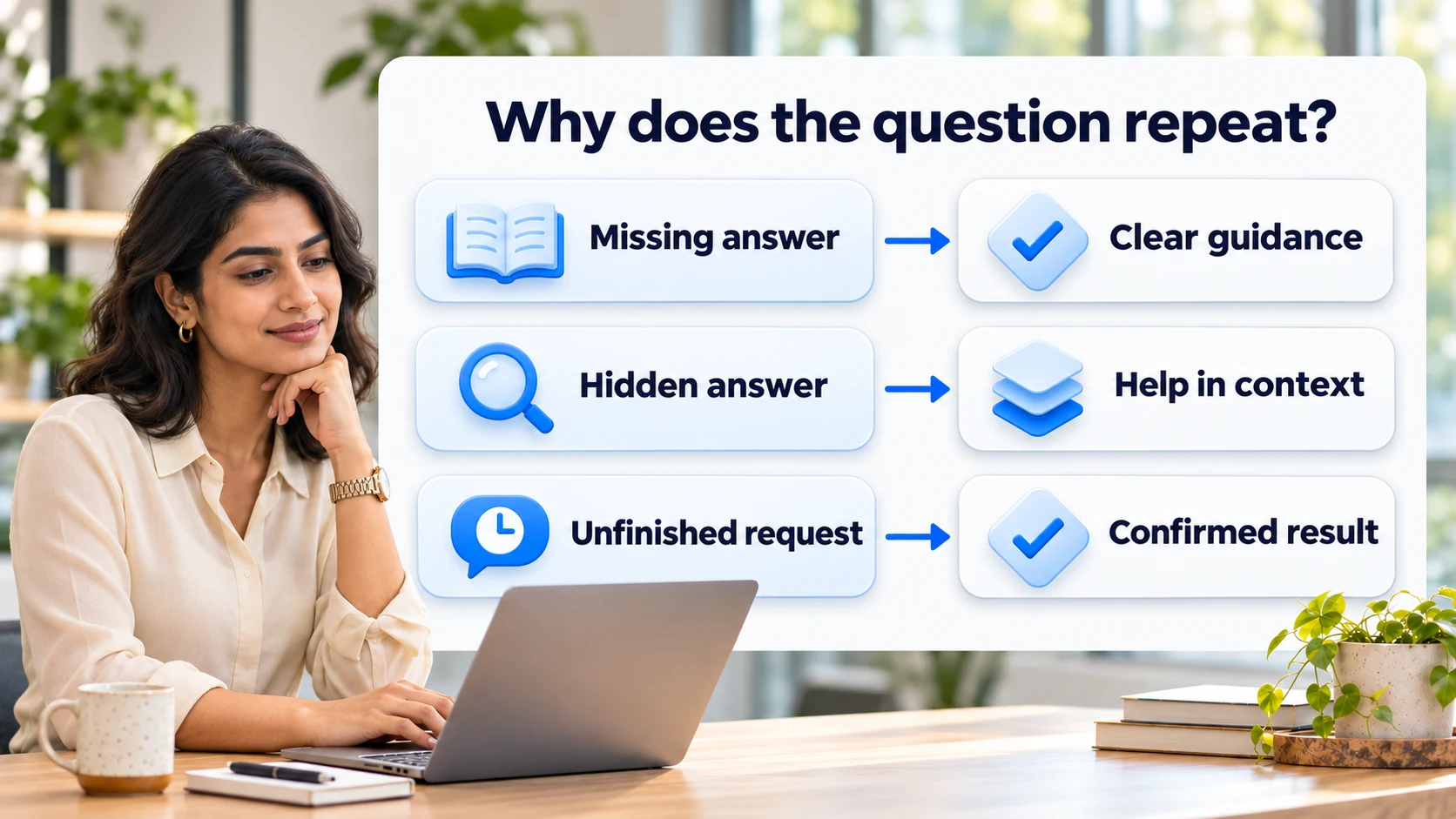
When customers ask “Any update?”, first verify what happened to their request. A queued export, an export that failed, and a file ready for download each need a different message. A job marked complete can mean the file was generated even though the customer still can’t open it.
Here’s how the wording changes when you can verify the export is queued.
Before
We’re experiencing delays with report exports. Thank you for your patience.
After
Exports from archived projects are delayed. Your request is queued, so you can leave this page without starting another export. We don’t have a recovery time yet. We’ll update you here in two hours.
Only say a request is queued or safe to leave when you’ve checked that it is. Promise a time for the next update that the owner can meet. If there’s no change by then, send the update anyway.
Use the same verified state in the status update, support replies, and any in-product notice. When you say a file is ready, give the customer a link they can open.
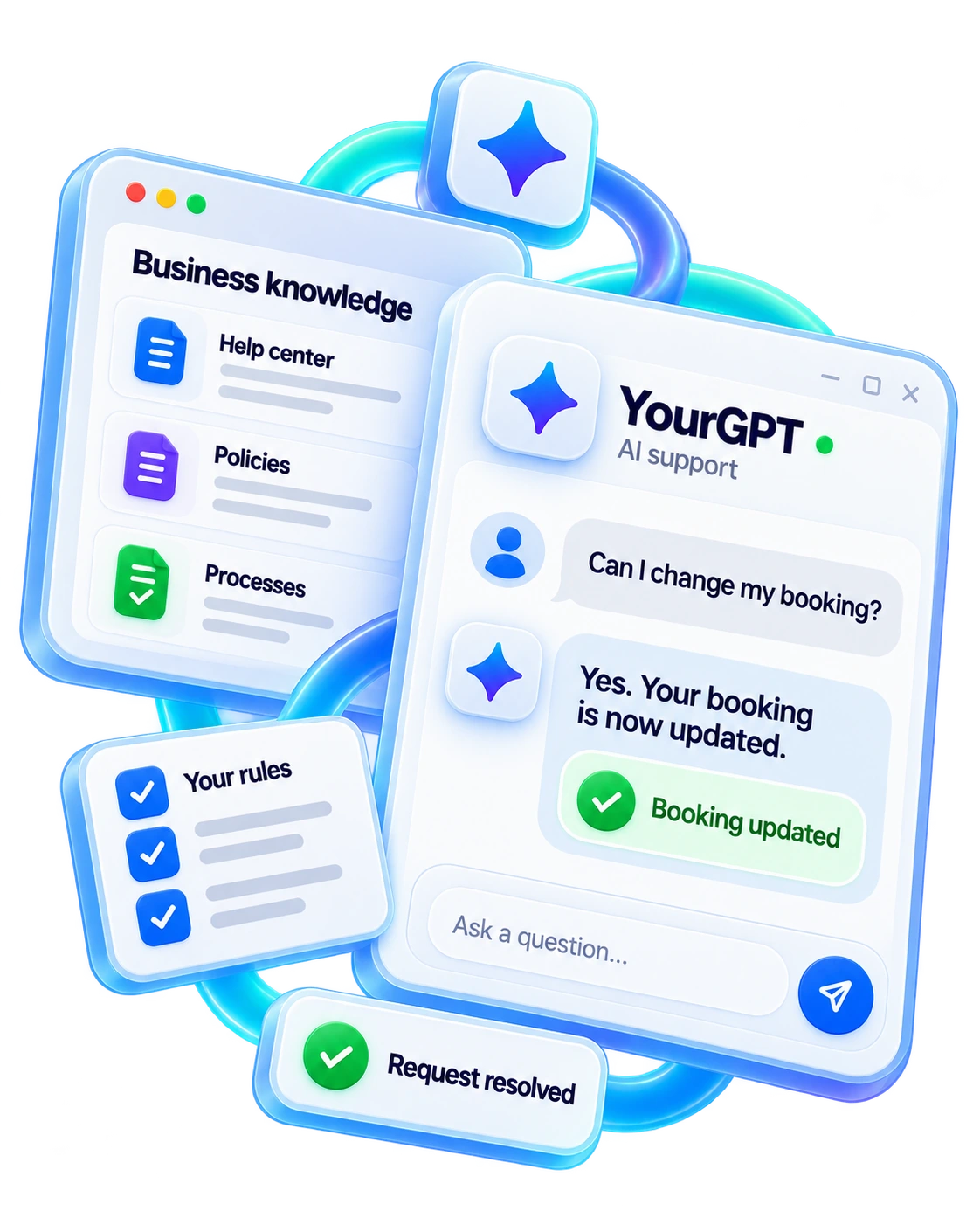
Some requests keep coming because the customer needs something done on their account. A help article can explain the booking policy. A customer asking to move a booking still needs someone to check availability and save the change.
YourGPT answers from approved knowledge and can use connected tools to look up records and perform permitted actions. The team defines what the agent can read or change, when it needs approval, and when a person should take over. Use real requests from your queue to test a single routine workflow against cases like these:
Separate requests the AI completes on its own, those it completes with human input, and those a person takes over. That breakdown shows where the agent still needs help and which outcomes you can verify.
In maintained deployments, we’ve reported over 90% AI resolution on eligible repeated requests. That measure requires a completed outcome, confirmation of any required action, and no unresolved return about the same issue within the measurement window. A person can supply context or approval, but a full takeover falls outside that AI resolution measure.
To find replies that generate follow-ups, read the customer’s next message beside the one you sent. If they ask who can approve something, where to do it, or when they’ll hear back, add that missing piece to the reply your team reuses.
Consider a member who asks to change a billing contact.
Before
Only account admins can change the billing contact.
After
Your role is Member. An account admin can open Billing and select Change contact. If you don’t know who your admin is, reply here and we’ll help you reach them.
Give the customer a next action that fits their role. Where the action belongs to your team, say who will do it and when the customer will hear back. For a request with two parts, check both before you close it.
When someone else must finish the job, pass along what the customer already shared, what you tried, and what remains open. Keep the next owner visible so the customer doesn’t have to start over.
When customers find the right answer and still get stuck, reproduce the task with the same role, plan, or input. The obstacle may be a validation error, an unavailable service, or a policy that contradicts what the screen promises. Each needs a different owner.
Suppose a service accepts CSV uploads and returns “Upload failed” for an XLSX file. If a test confirms the file format caused the failure, say what the service accepts and how to retry. For example: “Upload a CSV file. Save this spreadsheet as CSV, then select it again.” Keep the rest of the form intact.
Test a valid CSV too. If the upload service is down, report the outage and give a supported next step.
When you raise the issue with product or policy, include:
For the upload example, test that the revised message helps a customer correct the file and complete the upload. If the real failure is in the service, check recovery with a file that should succeed.
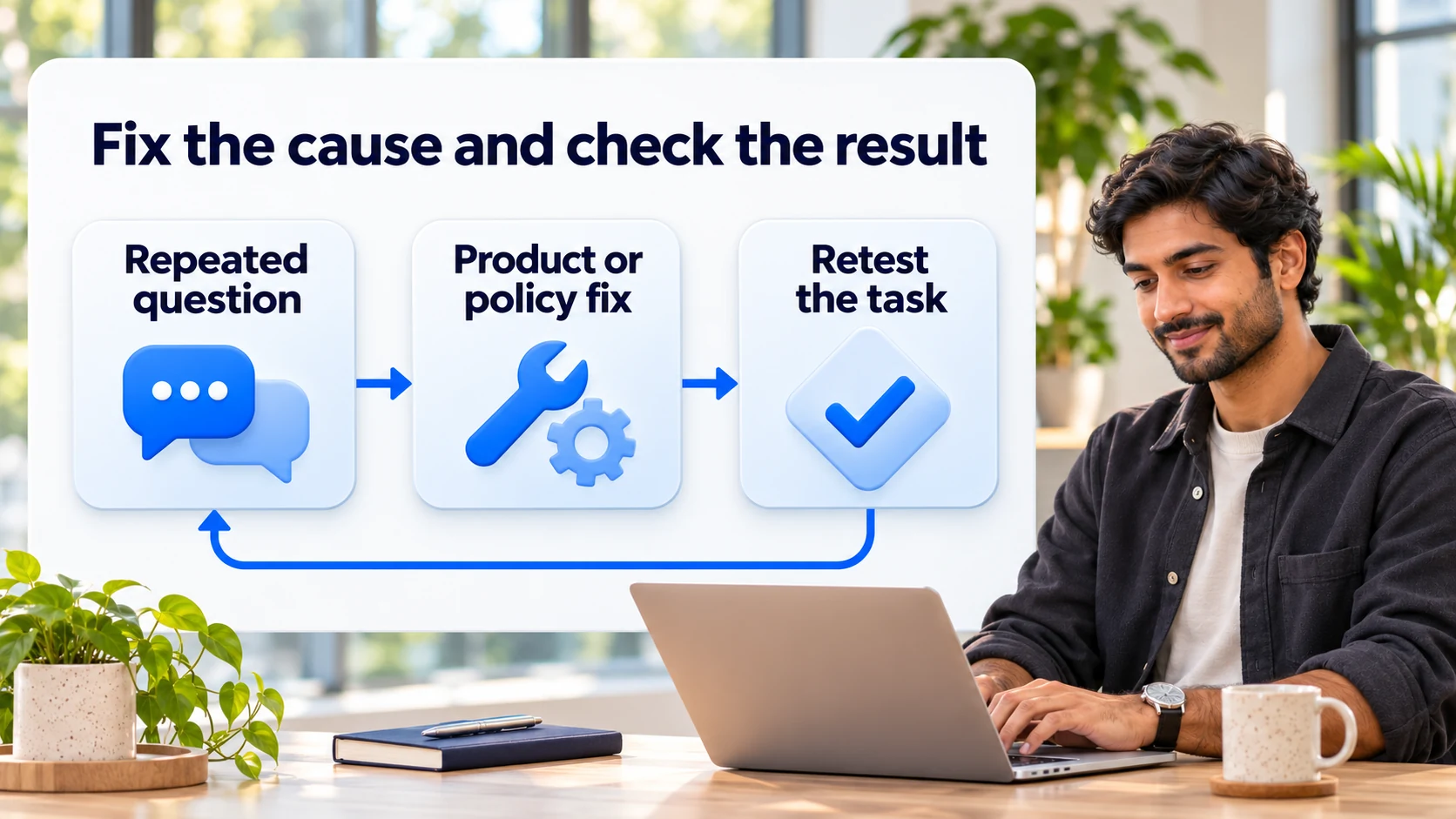
Track the question and the task together. For the archived export example, compare accounts that started that type of export before and after the change. Use the same counting rules, eligible roles, channels, and follow-up window in both periods.
Eligible accounts that started the task and asked about it ÷ all eligible accounts that started the task. Count each account once per period. Report contacts without a matching task start separately, such as customers who couldn’t find the export button.
Cases with a same-issue follow-up within the window ÷ all cases with a complete window. Set the window to fit the task. If you use seven days, exclude cases opened less than seven days ago from both counts.
Eligible task starts with a verified outcome ÷ all eligible task starts. Deduplicate retries using a task or request ID where possible. For a customer trying to download an export, a file generated on the server is only an intermediate step.
The contact rate fell by 0.5 percentage points. These figures are illustrative.
Check download and recontact rates to see what changed for customers. If the customer mix or the export flow changed at the same time, compare similar accounts before attributing the drop to your fix.
For questions that come up before a task starts, use the accounts that reached the relevant decision as your denominator. For example, count accounts that saw the invite screen and asked about the charge, divided by all eligible accounts that saw it.
If you can’t count task starts or exposure reliably, report the question count and its share of tagged contacts. That tells you how much of the queue it occupies. It can’t tell you what share of customers needed help. Keep those support metrics separate, and use self-service measures alongside observed outcomes.
Fix a repeated question when it happens often, stops customers from finishing a task, and has a clear owner who can make a targeted change. Compare frequency with customer impact and ease of testing. A rare but highly disruptive question may deserve earlier attention.
Start with a small, visible, testable fix, such as correcting a confusing error message or moving an existing answer next to the action. Avoid a broad knowledge overhaul until you learn from one owned change.
That may mean the FAQ has the right fact but the wrong context or wording for what the customer sees. Customers search with their own phrases, roles, plans, and versions.
Verify the answer appears for the exact situation, and confirm a customer can finish the task using only that FAQ. If they cannot, revise the steps instead of assuming people did not read. Also confirm the FAQ is linked where the question arises, not only in a help center index.
Count a message as a follow-up when you can link it to the same account and the same request. A matching case, order, or export ID gives you a stronger link than similar wording. If you can’t verify the match, mark it as uncertain and report how often that happens. Otherwise a switch from chat to email can make repeat contacts look like new cases.
Yes, when the specific lookup or write action is enabled and account access is verified. Some account-specific requests are read-only record lookups that change nothing; others are permitted changes. The action must be enabled before the AI can complete it.
Set different permissions for those two jobs. An agent allowed to show a customer their booking status may still need separate authorization to move the booking.
A recurring question is a pattern across customers. A repeat contact is a follow-up on the same unresolved issue. A verified resolution has evidence that the customer got the outcome they needed, such as a saved change or customer confirmation.
For example, two people asking where to export a report reveal a recurring question. One person asking twice about the same stalled job is a repeat contact, even if the second message comes through another channel.
Assign a source owner to update the approved answer used by your team and your AI agent. After a change, inspect the affected request types and compare whether the question still appears. Review suggested answers and correct them before adding them to training.
Do not automatically train on all closed tickets, because a closed ticket may hide an unsolved issue.
If the export contact rate and the download rate both fall, look for where customers are giving up. If the download rate rises but “Where is it?” keeps coming back, check when the ready notice arrives and whether the link opens for the customer’s role. The answer tells you whether to fix the export or how customers receive it.
When support has to offer the same workaround every week, attach those cases to the product or policy issue. Give customers a reliable way to finish today, and give the owner enough evidence to remove the workaround.
Resolve Routine Requests in YourGPT
Connect approved knowledge and tools, then test one recurring request from your support queue.

Set up YourGPT AI agents to answer questions, complete support actions, and resolve requests with business knowledge and clear human-assistance rules.


A practical rollout plan for support teams covering scope, knowledge preparation, YourGPT setup, testing, launch gates, security, and honest ROI measurement.


TL;DR The shift. Current HR agents read a live leave balance from the HRIS, check it against policy, submit the request and route it to a manager inside one conversation. The gap. Most HR self-service stops at the answer. Employees are told the policy, then open a portal to act on it, and that is […]

Real estate growth starts with meaningful conversations. Every buyer, renter, or investor who visits your website is looking for quick answers about properties, pricing, availability, locations, viewing options, or the next step in their journey. YourGPT helps real estate teams turn those moments of interest into qualified leads. With an AI chatbot trained on your […]

TL;DR Instagram buyers who ask “price?” in a comment expect an answer within minutes. Manual replies usually arrive too late to make the sale. YourGPT AI can connect to your professional account in minutes, reply publicly to selected comments, send detailed answers by DM, and handle follow-up questions using your knowledge base. Meta allows one […]

Connect your website AI agent to a CRM with YourGPT. Capture lead details, map contact fields and verify the record your sales team will use.