How Self-Learning AI Agents Improve Support With Human Review

Rajni
October 7, 2026
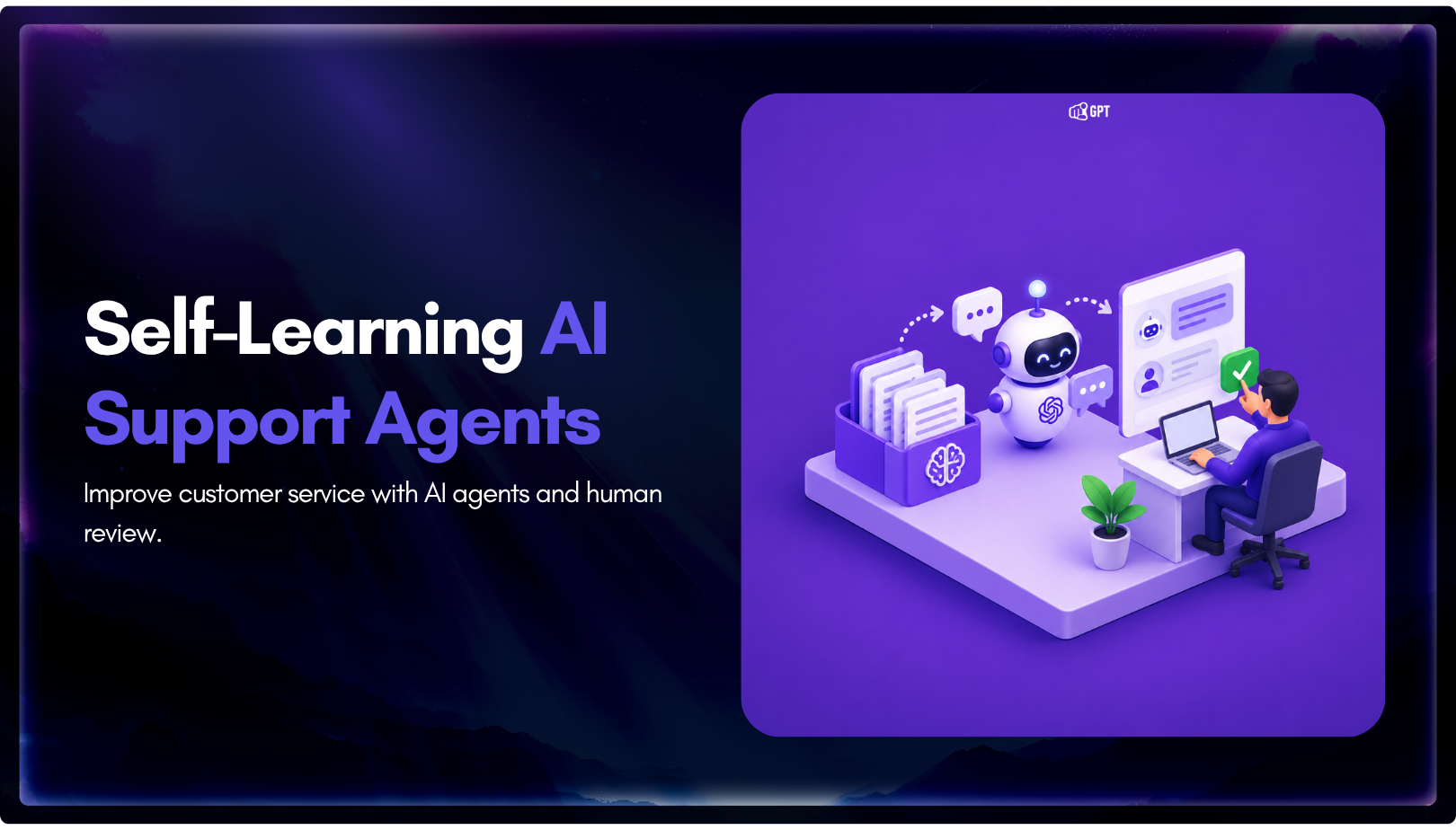
A self-learning AI agent improves after launch because it records the questions it could not answer, and your team turns the right ones into answers. In YourGPT, those questions collect under Training → Others → Self-Learning, and nothing trains until a team member corrects the answer and clicks Start Training. Three habits decide whether the loop works: diagnose each question’s cause before training it, rank gaps by risk and frequency, and audit answered conversations for confident wrong answers, which never show up in the list.
Launch day covers the questions your team could predict. The help center, policy pages and FAQs you trained on describe the business as it stood that week. Then customers start asking about the plan you added after launch, the new delivery partner, or an exception nobody wrote down.
Those conversations end without an answer, and each one is a record of something the AI agent was never given. The real decision for a support lead is who turns those records into answers, how often, and which ones should never become answers at all. The mechanism answers the first part, and a short weekly review handles the rest.
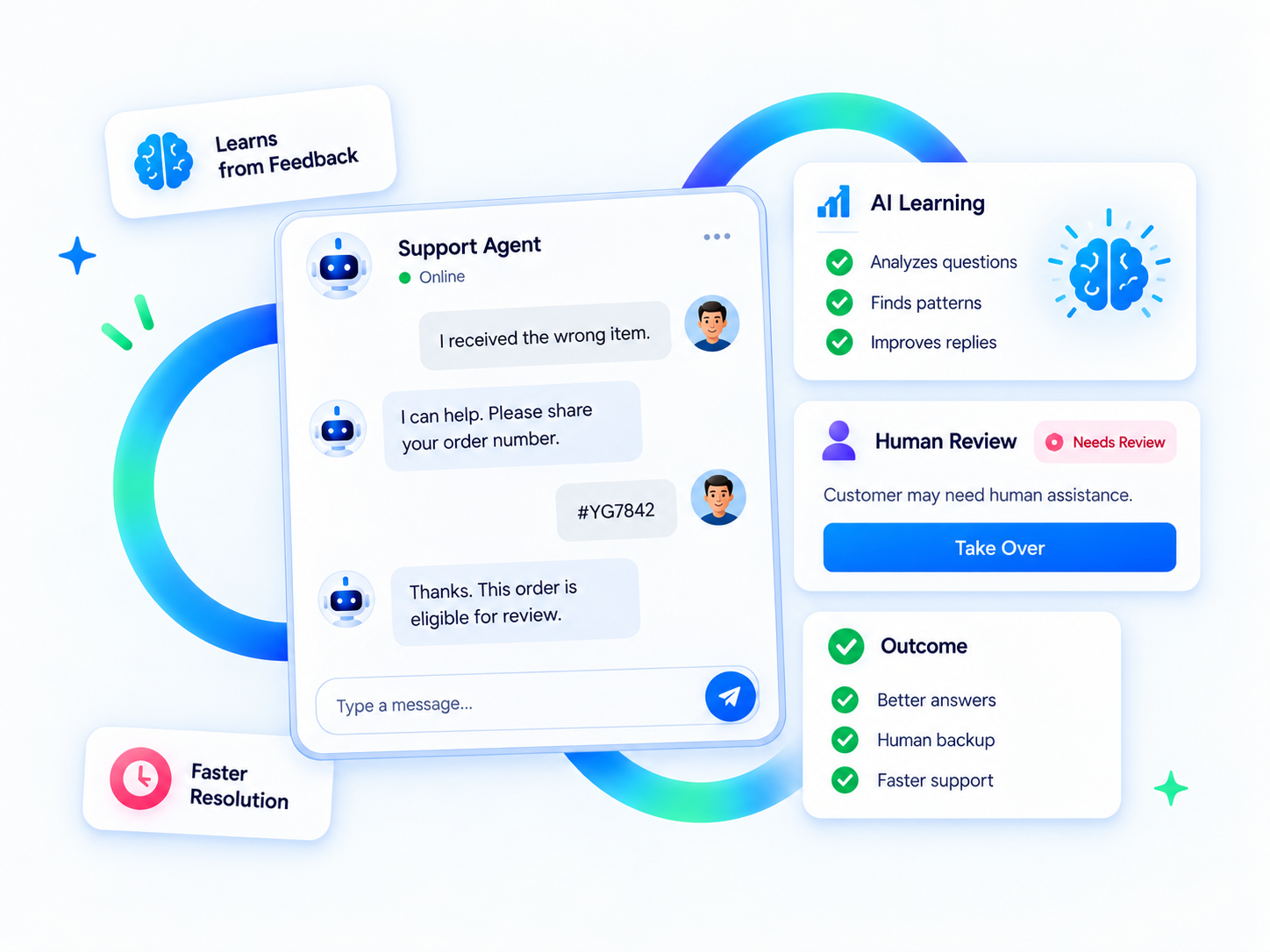
A self-learning AI agent is a support agent that logs the questions it could not answer so people can review them and train approved answers back into it. The learning is real, but it has a human step in the middle. In YourGPT, one pass through the loop looks like this:
Two more signals feed the same review. Smart Learning uses previous conversations to suggest FAQs for your team to review and refine. Visitors can also leave feedback during a chat, which shows you the answers that went out and still missed.
The boundary matters as much as the loop, because a logged question never trains itself. No confidence score or threshold pushes it through, so it waits in the list until a team member trains or deletes it. That is human-in-the-loop design in its plainest form: the agent notices the gap, and a person owns the answer. The same human step is what separates self-learning from the training you did before launch.
Initial training and Self-Learning both put knowledge into the agent, but they start from different material and fix different problems. The table shows where each one fits.
| Attribute | Initial training | Self-Learning |
|---|---|---|
| Input | Websites, help centers, PDFs, Notion, Google Drive, FAQs and other training sources | Live questions the agent could not answer |
| Timing | Before launch, and again whenever a source changes | After launch, as customers ask |
| Who writes the answer | Your existing documents | A team member in the Train popup |
| Where it lands | The source you added | The FAQ area |
| What it fixes | Broad coverage of known topics | One specific gap at a time |
Self-Learning adds to that baseline and leaves your sources as they are. If a whole topic keeps showing up in the list, such as every question about a new plan, add or update the source instead of training a separate FAQ for each question. The rules for training an agent on your data still apply after launch.
To know which fix a question needs, read it for its cause before you click Train.
The Self-Learning list shows only the questions the agent could not answer. That makes it a check on survivorship bias, the habit of judging a system by the cases that made it through. A team that reads only resolved chats sees a better agent than the one customers meet.
Reading the list for missing text is not enough, though. A recurring unresolved request can point to five different problems, and training fixes only one of them:
| Cause | What you see in the list | Where the fix goes |
|---|---|---|
| Missing knowledge | A fair question that no source answers | Train it in the popup, or add a source if it is a whole topic |
| Conflicting knowledge | Two sources disagree, such as an old and a new refund window | Find and edit the outdated source, because conflicting sources produce wrong answers |
| Unavailable action | The customer wants something done, such as cancelling a plan or checking a live order | Connect an action through Functions or AI Studio, since answering is not resolving |
| Unreliable integration | The action exists but fails or returns nothing | Send it to whoever owns the connection |
| Human-owned request | Exceptions, disputes, account security or anything that needs authority | Keep it out of training and route it to a person through human escalation |
Train only the questions where the right answer is a fact your team can write down once.
Take a hypothetical week where three customers ask whether an annual plan can be paused, and two ask to reset their two-factor device. The pause question has a written answer, so it belongs in training. The reset needs an identity check, so it goes to a handoff. A trained FAQ that walks a stranger through account recovery would be a security problem.
Once the list is sorted by cause, the missing-knowledge items are ready for the popup.
A busy list always has more candidates than your team has time for. Rank by risk first and frequency second. A rare question about refund exceptions outranks a common one about opening hours when a wrong answer costs money.
| Priority | What it looks like | What to do |
|---|---|---|
| Do first | Asked often, low risk, and the answer fits in two sentences, such as pausing a plan or changing an email address | Train it this week |
| Needs sign-off | Any volume, but it involves money, eligibility or legal terms | Draft the answer, get the policy owner’s approval, then train |
| Fix the source | Many different questions about one new topic | Add or update a source instead of training one FAQ per question |
| Route, do not train | Needs an identity check, judgment or authority | Send it to human escalation |
| Park | Asked once, unclear, or probably a one-off | Leave it in the list and log it. Promote it if it comes back next week |
The Self-Learning training steps take a few clicks. Most of the effort goes into the answer itself, because it becomes the reply for everyone who asks next.
Leave out names, order numbers and phrases like “as I mentioned”. Put the direct answer in the first sentence and the condition that changes it right after. Hold each entry to the standard of an article in an AI knowledge base, with one topic, one rule and nothing that contradicts the policy page.
Clear out noise at the same time. The delete icon removes a single question, which suits greetings, spam and test messages. The multi-delete icon removes an entire conversation, so use it only when nothing in that conversation deserves an answer.
Then verify the change. Confirm the entry sits in the FAQ area, and ask the original question in a fresh chat, phrased the way the customer phrased it. If the reply still misses, search that phrase in Training Audit under Debug Lab. It shows which training content matches the question, so you can find an older source that still outranks the new answer and edit or delete it.
A trained answer closes one gap, but the list keeps growing with traffic, so the work needs a fixed rhythm.
A weekly slot keeps the list short enough to read every item before you act on any of them. Put one named owner on it, usually the support lead, and bring in policy owners only for the answers they sign off.
A shared log turns the review into a record the next owner can pick up. Keep it this simple:
| Question group | Cause | Fix | Owner | Retest |
|---|---|---|---|---|
| Can I pause my annual plan | Missing knowledge | Trained FAQ | Support lead | Next review |
| Reset my two-factor device | Human-owned | Handoff to the account team | Account team lead | Next review |
| Refund window for annual plans | Conflicting knowledge | Old pricing page source edited | Billing owner | Next review |
A question that comes back after you trained it is telling you the fix was in the wrong place. That return signal is also how you judge whether the loop is working.
Goodhart’s law says that a measure chased as a target stops measuring the work. If the target is an empty Self-Learning list, deleting items beats fixing them, and the list looks clean while customers keep hitting the same gap. So measure what the list is for.
Track three signals from your weekly log:
Keep your wider chatbot analytics in view too, because the list only shows what the agent could not answer. When set up correctly and maintained, YourGPT agents resolve up to 90% of repeated queries autonomously. The weekly review is the maintenance part of that sentence, and the result depends on your scope, your sources and the actions you connect.
The questions below cover the edge cases that come up once a team starts running this loop.
No. A question in the Self-Learning list stays a logged question until a team member clicks Train, corrects the answer and clicks Start Training. Suggested FAQs from Smart Learning follow the same rule, since team members review and refine them first. If nobody opens the list, the agent keeps missing the same questions and the list keeps growing, which is why the review needs a named owner and a fixed day.
No. The corrected answer moves to the FAQ area and becomes the reply for everyone who asks a similar question, so personal details would leak into other conversations. Rewrite the question as the general case before you train it. If the customer needed their own order or account data, the gap is an action or integration, not missing knowledge, and training text cannot fill it.
It stays as written until someone edits or deletes it in the FAQ area. Updating the policy page alone can leave the old FAQ and the new page in conflict. When a policy changes, search the policy phrase in Training Audit under Debug Lab, find every source that matches, and update the trained FAQ in the same sitting as the page.
Use the multi-delete icon only when nothing in the conversation deserves an answer, such as spam or an internal test chat. It removes every question from that conversation at once. If even one question in the thread is a real gap, delete the noise one item at a time with the single delete icon and train the question that matters.
The person who owns the written policy. The support lead can run the review and draft the answer, but a trained FAQ speaks for the business, so money, eligibility and legal wording need the owner’s sign-off before Start Training. If the answer depends on judgment for each case, such as an exception to a refund window, do not train it at all and route it to a person.
A self-learning agent gets better after launch because people read what it could not answer and decide what it should learn. The Self-Learning list shows you the gaps. Reading each one for its cause sends it to the right owner, and only true knowledge gaps go through the Train popup.
Put the review on a fixed day and keep the log beside it. Judge the week by the questions that stop coming back, because each one is a customer who now gets an answer without waiting for your team.
Review missed questions, approve the right response, and let the AI agent learn from your team.
TL;DR Instagram buyers who ask “price?” in a comment expect an answer within minutes. Manual replies usually arrive too late to make the sale. YourGPT AI can connect to your professional account in minutes, reply publicly to selected comments, send detailed answers by DM, and handle follow-up questions using your knowledge base. Meta allows one […]

Connect your website AI agent to a CRM with YourGPT. Capture lead details, map contact fields and verify the record your sales team will use.

Use YourGPT to help Black Friday shoppers choose products, check orders and understand returns. Prepare your answers and team before the sale.
Add in-app chat support to your SaaS or mobile app. Place it on the screens where users stall, pass who they are, and hand hard cases to your team.
Group new-account tickets by onboarding stage, train an AI agent on your docs, and place it in the product where new users get stuck.

AI agents can now find and buy products for shoppers. See what agentic commerce changes for a Shopify store and which support jobs stay yours.