What Is Deflection Rate? (Plus 7 Strategies That Actually Work)

Rajni
Last updated on September 21, 2026
Deflection rate measures the share of support requests resolved through self-service before they reach a human agent.
Many teams calculate it incorrectly by double-counting sessions and tickets from the same customer, which inflates the denominator and makes the result unreliable.
Deflection rate should always be evaluated alongside resolution rate. Correcting both the calculation and the framing turns it from a vanity metric into a useful measure of self-service quality.
A rising deflection rate looks like a win on every customer support dashboard. It can also mean customers gave up looking for an answer and left without filing a ticket, a complaint, or a trace.
Having a knowledge base or a chatbot live on the site proves nothing about customer service quality on its own. The real question is whether customers who touch those tools actually get answered, or whether they quietly bounce off and call support anyway once the frustration builds.
Deflection rate is the metric built to answer that question, but only when it’s calculated and read correctly. Most teams get both parts wrong.
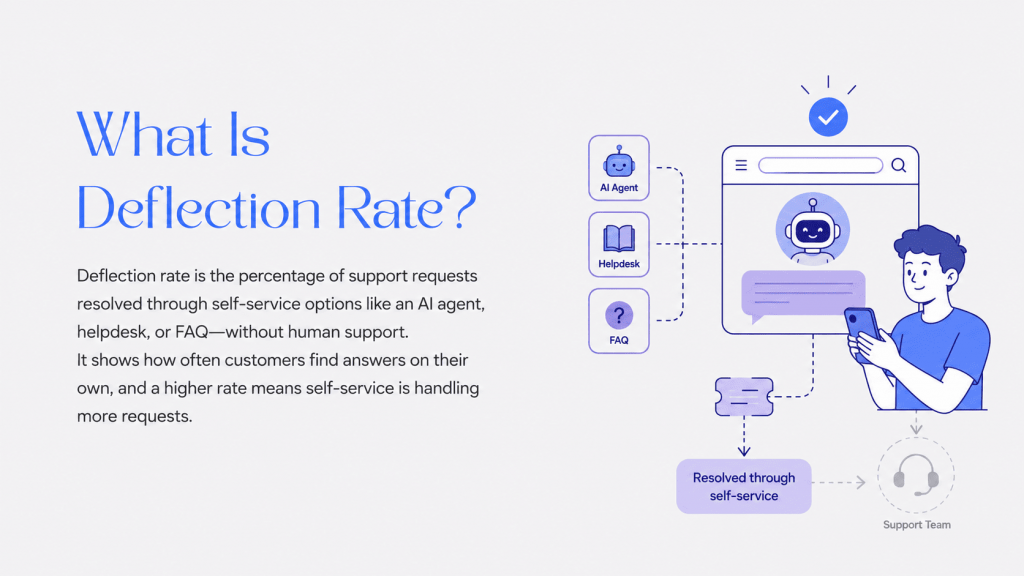
Deflection rate is the percentage of customer support requests that get resolved through self-service options, such as a AI agent, Helpdesk, or FAQ page, without any involvement from your support team.
This means customers find their answers using these tools instead of needing direct assistance from a human representative.
If a customer looks for a solution and finds it through your automated support system instead of posting a ticket or calling, that question is said to have been “deflected.” A higher rate usually means that your self-service infrastructure is handling a lot of traffic and giving customers what they want.
Tracking deflection rate is critical for two main reasons:
It’s important to understand that deflection is only good if the customer actually finds the answer. If a customer uses a tool but leaves without getting an answer, that is not real deflection; it is ticket abandonment.
It is a mistake to celebrate high deflection rates without asking the most important follow-up question: “Did the customer actually get what they needed?”
It is entirely possible to have high deflection numbers and low customer satisfaction simultaneously. This often happens when companies prioritize deflection over resolution for example, by making it difficult to find contact information or burying the “talk to an agent” button. That isn’t service; it’s obstruction.
To ensure your self-service strategy is working, you need to track two distinct metrics:
Context is everything. A 70% deflection rate where 90% of users find their answer is a success. A 90% deflection rate where only 30% of users find an answer is a retention crisis.
On the surface, the math looks simple. You compare how many people found answers themselves versus the total number of people asking for help.
If you have 100 requests and 40 are solved by your help center or chatbot, that looks like a 40% deflection rate.
But here is where most teams get it wrong.
You can’t just add up “web sessions” and “support tickets” to get your total. If you do that, you are counting the same person twice.
Think about a standard customer journey: A user goes to your help center (1 session). They can’t find the answer, so they email support (1 ticket). If you count both, your data is messy. You aren’t counting two different people; you are counting one person who tried two different ways to solve a problem.
This mistake makes your deflection rate look much worse than it actually is.
To get the real number, you have to stop counting “sessions” and start counting “problems solved.”
Step 1: Find your actual self-service success
Out of everyone who visits your help center or uses your bot, how many actually find their answer?
Step 2: Calculate the “Real” Total
Your real total is the number of people who solved it themselves plus the people who actually had to contact you.
Step 3: Run the Percentage
Now, do the math with the accurate total.
See the difference? By fixing the math, you realize that nearly three-quarters of your customers are getting answers without waiting in a queue.
You already know why deflection matters. What you need now are the actions that support teams use when they want predictable results. These steps are practical, measurable, and based on what works inside real support environments.
Don’t try to document everything at once. Start with the questions your team gets asked most often.
Pull up your support tickets from the last quarter. What are the top 10 or 20 questions? Start there. These are your high-impact opportunities.
Your support team knows exactly what these are. Ask them: “What questions do you wish customers could answer themselves?”
Great help content makes all the difference. If your articles are hard to follow or leave out important information, customers will end up reaching out anyway no matter how good your self-service options are.
Here’s what works:
Think about the last time you looked up a recipe online. You wanted to follow clear text steps rather than pictures or maybe a video. Your customers want the same from your help content.
You could have the best help articles in the world, but they’re useless if customers can’t find them.
There are two smart ways to make your support content easy to find:
First, you can organize everything yourself. Group articles into categories, write clear and descriptive titles, and add helpful tags. Add the AI search in your helpdesk so people can quickly locate what they need. This method takes a bit of effort, but it gives you complete control over your library.
Alternatively, you can use AI to simplify discovery. With a conversational chatbot powered by generative AI, customers ask their question just as they would in a chat, and the system instantly pulls the right answer from your entire knowledge base.
With YourGPT, you don’t have to spend hours re-organizing content. Just let the AI train on your existing articles and respond to customers in real-time, serving up the right solution no matter how your sources are structured behind the scenes.
Self-service isn’t just about reading articles. It’s about taking action.
Think about what brings customers to your support team. Often it’s things like:
For each of these, ask: could we let customers do this themselves?
Build self-service capabilities that let customers actually complete these tasks without waiting for a support agent. The more actions customers can take on their own, the higher your deflection rate climbs.
With an AI chatbot like YourGPT, customers can even complete these actions within the conversation itself, making the experience seamless.
You want to encourage self-service, but here’s the important part: only after your self-service is actually good.
If you push customers toward self-service before you have quality content and capabilities in place, you’ll just frustrate them. Your CSAT and NPS scores will tank.
But once your self-service is solid, you can:
The key word here is “guide,” not “force.” Always make it easy for customers to reach a human when they need one.
Track which self-service interactions lead to escalations. These are your problem spots.
If customers consistently try to self-serve on a particular issue but end up contacting support anyway, something’s wrong. Either:
Fix these gaps, and you’ll see your deflection rate climb.
Outdated help content quickly lowers your deflection rate. When your product or policies change and your articles do not reflect those updates, customers lose trust in your self-service options and contact support instead.
To keep everything fresh, review your main articles (like once every quarter) and update anything that’s changed. Add new help topics when there are new features or common questions.
Even better, ask your support team to flag outdated content as soon as they see it. Since they work directly with customers, they’ll notice problems first and help keep your help center up to date.
There is no fixed benchmark because deflection rate depends heavily on product complexity and support volume. The number only becomes meaningful when viewed alongside resolution rate.
A 70% deflection rate paired with a 90% resolution rate signals healthy self-service. The same 70% paired with a 30% resolution rate signals a retention problem.
Deflection rate counts how many customers attempt to solve a problem through self-service. Resolution rate measures how many of those attempts actually end with an answer.
A support team can drive deflection up by hiding contact options, which inflates the first number while doing nothing for the second. Tracking both together catches that gap before it appears in customer churn.
Add self-service resolutions to the support tickets created by customers who never attempted self-service. Then divide self-service resolutions by that total.
Counting website sessions and support tickets separately can count the same customer twice because many people try self-service before contacting support. The corrected formula produces a lower and more accurate percentage than a basic session-versus-ticket comparison.
Yes, especially when a high rate comes from customer friction. Burying the “contact an agent” button or removing live chat can increase deflection even when customers leave without an answer.
This pattern usually appears as high deflection paired with a falling CSAT score. It is a clear sign that the team optimized for the wrong metric.
Outdated help content is the most common cause, followed by poor organization that makes accurate answers difficult to find.
A knowledge base that has not been updated after a pricing or feature change quickly loses customer trust. Missing content for a genuinely new or complex issue is another frequent cause.
The two terms overlap, but they are not identical across every vendor. Deflection rate usually covers all self-service channels, including help articles, AI agents, and FAQ pages.
Containment rate is more commonly used for chatbot conversations and measures how many interactions remain inside the bot without escalating to a human. Definitions vary by platform, so confirm what each dashboard is reporting.
An AI agent platform like YourGPT can improve deflection by grounding responses in a company’s knowledge base through RAG. This helps it produce specific answers based on real documentation.
Self-learning can improve accuracy using real conversations, while human handoff sends low-confidence cases to a support representative with the conversation context preserved.
The platform cannot replace the underlying knowledge work. A thin or outdated knowledge base will produce weak deflection results regardless of the platform used.
Deflection rate only earns its place on a customer service dashboard when it sits next to resolution rate. A high number by itself says nothing about whether customers actually got answered or simply gave up and went quiet.
Fixing the number starts with the content. A knowledge base that’s thin or outdated produces weak self-service results no matter which tool sits in front of it. Better organization and easier ways to find answers matter as much as the tool itself.
A platform like YourGPT can ground answers in real documentation and route the hard cases to a person, but it only works with what the content gives it. Content is the foundation. The software is what sits on top of it.
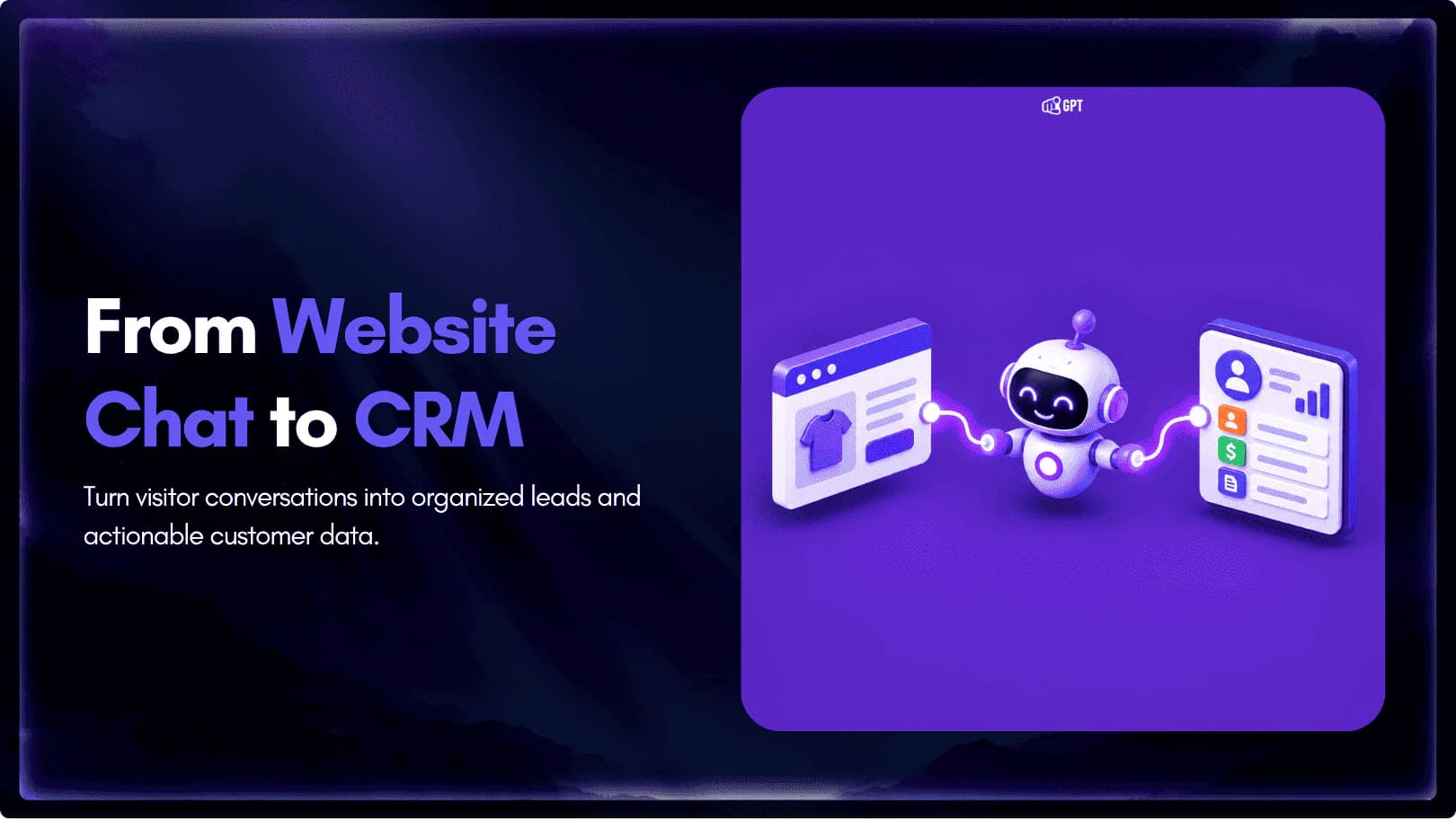
Connect your website AI agent to a CRM with YourGPT. Capture lead details, map contact fields and verify the record your sales team will use.

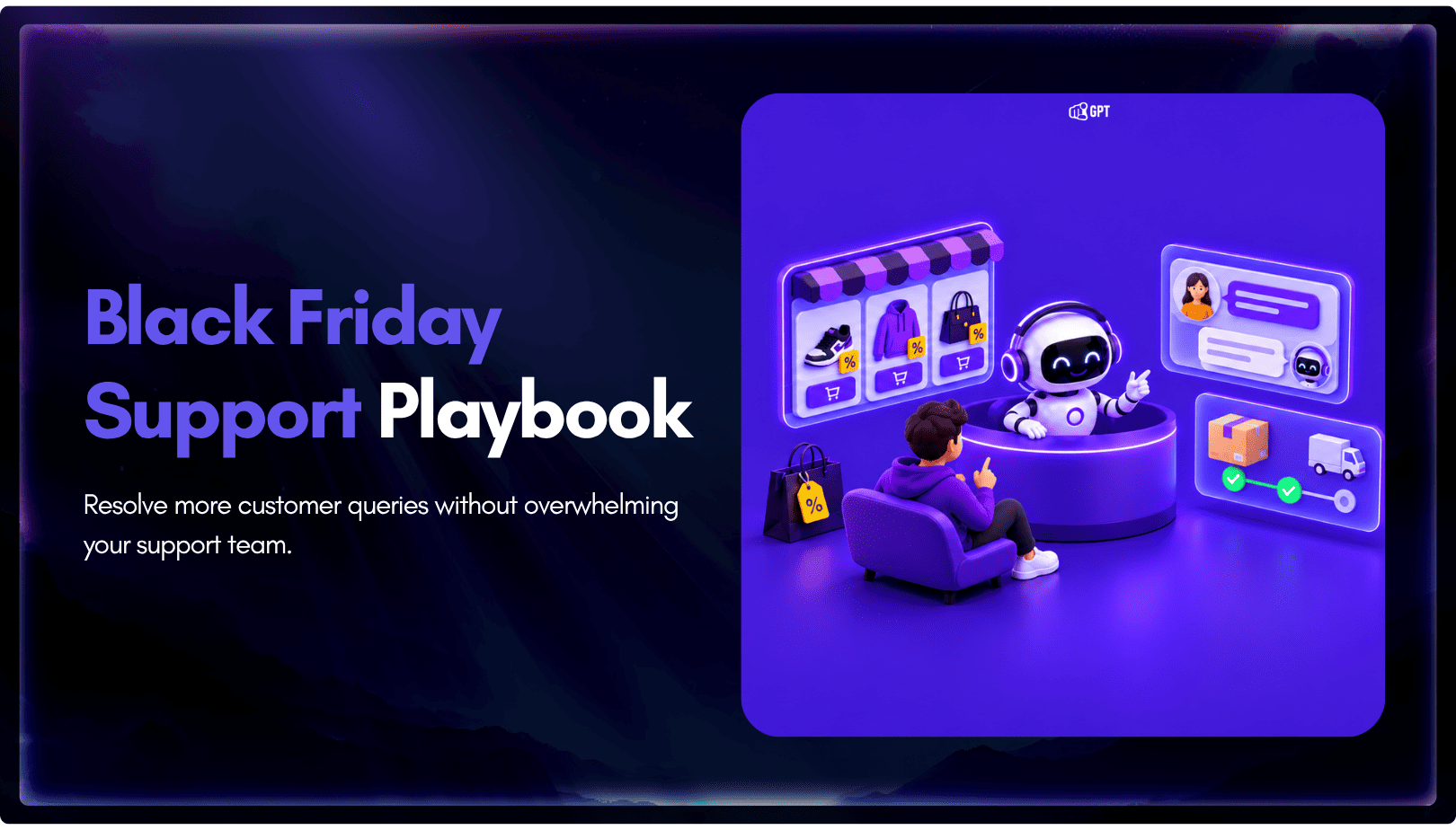
Use YourGPT to help Black Friday shoppers choose products, check orders and understand returns. Prepare your answers and team before the sale.
Add in-app chat support to your SaaS or mobile app. Place it on the screens where users stall, pass who they are, and hand hard cases to your team.
Group new-account tickets by onboarding stage, train an AI agent on your docs, and place it in the product where new users get stuck.

AI agents can now find and buy products for shoppers. See what agentic commerce changes for a Shopify store and which support jobs stay yours.
Build a Halloween shopping assistant for Shopify with YourGPT. Set up product recommendations, stock checks, cart actions and human support before launch.
