Top 8 AI Agents for Game Development

Mitali
May 25, 2026
Game development is full of connected work. A quest is not just writing. It touches dialogue, branching logic, player triggers, animation cues, asset references, testing, and often code. When one part changes, the rest of the workflow has to catch up.
That is where AI agents are becoming useful. They do not replace the creative direction of a studio. They help teams move through repeatable production work faster: writing variations, generating assets, assisting with code, testing logic, creating audio, supporting animation tasks, and handling player support outside the game.
The important shift is that these tools are not all doing the same job. A coding agent helps with scripts and engine-side implementation. An asset agent helps produce visual material. A music agent supports sound and composition. A support agent handles player questions, billing issues, and community workflows.
This guide looks at the AI agents being used across game development today, where each one fits, and how to choose the right tool based on the workflow you actually need to improve.
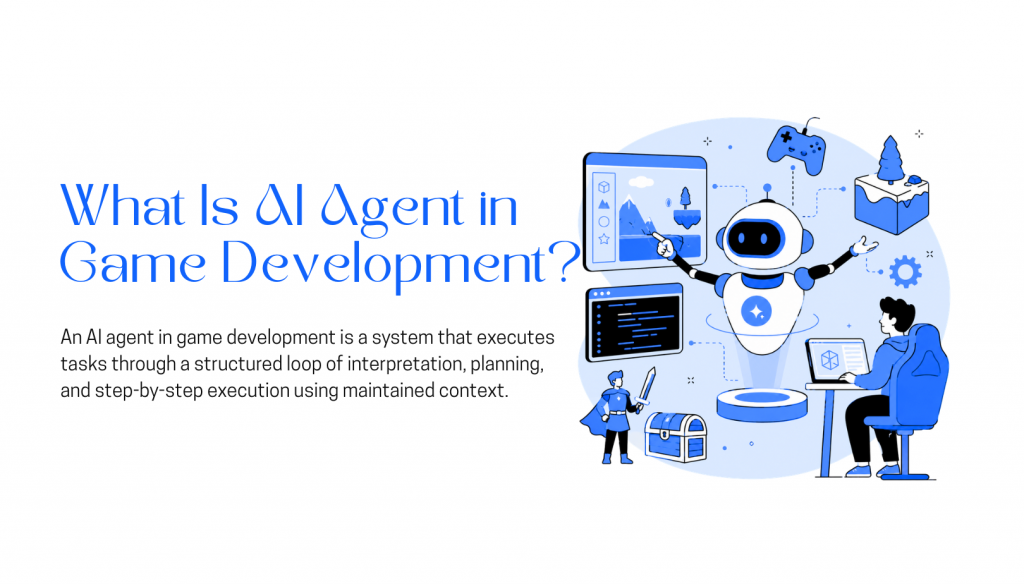
An AI agent in game development is a system designed to handle multi-step work across different parts of the production pipeline. Instead of generating a single output from one prompt, the agent can maintain context, use tools, interact with project data, and continue executing tasks across multiple steps.
Game studios use different types of AI agents for different workflows. Coding agents assist with gameplay systems, debugging, scripting, and engine-side implementation. Asset generation agents help create textures, concepts, UI elements, 3D assets, or environment variations. Animation and voice agents support motion workflows, lip sync, dialogue generation, and cinematic production. Music and sound agents help with soundtrack ideation, adaptive audio, or sound effect generation. Support and operations agents handle billing questions, player issues, moderation workflows, and community support across Discord, websites, or messaging channels.
What makes these systems agentic is not just generation quality. The system can preserve state, access external tools, evaluate intermediate outputs, retry failed steps, and continue execution using runtime context instead of restarting from scratch after every prompt.
Most AI agents combine reasoning, memory, and tool execution. The reasoning layer decides what action should happen next. The memory layer keeps track of previous steps and working context. The tool layer allows interaction with APIs, files, engines, databases, asset pipelines, or external services during execution.
Execution starts with a defined task or production goal. The agent breaks the work into smaller steps, executes them sequentially, and updates its context after each action. Outputs from earlier steps influence later decisions, which allows the system to revise, regenerate, or branch into different actions during runtime.
This makes AI agents useful for production workflows where the task is iterative, connected to external systems, or dependent on changing project context rather than isolated one-shot generation.
AI agents used in game development are not built for the same role. Some are used for content creation, some for coding workflows, and others for character interaction systems. Each one fits a specific part of the production pipeline based on what it is designed to handle.
The tools below are selected based on where they are used in real development workflows, the type of output they produce, and the stage of production they support.
Unreal Engine is a real-time 3D engine used for games, simulations, and cinematic applications where visual fidelity and performance control are the primary requirements. It supports both node-based visual scripting and C++, and is the deployment environment for AI tools rather than an AI tool itself.
Features
Limitations
Pricing
Best For
High-fidelity game development, large-scale interactive simulations, cinematic experiences, and production environments that require advanced rendering and full control over gameplay systems.
Inworld is a platform for creating in-game characters that respond dynamically during gameplay. Characters are defined by personality settings and context inputs, then integrated into Unity or Unreal to handle real-time text or voice interactions instead of relying on fully scripted dialogue trees.
Features
Limitations
Pricing
Best For
Building real-time AI NPCs with voice and text interactions, personality-driven behavior, and engine-integrated character systems for games.
Claude Code is an agentic coding tool by Anthropic that operates directly on your codebase. It reads files, edits code across multiple scripts, and runs commands to complete development tasks end to end. It works from a goal rather than a single prompt, which makes it suited to tasks that touch several interconnected parts of a project at once.
Features
Limitations
Pricing
Best For
Automating game code development tasks such as gameplay feature implementation, debugging scripts, refactoring systems, and managing multi-file changes in engine-based projects.
YourGPT is an AI agent platform for building support, sales, and operational agents across in-app, websites, emails, and voice systems. For gaming companies, it is mainly useful for player support, billing and account automation, community assistance, lead capture, and support workflows powered by game documentation, FAQs, policies, APIs, and connected data sources.
Features
Limitations
Pricing
Best For
Player support, billing and account help, game documentation assistants, Discord and community support bots, lead capture, and companion experiences connected to game data through APIs or structured knowledge.
Scenario is a game asset generation platform built around custom model training. Instead of prompting a general model, teams train on their own reference art and then generate characters, props, environments, textures, and UI elements that hold to a defined visual direction across iterations.
Features
Limitations
Pricing
Best For
Studios that need consistent visual asset pipelines for characters, environments, and style-defined game worlds, both indie teams and production-focused studios.
Cursor is also a code editor with AI assistance built into its core workflow. It understands full project structure rather than individual files, which lets it update interconnected scripts together and trace issues across gameplay, UI, and backend code in one workspace. It has no visibility into what happens at runtime inside an engine.
We included Cursor in the coding category because its autocomplete and pair-coding experience are genuinely good for day-to-day development work. The latest Composer 2.5 update also feels far more capable when working across interconnected gameplay systems, scripts, and tools.
Features
Limitations
Pricing
Best For
Game development workflows involving scripting, gameplay logic updates, debugging, and refactoring across Unity or Unreal codebases.
ElevenLabs generates AI voice audio for games and interactive applications. Teams use it to produce NPC dialogue, narration, and localized voice lines without booking studio time, which makes it particularly useful when scripts change frequently during development.
Features
Limitations
Pricing
Best For
Studios that need scalable NPC dialogue, multilingual voice lines, or dynamic speech systems without a full recording pipeline.
Runway is a video and image generation platform built around generative models. It takes text prompts, reference images, or existing footage and produces short video clips, animated sequences, and stylized scenes without traditional editing workflows.
Features
Limitations
Pricing
Best For
Short-form video generation, cinematic prototyping, and early-stage visual concept work.
Game development slows down in predictable places. Dialogue rewritten after a design change, scripts that break when one system gets updated, content that needs fifty variations of the same pattern. Agents are useful here because there is too much of it to do by hand.
How much you get out of them depends on what the agent can actually access. Without a connection to your codebase and project context, it cannot do much.
The difference across all of these is the same. Less time on mechanical, repeatable work, and more attention on the parts of development that actually require judgment.
Most integration problems with AI agents in game development are not discovered during setup. They show up mid-production, when changing something is expensive and timelines are already tight. These are the things worth confirming before you commit.
Getting answers to these before starting integration is what separates teams that get consistent value from these tools from teams that spend weeks untangling problems they introduced by skipping this step.
Game development is not reorganizing around AI tools. It is adding them into existing parts of the production pipeline where the work is repetitive, structured, and well-defined enough for automation to hold up.
Different tools sit in different layers. Ideation tools are used before production starts. Coding tools support implementation. Agent systems handle external interactions. Testing systems simulate gameplay. Each works within a defined boundary, and none of them reaches into the parts of development that require judgment, taste, or creative problem-solving.
Core gameplay systems are still built and controlled inside engines like Unity and Unreal, where performance, physics, animation, and state management require strict control. AI tools do not replace these systems and cannot operate inside them without significant constraints.
What is changing is how the surrounding work gets done. More of the scripting, content generation, and iteration work now has tooling that reduces the manual load. The structure of game development stays the same. AI supports specific parts of it where it has proven to be dependable.

WordPress powers your website. But once a visitor lands on it, how do you actually talk to them? Most sites rely on contact forms or email. Both work but neither is fast. Customers today expect a response within minutes, not hours. When they don’t get one, they move on. WhatsApp changes that. With over 2 […]


TL;DR Sierra AI is built for enterprise customer experience teams that want highly guided AI agent deployments, but it may not be the right fit for teams that need faster setup, clearer pricing, broader channel coverage, or more control over workflow execution. The strongest Sierra AI alternatives are not just chatbot tools. They differ by […]

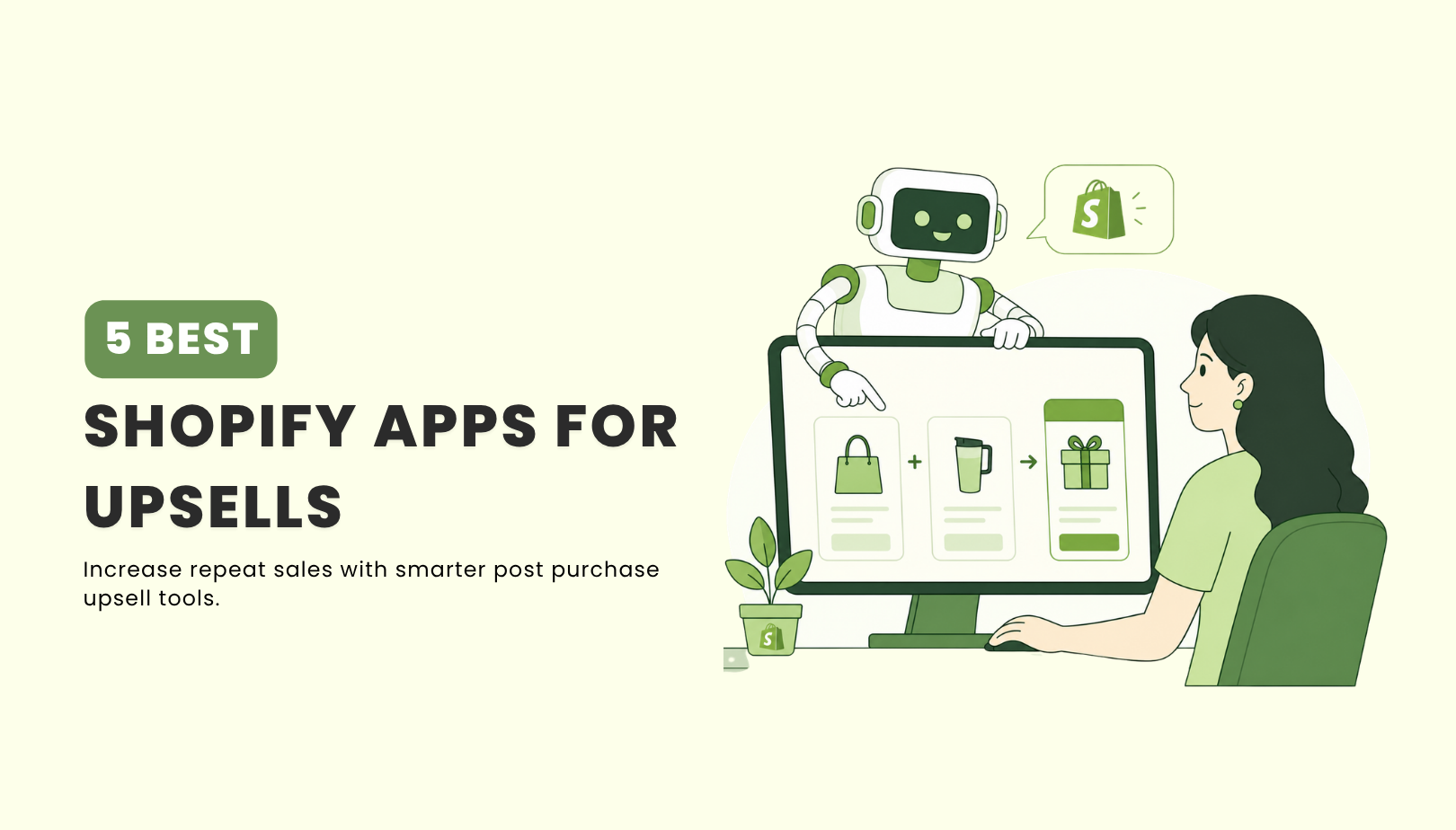
TL;DR Post-purchase is a high-intent moment many Shopify stores underuse. The right upsell flow can increase AOV, improve retention, and capture valuable customer data through relevant offers like warranties, accessories, and care plans. This guide focuses on five Shopify post-purchase upsell apps for 2026 that help turn the checkout completion stage into a revenue opportunity. […]
TL;DR Vapi is flexible for building voice AI systems, but it often needs more setup, custom logic, integrations, and ongoing tuning before it works well in real use cases. YourGPT is a strong alternative for teams that need AI agents across voice, chat, and messaging, while tools like Retell AI, PolyAI, Synthflow, and Telnyx fit […]
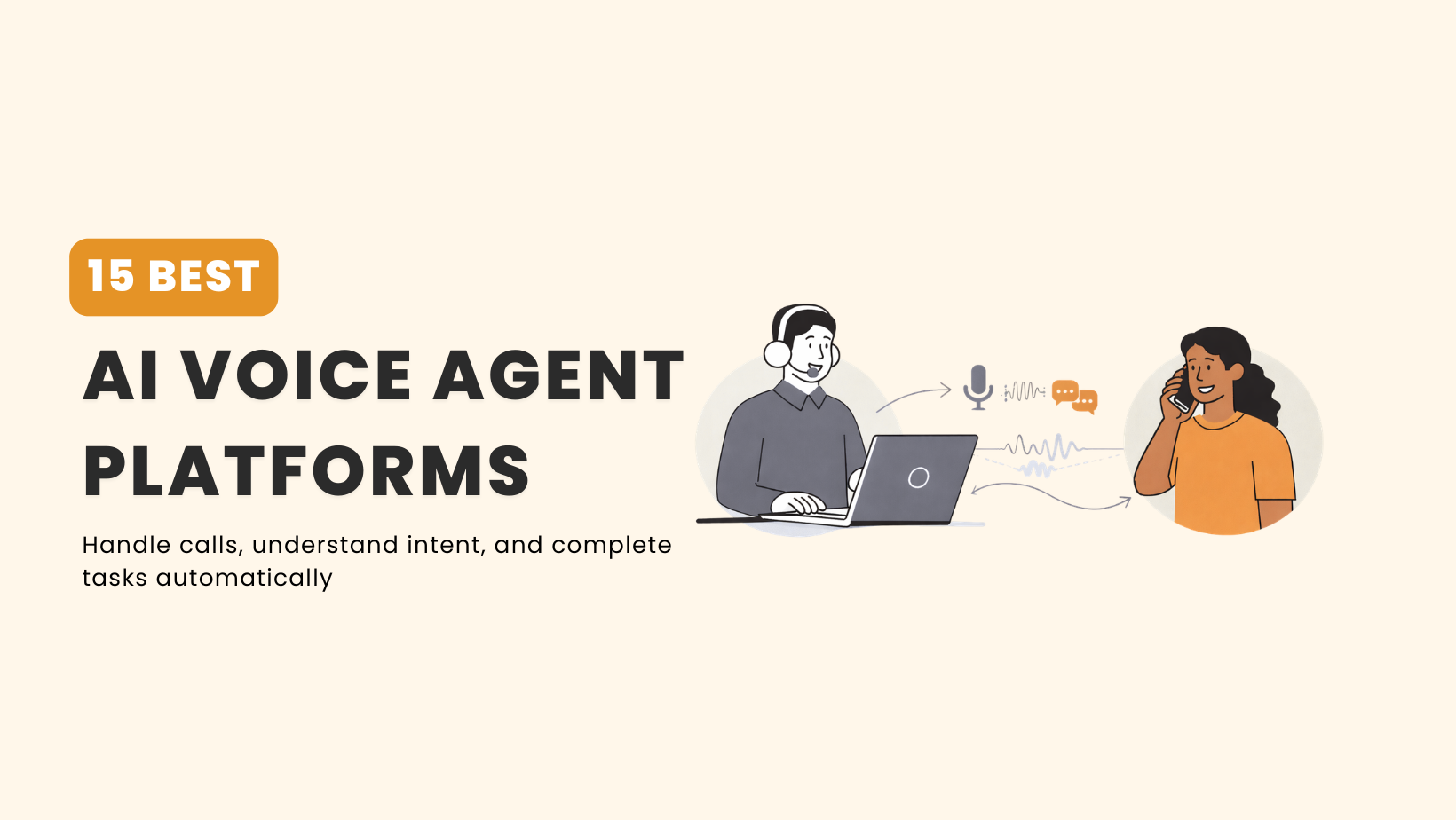
TL;DR The best AI voice agent platform in 2026 depends on your workflow, call volume, technical resources, and how much control your team needs. YourGPT is a good fit for businesses that need AI agents to handle conversations, take real-time actions, and connect with support, sales, and operational workflows. Vapi works well for developer teams […]
TL;DR AI customer support platforms in 2026 go beyond answering questions. They connect with business systems to resolve issues across chat, email, and voice. YourGPT is built for AI-first automation that executes real tasks across support, sales, and operations, while Intercom focuses on conversation-driven support with a mix of AI and human workflows. The right […]