The 8 Best No Code AI Agent Builders in 2026

Mitali
Last updated on March 3, 2026
The best no-code AI agent platform depends on your team’s style and the problem you want to solve first. For broad business use, YourGPT shines with omnichannel task-completing agents. n8n is ideal if you need workflow control and opensource. For advanced autonomous behavior and experimentation, AutoGPT leads with goal-driven AI. Start with one meaningful use case, test one or two platforms with real data, and measure real outcomes. Practical hands-on results will show you which platform to scale next.
AI agents are now a standard part of daily business. Support teams answer customer questions in seconds. Sales teams use them to qualify leads and book meetings. Operations teams run repetitive tasks automatically.
No-code AI agent builders made this easy. Any team member can create and manage capable agents with simple visual tools and plain language. What once took months of development now takes days.
The main decision involves picking the best platform. They each offer unique strengths in speed, reasoning, and integrations.
We tested nine leading no-code AI agent builders on real business tasks. This guide shows what each platform does best, where it falls short, and which teams it suits most. You will find clear answers to make the right choice.
| Platform Name | Best For |
|---|---|
| YourGPT | Unified no-code AI agents for customer support, sales, and operations across web, messaging, and voice |
| Relevance AI | Multi-agent orchestration, data-heavy workflows, and complex AI systems with shared memory |
| n8n | Technical teams needing open-source, self-hosted AI workflows with full infrastructure control |
| Microsoft Copilot Studio | Enterprises using Microsoft 365, Teams, and Power Platform with strong compliance needs |
| Make (Integromat) | Visually building complex workflows with conditions, branching logic, and app integrations |
| Zapier | Non-technical teams automating everyday tasks across popular business apps |
| Botpress | Customizable conversational agents with analytics and optional open-source flexibility |
| AutoGPT | Technical teams experimenting with autonomous, goal-driven AI agents and research use cases |
No-code AI agent builders let any team create intelligent systems that operate on their own. You build them with visual tools, drag-and-drop blocks, ready-made connections to your apps, and plain English instructions.
In 2026 these platforms have moved well beyond simple automations. They now create agents that can plan several steps ahead, pull live data, make decisions, and finish complete workflows across email, CRMs, calendars, and databases.
The biggest benefit is access. Marketing managers, support leads, and operations people can design and launch useful agents in hours instead of waiting weeks for developers. This cuts costs sharply and lets teams test ideas fast, learn what works, and keep improving them.
People still mix up the two terms. They are not the same. Knowing the real difference helps you pick the right tool and avoid disappointment.
Traditional chatbots follow fixed scripts or decision trees. They handle simple, predictable questions well. Step outside their narrow training and they repeat themselves, give wrong answers, or send you to a human. Their memory resets after every chat and they can only reply with text or basic triggers.
AI agents work from a different base. They combine reasoning models, long-term memory, and direct tool access. Give them a goal and they break it down, gather what they need, weigh options, and act without step-by-step instructions.
Here is how the difference appears in everyday work:
This gap decides what you can automate. Chatbots are fine for basic FAQs. Agents can own entire repetitive processes that still need thinking and coordination.
Here are the three main areas where these agents create the most value right now:
A useful development this year is the ability to build several specialized agents that work together. One collects information, another reviews it, and a third completes the actions. Leading no-code platforms make this possible with the same visual tools you already use.
The teams that see the strongest results start small. They pick one clear process, build a basic version, add human review steps, and track real outcomes such as time saved or accuracy improved. They refine the agent based on actual use before expanding to other areas.
This keeps everything practical and tied directly to business needs. In 2026, no-code AI agents have become a stable way for teams to manage routine work more efficiently while giving people more time for the higher-value parts of their roles.
This list highlights the top no-code AI agent builders for creating and deploying AI agents without development effort. Compare platforms to find the right fit for support, sales, and operations.

YourGPT is an AI-first platform that empowers teams to build and deploy intelligent agents for customer support, sales, and operations without writing code. Unlike platforms that limit you to a single channel or basic chatbot functionality, YourGPT delivers truly omnichannel AI agents that work seamlessly across websites, mobile apps, WhatsApp, Instagram, Messenger, Slack, Telegram, and even voice channels, all managed from one unified workspace.
Think of it this way: most platforms give you a chatbot for your website. YourGPT gives you an intelligent AI workforce that meets your customers wherever they are and actually completes tasks, not just answers questions.
Best For: Customer support teams wanting to scale without hiring, sales teams automating lead qualification and follow-ups, operations teams streamlining internal processes, and businesses needing one platform to handle conversational AI across every customer touchpoint
See the potential of AI to transform your operations
No credit card required • 14-day free trial • Setup in minutes
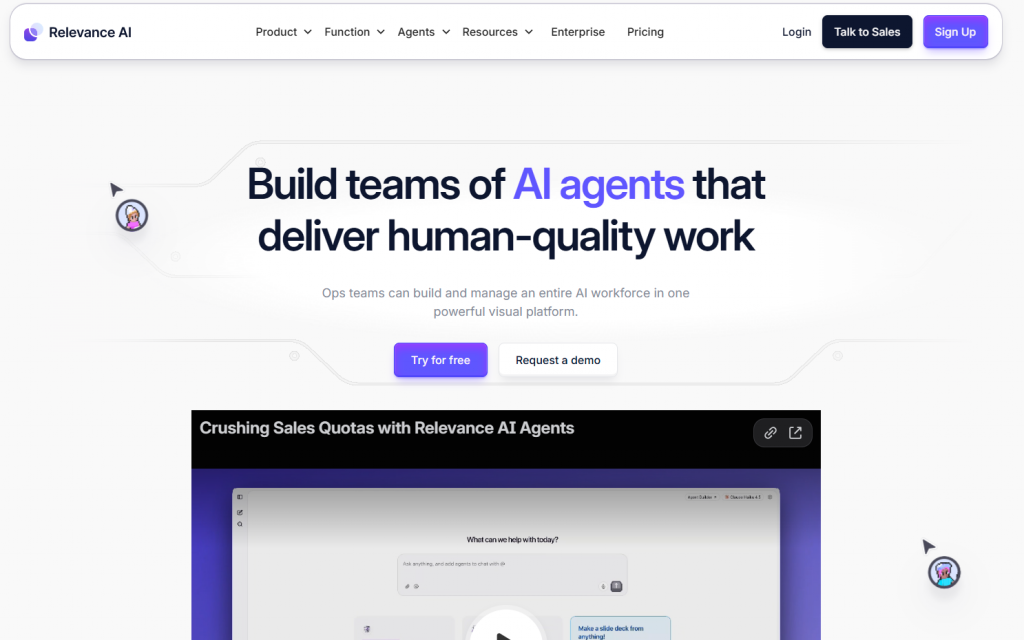
Relevance AI takes a different approach than most platforms. Instead of focusing on a single chatbot or linear automation flow, it centers around coordinating multiple specialized AI agents that collaborate on complex, multi-step business processes.
Each agent is designed for a specific role such as data analysis, research, CRM updates, content generation, or workflow execution, and they work together inside automated pipelines to complete tasks end-to-end.
In simple terms, while many platforms automate conversations, Relevance AI automates entire operations by turning groups of AI agents into a coordinated digital team that can handle real business work across systems and tools.
Best For : Multi-agent orchestration, data-heavy workflows, and complex AI systems with shared memory
Select Relevance AI when you need multiple specialized agents working together or require deep integration with your data infrastructure. It’s the most capable platform for complex, interconnected agent systems.
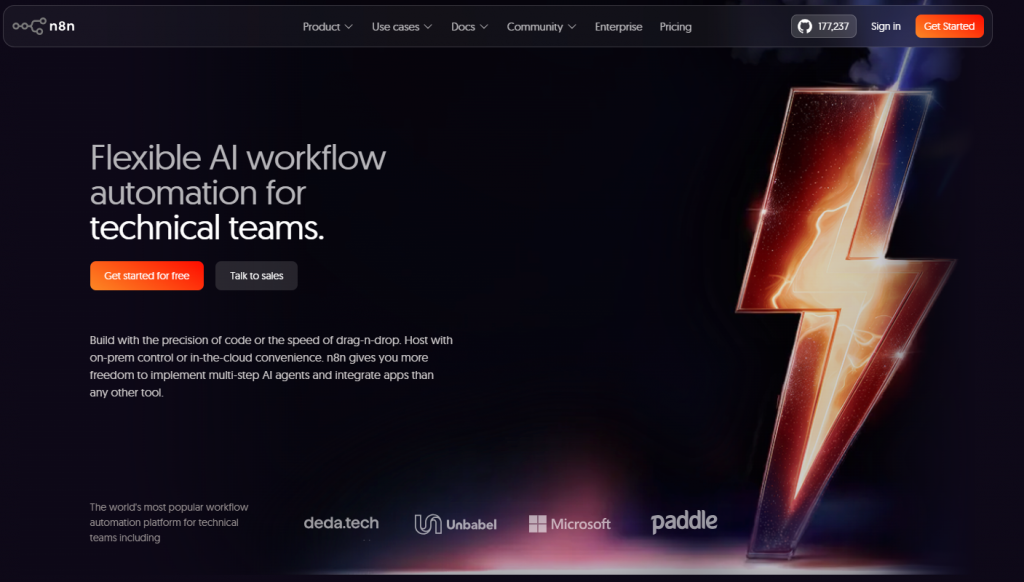
n8n brings an open-source, developer-friendly approach to building AI agents and automated workflows. Rather than locking users into fixed templates or limited integrations, it gives full control over how data moves between apps, APIs, and AI models.
Teams can design complex automation chains that trigger AI actions, process information, update systems, and execute multi-step workflows across their entire tech stack.
In practical terms, while no-code tools focus on simplicity, n8n focuses on flexibility making it ideal for teams that want complete ownership, deep customization, and self-hosted AI automation at scale.
Best For: Developers and technical teams who want maximum control and self-hosting capability
Choose n8n if you’re comfortable with technical setup and want complete control over your AI infrastructure. The open-source nature and self-hosting make it ideal for security-conscious organizations and cost-sensitive teams operating at scale.
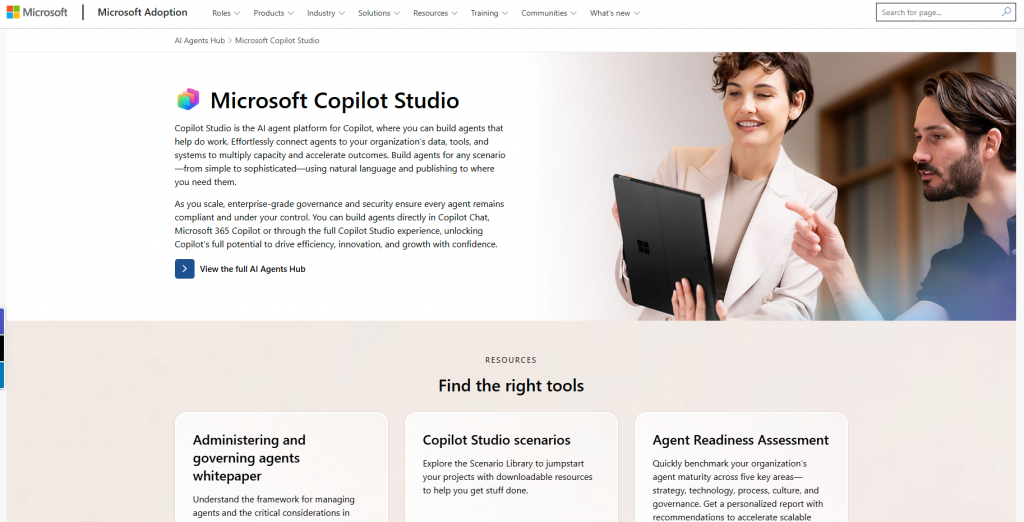
Microsoft Copilot Studio brings no-code AI agent creation directly into the Microsoft ecosystem, making it easy for teams to build intelligent assistants that connect with tools like Microsoft 365, Teams, SharePoint, and Dynamics. Instead of stitching together multiple platforms, businesses can design agents that work naturally inside the software employees already use every day.
These agents can answer questions, trigger workflows, pull data from internal systems, and automate routine tasks while staying within Microsoft’s security and compliance framework.
Put simply, while many platforms operate as standalone AI tools, Copilot Studio turns AI agents into native extensions of the Microsoft workplace, tightly integrated, secure, and built for enterprise-scale operations.
Best For: Enterprise teams already invested in Microsoft 365, Teams, and Azure
Select Copilot Studio if you’re committed to the Microsoft ecosystem and need enterprise compliance. The integration depth is unbeatable for Microsoft shops, but other platforms offer better value if you use diverse tools.
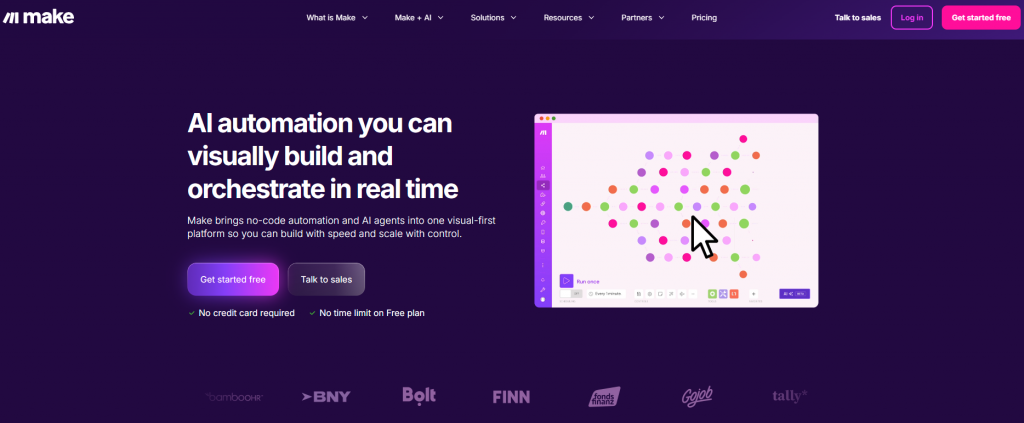
Make (formerly Integromat) focuses on visual automation, using a flowchart-style builder that lets teams design AI-driven workflows by connecting apps, data sources, and logic in a clear, step-by-step format. Instead of working through rigid templates, users can see exactly how information moves through each automation scenario.
This visual approach makes it easier to build complex conditional logic, error handling, and multi-path workflows without writing code. Teams can automate everything from lead routing and customer updates to AI-powered data processing and reporting.
In simple terms, while many automation tools hide complexity behind forms and settings, Make puts the entire workflow in front of you, giving full visibility and control over how AI agents and automations operate.
Best For: Teams building complex, conditional workflows with visual clarity
Choose Make if you value visual clarity and need to build workflows where multiple conditions, branches, and data transformations are involved. It’s excellent for understanding and maintaining complex automation, though it’s not purpose-built for AI agents.
Zapier pioneered the no-code automation movement by making it easy for anyone to connect apps and automate repetitive tasks without technical setup. Over time, it has added AI features that allow workflows to include content generation, data processing, and simple decision-making steps alongside traditional automations.
With thousands of app integrations available, teams can quickly connect tools like CRMs, email platforms, spreadsheets, and support systems to create useful automation chains in minutes. This makes it especially effective for handling common business tasks such as lead syncing, notifications, and routine updates.
In practical terms, while dedicated AI agent platforms focus on complex, multi-step intelligence, Zapier shines as a fast and accessible way to automate everyday processes using a mix of app connections and lightweight AI actions.
Best For: Non-technical teams who need fast, reliable automations connecting popular apps
Select Zapier if you prioritize ease of use and need to connect popular business apps quickly. It’s perfect for straightforward automations with AI enhancement, but look elsewhere if you need sophisticated agent capabilities or complex logic.
Botpress blends open-source flexibility with a visual agent builder, giving teams both control and usability in one platform. Instead of locking behavior into rigid templates, it allows deep customization of conversation logic, integrations, and AI responses while still keeping the building experience approachable.
Teams can design complex flows, manage context, connect APIs, and adjust how agents interpret and respond to user input, making it suitable for both simple bots and highly tailored AI assistants.
In practical terms, while many no-code tools trade control for simplicity, Botpress offers a balanced approach where teams can shape every detail of agent behavior without sacrificing ease of use.
Best For: Teams needing highly customizable conversational agents with strong analytics
Select Botpress if you need deep customization capabilities and robust analytics but want to start with a visual builder. It’s ideal for organizations with some technical resources who need agents tailored to specific requirements.
AutoGPT is built around a goal-driven approach to AI agents, where users define an objective and the agent independently plans, executes, and adjusts actions to reach that outcome. Rather than following fixed workflows or visual flows, it breaks tasks into steps, calls tools, gathers information, and iterates until the goal is complete.
This autonomy makes it capable of handling complex, open-ended problems such as research projects, multi-step analysis, and system-level automation across different tools and data sources.
In simple terms, while most platforms rely on structured processes designed by humans, AutoGPT hands control to the AI itself, making it powerful for experimentation but best suited for technical teams that can manage and guide autonomous behavior safely.
Best For: Technical teams and researchers exploring cutting-edge agent autonomy
Choose AutoGPT if you’re technically proficient and interested in exploring the frontier of agent autonomy. It’s not for production business use yet, but it offers a glimpse into where AI agents are heading.
Visual breakdown of real performance across autonomy, depth, channels, memory, control, and high-stakes execution.
| Platform |
🤖 Autonomy Independent action |
🔄 Workflow Depth Complex logic |
📱 Channel Coverage Customer reach |
🧠 Data & Memory Long-term recall |
🔐 Control & Ownership Data control |
⚡ High-Stakes Performance Live results |
|---|---|---|---|---|---|---|
| YourGPT | Full goal-driven autonomy ★★★★★ |
Multi-step + dynamic replanning ★★★★★ |
Native web + WhatsApp + voice ★★★★★ |
Persistent + CRM sync ★★★★★ |
Enterprise governance ★★★★★ |
70-80% live resolution ★★★★★ |
| Relevance AI | Multi-agent coordination ★★★★☆ |
Retrieval-augmented flows ★★★★★ |
API-first (custom) ★★★☆☆ |
Top vector memory ★★★★★ |
High flexibility ★★★★☆ |
Strong in analysis ★★★★☆ |
| n8n | Automation engine ★★★☆☆ |
Deep logic + code ★★★★☆ |
Backend only ★★☆☆☆ |
External storage ★★★☆☆ |
Full self-hosting ★★★★★ |
Internal tasks ★★★☆☆ |
| Microsoft Copilot Studio | Assistive role ★★★☆☆ |
Power Automate ★★★★☆ |
Microsoft 365 only ★★★☆☆ |
Microsoft data ★★★★☆ |
Best compliance ★★★★★ |
Internal focus ★★★☆☆ |
| Make | Rule-based only ★★☆☆☆ |
Visual branching ★★★☆☆ |
App-to-app ★★☆☆☆ |
Transient data ★★☆☆☆ |
Cloud standard ★★★☆☆ |
Simple tasks ★★☆☆☆ |
| Zapier | Task triggers ★☆☆☆☆ |
Linear flows ★★☆☆☆ |
Largest integrations ★★★★☆ |
No real memory ★☆☆☆☆ |
Fast setup ★★☆☆☆ |
Basic triggers ★☆☆☆☆ |
| Botpress | Custom logic-driven ★★★☆☆ |
Node-based builder ★★★★☆ |
Chat + webhooks ★★★☆☆ |
Session memory ★★☆☆☆ |
Highly customizable ★★★★☆ |
Heavy setup ★★☆☆☆ |
| AutoGPT | Experimental loops ★☆☆☆☆ |
Self-planning ★☆☆☆☆ |
CLI only ★☆☆☆☆ |
Inconsistent memory ★☆☆☆☆ |
Maximum freedom ★★★☆☆ |
Not production-ready ★☆☆☆☆ |
When evaluating no-code AI agent platforms, focus on these critical capabilities that will determine your success:
1. Ease of Use : The platform should let you go from concept to working agent in minutes, not days. Look for intuitive drag-and-drop interfaces, pre-built templates, and visual workflow builders that don’t require technical expertise. If you can’t create a basic agent in under 30 minutes, the platform is too complex.
2. AI Model Flexibility : Don’t get locked into a single AI provider. The best platforms let you choose between GPT-5, Claude, Gemini, Llama, and other models, or even switch between them based on task requirements. This flexibility ensures you can optimize for performance, cost, and capabilities as the AI landscape evolves.
3. Knowledge Base Support : Your AI agent needs to be an expert on your business. Essential platforms allow you to train agents on your own data by uploading documents, connecting databases, scraping websites, or integrating with existing knowledge systems. The agent should accurately reference this information and provide source citations when needed.
4. Integration Capabilities : The most powerful agents don’t just answer questions, they take action. Look for native connections to the tools you already use: CRMs like Salesforce, communication platforms like Slack, payment processors like Stripe, and automation tools like Zapier. The platform should also support custom API integrations for your proprietary systems.
5. Monetization Features : If you’re building agents as products or services, you need built-in business features. Look for platforms with usage tracking, subscription billing, payment processing, tiered access controls, and analytics dashboards. These features let you sell AI agent access directly to customers and track ROI.
6. White-Label Options : For agencies and SaaS builders, the ability to completely rebrand the platform is crucial. The best solutions let you customize interfaces with your logo, colors, and domain, making the AI agent appear as your own proprietary technology rather than a third-party tool.
7. Pricing : Evaluate both upfront costs and scaling economics. Look for transparent pricing that covers per-agent fees, AI API usage, user limits, and feature access. The ideal platform starts affordable for testing and prototyping but remains cost-effective as you scale to thousands of interactions without surprise charges eating into your margins.
Here are the five shifts already reshaping how teams build and use agents in 2026 and why they matter for your business right now:
In most cases, no. Many no-code AI agent builders are designed specifically for business users who have never written code. You create agents using visual flows, templates, and plain-language instructions. Understanding basic logic like “if this happens, do that” is helpful, but programming knowledge isn’t required.
A working AI agent for a small team typically costs between $50 and $200 per month. Costs come from the platform subscription, AI model usage, and integrations. Pricing increases with more advanced features, usage volume, or enterprise needs. Testing and monitoring early helps control costs.
No-code AI agents are designed to handle repetitive, predictable tasks—not replace human teams entirely. They’re best used to reduce workload so human agents can focus on complex or sensitive issues. Most successful setups involve a handoff system between AI and human support.
Traditional chatbots follow scripted rules and struggle with unexpected questions. AI agents can understand context, remember past interactions, and adapt responses. They interact with systems, trigger workflows, and offer more dynamic support than rule-based bots.
Basic agents can be launched in under an hour using templates. More advanced setups with CRM connections or multi-channel logic may take a few hours to a few days. Most time is spent refining logic and testing integrations.
Yes. Most platforms support popular tools like CRMs, helpdesks, calendars, and messaging apps. Many offer pre-built integrations or API access. It’s important to check how deep and reliable each integration is for your specific use case.
Security varies by platform. Look for options with encryption, role-based access, audit logs, and compliance support. Enterprise tools often provide better data control. Always check documentation on how your data is stored and processed.
Yes, many platforms support multi-channel deployment from a single agent. This enables consistent logic and shared context across web, chat, email, and messaging apps without building separate bots for each channel.
Customer support teams, ecommerce, SaaS, and operations departments benefit most. Small businesses use AI agents to scale without hiring, while large teams use them to improve speed and consistency in communication.
Common mistakes include picking platforms based only on features without testing, underestimating the learning curve, and missing hidden costs like AI usage fees. Always test with real use cases before scaling.
No-code AI agent platforms have matured to the point where they can handle important, repeatable business tasks with reliable results. Teams are successfully using them to cut down manual work in customer support, lead qualification, and internal operations without needing large technical resources.
The key to success is fit rather than feature volume. The strongest platforms offer the right combination of accuracy, workflow flexibility, and integration depth for your specific use cases.
Teams that gain the most value move quickly from planning to testing. They start with one clear workflow, run it using real data, measure the outcomes, and build from there. This hands-on approach has proven more effective than trying to design the perfect system upfront.
The tools are capable today. What separates leading teams is their willingness to start small, learn fast, and scale what actually works.
Use this guide to compare the top no-code AI agent builders in 2026 and pick the one that fits your workflow. YourGPT is built for teams that want agents running support, sales, and ops across channels from one place.
No code setup · Works with your tools · Built for real actions, not only replies
Choose Halloween ecommerce campaigns that fit your products, with AI agent workflows, offer worksheets, launch tests and order measurement.

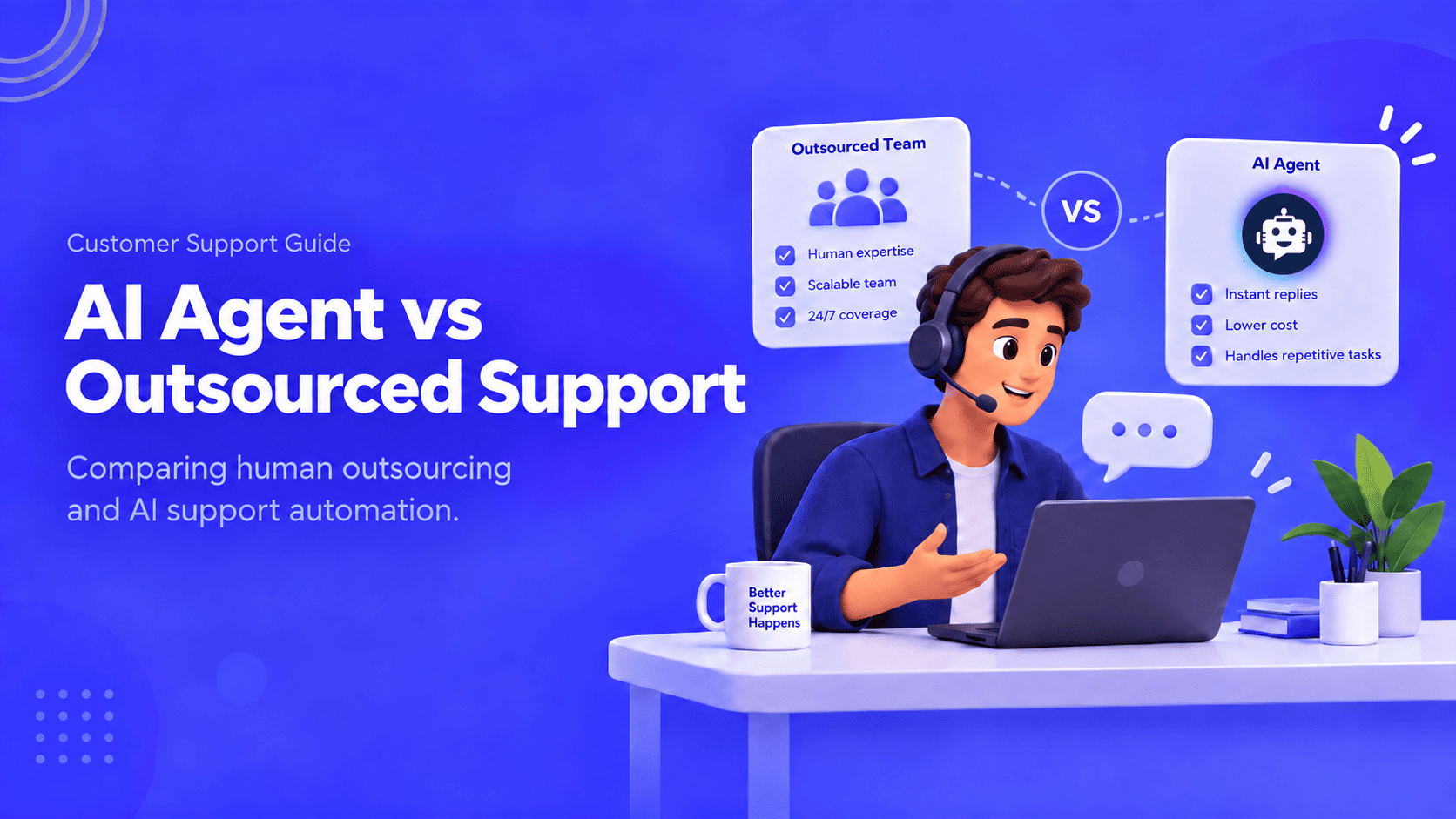
Compare outsourcing customer service with an AI agent using your own ticket mix, a cost model you fill in, and a clear rule for a hybrid split.
Export the Zendesk ticket archive, train an AI Agent on the help center, and test one real ticket before you stop the old queue.

Compare six Yuma alternatives by ecommerce capabilities, helpdesk compatibility, pricing and human handoffs to choose a replacement for your support team.

Move from Gorgias with a verified ticket archive, tested AI workflows, human handoff and a channel cutover plan before ending your subscription.
TL;DR The Gorgias AI Agent is the automation layer inside the Gorgias helpdesk, split between a Shopping Assistant for pre-purchase conversations and a Support Agent for post-purchase support. A connected Shopify store is required, and Gorgias documentation rules out platforms such as BigCommerce, Magento, and WooCommerce for the AI Agent. Billing runs on two separate […]