Communication Channels for business: How to Use Them Efficiently

Rajni
Last updated on February 20, 2026
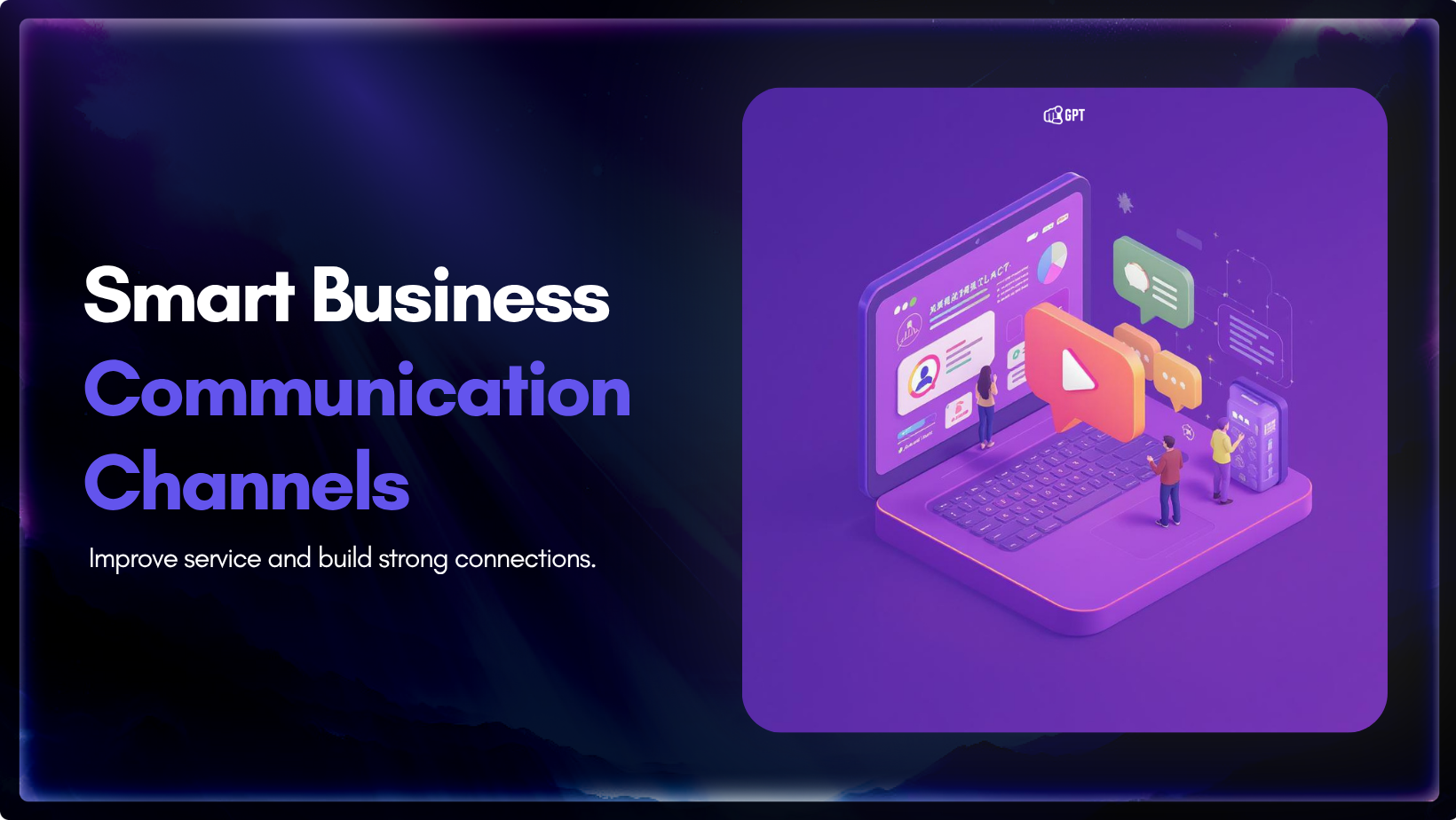
Communication channels are the tools businesses use to share information across teams and customers, from email and chat to video calls and social platforms. Using the right channels improves collaboration, decision-making, and customer trust, while poor structure leads to missed updates and confusion. This guide breaks down key channel types, common barriers, and practical ways to organise communication for faster, clearer, and more consistent business operations.
Every business needs effective communication channels to keep teams connected, customers informed, and work moving smoothly.
Good communication helps teams collaborate, ensures everyone is on the same page, and reduces delays or misunderstandings.
Remote work and digital tools are common now, but they bring new challenges message overload, unclear processes, and missed updates can slow projects and hurt performance.
This blog explains the main communication channels, their benefits, and how to choose and use them effectively.
You’ll find practical tips for selecting the right channels so your team works better and gets more done.

Communication channels are the methods businesses use to share information, ideas, and updates.
Channels can be:
Traditional channels include in-person meetings, printed letters, and phone calls.
Digital channels include email, messaging apps, video conferencing, and social media.
Most businesses today use a mix tools like Slack, Microsoft Teams, live chat, WhatsApp, and email depending on the situation and the audience.
Choosing the right channel depends on the message, urgency, and who needs the information.
Communication channels support business growth and daily operations by making sure information is:
They improve productivity, build trust, and support better decision-making.
Teams, customers, and partners get updates quickly.
Everyone stays informed, reducing delays.
Clear communication builds trust inside teams and with clients or vendors.
When the right information reaches the right person, decisions are quicker and more accurate.
Tools like chat, email, and video calls help teams coordinate and work together.
Reliable channels create space for feedback and ideas, driving improvements across the business.
Even with modern tools, many businesses still face communication problems.
These issues affect customer experience, slow down projects, and lead to mistakes.
Common barriers:
Different channels mean different answers. This confuses customers and weakens your brand voice.
Conversations spread across email, chat, and CRMs lead to lost context and slow responses. Businesses with remote teams also centralize physical mail using virtual office solutions or a virtual mailbox so important documents, notices, and client communication are not missed. Top virtual office providers like Alliance Virtual Offices are one example teams use to digitize and route mail as part of their communication flow.
If feedback isn’t shared with the right team, valuable insights are wasted.
Slow replies break trust and cost business opportunities.
When teams work separately, critical information does not flow, causing repeated work and inconsistent customer care.
Low-quality messages and disorganised data reduce the effectiveness of automation.
Most businesses don’t struggle because they lack communication tools.
They struggle because conversations are scattered, teams work in silos, and customers don’t get consistent answers.
When messages are split across chat, email, CRMs, and helpdesks, it’s difficult to maintain alignment.
Teams lose context. Customers repeat themselves. Automation underperforms because the input data is incomplete or messy.
This isn’t solved by adding another app. It requires a system that connects all communication touchpoints without increasing complexity.
YourGPT provides an AI-powered communication layer across website, whatsApp, email, phone and more.
When a customer reaches out, your team sees the full history regardless of the channel.
Support responds faster. Sales never loses context. Product teams get structured feedback directly from user interactions.
Every message stays aligned with your brand voice.
Every conversation is stored, searchable, and ready to inform training, optimisation, and future decisions.
You don’t need to switch platforms. You don’t need to chase context.
For growing teams, scattered communication isn’t just a productivity issue it’s a business risk.
It delays support, breaks trust with customers, and limits how effectively you can use automation and escalation.
When your communication is centralised, consistent, and powered by AI, your team operates with clarity and your customers feel it.
If your current setup creates more noise than results, it’s time to rethink how your business connects with customers and within your team.
Good communication keeps teams on track, but certain mistakes can cause problems. Here are common mistakes to watch out for:
Some conversations, like giving feedback or discussing important issues, need a personal touch. Use face-to-face talks or phone calls instead of emails or chats to avoid misunderstandings.
Feedback helps you see what’s working and what needs to change. Skipping it means you might miss important information. Pay attention to how people respond and make adjustments.
Too many apps and platforms can make communication messy. Stick to a few main tools so everyone knows where to look for updates and messages.
People need to know how to share messages clearly and use the right channel for the situation. A little training helps everyone communicate better.
Avoiding these mistakes keeps conversations clear and helps teams work well together.
Think about the message, who needs it, and how fast they need it. Quick questions work best in chat, while sensitive topics need a call or face-to-face talk.
Using the right channel keeps things clear and avoids confusion. It also helps people feel heard and builds trust.
Chat is quick and easy. It lets teams solve small issues fast and share updates without slowing things down.
Use email for sharing details, documents, or when people might need time to respond. It also keeps a record of the conversation.
Stick to a few main channels. This helps people know where to check for updates and keeps communication organized.
Feedback shows if people understood the message. It helps teams learn and improve.
Yes. Too many tools can cause confusion and make it hard to find messages.
Set simple rules for which tool to use and how to write clear messages. A quick training session can help everyone get on the same page.
It’s a fast way to reach customers, share updates, and answer questions. It keeps your business connected with your audience.
Good communication is not about adding more tools or increasing message volume. It is about making sure the right information reaches the right people, at the right time, with the right context.
When communication is managed well, teams are able to stay aligned, reduce misunderstandings, and respond to both internal and external needs with greater accuracy. This has a direct impact on how work gets done, how decisions are made, and how consistently customers are supported.
As businesses grow, small gaps in communication often turn into larger issues across teams. Missed updates, repeated work, and slow follow-ups are not always caused by lack of effort, but by lack of structure and visibility.
Improving communication does not require replacing everything in your current setup. It requires connecting what you already have in a way that makes it easier to work together. When your communication system supports clarity and consistency, your entire organisation benefits from day-to-day operations to long-term results.
Join teams using YourGPT to manage customer conversations without losing context. Sign up and get started in minutes.
No credit card required • Full access • Limited time offer

Use YourGPT to help Black Friday shoppers choose products, check orders and understand returns. Prepare your answers and team before the sale.

Add in-app chat support to your SaaS or mobile app. Place it on the screens where users stall, pass who they are, and hand hard cases to your team.
Group new-account tickets by onboarding stage, train an AI agent on your docs, and place it in the product where new users get stuck.

AI agents can now find and buy products for shoppers. See what agentic commerce changes for a Shopify store and which support jobs stay yours.
Build a Halloween shopping assistant for Shopify with YourGPT. Set up product recommendations, stock checks, cart actions and human support before launch.


See what a good customer effort score looks like, how to word and calculate CES on each scale, and which support habits raise customer effort.