Omnichannel Chatbots for Customer Support

Rajni
Last updated on September 2, 2026

An omnichannel chatbot handles conversations across website chat, WhatsApp, Instagram, Messenger, email, and voice while keeping customer context connected between channels.
Unlike a multichannel setup where each channel works independently, omnichannel support lets customers switch platforms without repeating their problem or conversation history.
When comparing omnichannel chatbots, check native channel support, cross-channel conversation history, and whether human agents receive the full customer context during handoff.
Omnichannel chatbots make customer support more efficient by providing quick and relevant responses across different platforms. Whether you’re messaging a brand on social media or browsing their website, these chatbots keep your conversation seamless and coherent.
They’re built to help you get the support you need, no matter where you are or what device you’re using.
By allowing businesses to communicate with customers consistently, omnichannel chatbots ensure that each interaction feels personal and straightforward. Let’s take a look at how these chatbots work and the features that improve your experience.
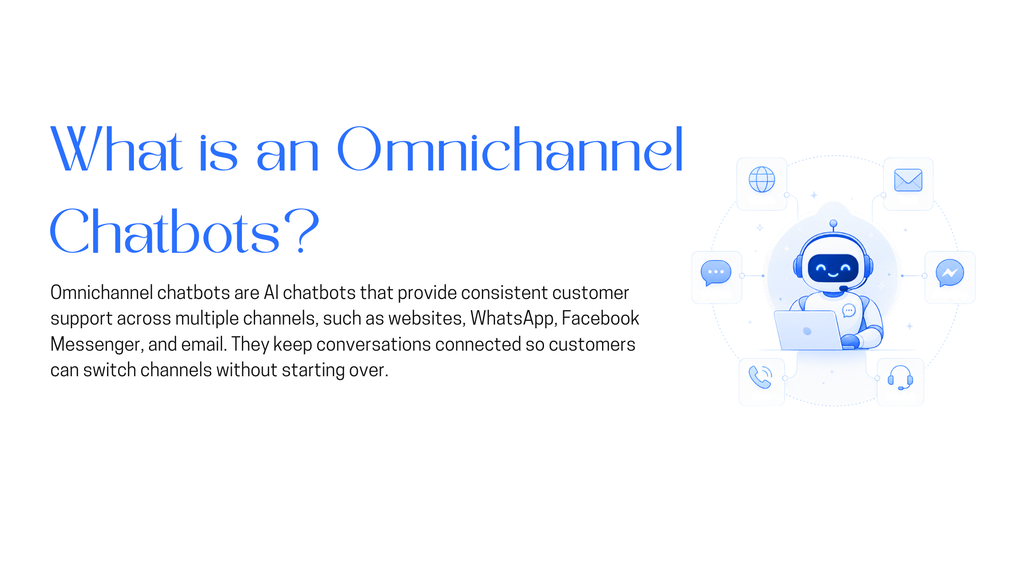
Omnichannel chatbots, also known as omni-channel chatbots, make customer interactions better by providing a smooth experience across different platforms. This can include your websites, social media, messaging apps, email, and voice assistants.
This integration keeps conversations connected and contextually relevant, allowing users to switch between different communication channels without losing track of their inquries.
When your customer contacts a business through a website or sends a message via email, they get consistent and personalized support. This level of consistency is important for building trust and keeping customers happy.
Omnichannel chatbots help improve customer satisfaction, enhance productivity, and keep businesses competitive.
Omnichannel chatbots have many essential features that boost customer engagement and support. Here are six key Feature:
Using the Advanced AI allows chatbots to makes it more conversational, human-like interactions, improving communication with customers. You can train you Chatbot from any datasource.
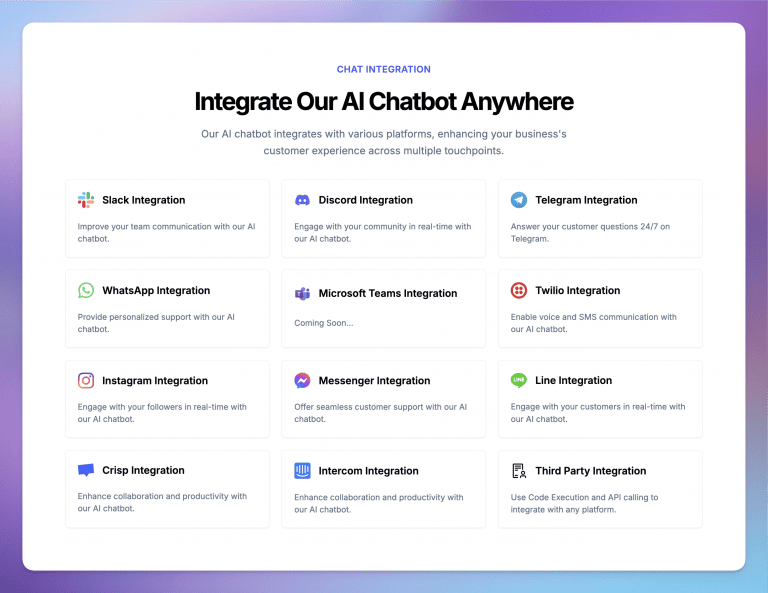
Customers can connect across various platforms (websites, email, social media, etc.), ensuring help is available wherever they are.
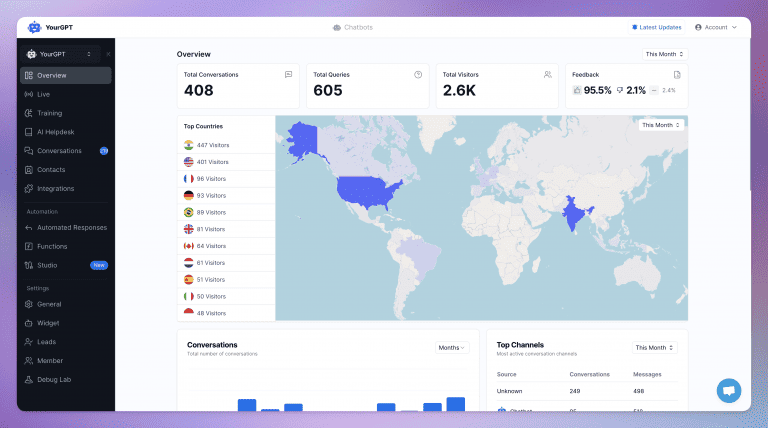
Monitoring chatbot interactions helps businesses identify areas for improvement, ensuring high-quality customer service.
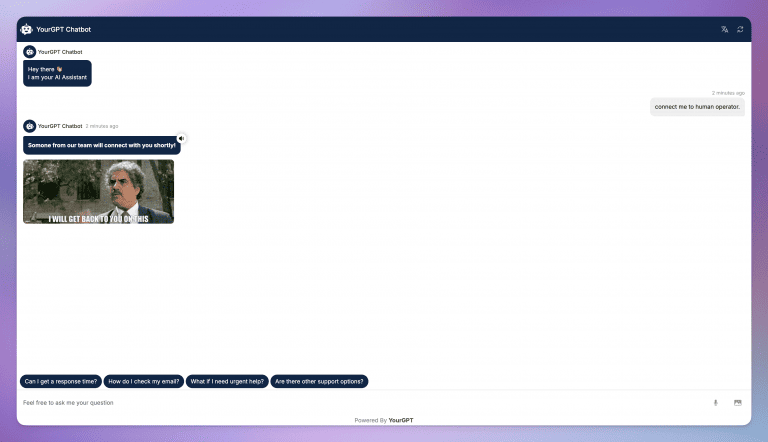
While self-service is becoming popular in customer experience (CX), human agents are still essential for effective support. Our platform ensures that when conversations need to escalate to a human agent, the transition is smooth and contextually relevant.
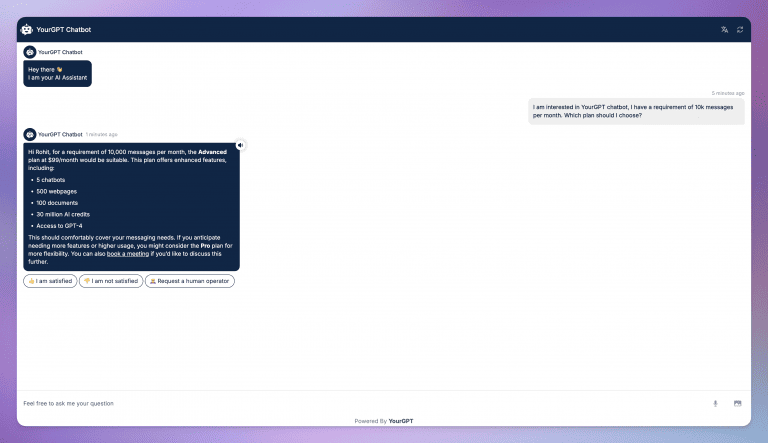
Tailored responses based on customer preferences foster deeper engagement and increase loyalty.
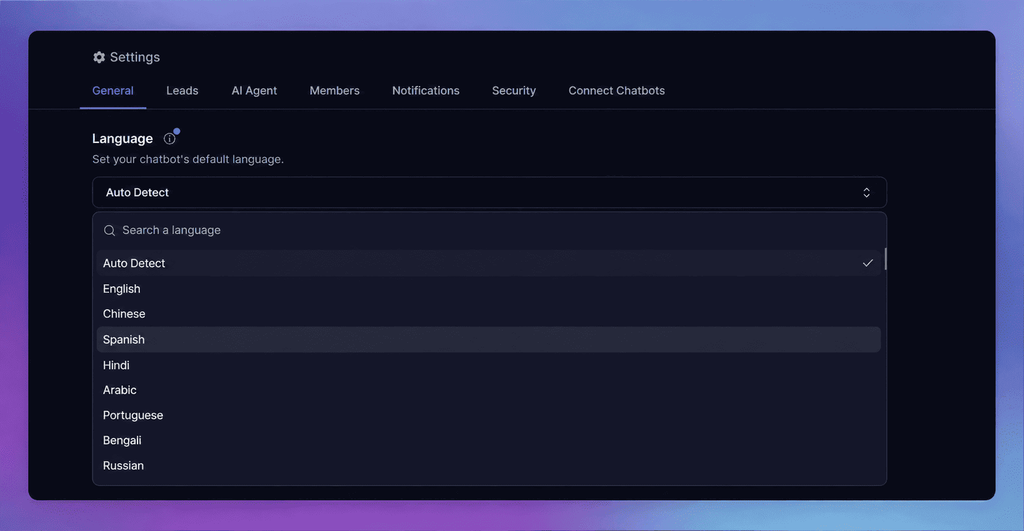
This allows your chatbots can help your customers in their preferred language without any language barrier and allowing businesses to serve to a global audience.
Omnichannel chatbots improve customer interactions across various platforms. Here is the overview how they work:
Omnichannel chatbots are designed to handle interactions across various platforms like websites, social media, and messaging apps. This ensures that customers can initiate conversations from their preferred channel without facing any barriers.
Using Natural Language Processing (NLP), the chatbot identifies customer intent, context, and key details. It can track past interactions across different platforms, providing a more accurate and context-aware response.
The chatbot delivers immediate, relevant responses based on the customer’s inquiry. If needed, it tailors answers by recalling previous interactions, creating a more personalized experience for the user.
When the chatbot cannot handle a query, it ensures a smooth transition to a human agent. All context from the conversation is transferred, ensuring continuity in support without requiring the customer to repeat their issue.
The chatbot operates continuously, offering support at all times. Additionally, it can proactively engage users based on their behavior, such as offering help when customers spend too long on a particular page or product.
Here are some tips for brands to effectively use omnichannel chatbots:
Start with the channels your customers already use rather than the longest list a vendor offers. For most businesses that means website chat, WhatsApp, Instagram DM, Facebook Messenger, and email, with SMS and voice added only if you have real volume there. Check your existing inbox data first, because most teams find that two or three channels carry the large majority of conversations.
If more than about 90 percent of your support volume arrives through one channel, omnichannel is not solving a problem you have, and you’d be paying for reach you won’t use. It becomes worth it when customers routinely start on one channel and finish on another, when your agents are working out of two or three separate inboxes, or when you’re seeing the same issue raised twice through different routes. Adding channels without shared context makes support worse, since you get more places to miss a message and no gain in continuity.
In a true omnichannel setup, nothing breaks. The conversation history follows the customer identity rather than the channel, so someone who asked about a delivery on WhatsApp and then opens website chat gets picked up mid-thread. This only works if the platform can resolve the same person across identifiers like phone number, email, and account ID, so it’s worth asking a vendor directly how they handle identity matching.
They should, and this is the question that separates real omnichannel platforms from ones that just support multiple channels. When a bot hands off, the agent needs the entire cross-channel thread in one view, not a fresh ticket. In YourGPT the handoff carries the full conversation context to the live agent, so the customer doesn’t restate anything and the agent isn’t reading three separate records to work out what happened.
Connecting the channels themselves is usually quick, often a day or less, since most run through official APIs and OAuth. The real time goes into training the bot on your knowledge base and defining escalation rules, which typically takes one to two weeks before you’d want it live for customers. Budget more if you need WhatsApp Business API approval, since that involves Meta’s verification process and is outside your control.
Yes, and language detection generally happens per conversation rather than per channel, so the same bot can answer in Spanish on WhatsApp and English on your site. The thing to verify is whether your knowledge base content is translated or whether the bot is translating your English answers on the fly, because machine-translated policy and pricing answers are where accuracy tends to slip.
Track repeat-contact rate and cross-channel resolution time rather than raw deflection. Deflection alone can look good while customers quietly give up or re-ask the same question somewhere else. If the same customer opens a second conversation on a different channel within 24 hours, your context transfer is not doing its job regardless of what the deflection number says.
Omnichannel chatbots are changing how businesses interact with customers, offering smooth and personalized experiences across various platforms.
By using these chatbots into customer support strategies, brands can boost efficiency, increase satisfaction, and gain valuable insights. This approach not only meets your expectations but often exceeds them, helping to build long-term loyalty.
So, the next time you chat with a brand, think about how those omnichannel chatbots make your experience even better!
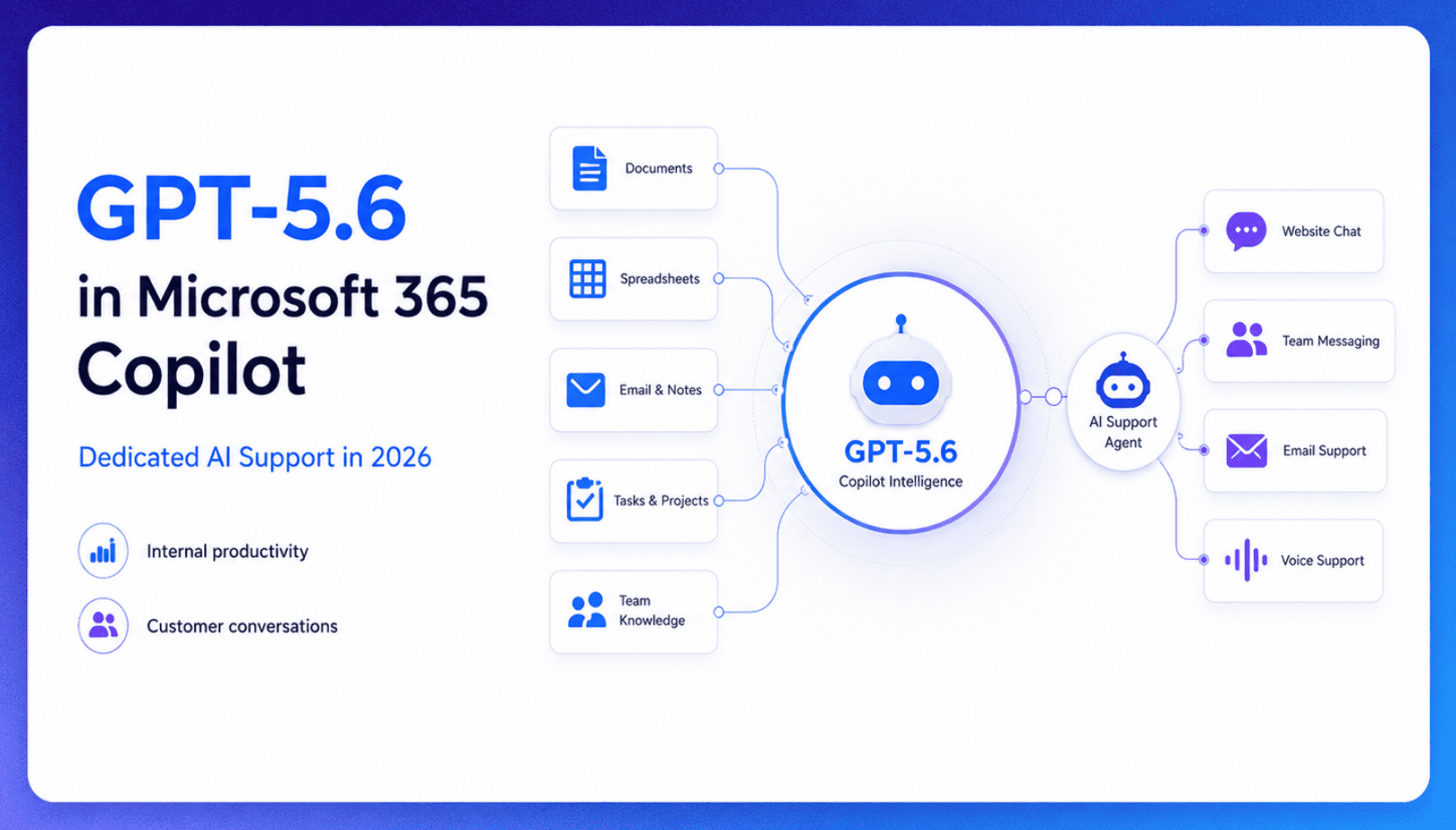
TL;DR Microsoft made GPT-5.6 the preferred model across Word, Excel, PowerPoint, Copilot Chat, and Cowork on July 9, 2026, focusing on internal workplace productivity rather than customer-facing support. Dynamics 365 Service Agent also reached general availability, but it mainly helps human support representatives manage cases within Microsoft’s existing permission structure and requires separate licensing. A […]

TL;DR Cheap frontier models now compete for the same high-volume support workloads, with DeepSeek V4 remaining the lowest-cost option in this comparison. Kimi K2.6 and GLM-5.2 are open-weight and self-hostable, while Qwen 3.7 Plus is proprietary and available only through an API. Claude Haiku 4.5 is the only model here that its developer explicitly recommends […]
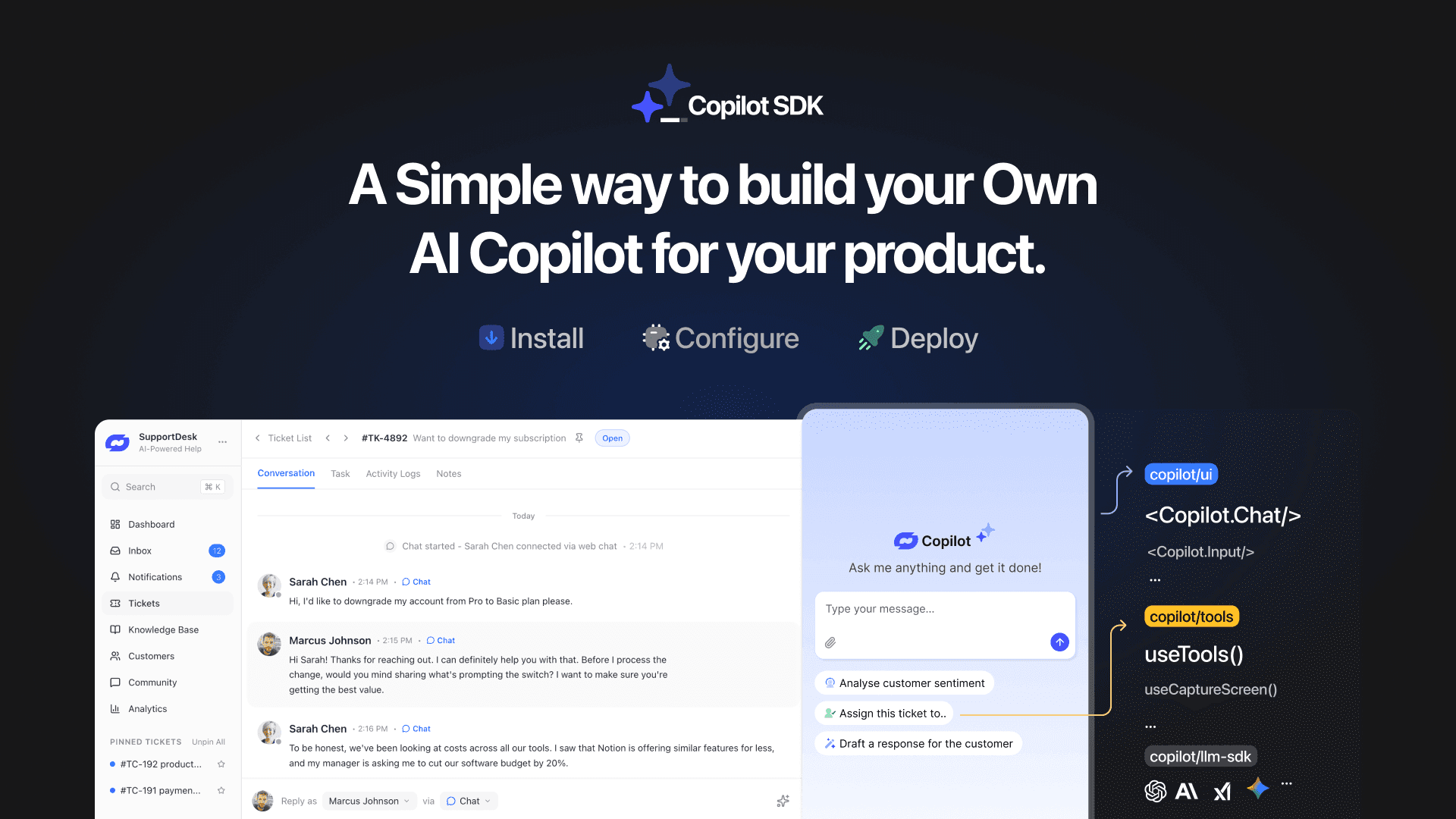
TL;DR YourGPT Copilot SDK is an open-source SDK for building AI agents that understand your application state, user context, and what is happening inside your product. Instead of working like isolated chat widgets, these agents connect directly with your product and can take real actions within existing workflows. This helps teams build contextual AI experiences […]
TL;DR YourGPT 2.0 adds AI Studio for building, testing, and debugging automated workflows. It includes native MCP integration for more than 100 tools, upgraded voice agents, and native SDKs for iOS and Android applications. With shared context across web, WhatsApp, Instagram, Telegram, and mobile, YourGPT turns conversations into real actions across support, sales, and operations. […]

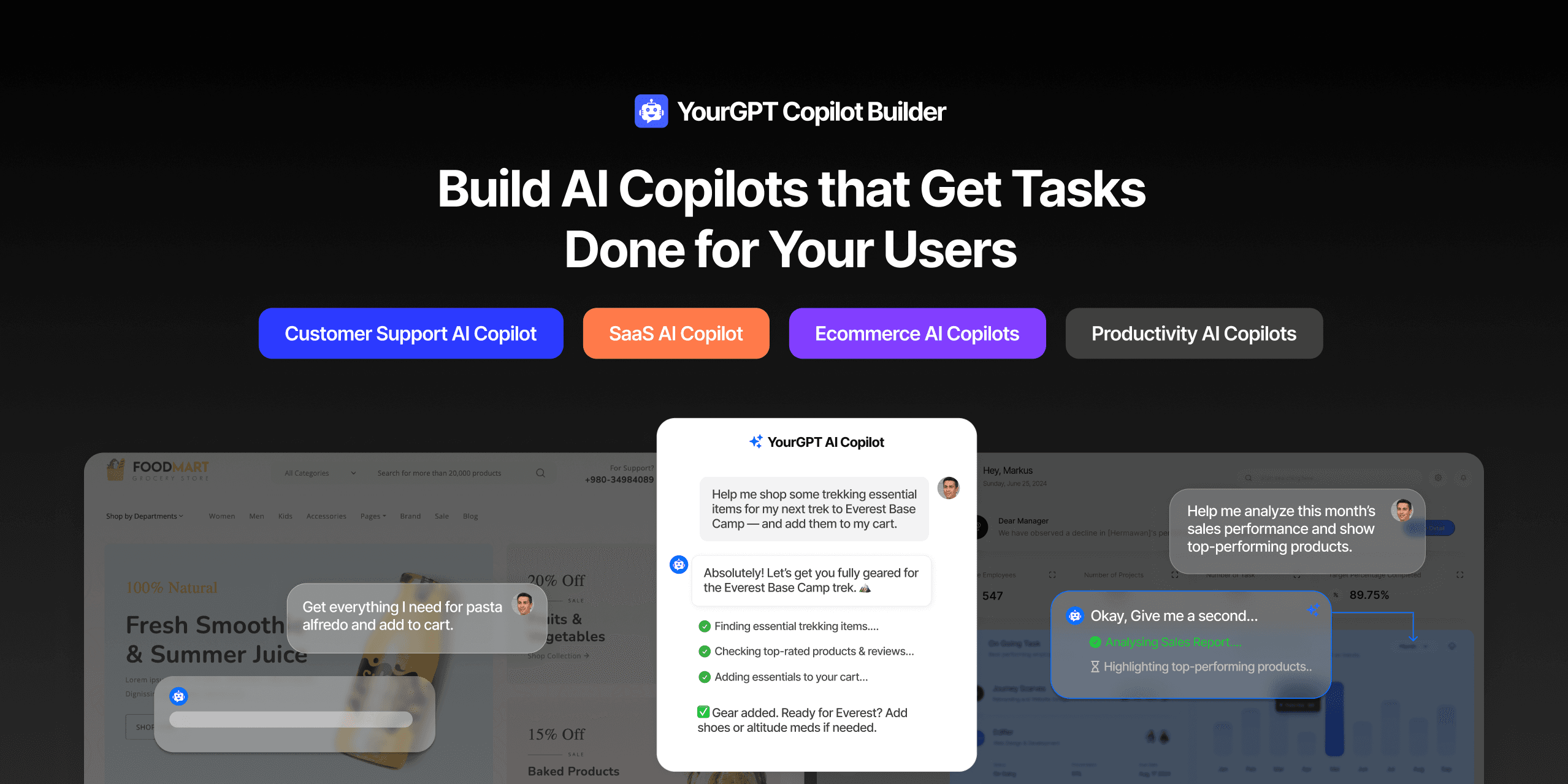
TL;DR Most AI tools provide answers but still leave users to complete the task through search results, settings pages, or checkout flows. AI Copilot Builder closes that gap by executing registered actions directly inside the product instead of only explaining what to do. Search, cart updates, account changes, and multi-step bookings can all happen within […]
TL;DR Building an AI-powered Telegram bot does not require custom development. BotFather provides the Telegram bot token, while a no-code platform like YourGPT handles AI training, free-form conversations, and the Telegram connection. This guide covers the full setup, from creating the bot in BotFather to connecting it with YourGPT and taking it live. Most Telegram […]
