Omnichannel Customer Service With One AI Agent on Every Channel

Shreya
October 8, 2026
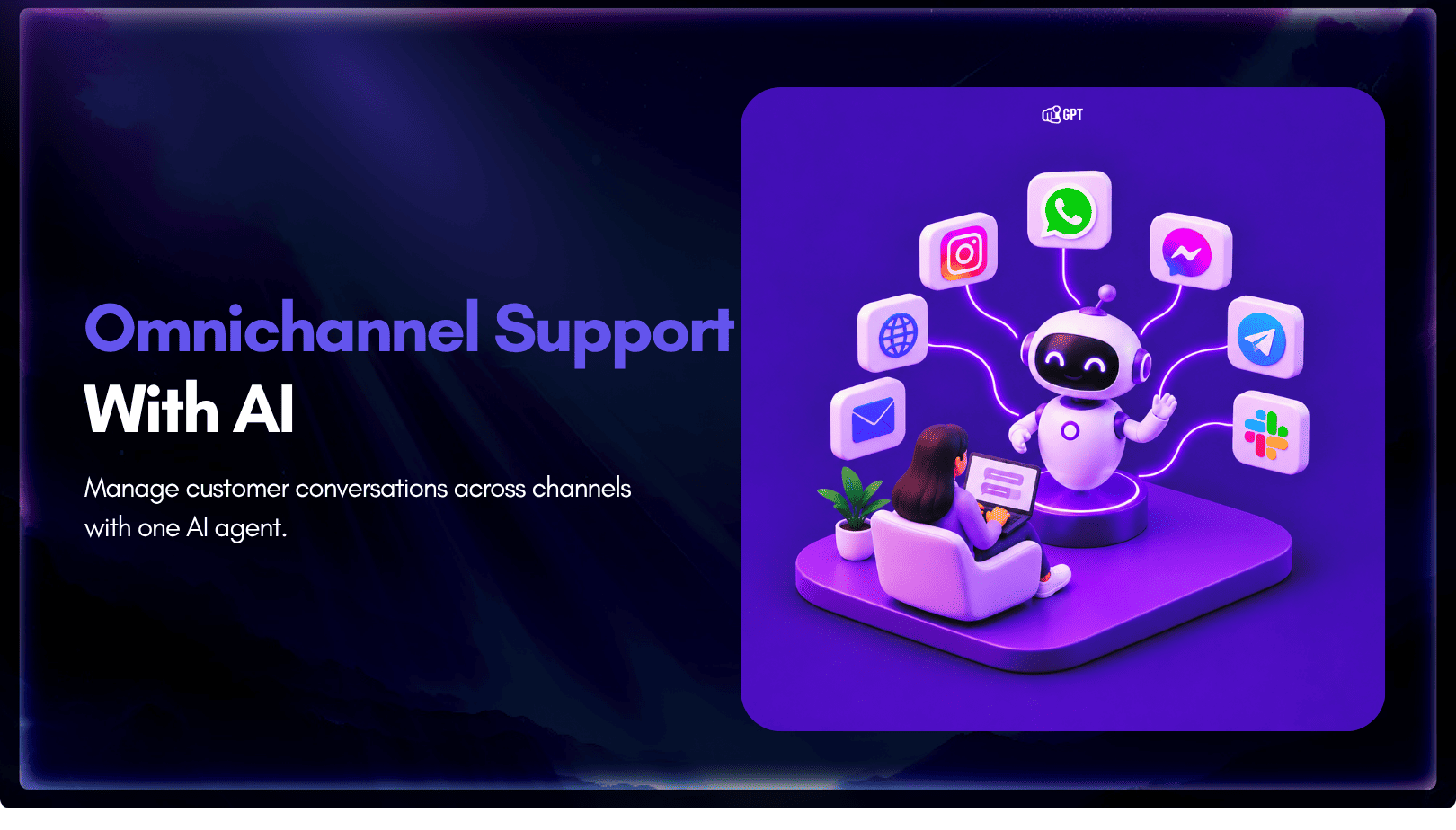
Omnichannel customer service means every channel a customer uses answers from the same knowledge and hands off to people the same way. Multichannel only means you are present on several channels. With YourGPT, you train one agent and connect it from Integrations to your busiest channel first. Add each next channel once it gives the same answers to the same real questions.
A customer asks about your return window on WhatsApp, gets one answer, then emails and gets another. Neither reply was careless. The two channels were set up by different people, each working from their own copy of the policy.
That is how a team ends up with several channels and no shared answer. Fixing it takes three decisions: where the knowledge lives, which channel goes first, and how you prove the channels agree. All three rest on a clear line between omnichannel and multichannel, so that comes first.
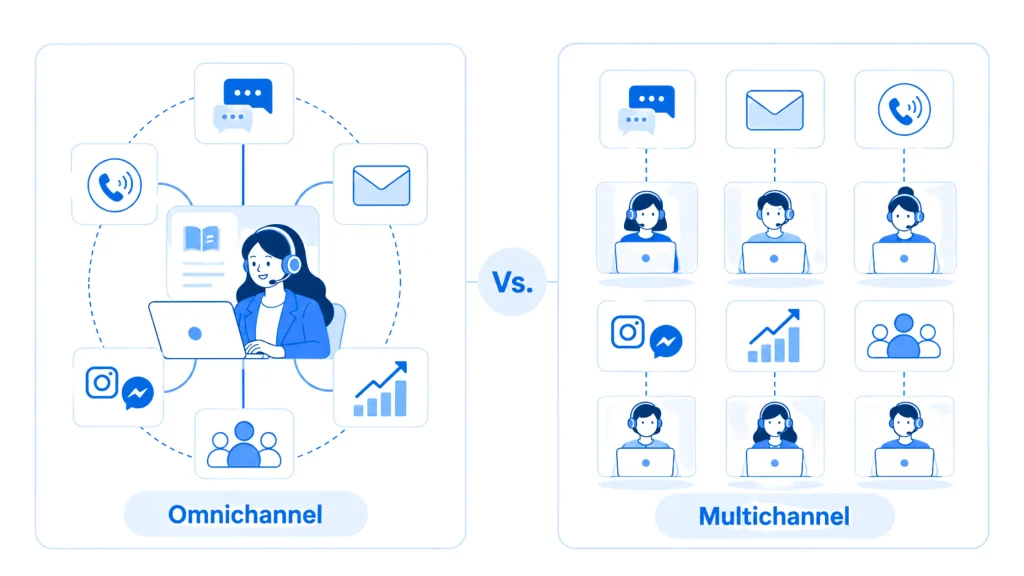
Omnichannel customer service means every channel answers from one body of knowledge and follows one handoff rule, so the answer does not depend on where the customer asked. Multichannel means the business is reachable on several channels, each maintained on its own. A team can run five channels and still be multichannel.
The difference shows up the day a policy changes. In a multichannel setup, someone has to update the website chat, the WhatsApp replies, and the email templates separately, and sooner or later one gets missed. In an omnichannel setup, you update the source once and every channel answers from the new version.
| Question | Multichannel | Omnichannel |
|---|---|---|
| Where do answers come from | A separate setup or script per channel | One set of training sources for every channel |
| What happens when a policy changes | Each channel is updated by hand | The source is updated once |
| How handoff works | Each channel has its own escalation habit | One handoff rule applies everywhere |
| How you check quality | Channel by channel | The same question asked on every channel |
The table leaves out customer history, which teams often assume comes with omnichannel. Shared knowledge means the answer is the same everywhere. Shared history means the agent can see that a conversation started on WhatsApp when the same person emails later.
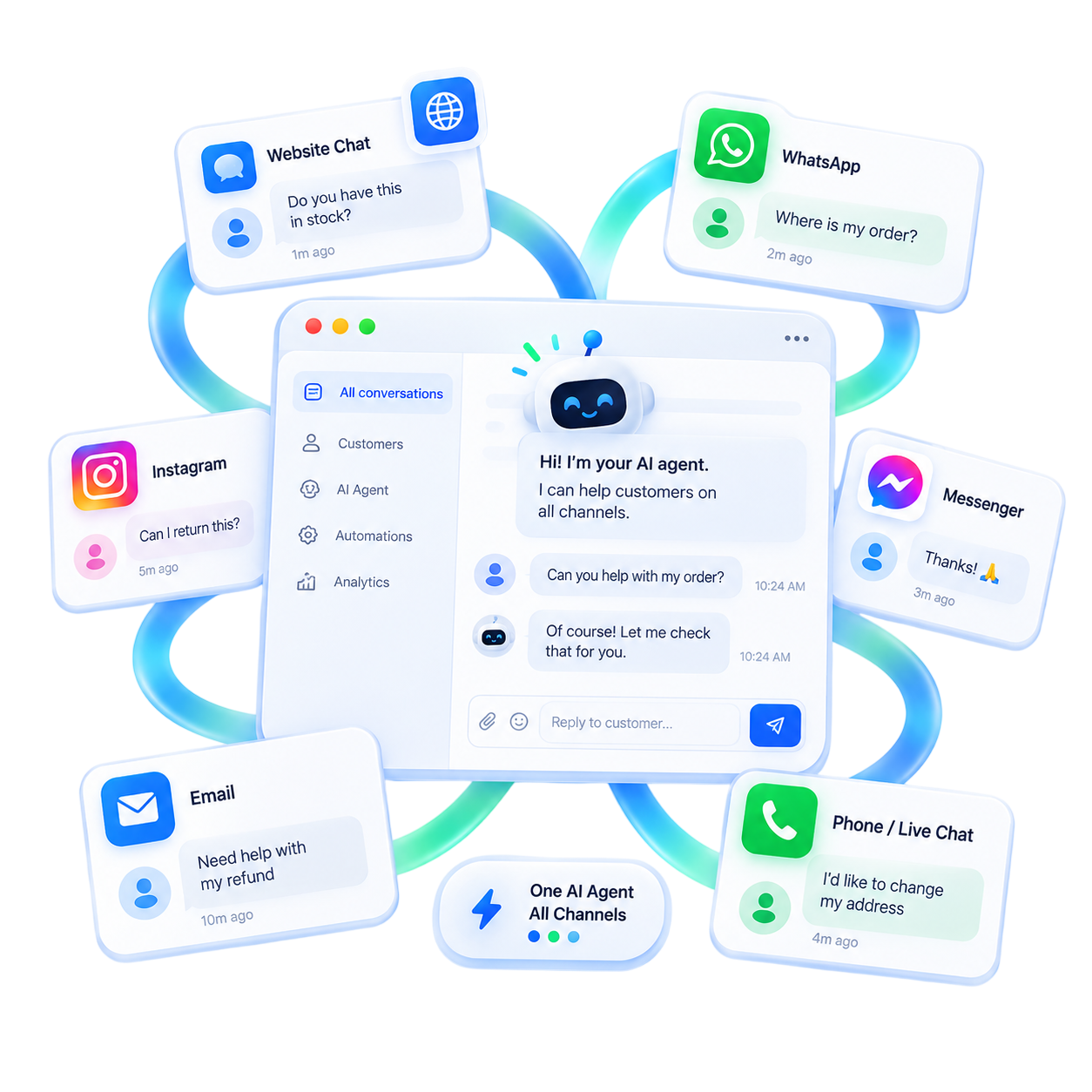
With YourGPT, every channel answers from the same training sources, so shared knowledge is the part you can build on. Your team also works from one Conversations tab that lists every channel and filters by channel. Whether a contact’s earlier conversations on other channels are visible, to your team or to the agent, is not something the documentation promises, so test it in your own account before you promise it to customers. The FAQ below shows a quick way to check.
Most mismatches trace back to one of four causes, and each one has a fix at the source.
Keep these four in mind through the rest of the build, because the test later in this post is designed to catch each of them.
Build one agent and connect that same agent to every channel. Each connected channel then answers from the same training sources, and that shared source is the whole mechanism behind omnichannel support.
Training sources can include:
Pick one source for each fact before you add anything. If the refund policy lives on a public policy page and in an old PDF, the agent has two versions to choose from, and the channels can disagree. Remove or update the stale copy first. A clean knowledge base is less about volume than about each fact living in one place.
Every channel inherits whatever the sources say, including the mistakes. When a written policy changes, refresh that source in training so the agent reads the new page. If this is your first build, train the agent on your own content one source type at a time. Once each fact has one home, you can decide which channel gets the agent first.
Start where customers already write to you, not where you would like them to write. Pull last month’s conversation counts per channel from the tools you use today. The channel with the most repeated questions goes first, because repeated questions are the work an agent handles from training. This method only ranks channels you already run, so if you are still choosing which communication channels to offer, settle that first.
Look at three signals together:
The channel with the highest volume is often where waiting piles up too. In a steady state, the average number of open conversations equals the arrival rate times the average time each one stays open (Little’s Law). That means cutting the time it takes to resolve a repeated question shrinks the open queue most on the channel where messages arrive fastest.
Take a hypothetical store that receives 1,000 conversations a month: 550 on WhatsApp, 300 by email, and 150 through website chat. Half of the WhatsApp messages ask about delivery times and the return window, and public pages already answer both.
In that case WhatsApp goes first, and email follows once the WhatsApp answers match your help pages. When set up correctly and maintained, YourGPT agents resolve up to 90% of repeated queries. That rate depends on the training behind a channel, which is one more reason to launch where the repeated questions already are.
With the order set, connect the first channel from Integrations. Every channel links to the same trained agent, but each one has its own connection step, so plan one setup task per channel.
Integrations lists website builders such as WordPress, Shopify, Webflow, and Wix. For other sites, copy the widget script from Integration and add it to your site layout. Then deploy the agent on your website and check where the widget sits in a preview before it goes live.
Social platforms in Integrations include WhatsApp, Instagram, Messenger, Telegram, Slack, and Discord. Each one connects separately. To build a WhatsApp AI agent, you connect WhatsApp to the trained agent, and to automate Instagram DMs, you repeat that connection for Instagram.
The Voice category covers phone calls, including click-to-call. A spoken answer needs shorter sentences than a written one, so hear how your answers sound on a voice AI agent before you point a phone number at it. Email and SMS are also supported channels, and you can set up the email integration so email conversations reach the same agent.
No per-channel price is published, so if cost per channel shapes your rollout, ask the YourGPT team before you commit to an order. Once a channel is live, it is ready for the test that decides whether you add the next one.
This test separates omnichannel from multichannel in practice. You ask identical real questions on each connected channel and compare the answers side by side. Do not invent test prompts, because a made-up question tests nothing your customers will send.
If two channels give different answers to the same question, fix the source before you touch the channel. Formatting can differ, since a WhatsApp reply may look shorter than a website reply. The facts cannot differ.
Questions the agent could not answer, during the test and after launch, collect under Training → Others → Self-Learning, where you can train the agent on unresolved queries. Click Train, correct the answer, then click Start Training, and the trained answer moves to the FAQ area.
A team member reviews every answer before it trains, which is how you stop a wrong answer from reaching every channel at once. When the same question keeps producing wrong answers, look for a missing or conflicting source first. Some questions belong with a person no matter how clean the sources are, and that is what handoff is for.
Decide which requests go to a person before launch: billing disputes, policy exceptions, and anything that needs a judgment call your pages do not state. Then set up human handoff in one of three ways.
| Route | Where you set it | Use it when |
|---|---|---|
| Request Human button | Widget Settings → Follow-up Actions | Customers should always see a way to reach a person |
| Quick Replies | Keyword phrases such as “talk to human” with escalation turned on | Customers ask for a person in predictable words |
| AI Studio | Intents or Unable to Answer events, then Escalate to Human | You need fully customized routing, tickets, or API calls |
The Request Human button can also send a webhook to Slack or Discord so your team sees the request. In AI Studio, Assign Member routes the conversation but does not pause the agent, so use Escalate to Human when a person should take over.
Test the handoff the same way you tested answers. Trigger it on each channel with a real request. Then check what your teammate sees and whether they can reply without asking the customer to repeat the order number.
Sending only disputes, exceptions, and judgment calls to people keeps your team where a human in the loop adds the most. With answers and handoff verified, you can widen the reach.
YourGPT supports more than 100 languages, so the same trained agent can answer customers in their own language on every channel, with no separate agent per market. Decide which languages a multilingual agent should cover from the languages your customers already write in.
Test each language you serve with a real customer message in that language, on each channel, and check that the policy details survive the translation. Add the second channel from your message counts only when the first one passes the same-question test. The questions below cover what teams ask once the first channel is live.
Plan for shared answers, and test shared history before you promise it. Every connected channel answers from the same training sources, so the facts match. Whether a WhatsApp conversation is visible when the same person emails later is not something to assume. Run the test yourself: message on one channel with a real order question, follow up on another, and note what the agent and your team can see.
Nothing on the channels themselves. Update the source page, then refresh that source in training so the agent reads the new version. The one exception is a Quick Reply that quotes the old policy, since Quick Replies send a fixed message and do not read training. After the refresh, ask the policy question on every connected channel and compare each answer against the updated page.
No. Quick Replies match exact phrases or wildcard patterns such as *talk to human* and send a predefined message without using AI credits. They can also turn on escalation to a human. They only match the wording you define, so pair them with the Request Human button or an AI Studio route for customers who phrase it differently.
One, unless a second channel already passes the same-question test. Each channel needs its own connection step and its own round of testing with real tickets, so launching several at once multiplies the places a wrong answer can appear. Launch the busiest channel, clear its Self-Learning list for a week or two, then add the next channel from your message counts.
Omnichannel is a property of the knowledge, not of the channel count. When one trained agent reads one source for each fact and follows one handoff rule, the customer gets the same answer wherever they ask. Multichannel adds reach without that consistency.
The order of work holds whether you run two channels or six. Clean the sources, connect the channel where customers already write most, ask the same real questions everywhere, and set the handoff before the first dispute arrives. Then add the next channel from your own numbers.
Train the agent on your help pages, connect one channel from Integrations, then test real conversations.
TL;DR Instagram buyers who ask “price?” in a comment expect an answer within minutes. Manual replies usually arrive too late to make the sale. YourGPT AI can connect to your professional account in minutes, reply publicly to selected comments, send detailed answers by DM, and handle follow-up questions using your knowledge base. Meta allows one […]

Connect your website AI agent to a CRM with YourGPT. Capture lead details, map contact fields and verify the record your sales team will use.
Use YourGPT to help Black Friday shoppers choose products, check orders and understand returns. Prepare your answers and team before the sale.
Add in-app chat support to your SaaS or mobile app. Place it on the screens where users stall, pass who they are, and hand hard cases to your team.
Group new-account tickets by onboarding stage, train an AI agent on your docs, and place it in the product where new users get stuck.
AI agents can now find and buy products for shoppers. See what agentic commerce changes for a Shopify store and which support jobs stay yours.