AI Apps Deployment with LLM Spark

Neha
December 3, 2023

The implementation of Artificial Intelligence in a wide range of applications has become standard practice in this technological world. LLM Spark is one of the tools that helps this integration go more smoothly. In order to ensure a smooth and effective experience, this blog will help you with the process of developing and deploying AI applications using LLM Spark.
This will provide a detailed walkthrough of the platform’s capabilities, focusing on how to optimise your experience from the initial stages of development to the final stages of deployment. Whether you are new to AI application development, want to improve, or are looking for a tool for prompt engineering, this blog will be a valuable resource in your AI toolkit.
The first step is to create a workspace. Once your workspace is created, you will access tools, manage projects, and maintain the organisation of your developments in this area. It is your digital workspace, where you do all of your work and access features like Multi LLM Prompt Testing, External Data Integration, Team Collaboration, Version Control, Observability Tools, and a Template Directory stocked with prebuilt templates. It is a flexible framework designed to adapt to your project’s requirements, allowing for efficient management of resources and efficient processes.

Once your workspace is established, the next step involves integrating API keys from the platforms you want to use, like OpenAI, Google, and Anthropic. These keys are essential, as they link your LLM Spark projects with these platforms. These keys act as a bridge, allowing your application to communicate and utilise the advanced LLM’s like GPT, Bison, and Claude.

Data is the fuel for any AI application. In LLM Spark, there are multiple ways to ingest data:

Ingesting your data helps perform a semantic search on your documents.

Testing your AI application is a crucial step in its development. LLM Spark enables you to simultaneously experiment with a range of models and prompts, allowing you to assess the most effective pairings for your unique needs. this phase is about exploration and refinement: modifying your prompts, observing the responses from the AI, and making necessary adjustments. This iterative approach is key to improving your application, ensuring that each evaluation step brings you closer to meeting your goals.

The next step is to deploy your prompt after testing and tweaking your prompts. This means that your AI application is now ready to interact with users and perform tasks as designed. Prompt deployment is a simple and convenient method. Just click on the Deploy prompt, and your prompt will be deployed.

The final step to building your AI application with LLM Spark involves the use of LLM Spark packages or APIs to further develop your AI application. For that, you need to generate your API keys for LLM Spark. Once you have these keys, you can access the full suite of LLM Spark functionalities and capabilities, build your AI applications, integrate them with other software, or scale them for larger audiences. LLM Spark provides a range of options, allowing you to build your AI application to your specific requirements.

After successfully integrating the API, it is important to monitor your application’s performance and usage statistics. LLM Spark offers comprehensive observability tools that enable you to track various metrics. These metrics can include total executions, average execution duration, cost, and API usage patterns.

LLM Spark offers a practical and adaptable framework for the development and implementation of AI applications. Deploying AI applications with LLM Spark is a structured yet flexible process. with features like Multi LLM Prompt Testing (Prompt Engineering), External Data Integration, Team Collaboration, Version Control, Observability Tools, and a Template Directory stocked with prebuilt templates. You can ensure that your AI projects are not only well organised but also aligned with business goals by following these steps. LLM Spark provides an accessible platform for bringing your AI applications to life, whether you’re an experienced developer or new to the area of AI.
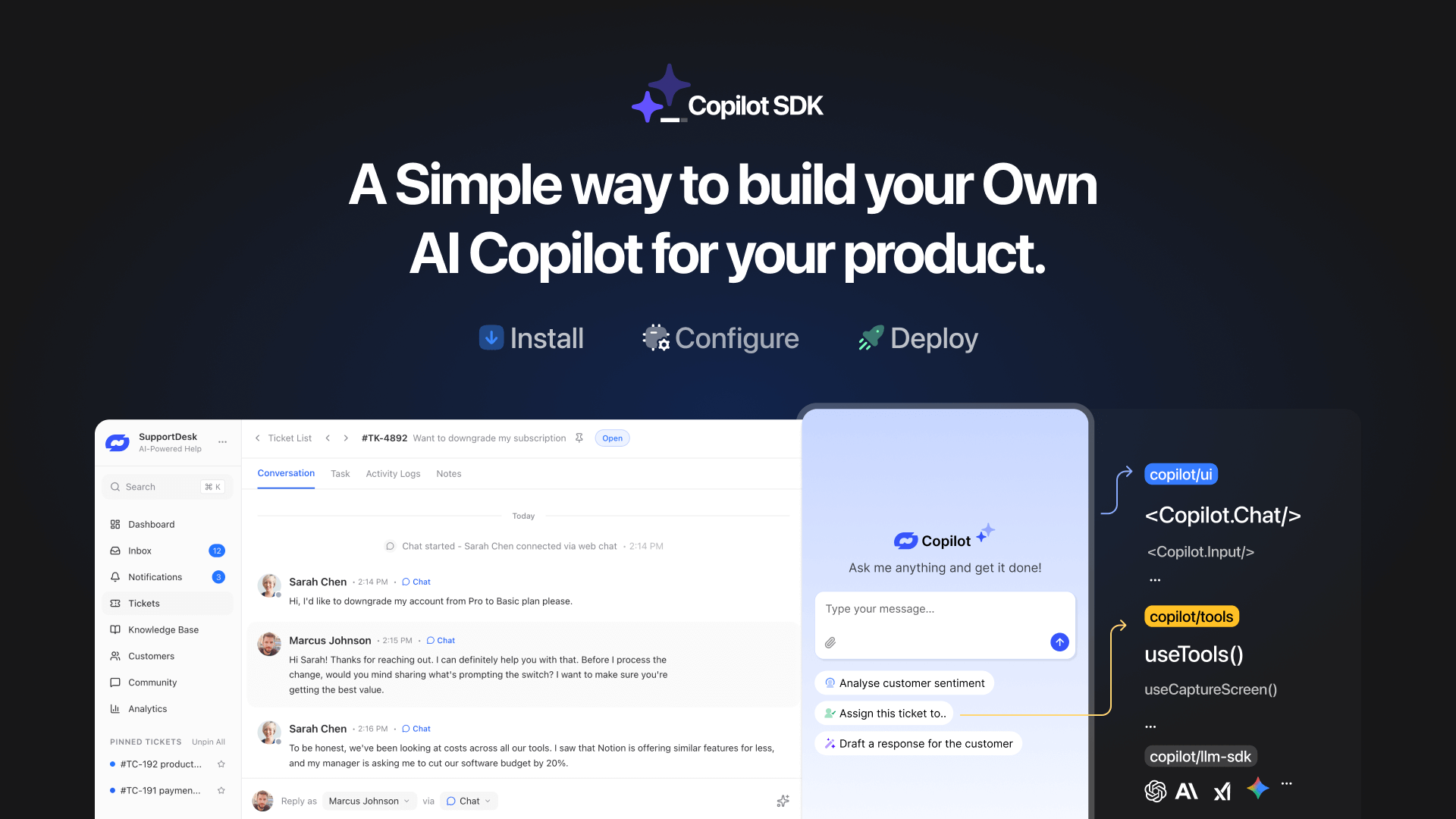
TL;DR YourGPT Copilot SDK is an open-source SDK for building AI agents that understand application state and can take real actions inside your product. Instead of isolated chat widgets, these agents are connected to your product, understand what users are doing, and have full context. This allows teams to build AI that executes tasks directly […]

Businesses today expect AI to do more than answer questions. They need systems that understand context, act on information, and support real workflows across customer support, sales, and operations. YourGPT is built as an advanced AI system that reasons through tasks and keeps context connected across every interaction. This intelligence sits inside a complete platform […]

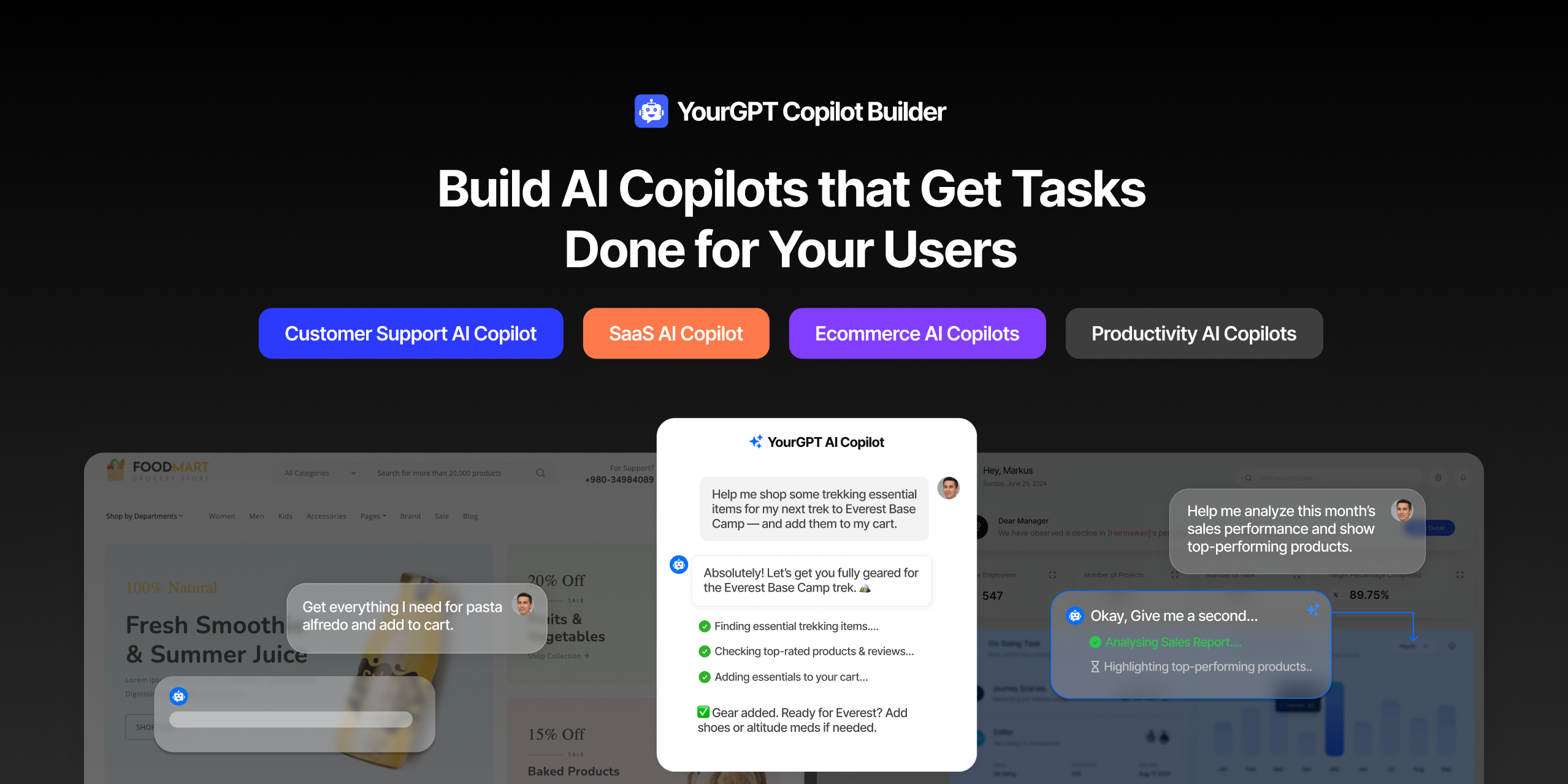
AI can help you finds products but doesn’t add them to cart. It locates account settings but doesn’t update them. It checks appointment availability but doesn’t book the slot. It answers questions about data but doesn’t run the query. Every time, the same pattern: it tells you what to do, then waits for you to […]

GPT-driven Telegram bots are gaining popularity as Telegram itself has 950 million users worldwide. These AI Telegram bots allows you to create custom bots that can automate common tasks and improve user interactions. This guide will show you how to create a Telegram bot using GPT-based models. You’ll learn how to integrate GPT into your […]

TL;DR The 10 best no-code AI chatbot builders for 2026 help businesses launch quickly and scale without developers. YourGPT ranks first for automation, multilingual chat, and integrations. CustomGPT and Chatbase are ideal for data-trained bots, while SiteGPT and ChatSimple focus on easy setup. Other options like Dante AI, DocsBot, and Botsonic specialize in workflows and […]

GPT Chatbot for Webflow: The Key to Exceptional Customer Service Providing great customer service is essential for any business, but managing a high volume of inquiries can be a challenge.If you use Webflow, integrating a webflow chatgpt can simplify this process. This AI-powered webflow chatbot offers consistent, personalised responses to customer queries, helping you manage […]