5 Best AI Bot Builders for Telegram in 2026

Rajni
Last updated on August 22, 2026
The right Telegram AI bot builder depends on whether your priority is autonomous customer support, multi-channel marketing campaigns, webhook automations, or lead capture forms. YourGPT leads for AI knowledge retrieval, multi-model selection, and live human handoff in both direct chats and community groups. SendPulse and Selzy combine Telegram bots with email and marketing workflows. Flow XO provides strong conditional logic and webhook branching, while Teleform specializes in conversational form capture and surveys.
Telegram has evolved into one of the most active communication channels for global businesses, crypto communities, software teams, and e-commerce brands. Customers expect immediate answers to product questions, account inquiries, and order updates directly inside the messaging app.
Early chatbots relied on rigid keyword trees that broke whenever a user phrased a question unexpectedly. Modern AI bot builders connect large language models to your verified business documents, allowing bots to understand intent, hold natural multi-turn conversations, and execute operational tasks.
Choosing the right platform requires looking beyond surface marketing claims to verify retrieval quality, Telegram-specific controls, and human handoff mechanisms. This guide breaks down the five top Telegram AI bot builders for 2026, compares their core architectures, and outlines how to launch a working bot.
Not every bot builder handles the same operational workload. A platform designed for marketing broadcasts often struggles with complex technical support queries or community group discussions.
Before selecting a platform, evaluate these six core architectural criteria against your primary business workflow.
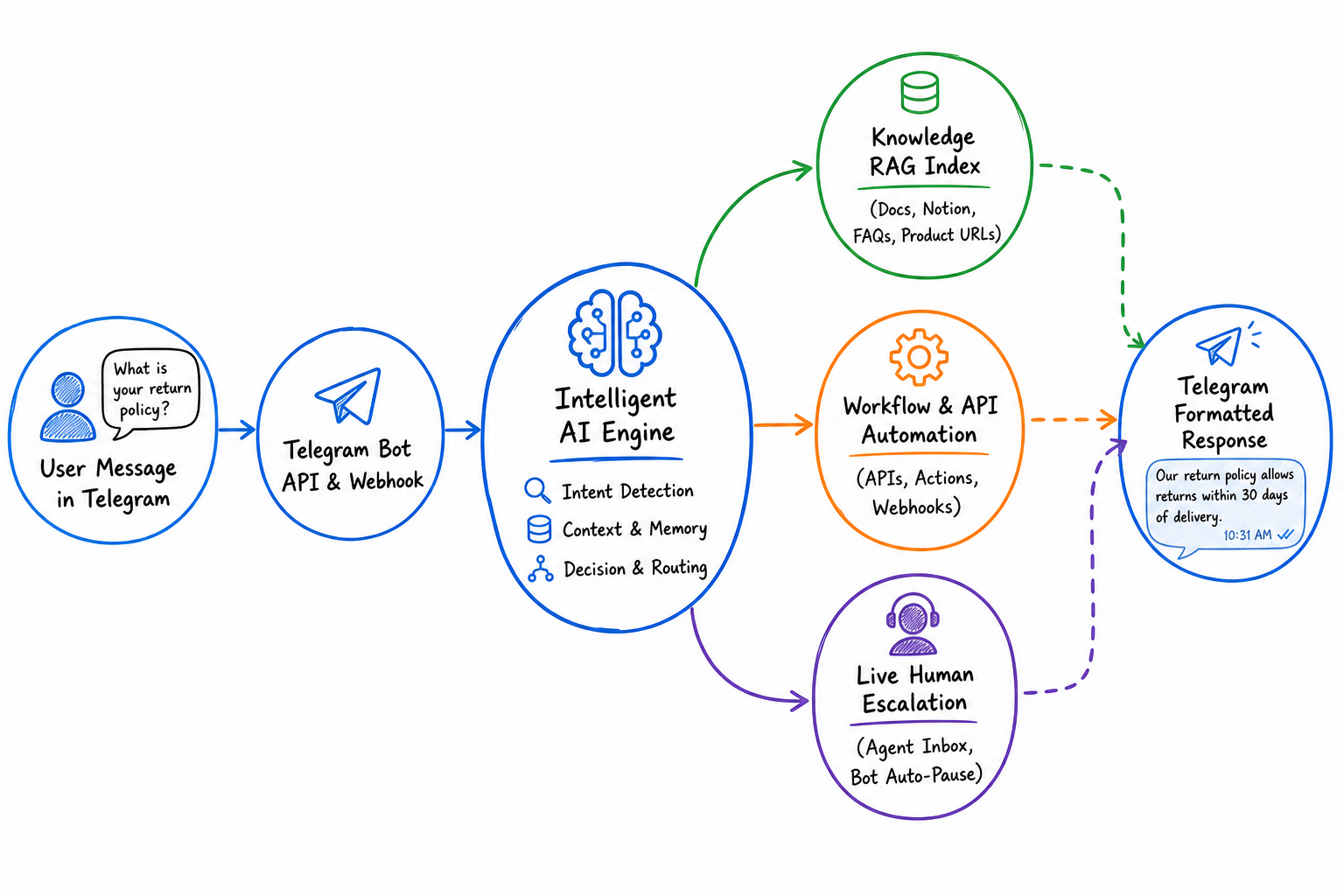
A reliable business bot must answer strictly from your verified documentation rather than improvising unverified answers. Platforms with retrieval-augmented generation index your website URLs, knowledge base articles, and policy documents to pull precise answers. Grounding the AI on verified knowledge sources prevents hallucinations and protects customer trust.
Comparing retrieval to generative chatbots shows that knowledge grounding is the single most important factor in customer support accuracy.
Telegram offers specialized UI components that standard web chat widgets do not use. Your chosen builder should support native BotFather command menus, inline keyboard buttons, callback actions, and Telegram Stars payments. If you deploy your bot in community channels, the platform must handle Telegram Group Privacy Mode and group administrative permissions correctly.
Even capable AI agents encounter complex account disputes, custom sales negotiations, or edge cases. When an inquiry requires human judgment, the bot must pause its responses and route the conversation to a live agent inbox. The human escalation workflow must preserve full conversation context so the customer never repeats their issue.
Many businesses start on Telegram and later expand their bot to WhatsApp, Discord, or a website widget. Choosing a platform that supports omnichannel bot deployment saves your team from rebuilding knowledge bases across separate tools. A unified backend allows you to maintain a customer support AI agent from a single dashboard.
You need clear reporting on what users ask, where conversations drop off, and how often the AI resolves issues without human intervention. Detailed conversational analytics help your team identify missing knowledge base topics and optimize customer response flows.
Telegram enforces strict rate limits on bot traffic, restricting broadcasts to approximately 30 messages per second. A production-ready bot builder must manage message queuing and flood control automatically so promotional blasts or group spikes do not cause API bans.
Once you know what your workflow demands, you can compare how the leading platforms stack up against these requirements.
The table below summarizes the top five Telegram bot builders across their primary focus, AI retrieval depth, Telegram group support, human escalation, and ideal use cases.
| Platform | Primary Focus | AI Architecture | Telegram Group Support | Human Escalation | Best For |
|---|---|---|---|---|---|
| YourGPT | Customer service, sales, and operational automation | Agentic AI with self-learning | Yes (direct chat and groups) | Built-in live desk with auto-pause | Customer service, sales qualification, and operational workflows |
| SendPulse | Multi-channel marketing and CRM | Rule-based flows with OpenAI integration | Yes | Built-in live chat inbox | E-commerce marketing, drip campaigns, and lead nurturing |
| Flow XO | Workflow automation and webhooks | Logic branching with API webhooks | Yes | Live chat handoff module | Complex logic branching and external API integrations |
| Selzy | Email and chat marketing | Rule-based autoresponders | Yes | Basic routing | Simple marketing broadcasts and subscriber list growth |
| Teleform | Conversational forms and surveys | Structured form logic | Yes | Lead routing | Lead qualification, customer intake, and interactive surveys |
These platforms offer distinct advantages depending on whether your team handles high-volume support, promotional campaigns, or structured data collection.
Each platform approaches Telegram automation with a different architectural focus. The detailed breakdowns below examine the strengths, limitations, verified user ratings, and practical trade-offs of each builder.
YourGPT is a no-code AI platform for customer service, sales, and operational automation. Teams create AI agents by connecting their business data, policies, processes, and rules without writing code or building complex workflows from scratch.
These agents answer questions, resolve customer requests, qualify leads, guide prospects, and execute multi-step actions across connected systems and APIs. In production deployments, YourGPT Autonomous AI has achieved over 90% resolution.
The platform includes self-learning capabilities that analyze unresolved conversations and customer interactions to identify knowledge gaps and improve agent performance over time. Teams connect to Telegram through the official Telegram integration, allowing the agent to support direct 1:1 messages and community group chats.
Organizations can start with a simple no-code setup, then customize advanced workflow logic, model controls, integrations, live human handoff, and multi-channel AI agent capabilities as requirements grow.
YourGPT focuses on autonomous resolution, customer service, lead qualification, and operational workflows. Teams looking exclusively for bulk promotional broadcast blasts will find that YourGPT is designed around conversational assistance and action execution rather than mass newsletter campaigns.
Best for: Businesses and teams needing autonomous customer service, sales qualification, document-grounded answers, and multi-step workflow execution across Telegram and omnichannel touchpoints.
SendPulse is a multi-channel marketing and customer communication platform. It allows businesses to build visual Telegram chatbots that work alongside email marketing, SMS campaigns, web push notifications, and a built-in CRM system.
The platform provides a visual drag-and-drop editor where users construct conversational branching trees, configure quick reply buttons, and manage broadcast messages. SendPulse also allows teams to connect an OpenAI API key to add natural language replies to specific nodes in their flow.
SendPulse is built primarily for outbound marketing and scripted sales funnels. Generating open-ended answers requires connecting your own OpenAI API key and managing prompt rules manually. It lacks native deep document indexing and multi-model routing.
Best for: Marketing teams and e-commerce stores wanting to coordinate Telegram sales campaigns with email sequences and payment collection.
Flow XO is a workflow automation and chatbot development platform that emphasizes logic branching and third-party software connections. It enables teams to construct complex multi-step automations across Telegram, web widgets, and team chat tools without code.
Flow XO operates like a logic engine for messaging. Users can build flows that trigger webhook calls, filter data based on conditional statements, execute custom JavaScript snippets, and manipulate user attributes across connected applications.
Flow XO offers extensive workflow flexibility, but its interface requires technical comfort with logic routing and data variables. Building knowledge-grounded question-answering requires setting up external API webhooks rather than uploading documents directly.
Best for: Technical operations leads who need intricate data routing, webhook triggers, and conditional branching across Telegram and internal business tools.
Selzy is an email marketing platform that includes intuitive no-code Telegram chatbot builders designed to help small businesses capture and nurture subscribers.
The builder focuses on rapid deployment. Users select from pre-made templates or assemble simple button-based menus, welcome sequences, and automated replies without technical complexity.
Selzy is tailored for straightforward broadcast marketing and basic lead capture. It does not provide contextual AI reasoning, semantic document retrieval, or advanced human handoff features.
Best for: Solo entrepreneurs, creators, and small businesses looking for an accessible way to grow Telegram subscriber lists and coordinate with email newsletters.
Teleform takes a specialized approach to Telegram automation by turning traditional web forms into interactive conversational questionnaires.
Instead of sending users away from Telegram to external landing pages or Google Forms, Teleform collects structured information directly inside the chat interface. It asks questions sequentially, validates inputs, and records submissions in real time.
Teleform excels at structured question-and-answer data collection, but it is not designed for open-ended customer support or conversational AI. It functions as an interactive form replacement rather than an autonomous support agent.
Best for: Community managers, event organizers, and agencies that need to collect structured survey responses, customer intake, and registrations inside Telegram.
Choosing between platforms requires understanding how each builder processes data, manages state, and connects to Telegram servers.
| Technical Dimension | YourGPT | SendPulse | Flow XO | Selzy | Teleform |
|---|---|---|---|---|---|
| Knowledge Engine | RAG with auto-sync | Keyword / OpenAI API node | Webhook to external API | Keyword rules | Form state schema |
| Foundation Models | GPT-4o, Claude 3.5, Gemini, Grok | OpenAI API key required | None (manual API) | Rule engine only | Form parser |
| Telegram Groups | Yes (with privacy mode handling) | Yes (basic triggers) | Yes (webhook listener) | Limited | Limited |
| Human Handoff | Live desk with bot pause | Built-in live chat | Manual handoff trigger | Basic email notification | Webhook lead alert |
| Workflow Builder | AI Studio drag-and-drop | Linear flow builder | Node-based logic tree | Sequential autoresponder | Step-by-step form editor |
| Payment Support | Custom API action | Native Telegram payments | Native Telegram payments | External links | External links |
| Setup Complexity | Low (paste token & crawl docs) | Moderate (flow building) | High (logic configuration) | Low (template setup) | Low (form configuration) |
Launching an AI agent on Telegram requires connecting a standard Telegram API bot token to your chosen builder platform and providing verified knowledge sources.
Follow these four steps to get a working bot live.
Telegram manages all bot accounts through the official @BotFather tool inside the Telegram app.
/newbot.bot (for example, AcmeSupportBot).Treat your BotFather token like a private password. Never paste it into public forums, client-side code, or shared spreadsheets.
If you plan to use your bot in Telegram community groups, you must configure its privacy settings in BotFather.
/mybots and select your newly created bot.@botname or a /command./start, /help, or /support.Understanding group privacy settings is essential. When Group Privacy is enabled, Telegram blocks the bot from reading regular member messages unless the bot is added as a group administrator or tagged directly.
In your builder dashboard, connect the BotFather token and supply the documentation your bot will use to answer questions.
Before announcing your bot to customers or community members, test its responses thoroughly.
/start command.Once testing confirms that answers are accurate and handoffs work reliably, your Telegram AI agent is ready for live traffic.
When launching or maintaining Telegram bots, teams frequently encounter a predictable set of configuration hurdles. Use this reference to resolve common operational issues.
| Issue | Likely Cause | Solution |
|---|---|---|
| Bot ignores group messages | BotFather Group Privacy is turned on | Run /mybots in BotFather, navigate to Bot Settings → Group Privacy, and disable it, or promote the bot to group admin. |
| Inaccurate or generic answers | Knowledge base unindexed or missing context | Verify training status in dashboard. Add explicit Q&A pairs under FAQs & Text for frequent edge cases. |
| Bot and human agent reply simultaneously | Handoff trigger does not pause bot listener | Ensure your human escalation node marks the session as assigned and pauses bot auto-replies until ticket resolution. |
| Telegram returns 429 Too Many Requests | Broadcast blast exceeded API rate limits | Implement rate-throttling (under 30 messages/second) and distribute broadcast batches over timed intervals. |
| Bot offline after token update | Webhook URL dropped during re-authentication | Reconnect the Telegram integration in your bot dashboard to register the new webhook URL with Telegram servers. |
A rule-based bot follows rigid decision trees and predefined keyword triggers. If a user asks a question using phrasing the creator did not program, the bot fails to understand. An AI agent uses large language models and semantic retrieval to understand natural phrasing, retrieve relevant answers from documentation, and maintain context across multi-turn conversations.
Yes. Telegram bots can operate in both direct messages and group chats. To allow a bot to see messages in a group, you must either disable Group Privacy in BotFather or promote the bot to a group administrator with message reading permissions. Bots can be configured to reply only when mentioned or to answer general inquiries automatically.
When an inquiry requires human intervention, the bot builder transfers the session to a unified live chat desk. Platforms like YourGPT automatically pause bot responses for that user so the live representative can take over the conversation without automated message interruptions. Once the human closes the ticket, automated bot responses resume.
No. No-code bot builders handle the server infrastructure, webhook connections, and API integration with Telegram automatically. You only need to obtain an API token from BotFather and upload your training materials or configure visual workflow steps in your browser.
Modern AI agents detect the language of incoming user messages automatically and translate their knowledge retrieval to reply in that same language. Unlike older tools that required setting up separate language branches manually, AI platforms handle over 100 languages dynamically from a single knowledge base.
Deploying an AI bot on Telegram comes down to three operational foundations: indexing factual business documentation, configuring automated API actions, and establishing clear human escalation paths.
Start by connecting your BotFather API token and training your agent on your core policies and product guides. Test real user inquiries in a private test group, verifying that group privacy rules and human handoff triggers function smoothly before going live.
Once verified, launch your bot to provide continuous, multilingual assistance across every direct message and community conversation.
Train your agent, connect your Telegram bot, and start handling customer conversations with AI.
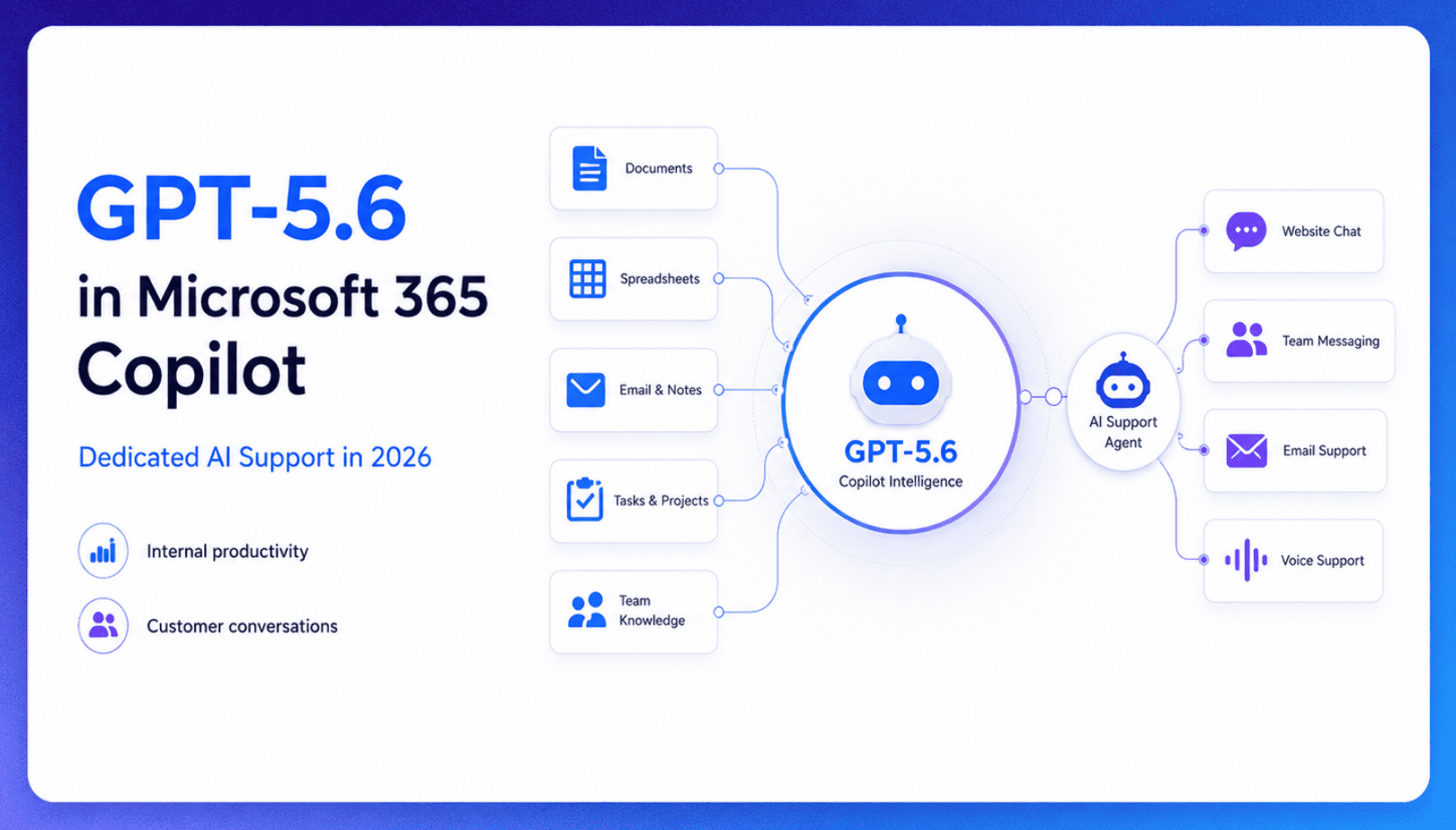
TL;DR Microsoft made GPT-5.6 the preferred model across Word, Excel, PowerPoint, Copilot Chat, and Cowork on July 9, 2026, focusing on internal workplace productivity rather than customer-facing support. Dynamics 365 Service Agent also reached general availability, but it mainly helps human support representatives manage cases within Microsoft’s existing permission structure and requires separate licensing. A […]

TL;DR Cheap frontier models now compete for the same high-volume support workloads, with DeepSeek V4 remaining the lowest-cost option in this comparison. Kimi K2.6 and GLM-5.2 are open-weight and self-hostable, while Qwen 3.7 Plus is proprietary and available only through an API. Claude Haiku 4.5 is the only model here that its developer explicitly recommends […]
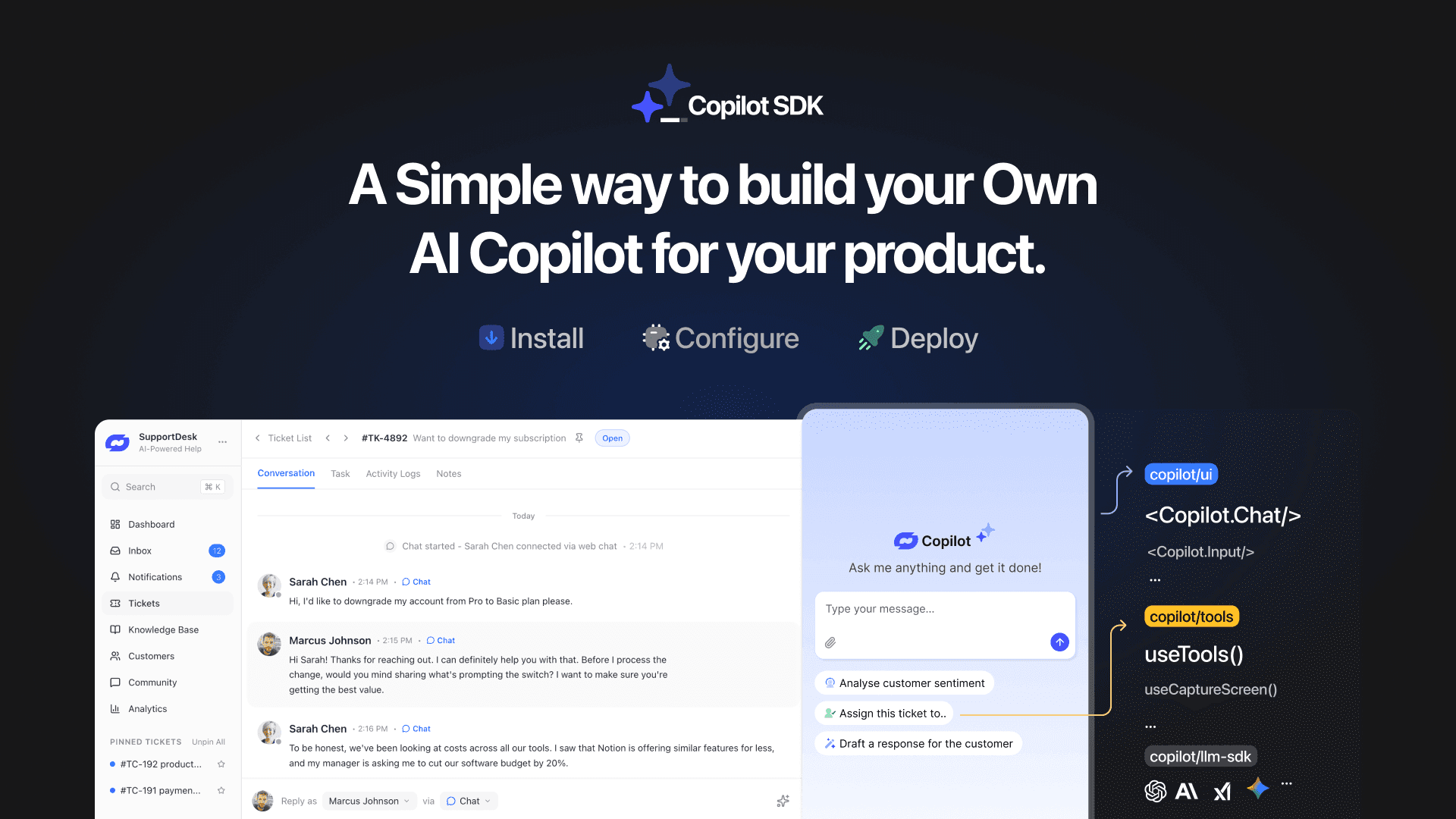
TL;DR YourGPT Copilot SDK is an open-source SDK for building AI agents that understand your application state, user context, and what is happening inside your product. Instead of working like isolated chat widgets, these agents connect directly with your product and can take real actions within existing workflows. This helps teams build contextual AI experiences […]
TL;DR YourGPT 2.0 adds AI Studio for building, testing, and debugging automated workflows. It includes native MCP integration for more than 100 tools, upgraded voice agents, and native SDKs for iOS and Android applications. With shared context across web, WhatsApp, Instagram, Telegram, and mobile, YourGPT turns conversations into real actions across support, sales, and operations. […]

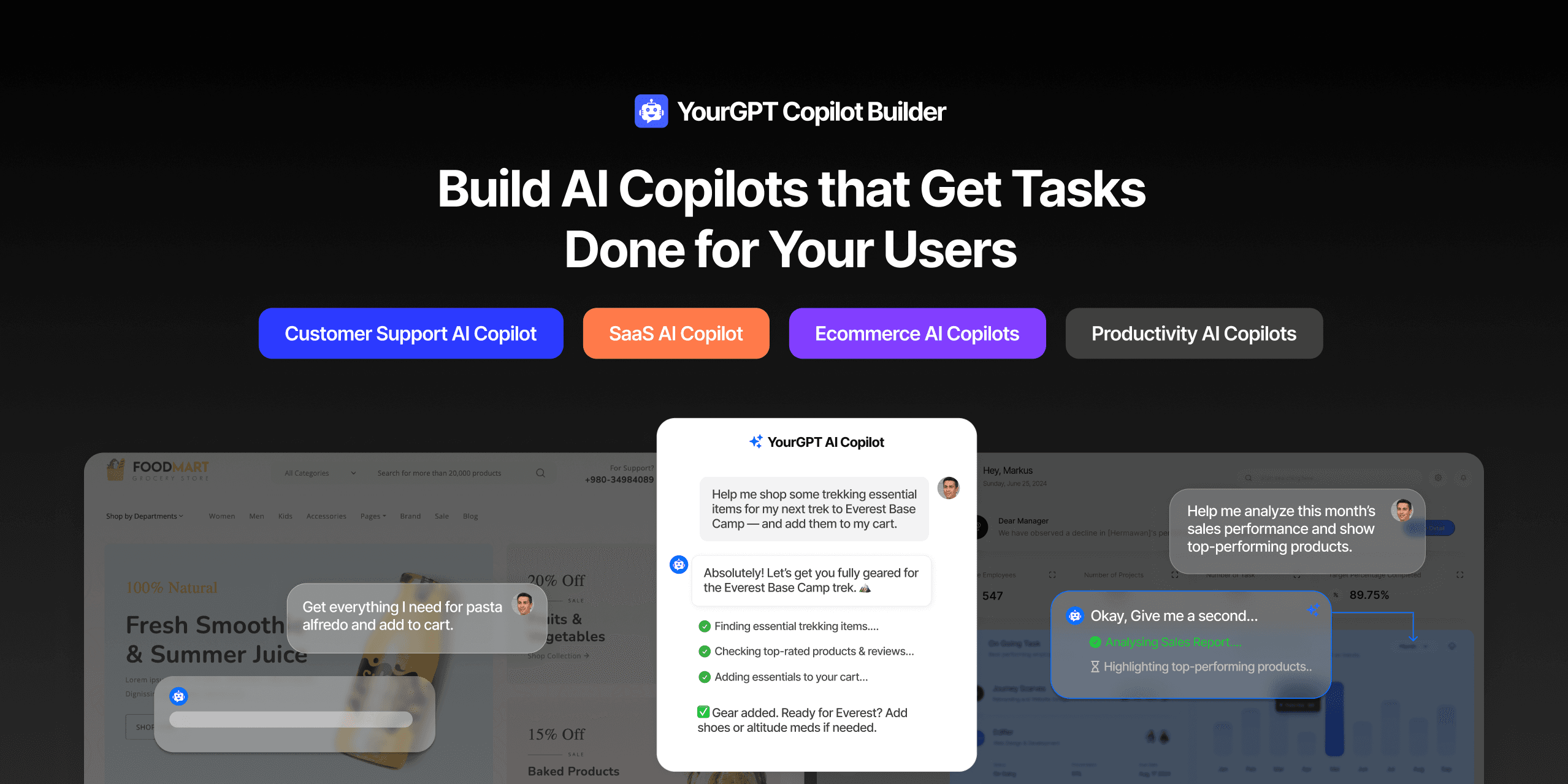
TL;DR Most AI tools provide answers but still leave users to complete the task through search results, settings pages, or checkout flows. AI Copilot Builder closes that gap by executing registered actions directly inside the product instead of only explaining what to do. Search, cart updates, account changes, and multi-step bookings can all happen within […]
TL;DR Building an AI-powered Telegram bot does not require custom development. BotFather provides the Telegram bot token, while a no-code platform like YourGPT handles AI training, free-form conversations, and the Telegram connection. This guide covers the full setup, from creating the bot in BotFather to connecting it with YourGPT and taking it live. Most Telegram […]
