AI Assistant for Business: A Complete Guide (2026)

Rajni
Last updated on July 23, 2026
An AI assistant handles repetitive work such as support questions, CRM updates, and internal requests by using information from your existing systems.
It can answer questions, complete actions across connected tools, and pass complex or sensitive cases to a human when needed.
This blog explains how AI assistants differ from chatbots and autonomous agents, how they work, where teams use them, and how to build one without code.
Most business teams are not short on time. They are short on the right kind of time.
Too much of the day goes into work that repeats itself. A customer asks the same question your documentation already answers. A lead fills out a form and waits hours for a reply. An internal request sits in someone’s inbox because the person who handles it is busy with three other things.
None of that is valuable work. It is just volume.
An AI assistant takes that volume off your team. It connects to your existing tools, reads your business data, and handles routine tasks automatically. Support queries get answered instantly. CRM records get updated without manual input. Internal requests get routed to the right place without someone in the middle.
When something genuinely needs a human, it escalates. Everything else, it handles.
This blog covers exactly what an AI assistant is, how it works under the hood, where it delivers the most value across support, sales, HR, and operations, and how to set one up using your existing content without writing any code.
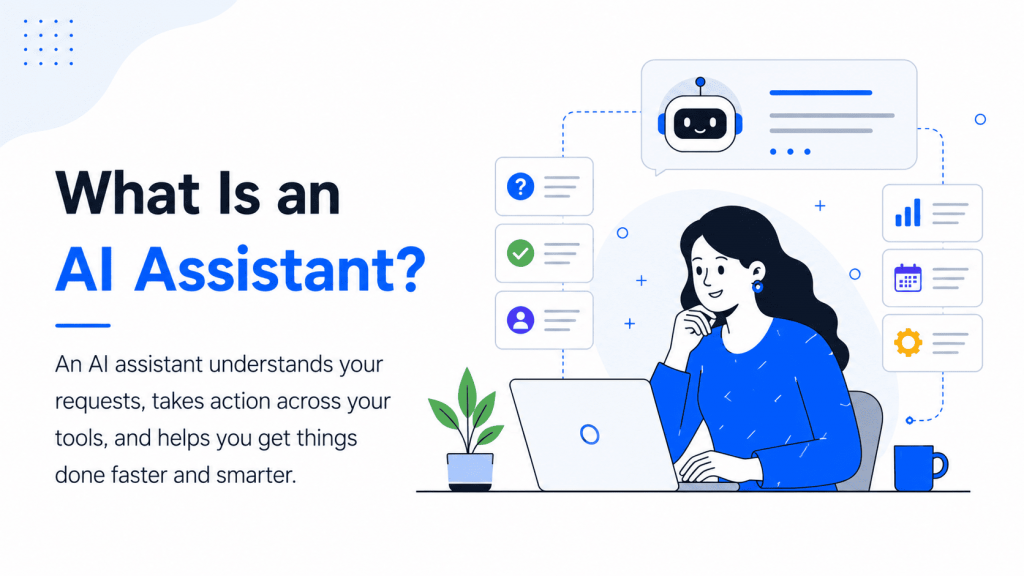
An AI Assistant, also known as a Business Co‑Pilot, is a Generative AI-powered tool that helps your team complete tasks more efficiently by understanding requests, accessing relevant data, and performing actions across your business systems.
It is designed to interpret natural language inputs, retrieve real-time information from your connected tools, and respond or act without needing human intervention. Whether it is answering a customer inquiry, updating your CRM, or resolving an internal request, the AI Assistant works consistently and reliably.
Today’s Co-pilot are built on advanced Large Language Models such as GPT-5, Claude, or Gemini. They are trained on your specific business dataincluding documents, product information, internal policies, and CRM records.
This allows them to respond in your brand’s tone, follow your internal processes, and operate effectively across multiple platforms such as websites, WhatsApp, Slack, and others.
You can think of the AI Assistant as a multi-functional teammate:
Rather than replacing your team, the AI Assistant helps them move faster, avoid repetitive work, and focus on higher-impact tasks while ensuring consistency and accuracy across every interaction.
AI Assistants are designed to understand what the user wants, find the right information, and assist you. Here is how they work behind the scenes:
The assistant begins by interpreting user input. Whether it is a typed message or a voice command, the assistant processes it using a Large Language Model. This allows it to identify the user’s intent, even if the wording is unclear or unstructured.
For example, if someone says, “I need a refund,” the assistant understands that it should check the user’s order history and start the refund process.
Unlike basic bots that treat every message in isolation, AI Assistants apply context. They remember past interactions, understand user preferences, and take recent activity into account. This helps them respond more accurately and naturally.
If a customer asked about a product yesterday, the assistant can continue the same conversation today without starting over.
Once the assistant knows what needs to be done, it connects with your systems such as your CRM, helpdesk, product database, or scheduling tool. It can retrieve, update, or write data directly, just like a human would.
This allows it to perform real tasks, such as checking an order status, creating a support ticket, or logging a lead into your CRM.
AI Assistants are not just for answering questions. They are capable of executing tasks in real time and confirming that those tasks were completed. If needed, they can also escalate the issue to a human or trigger follow-up workflows.
The assistant learns from how users interact with it. Over time, it identifies gaps, improves response quality, and becomes more efficient. Many platforms also allow admins to review conversations, adjust flows, and continuously improve performance based on real data.
AI assistants offer practical advantages that help businesses and their teams work more effectively. Here’s how they add value:
AI Assistants respond instantly to customer queries, internal requests, or task triggers. This helps reduce wait times and gives users immediate answers, even outside working hours.
Your team no longer has to answer the same questions or perform the same actions multiple times a day. The assistant handles repetitive tasks like answering FAQs, updating CRMs, or processing basic requests.
Because the assistant pulls information directly from your systems and documentation, it avoids human error and delivers consistent answers every time.
By offloading routine work to an AI Assistant, your team can focus on more strategic or complex tasks like solving customer problems, creating campaigns, or closing deals.
AI Assistants operate 24/7. They handle requests during weekends, holidays, or off-hours, ensuring your customers and internal teams are always supported.
Customers do not need to wait for an agent, explain things multiple times, or get redirected. The assistant responds quickly, knows the context, and provides relevant help across channels.
In everyday discussions, these terms are often used interchangeably, but in reality, they play different roles depending on their intelligence, autonomy, and use case.
| Feature / Attribute | Chatbot | AI Assistant (Co‑Pilot) | AI Agent |
|---|---|---|---|
| Primary Role | Answer questions | Help users perform specific tasks using connected business tools | Autonomously complete multi-step goals with minimal user input |
| User Control | Fully user-controlled | Task is initiated by user; assistant performs it | User sets the goal; agent decides what to do and executes |
| Input Handling | Handles natural language prompts | Understands multi-turn context and business logic | Interprets goals, plans workflows, and executes decisions |
| Response Type | Conversational and informative | Task-oriented and contextual | Action-driven and dynamic |
| Task Complexity | Low to moderate | Moderate to high | High and often multi-step |
| Examples of Use | Customer queries, knowledge lookups, chat UX | CRM updates, order tracking, email generation | Booking meetings, placing orders, performing research |
| Autonomy Level | Reactive only | Semi-autonomous | Fully autonomous (goal-based execution) |
| Tool Access | Limited to none | Reads and writes to tools like CRM, Helpdesk, CMS | Accesses and controls multiple tools in sequence |
| Learning Capability | Doesn’t improve without manual updates | Learns from usage and feedback | Learns from outcomes, feedback, and adapts over time |
| Channels Supported | Web chat, app widgets | Website, WhatsApp, Slack, Email, Mobile Apps | APIs, web interfaces, external systems |
| Deployment Time | Minutes | A few hours to days with no-code platforms | Weeks or more, depending on goal and guardrails |
AI Assistants are now being used across departments not just to answer questions, but to complete real tasks that used to require a human.
Here are some high-impact ways businesses are already using AI Assistants:
Handle repetitive queries like order status, refund processing, appointment rescheduling, or product information. The assistant pulls live data and responds instantly without adding pressure on your support team.
Qualify leads, follow up with prospects, schedule demos, and update your CRM. The assistant acts like a junior sales rep that never forgets to follow up and works across your sales stack.
Answer policy-related questions, help with onboarding steps, reset passwords, or generate helpdesk tickets. Teams save time by letting the assistant handle the routine back-and-forth.
Instead of digging through internal docs or dashboards, employees can ask the assistant directly “What’s our refund policy?” or “How do I update a billing plan?” The assistant replies instantly using verified internal sources.
From checking delivery timelines to handling returns or tracking product availability, AI Assistants can integrate with platforms like Shopify or WooCommerce to respond with real-time order data.
For startups and lean teams, AI Assistants help draft emails, summarise customer conversations, manage task lists, or automate follow-ups reducing dependence on multiple tools or people.
Bringing an AI assistant into your business can save time and boost efficiency, but it’s important to have a solid plan. Here are four steps to guide you through the process:
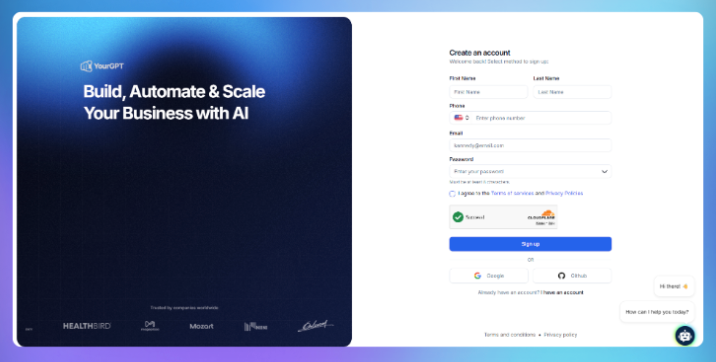
Go to YourGPT Chatbot and create your account. From there, you can build your first AI co-pilot for your website, app, or preferred channel.
Upload your documents, help articles, URLs, or knowledge base content.
YourGPT supports multiple data types and uses Generative AI to understand and respond accurately based on your own content.

Personalise your chatbot’s:
Everything is editable from a visual interface no development required.

Copy and paste a simple embed snippet to add the assistant to your:
You can also connect it with your CRM, support tools, or workflows to take real action not just chat based assistants.

Once integrated, your assistant is live. It will start handling real queries, performing tasks, and saving your team time from day one.
You can monitor usage, review performance, and expand it over time.
It can automate routine tasks, provide real-time support, and connect with business systems. This saves time and helps your team focus on important work.
If you need a quick solution, a pre-built assistant works well. If you need more control, consider building your own, though it requires more resources.
Start by identifying your key needs. Make sure the assistant helps with tasks that support your main objectives, like customer service or data management.
Most AI assistants are designed to connect with common business tools, but check compatibility before you start to avoid issues later.
It learns from user interactions and feedback. This helps it respond more accurately and handle tasks better as it gets more experience.
It can manage customer information, answer questions, send reminders, and help schedule calls or meetings.
It can help with onboarding, answer questions about policies, and manage schedules. This makes HR work smoother and faster.
Check its accuracy, user satisfaction, and how much time it saves your team. Adjust it based on feedback to keep it helpful.
Costs depend on the type of assistant you use. Pre-built options usually have predictable pricing. Custom solutions may cost more but can be tailored to your needs.
The teams getting the most out of AI assistants did not start with a big rollout. They picked one task that repeated itself every day, automated it, and watched what happened to their team’s time.
That is the right way to start. Not with a strategy document. Not with a months-long implementation. With one use case that saves real hours this week.
An AI assistant handles the volume so your team can focus on the work that actually moves things forward. Customer questions get answered before a ticket is opened. Leads get followed up before they go cold. Internal requests get resolved without someone chasing them manually.
The work does not disappear. It just stops landing on your team.
YourGPT lets you build and deploy an AI assistant trained on your own business data, across Customer support, sales, and operations, without writing any code. Start with a free 7-day trial at yourgpt.ai.
Join 10,000+ Business transforming their business operations with YourGPT
No credit card required • Full access • Limited time offer
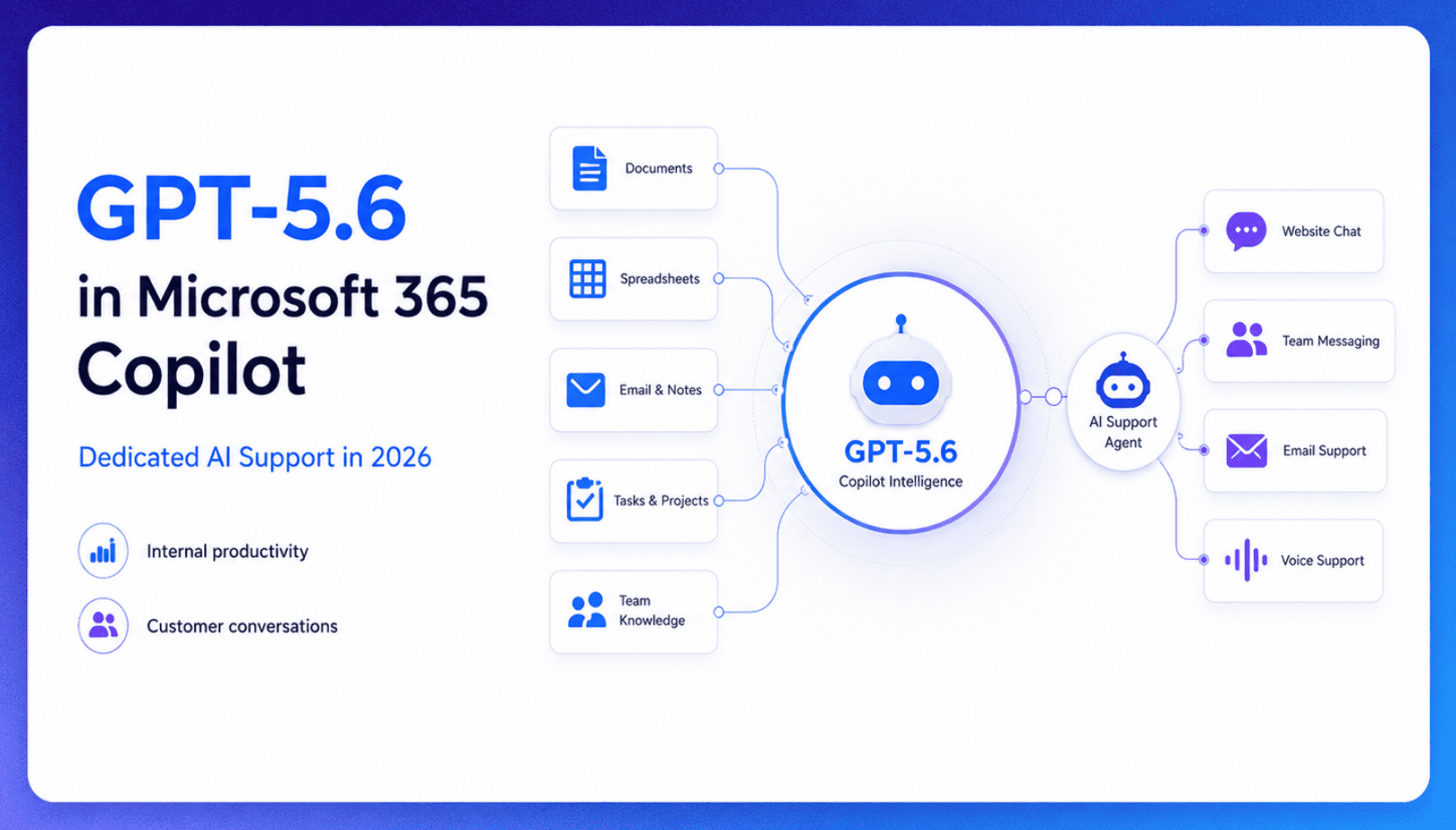
TL;DR Microsoft made GPT-5.6 the preferred model across Word, Excel, PowerPoint, Copilot Chat, and Cowork on July 9, 2026, focusing on internal workplace productivity rather than customer-facing support. Dynamics 365 Service Agent also reached general availability, but it mainly helps human support representatives manage cases within Microsoft’s existing permission structure and requires separate licensing. A […]

TL;DR Cheap frontier models now compete for the same high-volume support workloads, with DeepSeek V4 remaining the lowest-cost option in this comparison. Kimi K2.6 and GLM-5.2 are open-weight and self-hostable, while Qwen 3.7 Plus is proprietary and available only through an API. Claude Haiku 4.5 is the only model here that its developer explicitly recommends […]
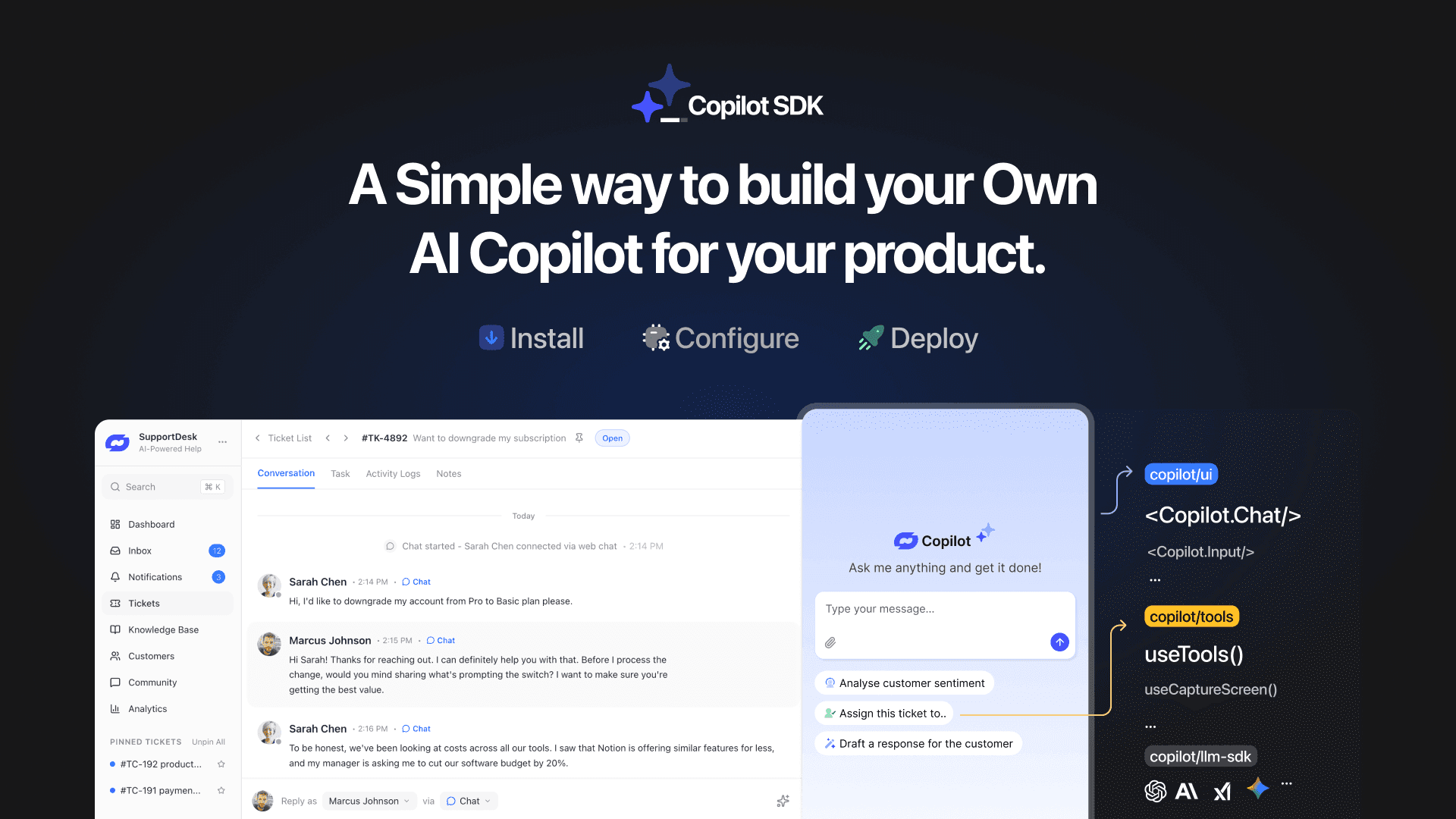
TL;DR YourGPT Copilot SDK is an open-source SDK for building AI agents that understand your application state, user context, and what is happening inside your product. Instead of working like isolated chat widgets, these agents connect directly with your product and can take real actions within existing workflows. This helps teams build contextual AI experiences […]
TL;DR YourGPT 2.0 adds AI Studio for building, testing, and debugging automated workflows. It includes native MCP integration for more than 100 tools, upgraded voice agents, and native SDKs for iOS and Android applications. With shared context across web, WhatsApp, Instagram, Telegram, and mobile, YourGPT turns conversations into real actions across support, sales, and operations. […]

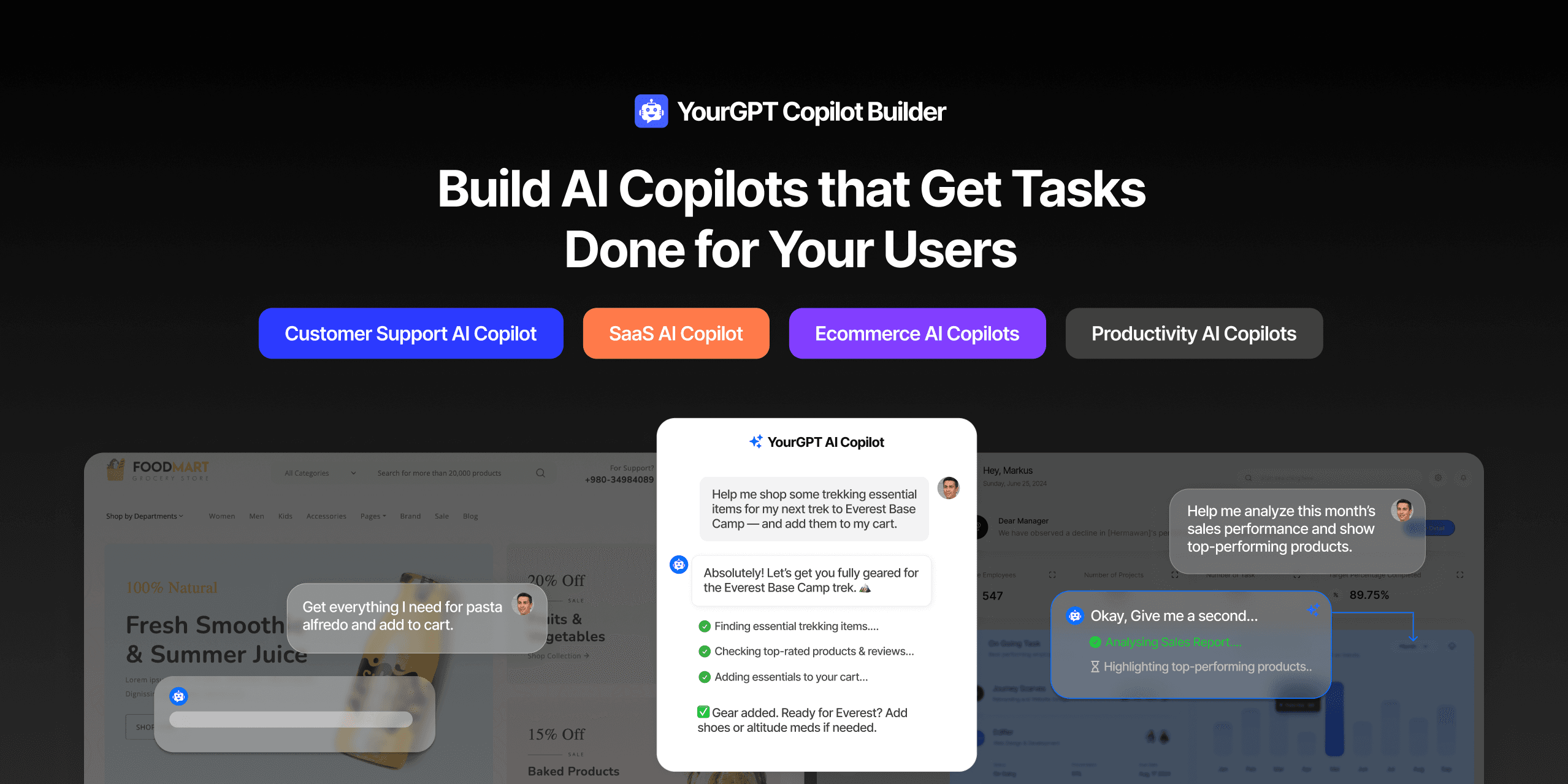
TL;DR Most AI tools provide answers but still leave users to complete the task through search results, settings pages, or checkout flows. AI Copilot Builder closes that gap by executing registered actions directly inside the product instead of only explaining what to do. Search, cart updates, account changes, and multi-step bookings can all happen within […]
TL;DR Building an AI-powered Telegram bot does not require custom development. BotFather provides the Telegram bot token, while a no-code platform like YourGPT handles AI training, free-form conversations, and the Telegram connection. This guide covers the full setup, from creating the bot in BotFather to connecting it with YourGPT and taking it live. Most Telegram […]
