Agentic AI in Customer Experience: What It Is and How It Actually Works

Rajni
August 20, 2026
A customer asks where their order is. A traditional bot pastes a tracking link and calls it done. An agentic system checks the carrier API, sees the shipment stuck at a depot, applies a credit under the delay policy, updates the CRM, and messages the customer before they’ve had time to get annoyed. Same question. Completely different outcome.
That gap between answering and actually fixing something is what agentic AI in customer experience is supposed to close. Most vendors talk about it. Few support teams have actually built it.
Part of why that gap matters more now: customers aren’t really comparing your support to your competitors’ anymore. Zendesk’s CX Trends research finds people benchmark every interaction against the best experience they’ve had anywhere, full stop, which means the bar keeps moving regardless of what industry you’re in.
Retail feels that pressure first. Take a store selling custom t-shirts: no two tickets look alike because no two orders are identical, yet the customer on the other end still expects the same instant response they’d get buying something off a shelf. That’s exactly the kind of complexity a script-based bot can’t absorb.
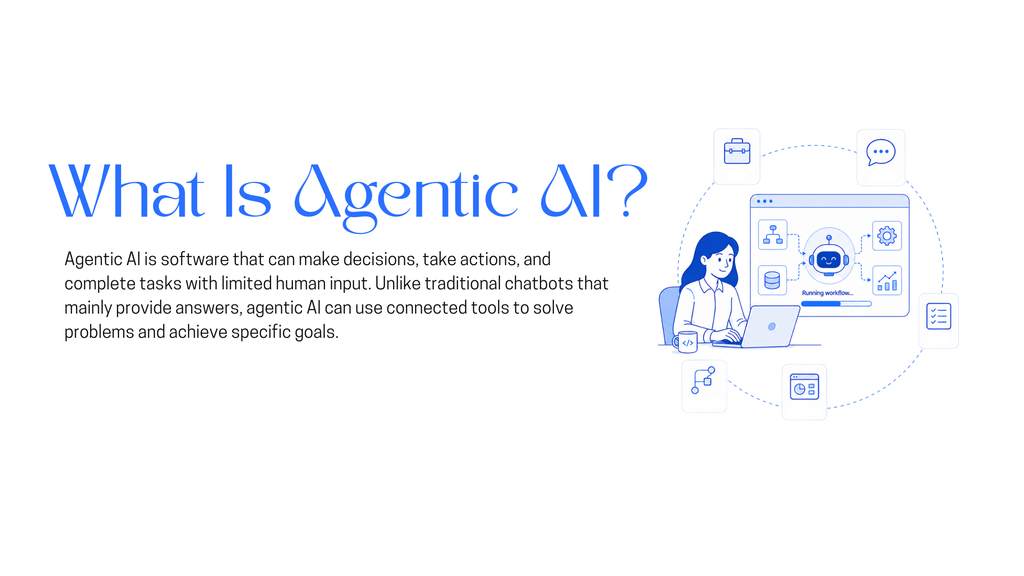
Agentic AI in customer experience is AI that doesn’t stop at generating a response. It pulls context from your systems, decides what action the situation calls for, executes that action through your CRM, billing platform, or order management tool, and checks whether the action actually solved the problem before it closes the loop. The output isn’t a message that describes the issue. It’s a resolved ticket.
That last part, checking its own work, is the piece most current deployments skip.
A chatbot answers what’s asked. An agentic system decides what needs to happen and does it. Four things make that possible:
Drop any one of these and you’re back to a chatbot with better copywriting.
Three layers do the actual work. Most teams stop at the first one and call the project finished.
Answer. The system reads what the customer typed or said, figures out the actual intent, and pulls the right information from your knowledge base, policies, and past tickets. A refund question could mean policy, status, or “please start one.” Getting that distinction right up front is cheaper than three wrong answers later.
Act. This is where the system stops describing and starts doing: changing a shipping address, applying a discount, canceling a booking within the cancellation window, rescheduling an appointment. These are the tasks that quietly eat human support hours at scale, and they’re squarely within what a well-integrated agent can handle.
Resolve. This is the layer almost everyone underbuilds. Resolution means the system confirms the fix actually worked, not just that a task ran. If it holds, the loop closes and the customer gets told. If it doesn’t, the case escalates to a human with the full thread attached: what was tried, what happened, what’s recommended next. Handing off with nothing but a ticket number forces the customer to repeat everything they just explained to the bot. That’s a worse experience than never having deployed one.
None of this works off a single model. It’s layers, and each one has a job:
Platforms like YourGPT bundle these layers together specifically for support and sales teams, which is usually faster to stand up than wiring a reasoning model, a retrieval layer, and a CRM connector together from scratch.
This is also where the industry is quietly redrawing the line on what “good” AI support even means. Our piece on answering versus resolving in AI customer service goes deeper into that shift, and why most support tools are still stuck on the wrong side of it.
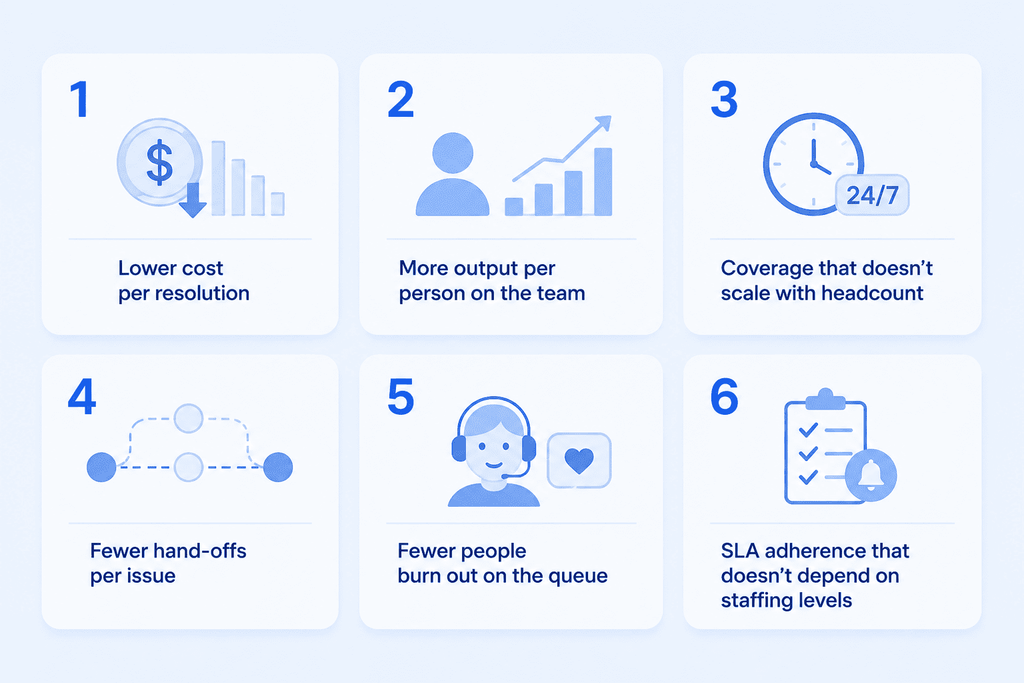
The traits are only worth caring about if they show up in numbers a support lead actually tracks:
Gartner expects more than 40 percent of agentic AI projects to be canceled by the end of 2027, and the firm points to escalating costs, unclear business value, and weak risk controls as the reasons why, based on a poll of over 3,400 organizations already investing in the technology.
In customer experience specifically, the failure usually traces back to one of three things:
These systems also touch payment details and, in some industries, health records, so the stakes go past a bad review. The NIST AI Risk Management Framework gives teams a structured way to decide who owns each decision, what gets logged, and when a human has to stay in the loop. It’s worth pairing with IBM’s Cost of a Data Breach Report, since most of what goes wrong in production turns out to be ordinary and preventable, not exotic.
McKinsey’s State of AI survey found that nearly half of organizations using AI report measurable improvement in customer satisfaction and competitive differentiation. The gap between that number and Gartner’s cancellation forecast is entirely about how the system was built, not whether the underlying technology works.
Agentic AI introduces risks around autonomy, security, data protection, bias, accountability, and transparency that require clear controls and human oversight.
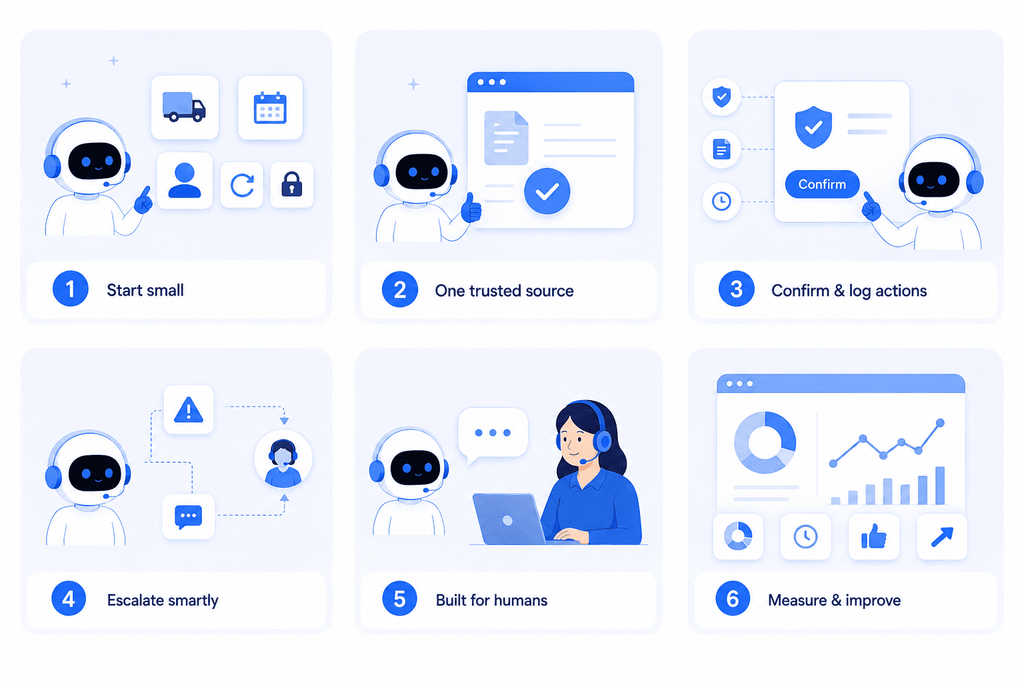
Agentic AI runs independently, but independent doesn’t mean unwatched. The implementations that actually hold up put human judgment into every layer: a governance framework that sets the boundaries, monitoring that catches drift before it compounds, and an escalation path that routes the hard cases to a person with full context attached. None of that limits the autonomy. It’s what makes the autonomy safe enough to hand real decisions to.
1. From answering to acting A traditional bot tells a customer where their order is. An agentic system checks the carrier API, sees the delay, applies the credit, and closes the case without a follow-up message. The difference is action, not just accuracy.
2. Resolve is the step everyone skips Answer and Act are the easy two-thirds of the loop. Resolve, actually confirming the fix worked before closing the case, is what separates a system customers trust from one that just looks busy.
3. Predictive is replacing proactive Catching a problem fast after it starts is proactive. Catching it before the customer notices, using account history to flag a pattern early, is where the category is headed next. Gartner expects the shift to move fast, projecting that by 2028 roughly 15 percent of routine work decisions will run through agentic AI, up from close to none today.
4. Integration decides whether “agentic” is real A reasoning model with no access to the CRM, billing, or order system is a well-dressed FAQ. What the system can actually reach determines what it can actually fix.
5. Oversight moves, it doesn’t disappear Autonomy doesn’t remove governance, it relocates it. Clear ownership, monitoring, and an escalation path let the humans on the team spend their time on the calls a system genuinely can’t make.
Using AI support agents helps make customer service faster and better by taking a practical, efficient approach.
Start with a clear plan. Every business has unique support goals, so it’s important to define what you want the AI to achieve from the beginning. Here’s how to set up YourGPT:
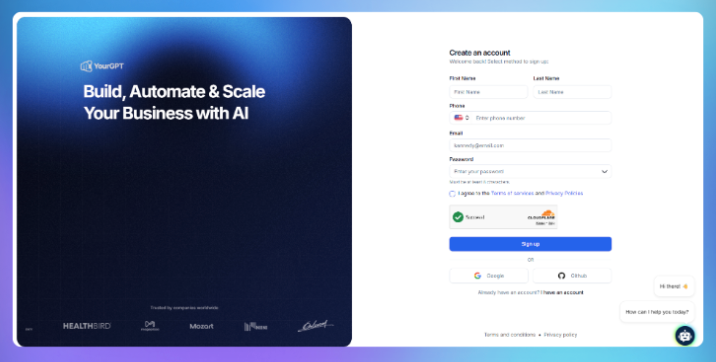
Sign up for an account in YourGPT. The registration is simple and requires only basic information to get you started quickly. Once your account is ready, you’ll have access to the AI chatbot builder dashboard.

Next, prepare the documents you want your chatbot to learn from. YourGPT supports a wide range of training file types, including Website, PDFs, Word documents, FAQs, PowerPoint slides, CSV files, and much more.
Upload your files through the dashboard. The system automatically processes and indexes the content, preparing it for training.
After uploading your documents, personalise how your chatbot communicates and performs:
Customising your chatbot’s persona and AI model helps deliver accurate, relevant, and engaging responses tailored to your audience.

Once trained, you can deploy your chatbot where it’s needed most. YourGPT offers easy omni-integrations with popular platforms:
Each integration is designed for easy setup without coding, letting you reach users wherever they prefer to communicate.
Knowledge helps the agent answer well. Tools are what let it actually do the work.
This is the step where you connect the agent to the systems and actions it needs for its role. That can include functions, backend actions, app integrations, and MCP connections that allow the agent to fetch information, update records, trigger workflows, or complete tasks across your stack.
For more advanced use cases, you can use AI Studio to build sequential agent workflows. This is useful when the job is not just a single response, but a series of steps that need to happen in order. For example, the agent may first identify intent, then retrieve the right data, then decide what action to take, and finally complete that action or hand it off.
This is what turns the agent from a conversational layer into a working operational system.
Before going live, test your chatbot by asking questions from different topics in your knowledge base.
Support content changes. Schedule updates to your knowledge base and retrain the AI as needed. Periodic improvement keeps your AI agent effective a
It’s AI that perceives context from your business systems, decides on an action, executes it through tools like your CRM or billing platform, and confirms the action resolved the issue before closing the case, rather than stopping at a generated response.
A chatbot answers questions using a script or a knowledge base. Agentic AI decides what needs to happen and acts on it directly, through connections to the systems that actually run the business, and it carries memory across the whole interaction instead of resetting each message.
Handing off to a system, or a human, without verifying the fix actually worked. A close second is deploying it against legacy systems with no clean API and calling that a technical problem when it’s really a governance problem.
No. It automates the high-volume, low-complexity work, which frees human agents for cases that need judgment, empathy, or a decision with real stakes attached. Teams that frame it as a replacement project tend to fight the rollout the entire way.
Teams that start with three to five well-defined workflows and one clean knowledge source usually see a working version in a day, not months. Platforms like YourGPT that bundle the reasoning, retrieval, and integration layers together cut a lot of that setup time versus building each piece separately. The projects that stretch to a year or more are almost always stuck on integration debt, not on the AI itself.
The difference between agentic AI that feels effortless and agentic AI that feels like a worse phone tree isn’t the model underneath it. It’s whether the system was built to verify its own work, and whether a human picks up the thread with full context when it can’t.
If you want to see what the Answer, Act, Resolve loop looks like against your own ticket queue, YourGPT walks through how it connects to your CRM and knowledge base directly, without a multi-quarter integration project. For the channel-specific side of this, our guides to the best AI voice agent platforms and leading AI chatbots for customer support cover how the same loop plays out across voice and chat, and our conversational AI playbook walks through the KPIs to track once it’s live.
TL;DR B2B customer service means supporting multiple people within the same account, including end users, admins, finance or procurement contacts, and executive sponsors, each with a different definition of a resolved ticket. Traditional support bots handle one conversation at a time and often lose account context when requests move between contacts, channels, or teams, forcing […]
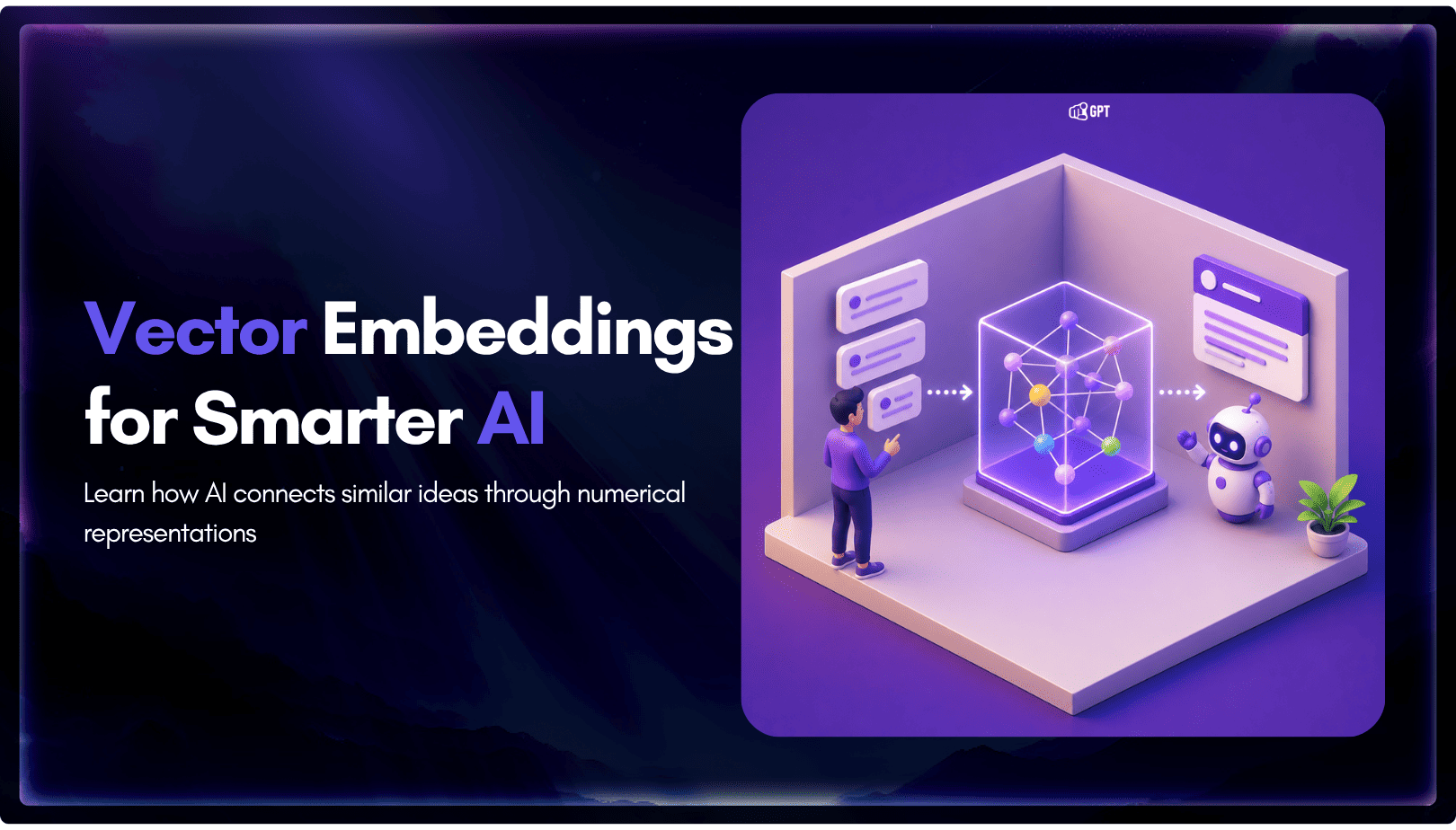
TL;DR A vector embedding is a list of numbers that represents meaning, placing similar concepts closer together in a mathematical space. AI chatbots use embeddings to match questions by meaning rather than exact wording, which is a core part of retrieval-augmented generation (RAG). Anthropic recommends Voyage AI for embeddings, while OpenAI, Google, and Cohere provide […]

TL;DR An FAQ chatbot answers repetitive questions by matching user queries with a knowledge base and returning grounded responses using rules, AI retrieval, or both. Modern FAQ chatbots use confidence checks to deliver instant answers for strong matches and fall back to broader retrieval or human handoff when confidence is low. Rule-based bots work well […]
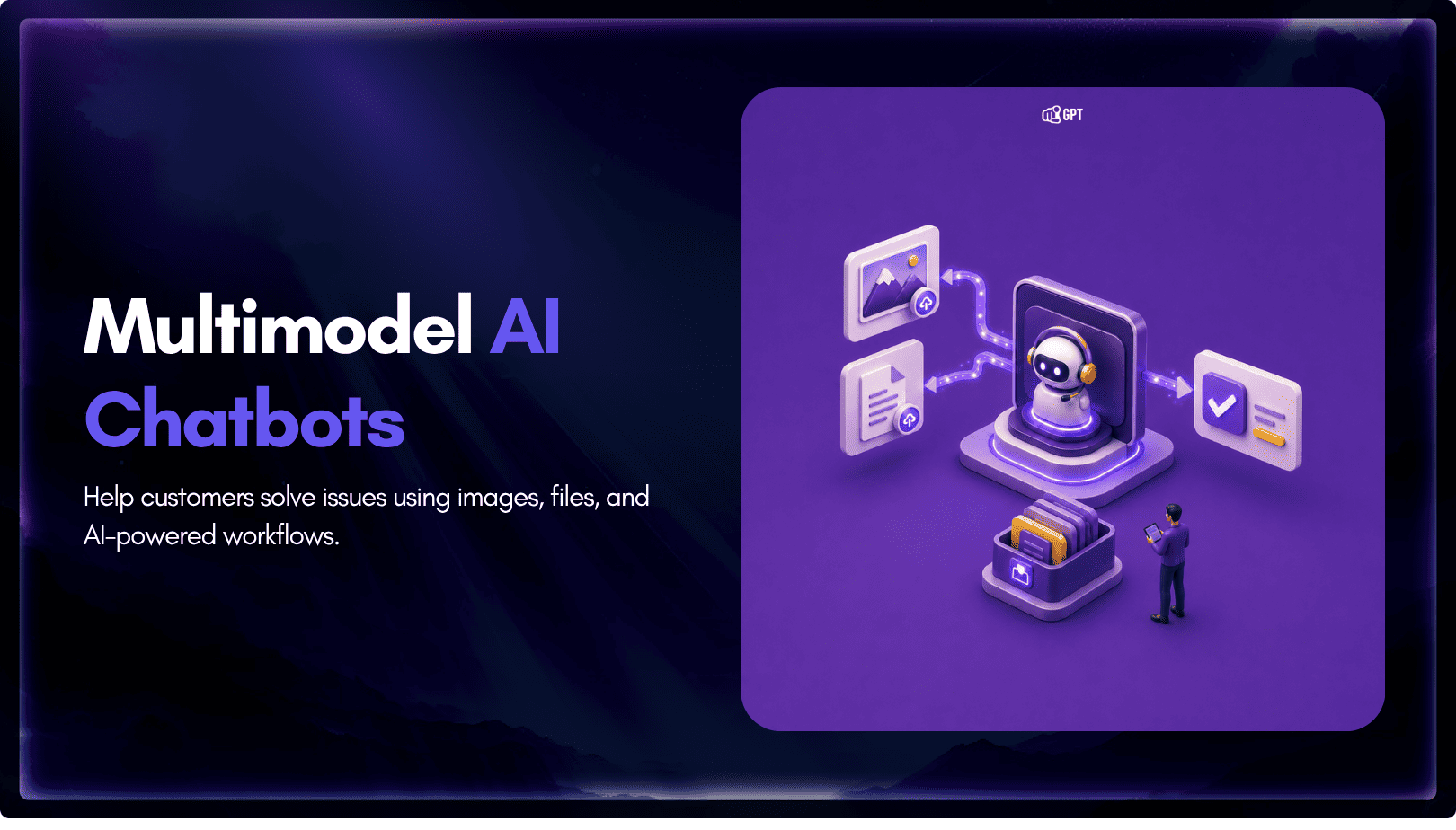
TL;DR Multimodal chatbots let customers share photos, screenshots, documents, video, or audio directly in a conversation, giving AI more context than text alone. YourGPT’s Attachment Capture node in AI Studio can collect these files mid-conversation, while vision-capable AI models can analyze and understand their contents. Key use cases include ecommerce returns, insurance and warranty claims, […]
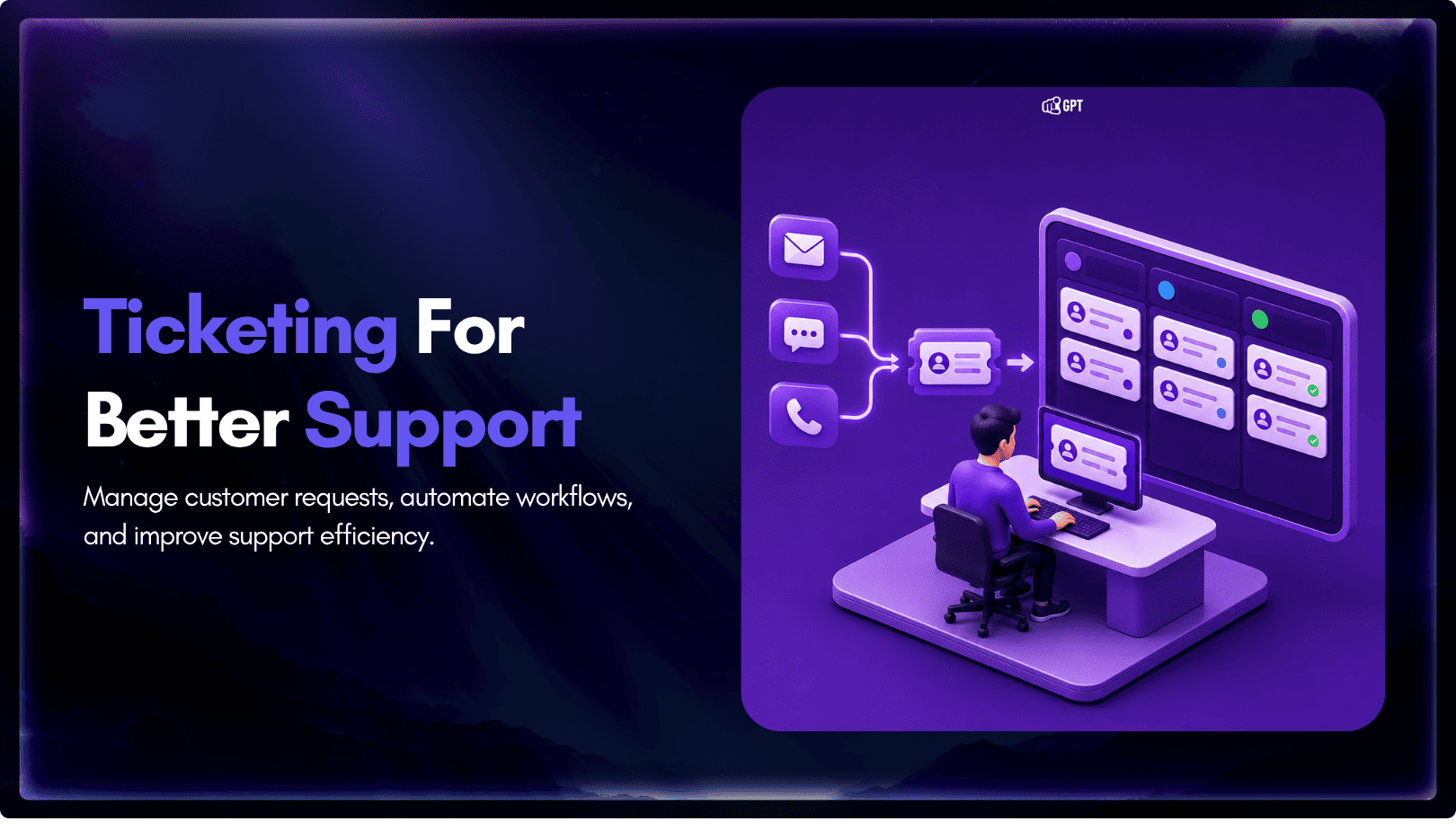
TL;DR A ticketing system converts requests that arrive by email, chat, phone, or web form into trackable records with an owner, a status, and a priority level. Centralizing requests this way cuts response delays, gives support teams visibility into backlogs, and creates a record useful for reporting and audits. Options range from lightweight help desk […]
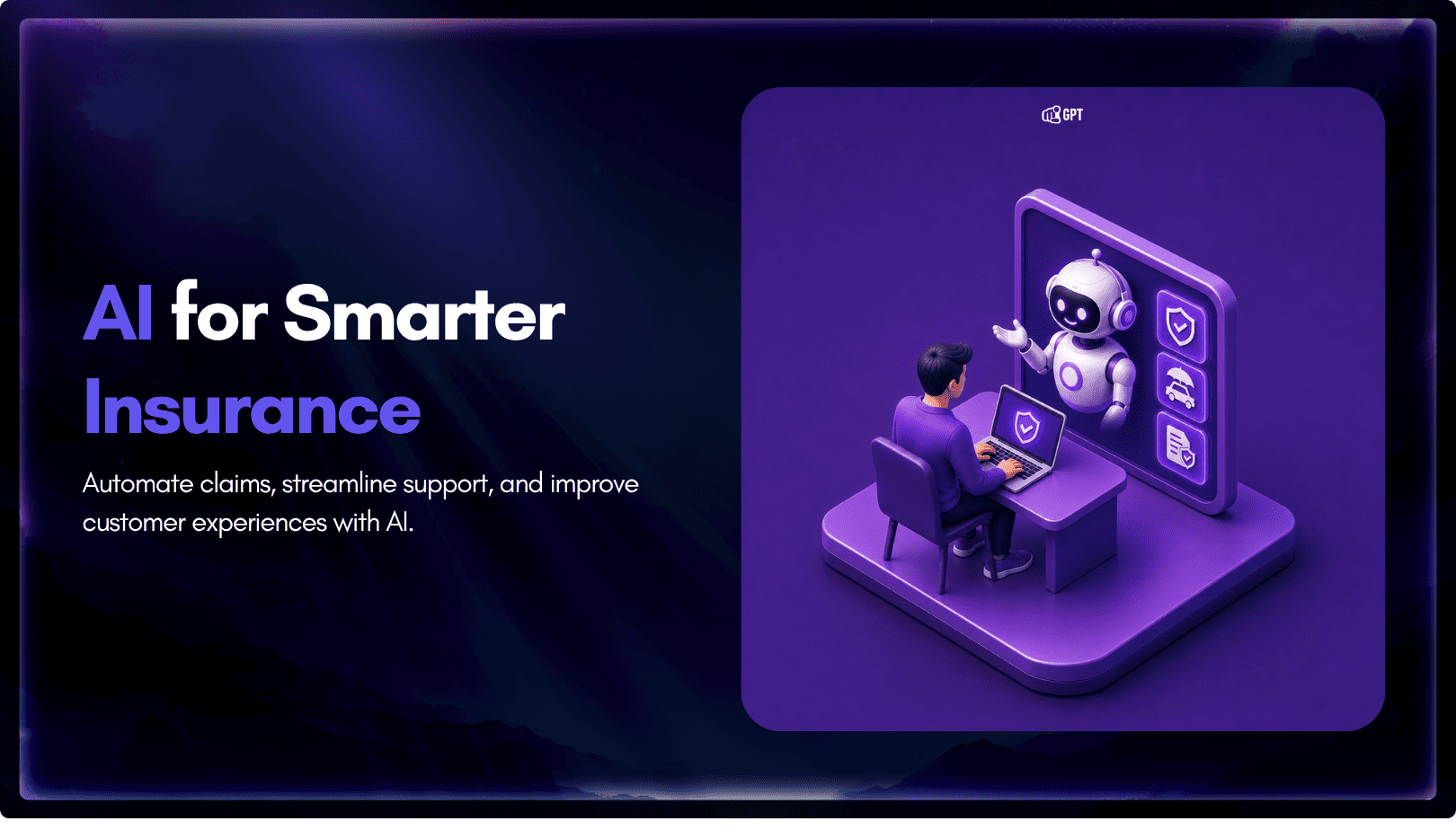
TL;DR Insurance platforms are using AI to automate claims support, quote intake, and policy servicing, reducing reliance on call centers and static forms. This guide compares five commonly shortlisted platforms: YourGPT, Ada, Sierra AI, Decagon, and Forethought. None are purpose-built exclusively for insurance, so configuration flexibility and proven insurance use cases matter. Pricing ranges from […]