What Is an FAQ Chatbot? How It Works, Examples, and How to Build(2026)

Rajni
August 25, 2026
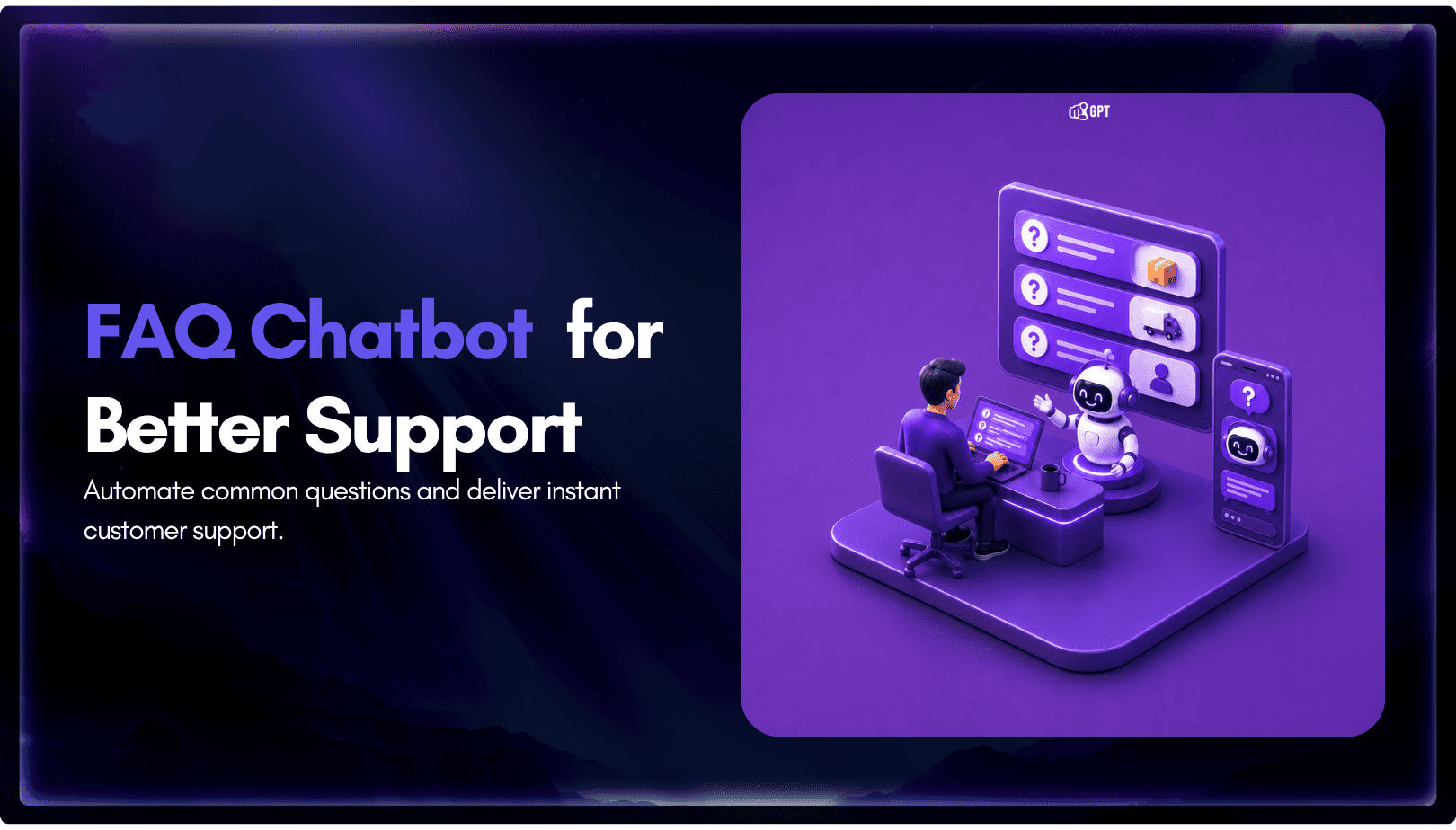
An FAQ chatbot answers repetitive questions by matching user queries with a knowledge base and returning grounded responses using rules, AI retrieval, or both.
Modern FAQ chatbots use confidence checks to deliver instant answers for strong matches and fall back to broader retrieval or human handoff when confidence is low.
Rule-based bots work well for predictable questions, while AI and RAG-based systems handle varied phrasing and follow-up queries more effectively.
Metrics such as deflection rate, containment rate, and CSAT help measure whether the chatbot is actually resolving customer questions.
Platforms like YourGPT combine FAQ training with YourGPT’s AI Studio to control retrieval, fallback, and human escalation.
An FAQ chatbot has one job. It turns a question that gets asked over and over into an answer that shows up before anyone has to open a ticket. Support teams see the same handful of questions on repeat: password resets, appointment rescheduling, subscription cancellations. Answering each one by hand does not scale past a certain point, and that is the gap a chatbot exists to close.
Take a customer with one question about a refund window. Three options open up: scroll a support article and hope it covers the exact case, open a ticket and wait, or ask directly and get an answer before the tab closes. The chatbot is what makes that third option work.
Most explanations stop at what a chatbot looks like. Rule-based bots use decision trees. AI bots use natural language processing. Businesses save time either way. That covers the marketing pitch. This guide gets into how a chatbot actually decides what counts as a good match, and why getting that decision wrong is the real reason some bots frustrate people instead of helping them.
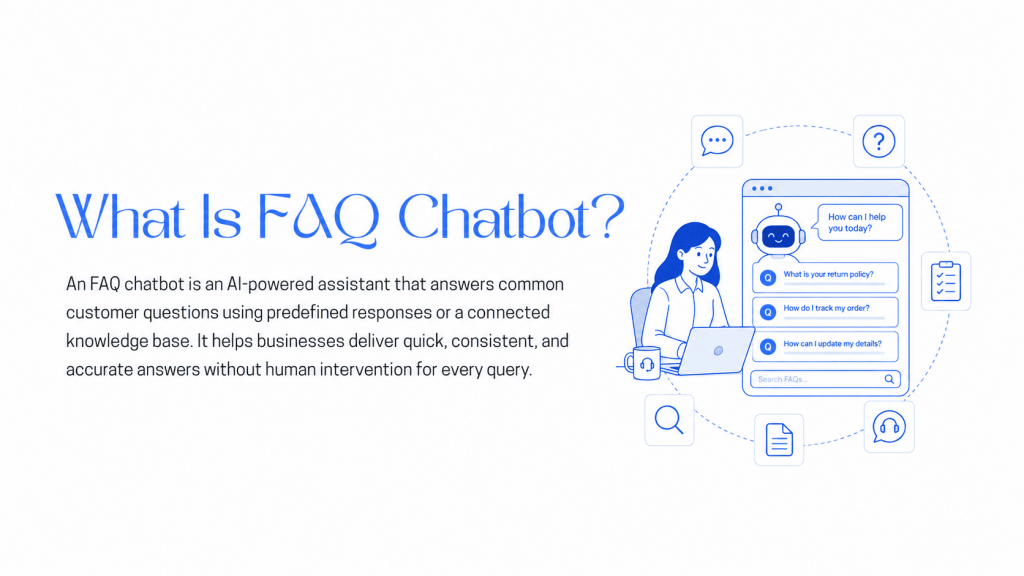
An FAQ chatbot is a conversational interface that answers common, repeatable questions by matching a user’s input against a defined set of questions and answers, either through fixed rules or through AI-based retrieval over a knowledge base. It exists to replace the experience of scanning a static FAQ page with the experience of asking directly and getting a specific answer.
Not every FAQ chatbot works the same way. The options span a spectrum, from a fixed decision tree that never deviates from its script to an AI layer that adapts to how a question actually gets phrased. Here is what the choice comes down to.
Rule-based bots follow predefined rules, matching a question against fixed keywords or a decision tree and returning the same scripted answer every time the same trigger appears. They work best for narrow, predictable question sets, such as store hours or a single shipping policy, and are fast to build, easy to maintain, and require no training data or model. The tradeoff is flexibility. A rule-based bot breaks down the moment a question falls outside the predefined paths, and it cannot learn to answer it on its own.
This is the category most people mean by “AI chatbot.” These bots use a large language model to interpret intent and generate or retrieve a response instead of matching a fixed phrase. They understand varied phrasing, hold context across a conversation, and can handle a question the original FAQ document never explicitly listed. They work best for businesses that want context-aware answers and a response that feels natural instead of scripted. The tradeoff is source quality. An AI FAQ chatbot is only as good as the knowledge base behind it, and a weak or disorganized source produces weak, sometimes wrong, answers regardless of the model.
Most modern support platforms now default to this model. A rule-based layer handles high-volume, predictable questions instantly, and an AI layer covers everything else. It works best for teams that want the speed of fixed rules on the questions that repeat constantly, plus AI coverage for the long tail a rule set alone could never handle. The tradeoff is setup complexity. Maintaining two systems means defining a clear rule for which questions go to which layer, and that takes more upfront configuration than either approach alone.
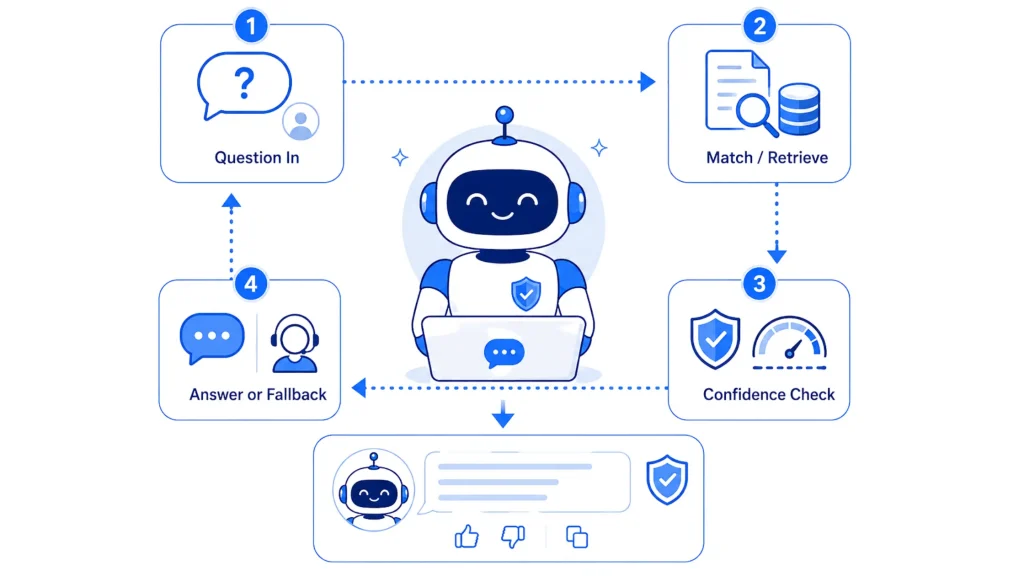
Every FAQ chatbot runs a version of the same four-stage loop, whether it is a decision-tree bot from 2018 or a RAG-based agent trained this month.
The choice is less AI versus outdated technology and more a question of how predictable the questions are and how much ongoing maintenance a team can commit to.
The retrieval and confidence mechanics stay identical across industries, but the volume of questions and the cost of a wrong answer shift depending on what is being asked.
A static FAQ page and an FAQ chatbot solve the same underlying problem, getting a customer to the right answer. The difference shows up in how much work the customer has to do to get there, and it traces directly back to the retrieval mechanics covered above. A page relies on the customer finding the right words, while a chatbot does that matching for them.
| Feature | FAQ Page | FAQ Chatbot |
|---|---|---|
| Searchability | Limited to keyword matches and manual scanning | High, matches by meaning even when phrasing differs |
| Conversational | No | Yes |
| Personalization | No | Yes |
| 24/7 Support | Partial, the page is always live but provides no active help | Yes |
| Follow-up Questions | No | Yes |
| Setup Effort | Low, just write and publish the content | Moderate, needs training, testing, and threshold tuning |
| Escalation to a Human | No built-in path | Built-in handoff with conversation history preserved |
| Accuracy Risk | None, the content is exactly what was written | Possible if the confidence threshold is not tuned well, since the bot can still answer when it should defer |
The gap widens most on follow-up questions. A page has no memory of what a customer already read, so a second question starts from zero. A chatbot carries the conversation forward, which is the same context-handling behavior described in the human handoff section below.
An FAQ chatbot with YourGPT helps automate answers to common customer questions using your own business knowledge. You can add FAQs, train the agent, customise its behaviour, and deploy it across your preferred channels.
Sign up or log in to YourGPT, enter the dashboard, and create a new AI agent for your preferred use case or deployment channel.
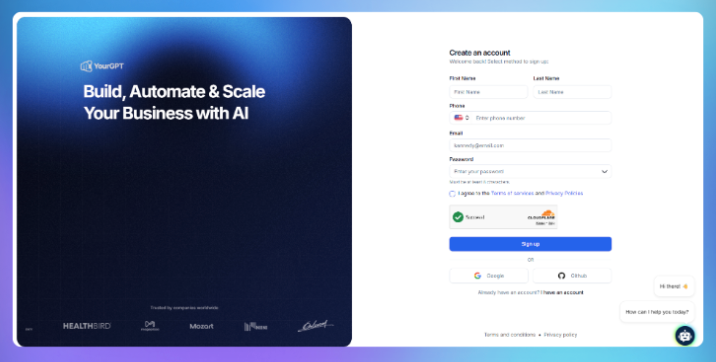
Set the agent name, model, appearance, welcome message, and basic settings so it matches your brand and intended use case.
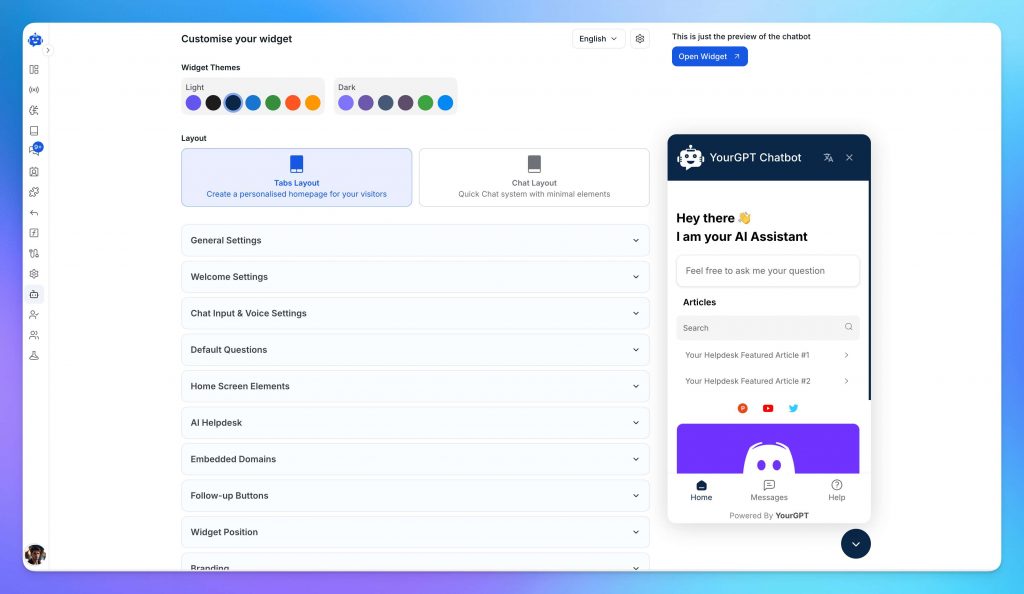
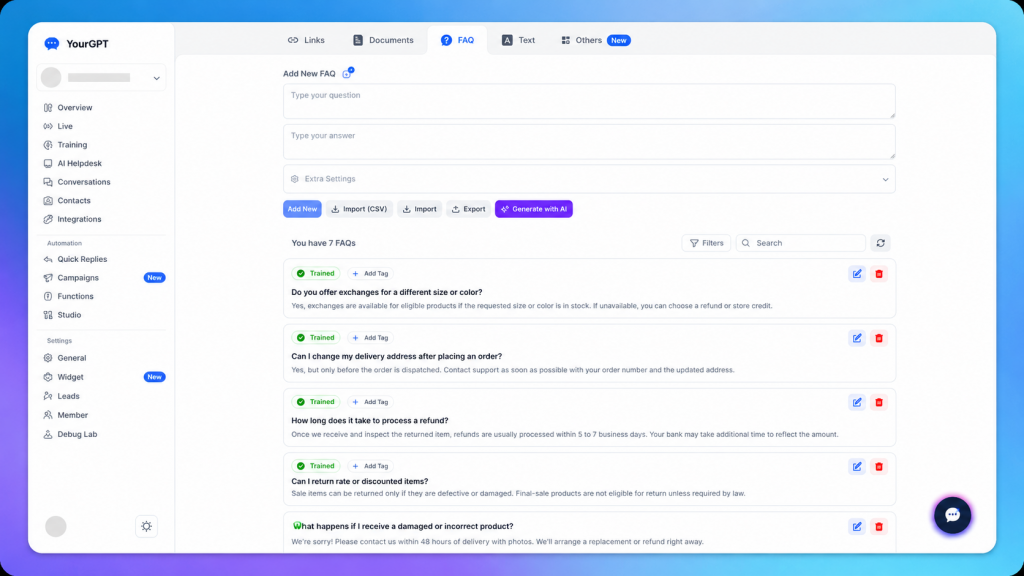
Add frequently asked customer questions and clear answers to help the agent handle common support and sales queries accurately.
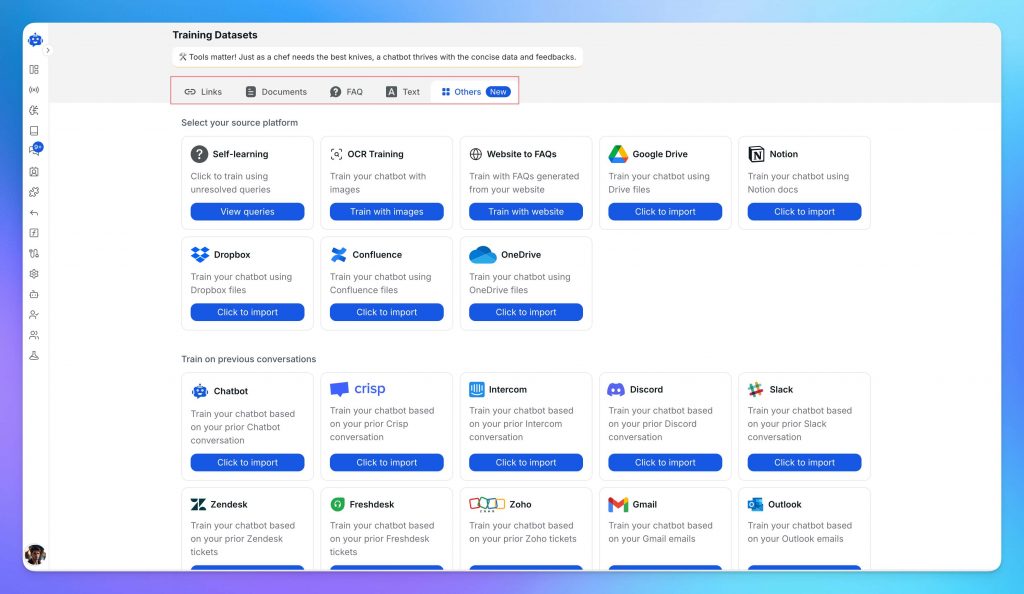
Train the agent using your website, support articles, documents, product information, past conversations, SOPs, and connected knowledge sources.
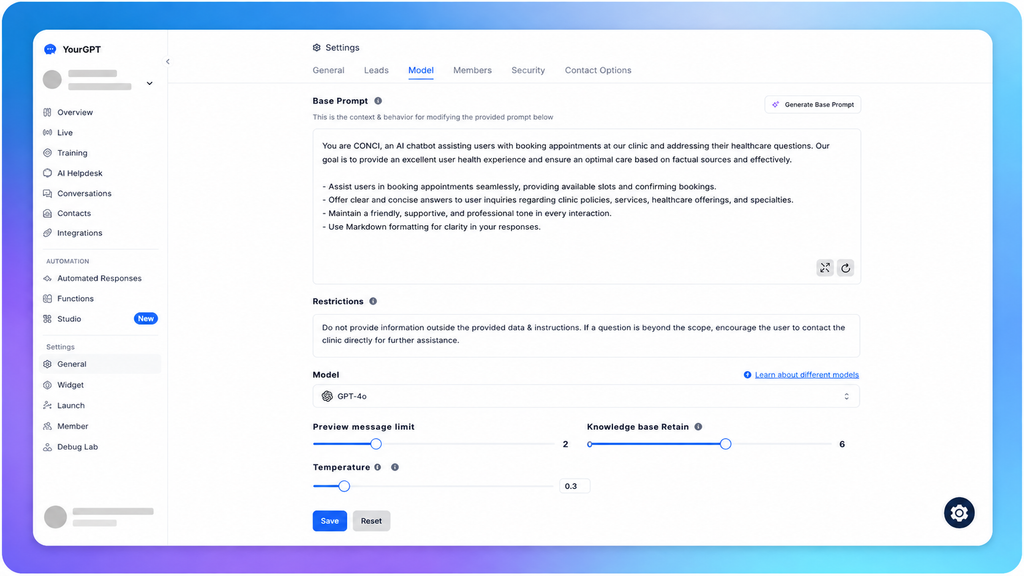
Set the agent’s role, tone, response style, instructions, and behaviour so it communicates consistently with your customers.
Open AI Studio to create custom workflows using Autonomous Agent nodes, API or code skills, human handoff, web search, and rich messages such as images, videos, buttons, cards, and carousels.
Test the agent with real questions, edge cases, fallback scenarios, and human handoff. Once the responses and workflows work correctly, publish the latest version.

Deploy your published agent on your website, WhatsApp, Instagram, Messenger, Telegram, or other supported channels and start handling live conversations.
No FAQ set covers every question a customer might ask. A well-designed bot treats the gap as a routing decision that sends the conversation somewhere useful before the customer gets frustrated.
Signals that it’s time to hand off:
What makes a handoff good:
Account-specific routing goes a step further:
Framed this way, the FAQ layer becomes the entry point into a broader support system, with room to expand as the same agent takes on more account-specific and action-based work.
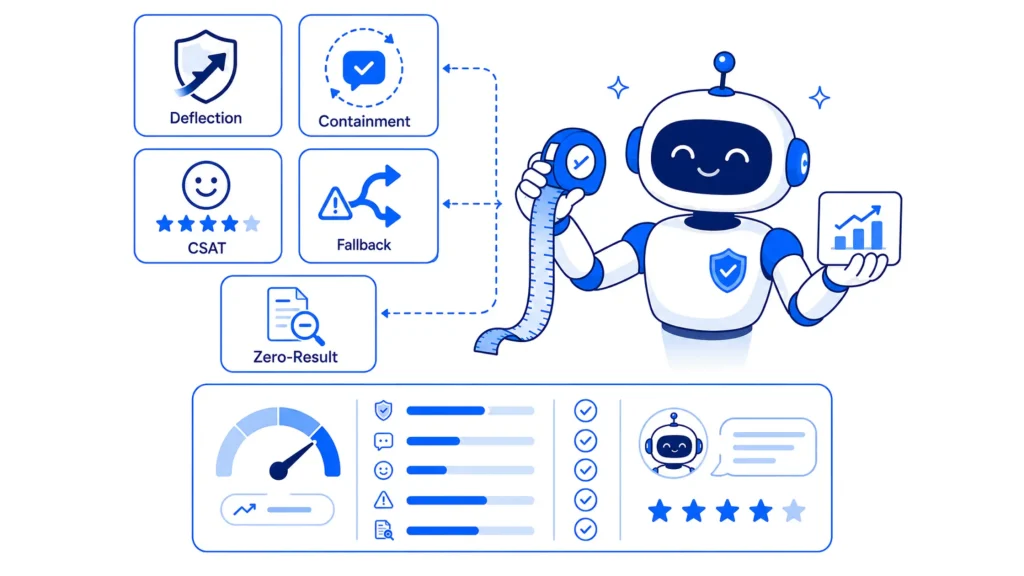
Three metrics together show whether an FAQ chatbot is actually working: deflection rate, containment rate, and CSAT.
Why CSAT has to sit next to both:
What good benchmarks look like:
The most useful early signal for an FAQ bot specifically:
An FAQ chatbot answers questions from a fixed knowledge base and stops there. A general AI agent can also take actions, such as booking an appointment or updating a customer record, in addition to answering. FAQ chatbots trade that action range for simplicity, which makes them faster to set up and easier to keep accurate.
Most modern FAQ chatbots detect the language of an incoming question automatically and respond in the same language, provided the knowledge base has content available in that language or the underlying model can translate reliably. Language coverage varies by platform, so checking the specific list before launch avoids gaps.
Setup time depends on how much content needs training and how much rule-based structure gets added on top. On a no-code platform such as YourGPT, training on an existing FAQ page or help center typically finishes within a few minutes, though testing and threshold tuning before launch usually take longer than the training step itself.
No. No-code platforms handle the underlying retrieval and matching logic, so building an FAQ chatbot mostly involves organizing content and testing responses rather than writing code. Development work becomes relevant only for custom actions beyond answering, such as calling an external API.
A well-designed FAQ chatbot checks a confidence score before answering. Below a set threshold, it says it does not know rather than guessing, then either widens its search or hands the conversation to a human agent with the prior messages included. Bots that skip this step are more likely to produce a fluent, confident, wrong answer.
Yes. Most FAQ chatbot platforms support deployment across multiple channels from a single trained agent, including a website widget, WhatsApp, Slack, and other messaging apps. The same knowledge base and confidence rules typically apply across every channel, so answers stay consistent regardless of where the question comes in.
It depends on question volume and variety more than business size. A small business with a narrow, predictable set of questions, such as store hours or a single shipping policy, often does fine with a rule-based bot. A small business fielding varied phrasing or multi-step questions benefits more from an AI or hybrid setup despite the added setup work.
Cost varies by platform and by how the vendor prices usage. Some charge per resolved conversation, others per credit or per seat. Most no-code platforms, including YourGPT, offer a free trial period to test setup and accuracy before committing to a paid plan, which is a more reliable way to estimate real cost than a published price list alone.
An FAQ chatbot comes down to a matching problem underneath the interface: turn a question into something comparable, find the closest answer, decide how confident that answer really is, and know when to stop guessing and ask for help. The model choice, the platform, and the deployment channel all sit on top of that core loop.
Teams that treat FAQ chatbots as a one-time setup task tend to plateau around whatever accuracy the initial training data supported. Teams that treat the fallback log as a running to-do list, reviewing what the bot could not answer and feeding those gaps back into the source content, keep improving without touching the model at all. The fastest way to find out where an FAQ bot currently stands is to pull the last hundred fallback conversations and read them. That list is usually a better roadmap than any dashboard.
Run WordPress customer service alone. Train a YourGPT agent on your help pages, test it on real tickets, install the plugin, and get only the exceptions.

Learn how to judge Shopify AI resolution rates with clear formulas, a worked example, ticket-level checks and practical ways to improve support quality.
TL;DR B2B customer service means supporting multiple people within the same account, including end users, admins, finance or procurement contacts, and executive sponsors, each with a different definition of a resolved ticket. Traditional support bots handle one conversation at a time and often lose account context when requests move between contacts, channels, or teams, forcing […]
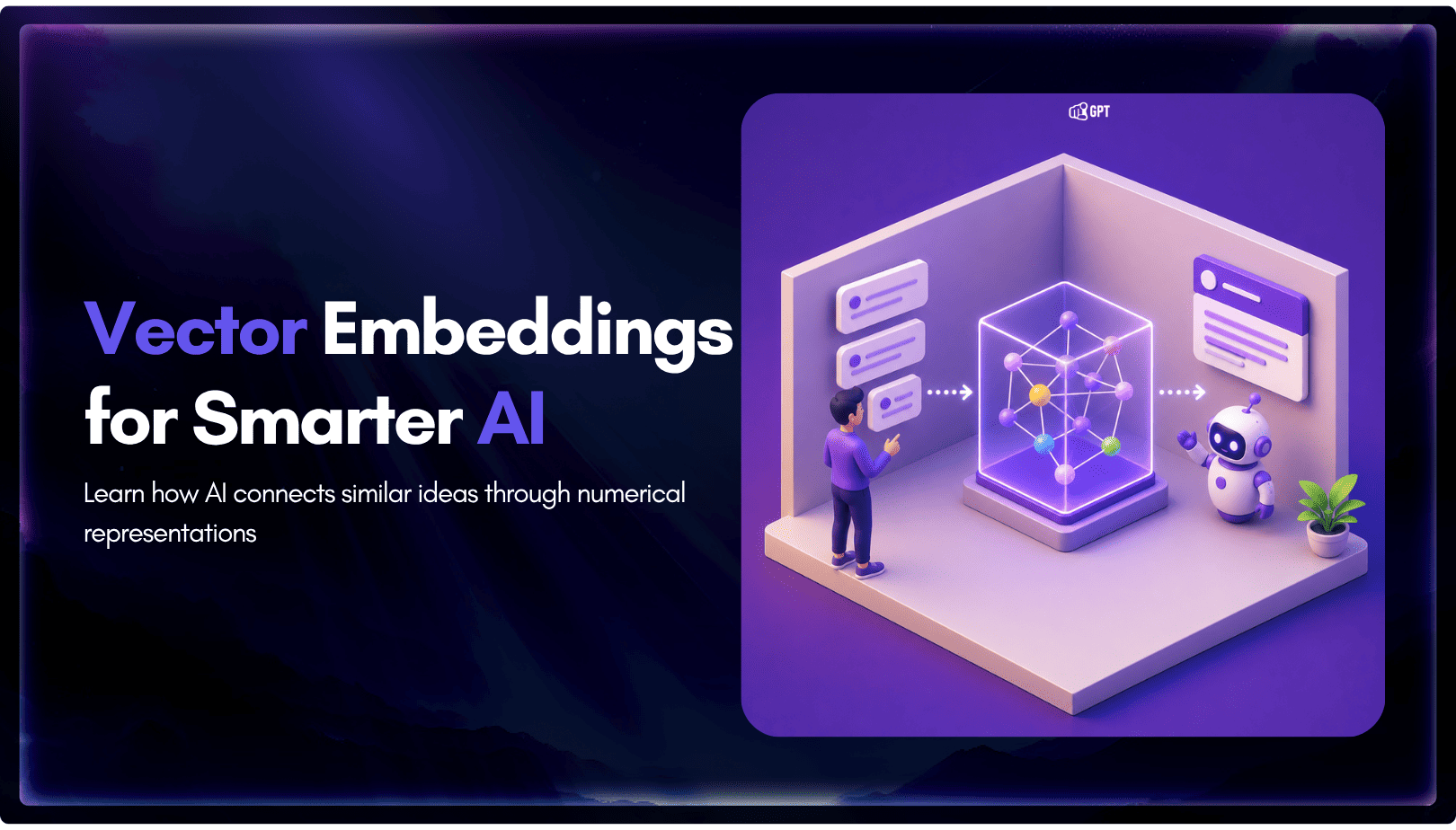
TL;DR A vector embedding is a list of numbers that represents meaning, placing similar concepts closer together in a mathematical space. AI chatbots use embeddings to match questions by meaning rather than exact wording, which is a core part of retrieval-augmented generation (RAG). Anthropic recommends Voyage AI for embeddings, while OpenAI, Google, and Cohere provide […]
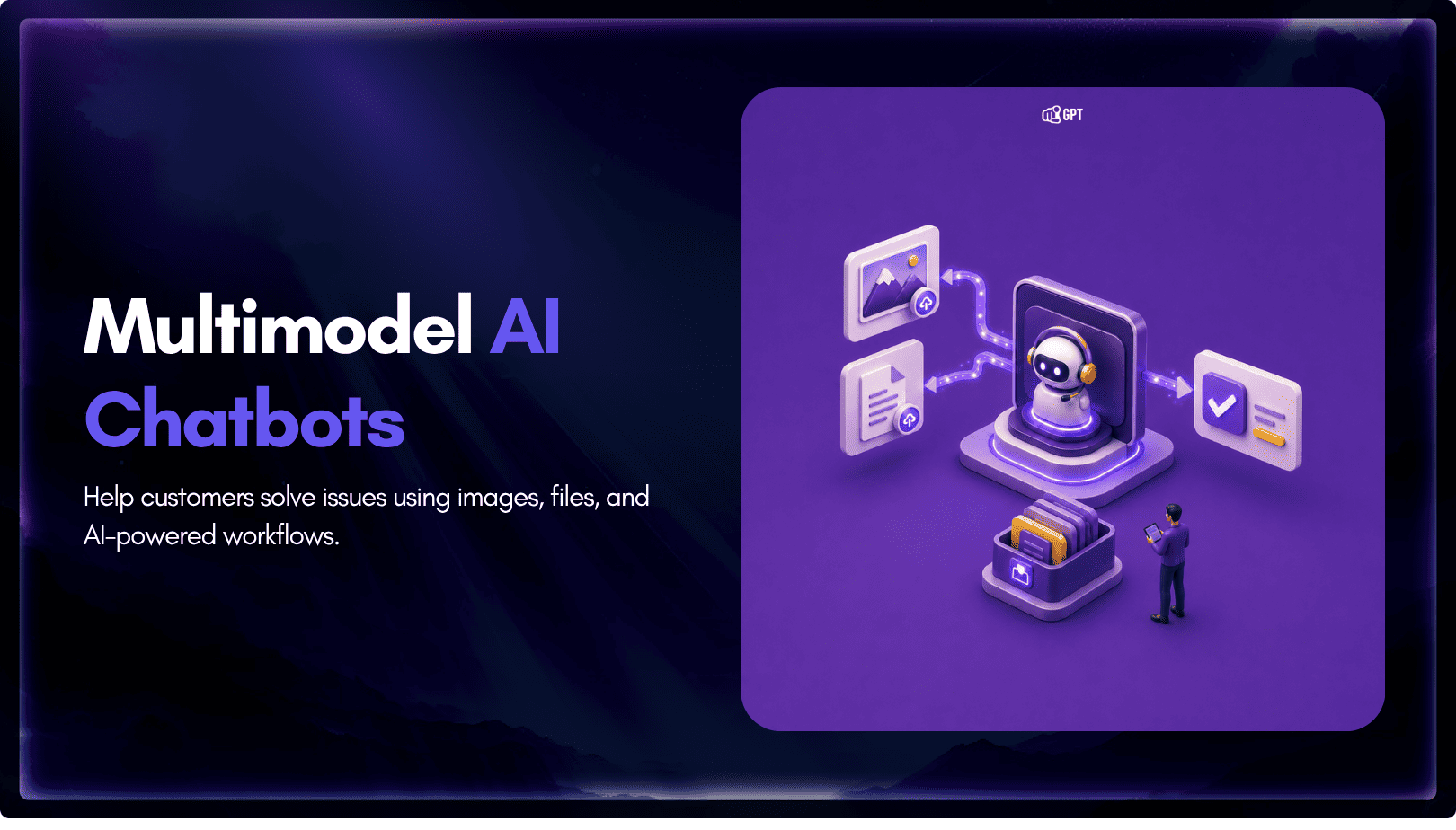
TL;DR Multimodal chatbots let customers share photos, screenshots, documents, video, or audio directly in a conversation, giving AI more context than text alone. YourGPT’s Attachment Capture node in AI Studio can collect these files mid-conversation, while vision-capable AI models can analyze and understand their contents. Key use cases include ecommerce returns, insurance and warranty claims, […]
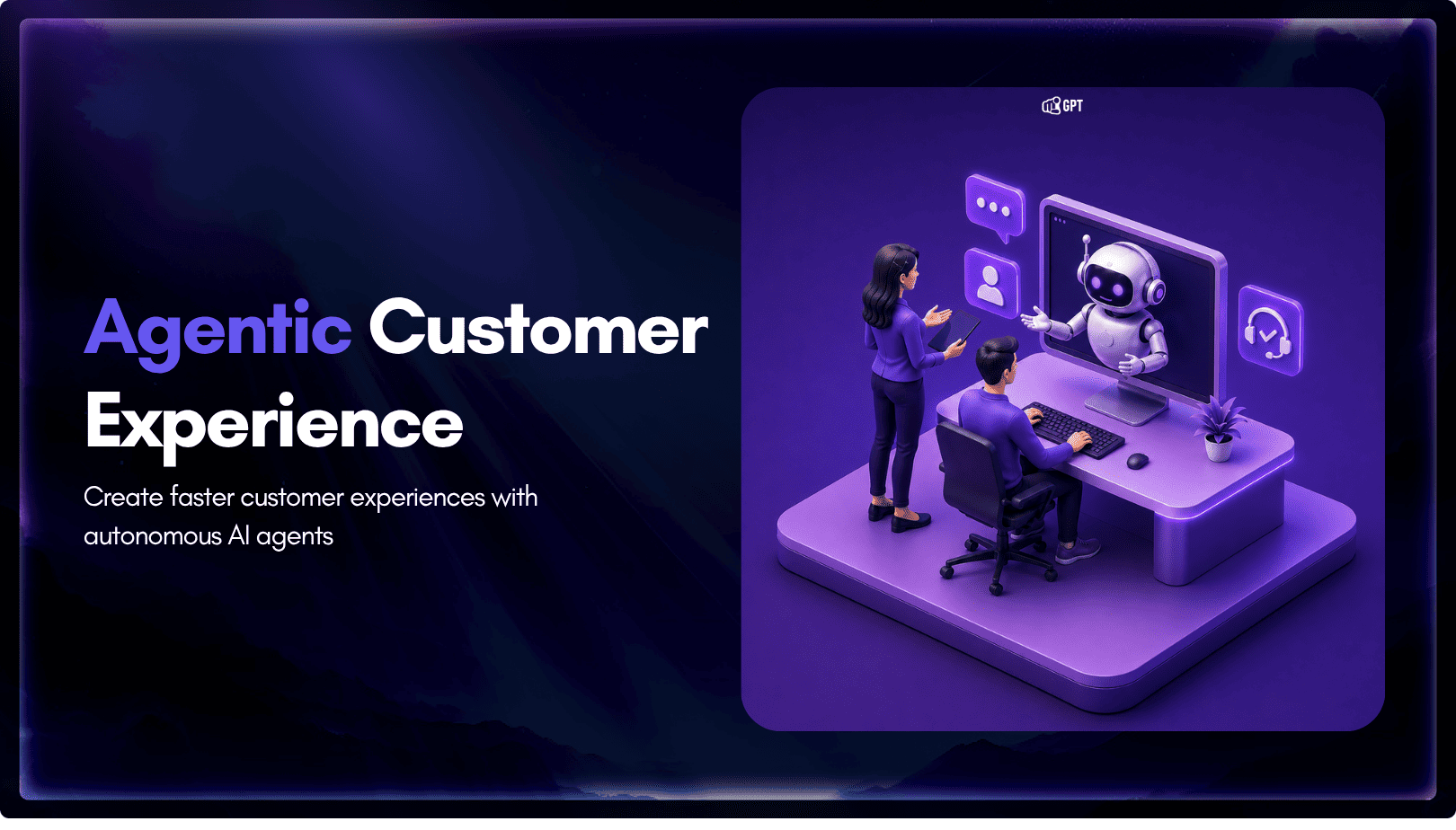
A customer asks where their order is. A traditional bot pastes a tracking link and calls it done. An agentic system checks the carrier API, sees the shipment stuck at a depot, applies a credit under the delay policy, updates the CRM, and messages the customer before they’ve had time to get annoyed. Same question. […]