Multimodal Chatbots: Image and File Upload Workflows That Actually Deflect Tickets

Rajni
August 21, 2026
Multimodal chatbots let customers share photos, screenshots, documents, video, or audio directly in a conversation, giving AI more context than text alone.
YourGPT’s Attachment Capture node in AI Studio can collect these files mid-conversation, while vision-capable AI models can analyze and understand their contents.
Key use cases include ecommerce returns, insurance and warranty claims, device troubleshooting, document intake, visual product search, field-service diagnostics, and onboarding document collection.
Image-based workflows also introduce fraud and privacy risks, making strong verification, access controls, and data-handling safeguards essential from the start.
Support conversations run into the same problem again and again. A customer can see the issue clearly, a cracked screen, a wrong item, an error on a device, but has to describe it in words. Typing what something looks like takes longer than showing it, and it’s rarely as clear.
A simple example shows why. Someone’s package arrives damaged. They message support and type out where it’s cracked, how bad it looks, and whether the box was crushed. The agent reads it, then asks for a photo anyway. One photo would have answered it all.
This is what image and file upload changes inside a multimodal chatbot. A customer sends a photo or a document straight into the chat, and the conversation moves forward without the back and forth. The rest of this guide walks through seven places where this plays out, and where a person should still check the result.
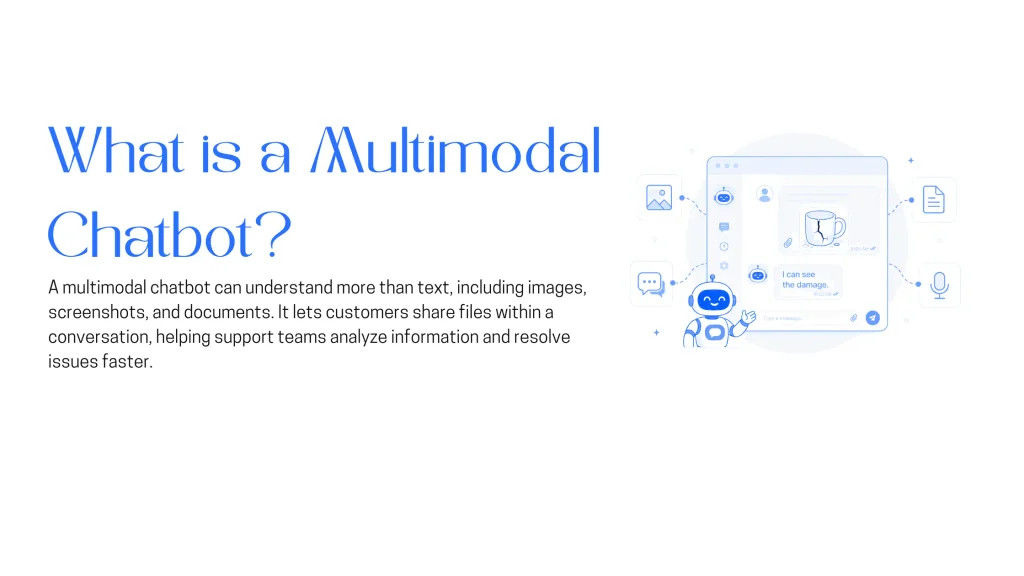
Most explainers stop at a definition, something like a chatbot that understands more than typed text, usually some mix of text, voice, and images. That’s accurate, but it says nothing about what changes for a support team on a Tuesday afternoon, or where file upload ranks among the features a support chatbot needs today.
The practical version is narrower. A multimodal chatbot accepts an image, a screenshot, or a document as part of the same conversation a customer is already having, and a model from the platform reads what’s inside the file instead of a human opening an attachment later. YourGPT documents this specifically for WhatsApp, where the platform processes and analyzes images customers send, including product photos and scanned documents (WhatsApp AI Chatbot Builder for Business). The mechanism decides whether the feature saves anyone time.
Chatbot file upload inside YourGPT’s AI Studio runs through a few connected building blocks:
None of this requires custom code. The building blocks are native Studio nodes, wired together like any other flow.
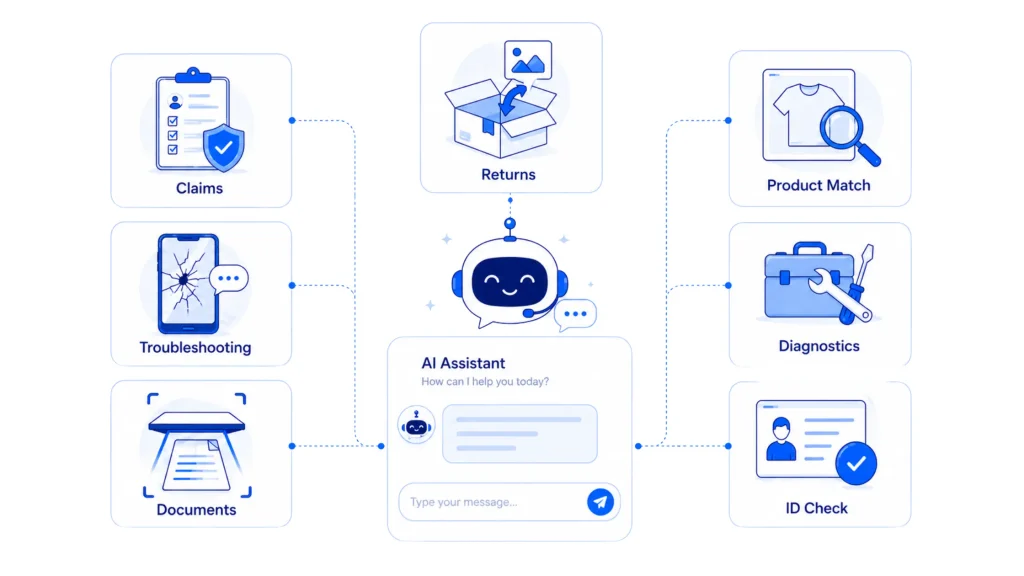
Seven patterns show up again and again in support queues once a chatbot can accept more than typed text. Each removes a specific kind of friction, the sort that shows up directly in a team’s deflection rate once someone measures it.
A shopper who says an item arrived damaged used to type out where, how bad, and whether the packaging looked intact, part of the wider ecommerce customer service workload a return generates. With image capture wired in, that changes:
Whether a photo alone should approve a refund is a judgment call, covered in the fraud section further down.
First notice of loss follows the same pattern in most claims workflows: the customer describes what happened, uploads photos and paperwork, and the insurer verifies coverage before payout. Chat-based capture handles that first step:
Intake is the part that moves faster. The decision that follows it still needs a person.
A ticket that only says a product stopped working forces an agent to ask several clarifying questions before troubleshooting starts. A screenshot attached directly inside the chat changes that:
Inventing a number here would not make that any truer.
Paperwork-heavy requests, an invoice dispute, a prescription refill, a field that needs checking, used to mean emailing a scan outside the conversation. Attachment capture keeps the document inside the chat instead:
Confirming a document is genuine still calls for dedicated verification systems. Kimura’s results came from processing those documents, and that distinction holds.
A shopper describing a product from memory, a blue jacket with a hood, something like a friend’s, rarely gives a chatbot enough to work with in plain text. A photo does the job faster:
A technician on site, or a customer avoiding a truck roll, photographs an error panel, a leak, or a part number instead of describing it by phone:
Here, YourGPT’s role is closer to infrastructure than finished product. The value is getting the photo and context into the right system without a phone call in between.
New account signups in regulated industries, banking, lending, anything requiring identity checks, often stall at the same step:
Collection and a first pass at extraction stay with the chatbot. Verification hands off structured to the system built for that job.
Accepting a photo as evidence assumes the photo is real. That assumption is breaking down:
YourGPT helps you build a multimodal chatbot that can understand different types of input and respond with rich, context-aware answers. You can set up the agent, add knowledge, configure media handling, and deploy it from one platform.
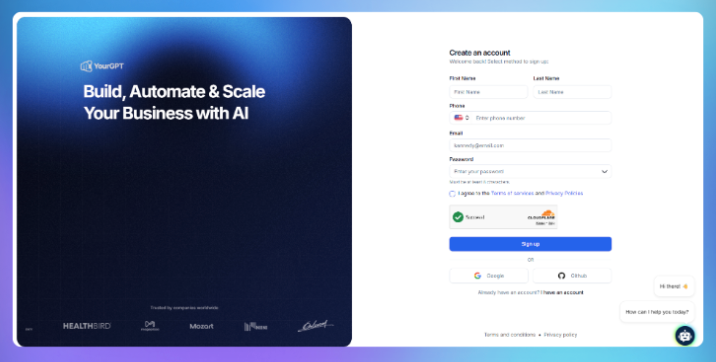
Start by creating your account or logging in.
Once you are inside, you can create a new agent and choose how you want it to be deployed, whether that is a chat widget, search interface, or another channel.
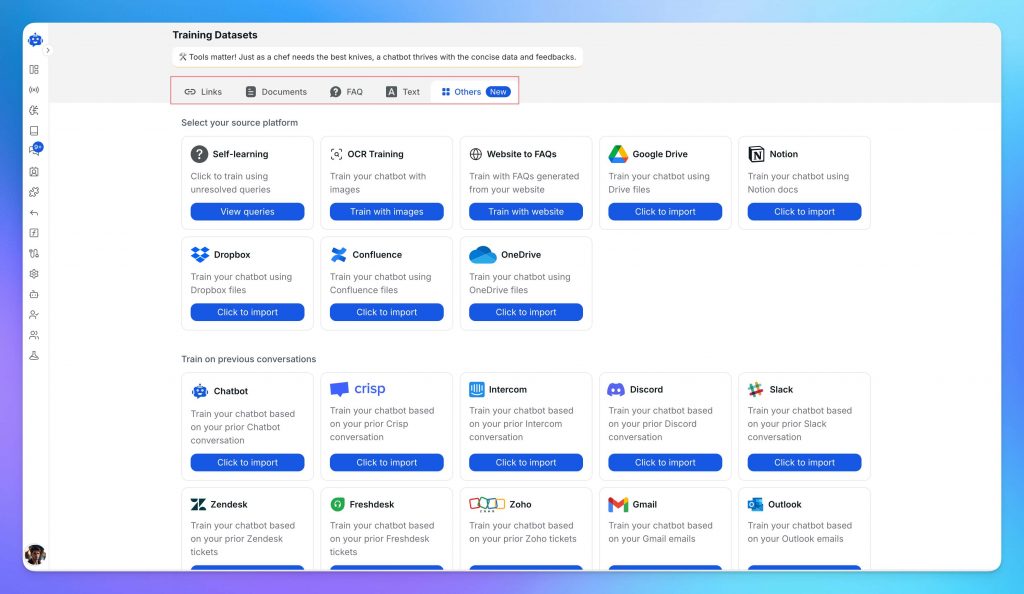
Upload the content your team already relies on to answer questions and complete tasks. This can include:
You can upload files directly or connect your existing sources.
The quality of this material directly shapes how your agent performs. Detailed, specific content leads to accurate responses. Generic content leads to generic answers.
At this stage, define the agent’s role and tone. A support agent, a sales agent, and an internal assistant should behave differently. Setting this clearly improves both accuracy and consistency.
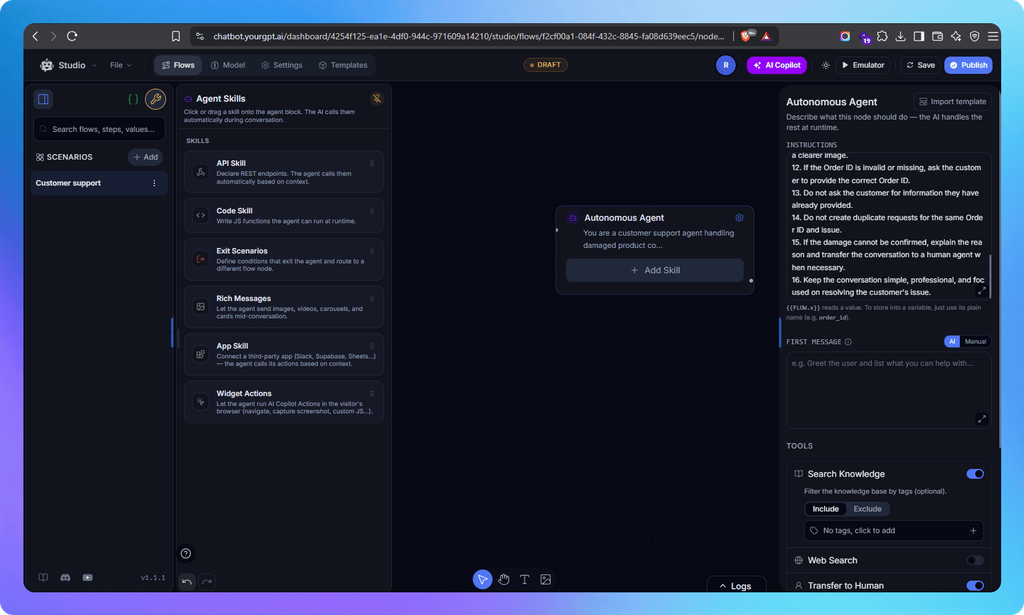
Add the scenario name “customer support.” Open the toolbar, scroll a little, and select the “my autonomous” node. Drag the “my autonomous” node to the canvas and click on it; the instruction board will open. Give your instructions, including an optional first message. You can use tools like web search, transfer to human, and you can even control the Previous Chat Count. After that, save the instruction by clicking the save button. For advanced features, you can add skills like an API skill, which will take your API and answer from there, or code skills. In this, we have rich messages:
This is what turns the agent from a conversational layer into a working operational system. You can even add an app skill.
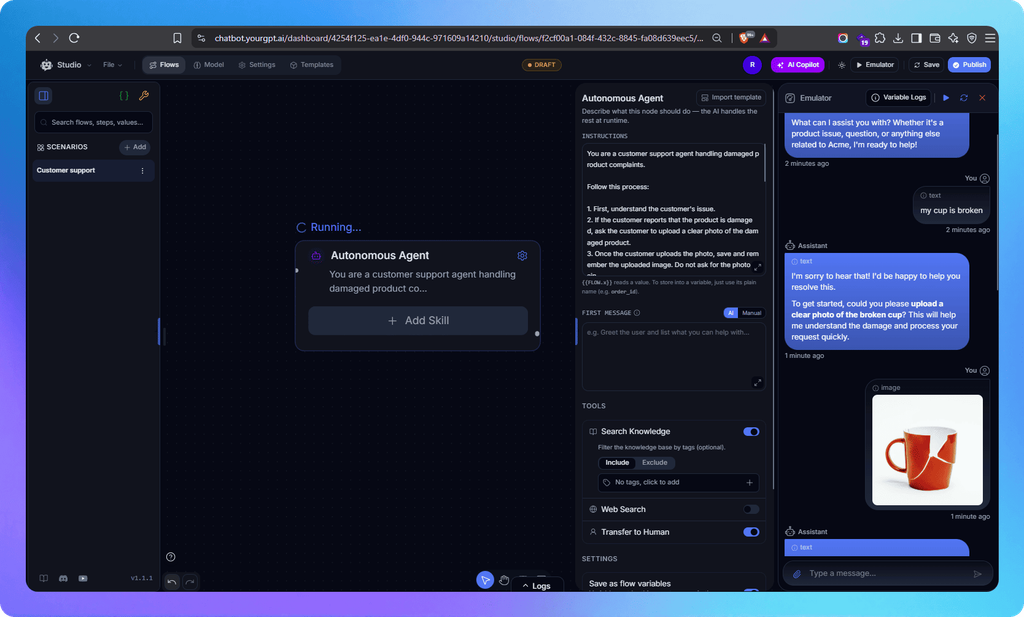
Before deployment, use the built-in testing environment to see how the agent performs.
Ask real questions your team receives. Try edge cases. Push it to failure.
Focus on a few things:
This step is where most improvements happen. A short testing phase here prevents a lot of issues later.
After testing, you need to publish the flow. To do that:
The fastest path is a no-code platform with a dedicated file-upload building block already wired into the flow builder. That block should collect the file into a variable, hand it to a vision-capable model for reading, and route to a human when the case falls outside what the model should decide alone, the same three-step shape covered in the setup section earlier in this guide.
Most platforms built for this support four broad categories: images, video, audio, and general documents such as PDFs and Word files. Exact file-size limits and which formats are supported within each category vary by platform, and are worth checking before a workflow goes live.
In most setups, no, and that’s by design. The workable pattern is layered: an order-value threshold below which a straightforward case moves forward automatically, and a human reviewer above it, with basic image forensics as an optional third layer for higher-value claims. Where to set that threshold depends on a business’s average order value and how much refund fraud it already sees, not a fixed number that works the same everywhere.
It can be, with the right setup, but that comes down to decisions a business makes, not just the platform. Worth checking before turning on document capture for anything like an ID or a prescription: how long the file is retained after the workflow completes, whether it’s visible to every agent or restricted by role, and whether the vendor’s data-handling infrastructure is independently verified instead of assumed. None of that replaces dedicated fraud-detection or document-forensics tooling, which is a separate layer entirely.
For the intake step, often yes. Collecting a photo or document inside the same conversation a customer is already having removes the context switch of a separate upload form or portal. The back-end verification and adjudication step stays separate: coverage decisions, fraud checks, and final approvals still belong to dedicated systems or a human reviewer.
Yes. The building block is the Capture node inside AI Studio, set to Attachment mode, accepting images, video, audio, and general file formats such as PDFs directly inside a chat flow. See the Capture documentation. It’s running in production, not just documented: the Kimura case study earlier in this guide shows it processing scanned government forms with tables and handwritten entries at scale.
The roster spans multiple providers, including GPT-5, Claude Sonnet 4.5, Gemini 2.5 Pro, and several lighter, cost-efficient tiers, each available inside the AI Response and Autonomous Agent nodes. See AI Models & Usage. Heavier models cost more credits per task, so a common setup uses a lighter model for straightforward extraction, such as reading an invoice number from a clear scan, and a stronger one for cases that need judgment, like assessing whether a damage photo actually matches the claim being made.
Not on most no-code platforms. The building blocks, a capture step, a variable to store the file, and an AI node to read it, are usually native parts of the flow builder that a support or ops team can wire together directly.
None of these seven workflows require a new product. Each one runs on a Capture node set to Attachment mode, a model that can read what comes through it, and an escalation rule for the cases that need a person. Most support teams already have the pieces. What is usually missing is the flow that connects them.
Start with whichever queue already generates the most email attachments and portal uploads today, ecommerce returns for a retailer, claims intake for an insurer, ID collection for a fintech signup flow. That is the queue where a photo already does the explaining. Wiring it into the conversation means the chatbot stops asking for a paragraph when a picture was always the clearer answer.
A customer asks where their order is. A traditional bot pastes a tracking link and calls it done. An agentic system checks the carrier API, sees the shipment stuck at a depot, applies a credit under the delay policy, updates the CRM, and messages the customer before they’ve had time to get annoyed. Same question. […]
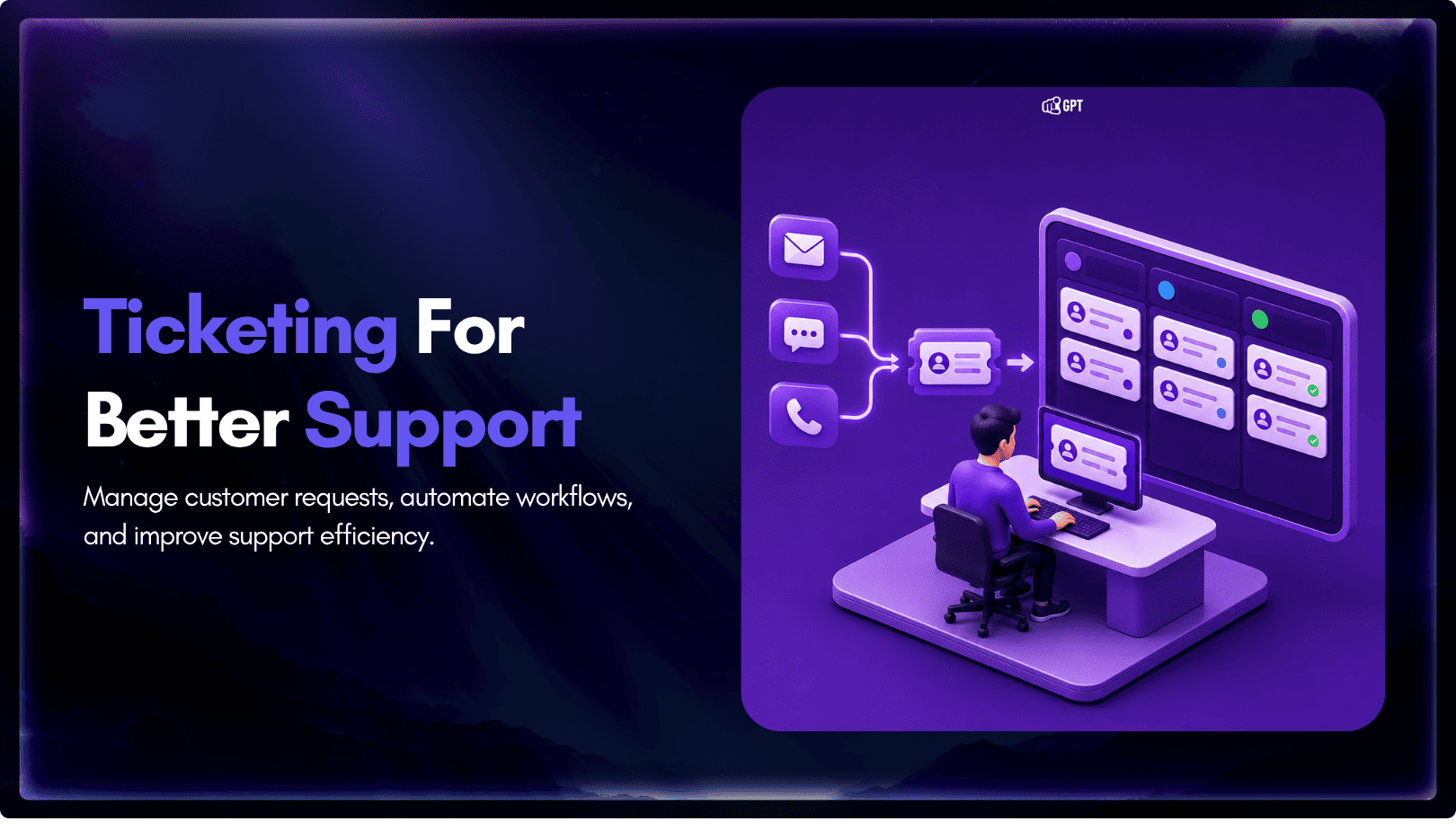
TL;DR A ticketing system converts requests that arrive by email, chat, phone, or web form into trackable records with an owner, a status, and a priority level. Centralizing requests this way cuts response delays, gives support teams visibility into backlogs, and creates a record useful for reporting and audits. Options range from lightweight help desk […]
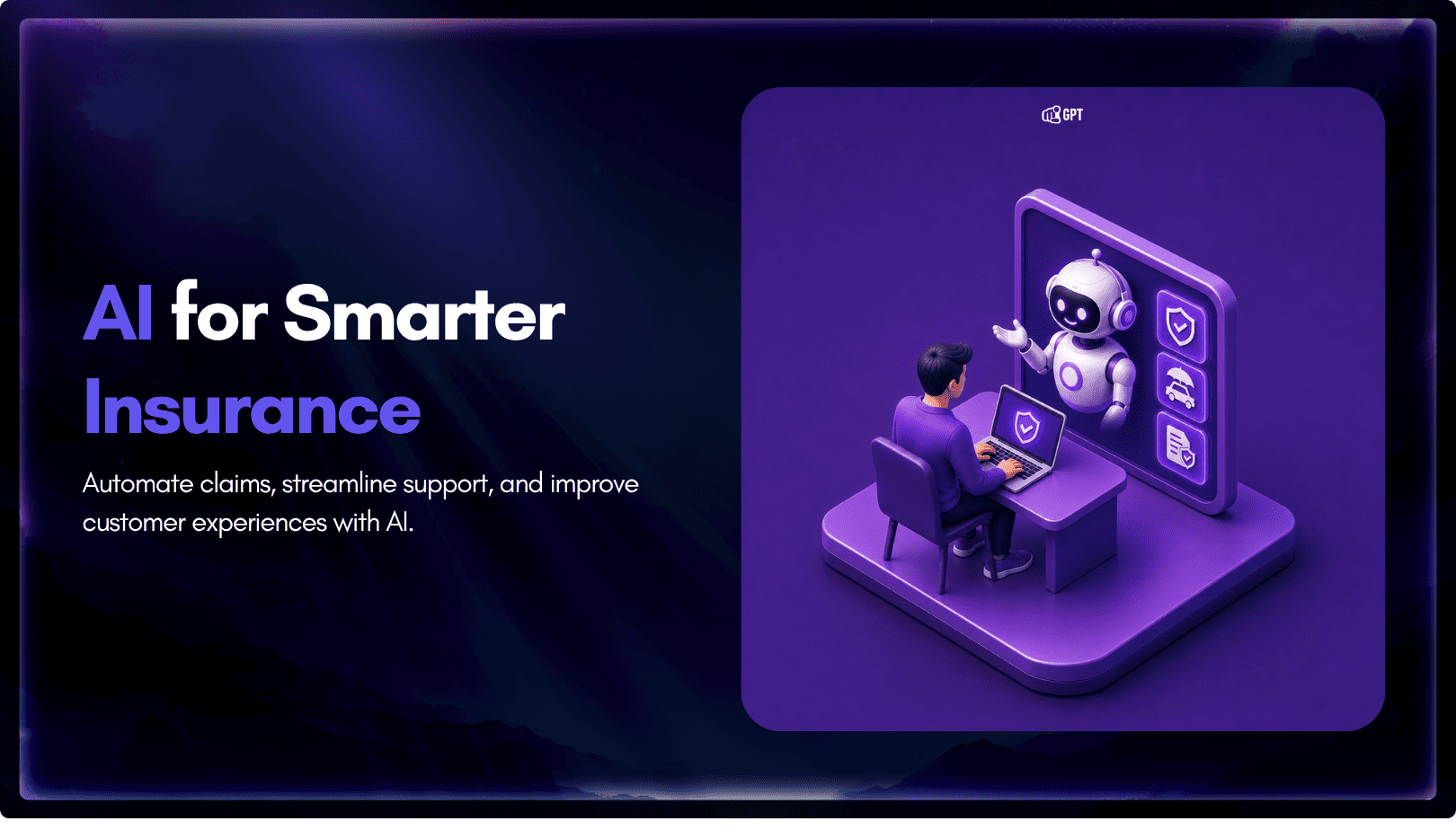
TL;DR Insurance platforms are using AI to automate claims support, quote intake, and policy servicing, reducing reliance on call centers and static forms. This guide compares five commonly shortlisted platforms: YourGPT, Ada, Sierra AI, Decagon, and Forethought. None are purpose-built exclusively for insurance, so configuration flexibility and proven insurance use cases matter. Pricing ranges from […]

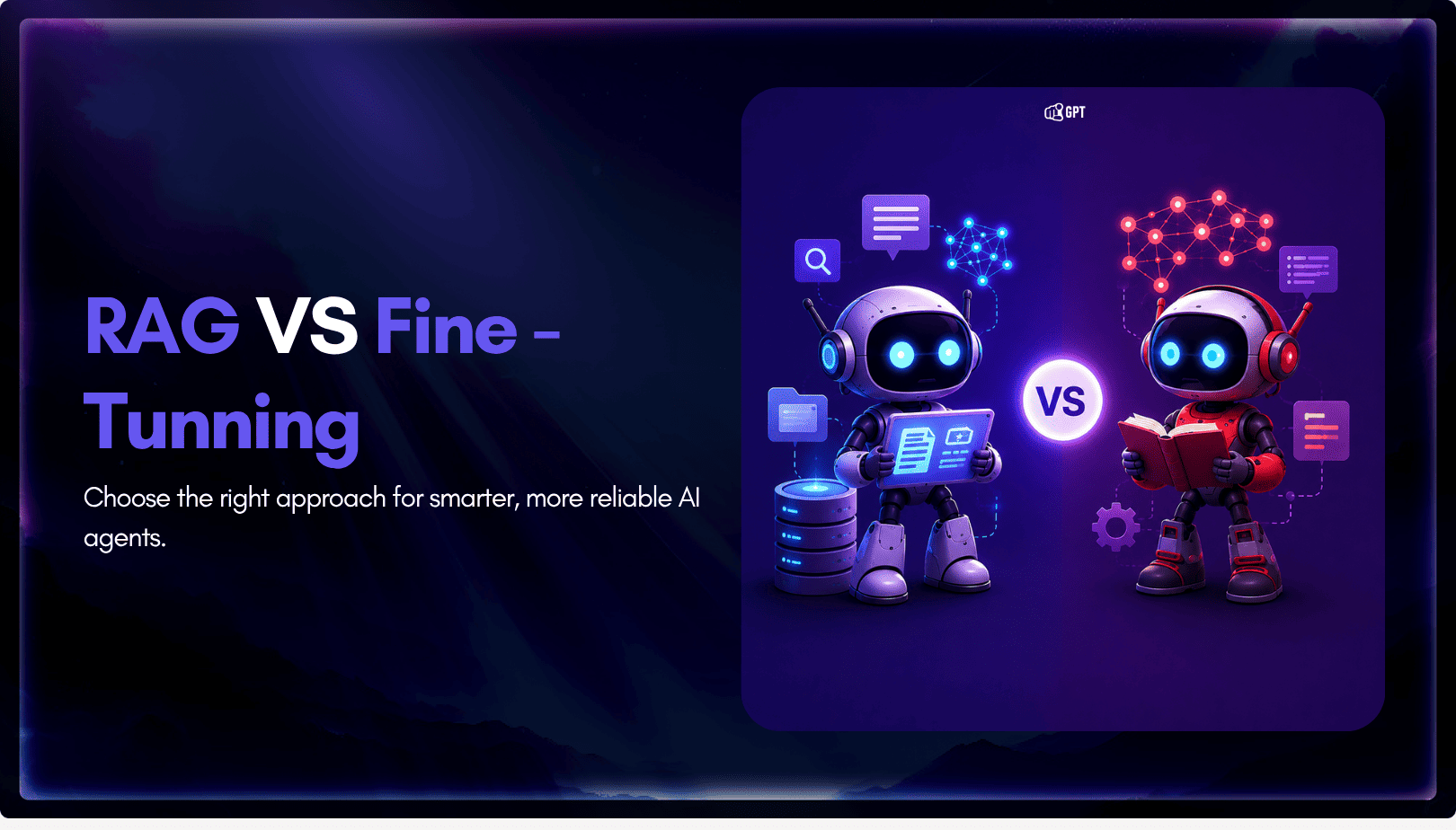
TL;DR The core distinction is retrieval versus training. RAG pulls outside documents into a prompt when an answer is generated, while fine-tuning changes a model’s weights during a separate training step. The 2026 shift matters because OpenAI’s wind-down of its self-serve fine-tuning platform, announced in May 2026, closed off the default path many teams expected […]

TL;DR Real deployments show measurable results. Georgia Tech’s Jill Watson achieved 78.7% classroom question accuracy compared with 30.7% for a stock OpenAI Assistant, while Georgia State’s Pounce chatbot improved enrollment outcomes in a randomized controlled trial. The strongest use cases are admissions, student services, and staff workload reduction rather than homework assistance. Guardrails matter more […]

TL;DR AI is now part of most SEO workflows, but the real advantage comes from using it within a disciplined process rather than simply producing content faster. As Google AI Overviews and tools like ChatGPT answer more queries directly, content must be structured to earn both traditional search rankings and citations from AI assistants. AI […]