Customer Support vs Customer Service: What’s the Difference?

Rohit Joshi
Last updated on August 3, 2026
Customer service manages the overall customer relationship, while customer support focuses on solving technical product issues.
Keeping these functions clear helps customers reach the right team faster, reduces repeated explanations, and improves response times and satisfaction.
Automation supports both teams by identifying each request and routing it to the right workflow or specialist from the first message.
Customer service and customer support are not the same, though most businesses treat them as interchangeable. That confusion creates real friction: customers get bounced between teams, repeat their issue twice, and wait longer for a resolution than either team alone would need.
Customer service manages the relationship: product questions, orders, billing, and everything else that shapes a customer’s experience with a brand. Customer support solves the technical problem itself: bugs, errors, and features that stop working as expected. According to Microsoft’s State of Global Customer Service report, 90% of consumers expect businesses to offer self-service options and fast resolutions. When roles blur, neither expectation gets met.
Companies that separate the two clearly see it in the numbers that matter: faster response times, because the right specialist handles the issue from the start, and higher satisfaction, because customers stop navigating internal confusion. Both functions matter. They just require different skills, tools, and approaches.
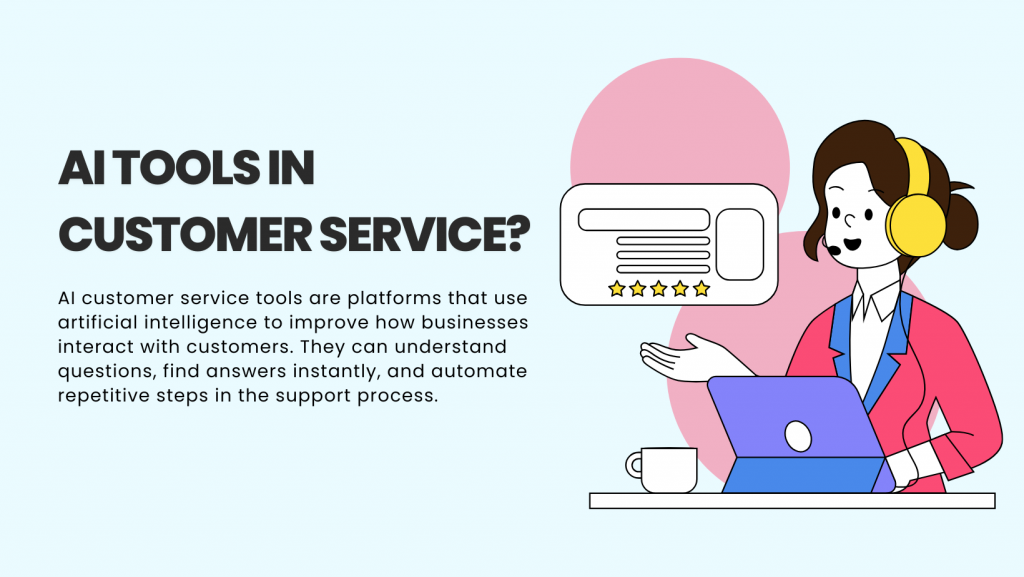
Customer service covers every interaction between your business and customers. Staring from answering pre-sale questions to resolving post-purchase issues. Companies with strong customer service retain 89% more customers than those with weak support.
Customer service happens across three distinct stages, each requiring different approaches and skills.
Before someone buys, customer service teams answer questions about features, pricing, and compatibility. Representatives at this stage guide purchase decisions without pushing. Someone researching project management software needs to understand which plan fits a 15-person team, not just a list of features.
This stage includes product demonstrations, explaining subscription terms, and clarifying return policies. The goal is reducing uncertainty so customers buy with confidence.
Once someone decides to buy, teams process orders, confirm payments, and coordinate delivery. When a customer’s credit card declines, representatives explain the issue in plain terms. Instead of “AVS mismatch detected,” they say “Your bank rejected the payment because the billing address doesn’t match their records. You can update it in your account settings or try a different card.”
Teams also handle order modifications changing shipping addresses, upgrading delivery speed, or splitting orders across multiple locations.
After delivery, customer service confirms products arrived and work as expected. Teams collect feedback about the purchase experience, share tips for getting more value from products, and handle returns or exchanges.
Good customer service turns first-time buyers into repeat customers. Research shows that 73% of customers stay loyal to brands that provide helpful post-purchase support.
Customer service teams also respond across channels including email, phone, live chat, and social media. They route complex requests to specialists, update account information, and manage complaints before they escalate.
Successful customer service representatives excel at relationship-building through:
Companies that invest in customer satisfaction through skilled service teams. They see measurable returns like higher customer lifetime value, lower churn rates, and more referrals. The difference between adequate and excellent customer service often determines which businesses grow more.
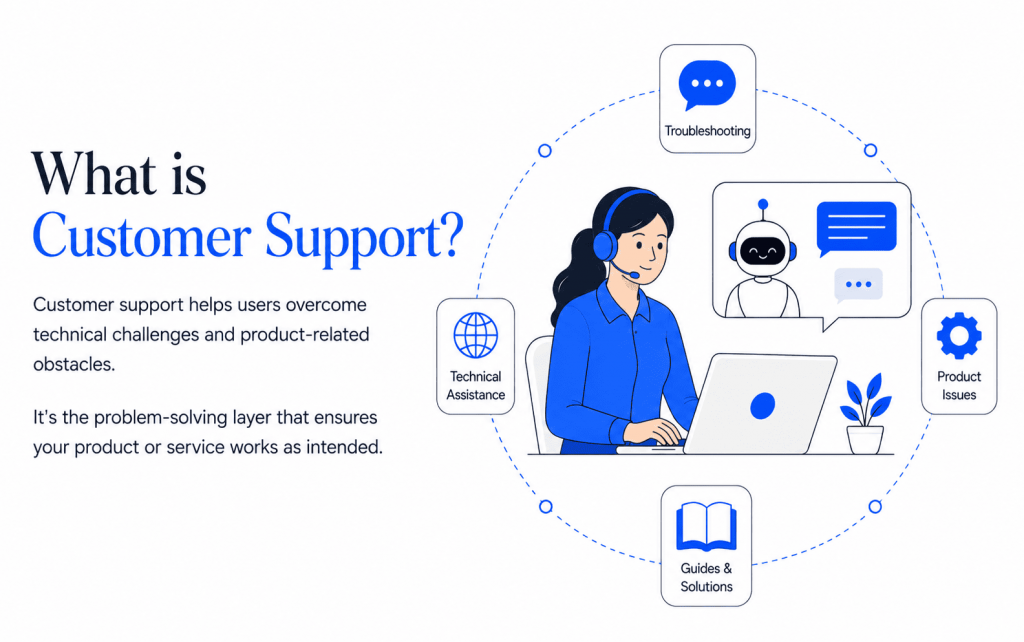
Customer support is a specialized function focused on helping users overcome technical challenges and product-related obstacles. It’s the problem-solving layer that ensures your product or service functions as intended.
While customer service covers the entire customer experience, customer support focuses specifically on technical issues and product functionality.
Support teams diagnose and resolve software bugs, errors, and glitches. When a feature stops working or performance degrades, they investigate the root cause. They handle system failures, identify what’s breaking, and escalate complex technical issues to engineering teams when needed.
A user reporting that their dashboard won’t load gets more than “try refreshing.” Support representatives check error logs, test the feature across different browsers, and determine whether it’s a widespread bug or an account-specific configuration issue.
Support teams walk users through setup, configuration, and installation processes. They explain advanced features and provide step-by-step instructions for complex workflows.
Someone struggling to integrate your API receives specific guidance: which endpoint to use, how to format authentication headers, and what response codes mean. Support doesn’t just say “check the documentation”—they help users apply that documentation to their specific situation.
Support teams create and maintain help documentation, video tutorials, and troubleshooting guides. They build comprehensive knowledge bases that let users solve common problems independently.
These resources need constant updates as products evolve. When a new feature launches or a bug gets fixed, documentation must reflect those changes immediately. Outdated help articles create more support requests, not fewer.
Support teams log recurring technical issues and communicate user pain points to product teams. They see which features confuse users, which bugs appear most frequently, and where the product falls short of expectations.
This feedback influences product development roadmaps. If 200 users report difficulty with the same workflow, that signals a design problem worth fixing. Support teams test and validate fixes before public release, ensuring solutions actually work.
Successful customer support representatives combine technical knowledge with communication ability:
Companies with strong customer support reduce churn and increase product adoption. Users who get fast, effective help when problems arise trust the product more and stick around longer.
Customer support is a subset of customer service, not a separate function. Customer service covers all customer interactions, while support handles the specialized technical branch. Here’s how these functions differ:
| Dimension | Customer Service | Customer Support |
|---|---|---|
| Core Focus | All interactions throughout the customer journey | Resolving product-specific technical issues |
| Primary Goal | Build relationships and ensure satisfaction | Fix technical problems and restore functionality |
| When It’s Needed | Before, during, and after purchase | When technical problems occur post-purchase |
| Problem Type |
General inquiries
pricing, policies, orders
|
Technical issues
bugs, errors, configuration
|
| Approach | Proactive and reactive | Primarily reactive |
| Knowledge Required | Broad product understanding and company policies | Deep technical expertise in product architecture |
| Key Skills | Empathy, communication, conflict resolution | Technical troubleshooting, systems thinking |
| Success Metrics | CSAT, NPS, retention rate, customer lifetime value | First contact resolution, ticket closure rate, resolution time |
| Tools Used | CRM systems, help desks, feedback platforms | Bug tracking, diagnostic software, system logs |
| Works With | Sales, marketing, operations, billing | Engineering, product teams, QA, DevOps |
| Outcome | Customers feel valued and satisfied | Technical problems get resolved quickly |
Both functions use the same communication channels email, phone, chat, and social media. Both require active listening, clear communication, and problem-solving skills. Both directly impact customer retention and loyalty.
Customers don’t care about the distinction when they have a problem. A frustrated user often needs empathy from service and technical troubleshooting from support.
Understanding the difference helps you build better teams and processes.
More companies now combine service and support into a unified experience, eliminating handoffs between departments that frustrate customers.
Cross-trained representatives handle both general inquiries and basic technical issues. Modern platforms combine CRM and technical support features in one interface, giving both teams access to the same customer history and interaction records.
When technical issues require specialist attention, they transfer smoothly without customers repeating information. This works when representatives understand which problems they can solve and which need escalation. A billing question doesn’t require engineering involvement. A database connectivity error does.
This integrated model reduces resolution time and improves customer experience by treating service and support as complementary parts of the same goal: helping customers succeed.
Defining customer service and customer support clearly helps you build stronger teams, improve response times, and deliver better experiences. The goal isn’t to separate them but to make both functions work together toward one outcome: helping customers succeed.
AI is making this collaboration essential. Automated systems handle routine inquiries, freeing human agents to focus on complex problems that require both empathy and technical expertise. Teams that integrate service and support see faster resolutions and higher satisfaction.
You need both teams working side by side, each with a clear focus.
Customer service manages relationships. They handle onboarding, billing, renewals, and customer feedback that influences sales and product direction.
Customer support manages product performance. They fix bugs, solve technical issues, and report recurring system problems to product or engineering teams.
Keep them aligned by using a shared CRM so every customer interaction is visible to both sides. Hold weekly syncs to review patterns, report recurring problems, and share feature requests. Maintain a feedback loop where service explains user impact and support explains the technical cause.
AI chatbots can triage incoming requests, routing billing questions to service and technical errors to support automatically. This reduces response time and ensures customers reach the right team immediately.
When communication flows both ways, customers get clear answers fast and never feel passed between teams.
Even without a large support team, your service agents should understand basic troubleshooting.
Train them to handle small system issues like payment errors, or product page glitches. Give them access to internal dashboards so they can verify issues directly. Provide quick-reference guides so they can resolve simple problems without escalation.
AI tools can assist here by suggesting solutions based on similar past tickets. When an agent encounters a payment error, the system can instantly display the three most common causes and fixes, reducing resolution time from minutes to seconds.
This saves time, reduces frustration, and shows customers you value efficiency.
If you don’t have separate departments yet, focus on creating simple, repeatable systems.
Define which issues are service-related and which are technical. Set up clear ticket routing rules so requests reach the right person. Measure first-contact resolution to identify where service can handle more before escalating.
AI-powered tools like YourGPT AI can automate this routing process, analyzing ticket content and directing it appropriately. They also handle common questions 24/7, so your small team isn’t overwhelmed by repetitive inquiries.
You don’t need two large teams. You need clarity in roles, consistency in process, and smart automation that amplifies what your team can accomplish.
It depends on product complexity. SaaS companies, technology platforms, and software businesses typically need dedicated support teams because technical issues require specialized knowledge. Retail, ecommerce, and hospitality businesses can often train service staff to handle basic technical problems such as password resets or checkout errors. A common starting point is one team trained in both areas, with the functions separated once volume or complexity makes that approach impractical.
Yes, especially in small businesses or startups. A cross-trained representative can handle general inquiries, process orders, and troubleshoot common technical issues. As ticket volume and technical complexity grow, separating the roles tends to improve speed on both sides. Service responses move faster without debugging in the middle, and support resolutions improve when billing questions are not competing for attention.
Customer service typically handles refund requests, invoice questions, payment method updates, and subscription changes. Customer support gets involved when the issue comes from a technical failure, such as a payment gateway error, a duplicate charge caused by a bug, or a third-party processor integration problem. A simple test is whether the request concerns a billing decision or a system malfunction.
A shared system where both teams can see the same customer history, previous tickets, and interaction notes keeps handoffs clean. When service identifies a technical problem, transferring the ticket with full context prevents the customer from repeating information. Regular syncs also help support teams share recurring technical issues while service teams report common feedback patterns.
AI can answer routine service questions, guide users through basic troubleshooting, and route complex cases to the right team with full context attached. Klarna reported that its AI assistant reduced average issue-resolution time from 11 minutes to 2 minutes while maintaining satisfaction levels comparable to human agents. St. Kitts-Nevis-Anguilla National Bank also reached an 85 percent first-contact resolution rate after deploying a YourGPT AI agent for banking queries, with complex cases still routed to human agents when needed.
Customer service metrics include Customer Satisfaction Score, Net Promoter Score, retention rate, average response time, and customer lifetime value. Customer support metrics include First Contact Resolution Rate, Mean Time to Resolution, ticket backlog, escalation rate, and Customer Effort Score. Service metrics measure relationship health and loyalty, while support metrics measure efficiency and problem-solving speed.
Customer service teams typically use CRM systems, live chat platforms, email management tools, and feedback software. Customer support teams often need technical ticketing systems, remote-access tools, bug-tracking software, and knowledge-base platforms. Both teams work best when their tools share customer data, preventing customers from repeating information during a handoff.
Common mistakes include separating the teams without shared communication, using systems that do not exchange customer data, failing to report recurring technical issues to product teams, relying entirely on manual responses, and measuring only one side of the customer experience. McKinsey reports that AI-enabled self-service can reduce incident volume by 40 to 50 percent, making automation an important part of both functions.
Customer service and customer support share one purpose: creating a positive experience that builds trust and confidence in your product.
AI-powered customer service strengthens relationships by understanding customer needs and providing timely guidance. AI-powered customer support ensures your product performs reliably by resolving technical issues quickly. When both align, customers feel valued and capable, leading to lasting loyalty.
As your business expands, define these roles clearly. Let technical issues go to specialists who can diagnose problems accurately. Let relationship-building moments go to service representatives who understand customer context. Ensure both teams share information in real time so customers never repeat themselves.
This structure improves efficiency and customer satisfaction simultaneously. Representatives handle what they’re best equipped for, customers get faster resolutions, and your business identifies patterns that prevent future problems.
Platforms like YourGPT AI make this easier by automating routine questions, guiding users through troubleshooting steps, and routing complex issues to the right team with full context. Your team focuses on problems that genuinely need human expertise while AI handles repetitive work around the clock.
Strong service builds loyalty. Strong support builds confidence. Together, they create experiences that turn first-time buyers into long-term advocates who recommend your business to others.
Automate customer conversations, resolve technical issues faster, and deliver 24/7 support — all powered by one intelligent AI platform.
Free for 7 days · No credit card required
TL;DR Insurance platforms are using AI to automate claims support, quote intake, and policy servicing, reducing reliance on call centers and static forms. This guide compares five commonly shortlisted platforms: YourGPT, Ada, Sierra AI, Decagon, and Forethought. None are purpose-built exclusively for insurance, so configuration flexibility and proven insurance use cases matter. Pricing ranges from […]

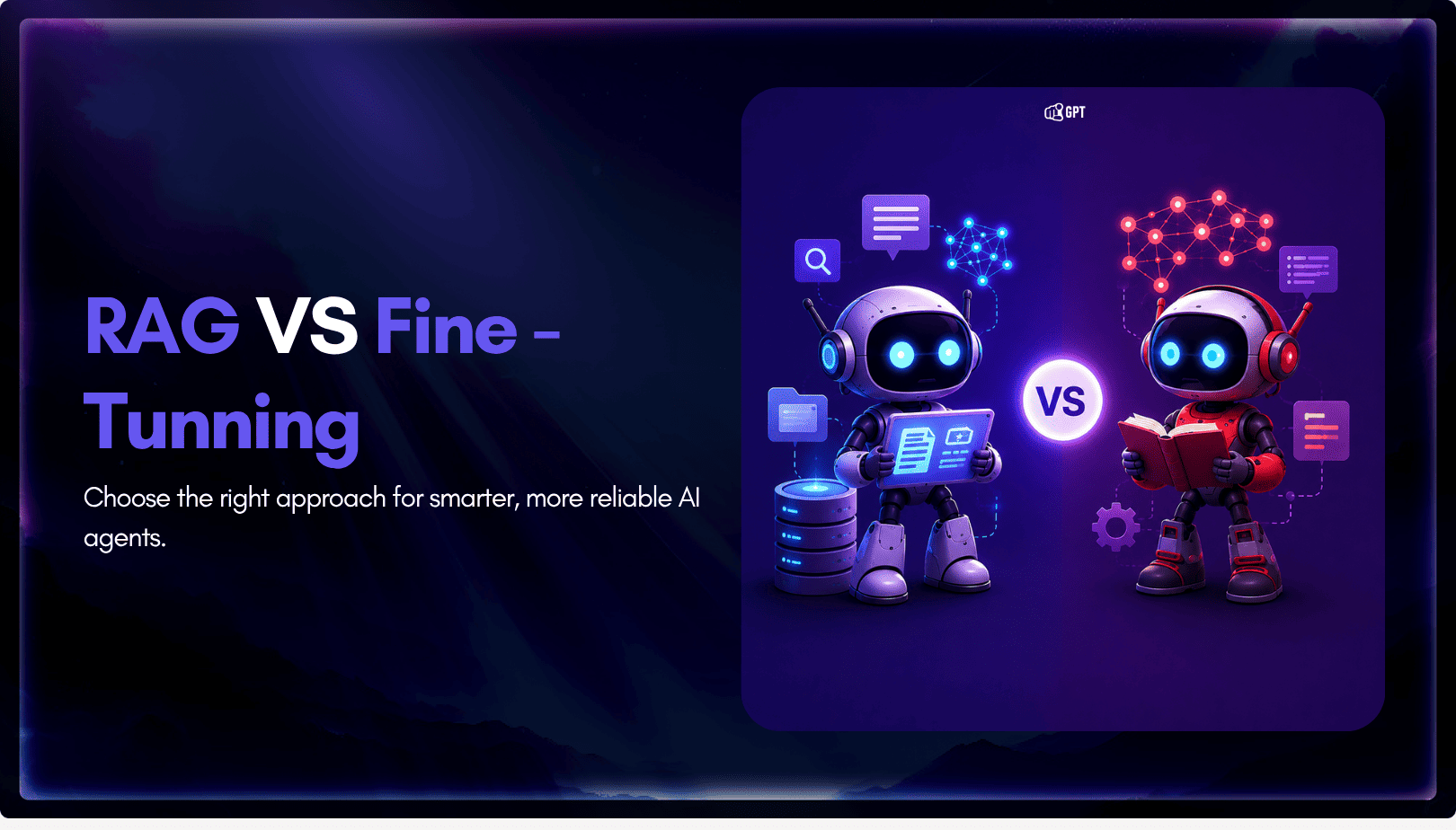
TL;DR The core distinction is retrieval versus training. RAG pulls outside documents into a prompt when an answer is generated, while fine-tuning changes a model’s weights during a separate training step. The 2026 shift matters because OpenAI’s wind-down of its self-serve fine-tuning platform, announced in May 2026, closed off the default path many teams expected […]

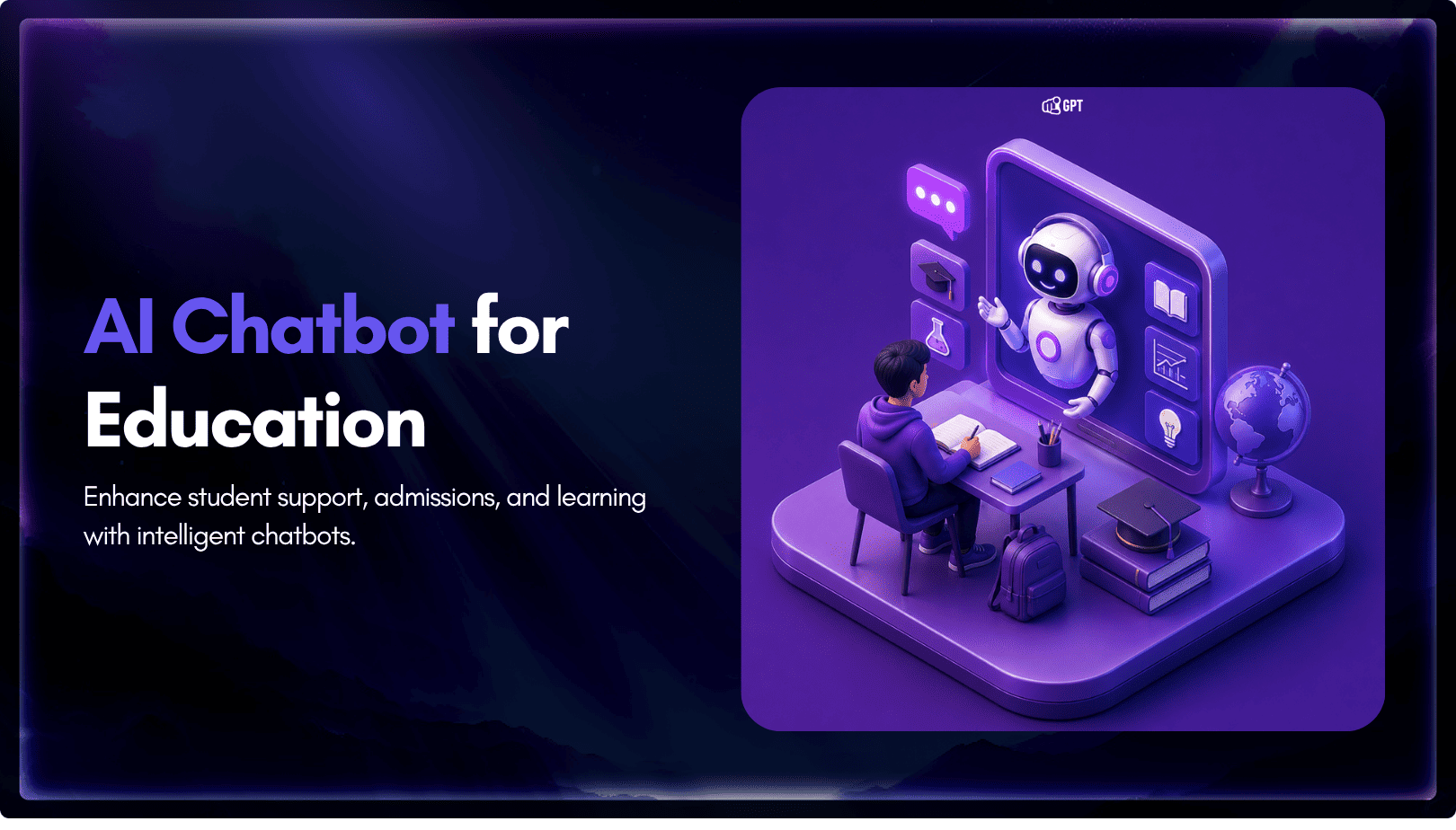
TL;DR Real deployments show measurable results. Georgia Tech’s Jill Watson achieved 78.7% classroom question accuracy compared with 30.7% for a stock OpenAI Assistant, while Georgia State’s Pounce chatbot improved enrollment outcomes in a randomized controlled trial. The strongest use cases are admissions, student services, and staff workload reduction rather than homework assistance. Guardrails matter more […]
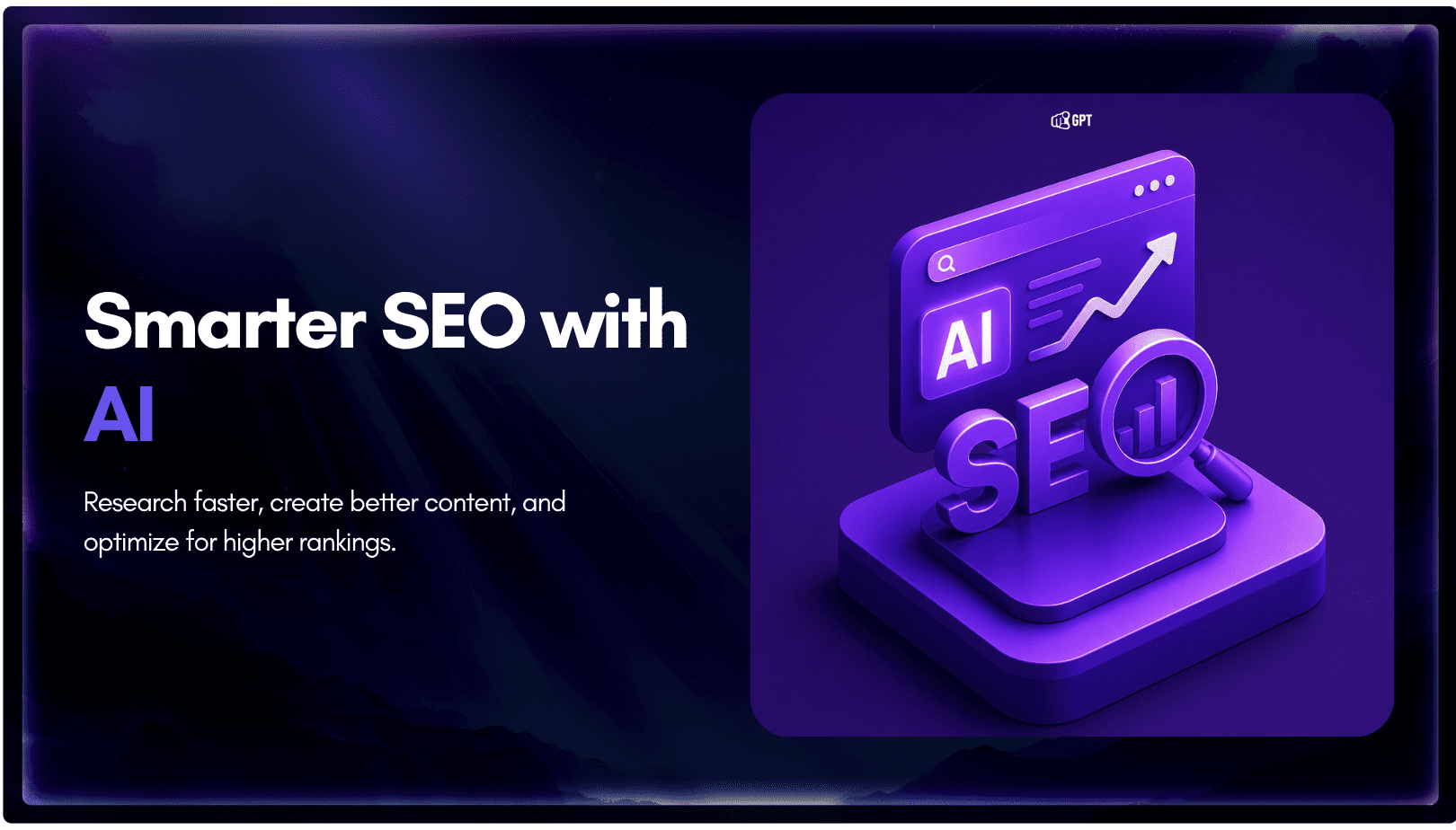
TL;DR AI is now part of most SEO workflows, but the real advantage comes from using it within a disciplined process rather than simply producing content faster. As Google AI Overviews and tools like ChatGPT answer more queries directly, content must be structured to earn both traditional search rankings and citations from AI assistants. AI […]
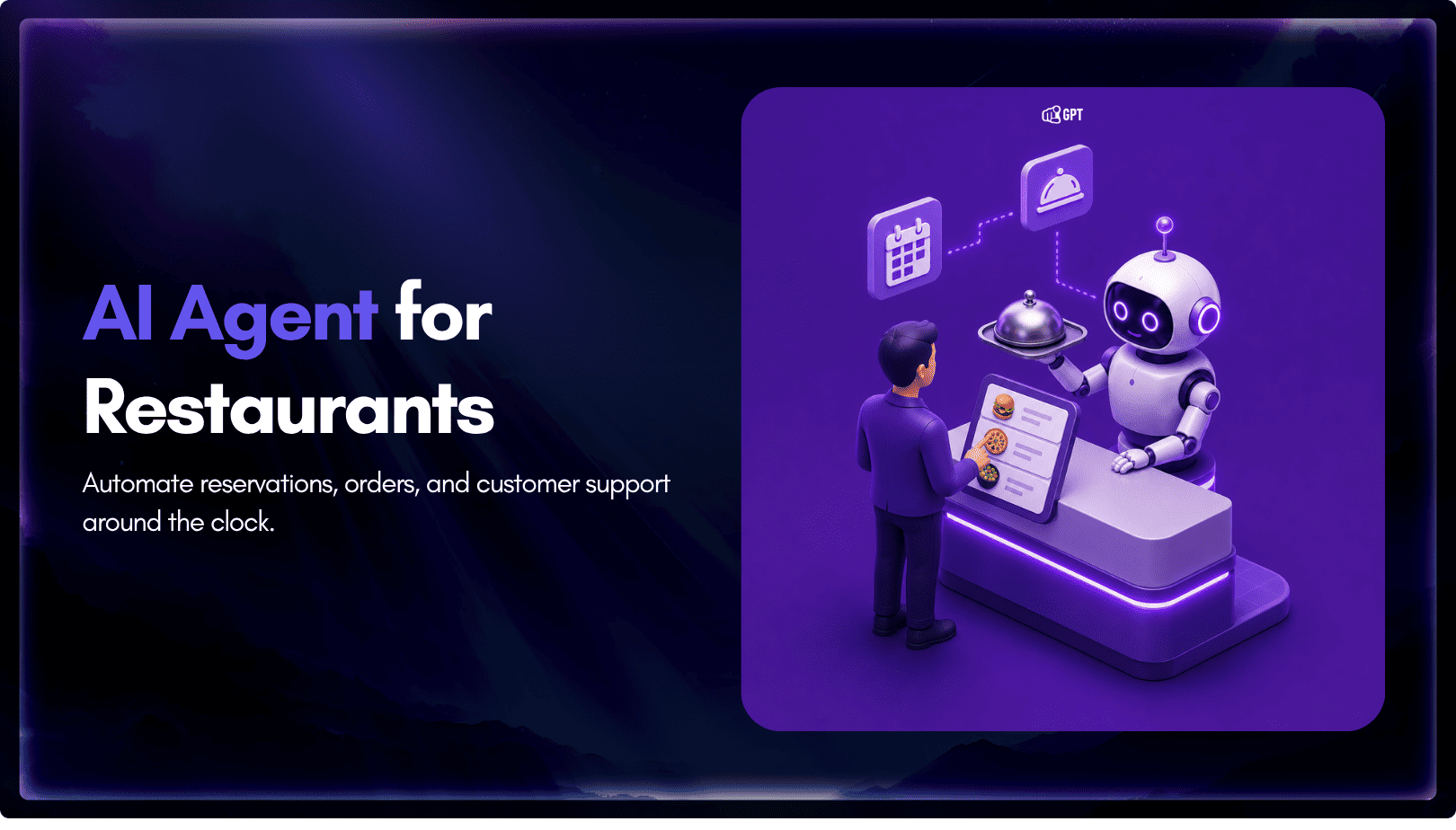
TL;DR Restaurant AI agents help reduce staffing pressure by handling reservations, food orders, and customer inquiries around the clock without increasing headcount. Unlike basic chatbots, they integrate with booking systems, POS platforms, and messaging channels to automate reservations, order processing, and routine customer support. The biggest benefits include automated reservation management, order intake across phone, […]
TL;DR Business process automation with AI agents lets software plan multi-step work, call tools, and handle exceptions instead of following fixed scripts like traditional RPA. AI agents can adapt when a process changes, but that flexibility also requires clear permission boundaries, reliable data, and human oversight for consequential actions. Start with one repetitive process, document […]