How to Launch Phone Campaigns with Voice Agents

Mitali
Last updated on May 5, 2026
A lot of outreach today already runs on AI. Emails are easier to send than ever.
Email is easy to scale, but harder to land. Inboxes are crowded, response rates are uneven, and even good messages are easy to ignore.
Phone is different. It creates an immediate interaction.
With voice agents, you can now run phone campaigns without setting up a calling team or writing rigid scripts. You define how the conversation should work, and the system handles the calls.
With YourGPT, you can set this up in a few minutes and start reaching your contacts the same day.
This guide shows exactly how to launch a voice agent phone campaign from setup to live calls.
Phone campaigns are outbound calling workflows where an AI voice agent places calls, speaks with contacts in real time, and responds based on the goal, logic, and context defined during setup.
In YourGPT, the Phone AI Agent can handle live phone conversations by processing spoken input, interpreting intent, and generating the next response during the call within milliseconds. Instead of following a fixed script, the agent works through turn-by-turn conversation logic, using the prompt, available data, and call behavior rules you configure (for example, qualification criteria, callback handling, or objection flow).
This makes voice agent campaigns different from traditional outbound systems that rely on static scripts, keypad inputs, or narrow call trees. The conversation can adapt in real time based on what the contact says, which makes the interaction more usable for outreach that needs context, follow-up, or response handling.
Common outbound use cases include:
A voice agent campaign works best when a few decisions are clear before setup.
When these pieces are in place, you can set up and launch the campaign without going back and reworking the basics.
With the prerequisites already set up, you’re ready to move into creating your first phone campaign that voice agents will automatically handle.
Go to Integrations in your YourGPT dashboard and open Phone Integration. Click Set Up Now to begin.
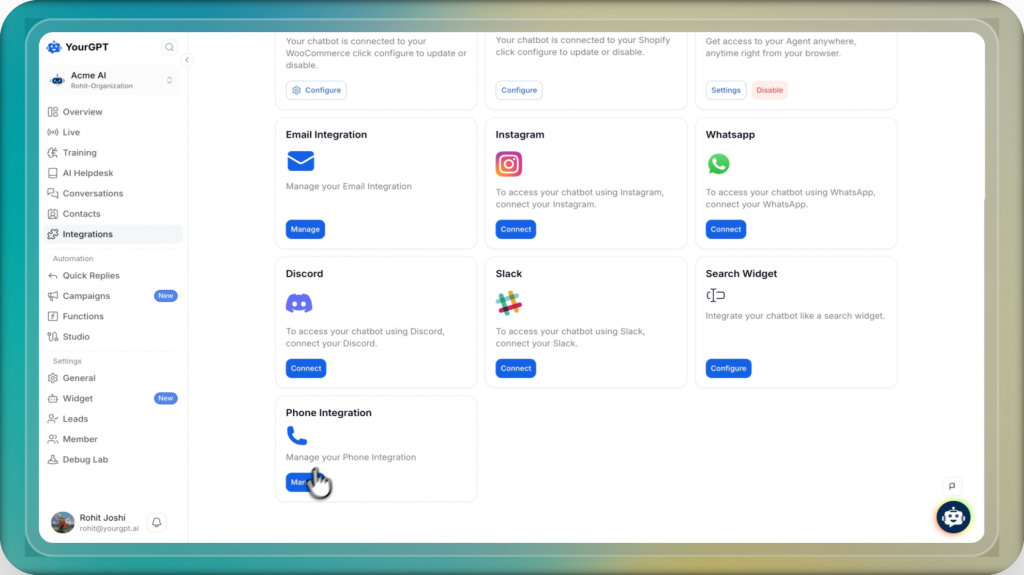
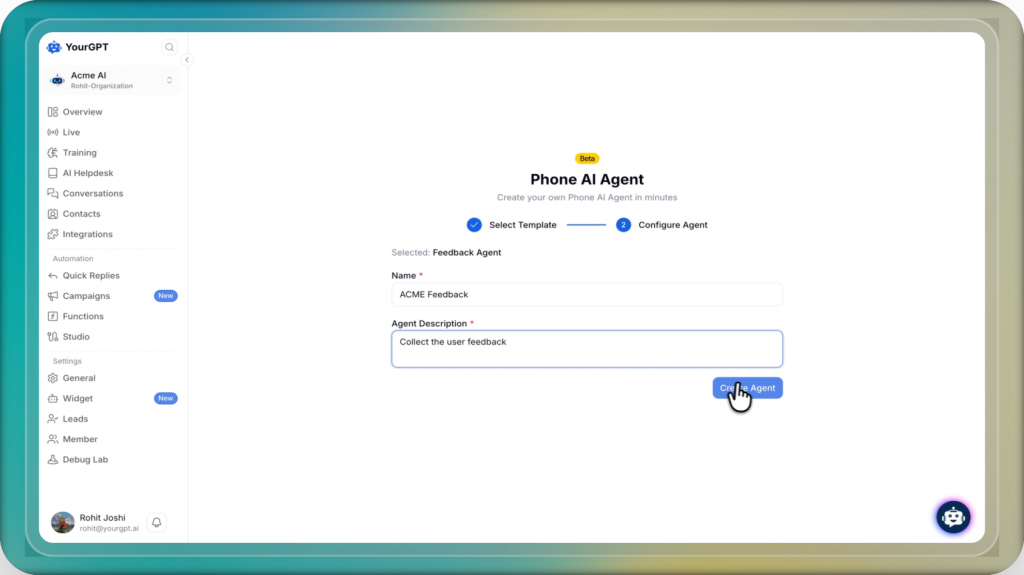
Next, create a new phone agent or start with a template that matches your use case, such as sales, customer support, feedback collection, or booking confirmation. Give the agent a clear name and description so it is easy to identify later.
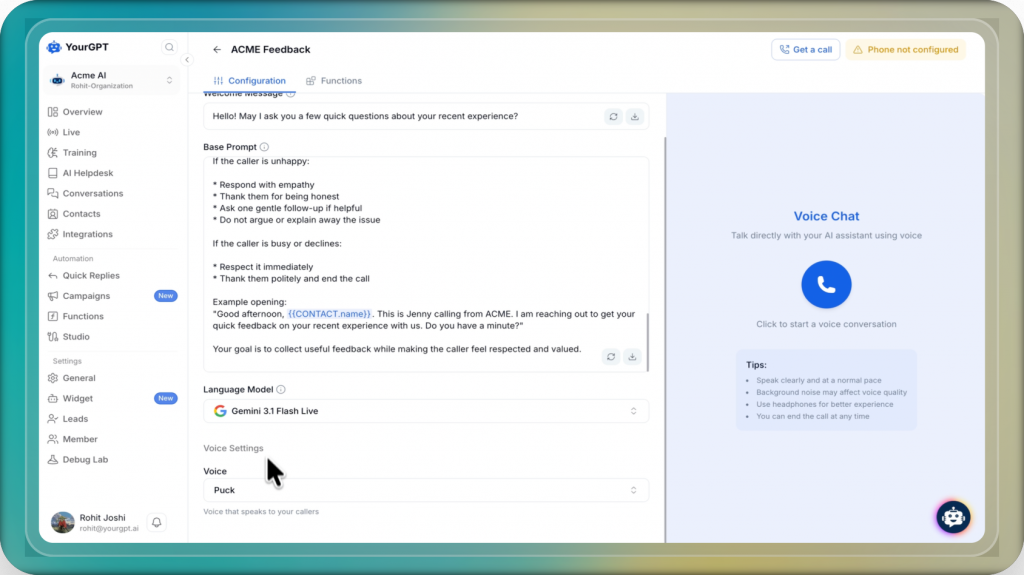
Then configure how the agent should handle calls. Set the welcome message, base prompt, AI model, and voice for your agent. This is where you define how the agent should speak, what it should focus on, and how it should respond during the call.
After that, open the Settings tab in the Phone AI Agent section and enter your Twilio Account SID, Auth Token, Phone Number with country code, and Phone SID. Once the details are added, click Enable.
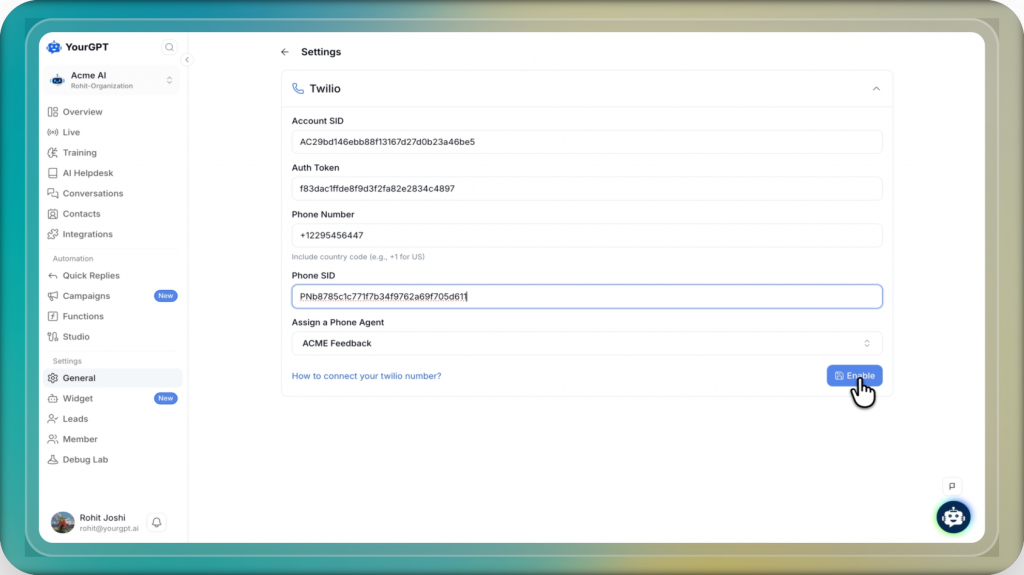
Before moving to setting up campaign, run a test call using your own number. This helps confirm that the integration is working and gives you a chance to review the call experience before launch.
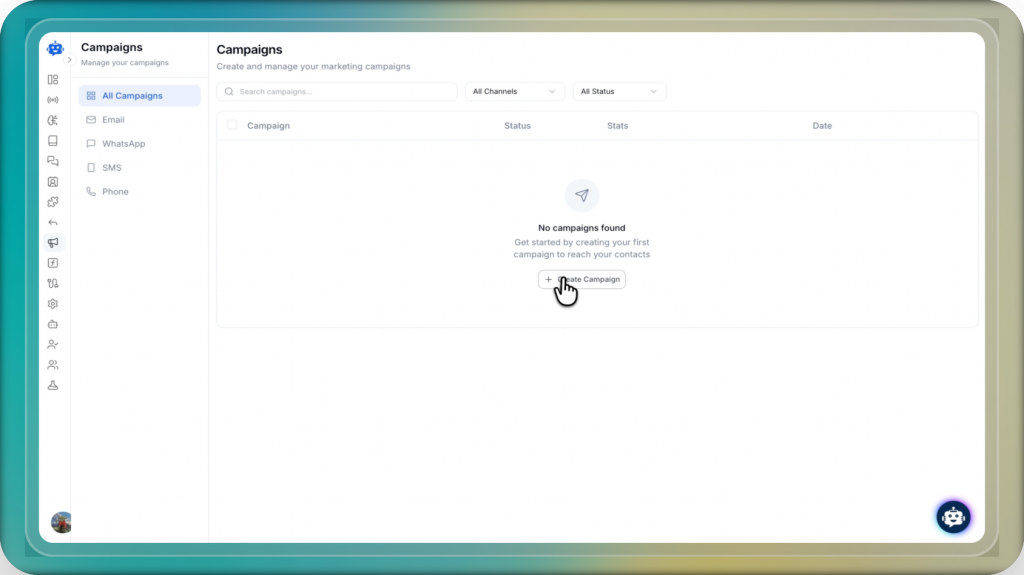
From the dashboard, go to the Campaigns section and click on Create Campaign to start setting up your voice campaign.
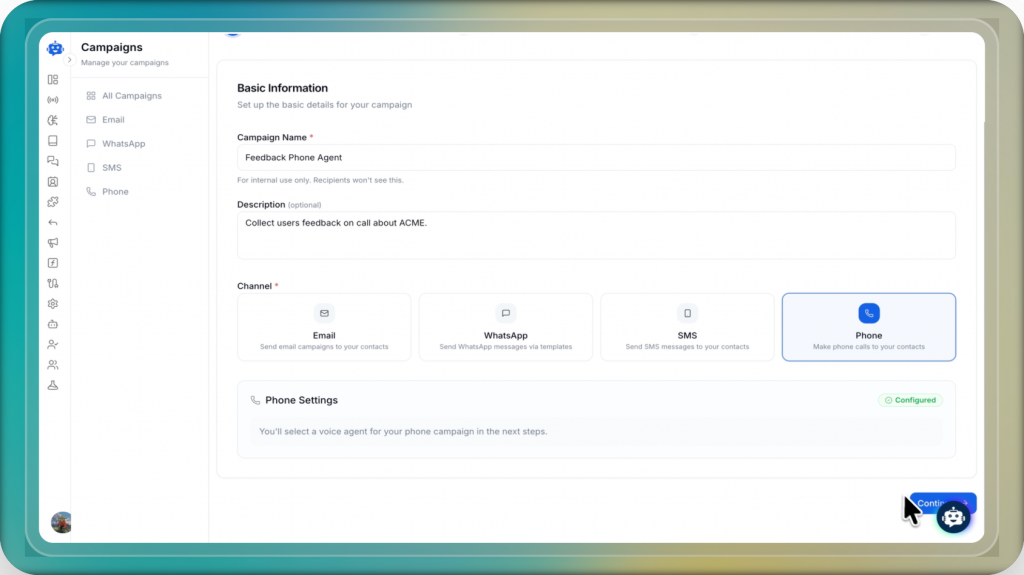
Enter a name and description for your campaign, then select Phone as the channel. Make sure your phone integration is active before continuing. Click on Continue to proceed.
Choose the audience for your campaign by selecting either all contacts or a specific contact list. Pick the relevant group based on your campaign goal, then click on Continue.
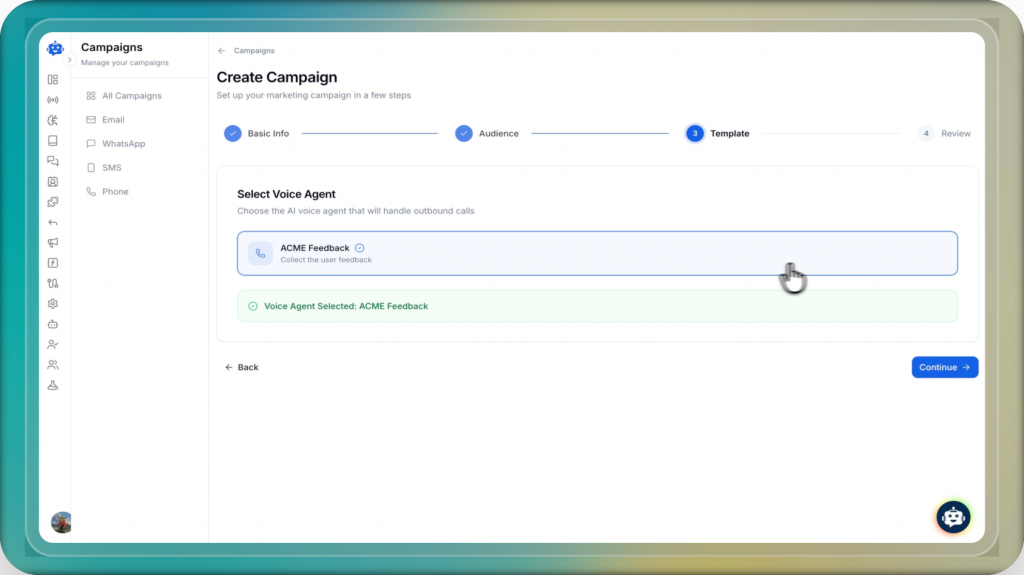
Select the voice agent you created earlier. This agent will handle all calls and interactions during the campaign. After selecting the appropriate agent, click on Continue.
Review all campaign details, including name, audience, channel, and voice agent. Once everything looks correct, click on Create Campaign.
After creating the campaign, choose when and how you want it to run. Set the timing, scheduling, and delivery preferences based on your use case, then start the campaign.
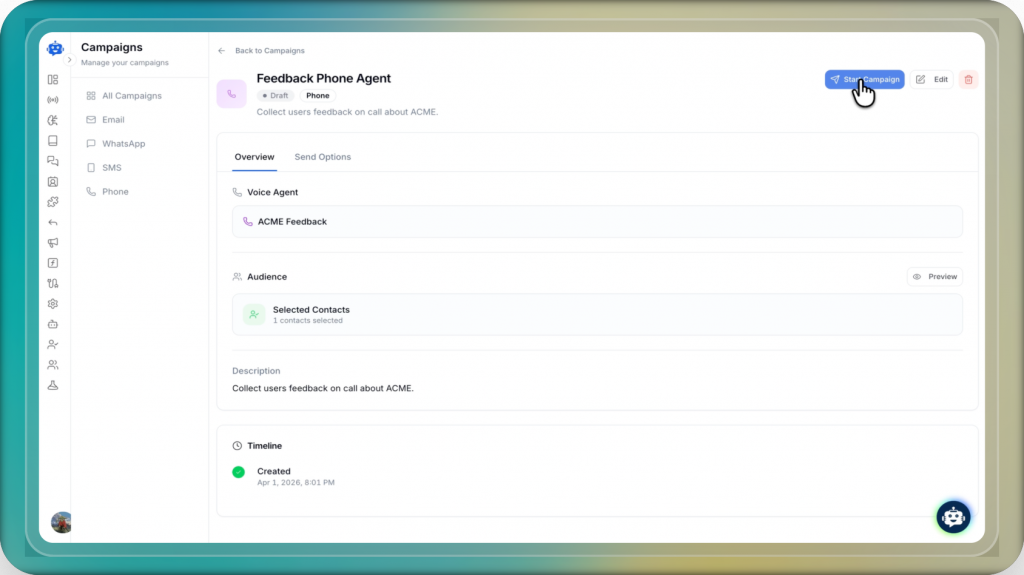
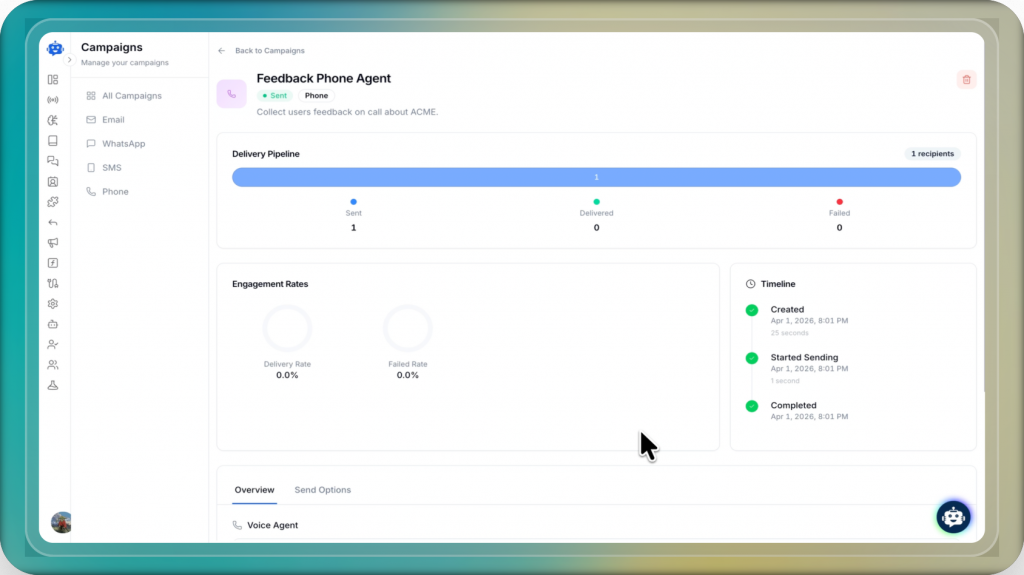
Once the campaign is live, you can track its progress from the dashboard. You will be able to view the pipeline, monitor how calls move through different stages, check engagement rates, and follow the timeline of activity.
Launching the campaign is only the first step. Good phone campaign performance usually comes from better targeting, better agent setup, and better judgment around when and how the phone channel should be used.
The best voice agent campaigns usually feel timely, relevant, and well-scoped. That comes from using the phone channel thoughtfully, defining the agent clearly, and making sure each call has enough context to be useful.
A voice agent phone campaign is an outbound calling campaign where an AI voice agent places calls, speaks with contacts in real time, and responds based on the goal, instructions, and tools configured for the campaign.
The agent listens to the caller, converts speech into text, interprets the meaning of the response, and generates the next spoken reply in real time. It continues that loop throughout the call while staying within the persona, scope, and actions defined during setup.
Before launch, you should have an active phone integration, a clear campaign goal, a relevant contact list, a defined agent persona, and the right tools connected for actions such as booking, updating records, or capturing responses.
If a call is not answered, it can be retried or skipped based on the campaign settings you configure. The right approach depends on your outreach goal, timing strategy, and how persistent you want the campaign to be.
The right voice agent depends on the purpose of the campaign. A qualification campaign, reminder campaign, and support follow-up campaign should not sound the same. Choose the agent based on the use case, tone, scope, and actions it needs to perform during the call.
Campaign performance can be tracked through call outcomes, engagement signals, and stage-wise progress in the dashboard. Reviewing these patterns helps you understand which calls are connecting, where conversations lose momentum, and what needs to be improved in the agent or campaign setup.
They can be, but phone outreach usually works better when some context already exists, such as a previous interaction, a recent sign-up, or familiarity with your brand. In most cases, phone performs best when the call feels relevant and timely rather than unexpected.
Launching the campaign is only the first step. The real value comes from how the agent performs in live calls and what you learn from those conversations over time.
The first few calls usually reveal what the initial setup cannot. You start to see where people hesitate, what questions come up often, where the agent sounds too broad, and which parts of the call actually help move things forward.
Phone calls also give you something most other channels do not: real-time feedback.
You can understand what the person is interested in, where they hesitate, what they care about, and how they respond in the moment. That gives your team and AI agents much clearer signals about user preferences, which can be used to shape better follow-up, better targeting, and more relevant outreach later.
With YourGPT, you can use those signals to keep improving the agent. You can refine the persona, tighten its scope, adjust tool access, and make responses more natural based on what happens in real conversations.
That is what makes voice agent phone campaigns practical. You do not need a perfect setup before launch. You need a clear goal, a well-defined agent, and the ability to improve the system as real calls come in.
Use YourGPT to help Black Friday shoppers choose products, check orders and understand returns. Prepare your answers and team before the sale.

Add in-app chat support to your SaaS or mobile app. Place it on the screens where users stall, pass who they are, and hand hard cases to your team.

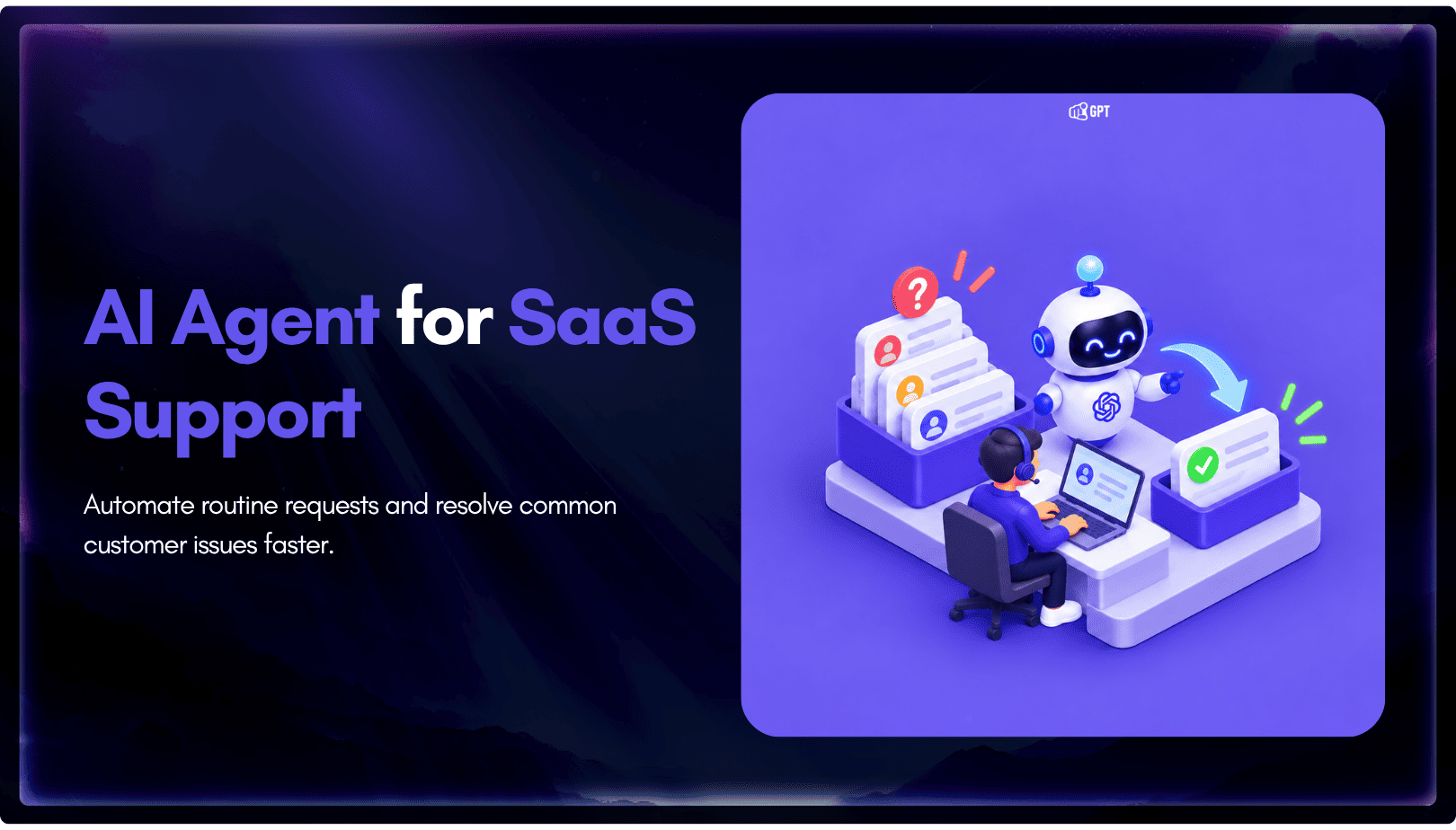
Group new-account tickets by onboarding stage, train an AI agent on your docs, and place it in the product where new users get stuck.
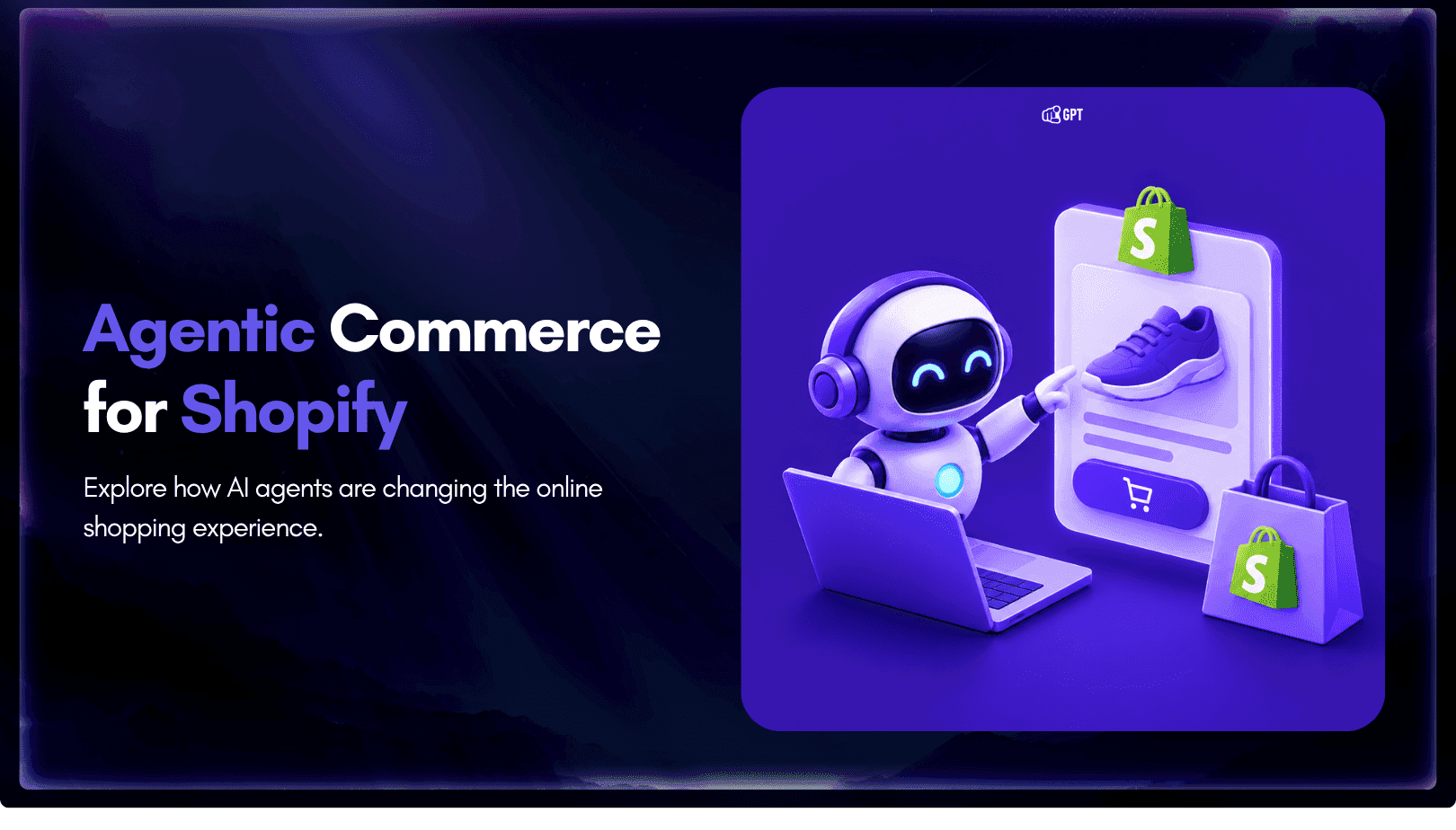
AI agents can now find and buy products for shoppers. See what agentic commerce changes for a Shopify store and which support jobs stay yours.
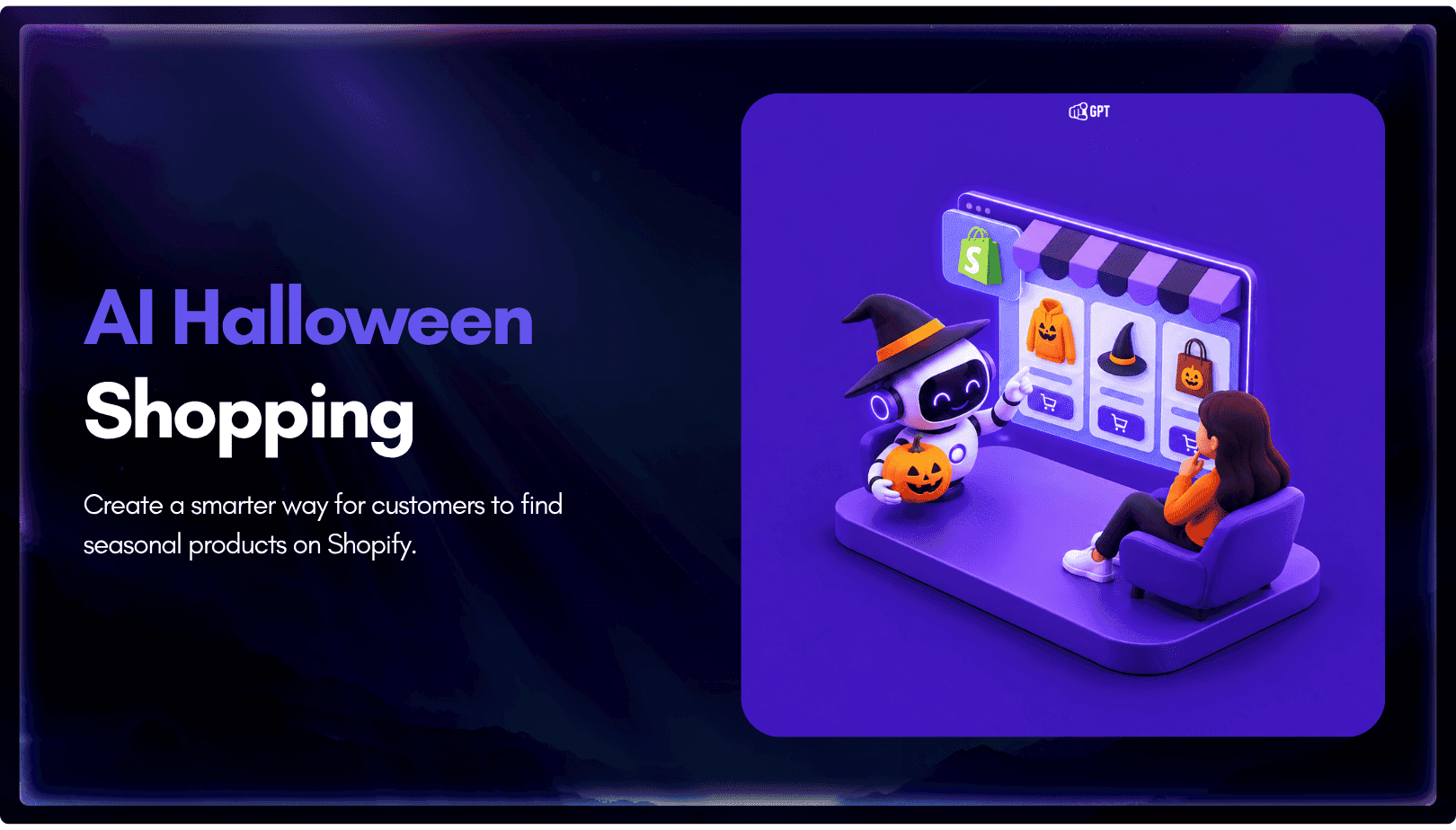
Build a Halloween shopping assistant for Shopify with YourGPT. Set up product recommendations, stock checks, cart actions and human support before launch.
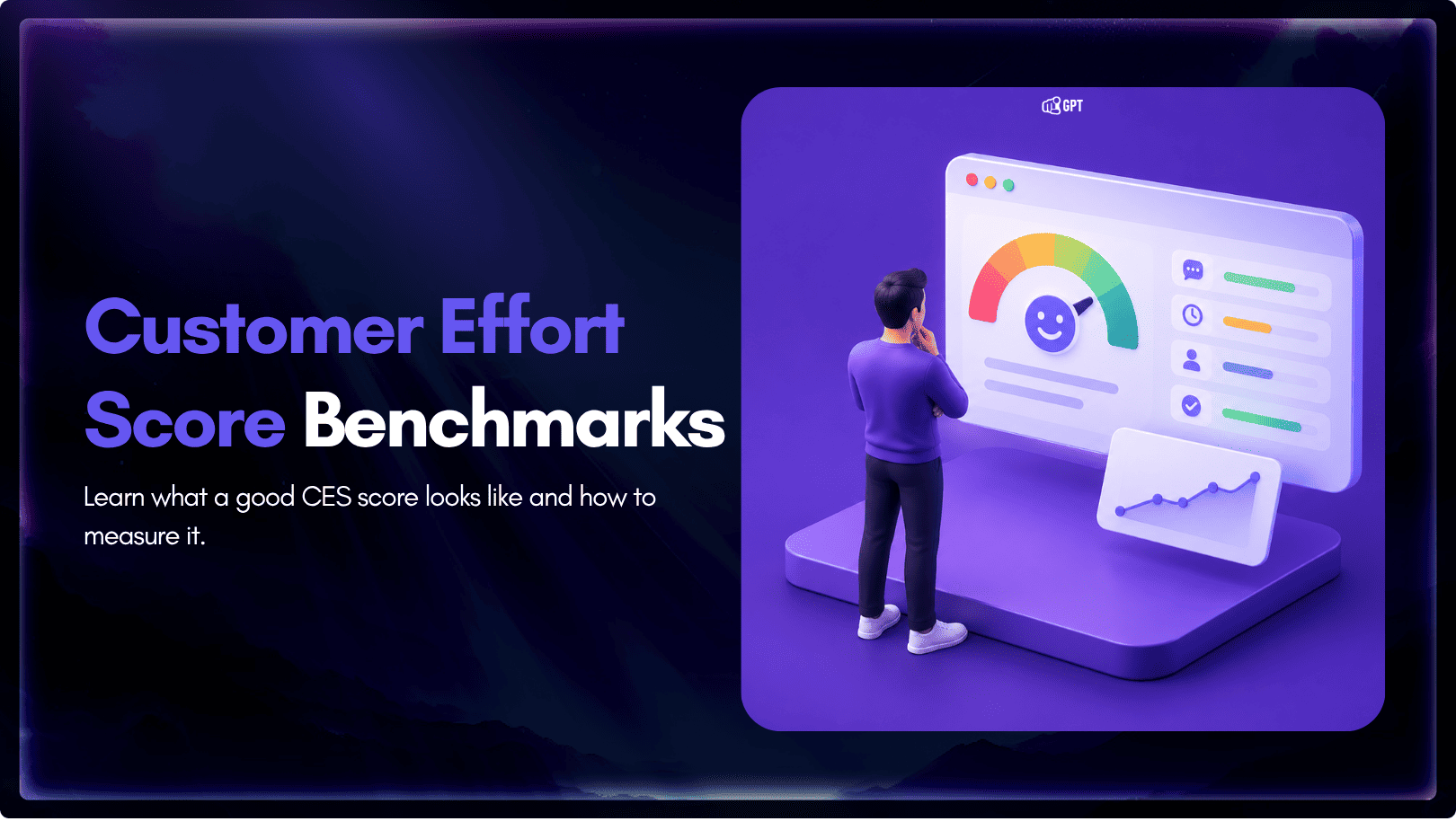
See what a good customer effort score looks like, how to word and calculate CES on each scale, and which support habits raise customer effort.