7 Types of AI Agents: How to Choose the Right One for Your Business

Rajni
Last updated on May 26, 2026
AI agents form the backbone of modern intelligent systems. They give machines the ability to sense what is happening around them, make decisions, and act independently without needing a human to guide every step. From chatbots that resolve customer issues instantly to self-driving cars navigating complex city streets in real time, AI agents power the applications we interact with every day.
For businesses and developers, understanding the different types of AI agents is more than academic. It directly shapes the quality, cost, and scalability of the systems you build. Every agent type has its own strengths and trade-offs, determining how an AI system learns, adapts, and responds when conditions change.
This blog covers all seven types of AI agents, how each one works, and where each fits into real business scenarios. Whether you are building AI solutions from scratch or integrating them into an existing workflow, this guide will help you identify the right agent type and avoid the costly mistake of choosing the wrong one.
| Agent Type | Best For | Main Limitation |
|---|---|---|
| Simple Reflex Agents | Instant responses to known stimuli | No memory of past events |
| Model-Based Reflex Agents | Context-aware reactions | Cannot plan multi-step sequences |
| Goal-Based Agents | Task completion and planning | Needs clearly defined objectives |
| Utility-Based Agents | Tradeoff optimization | Higher computational demand |
| Learning Agents | Adapting to new patterns | Requires training data and feedback |
| Hierarchical Agents | Complex workflow management | Coordination overhead |
| Multi-Agent Systems | Distributed problem solving | Orchestration complexity |
AI agents are autonomous software systems that perceive their environment through sensors or data inputs, process information to make decisions, and execute actions to achieve specific goals all without continuous human intervention.
Unlike traditional software that follows rigid instructions, AI agents adapt their behavior based on environmental conditions, programmed goals, and past experiences. A customer service chatbot processes natural language queries and provides contextual answers. An autonomous warehouse robot detects obstacles and recalculates routes in real-time. A financial trading system evaluates market conditions and executes trades based on risk parameters.
The key difference shows up when conditions change. Traditional software breaks. AI agents adjust.
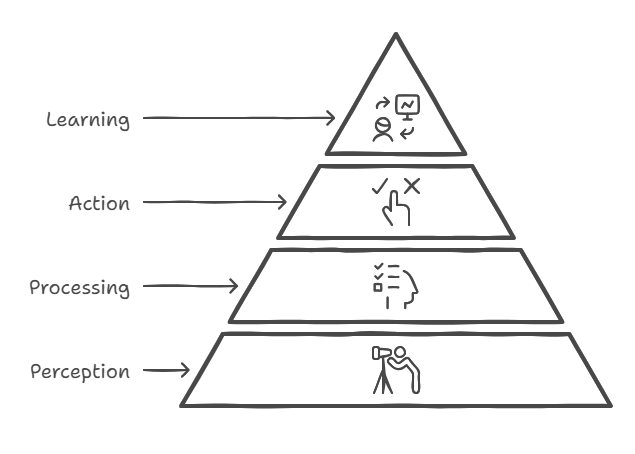
AI agents begin by gathering data from their environment using various sensors or input mechanisms. These inputs can range from visual and auditory data to textual information, depending on the agent’s design and purpose. For instance, a virtual assistant might process user queries, while a robotic agent could use cameras and microphones to navigate its surroundings.
Once the data is collected, the agent processes this information to understand the current context. Based on its programming and learned experiences, it evaluates possible actions and selects the most appropriate one to achieve its objectives. This decision-making process can involve simple rule-based logic or more complex algorithms that consider various factors and potential outcomes.
After determining the best course of action, the AI agent carries out the selected task. This could involve sending a response to a user, moving a robotic limb, or updating a database. The action is executed through actuators or output mechanisms that interact with the environment or system in which the agent operates.
Many AI agents are equipped with learning capabilities that allow them to adapt over time. By analyzing the outcomes of their actions, they can refine their decision-making processes to improve future performance. This continuous learning loop enables agents to handle dynamic environments and evolving tasks more effectively.
In summary, AI agents function through a structured loop of sensing, processing, acting, and learning, enabling them to perform tasks autonomously and adapt to new challenges as they arise.
AI agents are systems that can sense what’s around them, process information, and take actions to reach their goals. Knowing the different types of AI agents is important for businesses and developers who want to use AI effectively. Each type has its own strengths and is suited to certain tasks and settings.
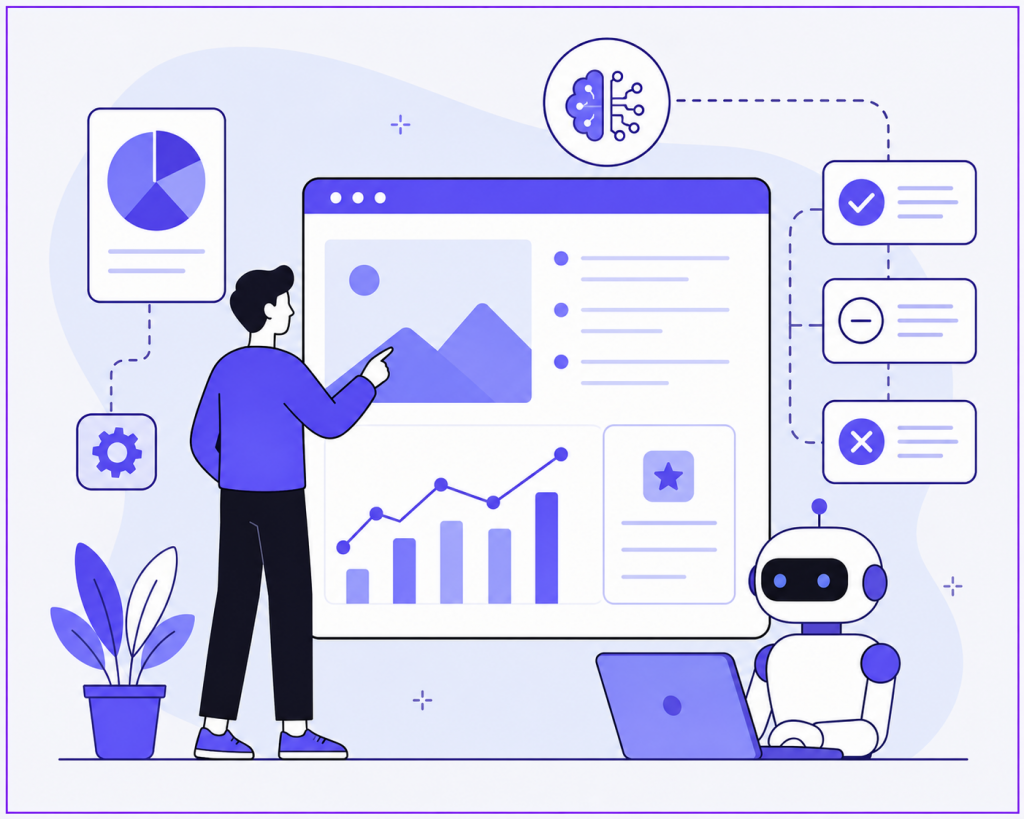
Simple reflex agents operate on condition-action rules. A percept arrives, the agent matches it against a set of predefined conditions, and it executes the corresponding action. There is no internal memory, no representation of the world state, and no reasoning about the future. If the input matches a pattern, the agent responds instantly.
This makes them extremely fast and predictable, but also brittle. When the environment requires context from past events or inference about unseen variables, simple reflex agents fail because they only know what they sense right now.
Common uses:
Example:
A customer opens a chat and types “reset password.” A simple reflex agent recognizes the phrase and sends the password reset link. If the customer follows up with “that did not work,” the agent has no memory of the previous exchange and may send the same link again.
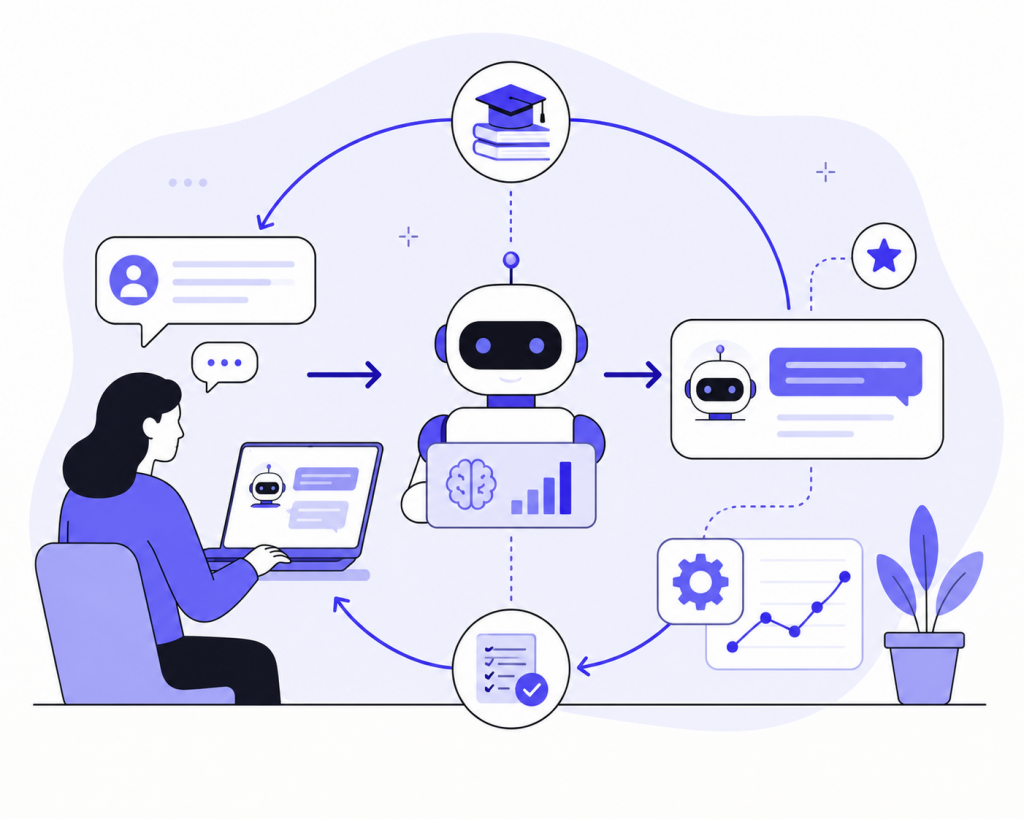
Learning agents improve performance based on experience. They typically contain four conceptual components: a performance element that selects actions, a critic that evaluates outcomes, a learning element that modifies the performance element based on feedback, and a problem generator that suggests novel experiences worth trying.
Feedback can be explicit, such as human ratings or thumbs-up signals, or implicit, such as conversion rates, resolution times, and escalation frequency. Over time, the agent shifts from mimicking initial training data toward optimizing for outcomes that actually matter in production.
Common uses:
Example:
An AI support agent begins by suggesting articles based on keyword overlap. After several weeks, it notices that users who receive article B after article A are 40 percent less likely to escalate to a human. The learning element updates the performance element to propose article B earlier in the conversation, even when article A is a closer keyword match.
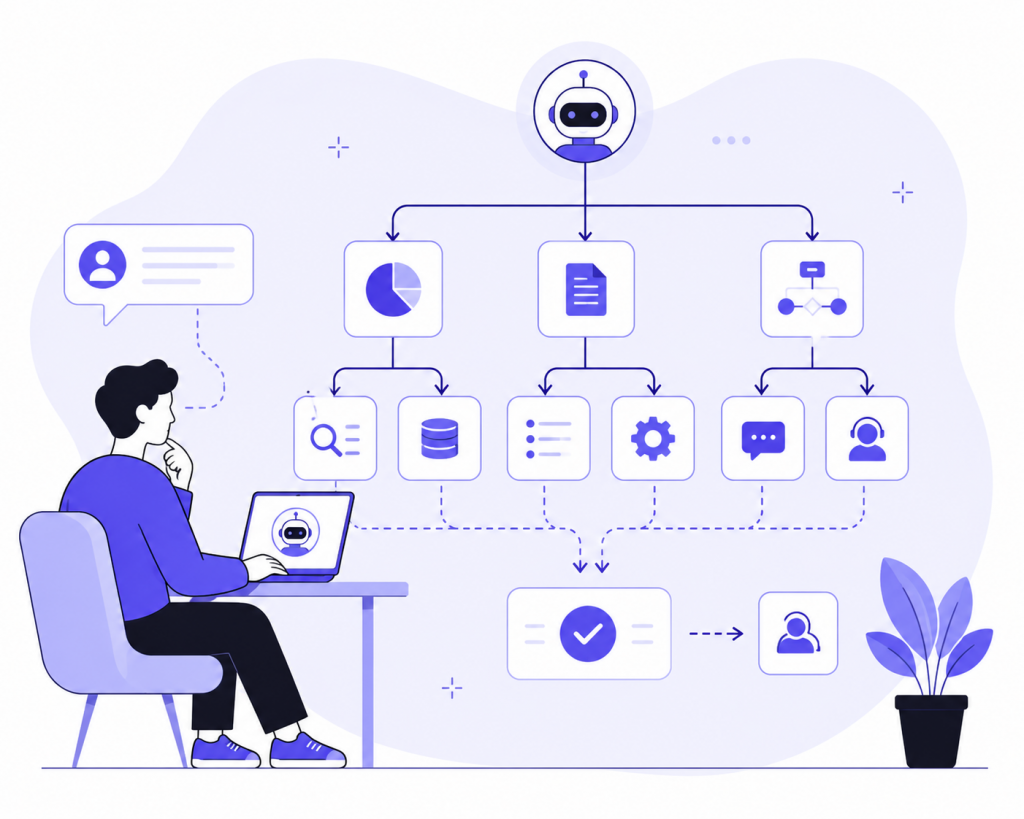
Hierarchical Agents organize tasks across multiple levels, where higher-level agents handle planning and lower-level agents manage execution. This structure helps AI agents break complex tasks into smaller, more manageable steps.
A chatbot GPT system can use a hierarchical approach to manage customer support workflows. For example, one layer may identify the user’s intent, another may retrieve the right information, and another may trigger the next action, such as creating a ticket or escalating to a human agent.
Hierarchical Agents excel in:
Their structured design makes them useful for complex AI support chatbot solutions where tasks need clear coordination from start to finish.
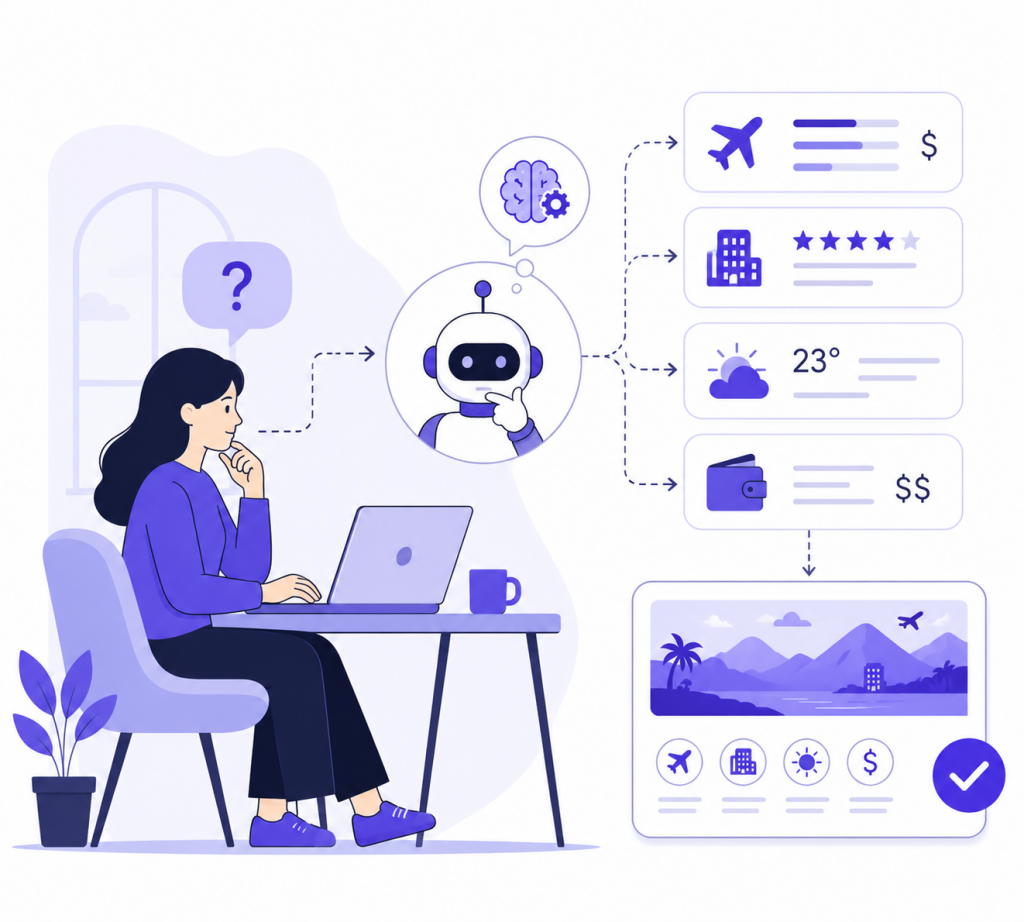
Reasoning Agents go beyond simple reactions by analyzing information, making decisions, and solving problems using logic and contextual understanding. These agents can evaluate multiple possibilities, infer outcomes, and choose the most effective action.
Unlike Simple Reflex Agents, Reasoning Agents can process complex tasks that require planning, judgment, and multi-step thinking.
A reasoning agent helping a user plan a trip may compare flight prices, hotel ratings, weather conditions, and budget constraints before recommending the best itinerary.
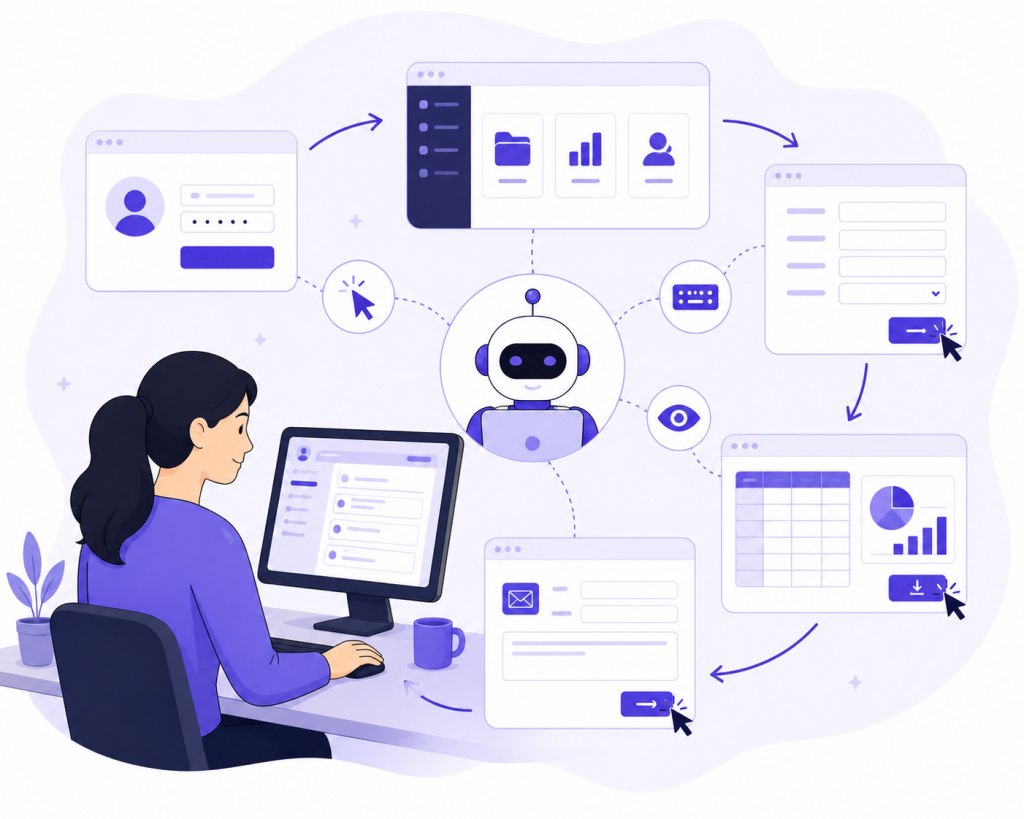
Computer Use Agents (CUAs) are AI agents designed to interact directly with computer interfaces like a human user. They can navigate applications, click buttons, type text, read screens, and complete digital workflows autonomously.
These agents bridge the gap between reasoning and real-world execution by operating software environments in real time.
A CUA can log into a CRM platform, update customer records, download reports, and send follow-up emails without manual intervention.
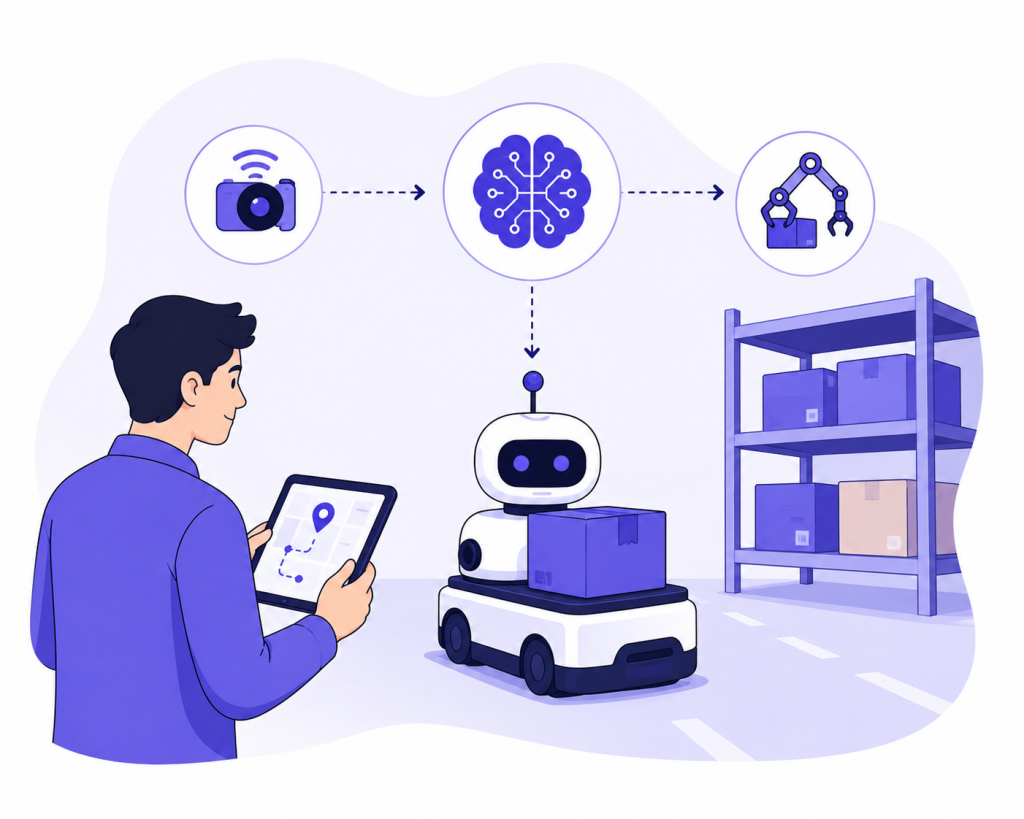
Embodied Agents are AI systems that exist within physical environments through robots or smart devices. These agents perceive the world through sensors and interact with it using motors, cameras, microphones, and other hardware.
They combine perception, reasoning, and action to operate in dynamic real-world settings.
A warehouse robot can navigate aisles, detect obstacles, pick up packages, and deliver them to the correct destination autonomously.
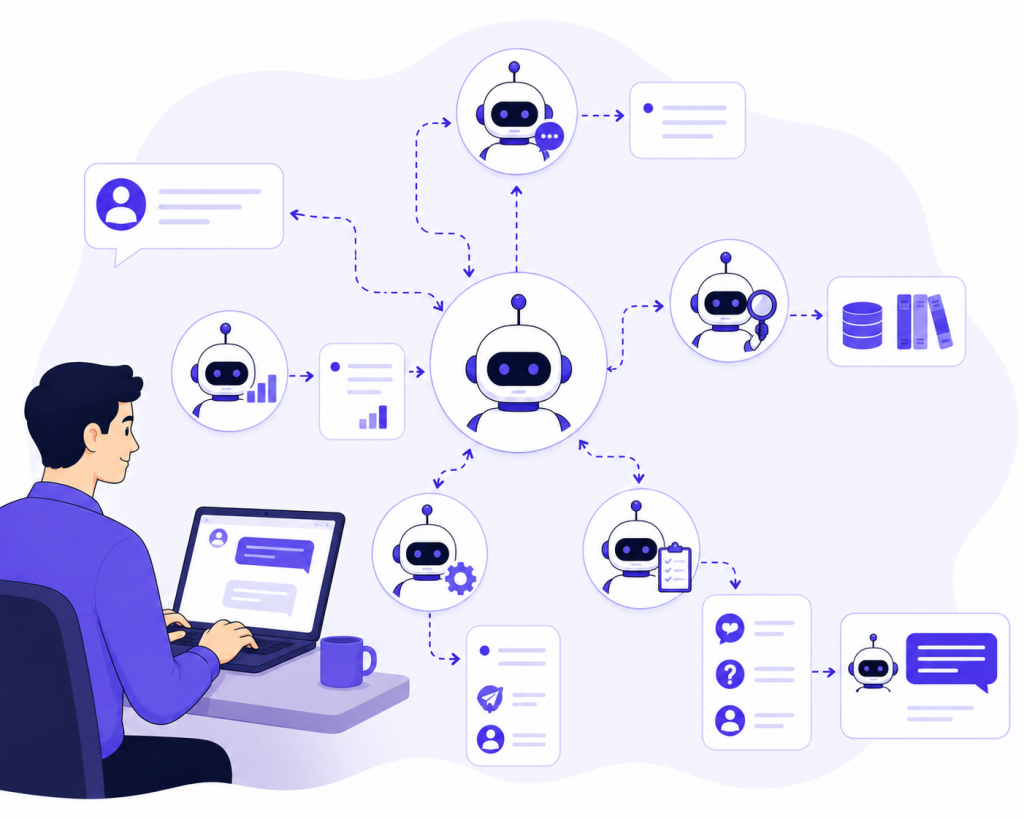
Multi-Agent Systems use multiple AI agents that work together to solve a larger problem. Each agent can focus on a specific role, such as research, planning, decision-making, execution, or monitoring.
In an AI chat support system, one agent might classify the customer’s request, another might search the knowledge base, and another might decide whether to reply, ask a follow-up question, or hand the conversation to a human agent. This makes the system more flexible than relying on one agent to handle everything.
Multi-Agent Systems excel in:
Their collaborative structure makes them ideal for complex AI automation projects where speed, specialization, and accuracy matter together.
The right AI agent depends on what you are trying to automate and how complex that task actually is. Here is a simple step-by-step approach to help you decide.
Start by being specific about the problem you want to solve. Ask yourself:
Getting clear on these questions makes it much easier to identify the right agent type.
Once you have identified the right agent type for your task, check that it also supports your wider business objectives:
A few real-world examples to illustrate this:
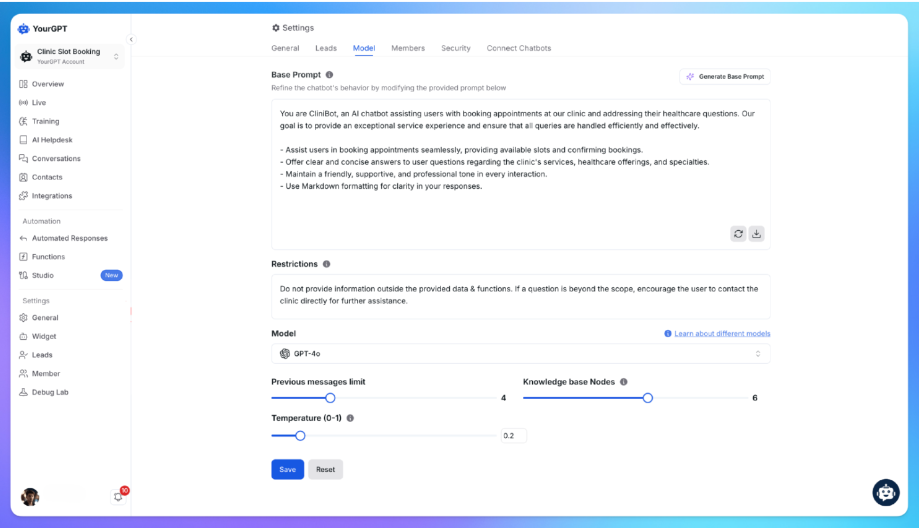
Building an AI agent is not only about connecting a model to a chat interface. The useful part comes from defining what the agent should know, what actions it can take, how it should behave, and when it should involve a human.
Platforms like YourGPT simplify that process by combining knowledge grounding, workflow control, channel integrations, and deployment tools into one environment. Instead of building the entire stack from scratch, teams can focus on designing the actual operational behavior of the agent.
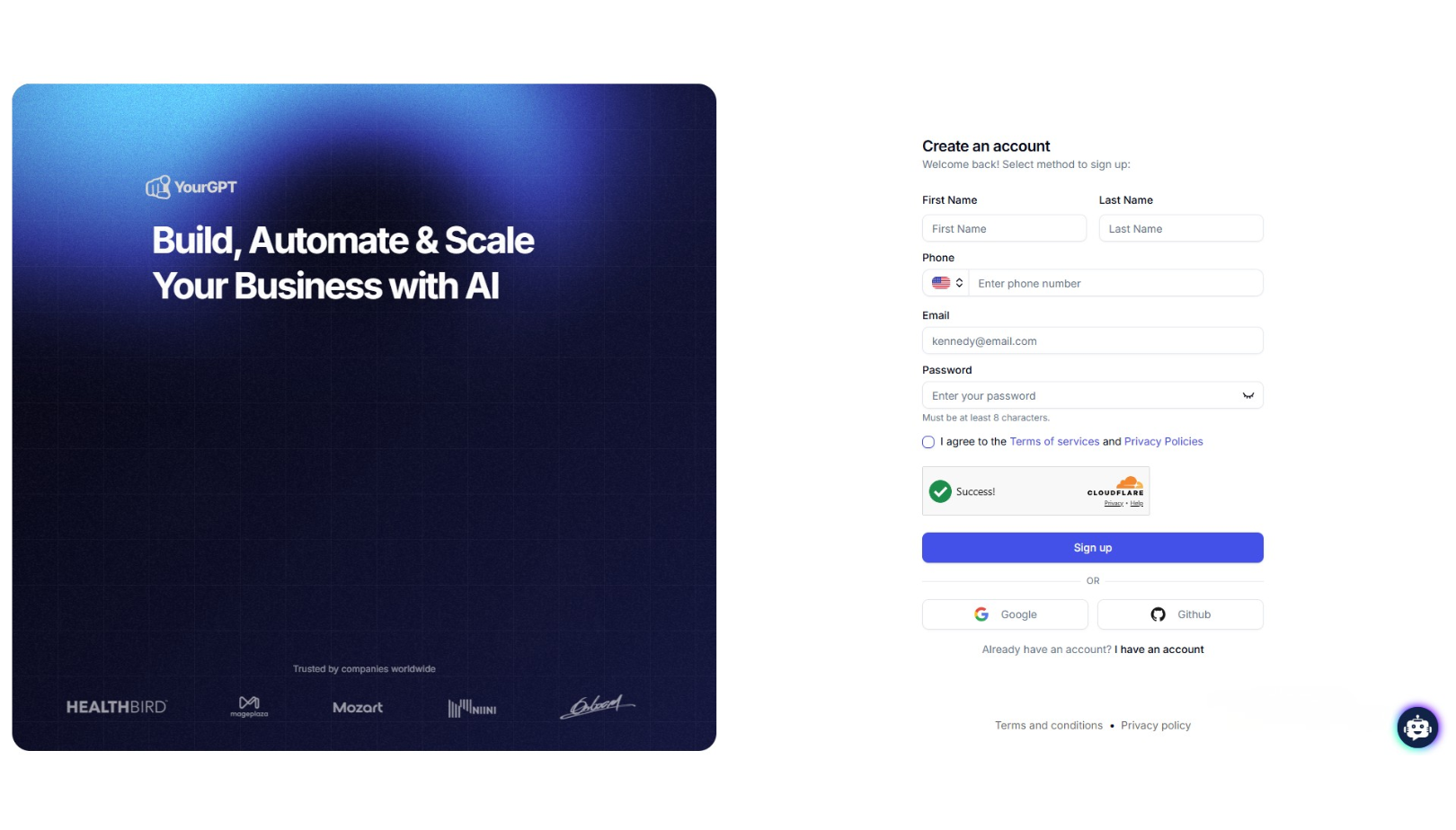
Start by deciding what the AI agent should actually handle. Different agents require different levels of reasoning, memory, workflow access, and escalation control.
For example:
The clearer the scope, the easier it becomes to control accuracy, permissions, and workflow behavior.
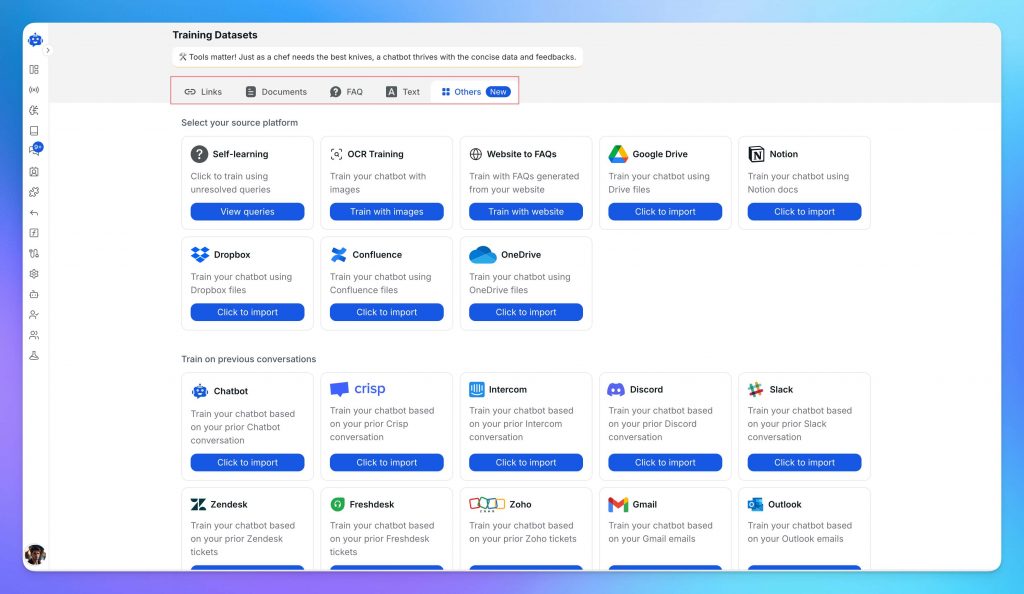
The next step is grounding the agent on the information it needs to operate correctly. This usually includes internal documentation, help center articles, product information, SOPs, policy documents, onboarding material, and website content.
YourGPT supports multiple knowledge sources including:
This knowledge layer affects how reliably the agent can answer questions, maintain consistency, and avoid hallucinated responses.
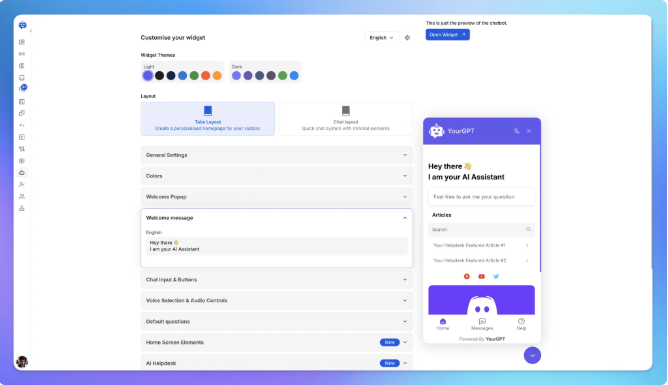
Once the knowledge layer is ready, the agent behavior needs to be defined. This includes communication style, formatting rules, escalation boundaries, refusal conditions, and workflow restrictions.
For example, teams may configure:
This operational layer is often what separates a production-ready AI agent from a simple demo experience.
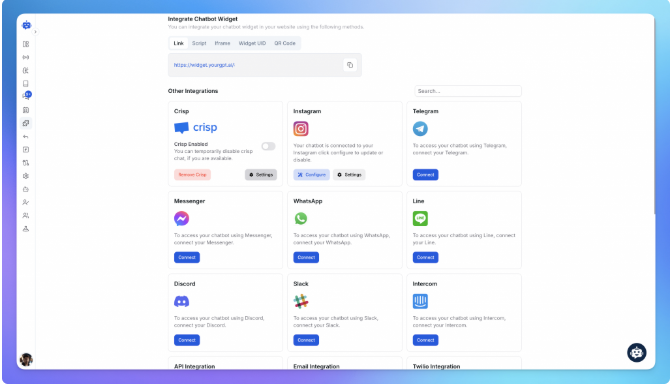
An AI agent becomes significantly more useful once it can interact with the systems your business already uses.
YourGPT allows teams to connect agents across channels such as:
The agent can also integrate with workflows, APIs, CRMs, ticketing systems, spreadsheets, and operational tools so it can move beyond answering questions into handling real tasks.
Before deployment, test the agent against realistic edge cases: incomplete customer details, failed handoff triggers, workflow boundary issues, unsupported requests, outdated knowledge, and channel switching.
This helps test if the agent can stay reliable, follow defined rules, and handle escalations properly when conversations become less predictable.
After deployment, the AI agent should be treated as an operational system that evolves over time. Conversation reviews, failed resolutions, workflow bottlenecks, and escalation patterns help teams identify where the agent needs improvement.
The strongest AI agent deployments usually improve through continuous iteration rather than one-time setup. As workflows, policies, and customer behavior change, the agent behavior should evolve with them.
AI agents are autonomous systems that perceive their environment, make decisions, and complete tasks without constant human input. Unlike rule-based chatbots that follow rigid scripts, AI agents reason through multi-step problems, remember context across conversations, and take actions inside your tools, such as updating CRM records or processing refunds.
Most businesses start between $200 and $1,000 per month for domain-specific agents, depending on conversation volume, LLM choice, and integrations. No-code platforms typically offer usage-based pricing, so you avoid large infrastructure investments and only pay for resolved interactions.
Yes. AI agents integrate via APIs with Salesforce, HubSpot, Zendesk, Shopify, Slack, and custom databases. They can read customer context, write updates, trigger workflows, and sync with your existing processes. You do not need to replace your current systems.
Simple FAQ agents deploy in hours. Complex agents with custom integrations and multi-step workflows typically take 2 to 4 weeks. You will need a knowledge base, past conversation logs, defined escalation rules, and API access to your core tools.
Top use cases include autonomous customer support, lead qualification, appointment scheduling, order tracking, returns processing, and internal IT helpdesk triage. Companies typically see ROI through 24/7 availability, faster resolution, and reduced ticket volume for human teams.
AI agents augment employees, not replace them. They handle repetitive, high-volume tasks and escalate complex or sensitive issues to humans. This reduces fatigue for support teams, lowers operational costs, and lets your team focus on revenue-generating conversations.
You train agents by uploading product docs, support transcripts, PDFs, and website content into a secure, isolated environment. Leading platforms use data isolation, SOC 2 compliance, and encryption to ensure your proprietary data is not used to train public models.
Agents use confidence scoring to detect uncertainty. When a query falls below the threshold, the agent can ask clarifying questions, search updated documentation, or escalate to a human with full context. This prevents hallucinations and incomplete resolutions.
Track resolution rate, containment rate where no human is needed, average handle time, customer satisfaction, goal completion rate, and cost per conversation. Monitor failure points to identify knowledge gaps and continuously improve performance.
Sign in to YourGPT, connect your knowledge base, define the agent’s goals and guardrails, set up intents and conversation flows, integrate with your channels such as website, WhatsApp, and Slack, and test in a sandbox before publishing. The platform handles the underlying LLM, memory, and API integrations.
Different AI agents solve different kinds of problems. A reflex agent can follow fixed rules, while a learning agent improves from feedback. Utility-based and hierarchical agents are better suited for work that involves coordination, prioritization, or multiple decision steps.
The important part is matching the agent design to the actual workflow. A support assistant answering common questions does not need the same reasoning structure as an AI agent handling approvals, routing requests, or coordinating tasks across systems.
YourGPT helps teams build AI agents around real business operations. You can train agents on your knowledge, connect them with channels like web chat, WhatsApp, email, and voice, add workflow actions, and keep humans involved when decisions require oversight.
The right AI agent should make work easier to manage, easier to scale, and easier to improve over time.
YourGPT helps you create AI agents trained on your business data, connected to your tools, and ready to support customers across web, WhatsApp, email, voice, and more.
7-day free access · No credit card required
TL;DR Insurance platforms are using AI to automate claims support, quote intake, and policy servicing, reducing reliance on call centers and static forms. This guide compares five commonly shortlisted platforms: YourGPT, Ada, Sierra AI, Decagon, and Forethought. None are purpose-built exclusively for insurance, so configuration flexibility and proven insurance use cases matter. Pricing ranges from […]

TL;DR The core distinction is retrieval versus training. RAG pulls outside documents into a prompt when an answer is generated, while fine-tuning changes a model’s weights during a separate training step. The 2026 shift matters because OpenAI’s wind-down of its self-serve fine-tuning platform, announced in May 2026, closed off the default path many teams expected […]
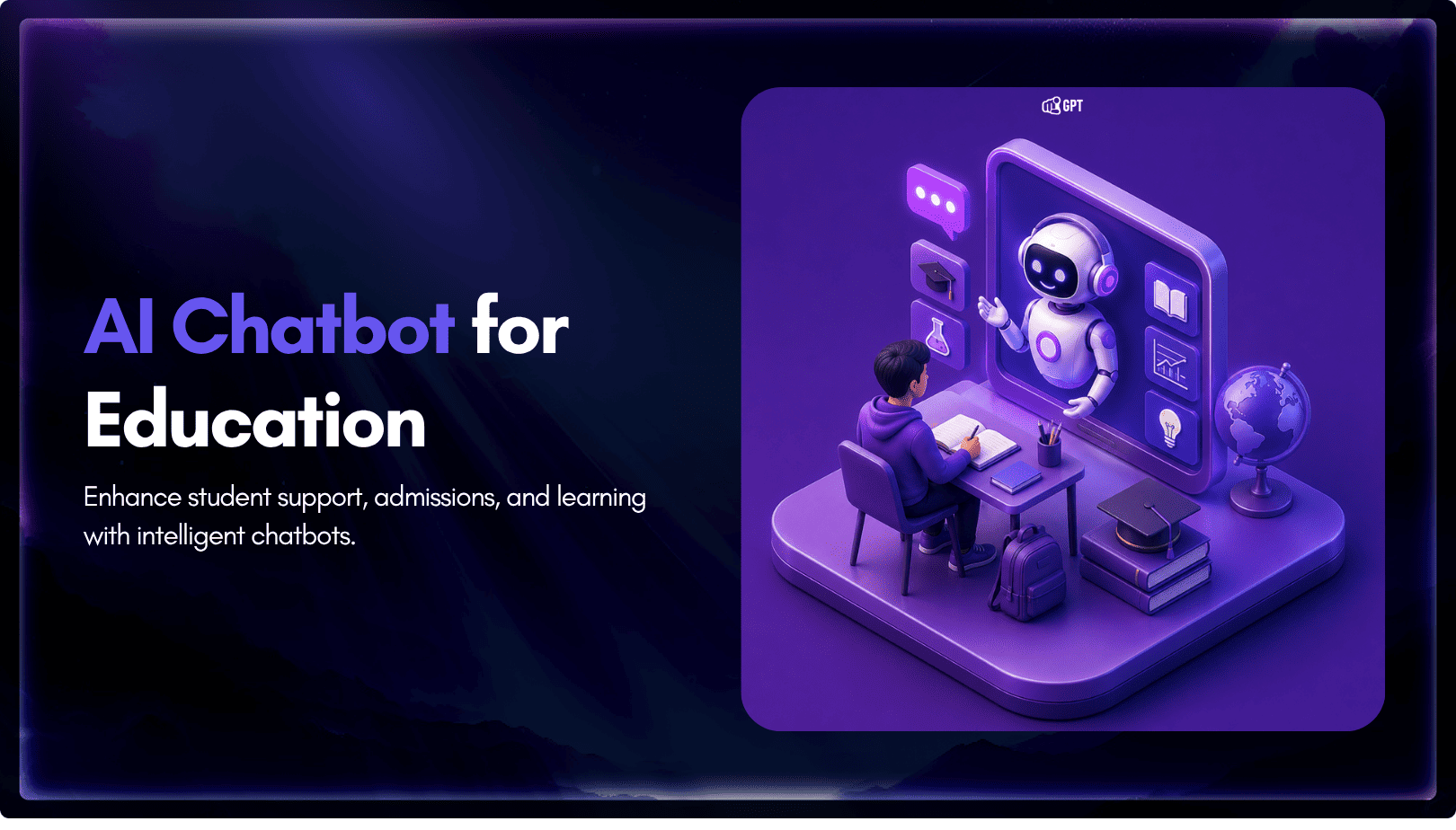
TL;DR Real deployments show measurable results. Georgia Tech’s Jill Watson achieved 78.7% classroom question accuracy compared with 30.7% for a stock OpenAI Assistant, while Georgia State’s Pounce chatbot improved enrollment outcomes in a randomized controlled trial. The strongest use cases are admissions, student services, and staff workload reduction rather than homework assistance. Guardrails matter more […]
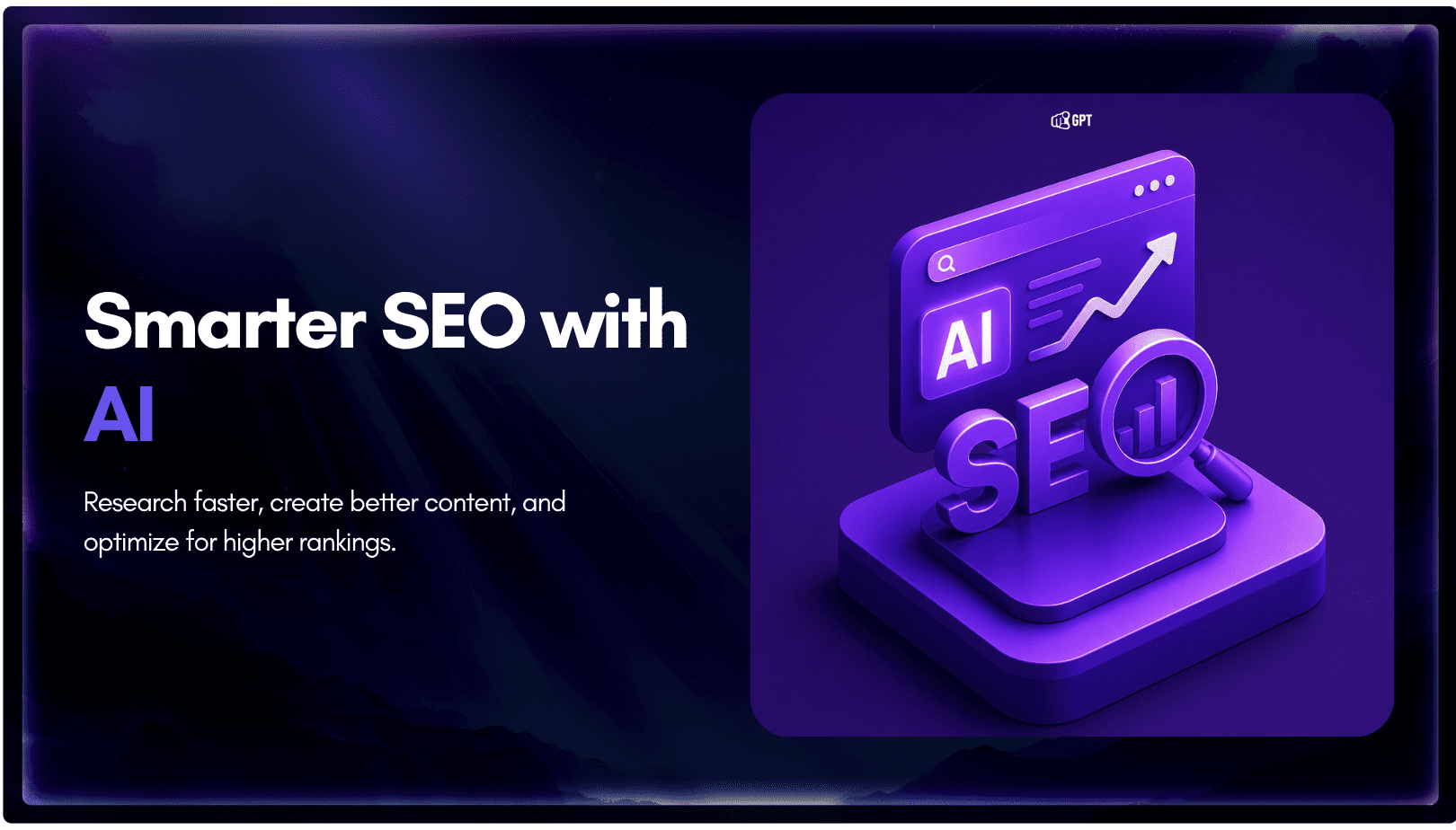
TL;DR AI is now part of most SEO workflows, but the real advantage comes from using it within a disciplined process rather than simply producing content faster. As Google AI Overviews and tools like ChatGPT answer more queries directly, content must be structured to earn both traditional search rankings and citations from AI assistants. AI […]
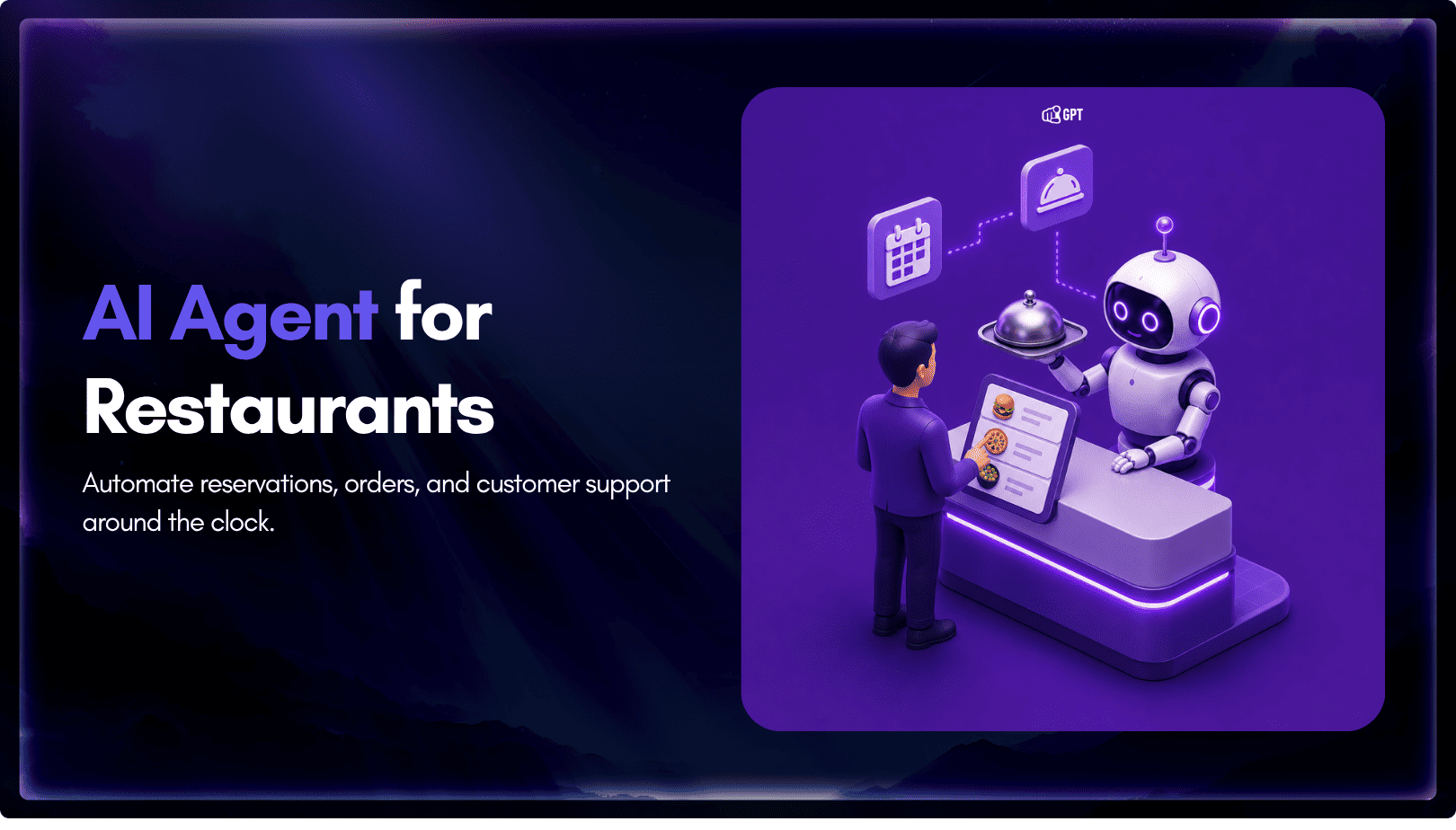
TL;DR Restaurant AI agents help reduce staffing pressure by handling reservations, food orders, and customer inquiries around the clock without increasing headcount. Unlike basic chatbots, they integrate with booking systems, POS platforms, and messaging channels to automate reservations, order processing, and routine customer support. The biggest benefits include automated reservation management, order intake across phone, […]
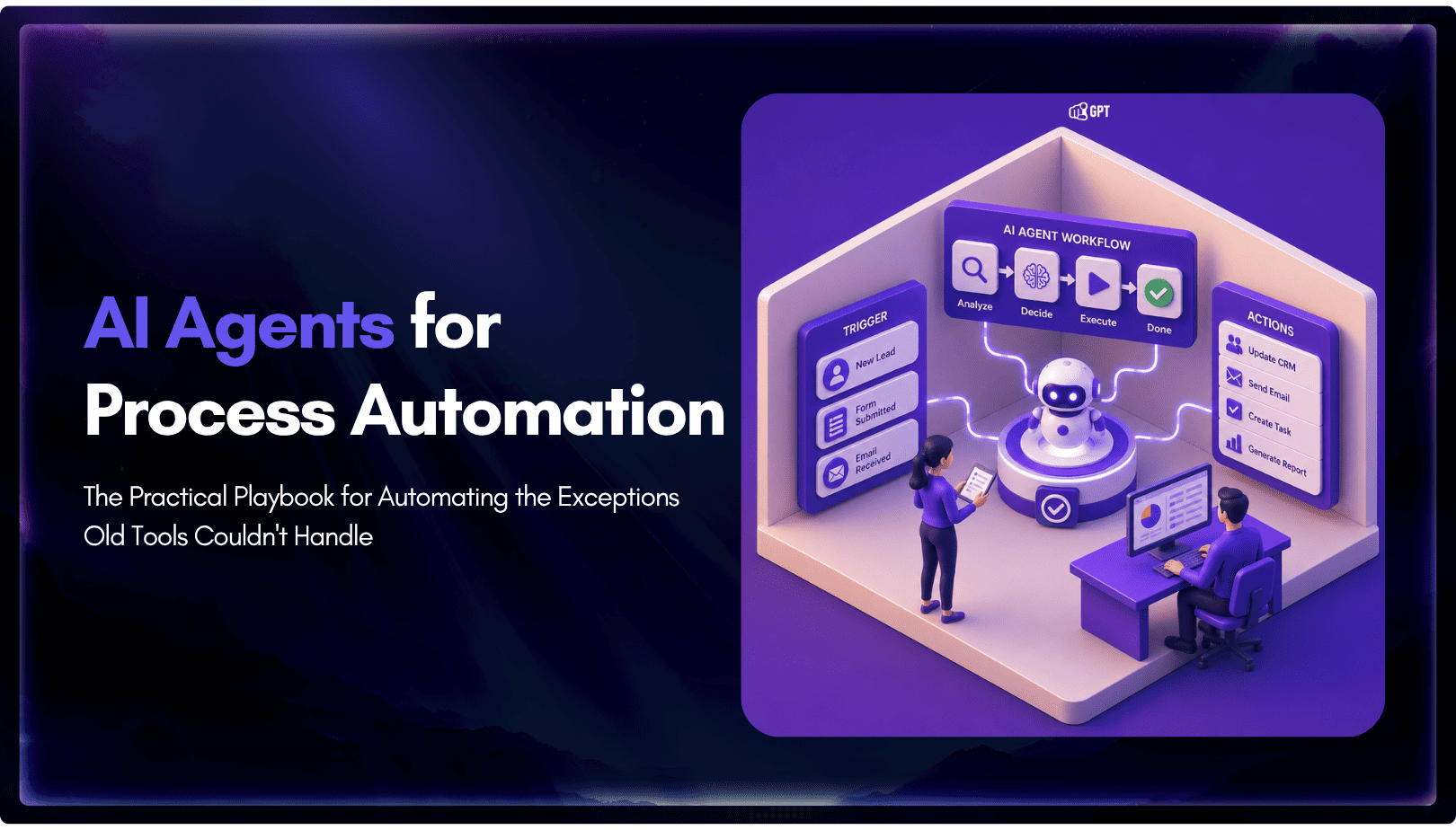
TL;DR Business process automation with AI agents lets software plan multi-step work, call tools, and handle exceptions instead of following fixed scripts like traditional RPA. AI agents can adapt when a process changes, but that flexibility also requires clear permission boundaries, reliable data, and human oversight for consequential actions. Start with one repetitive process, document […]