AI Document Indexing: Turning Unstructured Content Into AI Knowledge

Rohit Joshi
Last updated on February 5, 2026
AI document indexing is now at the centre of every modern business that relies on automation, AI chatbots, or intelligent search.
It ensures that valuable information in your PDFs, wikis, and internal documents is organised, accessible, and ready to power your AI systems.
Without proper indexing, critical business knowledge often stays hidden and unable to support decision-making, customer queries, or automated workflows.
In this blog, you will find a practical breakdown of how AI document indexing works, why it’s essential for Retrieval-Augmented Generation (RAG), which tools can help, and the steps you can take to build an effective, error-free pipeline for your business.
AI document indexing is the process of transforming unorganised files—PDFs, onboarding manuals, internal policies, chat logs—into structured content that AI models can search, retrieve, and use to generate accurate answers.
This is a most critical partof Retrieval-Augmented Generation (RAG) pipelines, where the language model supplements its internal knowledge with real information from your own documents.
If your files aren’t indexed properly, your AI agents cannot fetch reliable data, leading to generic, sometimes hallucinated/inaccurate answers.
| Concept | Definition |
|---|---|
| Parsing | Extracting plain text from files (PDFs, docs, web pages) by removing noise (headers, footers, navigation). |
| Chunking | Splitting documents into smaller, meaningful segments (paragraphs, sections, topics) to improve retrieval. |
| Embedding | Turning each chunk into a vector—numerical format that captures meaning, used in semantic search. |
| Vector DB | Specialised database (like Qdrant, Weaviate) for storing embeddings and running similarity search. |
| Metadata | Extra details for each chunk—source file, section, tags—for better filtering and context. |
Retrieval-Augmented Generation (RAG) has become the gold standard for building reliable, context-aware AI systems. But even the most advanced language models can only generate accurate responses if they have access to relevant, up-to-date information. This is where AI document indexing makes all the difference.
When you index your files:
Example:
A user asks, “How do I claim travel expenses?”
Your internal policy uses the phrase, “Reimbursement for business-related journeys.”
With semantic indexing, RAG finds the answer—even when the query and source don’t match exactly.
For any RAG system, document indexing is essential. It enables the conversion of raw data into vectors so that your AI delivers accurate, context-rich responses efficiently.
AI document indexing follows a repeatable pipeline. Each stage turns raw, unstructured content into something AI systems can retrieve and use in real time. Here’s how it works:
Your source documents can include:
Gather all relevant files, no matter their format or location.
Using the Natural Language Processing:
Clean parsing ensures only meaningful content moves to the next step.
Accurate chunking improves retrieval precision for AI queries.
Embeddings are the foundation for matching user questions to the right content.
Every effective RAG system depends on a solid pipeline. It makes sure your business data stays live, reliable, and ready for AI to deliver smart answers
| Use Case | What Gets Indexed | Who Benefits | AI Advantage |
|---|---|---|---|
| Customer Support Automation | FAQs, policies, troubleshooting guides, chat logs | Customers, Support Teams | 24/7 answers, consistent, faster resolutions |
| Internal Knowledge Search | SOPs, HR manuals, wikis, training docs | All Employees | Accurate, cross-team knowledge access |
| Legal & Compliance Auditing | Contracts, regulatory updates, audit trails | Legal, Compliance, Auditors | Quick lookups, policy traceability |
| Contract & Policy Analysis | Agreements, terms, policy documents | Legal, Procurement | Extracts clauses, highlights obligations |
| Employee Onboarding & Training | Onboarding kits, internal FAQs, workflow docs | HR, New Employees | Reduces manual queries, up-to-date information |
| Workflow Automation & Triggers | Project docs, tickets, emails, forms | Ops, Product, IT | Detects actions, automates task assignment |
| Customer Self-Service Portals | Product manuals, troubleshooting steps, guides | End Users, Partners | AI guides users step-by-step, lowers support cost |
| Research & Data Analysis | Technical papers, reports, datasets | Analysts, R&D, Product Teams | Surfaces relevant insights, speeds up research |
AI document indexing enables all these use cases by making your knowledge base instantly accessible, meaningfully searchable, and easy to integrate with AI agents, voice agents, and chatbots.
Good indexing begins with clear, well-structured content. How you prepare your files directly impacts how accurately AI can extract, chunk, and retrieve the right information.
This step is only for developers building there custom AI:
When your documents are well-structured, they’re easier to parse, more accurate to retrieve, and help your AI agents perform better in every use case
AI document indexing converts unstructured files like PDFs, Word documents, and wikis into structured, searchable formats so AI can retrieve and use them efficiently.
Document indexing ensures RAG models can retrieve relevant, up-to-date content from your knowledge base to generate accurate and informed responses.
Preferred formats include Markdown (.md), TXT, DOCX, and clean PDFs. Markdown is ideal due to its clarity in structure for both humans and AI.
Good documents have clear headings, logical sections, short paragraphs, minimal clutter, and useful metadata like titles or dates.
Yes. A vector database stores document embeddings, enabling fast and accurate semantic search essential for efficient RAG performance.
Yes, small businesses benefit greatly by making internal knowledge searchable and accessible, improving productivity and support automation.
Popular tools include YourGPT, Qdrant, Pinecone, Weaviate, LlamaIndex, LangChain, and Chroma. Choose based on your scale and technical needs.
Update your index whenever key content changes—especially when adding documents or implementing policy updates—to keep AI responses accurate.
AI document indexing is no longer just a backend technical process, it is a foundational requirement for any business looking to adopt AI agents based on Retrieval-Augmented Generation (RAG) or build custom AI-driven workflows.
When your documents are well-structured, properly chunked, and indexed, your AI system can access the most relevant and up-to-date information. This ensures responses are context-aware and rooted in real business knowledge.
A strong indexing pipeline helps reduce manual search efforts, accelerates customer support and employee onboarding, and enhances compliance and audit preparedness. It help teams with confidence that every AI-generated response is backed by accurate and current company data.
As more businesses integrate AI into their daily operations, the quality of document indexing becomes directly linked to the reliability and trustworthiness of these systems.
Investing in clean document structure, the right tools, and continuous validation ensures your knowledge base remains ready to answer any question now and as your business scales.
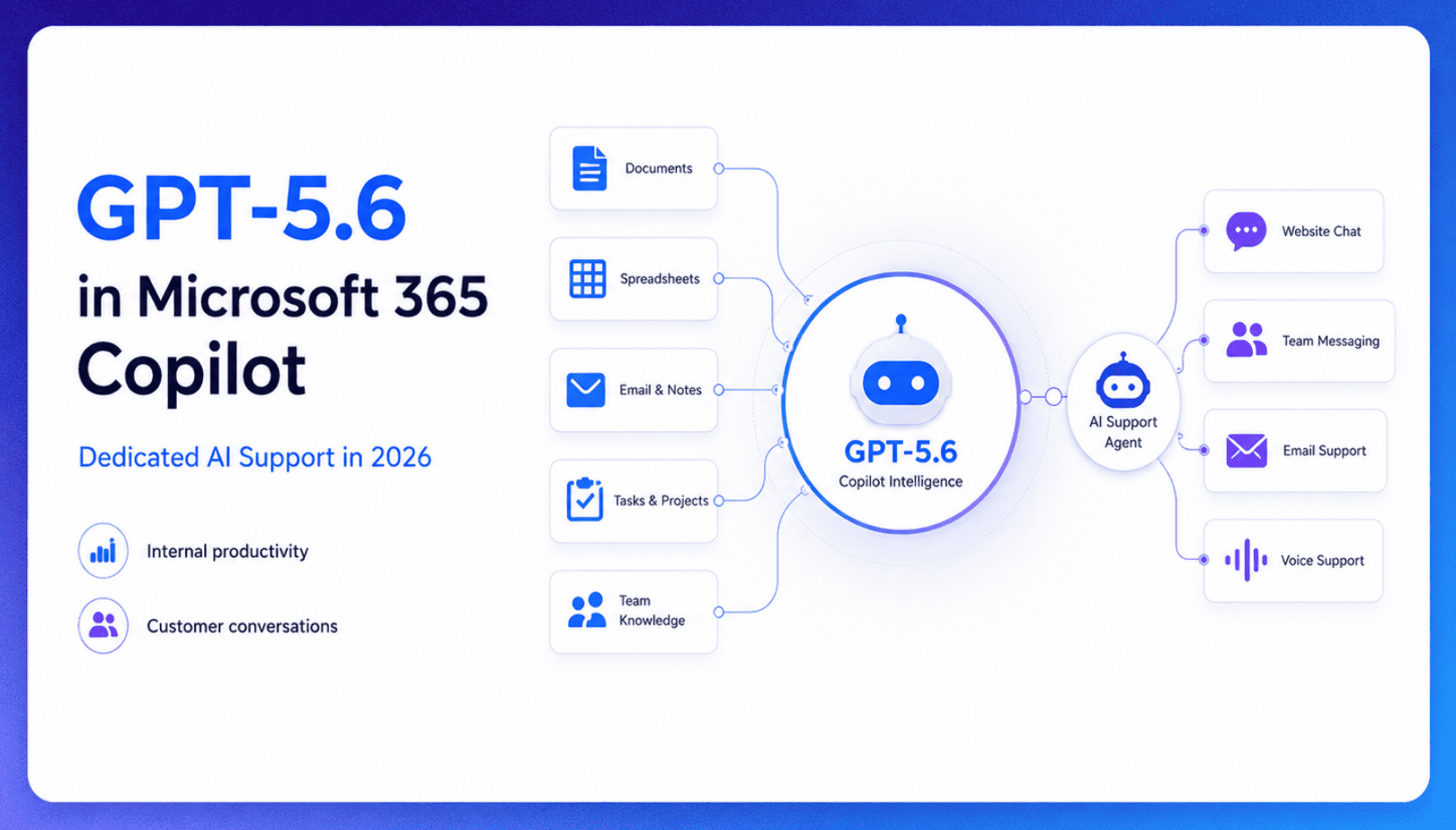
TL;DR Microsoft made GPT-5.6 the preferred model across Word, Excel, PowerPoint, Copilot Chat, and Cowork on July 9, 2026, focusing on internal workplace productivity rather than customer-facing support. Dynamics 365 Service Agent also reached general availability, but it mainly helps human support representatives manage cases within Microsoft’s existing permission structure and requires separate licensing. A […]

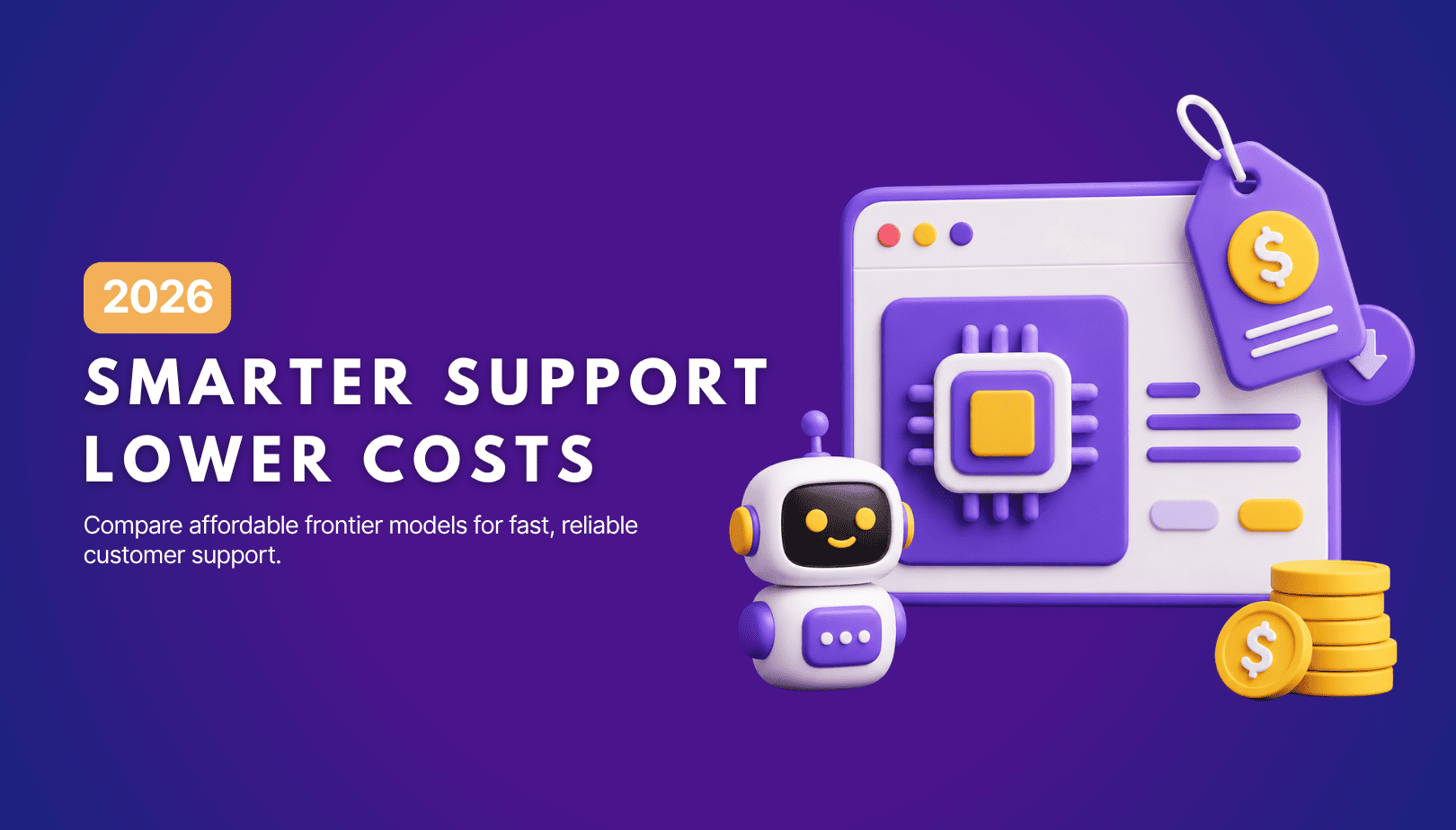
TL;DR Cheap frontier models now compete for the same high-volume support workloads, with DeepSeek V4 remaining the lowest-cost option in this comparison. Kimi K2.6 and GLM-5.2 are open-weight and self-hostable, while Qwen 3.7 Plus is proprietary and available only through an API. Claude Haiku 4.5 is the only model here that its developer explicitly recommends […]
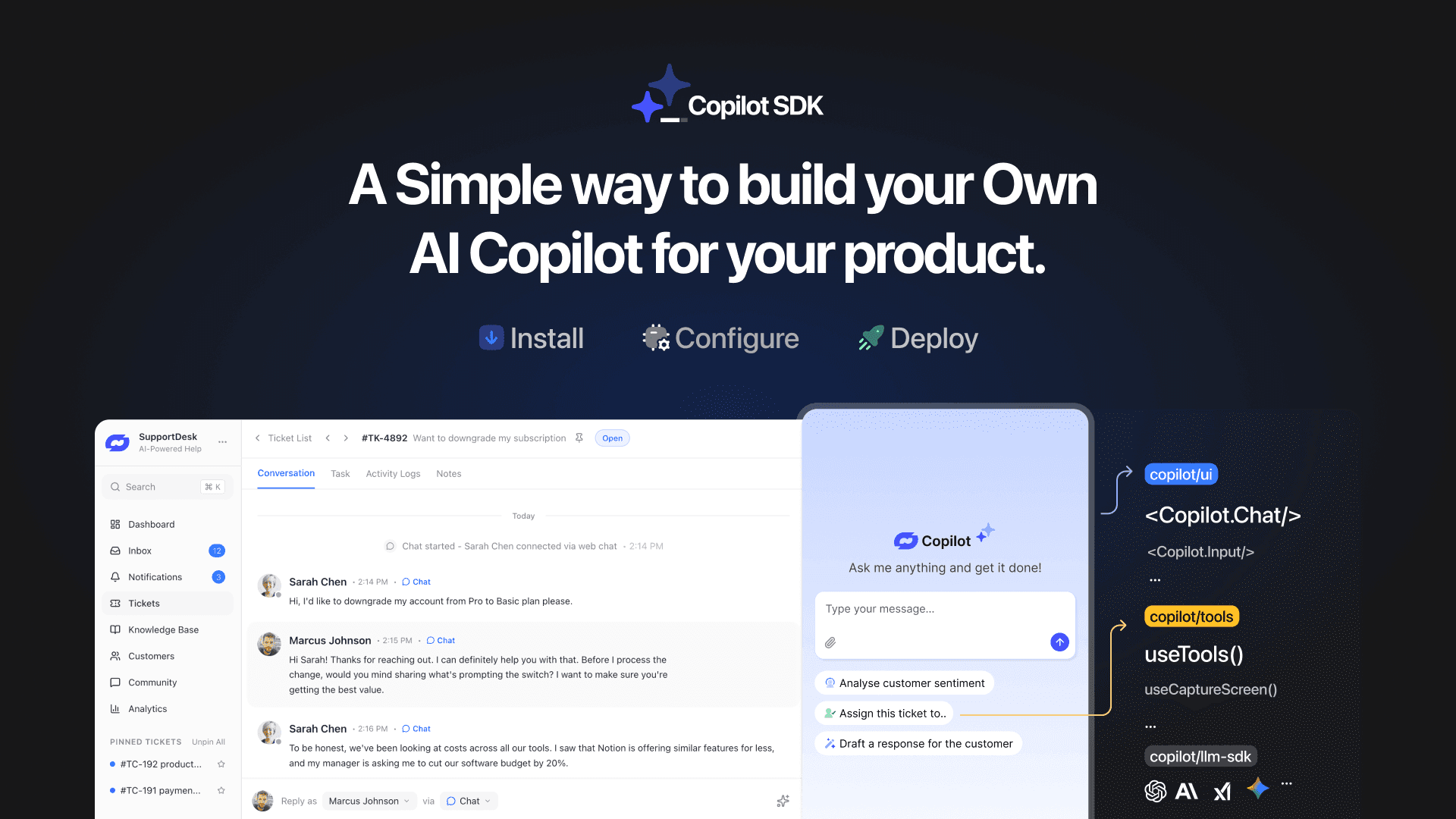
TL;DR YourGPT Copilot SDK is an open-source SDK for building AI agents that understand application state and can take real actions inside your product. Instead of isolated chat widgets, these agents are connected to your product, understand what users are doing, and have full context. This allows teams to build AI that executes tasks directly […]


Businesses today expect AI to do more than answer questions. They need systems that understand context, act on information, and support real workflows across customer support, sales, and operations. YourGPT is built as an advanced AI system that reasons through tasks and keeps context connected across every interaction. This intelligence sits inside a complete platform […]
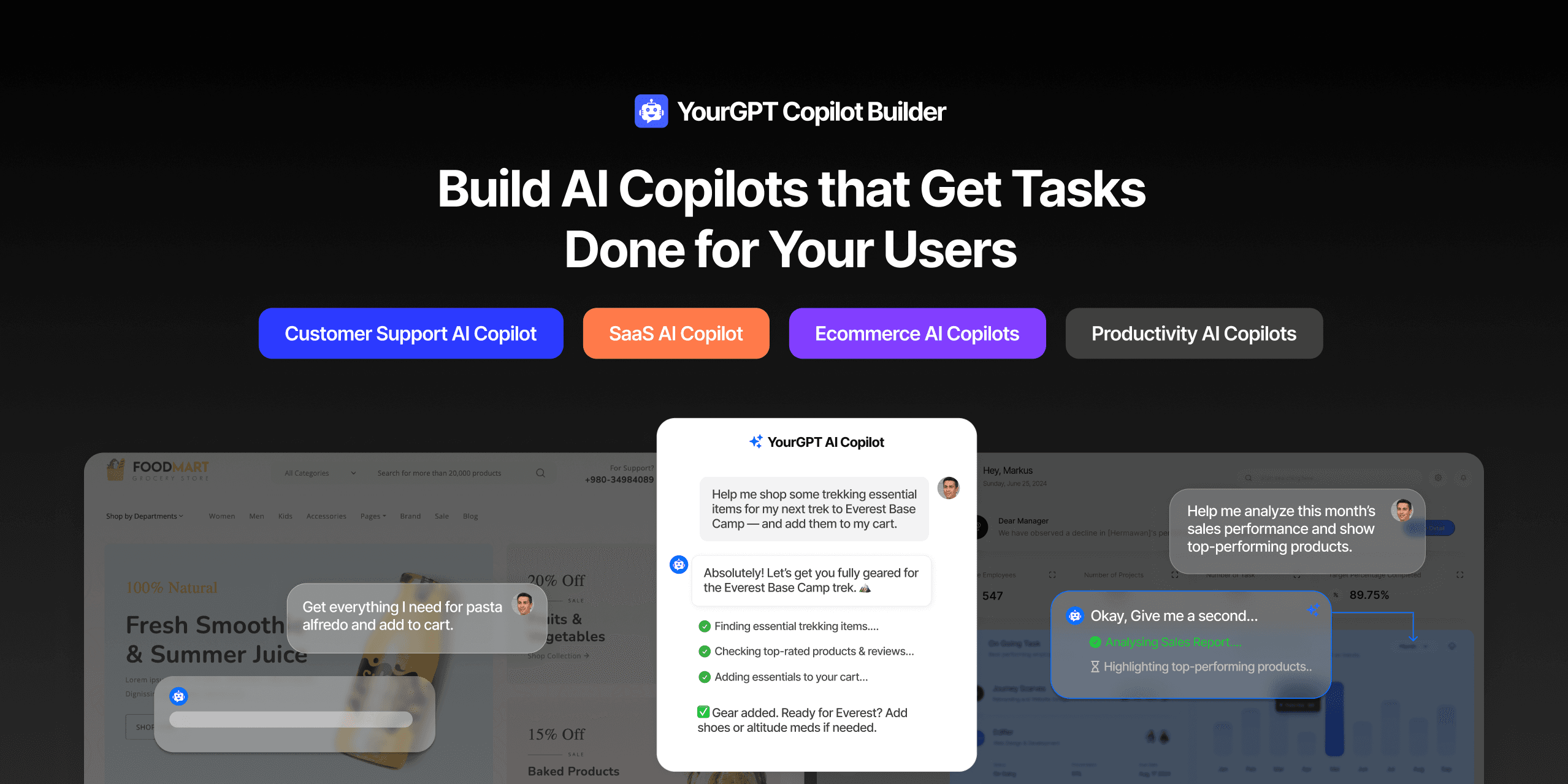
AI can help you finds products but doesn’t add them to cart. It locates account settings but doesn’t update them. It checks appointment availability but doesn’t book the slot. It answers questions about data but doesn’t run the query. Every time, the same pattern: it tells you what to do, then waits for you to […]
GPT-driven Telegram bots are gaining popularity as Telegram itself has 950 million users worldwide. These AI Telegram bots allows you to create custom bots that can automate common tasks and improve user interactions. This guide will show you how to create a Telegram bot using GPT-based models. You’ll learn how to integrate GPT into your […]
