AI for Zendesk: How to Handle Tickets in Minutes

Rajni
Last updated on February 20, 2026

Zendesk teams often struggle with rising ticket volumes, repetitive queries, and slower response times as they scale. AI helps automate ticket triage, instant replies, routing, and 24/7 coverage without replacing human agents. This guide explains how AI works inside Zendesk, real use cases that reduce manual workload, and how to set up a no-code AI workflow using YourGPT to improve speed, consistency, and overall support performance.
Support teams using Zendesk often face a common operational limit:
Manual ticket handling becomes harder to manage as query volumes grow. This results in slower replies, added workload for agents, and inconsistent customer experience. Yet, customers still expect quick and accurate responses day or night.
AI can help support teams handle these demands more effectively. It can respond to repeated questions, automatically create and route tickets, and maintain consistent service without increasing pressure on your team. You can also read more about how AI chatbots support customer service and reduce daily support load.
In this blog, we will explain how to use AI within your Zendesk workflow using YourGPT. You’ll learn how to reduce manual effort, improve response speed, and maintain quality. We’ll cover real examples, a step-by-step setup guide, and where to keep human input in control.
To understand the broader impact, see how reducing tickets with AI agent ticketing transforms overall support workflows.
AI for Zendesk is not an add-on it’s a practical solution to reduce manual work and improve ticket response times. As support volumes grow, repetitive tasks like triaging tickets, answering FAQs, and reviewing long conversations take up valuable agent time.
AI tools now handle many of these tasks inside Zendesk, helping teams respond faster and operate more efficiently without compromising quality.
Here’s what AI can do in Zendesk:
This doesn’t replace your team it supports them. By removing repetitive work, AI allows human agents to focus on complex issues that require human judgement.
The result: faster resolutions, fewer errors, and a better customer experience without increasing the workload.
While Zendesk offers automations, triggers, and macros, many support teams still depend on manual handling especially for triaging, responding, and assigning tickets. This slows down performance and becomes harder to manage as ticket volume grows.
Common issues include:
These problems don’t stay small they multiply with growth. As ticket volume increases, resolution times stretch, agent workload spikes, and customer satisfaction begins to drop.
Integrating AI into Zendesk isn’t just about saving time it changes how your support system performs at scale. With YourGPT, teams can automate routine tasks, respond faster, and manage higher ticket volumes without compromising quality.
Here’s what AI enables inside Zendesk:
By automating repetitive tasks with YourGPT, you don’t just reduce ticket load you improve resolution speed, maintain consistency, and allow agents to focus on higher-value conversations.
Most support teams aren’t short on effort they’re short on time. AI doesn’t replace agents; it just takes care of the repetitive stuff that clogs up queues and slows everything down.
Here are 5 common support tasks where AI makes a real difference especially for fast-moving teams across eCommerce, SaaS, and finance.
Every minute a ticket sits in the wrong inbox, response time suffers. AI reads the ticket, tags it correctly, and routes it to the right team tech, billing, customer care without manual triaging.
This is one of the biggest wins for any support org. It’s clean, fast, and scales well.
For most online stores, one question dominates: “Where’s my order?”
AI plugs into your order system, pulls tracking data, and gives real-time updates to the customer. No need to wait, No need to escalate to a human.
It keeps buyers informed and takes pressure off your frontline team.
Refund eligibility, plan cancellations, incorrect charges these are high-volume, time-sensitive tickets.
AI walks customers through the process, collects the required details, and escalates only when needed with all the context included.
Finance teams spend less time chasing information, and customers get answers faster.
Password resets, login errors, and locked accounts are routine but they break user flow instantly.
AI can guide users through verification, send reset links, and even flag suspicious access attempts. All without an agent touching the ticket.
For SaaS companies and internal IT desks, this is one of the most efficient use cases.
Shipping timelines. Return policies. Delivery address changes.
Customers ask the same questions every day. AI pulls the right answer from your help center and replies instantly before a human ever needs to get involved.
It’s the easiest way to reduce ticket volume without changing your support strategy.
Integrating AI into your Zendesk workflow is very easy with YourGPT, you’ll need to build, train, customise and integrate your chatbot. This ensures your AI agent is fully equipped to handle support tasks with the right tone, context, and channel setup.
Visit YourGPT.ai and create an account. Open the Chatbot Studio and select the Zendesk Ticketing Template to launch a project tailored for support automation.
Upload FAQs, help articles, previous tickets, and internal documentation.
YourGPT’s no-code training interface supports multiple data types and helps your AI respond accurately and contextually.
Go to general settings and customise your AI bot persona to reflect your brands tone & style.
Open AI Studio inside YourGPT. Download the free Zendesk ticketing template and import it into your project.
Then connect YourGPT to Zendesk using your API credentials. This enables real-time ticket creation, automated routing, and smart escalation between both platforms—fully synced and ready to deploy.
Use the built-in Studio Emulator to simulate conversations, ticket responses, and escalations. Adjust your flows based on feedback or edge cases.
Once tested, publish your bot and connect it to Zendesk’s support channels—chat, email, or embedded widgets. Your AI agent is now ready to operate 24/7, resolving queries and supporting your team.
Your support team does not need to work harder. With AI built directly into your Zendesk workflow, you’re helping your team automate repetitive tasks and remove friction from the process.
By integrating AI where it matters most, YourGPT helps you respond faster, route smarter, and scale support without the chaos. From instant answers to 24/7 coverage, it frees your agents to focus on what actually needs their attention.
The result is clear:
Consistent service. Higher efficiency. Customers who stay longer because they feel heard.
This is how modern support should work.
Connect YourGPT to Zendesk and automate replies, routing, and ticket creation in minutes.
No credit card required • Full access • Limited time offer
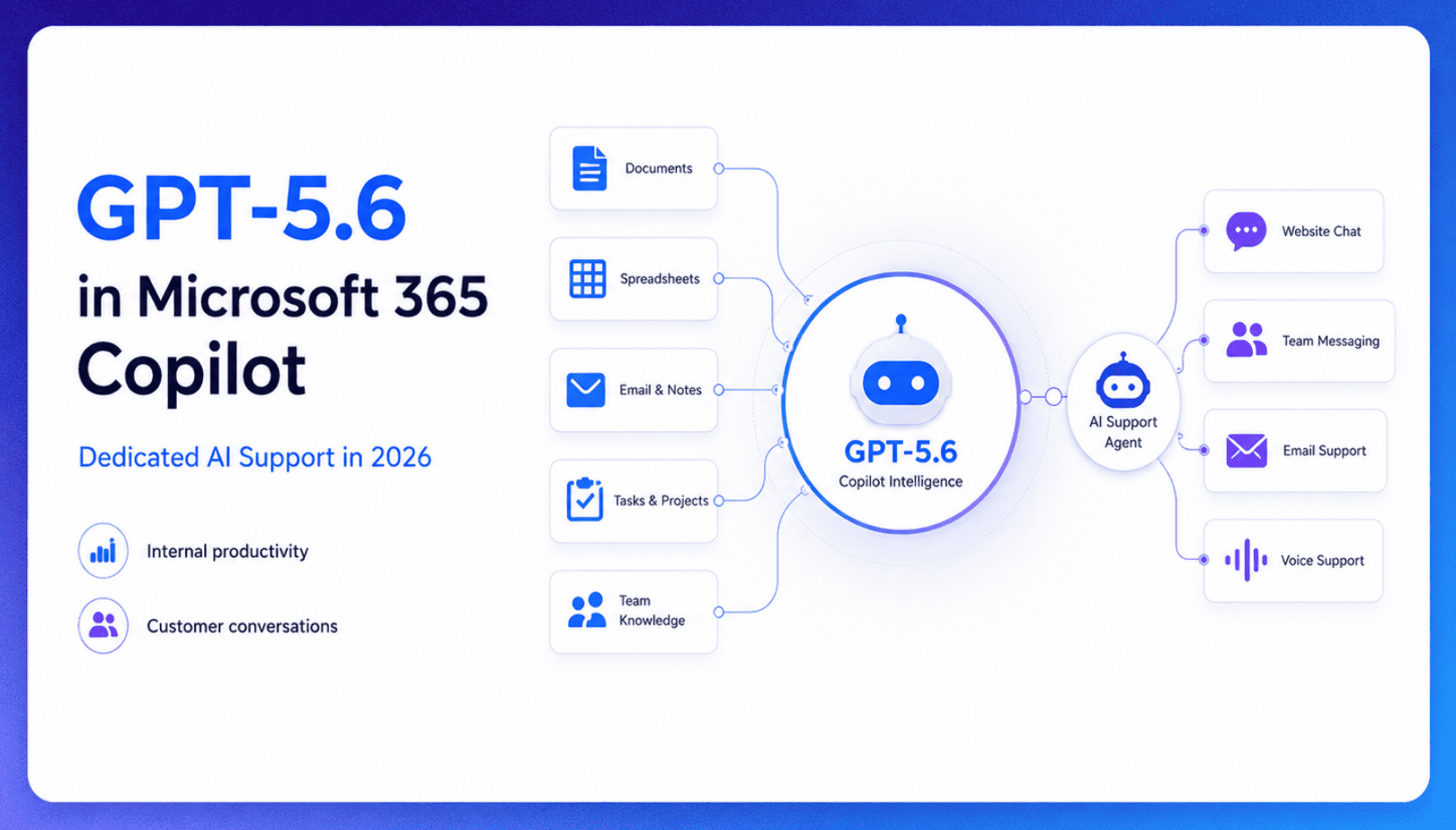
TL;DR Microsoft made GPT-5.6 the preferred model across Word, Excel, PowerPoint, Copilot Chat, and Cowork on July 9, 2026, focusing on internal workplace productivity rather than customer-facing support. Dynamics 365 Service Agent also reached general availability, but it mainly helps human support representatives manage cases within Microsoft’s existing permission structure and requires separate licensing. A […]

TL;DR Cheap frontier models now compete for the same high-volume support workloads, with DeepSeek V4 remaining the lowest-cost option in this comparison. Kimi K2.6 and GLM-5.2 are open-weight and self-hostable, while Qwen 3.7 Plus is proprietary and available only through an API. Claude Haiku 4.5 is the only model here that its developer explicitly recommends […]
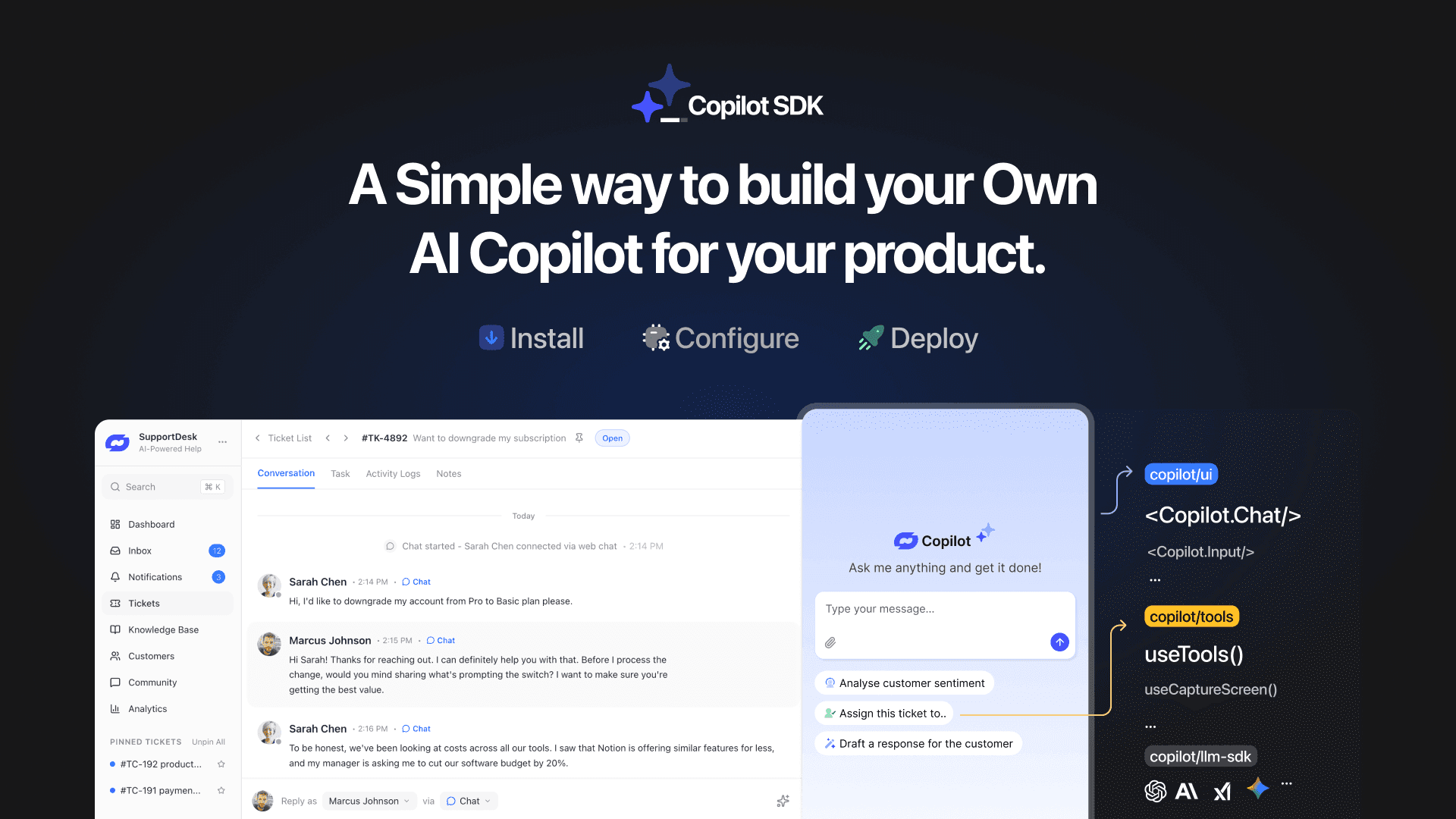
TL;DR YourGPT Copilot SDK is an open-source SDK for building AI agents that understand your application state, user context, and what is happening inside your product. Instead of working like isolated chat widgets, these agents connect directly with your product and can take real actions within existing workflows. This helps teams build contextual AI experiences […]
TL;DR YourGPT 2.0 adds AI Studio for building, testing, and debugging automated workflows. It includes native MCP integration for more than 100 tools, upgraded voice agents, and native SDKs for iOS and Android applications. With shared context across web, WhatsApp, Instagram, Telegram, and mobile, YourGPT turns conversations into real actions across support, sales, and operations. […]

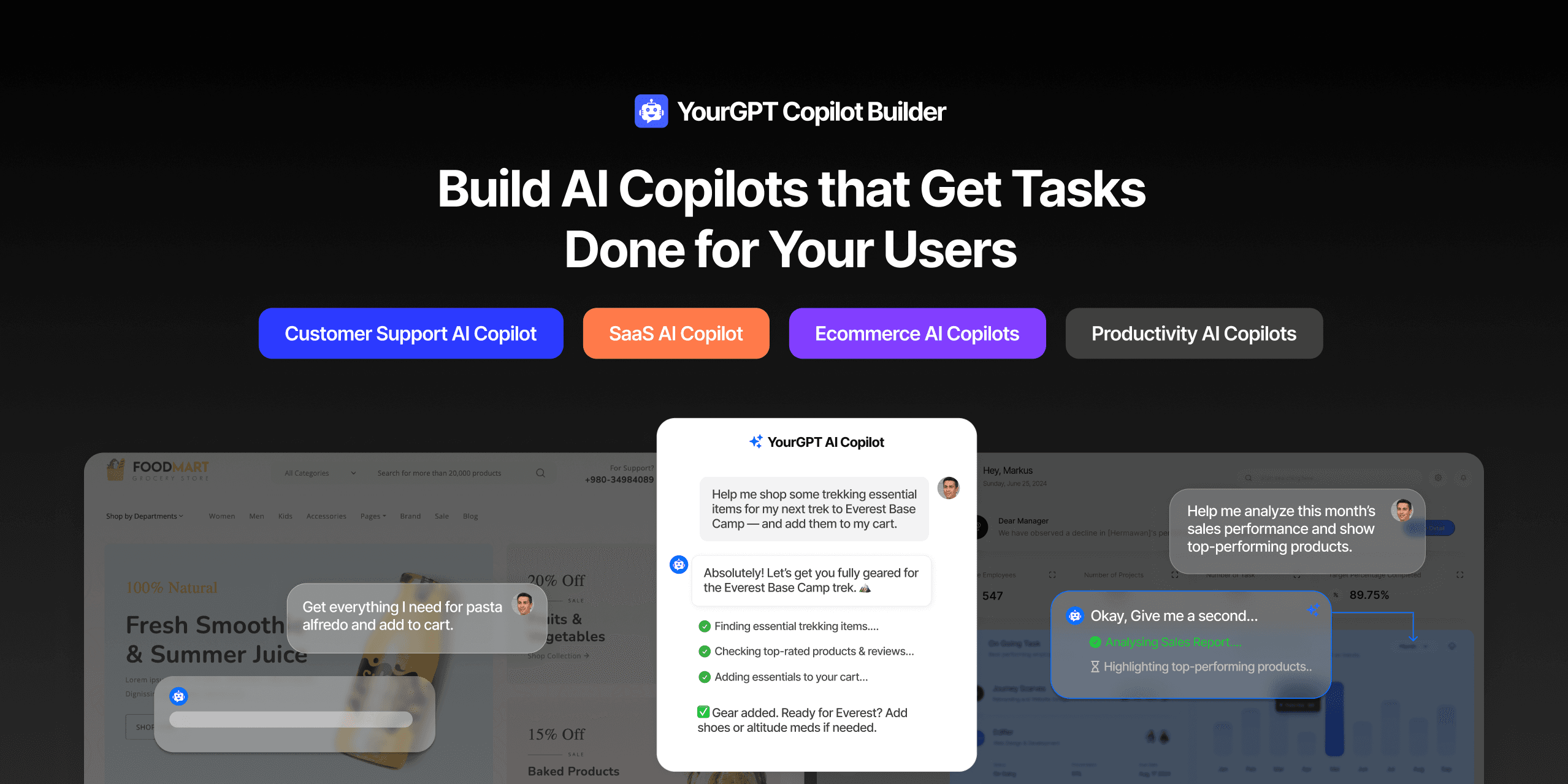
TL;DR Most AI tools provide answers but still leave users to complete the task through search results, settings pages, or checkout flows. AI Copilot Builder closes that gap by executing registered actions directly inside the product instead of only explaining what to do. Search, cart updates, account changes, and multi-step bookings can all happen within […]
TL;DR Building an AI-powered Telegram bot does not require custom development. BotFather provides the Telegram bot token, while a no-code platform like YourGPT handles AI training, free-form conversations, and the Telegram connection. This guide covers the full setup, from creating the bot in BotFather to connecting it with YourGPT and taking it live. Most Telegram […]
