Stripe Customer Support: Automate Tickets, Refunds With AI

Rajni
May 27, 2025

Stripe-related support tickets are repetitive, time-consuming, and costly to scale. This guide shows how AI agents can automate billing queries, process refunds under your rules, surface live payment data, and reduce ticket volume by up to 40% plus how to build your own Stripe support agent with YourGPT in minutes, no code required.
Stripe is excellent platform for managing payments, subscriptions, and billing. But the moment your business starts scaling, support tickets follow.
Most of them aren’t complex they’re just repetitive: “Where’s my invoice?” “Why was I charged again?” “Can I get a refund?”
Every one of those eats up your team’s time and slows down your response queue.
As the Zendesk CX Report shows, billing and payment issues are one of the top drivers of support volume in SaaS. And most of them don’t need a human.
In this blog, we will show how AI agents can take over Stripe-related support handling routine questions, issuing refunds under rules you set, and reducing ticket volume by 40% or more. You’ll also learn how to build your own agent using YourGPT, without writing code.

As your business grows, so does the volume of billing-related queries most of which are low complexity but high in frequency. These repetitive tasks can slow down your support team and impact customer experience.
Each refund requires manual review, Stripe dashboard navigation, and direct communication with the customer. Even simple cases can take 10–15 minutes to complete, pulling team away from higher-priority work.
Customers frequently ask questions like:
While easy to answer, these questions often show up in dozens of tickets each week—adding unnecessary load to your team.
Routine Stripe-related queries get queued with more complex issues, causing unnecessary delays. This leads to slower resolution times and diminished customer trust.
Unless your customer support team operates 24/7, Stripe-related tickets can sit unresolved overnight or through weekends—affecting user payments, access, and satisfaction.

AI agent connected to Stripe, you can do more than just chat it can take action, surface live data, and follow your rules.
You can deploy a fully functional Stripe support agent in under 10 minutes without any coding needed.
Automating Stripe-related tasks doesn’t just save time. It improves customer experience, reduces workload, and helps your team focus where it matters.
Your AI agent handles routine queries about billing, refunds, and failed payments. This reduces ticket volume and clears the queue for issues that need real attention.
No more waiting for human agents to check Stripe. The AI responds immediately and can process actions based on rules you set, such as refund approvals or payment lookups.
AI support runs 24/7. Even if your team is offline, customers get help in real time, in their preferred language, at any hour.
The agent connects to your helpdesk, CRM, or internal systems. Everything stays in sync without manual updates or context switching.
Every interaction is tracked. You’ll see what customers ask most, how bot respond, which action happen, and what parts of your process need improvement.
Yes. The AI connects directly to Stripe using secure API keys you control. It only accesses the specific data needed to complete a task—like checking a payment status or subscription—without storing or sharing anything else.
Yes, but only within your rules. You define exactly when the AI can act—whether that’s refunding a charge, cancelling a plan, or offering a credit. This ensures full control while reducing your manual workload.
Setup is quick. You’ll need your Stripe Secret Key and Price ID. Add them in YourGPT, and the AI can handle tasks like invoice lookup, payment collection, and subscription changes. See step-by-step integration guide →
The AI tries to clarify. If it can’t match the query to known patterns, it will either ask follow-up questions or escalate to a human—depending on how you’ve configured fallback settings.
Yes. You can trigger a handoff when a user types “talk to a human” or when the AI detects low confidence (unable to answer).
Absolutely. The AI uses Stripe’s live API to fetch payment updates, invoice history, and subscription status. Customers can get answers instantly—without waiting or logging in elsewhere.
Yes. Whether your customers are on web chat, email, WhatsApp, or Messenger, the AI delivers consistent support across all channels—no separate setups needed.
YourGPT provides full visibility: you can view chat history, resolution rates, fallbacks, and user feedback. This helps your team see clear KPIs, update training data where needed, and improve quality over time.
The AI supports 100+ languages. It detects the user’s input language automatically and responds accordingly. No separate configuration required.
Yes. You can define restrictions based on your use case—for example: read-only access for payment status, enable refunds for specific plans, or restrict cancellation to human review only.
Stripe makes payments simple. But providing support at scale is where things start to slow down.
Your team ends up spending valuable time handling routine queries things like refund requests, invoice lookups, or subscription changes. These are straightforward tasks, but they add up fast and pull attention away from more important work.
With YourGPT, you don’t need to choose between speed and control. You get both.
The AI agent connects securely to Stripe, follows your rules, and gives customers real answers instantly. No coding, no guesswork, and no back-and-forth.
You reduce ticket load, speed up response times, and keep your team focused where it counts.
If you are already running on stripe, let AI Agent take care of the support that comes with it.
Use YourGPT to automate Stripe queries like payments, subscriptions, and invoices—faster and without manual work.
No credit card required • Full access • Cancel anytime
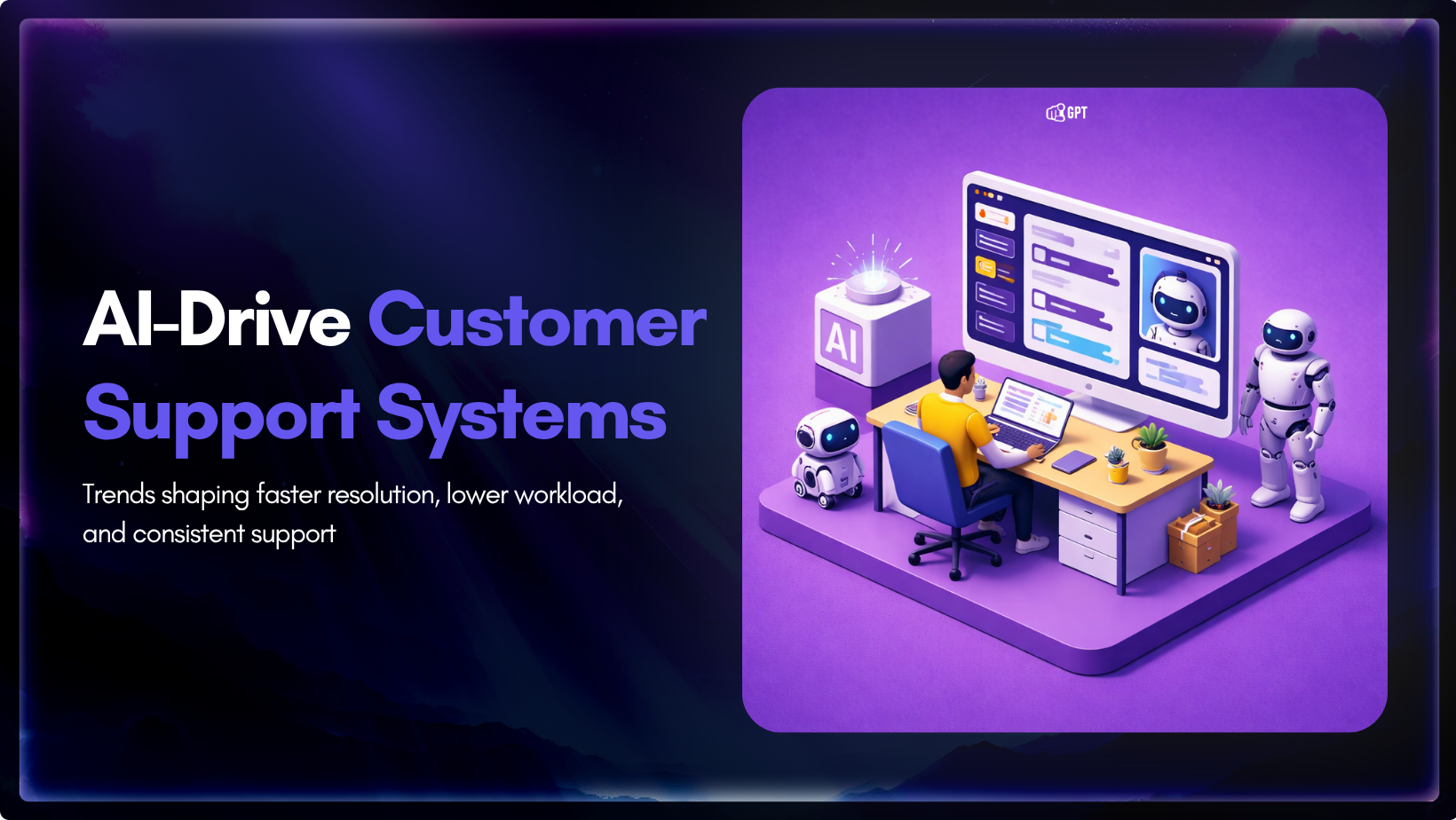
The most useful thing the 2026 AI support data tells you is also the thing most teams keep skipping. AI is not spreading evenly across customer support. It is concentrating in the parts of the queue that are repetitive, rule-heavy, and expensive to keep routing through people. That is why the best public results come […]

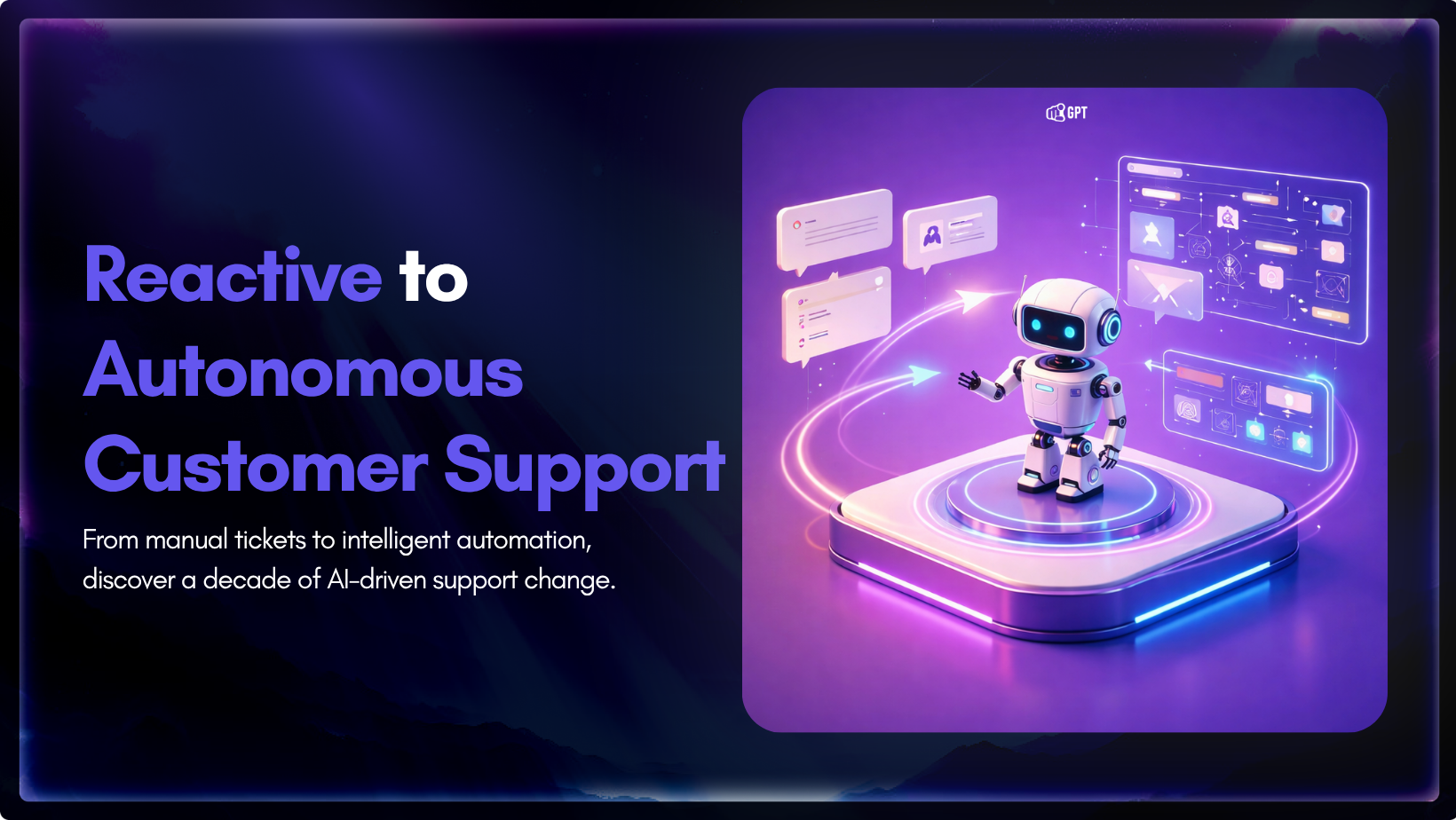
In the last ten years, customer service has changed more than it did in the twenty years before that. For much of that earlier period, support was slow and often frustrating. People waited hours or days for a reply, repeated the same details across channels, and dealt with systems that were not very good at […]

Autonomous agents are already in production. They are booking meetings, triaging support tickets, querying databases, and executing code. Most teams shipped fast. The security thinking came second. And that is where things get interesting. Agents do not wait for approval between steps. They move through systems, make decisions, and complete tasks on their own. That […]
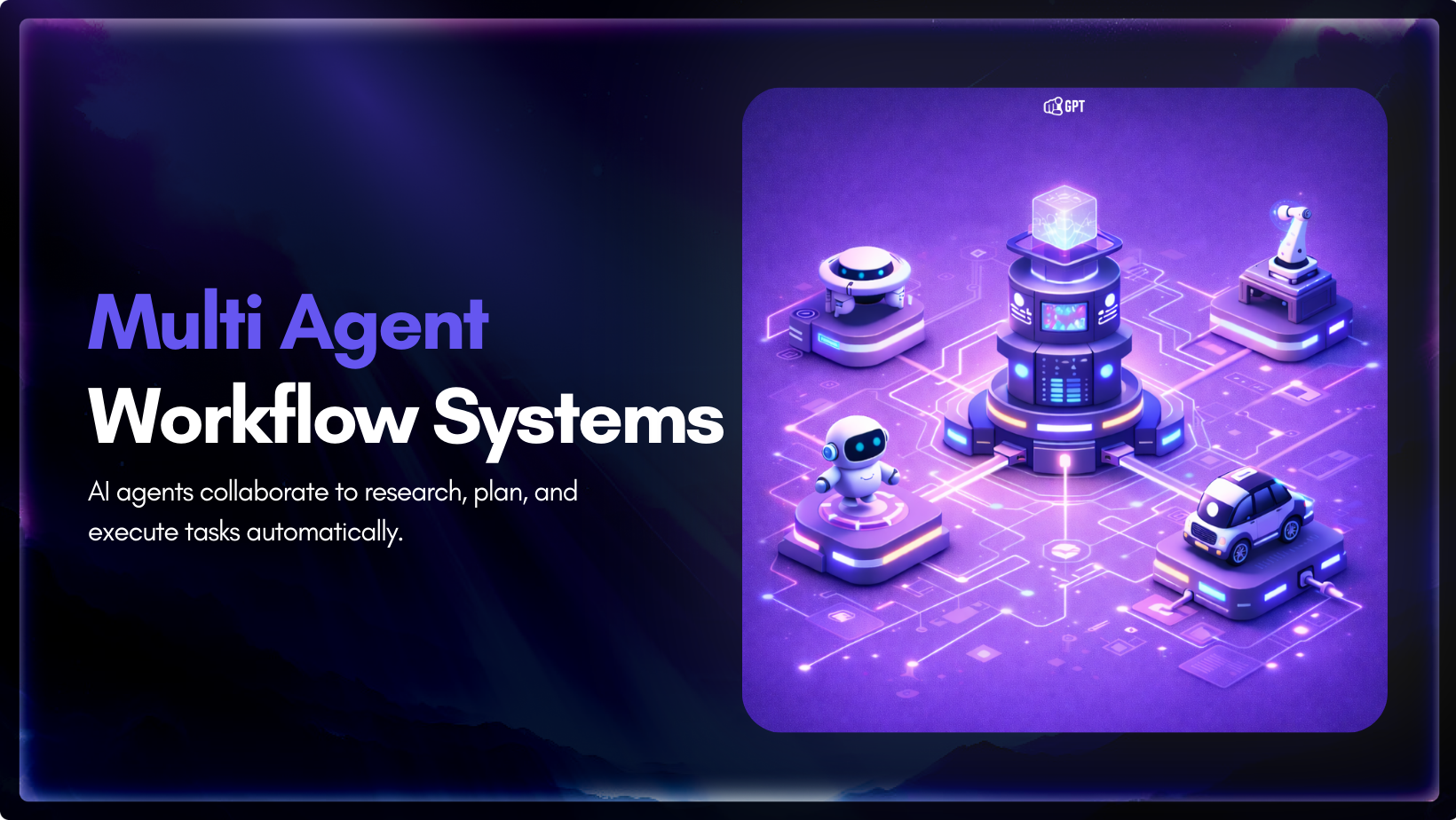
TL;DR Multi-agent systems replace one general-purpose AI with a team of specialized agents that coordinate, reason in parallel, and solve complex tasks more effectively. They offer clear advantages in speed, modularity, resilience, and scalability, which is why they are increasingly shaping modern AI architectures. The tradeoff is higher system complexity, making orchestration, monitoring, governance, and […]

TL;DR This guide covers 7 AI course ideas creators and online instructors can turn into practical, high-value courses. Topics like AI agents, RAG, context engineering, MCP, and AI workflows stand out because they connect to real use cases and skills people want to learn right now. Creating content consistently sounds simple until you have to […]

Something Fundamental Is Changing About How Work Gets Done For a while, the honest answer to “should we use AI” was genuinely unclear. Some teams tried it and found real value. Others spent months on ai tools that created more overhead than they removed. The technology was real but the fit was uncertain, and uncertainty […]