From Prototype to Production: How Startups Can Validate AI Agent

Rajni
Last updated on July 13, 2026
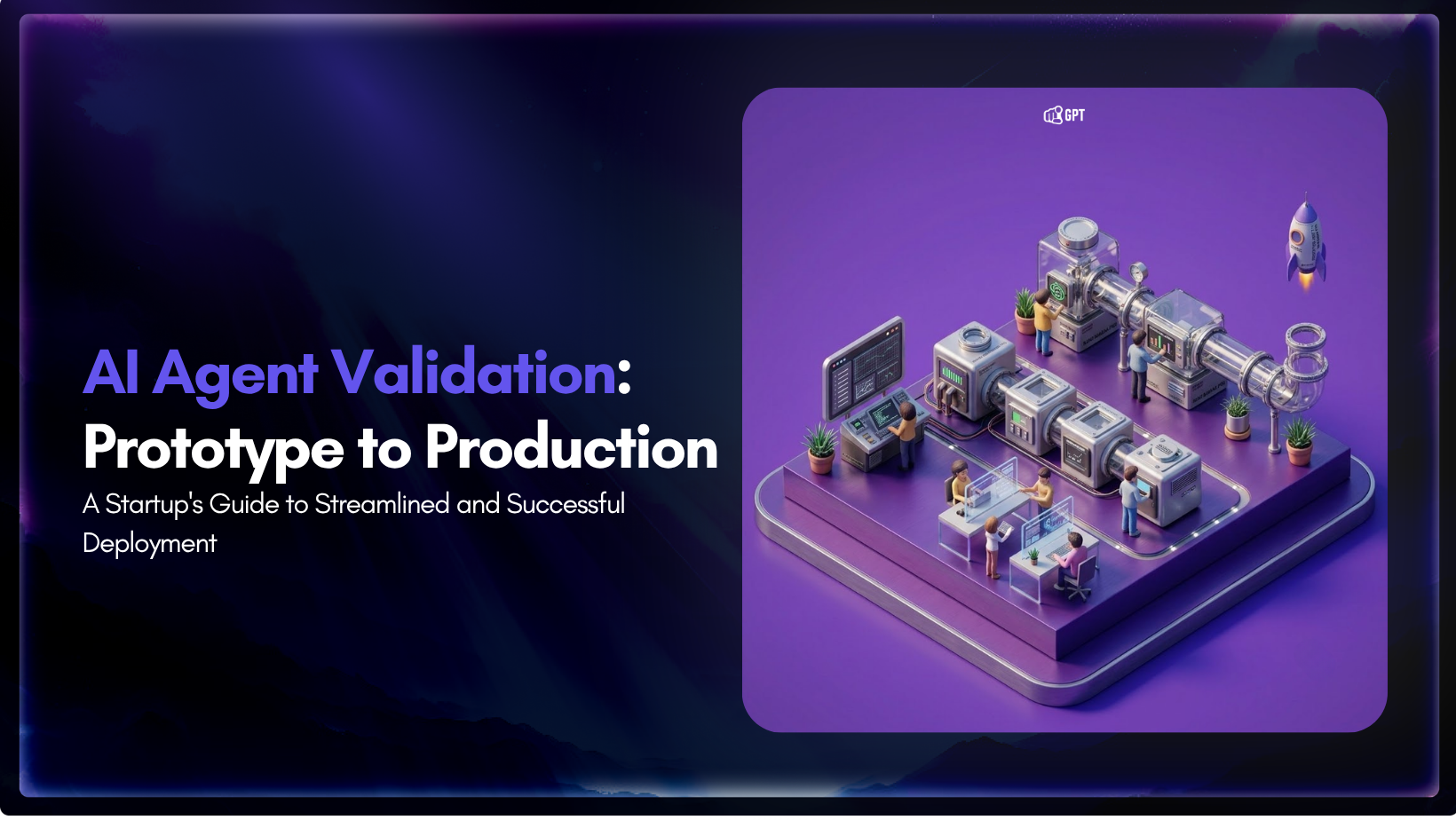
Validating an AI project helps teams understand how it performs before production. A structured validation process covers user intent, knowledge, task completion, safety boundaries, and overall reliability, making it easier to deploy agents with clear expectations and measurable performance.
Building an agent used to be the hard part. Deloitte’s Tech Trends research found that 38% of organizations were piloting agentic AI but only 11% had it running in production, and the rest were stuck somewhere between a working test and a system they felt confident enough to ship. That gap has not closed because the tools got worse. It has stayed open because building is now fast and validation is still slow, and most teams treat the two as the same step.
For a startup, that confusion is expensive. A mishandled customer conversation. A lead routed to the wrong place. An action taken without the right context. These are not edge cases. They surface when an agent is deployed before it is ready.
This guide is the missing step between building and shipping.
An AI agent cannot be validated well if the job is too vague.
The starting point is not the model or the agent design, but the workflow boundary. You need a clearly defined slice of work where success can be observed, measured, and repeated. Without that, validation becomes subjective because there is no stable definition of “done.”
Most real workflows follow the same pattern: intake, decision, action, and handoff. Different domains only change what flows through that structure.
In customer support, that slice is usually resolution quality. Instead of testing a general support assistant, define the workflow around specific outcomes like explaining policies, collecting the right user details, guiding next steps, and escalating edge cases with full context. The agent is only useful if it reduces back-and-forth while preserving accuracy in escalation.
In sales, the same structure becomes qualification and routing. The workflow is not just “assist the sales team,” but to capture intent signals such as use case, team size, and urgency, then route qualified leads to the correct pipeline. Validation is about whether lead quality and response time improve without increasing friction for high-intent buyers.
In onboarding, the workflow is progress completion. The agent should not just “help users get started,” but actively move them through setup steps like connecting data sources, selecting configurations, and filling missing account information, while knowing when to escalate to human support. Success is measured by reduced drop-off during setup.
In marketing, the workflow shifts toward interpretation and generation. Inputs are signals like product updates, campaign ideas, or user behavior. The agent’s job is to turn these into usable outputs such as landing page drafts, ad angles, or follow-up messaging. This connects well with proactive engagement, where the agent is not waiting for a user to ask a perfect question but is helping the team act on signals earlier. Proactive AI customer engagement is relevant here because marketing and growth workflows often depend on timing, context, and safe follow-up rules.
Coding is different from the other workflows because the output is tangible. You can run it, inspect it, and break it apart, rather than just reading a message that disappears in a conversation. Tool like Claude Code, Cursor, Atoms Dev, let startup go from idea to working prototype in a day. Validation here is not about surface correctness, but about whether the build is understandable and usable. Did it follow the requirements, produce something a developer can work with, and clearly expose its assumptions and limitations so they can be fixed? A prototype that appears polished but hides its flaws is more dangerous than one that is clearly incomplete, because it creates false confidence and is harder to debug or recover from later.
Across all cases, the pattern is the same: the workflow must be narrow enough to evaluate, structured enough to observe, and concrete enough that success is not open to interpretation. An agent dropped into an undefined or broken process will not clarify it. It will only scale the confusion.
The first production workflow should be small, valuable, and repeatable enough that improvement over time is measurable.
Before building the workflow, it is worth being clear on what kind of agent the use case actually needs. A simple task agent, a tool-using agent, and a multi-step autonomous agent will all need different levels of validation. This guide focuses on what to check once the workflow is selected, while the broader decision starts with understanding the different types of AI agents and how they work.
Use this structure:
This becomes the launch boundary. Anything outside it should be routed, declined, or escalated instead of improvised.
Once the workflow is defined, validation becomes easier. The team is no longer evaluating the agent in the abstract. It is assessing the agent’s ability to perform a specific real-world task with the appropriate inputs, constraints, and success criteria.
That is where a scorecard helps. It turns production readiness into a set of checks the team can review before launch, during a private beta, and after the first rollout.
Start by checking whether the selected workflow is a good candidate for an agent at all.
Good early workflows usually have a clear pattern: repeated questions, repeated decisions, repeated data collection, or repeated routing. Workflows that depend on unclear policy, sensitive judgment, or many one-off exceptions are harder to validate early because the agent has less stable ground to work from.
Evaluate:
Production signal:
The agent is attached to a specific workflow where success can be measured and failure can be reviewed.
The agent should understand what users mean, not just match keywords.
Use real conversation examples where possible: support tickets, website chats, onboarding questions, sales inquiries, call notes, or internal Slack questions. Include clean examples, messy examples, short messages, emotional messages, and incomplete messages.
This becomes especially important when validating behavior across regions and language settings, where systems need to reflect how users actually interact from different locations. Teams often simulate these conditions during testing by routing test sessions through other countries with a VPN client on the test machine, such as the CyberGhost Windows app, to reproduce country-level behavior for multilingual and locale-specific checks.
Test whether the agent can:
The useful signal is how the agent behaves when the request is vague but common, not only when the request is clean.
Production signal:
The agent handles the top intents consistently and routes unclear or unsupported cases instead of forcing an answer.
For customer-facing agents, the source of the answer matters as much as the answer itself.
The agent should respond from approved company knowledge: help docs, product pages, policy documents, setup guides, pricing rules, internal instructions, and workflow-specific answers. If the knowledge is incomplete, the agent should expose that gap rather than fill it with confident language.
Validate:
Production signal:
The agent’s answers are grounded in the company’s actual knowledge, not generic model confidence.
The moment an agent can take action, validation needs to become stricter.
Answering a question, drafting a reply, tagging a lead, issuing a refund, changing a subscription, and updating a customer record are not the same risk level.
Group actions before launch:
The agent needs different permission levels for different workflows. Give it enough authority to be useful, with controls for actions that create avoidable cleanup.
Escalation is part of the product experience.
The agent should know when it is outside its scope, when the user is frustrated, when policy is unclear, when data is missing, or when the requested action needs a human.
Test cases should include:
A good handoff should include the user’s issue, the relevant context, what the agent already tried, and why the case is being escalated.
Production signal:
The customer does not feel trapped, and the human team receives enough context to continue without restarting the conversation.
The agent has to feel usable in the channel where it lives.
For website chat, speed is essential. For email support, completeness often takes priority. While WhatsApp requires short, clear responses, internal operations demand high levels of traceability over conversational personality.
Measure:
This is not about making every response instant. It is about matching the user’s expectation for the channel and the task.
Production signal:
The agent is fast enough, clear enough, and does not make the workflow feel heavier than the old process.
Every production agent needs a defined failure mode.
It should not guess when knowledge is missing, nor loop if a tool fails. Furthermore, the system must avoid overpromising when a workflow falls outside its scope or pretending to complete actions that did not actually occur.
Validate what happens when:
The best failure behavior is usually simple: ask for missing context, offer a safe next step, escalate, or say the request cannot be completed.
Production signal:
The agent fails in a controlled way that protects trust and gives the team something useful to improve.
A production agent should create a measurable result.
The result does not have to be dramatic at first. It can be a smaller support queue, faster first response, better lead routing, fewer repetitive replies, more completed onboarding steps, or cleaner ticket summaries.
Track metrics that connect to the workflow:
Avoid measuring only volume. More automated conversations do not automatically mean better customer experience.
Production signal:
The agent improves a real workflow without creating more review work than it removes.
The agent needs a review loop before it needs more autonomy.
The team should be able to see what users asked, how the agent responded, where it escalated, which sources it used, which answers were edited, and which intents failed.
Review should produce specific improvements:
This is where startups can move faster than larger companies. A focused team can review real usage, update the agent, and improve the workflow quickly.
Production signal:
The team has a repeatable way to learn from production conversations and improve the agent without rebuilding everything.
The scorecard tells you what must be true before an agent is trusted. The rollout governs how much control it earns at each threshold. A startup does not need to prove everything in a single launch. It can validate the workflow, knowledge base, permissions, escalation paths, and business impact in stages, expanding only when the evidence supports it.
Before any customer sees the agent, run it against curated cases drawn from real production workflows. Pick cases that represent the most common paths, the known edge cases, and the failure modes the team already worries about. This phase is not a demo. It is a stress test for the system behind the agent: the knowledge sources, instructions, routing logic, and the underlying process itself.
You are looking for places where the agent makes up an answer, follows an outdated policy, routes to the wrong owner, or produces output that a reasonable reviewer would reject. The goal is to expose brittle or ambiguous process steps and fix them before the agent touches live work.
Pass criteria:
Put the agent to work as a support assist before it acts alone. It drafts replies, summarizes, gathers context, recommends routing, or proposes next steps. A human reviews, edits, and sends every output. This phase tests whether the agent reduces real workload without degrading the customer experience.
The focus is not automation rate. It is whether the agent’s suggestions are useful enough that operators trust and refine them rather than rewrite them. It is also an opportunity to check escalation logic: when the agent is uncertain, does it hand off correctly to the right person, or does it stall, guess, or dump the problem on the wrong team?
Pass criteria:
Once assisted production is stable, expose the agent to a limited audience: a single channel, a specific customer segment, or one contained workflow. Keep a control group or baseline measurement active so you can compare the new experience against the old one. Monitor both outcome metrics and operational signals: resolution time, customer satisfaction, error rate, reopened tickets, and the volume of work created for the team when the agent gets something wrong.
This phase should answer a specific question: does the agent improve the chosen metric while keeping the error rate low enough that the team can still manage review and recovery?
Pass criteria:
Broaden scope only after the current workflow has held steady under real load. Add new intents, integrations, or action permissions one at a time. Each expansion should be tested against the same scorecard used in earlier phases, not given a lighter review because the agent already handles one workflow well.
Autonomy should be tied to evidence. A new permission should only be granted after the agent has consistently demonstrated that it can identify the conditions where that permission applies and escalate when those conditions are not met.
Pass criteria:
The scorecard is the decision layer between building an agent and putting it into production. It converts readiness into specific checks across workflow fit, intent handling, knowledge grounding, actions, escalation, failures, and impact.
Without this structure, teams rely on subjective judgment. That usually results in deploying agents that work in demos but fail under real usage because key constraints were never tested.
Use the scorecard before launch, not after. Run it on a narrow, well-defined workflow first. Do not expand scope until each category passes in real test cases and production-like conditions.
Production should only begin when the agent consistently performs within defined limits, handles expected failure cases correctly, and produces measurable improvement in the workflow it is assigned to.
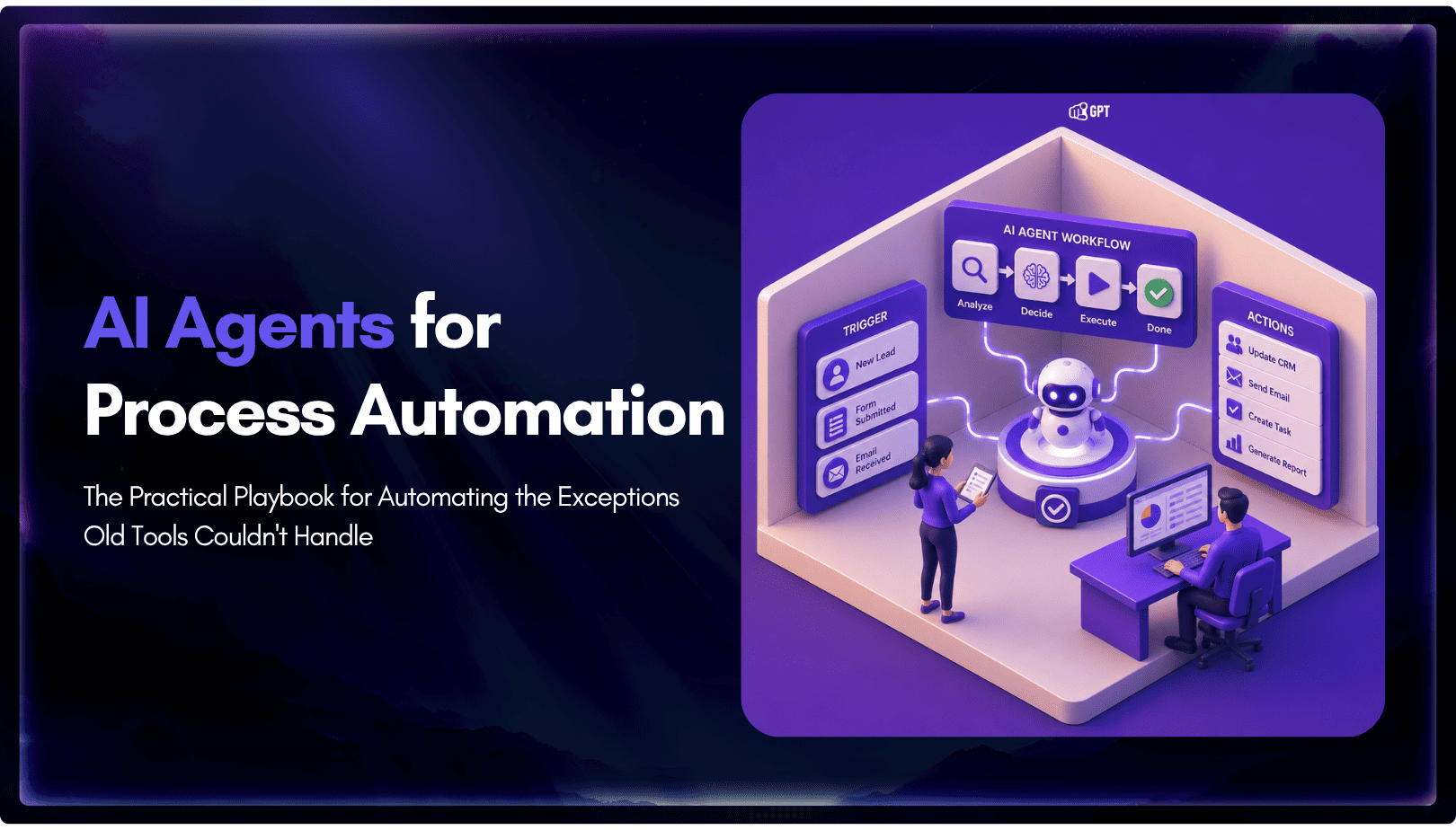
TL;DR Business process automation with AI agents lets software plan multi-step work, call tools, and handle exceptions instead of following fixed scripts like traditional RPA. AI agents can adapt when a process changes, but that flexibility also requires clear permission boundaries, reliable data, and human oversight for consequential actions. Start with one repetitive process, document […]

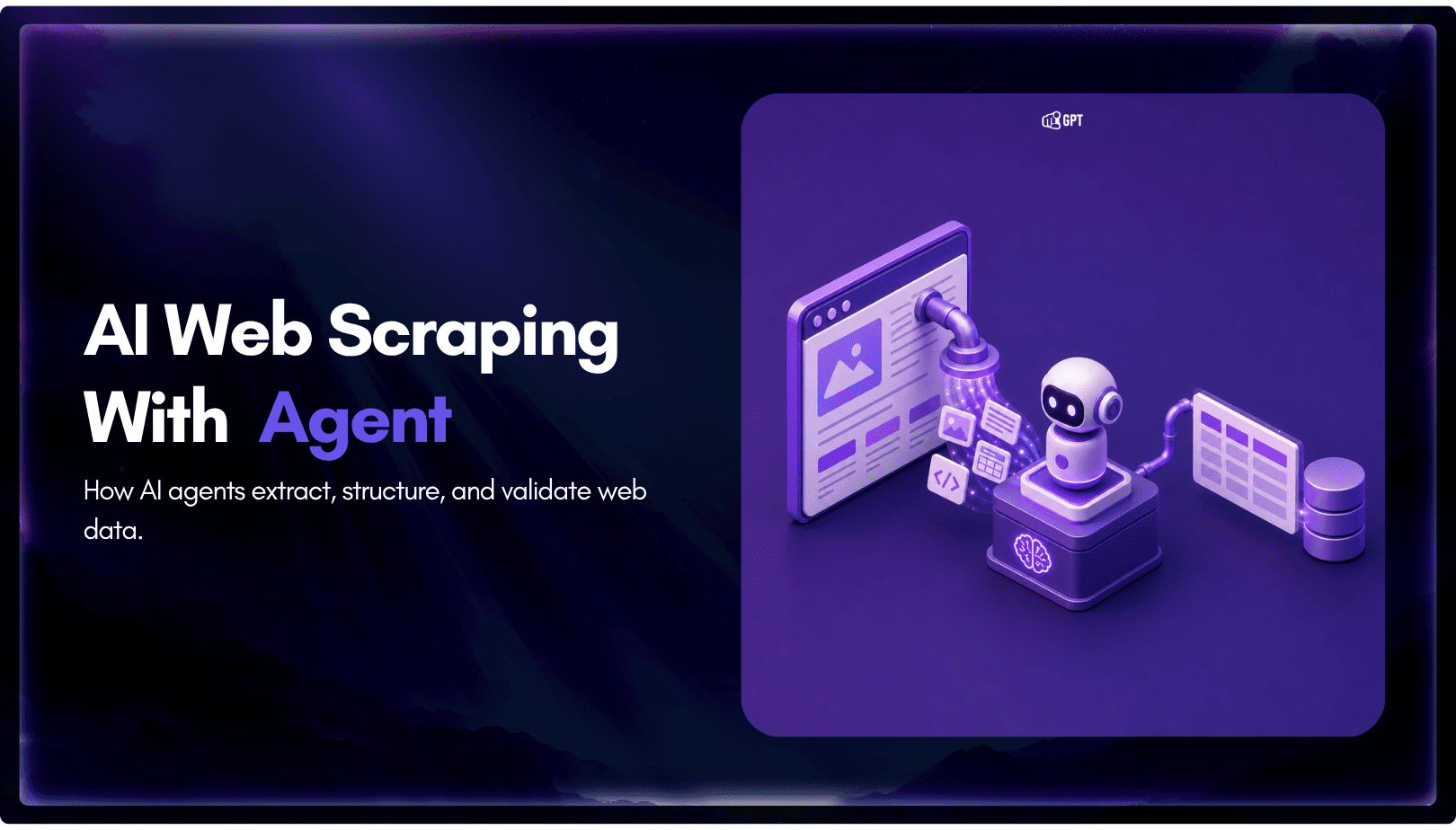
TL;DR AI web scraping replaces hardcoded selectors with an agent that reads a page, decides what matters, and returns structured output, even after the layout changes. Script-based scraping is being layered with agent-based extraction. Scripts still fetch the page. The model decides what to keep. A fetch layer renders the page, a conversion step strips […]
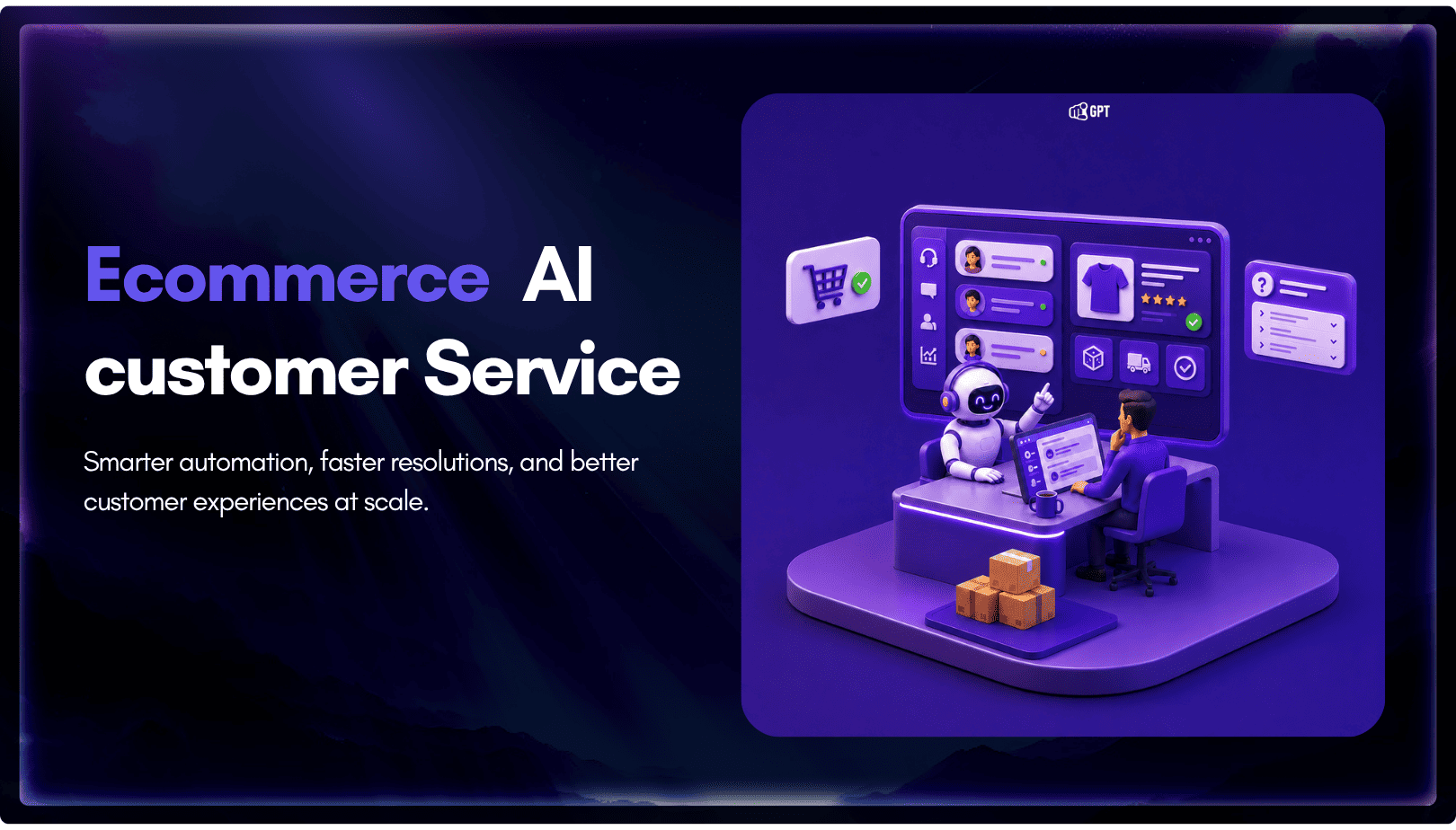
TL;DR The Shift: Support bots used to answer questions. In 2026, AI agents resolve them by reading live order and carrier data, then taking direct action. They can issue refunds, update addresses, and close WISMO tickets without human involvement. The Stakes: WISMO and refund requests already account for a large share of a typical support […]
TL;DR A customer experience strategy is a documented plan for how people, process, and technology work together across every customer touchpoint, not just a support-team initiative. Strong CX optimization can drive 5 to 10 percent revenue growth and reduce costs by 15 to 25 percent within two to three years, making it an executive-level priority. […]
SaaS companies usually do not hit support overload because the product is failing. They hit it because the product is working. More users mean more onboarding questions, more billing confusion, more integration issues, more feature requests, more account-access problems, and more tickets arriving outside business hours. A small support team that could manage 500 customers […]
TL;DR OpenAI shipped workspace agents inside ChatGPT Business and Enterprise in April 2026, giving the product the ability to plan multi-step work and act inside connected tools. The update narrows the gap between ChatGPT and dedicated AI agents for internal work, but it does not replace customer-facing support platforms. Workspace agents live in the ChatGPT […]