5 Ways Interactive Messages Can Enhance Customer Experience

Neha
Last updated on August 31, 2026
Interactive messages such as cards, carousels, buttons, and guided forms replace typing with simple taps, making chatbot conversations easier to complete.
PulseChat’s 2026 data reports a 40.1% conversion rate for interactive chatbot flows compared with 2.8% for static forms. Verify the primary source before publishing this statistic.
Five formats do most of the work: cards simplify comparisons, carousels support browsing, buttons speed up decisions, forms reduce drop-off, and personalized recommendations make choices more relevant.
The result is fewer typed responses, less friction and drop-off, and higher completion rates across chatbot interactions.
Customer Experience (CX) refers to all the interactions between a business and its customers. CX matters because it has the ability to build or damage the relationship with the customer.
AI chatbots are a great way to improve the CX by providing immediate and personalised responses, thus enhancing customer satisfaction.
Not every chatbot interaction earns that satisfaction boost, though. A bot that only accepts typed text still forces customers to guess the right phrasing, then wait for a reply. Interactive messages change that exchange. Cards, carousels, buttons, and guided forms let a chatbot show options instead of making customers describe what they want. That’s where the real CX gains happen.
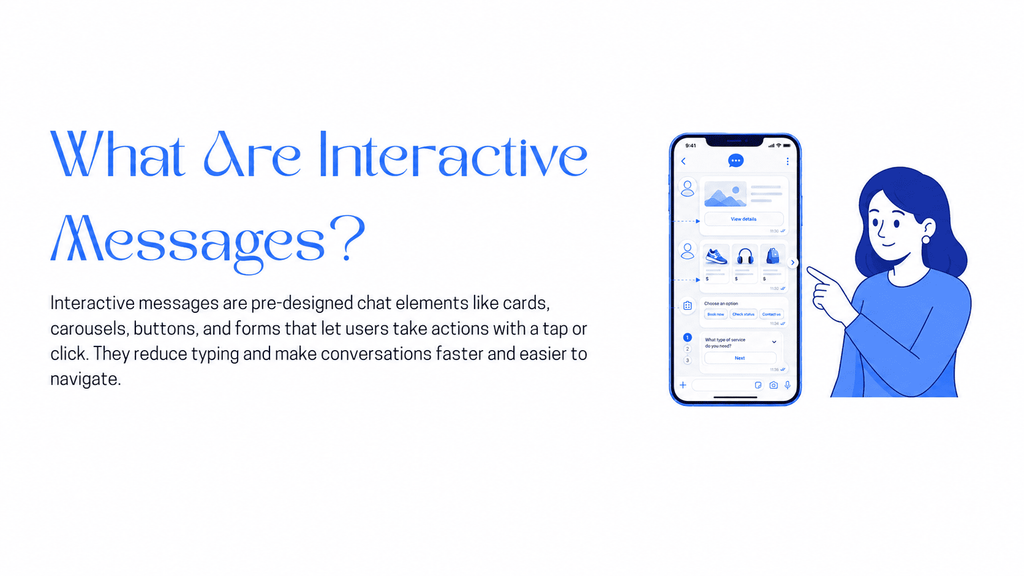
Interactive messages are pre-designed UI elements built into a chat interface. Instead of typing a full sentence and hoping the bot parses it correctly, a customer taps, swipes, or clicks. That single shift, from typing to tapping, is what the rest of this article is about.
Four formats cover almost every chatbot interaction. Cards, carousels, buttons, and guided forms each solve a different kind of friction, from comparison to decision-making to data collection.
A card pairs an image, a headline, and one or two buttons in a single tappable block, structured like a mini product page inside the chat window. A pricing card showing “Basic,” “Standard,” and “Premium,” each with its own Select button, turns a wall of text into a decision made in one tap.
A carousel strings several cards together in a horizontal, swipeable row, built for browsing rather than deciding. A customer searching for running shoes sees five options in a carousel instead of one suggestion, and can swipe past four before tapping the one that fits.
Buttons attach a one-tap action directly to a message, most often Book Now, Track Order, or Talk to Agent. They work best at decision points, not browsing points. A button forces a choice, a carousel invites exploration.
A guided form breaks a multi-field form into one question per message, collected step by step instead of all at once. The same five-field contact form, delivered this way with a button to confirm each answer, loses fewer people to abandonment than the version on a single page.
Each format trades typing for tapping, which cuts errors and speeds up the path to an answer. WhatsApp, Instagram, and Intercom already use versions of all four, so customers rarely need instructions to figure out what to tap next.
Interactive messages are a form of communication that allows businesses to engage with their visitors, making it easier and more natural for them to find what they are looking for.
Here are five practical reasons to use interactive messages in your AI chatbot:
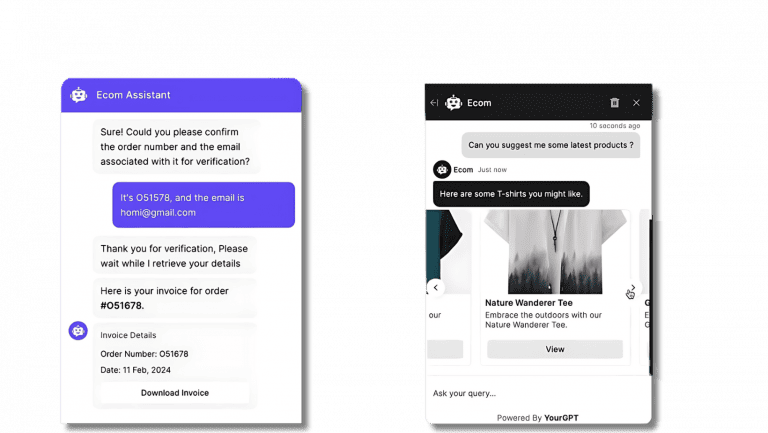
Cards and carousels let you structure content in a compact, visually organized format.
This simplifies the decision-making process and helps users get answers without having to scroll through long paragraphs.
Example: Swap this for a real screenshot from your own pricing bot before this ships. A chatbot showing three cards labeled Basic, Standard, and Premium is invented, and an invented example carries no citation weight with AI engines the way a real screenshot does.
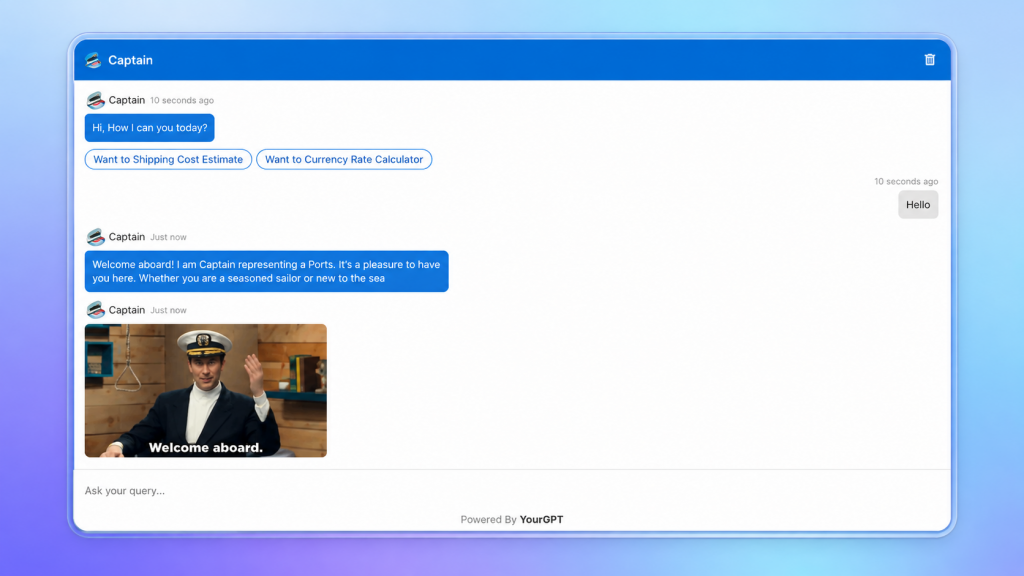
Interactive messages improve the look and feel of your chatbot instantly.
A more visual interface reduces user fatigue, especially on mobile devices, where text-heavy interactions can be frustrating.
Skip the visual layer and every reply looks the same, whether it’s a price quote or an error message. Customers stop reading closely, then miss things they actually needed.
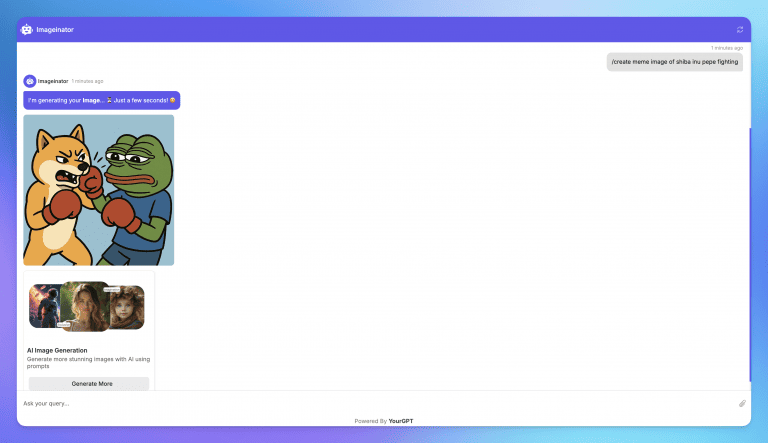
A blank text box asks a first-time user to guess what the bot can even do. Buttons and carousels remove the guessing, showing the available options instead of waiting for the user to type them out.
This cuts friction hardest for first-time users, who don’t yet know what a chatbot can handle.
Example: swap this for a real support flow screenshot before this ships. A chatbot offering Cancel, Reschedule, or Support buttons after an order-cancellation request is invented, and it won’t carry citation weight with AI engines the way a real interaction would.
Skip the buttons and a first-time user has to type “cancel my order,” hope the bot understands the phrasing, then wait. One wrong word and they’re stuck restarting the conversation.
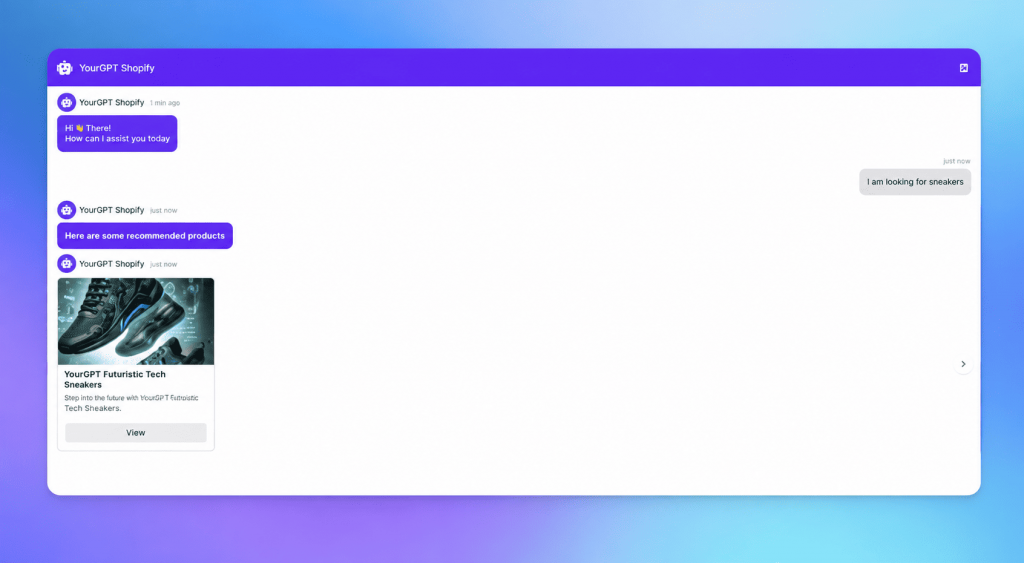
A generic message treats a new visitor and a returning customer the same way. Interactive chatbots can respond to real-time selections or past behavior instead, swapping one static message for the next best action based on who’s actually asking.
Example: swap this for a real personalization flow from your own product before this ships. A shoe carousel triggered by “Looking for shoes” is invented, and it won’t carry citation weight with AI engines the way a real interaction would.
Skip personalization and a returning customer sees the same generic options as someone visiting for the first time. Relevant starts looking like noise, and the customer tunes out.
Long forms or unclear instructions lead to drop-offs.
Interactive elements help simplify multi-step workflows by:
Example: Instead of sending a five-field contact form, the chatbot asks one question at a time using buttons and cards, leading to better completion rates.
Interactive messages are pre-designed UI elements such as cards, carousels, buttons, and guided forms that let a customer tap or swipe instead of typing a full sentence.
Quick replies are single-tap buttons tied to one question. Interactive messages cover a wider set, including carousels for browsing and multi-step guided forms, not just one-tap answers.
Quiz-style and interactive chatbot flows convert at 40.1% versus 2.8% for static forms, per PulseChat’s 2026 chatbot data. Verify this against a primary source before publishing.
WhatsApp, Instagram, and Intercom all support cards, carousels, and buttons natively within their chat interfaces. Most modern chatbot builders work on top of these formats.
Yes, often more so than desktop. Tapping and swiping remove the need to type on a small screen, which cuts drop-off compared with long text threads on mobile.
Platforms like YourGPT let you build cards, carousels, buttons, and guided forms through a no-code interface, so support and sales teams can ship them without writing custom code.
Buttons. They need the least setup, one label and one action, and immediately cut typing at common decision points like Book Now or Track Order.
Using interactive messages such as cards, carousels, images, and buttons, businesses can create AI chatbots that provide a dynamic, engaging, and user-friendly experience for their customers.
Interactive messages ultimately result in higher customer satisfaction and customer experience, which in turn results in business success.
Start building with YourGPT AI Chatbot and transform your customer experience today
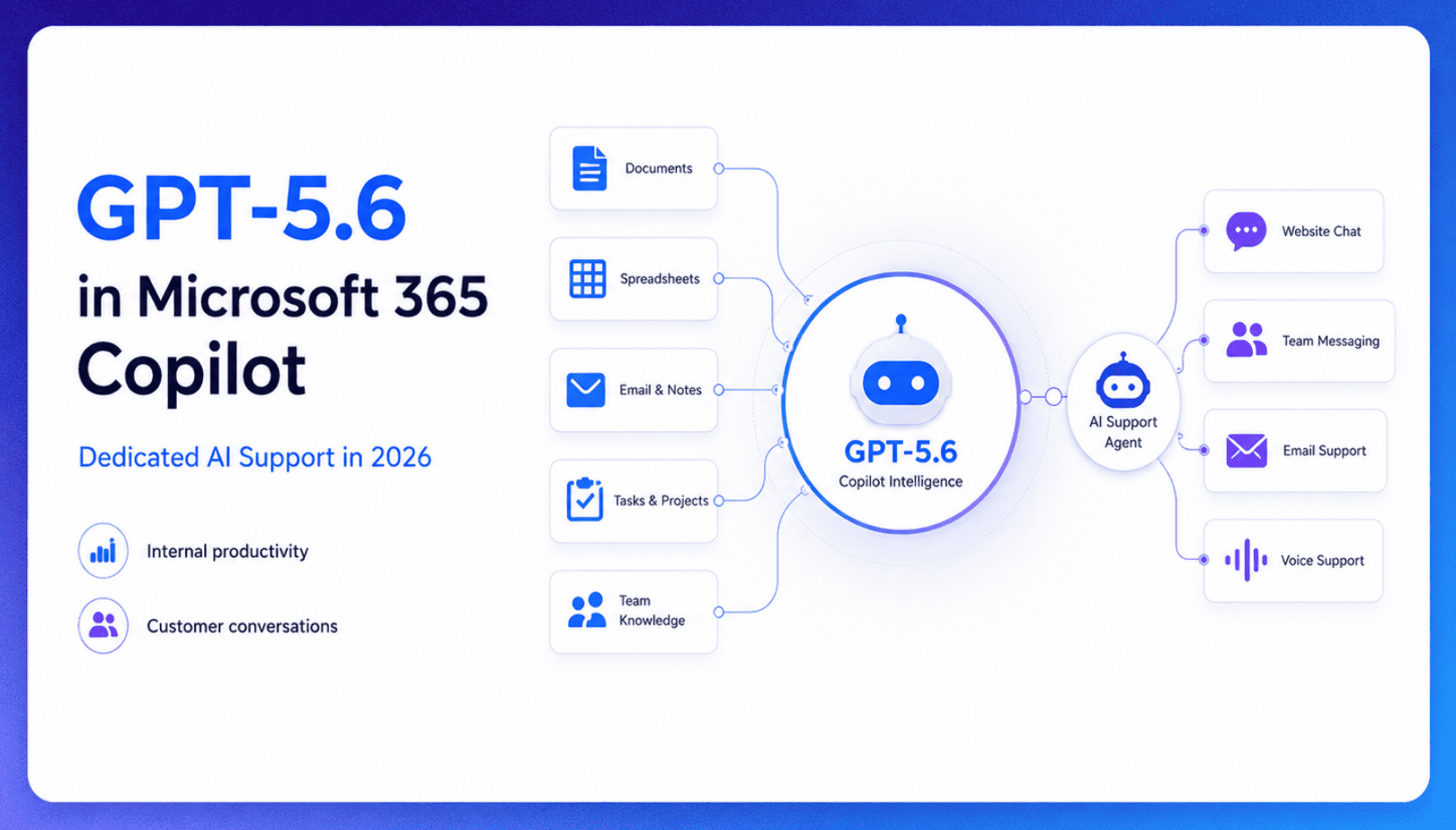
TL;DR Microsoft made GPT-5.6 the preferred model across Word, Excel, PowerPoint, Copilot Chat, and Cowork on July 9, 2026, focusing on internal workplace productivity rather than customer-facing support. Dynamics 365 Service Agent also reached general availability, but it mainly helps human support representatives manage cases within Microsoft’s existing permission structure and requires separate licensing. A […]

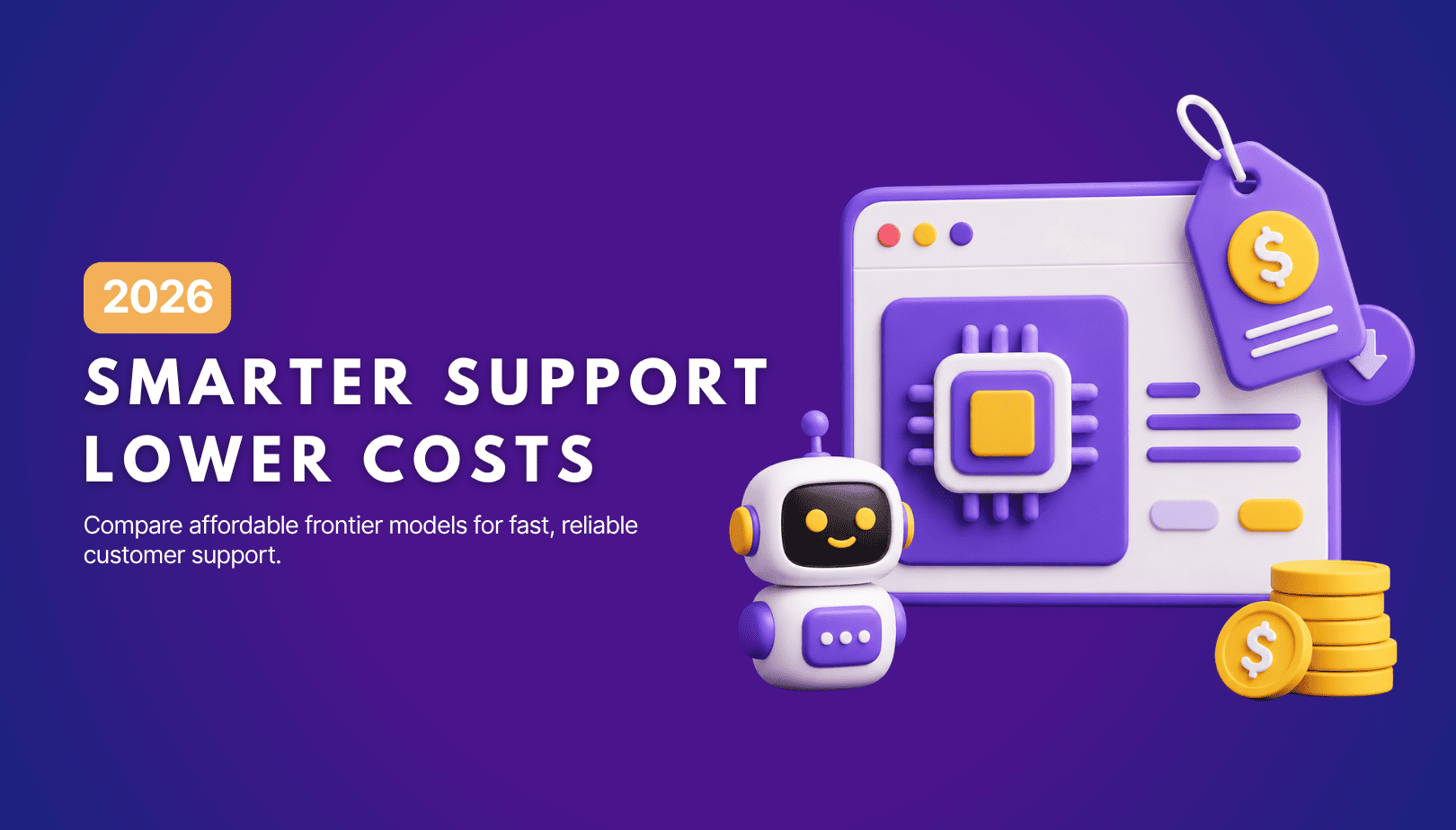
TL;DR Cheap frontier models now compete for the same high-volume support workloads, with DeepSeek V4 remaining the lowest-cost option in this comparison. Kimi K2.6 and GLM-5.2 are open-weight and self-hostable, while Qwen 3.7 Plus is proprietary and available only through an API. Claude Haiku 4.5 is the only model here that its developer explicitly recommends […]
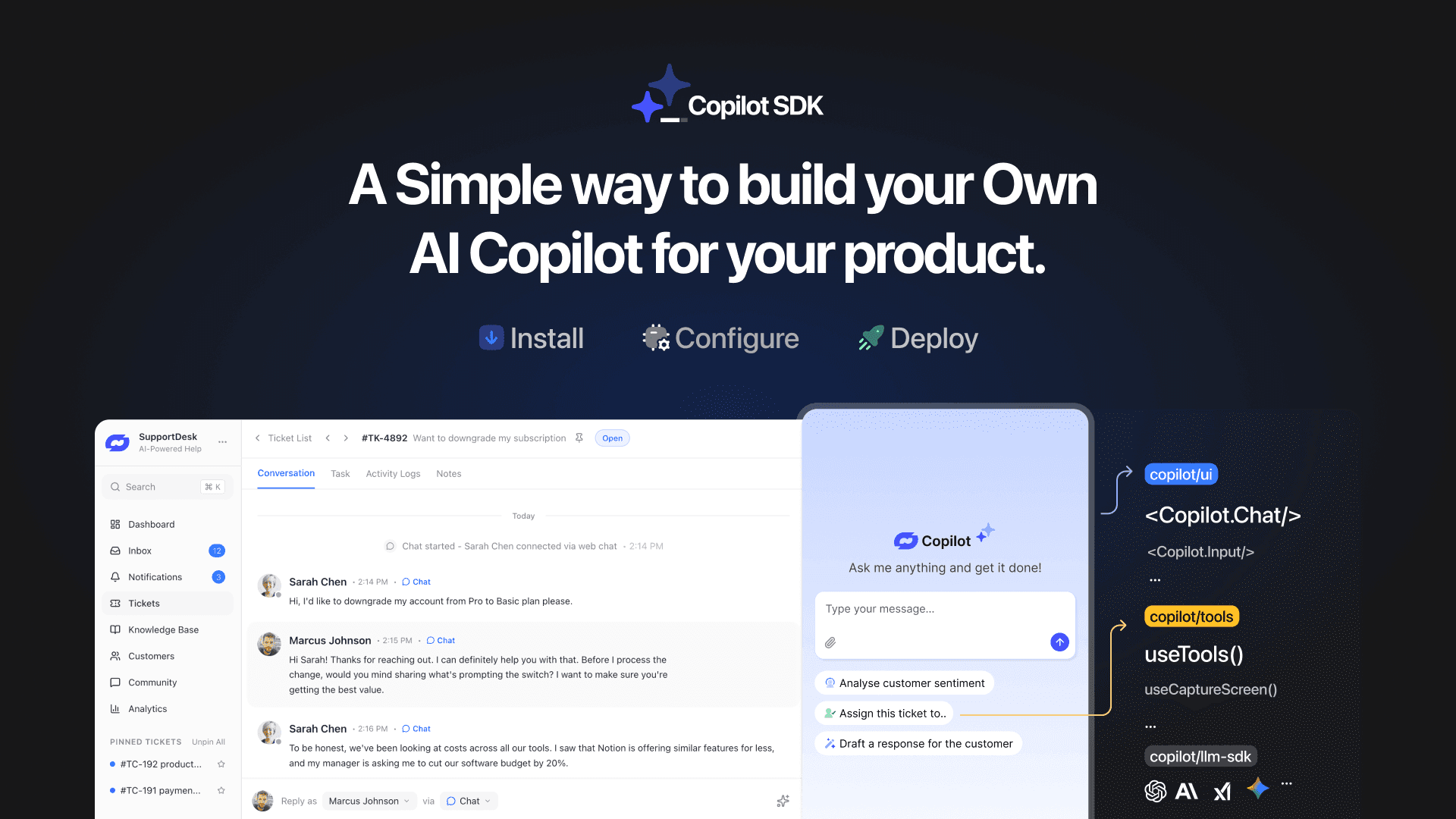
TL;DR YourGPT Copilot SDK is an open-source SDK for building AI agents that understand your application state, user context, and what is happening inside your product. Instead of working like isolated chat widgets, these agents connect directly with your product and can take real actions within existing workflows. This helps teams build contextual AI experiences […]

TL;DR YourGPT 2.0 adds AI Studio for building, testing, and debugging automated workflows. It includes native MCP integration for more than 100 tools, upgraded voice agents, and native SDKs for iOS and Android applications. With shared context across web, WhatsApp, Instagram, Telegram, and mobile, YourGPT turns conversations into real actions across support, sales, and operations. […]

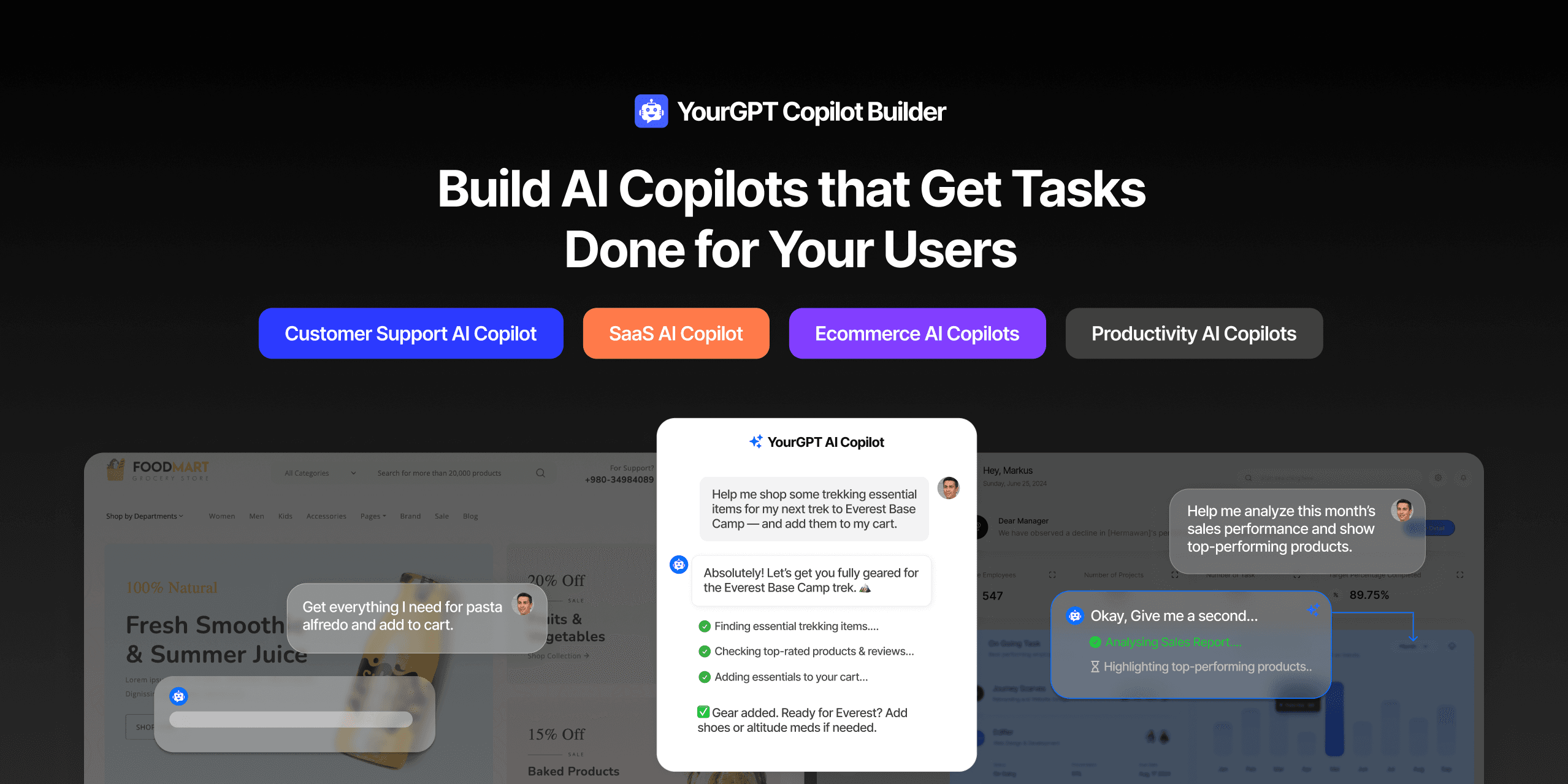
TL;DR Most AI tools provide answers but still leave users to complete the task through search results, settings pages, or checkout flows. AI Copilot Builder closes that gap by executing registered actions directly inside the product instead of only explaining what to do. Search, cart updates, account changes, and multi-step bookings can all happen within […]
TL;DR Building an AI-powered Telegram bot does not require custom development. BotFather provides the Telegram bot token, while a no-code platform like YourGPT handles AI training, free-form conversations, and the Telegram connection. This guide covers the full setup, from creating the bot in BotFather to connecting it with YourGPT and taking it live. Most Telegram […]