How To Add AI Search to Documentation

Akansha
Last updated on February 11, 2026

AI chat search is essential to the smooth functioning of businesses, especially in the tech sector, where 86% of companies believe in investing in the technology. However, as the amount of content increases, finding specific information becomes a significant challenge.
Search has been broken for years, leading to frustration for users trying to find the information they need. However, we believe AI Search widget can make a big difference. By using AI chat search, you can enhance information retrieval and offer users a seamless experience.
In this article, we will explore the power of AI chat search and how it can improve your documentation. We will also cover the process of implementing this solution into your documentation.

As companies scale, their documentation tends to grow exponentially. This leads to several challenges, including:
AI search, especially in the form of chat search, addresses these issues by providing accurate, real-time information to users. This ensures that the right data is just a query away, significantly improving the user experience.

Integrating AI chat search into your documentation brings several important benefits that can improve user experience and operational efficiency:
Integrating AI chat search not only enhances the user experience but also improves support operations, also it can significantly benefit your business by providing a more efficient way for users to access information and resolve issues.
Integrating AI chat search into your documentation can significantly enhance user experience. Follow these structured steps for a seamless implementation:


This customization ensures the widget integrates seamlessly into your documentation or website layout, boosting user engagement.
Decide how the AI search widget will appear on your site. YourGPT offers several options:
Choose the integration method that best fits your documentation layout and user experience goals, you can also deploy custom AI agents to your website.
After customizing your widget and selecting your integration method, you’ll receive a code snippet:
This step embeds the AI search functionality into your documentation, making it accessible to users.
Once the widget is live, test its performance:
Ongoing refinement ensures your AI chat search remains effective and continues to deliver value as your documentation evolves.
By following these steps, you can successfully integrate AI chat search into your documentation using YourGPT, creating a more efficient and user-friendly experience for accessing information.
Integrating AI chat search in your documentation offers clear, practical benefits for both users and your business:
AI chat search enhances the usability of your documentation, providing quicker answers, improving user satisfaction, and reducing the burden on your support team.
Integrating AI chat search into your documentation brings significant benefits that go beyond just better search capabilities.
It allows users to find answers instantly, fostering independence and customer satisfaction while reducing their reliance on support teams.
Implementing AI chat search improves user experience and makes it easier for users to find information. It’s worth thinking about how this technology can change the way your users interact with your content.
Join thousands of businesses transforming customer interactions with YourGPT AI
No credit card required • 7 days access • Limited time offer
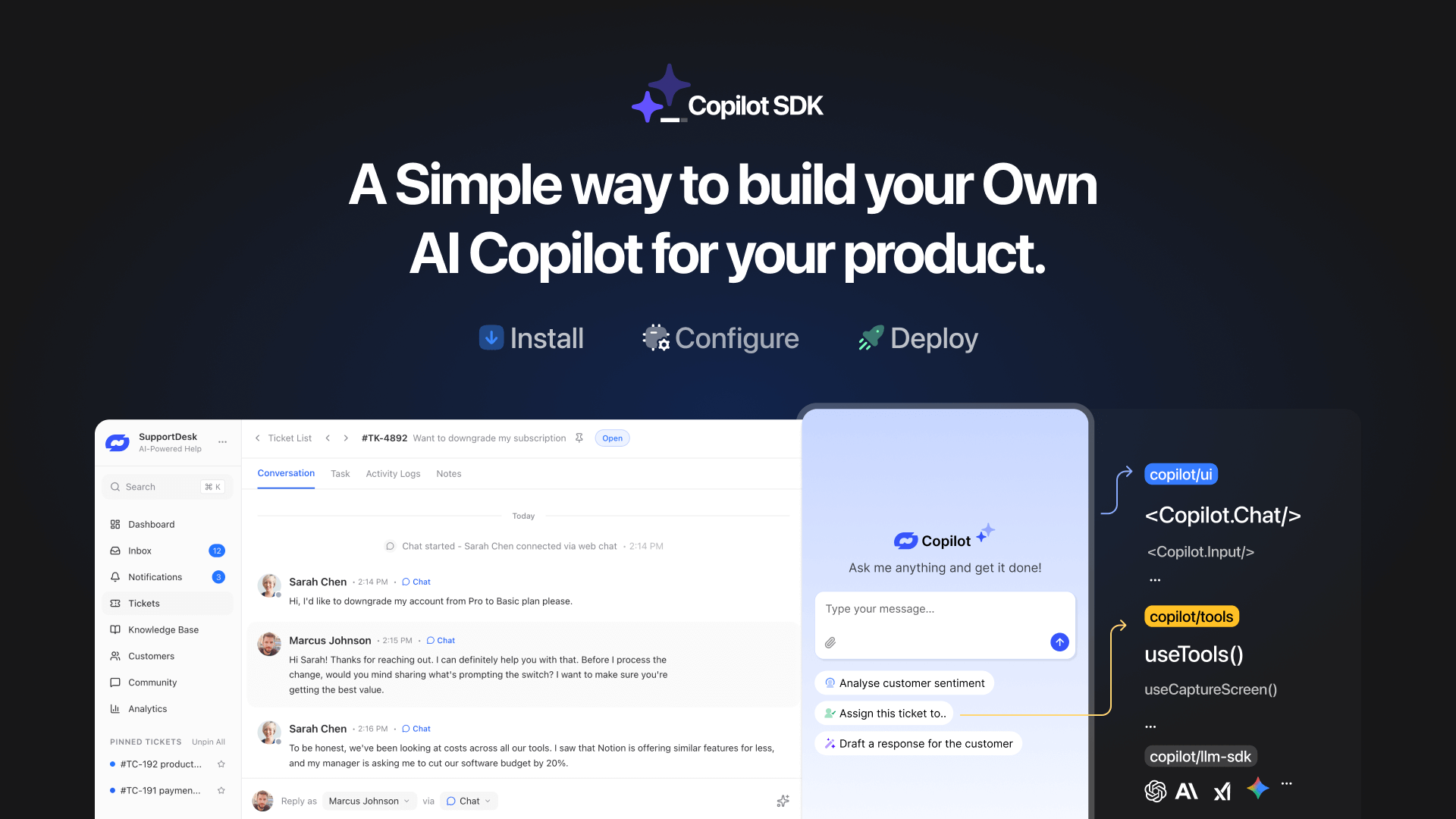
TL;DR YourGPT Copilot SDK is an open-source SDK for building AI agents that understand application state and can take real actions inside your product. Instead of isolated chat widgets, these agents are connected to your product, understand what users are doing, and have full context. This allows teams to build AI that executes tasks directly […]

Businesses today expect AI to do more than answer questions. They need systems that understand context, act on information, and support real workflows across customer support, sales, and operations. YourGPT is built as an advanced AI system that reasons through tasks and keeps context connected across every interaction. This intelligence sits inside a complete platform […]

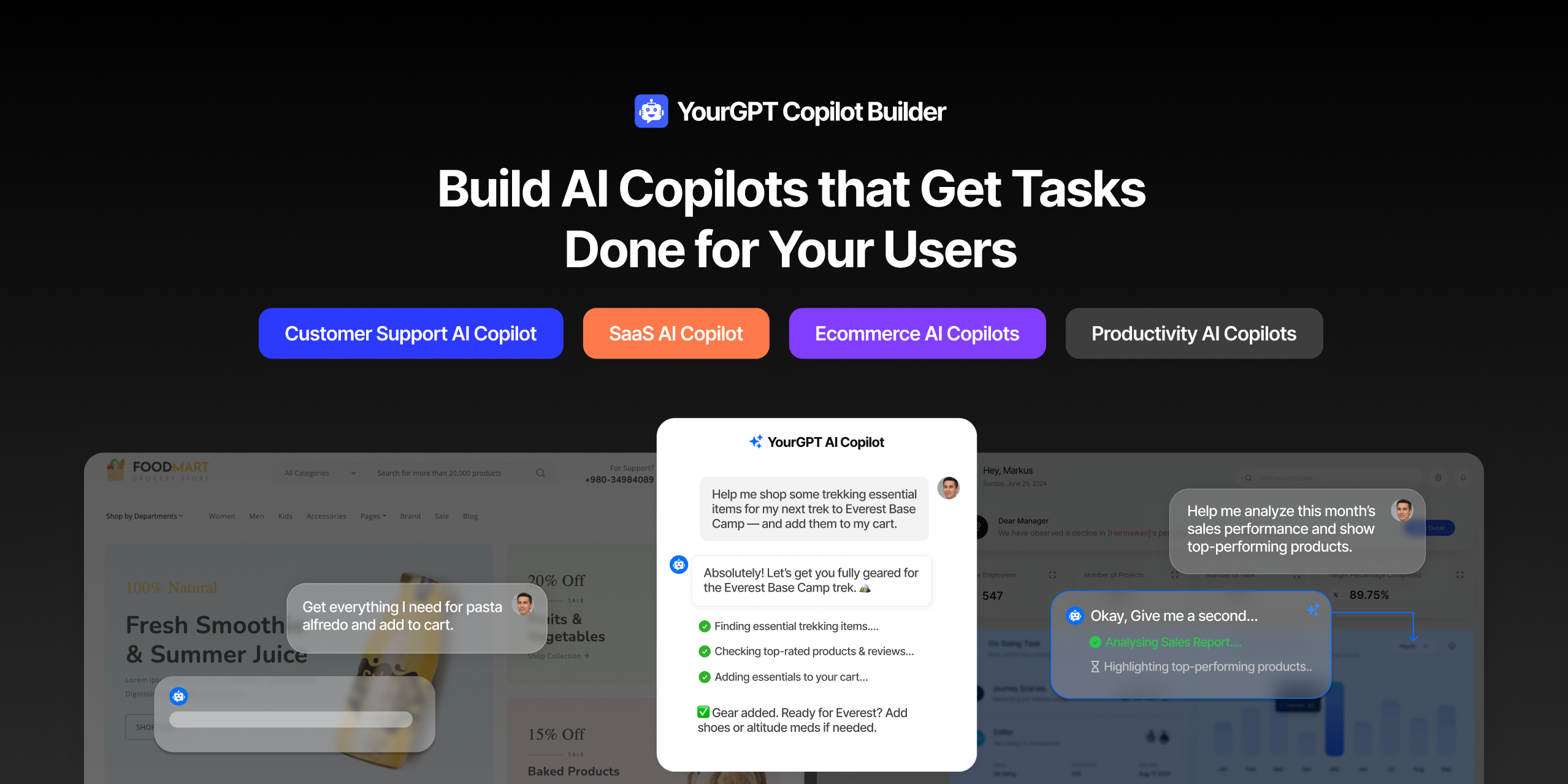
AI can help you finds products but doesn’t add them to cart. It locates account settings but doesn’t update them. It checks appointment availability but doesn’t book the slot. It answers questions about data but doesn’t run the query. Every time, the same pattern: it tells you what to do, then waits for you to […]

GPT-driven Telegram bots are gaining popularity as Telegram itself has 950 million users worldwide. These AI Telegram bots allows you to create custom bots that can automate common tasks and improve user interactions. This guide will show you how to create a Telegram bot using GPT-based models. You’ll learn how to integrate GPT into your […]


TL;DR The 10 best no-code AI chatbot builders for 2026 help businesses launch quickly and scale without developers. YourGPT ranks first for automation, multilingual chat, and integrations. CustomGPT and Chatbase are ideal for data-trained bots, while SiteGPT and ChatSimple focus on easy setup. Other options like Dante AI, DocsBot, and Botsonic specialize in workflows and […]

GPT Chatbot for Webflow: The Key to Exceptional Customer Service Providing great customer service is essential for any business, but managing a high volume of inquiries can be a challenge.If you use Webflow, integrating a webflow chatgpt can simplify this process. This AI-powered webflow chatbot offers consistent, personalised responses to customer queries, helping you manage […]