AI Agent for Shopify Explained: What It Is & How It Works

Neha
Last updated on August 24, 2026

An AI agent for Shopify is software that reads your store data and takes actions in the store. The agent finds products, builds carts, checks orders, and starts returns. The distinction that matters is action: a scripted chatbot only answers from fixed replies, while an agent uses live store data and finishes the task.
On a Shopify store, the term covers three jobs: the merchant-admin agent (Shopify Sidekick), the storefront shopping agent, and the post-purchase support agent. YourGPT builds the two customer-facing jobs, not the admin one.
A shopper asks your chat widget: “Is the blue jacket back in medium?” One tool replies with your shipping policy. Another checks that exact variant against live inventory, sees three in stock, and offers to add one to the cart. Both get called AI for Shopify, but one only answers the request and other uses live store data, and takes the right action.
This page explains what an AI agent for Shopify does, how it works step by step, and what limits to know before you install one.

An AI agent for Shopify is a software system that understands a request in natural language, pulls the store data that request needs, and completes an action through connected tools. The data is your catalog, cart, orders, and policy pages. The action is finding a product, adding it to a cart, checking an order, or starting a return.
An AI agent for Shopify reads live store data and takes actions on it. A scripted chatbot only answers from fixed replies.
That difference shows up on the first real question. Ask a scripted chatbot where an order is and it repeats your shipping page. Ask an agent and it calls the Shopify order API with the order number, reads the fulfillment state and the carrier’s tracking events, then answers with where that parcel actually is.
The phrase covers more than one product on Shopify. Mapping the jobs comes before the mechanism. The Shopify AI chatbot complete guide tours the apps and setup options in full.
Every AI product sold to a Shopify merchant does one of three jobs. The first belongs to Shopify itself.
Shopify Sidekick is the merchant-admin agent: Shopify includes it with its plans, it works inside the admin, and it respects staff permissions. Sidekick drafts product copy, adjusts your theme, sets up discounts, and summarizes sales. It does not talk to shoppers on the storefront.
| Job | Who it serves | What it does | Where it comes from |
|---|---|---|---|
| Merchant-admin agent | You and your staff | Product copy, theme changes, discounts, sales summaries inside Shopify admin | Shopify Sidekick, included with Shopify plans |
| Storefront shopping agent | Shoppers before they buy | Searches the catalog, answers product and policy questions, builds a cart in chat | A third-party agent, or Shopify’s Storefront MCP developer path |
| Post-purchase support agent | Shoppers after they buy | Order status, returns, and refunds under your policy | A third-party agent, or the Customer Accounts MCP with authenticated access |
Shopify also publishes a developer path for the customer-facing jobs. The Storefront MCP covers catalog, cart, and policies. The Customer Accounts MCP covers authenticated order and return tools, and those require protected customer data scopes. That path is for teams building their own agent, not for a merchant who wants one running this week.
Sidekick works for the merchant inside Shopify admin. A storefront agent works for the shopper on the storefront.
YourGPT builds the two customer-facing jobs: the storefront shopping agent and the post-purchase support agent. YourGPT leaves the admin job to Sidekick, which already does it. The rest of this page is about the pair that talks to your shoppers. If you are weighing specific tools, see how to choose a Shopify AI support agent.
The three jobs share one mechanism, and it is easier to see against the two tools stores already know. Automation runs a rule when an event fires, like tagging every order over a set value. A scripted chatbot matches a question to a prewritten reply. An agent interprets the request and calls tools.
| Behavior | Automation | Scripted chatbot | AI agent |
|---|---|---|---|
| Runs on | A fixed event such as an order placed | A keyword or a button tap | A request in plain language |
| Decides with | Rules you wrote in advance | Prewritten replies matched to the question | Intent plus the store data it can reach |
| Store data | Reads and writes fixed fields | Static text only | Live catalog, cart, and orders through tools |
| Multi-step goals | One rule fires one action | One question gets one answer | Chains steps such as find, check variant, add to cart |
| Human handover | The rule fails or logs an error | A dead end or a fallback line | Hands the chat to a human with the thread attached |
Automation and scripted chatbots still earn their place. A rule that tags wholesale orders does not need intent, and a chatbot that answers store hours does not need tools. The agent earns its cost when one request needs live data and several steps, like checking a variant, confirming it ships to the shopper’s pin code, and adding it to the cart.
A storefront agent runs the same five-step loop on every conversation, whether the shopper asks about a size or a refund. Each step has a specific job, and skipping one breaks the whole chain.
Watch the loop on a real question. A shopper types “where is my order #1042.” The agent interprets this as an order status request, calls the order tool with #1042, reads the fulfillment state (shipped) and the carrier’s tracking events (in transit, expected Thursday), then answers with where the parcel is and when it should arrive. If the number matches nothing, or the request breaks your policy, it hands the thread to your team instead of guessing.
The loop is train, connect, interpret, act, escalate. A scripted chatbot stops at the reply.
The loop is the mechanism. Here is what it looks like when real shoppers hit it, and what each task is worth to you and to them.
| The agent | What the shopper gets | What changes for you |
|---|---|---|
| Answers from your pages | The actual answer from your policy or product page, not a link to go find it | The repeat questions stop landing in your inbox |
| Shows products in chat | A card with the price and an Add to Cart button, inside the conversation | The sale stays in the chat instead of leaking to a page view |
| Suggests items that fit | Options pulled from your catalog that match what they asked about | The suggestion comes from your stock, not a guess |
| Checks order status | Where the parcel is and when it should arrive | No ticket, no “any update?” emails |
| Starts returns | Clear steps that follow your written policy | Your team only sees the exceptions |
| Answers offer questions | The deal that applies to them, quoted from the page you trained | You stop pasting the same code into chats by hand |
| Hands off to a person | No repeating the story | Your team opens the chat with the order number and what was already tried |
None of these are separate features to shop for. Each row is the same loop running on a different question, which is why the data connection matters more than the chat bubble.
The published setup docs put hard edges on the loop. These limits decide whether an agent holds up on real tickets or turns into a bubble that guesses. Each one below is a constraint you will hit during setup or in the first week of live chats.
| A storefront agent can | The published limit |
|---|---|
| Train on your product pages | Pages must be public, since sync cannot read a password-protected storefront |
| Sync customers | Name, email, and phone only, with no order history or addresses |
| Stay current on the catalog | Product webhooks update catalog data, but policy pages need a re-crawl when the written policy changes |
| Chat on the storefront | Theme scripts do not load on checkout, so there is no chat while the shopper pays |
| Check orders and start returns | These need Shopify’s Admin API access token with the right scopes, stored as SHOPIFY_TOKEN in AI Studio |
| Process returns | Returns follow your written store policy, not a blanket auto-refund |
| Handle volume | Up to 500 concurrent chats, with YourGPT and Shopify billed separately |
Returns follow your written store policy. An agent does not issue blanket refunds.
The connector itself carries no extra fee on any YourGPT plan. Shopify bills you for the store, and YourGPT bills you for the agent. The 500-concurrent-chat ceiling covers most stores; plan around it during flash sales.
Once YourGPT is connected to Shopify, the useful part is not the chat bubble itself. It is what the agent can do with store data while the conversation is happening.
Multi-step actions: A shopper asks whether the blue jacket is available in large. With Agent Mode, the agent can check the exact variant, confirm live stock, and add the item to the cart as the conversation continues. You can enable it under Settings: Mode.
Product discovery inside chat: Turn on Functions: AI Copilot Actions: Shopify, and the Copilot actions can search the catalog, show the matching product card, and add the selected item to the cart without sending the shopper elsewhere.
Order status and returns: Import the Shopify template in AI Studio, add SHOPIFY_TOKEN and SHOPIFY_ENDPOINT, and a shopper can ask, “Where is order #1042?” and get the current order status. The same setup can also handle supported return flows based on your store rules.
Human handoff: Add Escalate to Human under AI Studio: Actions. When the agent reaches something that needs a person, your team gets the conversation with the context already there, including what the shopper asked, the details collected, and what the agent already tried.
Learning from missed questions: Smart Learning collects unresolved questions and can turn them into draft FAQs. Your team reviews them before they become part of the agent’s knowledge.
Support beyond the storefront: Through Integrations, you can connect WhatsApp, Instagram, Messenger, email, and other supported channels, so the same Shopify-aware agent can handle conversations outside your website.
For the full setup, use the Shopify setup guide. It covers the widget, Shopify connection, training, and testing in order.
If you want to keep going, these three pick up where this page stops.
No. Sidekick is the merchant-admin agent: Shopify includes it with its plans, and it works inside the admin on tasks like product copy, discounts, and sales summaries. A storefront agent talks to your shoppers and handles catalog, cart, order, and return questions on the storefront itself.
Yes, if you want live answers. Catalog answers come from training on your public product pages plus product webhooks, and customer sync carries name, email, and phone only. Order status and returns need Shopify’s Admin API access token with the right scopes, stored in AI Studio as SHOPIFY_TOKEN.
When it cannot answer, or when the request needs judgment, such as a damaged-item claim or a refund outside your policy. In YourGPT, Escalate to Human under AI Studio: Actions moves the chat to a person with the full thread attached, so the shopper never repeats the story.
Product webhooks update catalog data when Shopify sends a product create or update event, so price and stock stay current. Policy pages you trained as links still need a re-crawl when the written policy changes.
No. The widget is a script you paste into the theme, and training, sync, and Copilot actions are dashboard controls. The order and return scenarios ask you to create a custom app in Shopify admin and copy the Admin API access token, which is a paste, not code.
An AI agent for Shopify is not one product. The term covers three jobs that share a name. Sidekick runs the admin, a storefront agent helps shoppers buy, and a support agent handles orders and returns after the sale.
The tools differ, and so does the setup each one needs.
The distinction worth keeping is action. A scripted chatbot answers from fixed replies. An agent reads your live catalog, cart, and orders, then finishes the task. That is also where the limits bite: the agent is only as good as the data it can reach, so public product pages, a synced catalog, and the right API token decide whether it holds up on a real ticket.
If the gap you named is on the customer-facing side, start with the loop. Train on your store pages, connect the webhooks, test with real questions, and watch where the agent hands off. When you are ready to install, follow the Shopify setup guide.
Create the agent in YourGPT and add your product and policy pages to Training. The setup guide covers the widget, catalog sync, and live tests.
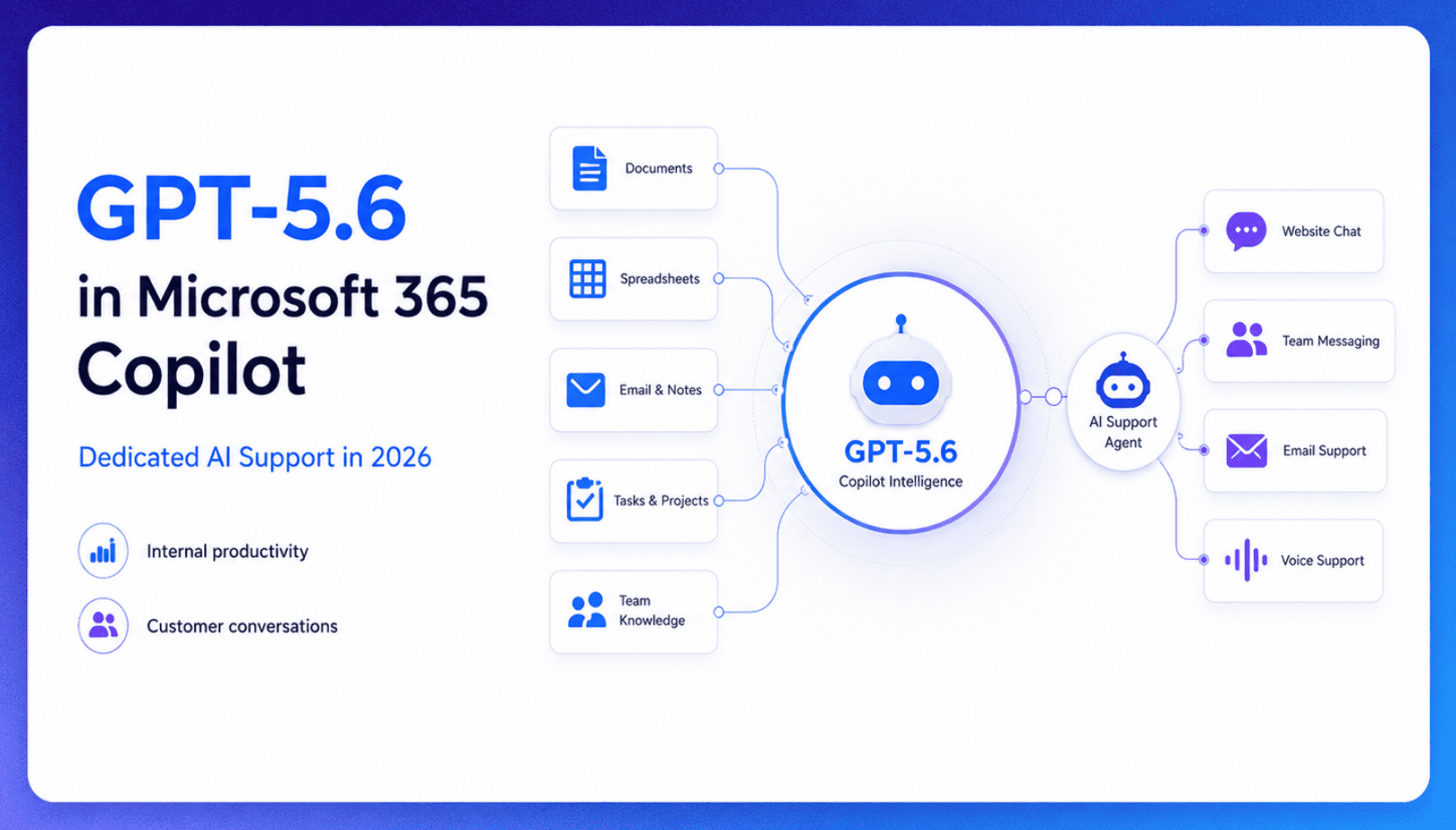
TL;DR Microsoft made GPT-5.6 the preferred model across Word, Excel, PowerPoint, Copilot Chat, and Cowork on July 9, 2026, focusing on internal workplace productivity rather than customer-facing support. Dynamics 365 Service Agent also reached general availability, but it mainly helps human support representatives manage cases within Microsoft’s existing permission structure and requires separate licensing. A […]


TL;DR Cheap frontier models now compete for the same high-volume support workloads, with DeepSeek V4 remaining the lowest-cost option in this comparison. Kimi K2.6 and GLM-5.2 are open-weight and self-hostable, while Qwen 3.7 Plus is proprietary and available only through an API. Claude Haiku 4.5 is the only model here that its developer explicitly recommends […]
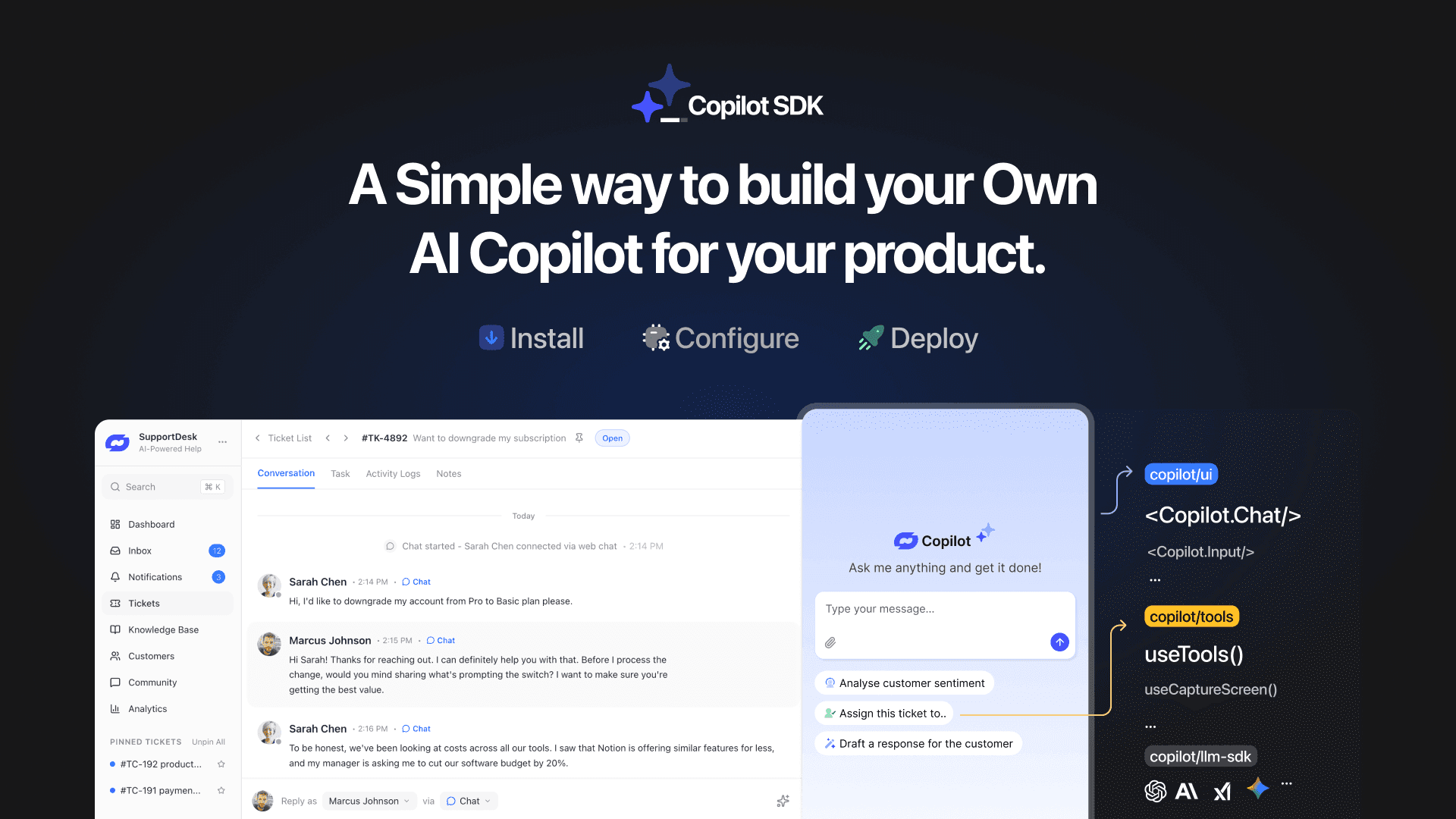
TL;DR YourGPT Copilot SDK is an open-source SDK for building AI agents that understand your application state, user context, and what is happening inside your product. Instead of working like isolated chat widgets, these agents connect directly with your product and can take real actions within existing workflows. This helps teams build contextual AI experiences […]


TL;DR YourGPT 2.0 adds AI Studio for building, testing, and debugging automated workflows. It includes native MCP integration for more than 100 tools, upgraded voice agents, and native SDKs for iOS and Android applications. With shared context across web, WhatsApp, Instagram, Telegram, and mobile, YourGPT turns conversations into real actions across support, sales, and operations. […]

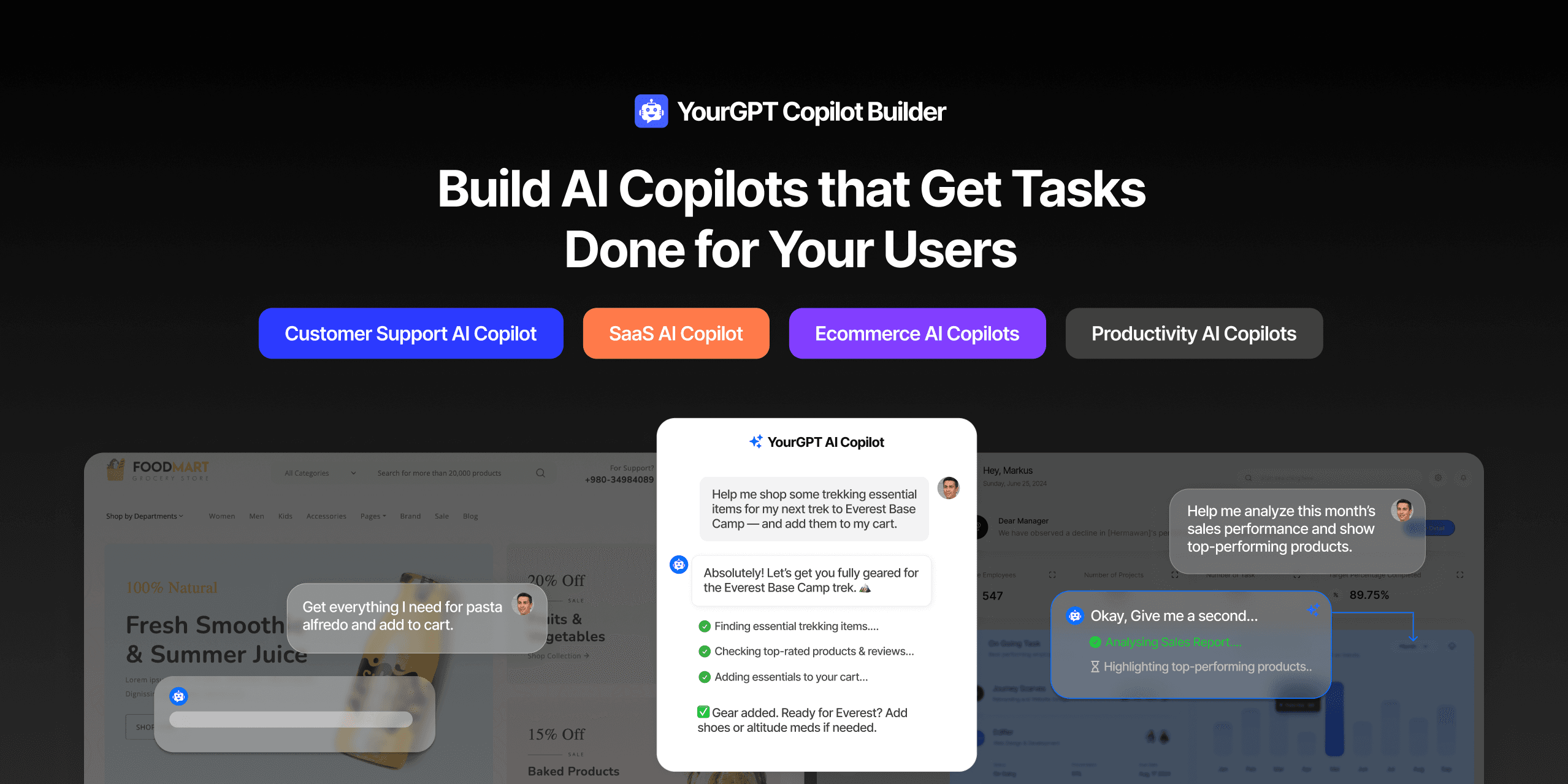
TL;DR Most AI tools provide answers but still leave users to complete the task through search results, settings pages, or checkout flows. AI Copilot Builder closes that gap by executing registered actions directly inside the product instead of only explaining what to do. Search, cart updates, account changes, and multi-step bookings can all happen within […]
TL;DR Building an AI-powered Telegram bot does not require custom development. BotFather provides the Telegram bot token, while a no-code platform like YourGPT handles AI training, free-form conversations, and the Telegram connection. This guide covers the full setup, from creating the bot in BotFather to connecting it with YourGPT and taking it live. Most Telegram […]