How to Build an AI Helpdesk for Your Business [Step-by-Step]

Neha
Last updated on July 21, 2026
![How to Build an AI Helpdesk for Your Business [Step-by-Step]](https://s3.us-east-2.amazonaws.com/assets.yourgpt.ai/content/uploads/2024/10/21081456/Build-Helpdesk-2-1.jpg)
An AI Helpdesk centralizes customer support with automated responses, semantic search, and self-service content, helping customers find answers without waiting for an agent.
Setting one up involves creating an account, configuring branding and languages, organizing categories, adding help articles, and connecting the helpdesk to your website and chatbot.
Teams can provide around-the-clock support and resolve routine queries faster without adding more staff.
The same core setup works across e-commerce, IT support, telecom, education, travel, and HR because search, articles, and AI responses can be adapted to different industries.
Customer expectations move faster than most support teams can keep up with. A ticket queue that felt manageable last month piles up the moment a product launches or a promotion goes out, and traditional help desk systems, built around agents answering one ticket at a time, start showing their limits.
An AI Helpdesk closes that gap. It combines automated responses, semantic search, and a self-service knowledge base so customers get answers immediately, agents spend less time on repetitive questions, and support scales without a matching increase in headcount.
In this blog, we will discuss what a helpdesk is, its importance, the benefits of AI helpdesks and how to build an effective AI-powered helpdesk.
AI Helpdesks are centralized support systems that uses artificial intelligence for customers or staff members in need of assistance with products, services, or technical problems.
Helpdesks are important for maintaining customer loyalty and satisfaction because they guarantee that questions are answered in a timely and efficient manner. By investing in AI helpdesks, businesses can maintain a competitive position and provide outstanding self-service customer service.
Businesses today need AI help desks for a number of reasons:
An effective helpdesk enhances customer satisfaction and boosts operational efficiency.

It is challenging for traditional helpdesks to keep up with customers’ rising demands. To address this challenge, an AI Helpdesk powered with advanced artificial intelligence to improve your customer self service.
AI Help desk is packed with advanced features designed to improve self-service customer support, making support faster, smarter, and more efficient. Below is a breakdown of its important capabilities:

This helps you to create and update your article fast and minimizes manual effort, improving productivity.

Customers and agents find answers faster, reducing frustration and improving customer satisfaction across different regions.
Enhanced customer satisfaction due to quick responses and reduce workload as routine queries are handled automatically.
Ongoing improvements in response quality and a more engaging user experience with minimal manual intervention from support teams.
Setting up an AI helpdesk is a smart move for any business looking to improve self service support. By using YourGPT, you can create a user-friendly helpdesk that meets your customers’ needs. Here’s a step-by-step guide to get you started:
Start by visiting the YourGPT Chatbot website. If you already have an account, just log in. If not, creating one is quick and straightforward.
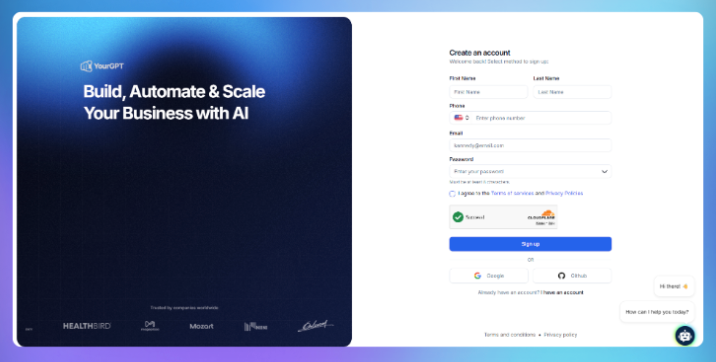

Once you are logged in, look for the AI Helpdesk option on the dashboard and click on it. This will take you to the helpdesk setup area.
Next, give your help desk a name. Choose something that reflects your brand and makes it easy for users to recognize what they’re getting.
Now, let’s customize your helpdesk in the Settings section. Here’s what you need to do:
Organize your helpdesk by creating categories for different topics. This makes it easier for users to find the information they need without hassle.

Populate each category with relevant articles or FAQs. Focus on common questions your customers ask. This ensures they get the help they need quickly.
Connect your helpdesk to your website and AI chatbot so users can easily access it. Use integration codes or set up a custom domain to keep everything seamless.
Finally, make it a habit to monitor your helpdesk’s performance. Regularly update articles, add new categories, and refresh content based on customer feedback. This helps keep your helpdesk effective and relevant.

AI helpdesks are versatile and can be implemented in various sectors to automate routine support tasks:
A chatbot answers questions in a chat window. An AI Helpdesk does that too, but it also organizes a complete knowledge base, powers on-site search, and lets customers browse articles without starting a conversation. The chatbot is one entry point into a larger self-service system, not the entire system.
No. It handles repetitive, well-documented questions so agents can focus on more complex issues. When a question requires judgment or falls outside the knowledge base, it hands the conversation to a human with the full history intact, so the customer does not have to repeat themselves.
It escalates the conversation to a human agent instead of guessing. This is especially important when the knowledge base is incomplete or changing quickly, because routing the question to someone who can help is better than providing a confident but incorrect answer.
Most of the setup work involves organizing content rather than technical configuration. With YourGPT, branding, language settings, website integration, and chatbot connection can be completed in minutes. The total timeline depends mainly on how much documentation needs to be written, organized, or imported.
Yes. YourGPT’s AI Helpdesk supports more than 100 languages with automatic language detection, allowing customers to receive answers in their preferred language without requiring manual configuration for each conversation.
Security depends on the platform’s data-handling practices, access controls, hosting infrastructure, and current compliance certifications. Before choosing an AI Helpdesk, review the provider’s latest security and compliance documentation to confirm that it meets your business requirements.
An AI Helpdesk turns support from a reactive ticket queue into a system that resolves most questions before an agent gets involved. Semantic search finds the right answer fast, self-service content lets customers help themselves, and AI-generated responses cover the routine questions around the clock.
Getting there is mostly a content problem, not a technical one. The steps outlined here, naming the helpdesk, organizing categories, populating articles, connecting it to a website and chatbot, take minutes. What determines how well it performs afterward is how complete and current the knowledge base stays.
None of this replaces the support team. It gives them fewer repetitive tickets and more time for the questions that actually need a person. Whether the use case is e-commerce order tracking, IT password resets, or HR policy questions, the same core setup carries over, only the content changes.
Join thousands of businesses transforming customer interactions with YourGPT AI
No credit card required • 7 days access • Limited time offer
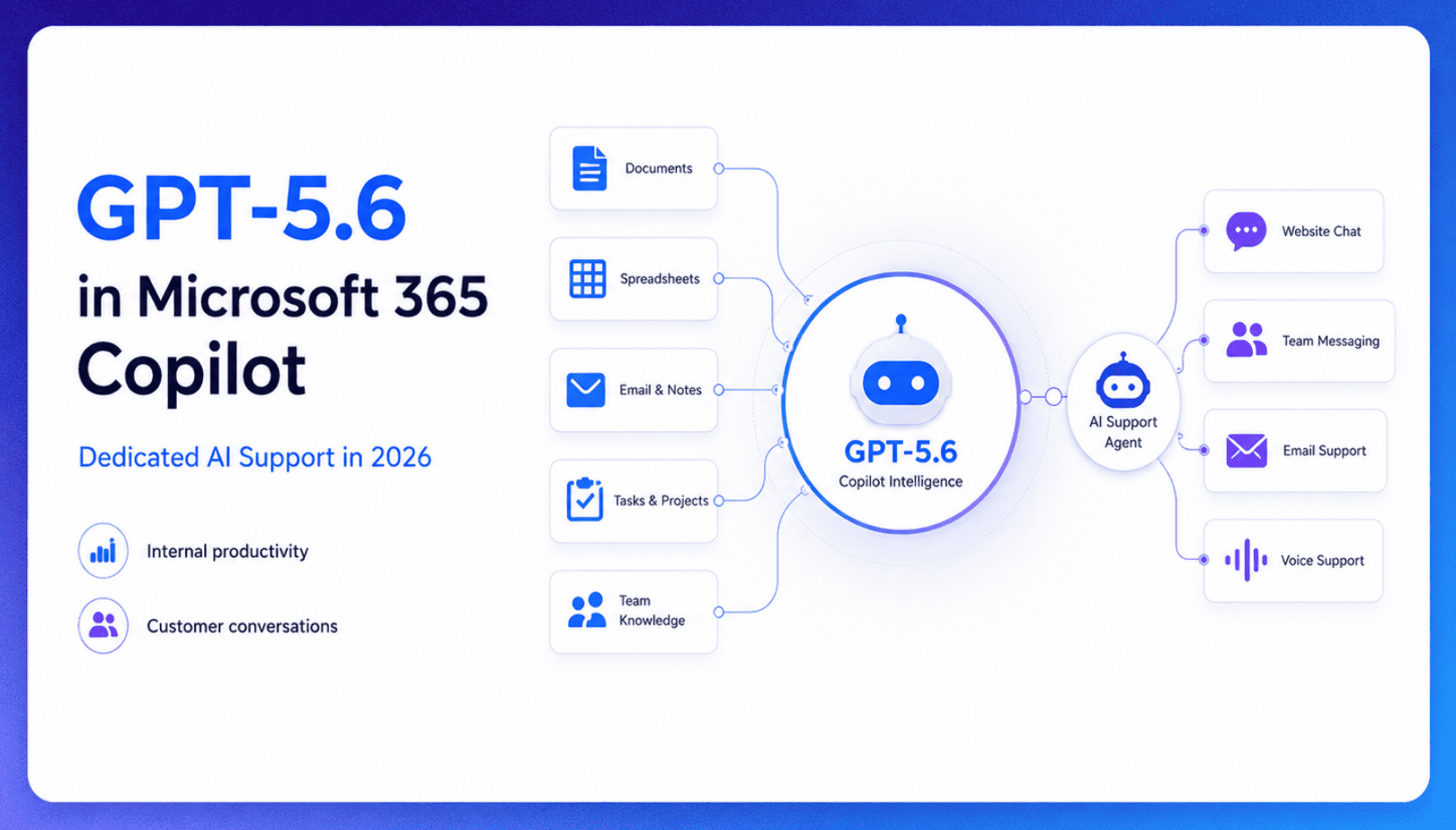
TL;DR Microsoft made GPT-5.6 the preferred model across Word, Excel, PowerPoint, Copilot Chat, and Cowork on July 9, 2026, focusing on internal workplace productivity rather than customer-facing support. Dynamics 365 Service Agent also reached general availability, but it mainly helps human support representatives manage cases within Microsoft’s existing permission structure and requires separate licensing. A […]

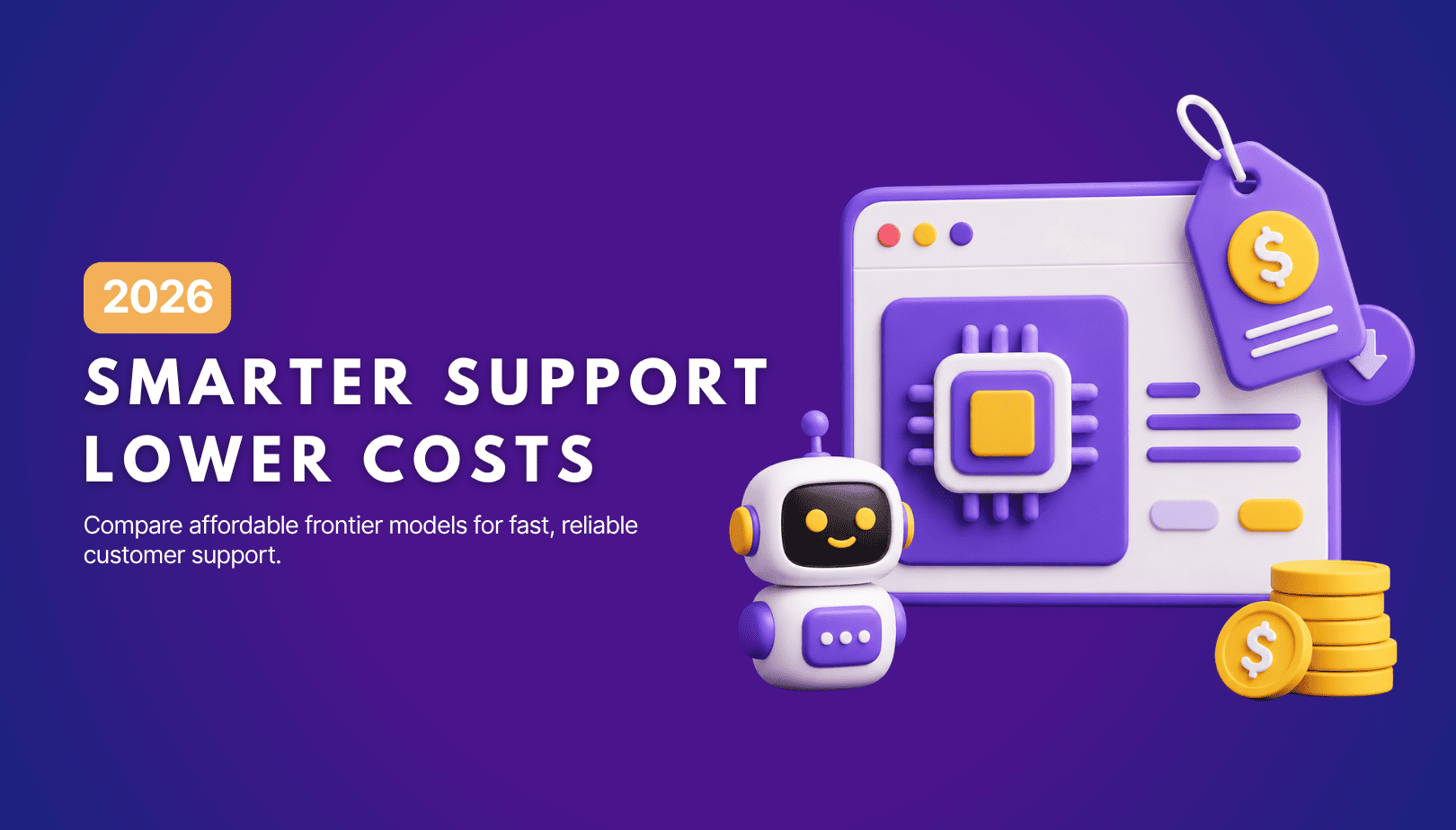
TL;DR Cheap frontier models now compete for the same high-volume support workloads, with DeepSeek V4 remaining the lowest-cost option in this comparison. Kimi K2.6 and GLM-5.2 are open-weight and self-hostable, while Qwen 3.7 Plus is proprietary and available only through an API. Claude Haiku 4.5 is the only model here that its developer explicitly recommends […]
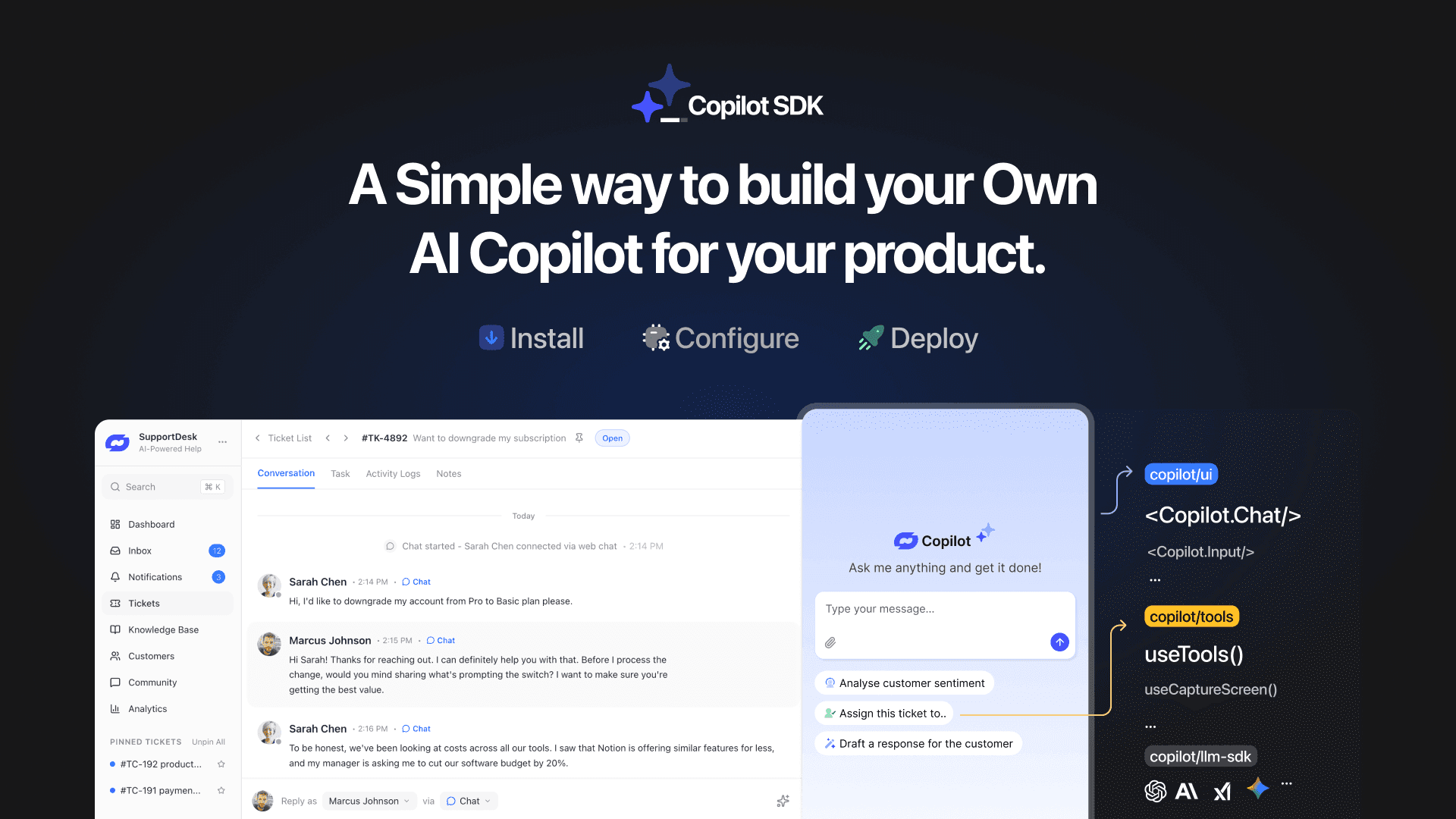
TL;DR YourGPT Copilot SDK is an open-source SDK for building AI agents that understand your application state, user context, and what is happening inside your product. Instead of working like isolated chat widgets, these agents connect directly with your product and can take real actions within existing workflows. This helps teams build contextual AI experiences […]

TL;DR YourGPT 2.0 adds AI Studio for building, testing, and debugging automated workflows. It includes native MCP integration for more than 100 tools, upgraded voice agents, and native SDKs for iOS and Android applications. With shared context across web, WhatsApp, Instagram, Telegram, and mobile, YourGPT turns conversations into real actions across support, sales, and operations. […]

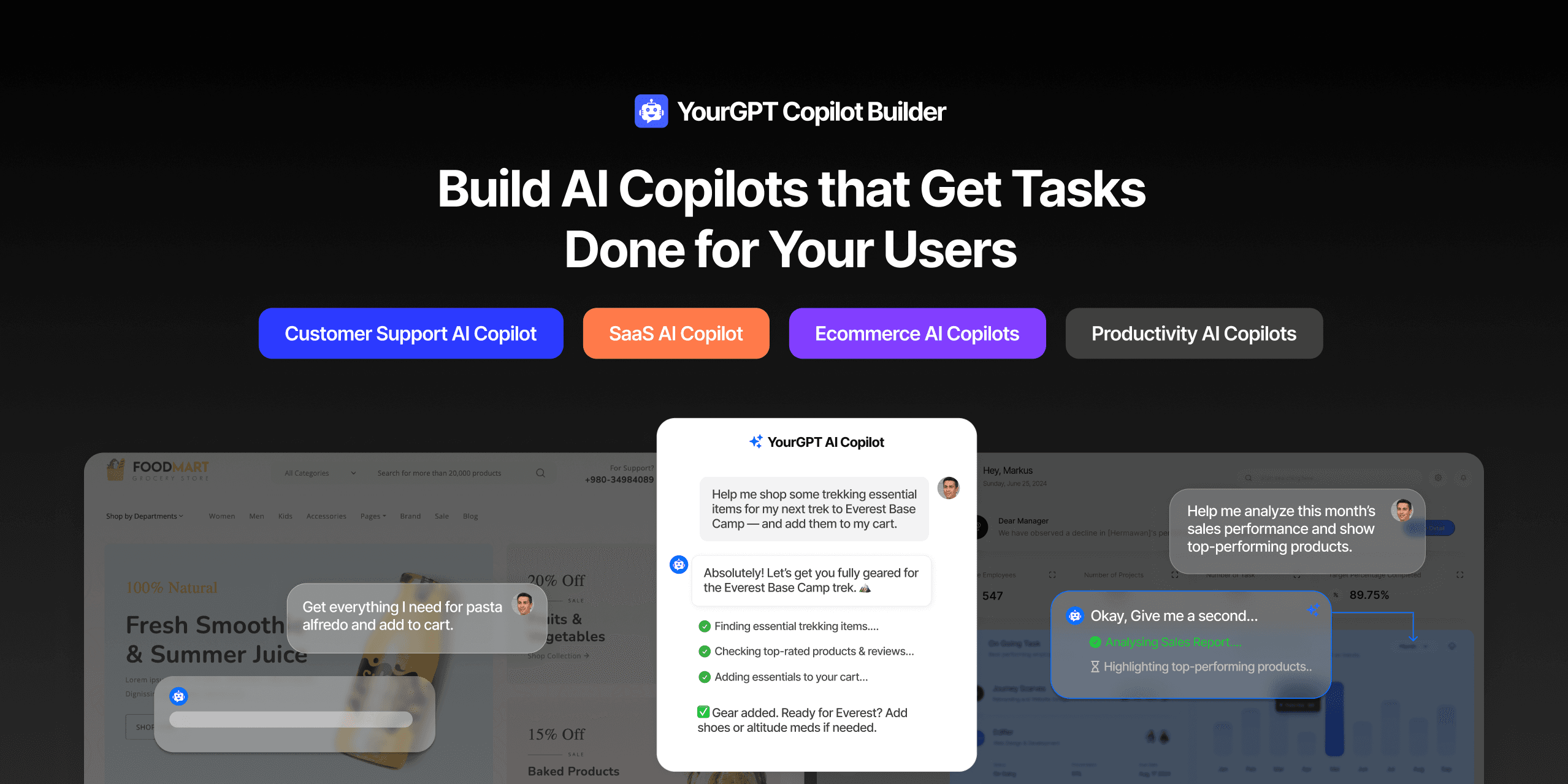
TL;DR Most AI tools provide answers but still leave users to complete the task through search results, settings pages, or checkout flows. AI Copilot Builder closes that gap by executing registered actions directly inside the product instead of only explaining what to do. Search, cart updates, account changes, and multi-step bookings can all happen within […]
TL;DR Building an AI-powered Telegram bot does not require custom development. BotFather provides the Telegram bot token, while a no-code platform like YourGPT handles AI training, free-form conversations, and the Telegram connection. This guide covers the full setup, from creating the bot in BotFather to connecting it with YourGPT and taking it live. Most Telegram […]