What is a GPT AI Chatbot? How It Works, Benefits & Uses in 2026

Rohit Joshi
January 23, 2024

GPT chatbots have made business chat far more useful than it used to be. Instead of following fixed scripts, they can respond in real time based on what a user asks and the context around the conversation. That makes them far better suited for real business use, where questions are rarely as simple or predictable as a decision tree expects.
They are built on Generative Pre-trained Transformer (GPT) models. The core architecture, the Transformer, was introduced by Google researchers in their landmark 2017 paper “Attention Is All You Need.” OpenAI later pushed this into mainstream language AI with GPT (GPT-1 through GPT-5).
Since then, the technology has improved in how it understands language, keeps track of context, and gives more relevant responses.
That is why GPT chatbots are now being used across customer service, sales, lead generation, internal workflows, and automation. This guide explains how they work and how you can build your own GPT chatbot suited to your business.

A GPT chatbot is a conversational AI system powered by a Generative Pre-trained Transformer model. It understands user queries, understands context, and generates human-like responses instead of selecting answers from a fixed set.
Leveraging customized data, a chatbot can provide users with more targeted and tailored information, enhancing the overall user experience significantly over generic AI assistants.
Traditional chatbots that use pre-written responses or simple scripts. chatbot GPT generate answers on real time based on users queries. GPT chatbots can:
To understand the term clearly:
On their own, GPT models are strong at language but lack the context of your specific business, such as your products, policies, and internal workflows. This is where a GPT chatbot becomes meaningfully useful.
When connected to your data, including documents, knowledge bases, and backend systems, it can ground its responses in real information. As a result, the chatbot delivers accurate, relevant, and context-aware answers based on your company’s data instead of relying on generic knowledge.
START BUILDING TODAY
A GPT chatbot combines a language model with your business data and system logic.
While GPT models are powerful, they are trained on general data and do not automatically know your company’s policies, product details, or internal knowledge. To make them useful for real-world use, they need to be connected to your data.
There are two primary approaches:
Why RAG works: It helps keep responses accurate and current without retraining the base model. Nvidia CEO Jensen Huang described RAG as making AI feel like “a research assistant summarizing for you,” and said hallucinations become much more manageable with this approach.
| Factor | RAG | Fine-Tuning |
|---|---|---|
| Cost | Low | High |
| Setup speed | Fast (hours) | Slow (days/weeks) |
| Keeps data current | Yes — live retrieval | No — static snapshot |
| Risk of overfitting | None | Moderate–High |
| Requires large dataset | No | Yes (thousands of examples) |
| Right for most businesses | Yes | Only large enterprises |
In Short: Unless you’re an enterprise with a large, highly specialized dataset, RAG combined with advanced prompting will meet your needs without the cost or risk of fine-tuning.
Most modern GPT chatbots rely on RAG because it keeps responses accurate, up-to-date, and aligned with your business without retraining the model.
Start by adding your business data:
YourGPT supports multiple formats and centralises all your content in one place.
Once uploaded, Your data is broken into small text chunks (tokens) and mapped into vectors so the AI understands meaning, not just words.
This is what allows the chatbot to “understand” your content beyond just keyword matching.
When someone sends a message, the chatbot also tokenises and embeds the query (converting it into a vector.)
Then it compares this query vector with your content vectors to find the most relevant pieces of information.
Responses reflect your tone and writing style. It can be controlled by your base prompt and the way your content is written.
The result: accurate, helpful, on-brand replies that improve customer experience.
The chatbot uses the top-matching content to generate a natural-sounding response all grounded in your data. This reduces hallucinations. You can read the guide on how to avoid hallucination.
If the information doesn’t exist in your sources, it says so using the persona you have defined.

ChatGPT and GPT chatbots are often confused, but they serve different purposes.
ChatGPT is an application that is general purpose AI chatbot that uses GPT model as base.
GPT (Generative Pre-trained Transformer) is the underlying language model that powers GPT chatbots. It is a powerful AI system trained on large volumes of text data to understand and generate human-like language.
The difference comes down to scope and customization:
| Dimension | ChatGPT | Custom GPT Chatbot |
|---|---|---|
| Purpose | General-purpose assistant | Business-specific use case |
| Knowledge source | OpenAI’s training data | Your own documents, databases, APIs |
| Brand voice | None | Fully customisable |
| Workflow integration | Limited | CRM, ticketing, scheduling, etc. |
| Deployment channels | chat.openai.com only | Web, WhatsApp, Slack, API, and more |
| Data privacy | Shared OpenAI environment | Your infrastructure, your control |
A GPT chatbot can be connected to your own data, workflows, and systems. This allows it to provide accurate, brand-aligned responses and take actions based on your business logic.
A GPT chatbot creates value when it moves beyond answering questions and starts supporting real workflows.
Depending on how it is configured, it can:
The difference is not just faster responses. The real value comes from reducing manual effort while helping users move forward without friction.

Building a GPT chatbot offers substantial benefits that enhance user experience and improve operations. Here are few reasons why should you consider developing one:
Customers expect fast, consistent service. A GPT chatbot helps businesses meet that expectation.
Every missed inquiry is a missed opportunity. GPT chatbots capture leads in real time.
Manual support processes slow down growth. GPT chatbots reduce workload and increase output.
GPT chatbots help lower your customer service expenses while maintaining quality.
Personalisation drives loyalty. GPT chatbots adapt responses based on customer behaviour.
Most businesses rely on outdated support systems. Implementing GPT chatbots positions your brand as forward-thinking.
Manual tasks waste time. GPT chatbots automate internal processes without human bottlenecks.
Customers engage on various platforms. A GPT chatbot ensures consistent service across all of them.
You can check out our post on boosting customer satisfaction with YourGPT chatbot.
Follow these steps to create and deploy your own customized AI chatbot with YourGPT in just a few minutes:
Create an account using your email or SSO. No technical setup needed — just log in and access the dashboard.

Upload your content. This includes help docs, PDFs, Notion pages, knowledge base articles, and web pages. YourGPT automatically processes and stores this data for retrieval.
Train your AI chatbot on your own data in minutes
Read articleChange the appearance of Your AI bot and set the chatbot’s tone using a base prompt. Define how it should speak, what it should prioritise, and what it should avoid. Example: “Respond like a friendly, professional for legal, SaaS.”

Deploy your chatbot to your website with a single line of embed code. Connect it to platforms like WhatsApp, Slack, or your internal tools using available integrations.

Run common queries through the bot. Check how it responds. Update your prompt or add missing data. Once satisfied, go live. Your bot will now respond to real users with real context — using your own content.
Before setting up your GPT chatbot, take time to get these key elements in place:
Before building, define what success looks like. Be clear on the chatbot’s function. Is it for:
Having measurable goals shapes how you configure and evaluate the chatbot.
Your chatbot is only as good as the content behind it. Before uploading, audit your knowledge base for outdated information, contradictions, and gaps.
High-quality, well-structured source material consistently outperforms a larger volume of messy content.
Define how your bot should sound.
This is controlled by your base prompt, as well as the restrictions set for the GPT bot regarding what it is not allowed to do.
If your GPT needs to follow a process or follow multi-step workflows, create overview of agents flows.
Clear flow logic ensures the chatbot operates with consistency and control from day one.
For most businesses, no. RAG combined with strong prompting can deliver results comparable to fine-tuned models for typical business use cases, while keeping cost and implementation complexity much lower. Fine-tuning usually makes sense only when you have a very large domain-specific dataset and the engineering resources to maintain it properly.
RAG grounds the model in retrieved source content before it generates a response. Instead of relying only on broad training knowledge, the model answers using the specific documents or data pulled from your knowledge base. If the answer is not present in your sources, a properly configured chatbot should say that clearly instead of inventing an answer.
Yes. Modern GPT models, including GPT-5 and similar systems, support multilingual conversations well out of the box. For business deployments, it is often better to maintain separate knowledge sources for each language so answers stay accurate and consistent instead of depending only on translation.
Costs vary based on setup, usage volume, integrations, and security requirements. A no-code RAG chatbot can often run for under $100 per month at moderate scale, while custom integrations, high traffic, or enterprise controls increase the total cost. In most cases, token usage is the main driver because it scales with conversation volume.
With a RAG-based system, you update the knowledge base rather than retraining the model. That means you can add, edit, or remove source documents whenever needed, and those updates are then reflected in responses immediately or within minutes depending on the platform.
Track metrics such as containment rate, CSAT, average conversation length, escalation rate, and conversion rate where relevant. You should also review unanswered or low-confidence conversations regularly, because those are often the clearest signals for where the chatbot needs better content, logic, or workflow coverage.
A GPT chatbot is not just an AI tool for answering questions. It is a system that helps businesses handle communication, support, and workflows more efficiently.
By combining natural language understanding with your own data, a GPT chatbot can deliver accurate responses, guide users, and reduce repetitive work across teams. It allows businesses to scale interactions without increasing operational complexity.
These chatbots provide fast, accurate responses at any time of day. They help reduce workload, save costs, and ensure consistent communication across websites, mobile apps, and platforms like WhatsApp.
For any business that depends on regular communication or repeated processes, a GPT chatbot is no longer optional. It is becoming essential to handle scale. It helps you serve more users efficiently without increasing team size.
The technology is ready. Now is the right time to start building your GPT chatbot.
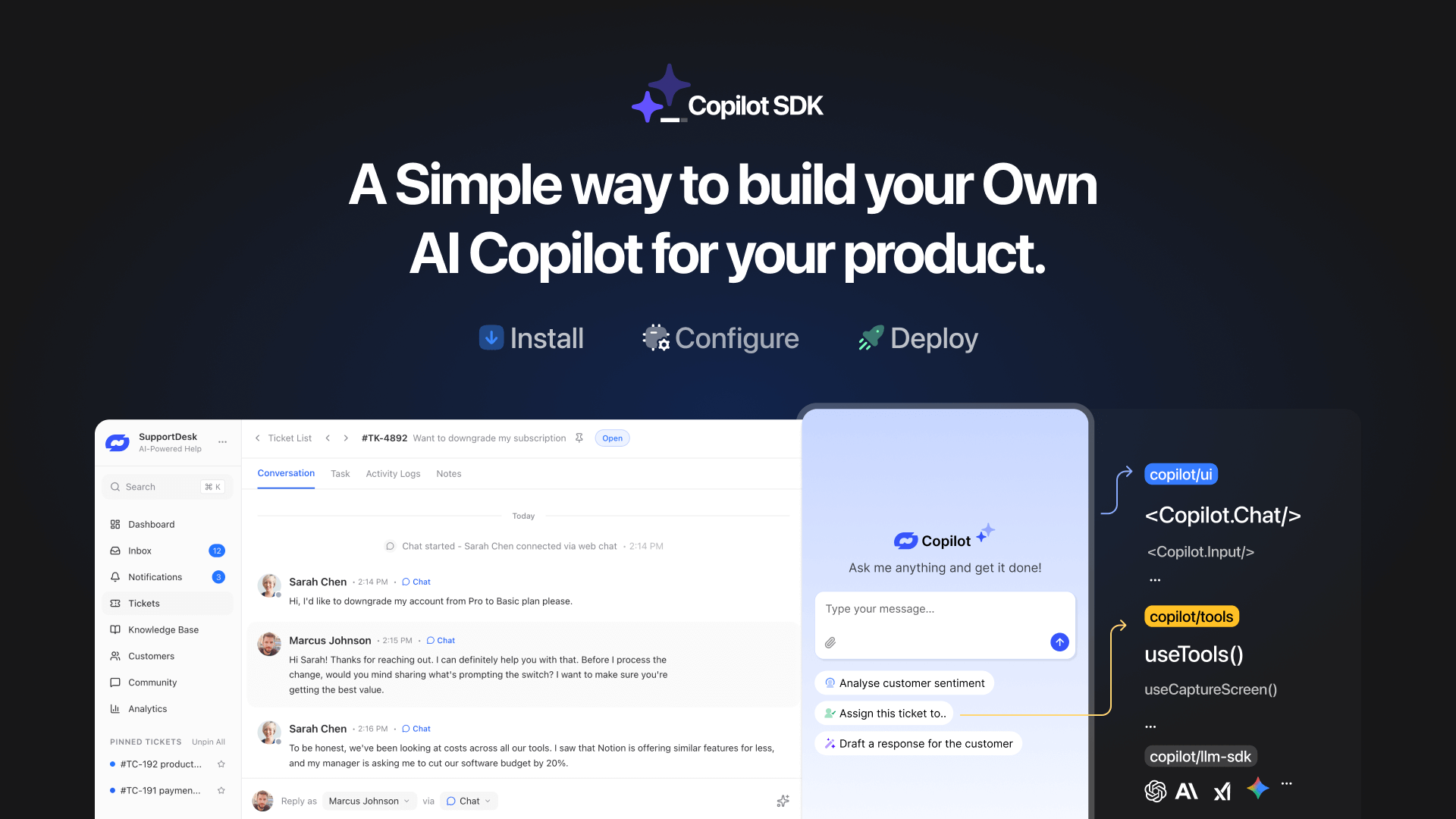
TL;DR YourGPT Copilot SDK is an open-source SDK for building AI agents that understand application state and can take real actions inside your product. Instead of isolated chat widgets, these agents are connected to your product, understand what users are doing, and have full context. This allows teams to build AI that executes tasks directly […]

Businesses today expect AI to do more than answer questions. They need systems that understand context, act on information, and support real workflows across customer support, sales, and operations. YourGPT is built as an advanced AI system that reasons through tasks and keeps context connected across every interaction. This intelligence sits inside a complete platform […]
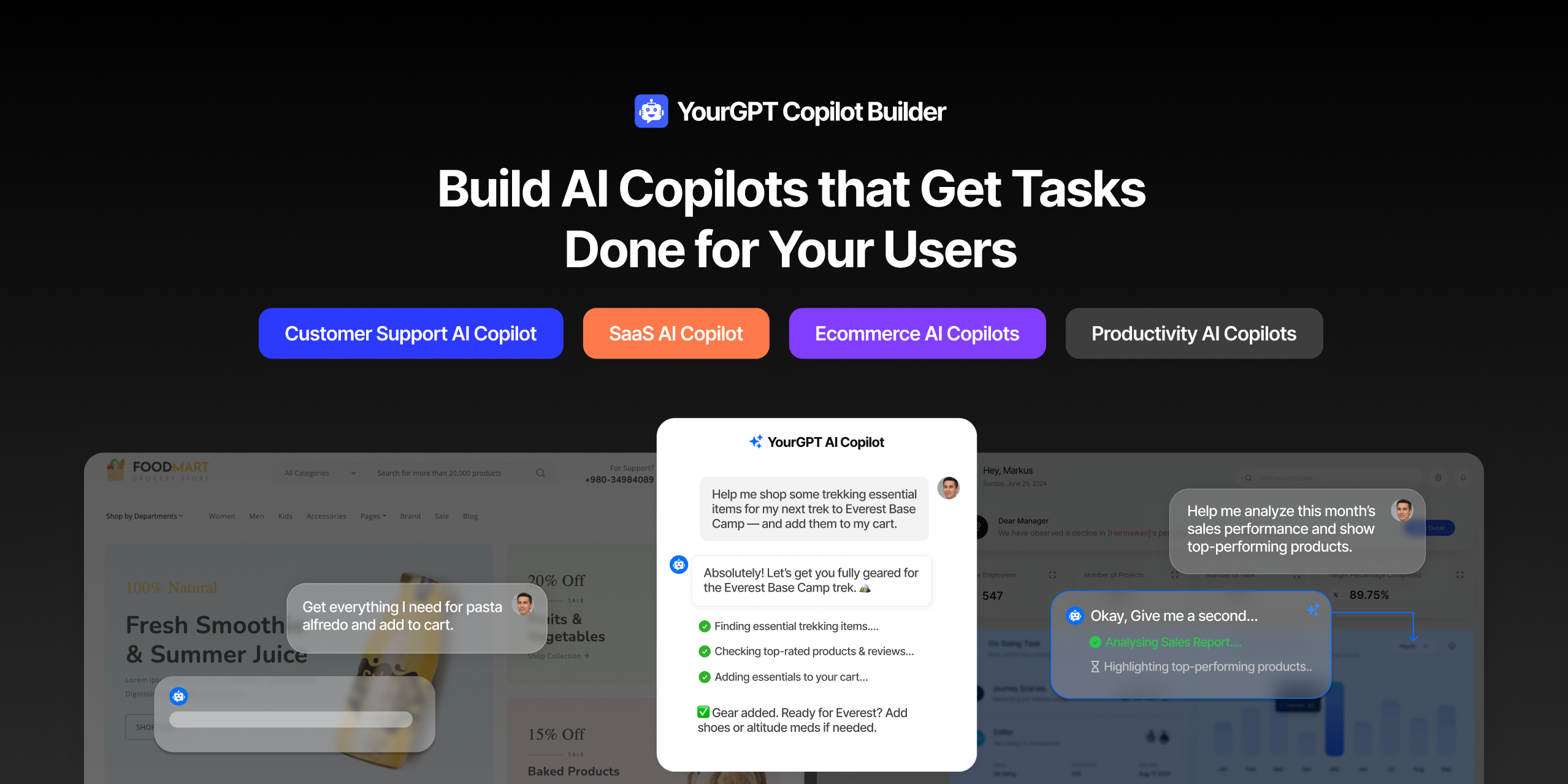
AI can help you finds products but doesn’t add them to cart. It locates account settings but doesn’t update them. It checks appointment availability but doesn’t book the slot. It answers questions about data but doesn’t run the query. Every time, the same pattern: it tells you what to do, then waits for you to […]

GPT-driven Telegram bots are gaining popularity as Telegram itself has 950 million users worldwide. These AI Telegram bots allows you to create custom bots that can automate common tasks and improve user interactions. This guide will show you how to create a Telegram bot using GPT-based models. You’ll learn how to integrate GPT into your […]


TL;DR The 10 best no-code AI chatbot builders for 2026 help businesses launch quickly and scale without developers. YourGPT ranks first for automation, multilingual chat, and integrations. CustomGPT and Chatbase are ideal for data-trained bots, while SiteGPT and ChatSimple focus on easy setup. Other options like Dante AI, DocsBot, and Botsonic specialize in workflows and […]

GPT Chatbot for Webflow: The Key to Exceptional Customer Service Providing great customer service is essential for any business, but managing a high volume of inquiries can be a challenge.If you use Webflow, integrating a webflow chatgpt can simplify this process. This AI-powered webflow chatbot offers consistent, personalised responses to customer queries, helping you manage […]