Customer Support AI Agents: What to Evaluate Before You Buy in 2026

Rajni
Last updated on August 19, 2026
AI agents are becoming part of everyday business operations across customer support, sales, onboarding, and internal workflows. In customer support, they are commonly used to answer questions, automate billing support, track orders, handle repetitive requests, collect information, route conversations, and assist human agents with context and actions. Some platforms focus mainly on conversational replies, while others support deeper workflow automation through integrations, business logic, and action execution. This guide explains what customer support AI agents should actually be able to do and how to evaluate them based on workflows, integrations, escalation handling, reliability, and long-term operational fit.
Customer support in 2026 looks very different from even a few years ago. Customers now expect fast, accurate responses across multiple channels, while support teams aim to maintain consistency, quality, and efficiency at scale. AI agents have become a practical part of modern support operations, helping teams handle routine questions, guide conversations, and assist with real actions behind the scenes.
At the same time, not every AI agent delivers the same results. Some focus only on answering questions, while others are designed to understand intent, use business data, and work alongside human agents. Knowing the difference matters when the goal is reliable support, not just automation.
This blog helps you evaluate customer support AI agents before you buy in 2026. It breaks down what these agents should be capable of, how they fit into real support workflows, and which factors influence long-term performance and customer trust. You will learn what to look for, what to question, and how to assess whether an AI agent truly supports your team rather than adding complexity.
By the end, you will have a clear framework to compare options with confidence and choose an AI agent that aligns with your support goals, technical setup, and customer expectations.
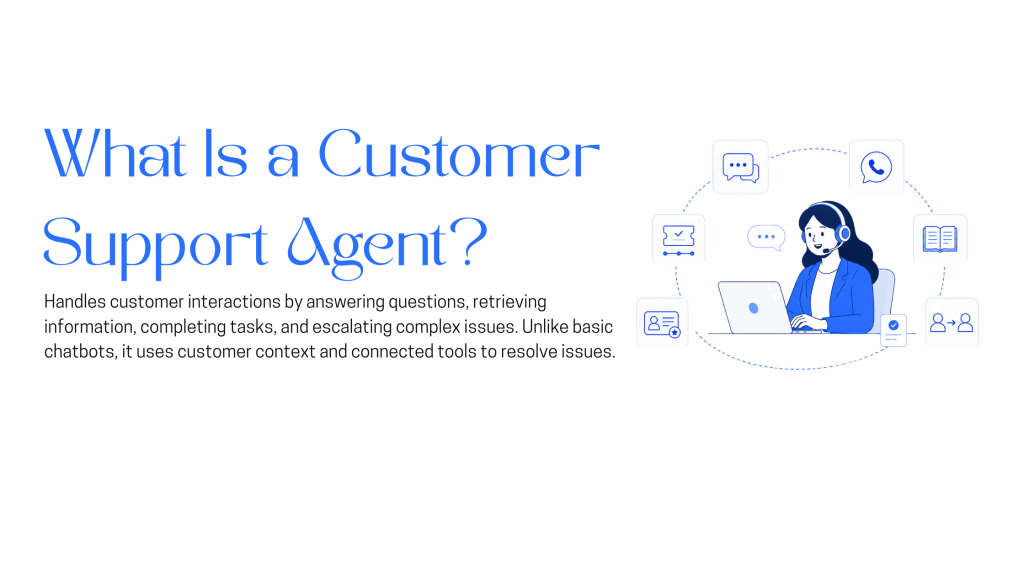
A customer support AI agent is an intelligent system designed to handle customer interactions end to end, not just respond to messages. Unlike traditional chatbots that follow predefined scripts, AI agents understand intent, use context from past interactions, and take actions across support systems.
A customer support AI agent can communicate through chat or voice and connect directly with your tools such as CRM platforms, order systems, help centers, and ticketing software. It does more than answer questions. It retrieves data, updates records, completes tasks, and decides when human involvement is required.
These agents can be deployed across websites, mobile apps, and messaging platforms such as WhatsApp, Slack, Instagram, or in-app chat. They operate continuously and adapt responses based on customer history, conversation context, and business rules.
When implemented correctly, a customer support AI agent functions as an extension of your support team rather than a standalone bot.
These capabilities define whether an AI agent can reliably handle real customer support scenarios, from resolving common requests to supporting agents with accurate context and actions.
When deployed well, a customer support AI agent improves response speed, reduces manual workload, and helps teams deliver consistent support without sacrificing accuracy or customer trust.
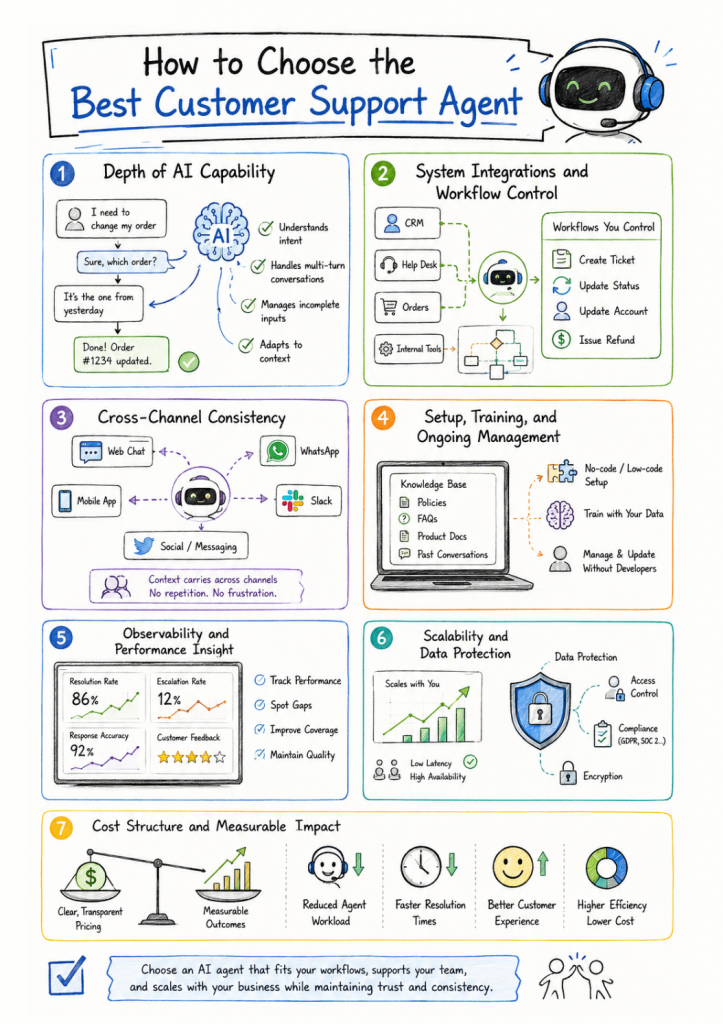
Choosing a customer support AI agent requires more than checking feature lists. The goal is to evaluate whether the agent can resolve real support requests, work within your existing systems, and support your team without adding friction. The following factors help separate surface-level automation from AI agents that deliver consistent results.
A customer support AI agent should handle more than simple question answering. It should understand intent across multi-turn conversations, work through incomplete or unclear inputs, maintain context as conversations evolve, and adapt responses based on customer history and business rules. Strong AI agents can manage complex requests without restarting the conversation, losing context, or falling back to generic replies.
Effective AI agents connect directly with your CRM, help desk, order systems, and internal tools. Beyond data access, you should be able to define workflows, decision logic, and actions such as ticket creation, status updates, or account changes. Control over these workflows determines how useful the agent becomes in daily operations.
The AI agent should operate across your primary customer channels including web chat, mobile apps, WhatsApp, Slack, and social messaging. Conversations must carry context when customers switch channels, so issues are resolved without repetition or confusion.
Look for platforms that allow no-code or low-code setup, with the ability to train the agent using your own knowledge base, policies, and historical conversations. Ongoing updates should be manageable by support or operations teams, not limited to technical staff.
A reliable AI agent provides clear visibility into how it performs. This includes resolution rates, escalation frequency, response accuracy, and customer feedback. These insights help teams identify gaps, improve coverage, and maintain consistent quality over time.
The agent should handle increases in conversation volume without performance drops. At the same time, it must meet data protection, access control, and compliance requirements to ensure customer information remains secure across all interactions.
Evaluate pricing in the context of actual outcomes. Consider the reduction in agent workload, faster resolution times, and improved customer experience. A strong AI agent delivers measurable value beyond basic cost savings.
By evaluating these factors, you can select a customer support AI agent that fits your workflows, supports your team, and scales with your business while maintaining trust and consistency across customer interactions.
If you are evaluating platforms to deploy a customer support AI agent in 2026, the focus should be on systems that can resolve issues, integrate with your workflows, and support human agents when needed. The following platforms stand out for their ability to handle real support tasks, automate actions, and operate reliably at scale.
Each option in this list offers practical automation, strong system integrations, and support for agent handoff, making them suitable for teams looking to improve efficiency without compromising customer experience.
| Platform | Best For |
|---|---|
| YourGPT AI | Omnichannel AI support, sales, workflow automation, and live agent handoff |
| Zendesk AI | Ticket automation, agent assistance, and self-service inside Zendesk |
| Freshchat | Live chat, AI workflows, and messaging-based customer support |
| Intercom | Knowledge-base-driven AI support and SaaS customer service workflows |
| Zoho SalesIQ | Support automation for teams using Zoho CRM and Zoho Desk |
| Botpress | Complex L2+ support, custom AI agents, and unscripted ticket resolution |
| Drift | Real-time chat routing, qualification, and sales-led customer support |
| LivePerson | Enterprise omnichannel AI support for high-volume customer conversations |
| Ada CX | High-volume support automation and repetitive request handling |
| Kustomer IQ | CRM-centric omnichannel support with full customer context |
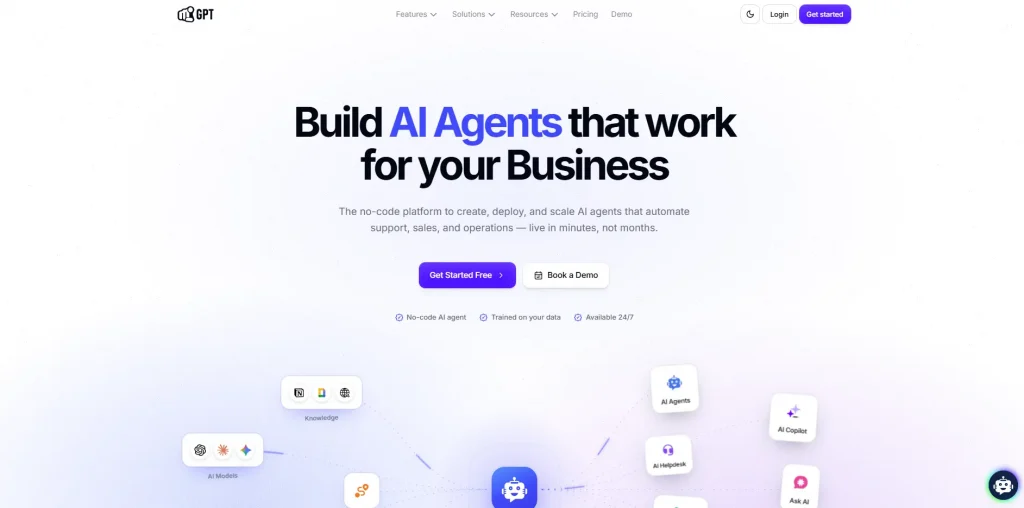
YourGPT is an omnichannel, no-code AI agent platform for customer support, sales, and operations teams that want to manage conversations across multiple channels without building separate bots.
It provides 24/7 self-service, automates repetitive queries and actions, supports troubleshooting and order updates, and reports up to a 90% AI resolution rate. When human support is needed, conversations can be handed over with full context across websites and messaging platforms.
Teams can use the no-code builder for faster setup or AI Studio for advanced workflows, integrations, and custom actions, with support for models from GPT, Claude, Gemini, DeepSeek, and others.
Support teams in SaaS, eCommerce, internal help desks, and service operations that need reliable automation with human backup and real-time performance.
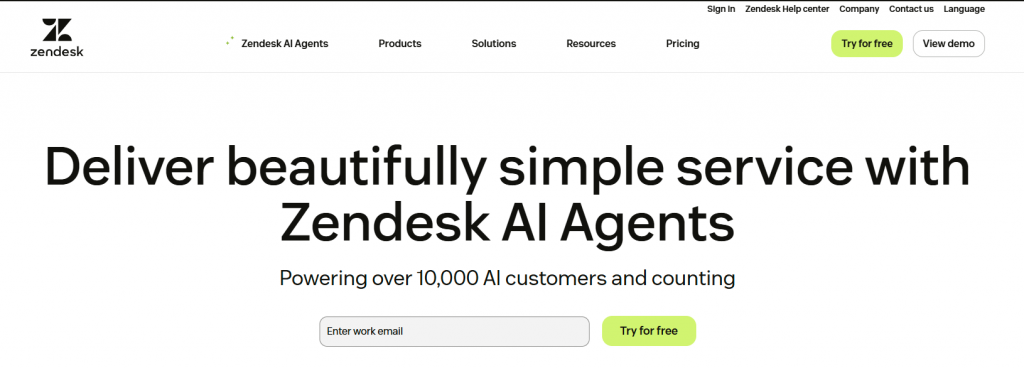
AI-powered support automation built into the Zendesk ecosystem for faster resolutions and better agent productivity.
Zendesk AI helps support teams deflect tickets, route queries, and assist agents in real time. Built natively into the Zendesk platform, it combines bots, macros, and AI-suggested replies to handle common issues and reduce backlog.
Support teams already using Zendesk across email, web, and messaging
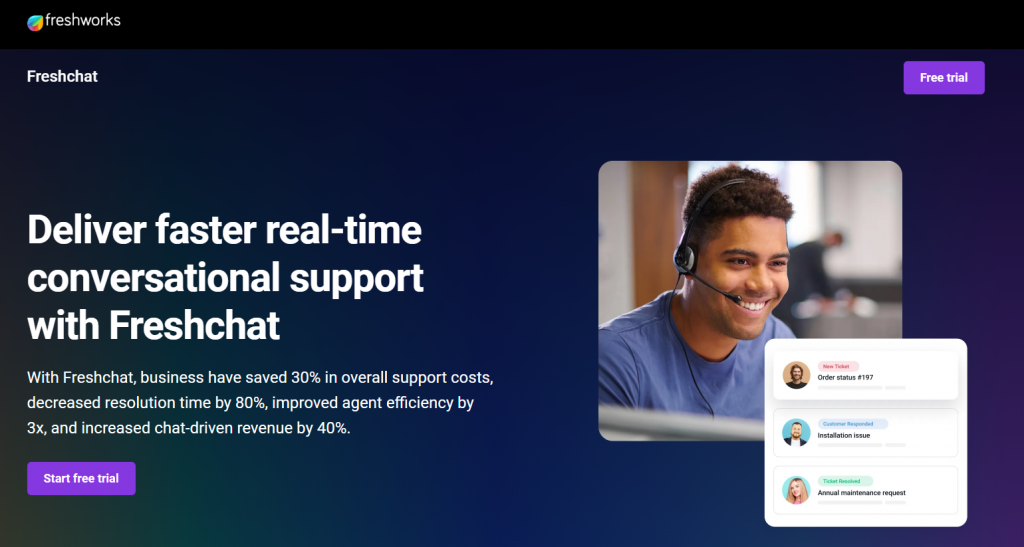
Freshchat is a conversational support platform that combines AI assistance, live chat, and workflow automation to help teams resolve customer issues more efficiently across digital channels.
It allows support teams to manage conversations through bots and human agents using a shared inbox. AI powered flows can qualify requests, handle common issues, and route conversations based on intent while keeping agents in control of more complex cases.
Mid-sized businesses and SaaS teams needing live + AI support
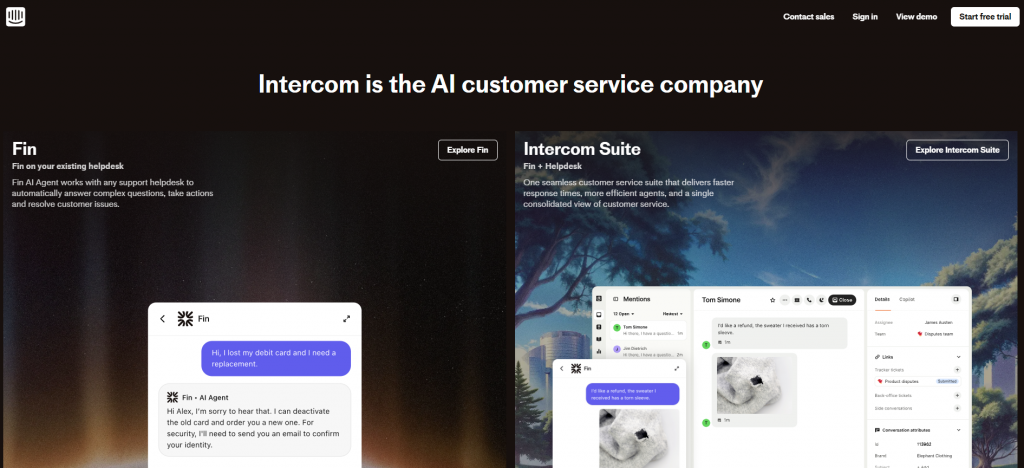
Intercom offers an AI powered support agent designed to provide instant answers using a company’s existing help content. It is built primarily for product led and SaaS teams that already use Intercom for customer communication.
The AI agent works by pulling responses from the help center and resolving common questions automatically. When conversations require human involvement, the system routes them to support agents inside the Intercom inbox with context preserved.
B2B SaaS companies that already use Intercom for customer messaging and want AI assisted support built around their help documentation.
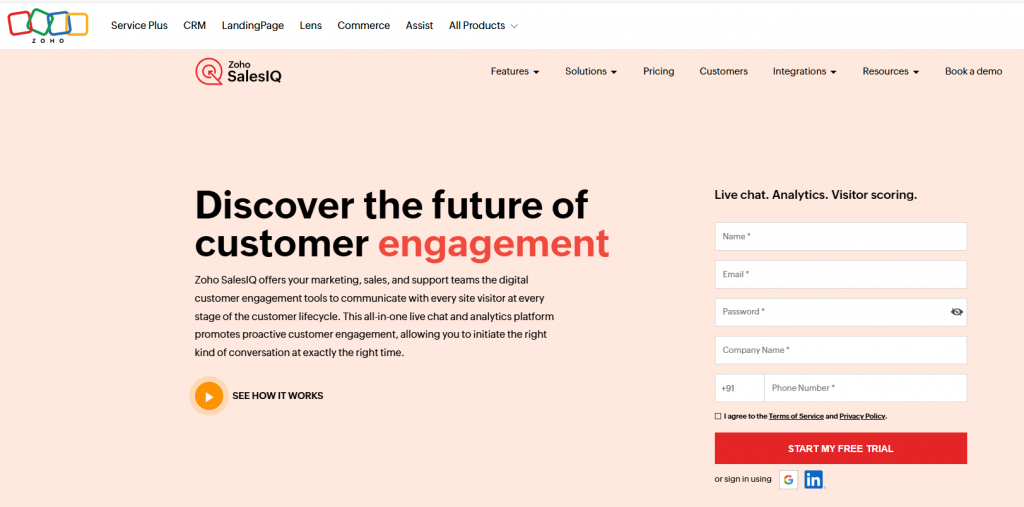
Zoho Sales includes an AI powered support agent that works closely with Zoho CRM and Zoho Desk to automate customer conversations across sales and support channels. It is designed for teams already using the Zoho ecosystem who want integrated automation without managing separate tools.
The AI agent supports both rule based flows and natural language understanding, allowing teams to handle routine questions, capture context, and route conversations directly into Zoho Desk for follow up and resolution.
Teams using Zoho CRM and Zoho Desk that want integrated AI driven support automation within a single ecosystem.
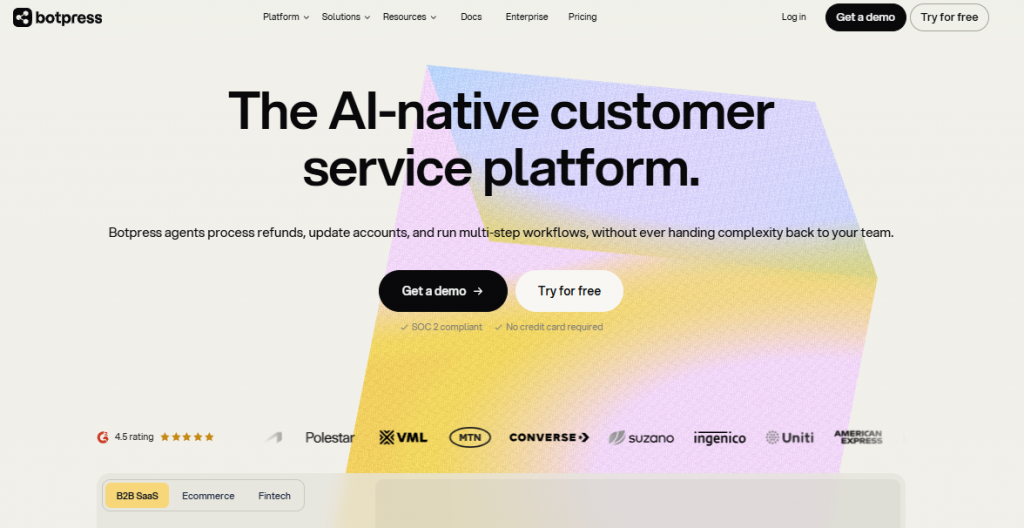
Botpress is an enterprise-grade AI agent platform built for customer support teams that need more than basic ticket deflection. It gives support leaders a visual no-code builder for fast deployment, while still offering developer-level control for more advanced workflows and custom logic.
The platform combines its Studio no-code builder, the code-first Agent Development Kit (ADK), and an AI-native helpdesk in one system. This allows teams to automate straightforward support requests, reason through more complex cases, and hand conversations to human agents with full context when needed.
Support teams handling L2 and more complex customer requests that have outgrown basic AI deflection tools and need agents capable of resolving a wider range of tickets.
Drift is a real-time conversation platform designed primarily for sales, with support capabilities suited for B2B and SaaS teams that manage both customer questions and lead interactions through chat.
Its AI driven conversations help route users, handle basic support requests, and connect visitors with the right team quickly. While the platform is sales focused, it can support lightweight customer service scenarios where speed and routing matter most.
B2B SaaS teams that combine sales conversations and basic customer support through real time chat.
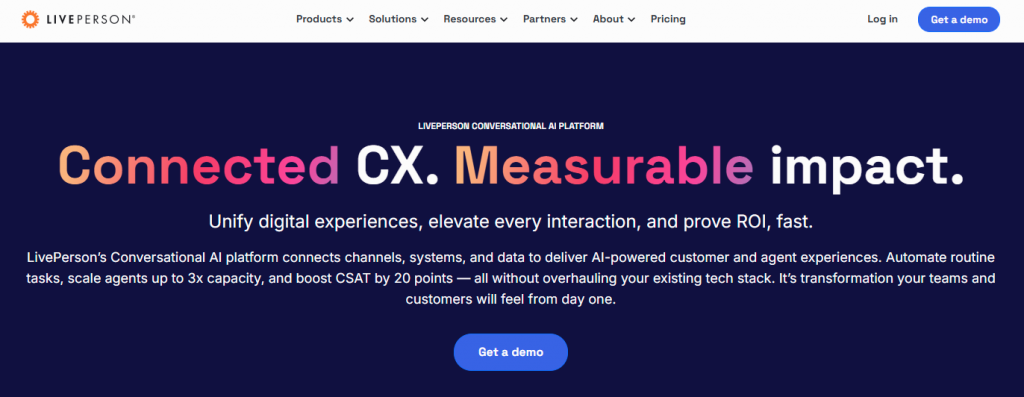
LivePerson is an enterprise focused conversational AI platform designed to support customer service at scale across digital messaging and voice channels. It is commonly used by large organizations managing high conversation volumes and complex support workflows.
The platform combines AI driven automation with real time agent assistance, helping teams route conversations intelligently, reduce handling time, and maintain consistent service quality across channels.
Large support operations with omnichannel needs
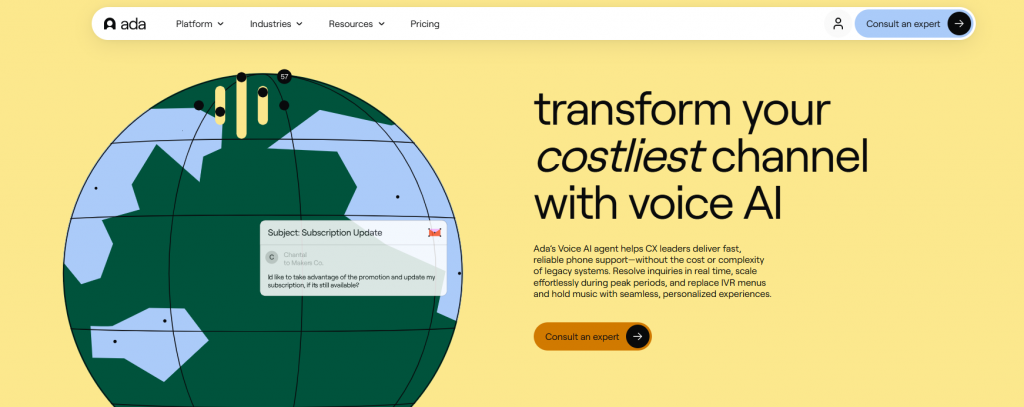
Ada CX is an automation focused customer support AI platform built to resolve high volumes of customer requests with minimal human involvement. It is commonly used by teams looking to scale support operations without adding headcount.
The platform allows teams to design AI driven conversation flows that handle common support scenarios such as FAQs, account questions, and order lookups. It integrates with existing support tools and CRMs to access customer data and complete actions when needed.
Enterprises that need to automate a large portion of customer support conversations while maintaining consistency and accuracy.
Kustomer IQ is an AI powered support assistant built directly into Kustomer’s CRM. It is designed to help support teams manage conversations, automate responses, and resolve issues using a unified customer timeline.
The platform uses AI to triage incoming requests, assist agents with responses, and automate routine interactions across channels. Every customer interaction is recorded in a single timeline, giving agents full context and helping reduce resolution time.
Support teams that require a unified view of customer history and want AI assistance embedded directly into their CRM.
A clear, side-by-side breakdown of the top chatbot platforms built for customer support compare features, automation strength, and real-world usability to choose what fits your team best.
| Platform | Best For | Supported Channels | No-Code Setup | AI Capability | Multi-Language |
|---|---|---|---|---|---|
| YourGPT | Multi-channel AI agent with workflow automation, live agent handoff, and built-in helpdesk features. | Website, WhatsApp, Instagram, Facebook, Slack, Telegram | ✅ | Advanced intent understanding and action-based AI flows | ✅ (100+) |
| Zendesk AI | Native AI automation for ticket deflection, agent assistance, and self-service inside Zendesk. | Website, Help Center, Messaging | ❌ | Ticket-level AI, macros, and reply suggestions | ✅ |
| Freshchat | Live chat and AI workflows for modern web, mobile, and messaging-based support. | Website, WhatsApp, Web App, Mobile App | ✅ | AI response bots with intent routing | ✅ |
| Intercom | Help center-driven AI support for SaaS teams with fast escalation to agents. | Website, In-App, Messenger | ❌ | AI answers trained on help documentation | ✅ |
| Zoho SalesIQ | Support automation tightly integrated with Zoho CRM and Zoho Desk. | Website, WhatsApp, Mobile, Zoho Apps | ✅ | Rule-based and NLP-driven conversation flows | ✅ |
| Botpress | Complex L2+ customer support with AI agents, custom workflows, and built-in helpdesk capabilities. | Website, Messaging, Helpdesk Integrations | ✅ | Advanced reasoning, unscripted ticket resolution, custom logic, and contextual handoff | ✅ |
| Drift | Real-time chat for routing and basic support in sales-driven SaaS teams. | Website, Slack, CRM | ❌ | Basic conversational routing logic | ❌ |
| LivePerson | Enterprise-grade AI for high-volume, omnichannel customer support. | SMS, WhatsApp, Voice, Website | ❌ | AI routing, agent assist, sentiment analysis | ✅ |
| Ada CX | Automation-first AI agent for handling repetitive, high-volume support requests. | Website, Messaging, WhatsApp, Mobile App | ✅ | Intent detection and personalized automation | ✅ |
| Kustomer IQ | CRM-native AI support with full customer context in a unified timeline. | Website, Email, Social, Mobile App | ❌ | Smart replies, tagging, and context-aware AI | ✅ |
Choosing a customer support AI agent is only the first step. The results depend on how it is introduced into everyday support work. A rushed rollout often leads to low adoption and unclear outcomes. A thoughtful implementation, by contrast, improves response speed, reduces repeat questions, and gives support teams better control over their workload.
Below are practical strategies to help you implement a customer support AI agent in a way that delivers consistent, measurable value.
Begin with requests that consume a large portion of agent time but follow clear rules. Common examples include order status checks, password resets, return policies, and account lookups. Automating these areas produces quick wins by lowering wait times and freeing agents to focus on more complex cases.
An AI agent should not operate in isolation. Connect it to your CRM, helpdesk, and order or account systems early. Access to real-time data allows the agent to respond accurately and avoid generic answers that frustrate customers.
Keyword matching alone leads to rigid conversations. Use intent recognition to guide users through structured support paths such as initiating a return, checking delivery issues, or requesting account updates. Clear intent based flows reduce back and forth and help users reach resolution faster.
AI agents work best when their limits are clearly defined. Decide in advance when a conversation should move to a human agent. This may include billing related questions, repeated misunderstandings, or signals of frustration. Ensure that the full conversation history is passed along so agents can continue without asking customers to repeat themselves.
Personalization improves both accuracy and trust. Use known details such as customer name, recent orders, account status, or previous support interactions to tailor responses. When the agent understands recent activity, it can skip unnecessary steps and address the issue directly.
Implementation does not end after launch. Review conversation logs, unhandled requests, and escalation patterns on a weekly basis. These insights help you identify gaps, refine flows, and expand coverage over time.
Visibility matters. Deploy the AI agent on pages where customers commonly seek help, such as product pages, pricing pages, checkout flows, and account dashboards. Use behavioral triggers to offer assistance at appropriate moments rather than waiting for users to ask.
An AI agent works best when support teams are involved in its evolution. Train agents to review escalated conversations, suggest improvements, and identify missing intents. Treat the agent as part of the support operation, not as a separate system.
When implemented with care, a customer support AI agent reduces repetitive work, improves response quality, and gives teams more time to focus on complex customer needs. The difference lies in deliberate setup and continuous improvement, not in the technology alone.
A customer support AI agent is an AI system that can handle conversations and complete support actions. It can answer questions using your knowledge base, pull customer data from connected tools, perform approved actions, and route cases to human agents with full context.
In most teams, an AI agent reduces repetitive work and helps human agents respond faster. Support teams still handle exceptions, policy decisions, escalations, and sensitive cases where human judgment or approval matters.
AI agents work well for high-volume requests such as order status, shipping updates, password resets, refund policies, appointment booking, product questions, and basic troubleshooting. More capable agents can also collect information, update records, trigger workflows, and create tickets.
If your team answers the same questions repeatedly, struggles to provide fast responses across multiple channels, or spends too much time on routine requests, an AI agent can help improve response speed and consistency.
Yes. Many AI agent platforms connect with CRMs, helpdesks, ecommerce platforms, and other business systems. For example, YourGPT can connect AI agents with external tools and workflows so they can retrieve customer context, update records, create cases, and trigger actions during a conversation.
Scripted bots follow predefined decision trees and can struggle when users phrase requests differently. AI agents understand intent and context, use connected knowledge and customer data, and can complete actions instead of simply following a fixed conversation path.
Yes, when it has access to the right data. An AI agent can personalize responses using account details, recent orders, subscription plans, product usage, conversation history, and other approved customer information.
The conversation should be handed over to a human agent with the relevant context intact. Platforms such as YourGPT support live agent handoff and a unified inbox, allowing human agents to continue the conversation with access to the previous messages instead of asking the customer to start again.
It depends on your support use cases and integrations. Teams can often start with knowledge-base answers and basic workflows quickly, then add deeper integrations, actions, routing rules, and automation as they learn from real customer conversations.
Track metrics such as resolution rate, escalation rate, first-response time, repeat contact rate, customer feedback, and successful workflow completion. Reviewing failed conversations and escalations also helps identify where the AI agent needs better knowledge or instructions.
Customer support AI agents only work when they are implemented for the right reasons. Teams that see results are not trying to automate everything. They are trying to remove friction from the most common support moments so customers get answers quickly and agents are not stuck repeating the same work all day.
A good AI agent earns trust in small ways. It answers routine questions correctly. It pulls the right order or account data without guessing. It knows when to stop and hand the conversation to a human with full context. These details matter far more than advanced features that never get used.
Before choosing a platform, it helps to be honest about your current support load. Identify the questions that appear every day, the systems agents check repeatedly, and the points where conversations slow down. The right AI agent should clearly improve those areas within weeks, not months. If it cannot do that, it will end up being ignored by both customers and agents.
For teams that want a practical, controllable approach, YourGPT is built around real support workflows. It focuses on automation that reduces effort, integrations that keep answers accurate, and human handoff that respects both the customer and the agent. That makes it easier to deliver better support now while staying flexible as volume, channels, and expectations continue to grow.
Free up your team, improve response times, and deliver consistent support—powered by AI, built for real results.
No credit card required · 7-day full access
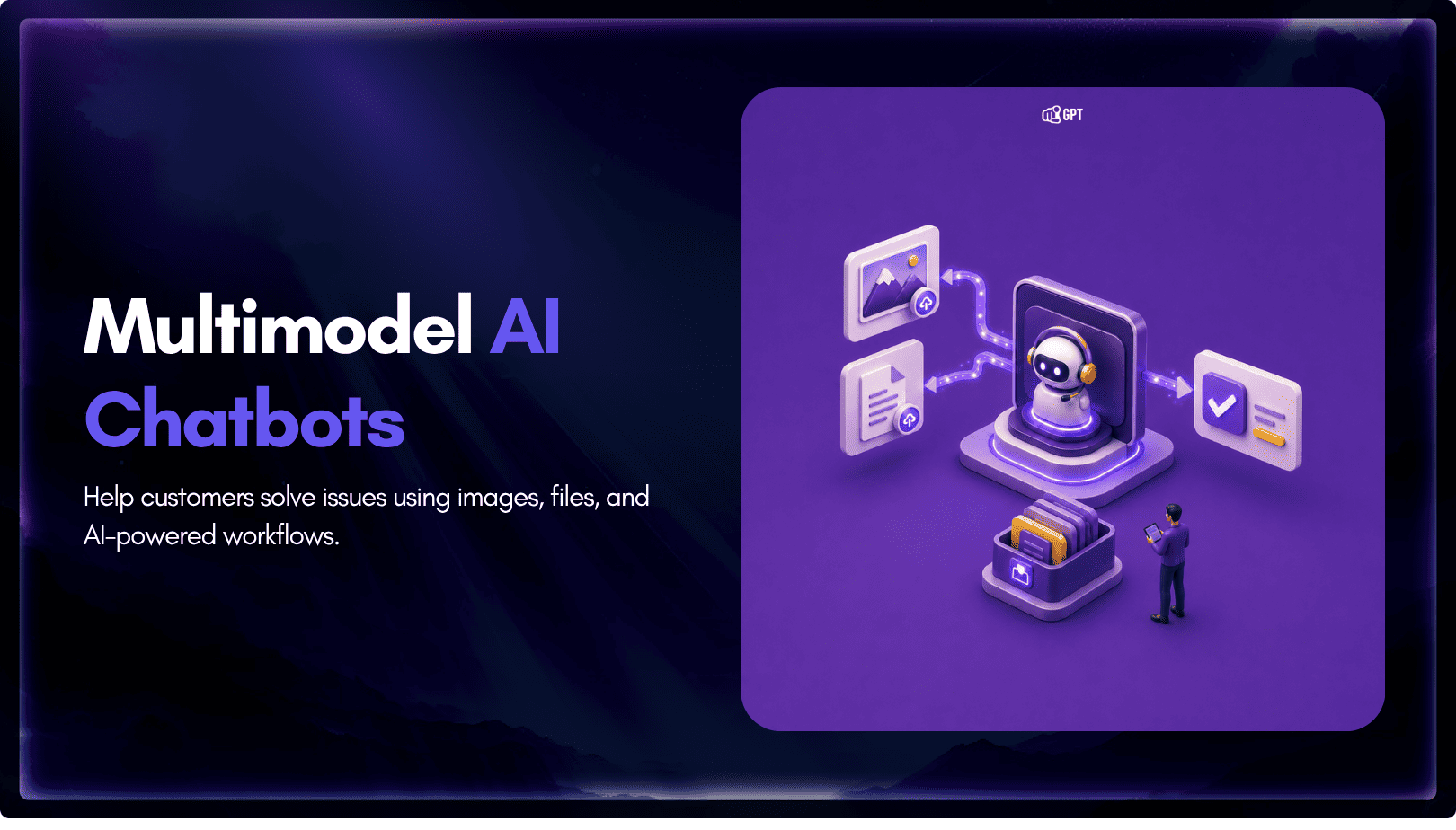
TL;DR Multimodal chatbots let customers share photos, screenshots, documents, video, or audio directly in a conversation, giving AI more context than text alone. YourGPT’s Attachment Capture node in AI Studio can collect these files mid-conversation, while vision-capable AI models can analyze and understand their contents. Key use cases include ecommerce returns, insurance and warranty claims, […]
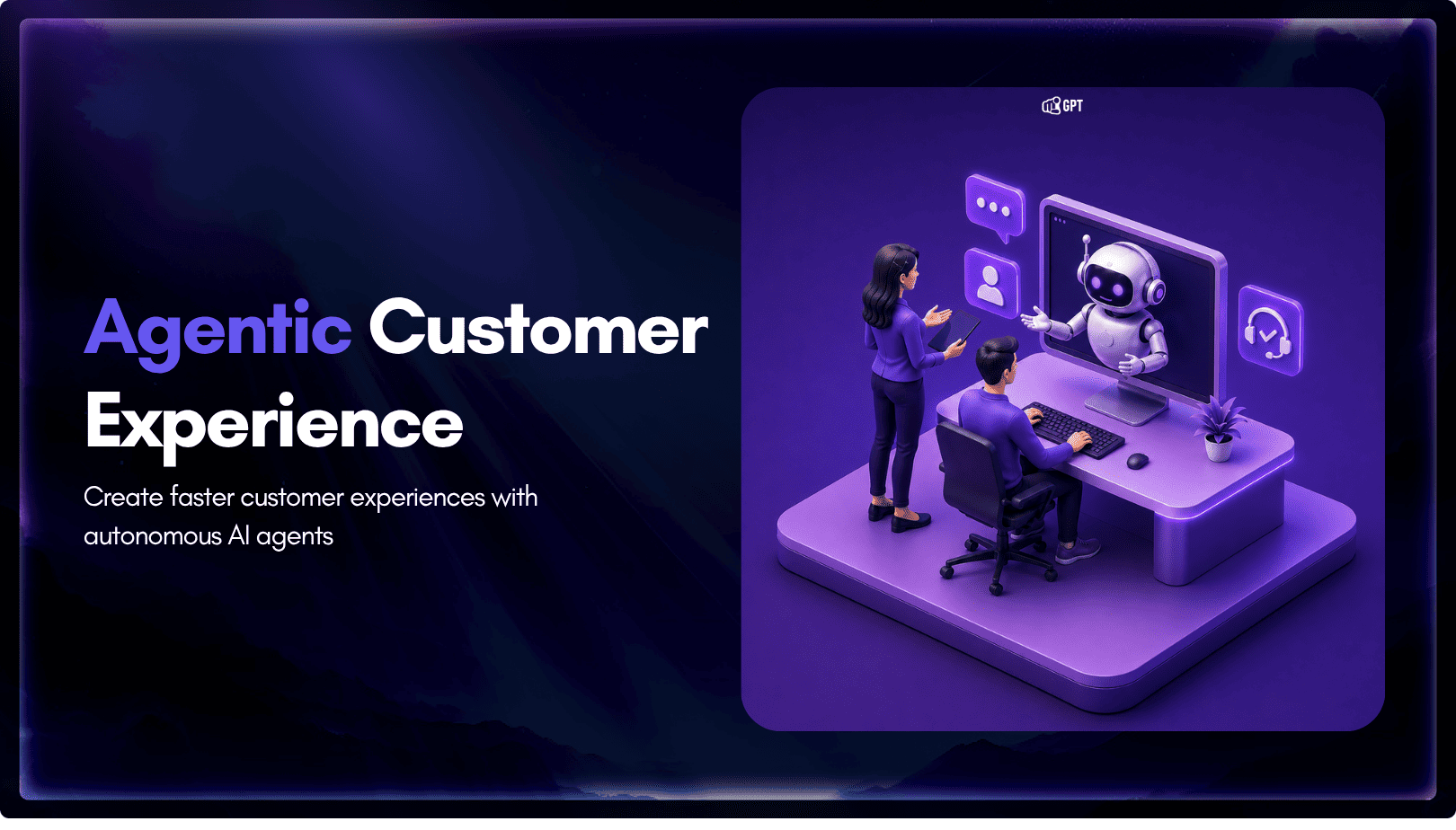
A customer asks where their order is. A traditional bot pastes a tracking link and calls it done. An agentic system checks the carrier API, sees the shipment stuck at a depot, applies a credit under the delay policy, updates the CRM, and messages the customer before they’ve had time to get annoyed. Same question. […]
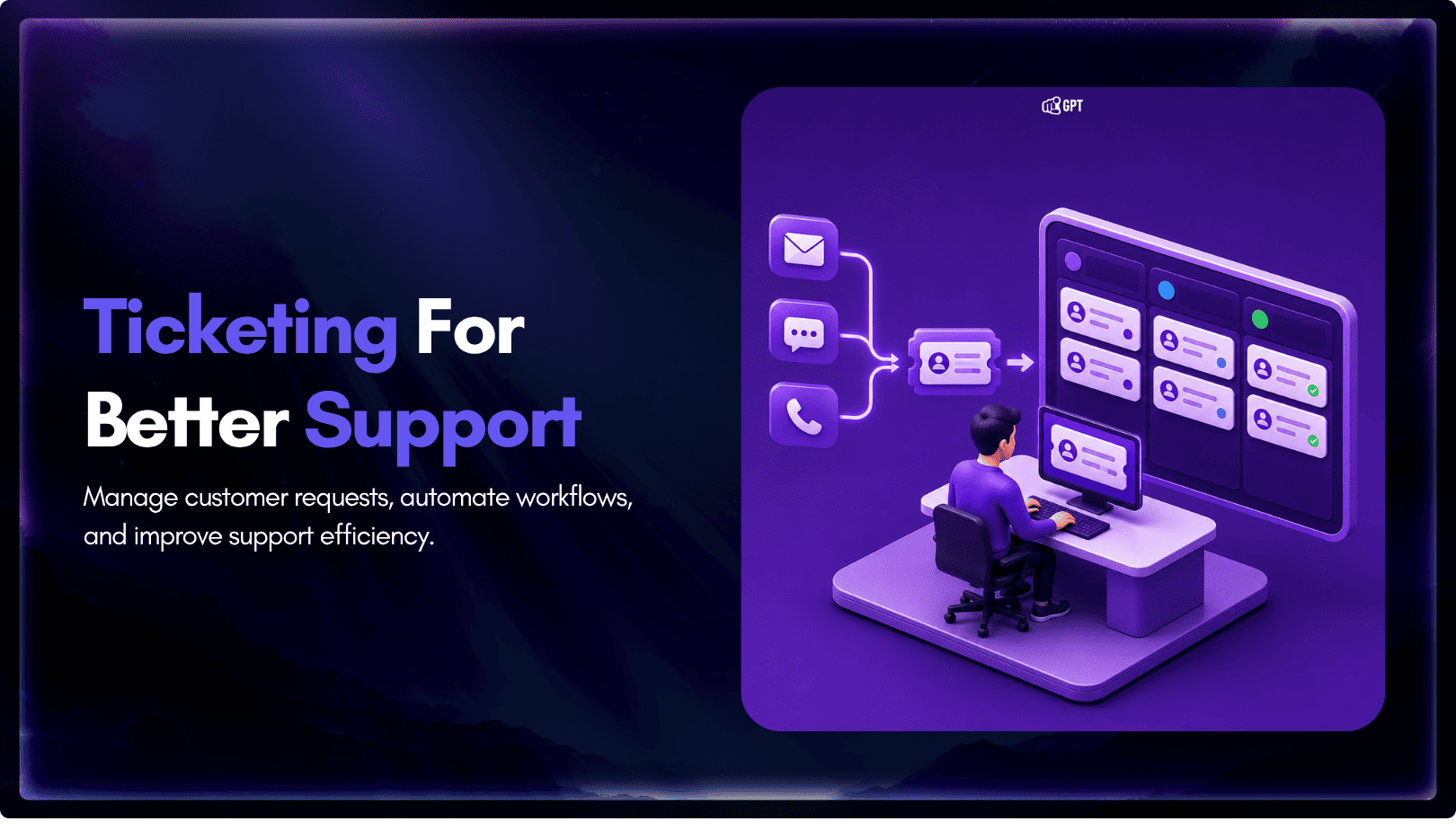
TL;DR A ticketing system converts requests that arrive by email, chat, phone, or web form into trackable records with an owner, a status, and a priority level. Centralizing requests this way cuts response delays, gives support teams visibility into backlogs, and creates a record useful for reporting and audits. Options range from lightweight help desk […]
TL;DR Insurance platforms are using AI to automate claims support, quote intake, and policy servicing, reducing reliance on call centers and static forms. This guide compares five commonly shortlisted platforms: YourGPT, Ada, Sierra AI, Decagon, and Forethought. None are purpose-built exclusively for insurance, so configuration flexibility and proven insurance use cases matter. Pricing ranges from […]

TL;DR The core distinction is retrieval versus training. RAG pulls outside documents into a prompt when an answer is generated, while fine-tuning changes a model’s weights during a separate training step. The 2026 shift matters because OpenAI’s wind-down of its self-serve fine-tuning platform, announced in May 2026, closed off the default path many teams expected […]
TL;DR Real deployments show measurable results. Georgia Tech’s Jill Watson achieved 78.7% classroom question accuracy compared with 30.7% for a stock OpenAI Assistant, while Georgia State’s Pounce chatbot improved enrollment outcomes in a randomized controlled trial. The strongest use cases are admissions, student services, and staff workload reduction rather than homework assistance. Guardrails matter more […]